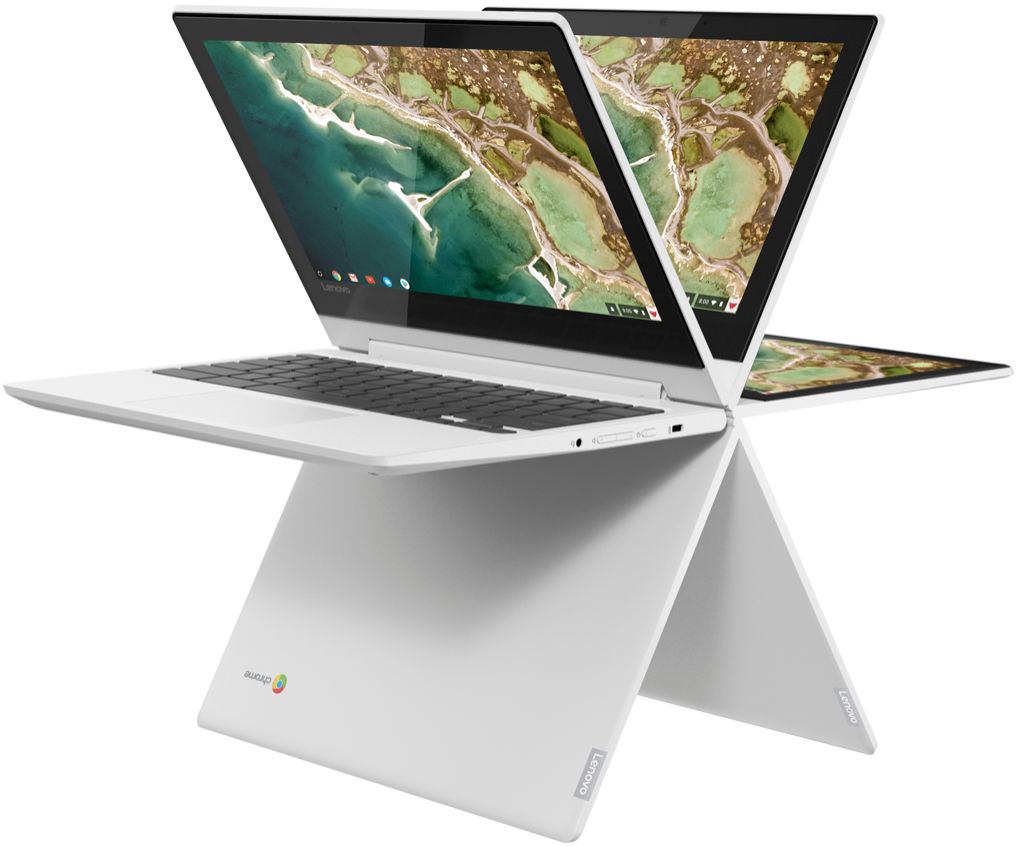
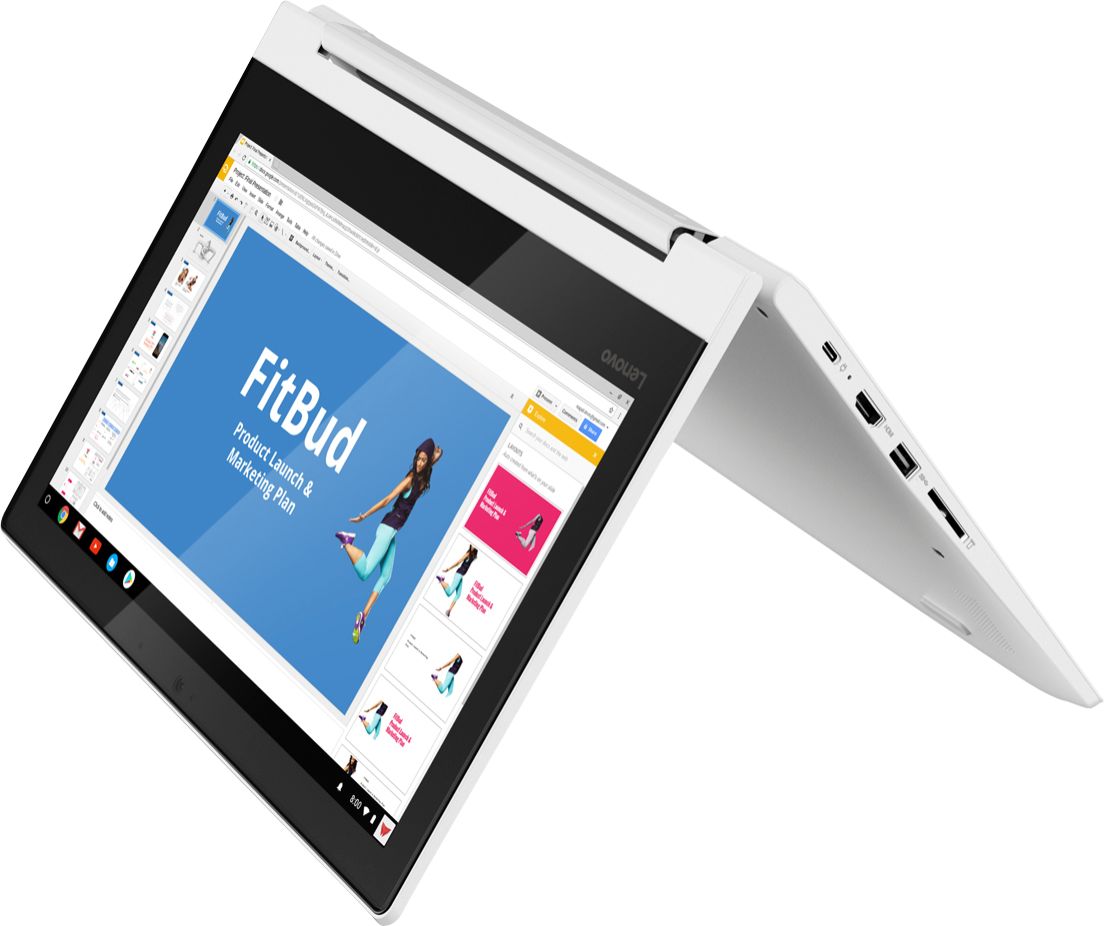
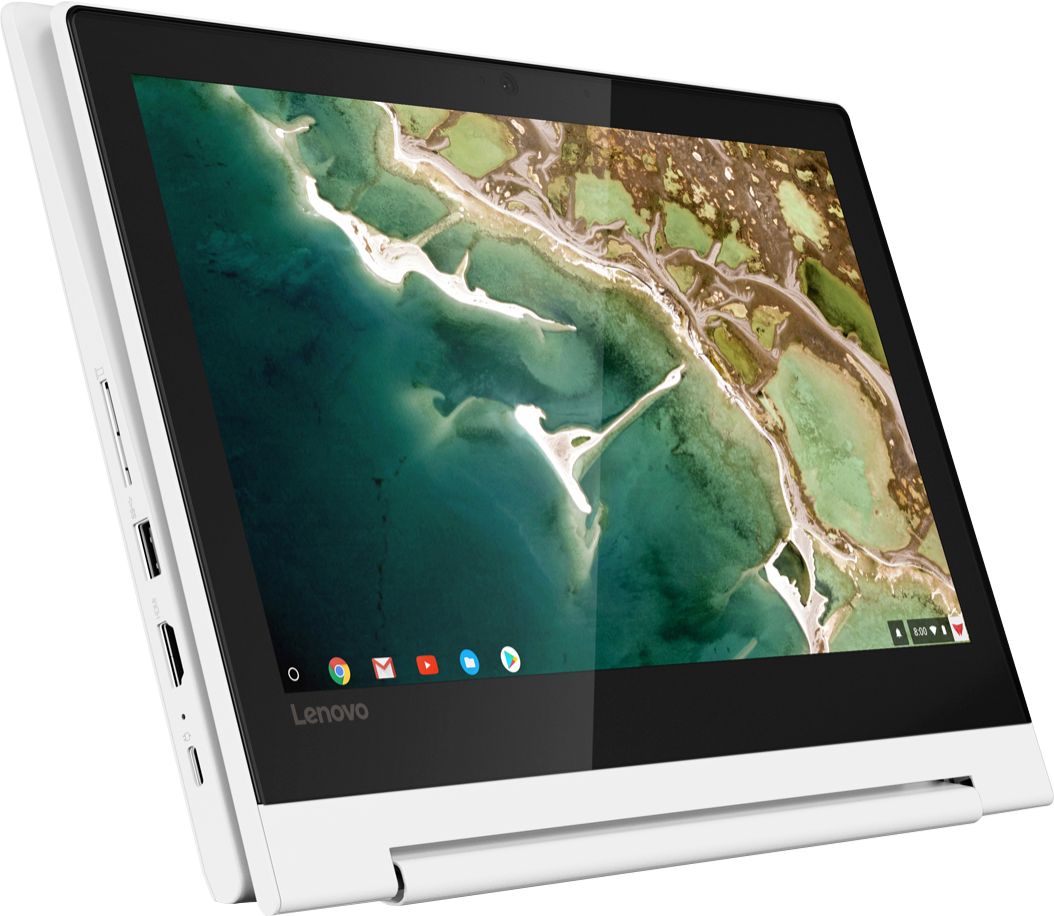
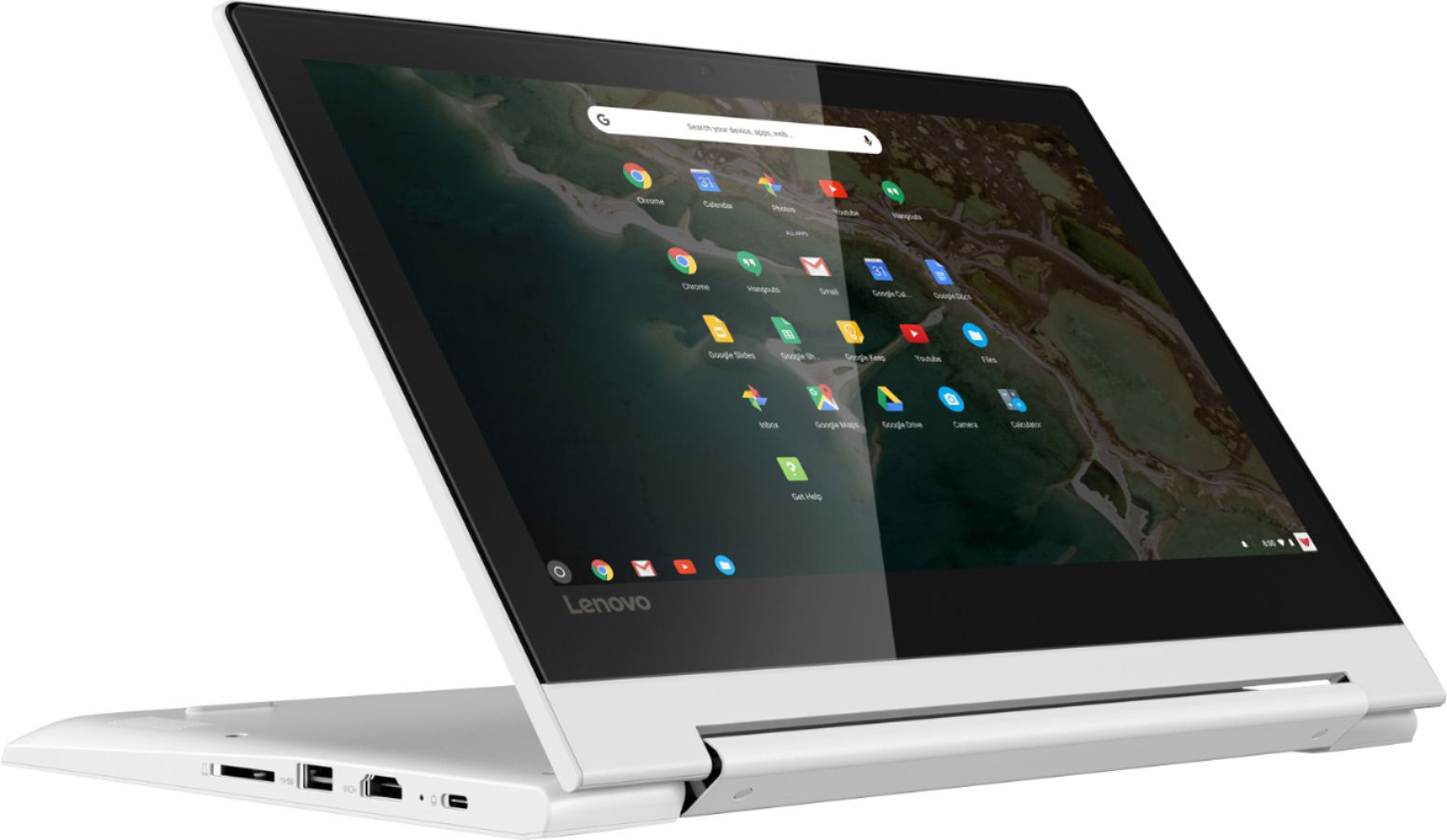
A:AnswerYou will need to install Google Print App from the Google Play Store first. Then you should be able to printer from your printer. We recommend you check with Canon to confirm your printer model is compatible with Google Print before you invest in a new Chromebook.
A:Answernot sure since 1- is this considered the Ideapad C330 Chromebook?..and 2- The LENOVO website and this website show different storage specs of 32 and 64.
A:AnswerThat will depend on the requirements and compatibility of the specific games. The Lenovo C330 Chromebook is compatible with Google Play Store APPs. We recommend you check with the game's software publisher's web site for their compatibility with the Chrome operating system and the minimum/recommended hardware requirements (Is a Graphics card required, the processor speed and the minimum required system RAM and the minimum available hard drive space) to run their program, then compare those requirements to this system's configuration.
A:AnswerThat will depend on the requirements and compatibility of the specific games. This is a Chromebook. It is compatible with Google Play Store APPs. We recommend you check with the game's software publisher's web site for their compatibility with the Chrome operating system and the minimum/recommended hardware requirements (Is a Graphics card required, the processor speed and the minimum required system RAM and the minimum available hard drive space) to run their program, then compare those requirements to this system's configuration.
A:AnswerModel number 81HY0001US ships with a 3CELL_45WH_INTERNAL, Lithium Polymer Battery, with a battery life of up to 10 hours, depending on the work the device is performing.
A:AnswerThe Lenovo C330 Chromebook is compatible with Google Play Store APPs. We recommend you check with the specific game's software publisher's web site for their compatibility with the Chrome operating system and the minimum/recommended hardware requirements (Is a Graphics card required, the processor speed and the minimum required system RAM and the minimum available hard drive space) to run their program, then compare those requirements to this system's configuration.
A:AnswerWhen connecting to my Insignia HDTV, (Which has a maximum resolution of 720p) my TV said it was getting the same resolution signal as the Chromebook's internal display, which is 1366*768, which is a common resolution for cheaper laptop display panels. You can also "Cast" your Chromebook's screen wirelessly to a Chromecast without the need for an HDMI cable, but there will be a noticable lag between the laptop and TV in that case. I'm not sure whether you can get 1080p out of this Chromebook by Casting. Probably not. Even still, this Chromebook's display looks very nice, even if it isn't full HD or 4K.