A:AnswerThat will depend on the requirements and compatibility of the gaming console. This monitor connects via either HDMI or VGA. There are no speakers within this monitor.
A:AnswerHello Lenovo 21.5" monitor model # 65DEKCC1US is compatible with VESA Wall Mount standard
100mm x 100mm. If mounted vertically you would just need to adjust your Windows 10 display settings to match. Here is a link explaining how to configure your monitor vertically.
https://support.microsoft.com/en-us/windows/change-screen-orientation-f7ab1ff8-971d-58a5-b8ee-bc113bbf3acb#:~:text=Select%20Start%20%3E%20Settings%20%3E%20System%20%3E,drop%2Ddown%20list%20labelled%20Orientation.
A:AnswerThe Lenovo L22e-20 Monitor, model number 65DEKCC1US, has both a VGA and an HDMI connector to connect a computer. There is a VGA cable - 6 ft included. The HDMI cable is sold separately, if it is needed.
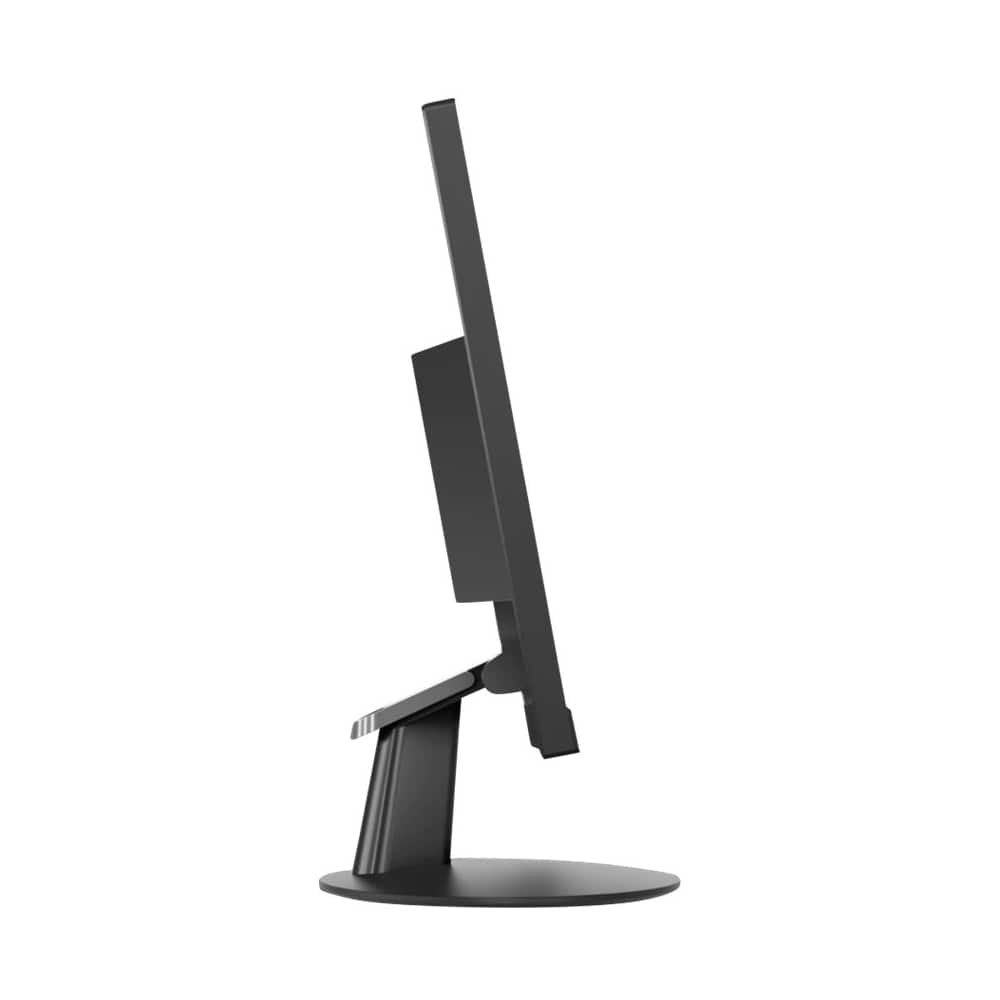
A:AnswerNo. The Lenovo L22e-20 Monitor has a tilt stand only. Here is more information about this monitor: https://psref.lenovo.com/Detail/Lenovo%20Monitors/Lenovo_L22e20?M=65DEKCC1US
A:AnswerThe Lenovo - 21.5" LED FHD FreeSync Monitor, model number 65DEKCC1US, has both an HDMI and VGA connection for video in. The Lenovo ThinkPad L590 Laptop has an HDMI-Out port for video out.
A:AnswerYes. The Lenovo Lenovo L22e-20 Monitor is compatible with a 100 mm x 100 mm (3.94 in. x 3.94 in.) VESA mount. Here is a link to more information about this monitor: https://pcsupport.lenovo.com/us/en/products/monitors-and-projectors/lcd-monitors/lenovo-l22e-20-monitor/parts/PD500303
A:AnswerThis monitor was first available for sale on: 06-19-2018. The actual manufacture date for each monitor is printed on the outside of the original box the monitor ships in. Here is more information about this monitor: https://psref.lenovo.com/Detail/Lenovo%20Monitors/Lenovo_L22e20?M=65DEKCC1US