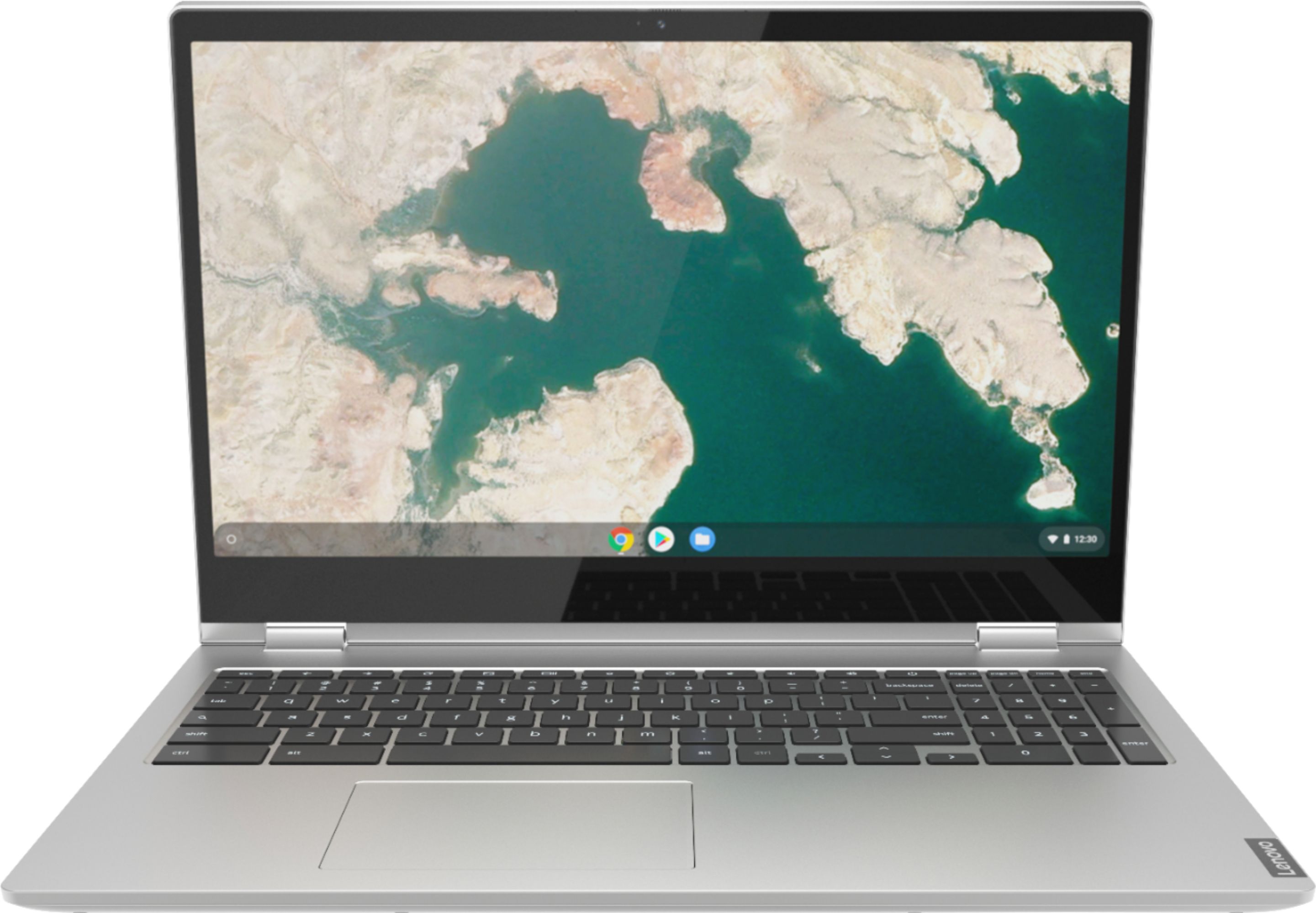
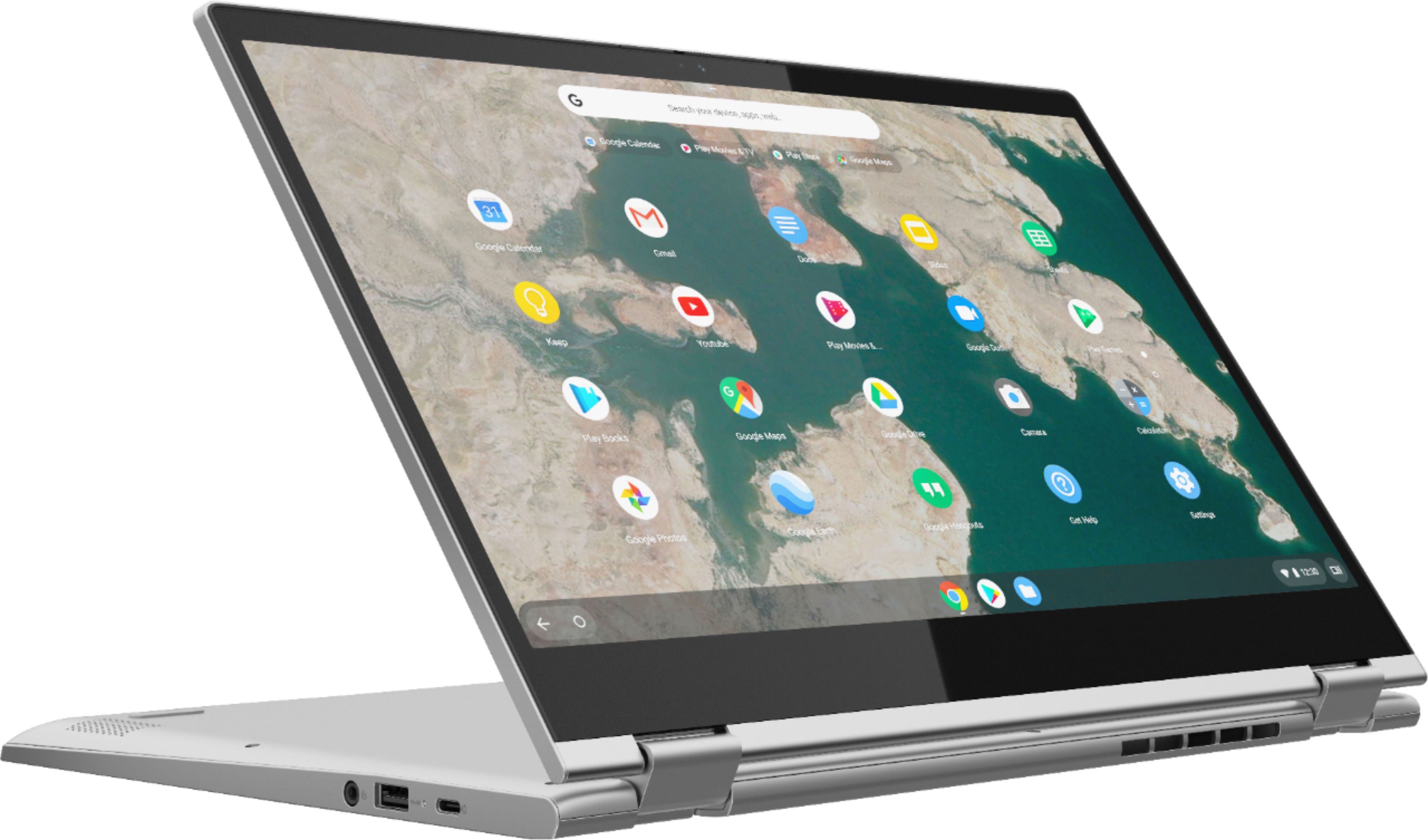
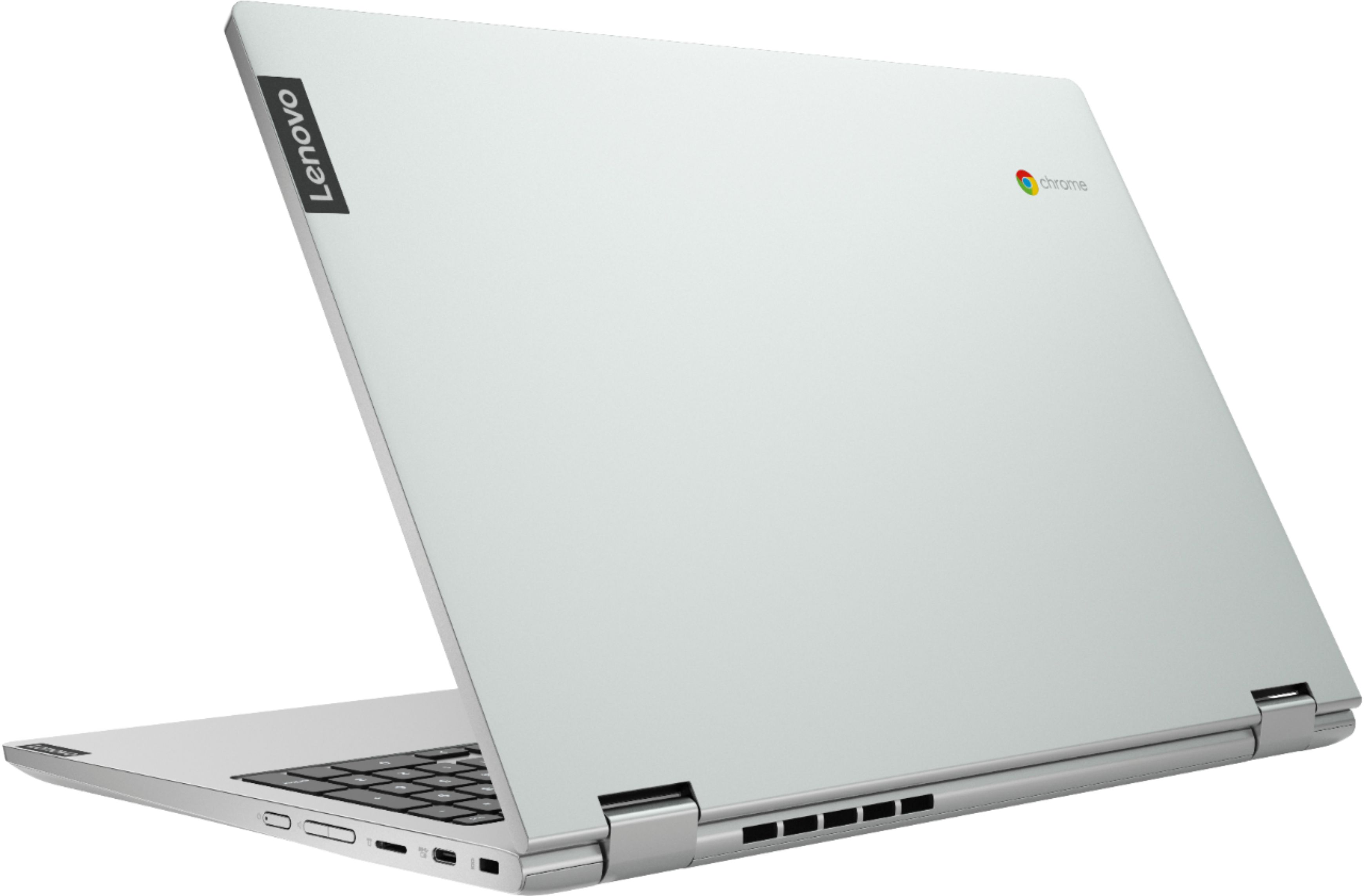
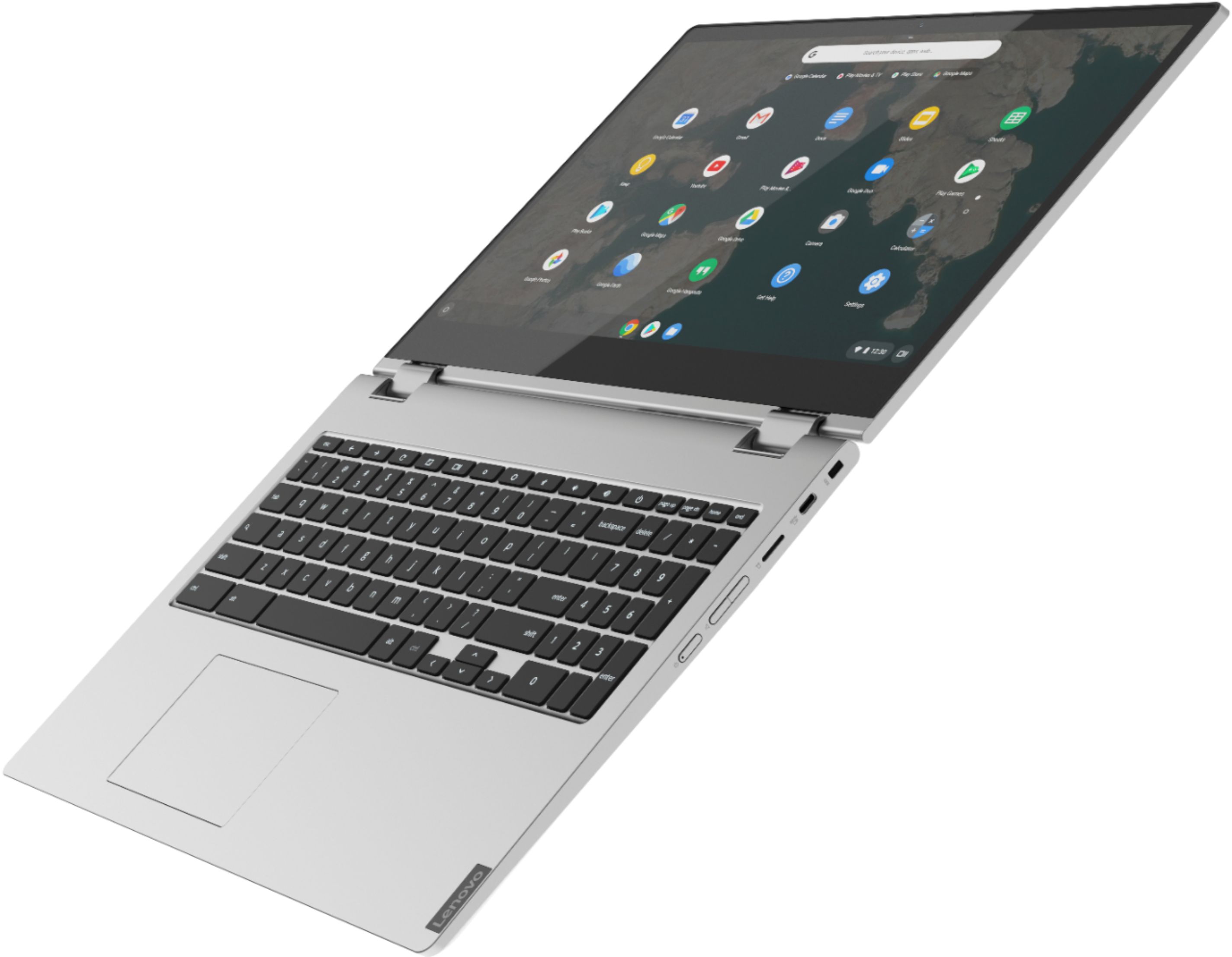
A:AnswerThat will depend on the requirements and compatibility of the hardware and the software that runs it. The Lenovo C340-15 Chromebook ships with the Chrome Operating System and is compatible with Google Play Store APPs. We recommend you check with both the hardware manufacturer as well as the software publisher's web sites for their compatibility with Chrome operating system and the minimum/recommended hardware requirements (Is a Graphics card required, the processor speed and the minimum required system RAM and the minimum available hard drive space) to run their program, then compare those requirements to this system's configuration.
A:AnswerThat really will depend on the requirements and compatibility of the specific APPs you will be using. The Lenovo C340-15 Chromebook ships with the Chrome Operating System and is compatible with the Google Play Store APPs. We recommend you check with the software publisher's web site for their compatibility with the Chrome operating system and the minimum/recommended hardware requirements (Is a Graphics card required, the processor speed and the minimum required system RAM and the minimum available hard drive space) to run their program, then compare those requirements to this system's configuration.
A:AnswerThe Lenovo C340-15 Chromebook uses integrated graphics processing within the Intel Pentium Gold 4417U processor. It is the integrated Intel HD Graphics 610 version.
A:AnswerThat will depend on the requirements and compatibility of the hard ware you want to use with the Lenovo C340-15 Chromebook. We recommend you check with the hardware manufacturer's web site for their compatibility with the Chrome operating system and the minimum/recommended hardware requirements (Is a Graphics card required, the processor speed and the minimum required system RAM and the minimum available hard drive space) to run their program, then compare those requirements to this system's configuration.
A:AnswerThe Lenovo C340-15 Chromebook ships with Chrome Operating System not Windows. All Chromebooks have virus protection provided by the Google sever. No additional virus protection is needed.
A:AnswerHere is a link to instructions for turning off touchscreen within the Chrome Operating System: https://pcsupport.lenovo.com/us/en/solutions/ht507174
A:AnswerThe Lenovo C340-15 Chromebook ships with the latest version of the Chrome Operating System and it will be up to date everytime you connect to the internet. We recommend you use the Live Chat feature on this product web page at bestbuy.com to confirm inventory availability at the store you are visiting.