Presidents’ Day SaleEnds February 16. Limited quantities. No rainchecks.Shop now

Main Content

Questions & Answers

Your price for this item is $46.99
Clearance
The comparable value price is $219.00
Page Showing 181-200 of 278 questions
  • QuestionDoes this come pre-loaded with home office software

    Asked by Friday.

    • Answer Hello, thanks for your question. The Lenovo Chromebook 3 11" runs on Chrome OS and can use Google Docs/Sheets for free. https://play.google.com/store/search?q=docs. If you would like the Microsoft Office productivity suite it is downloadable with purchase.

      Answered by Lenovo Product Expert

  • QuestionIs it windows 10

    Asked by Anonymous.

    • Answer No. The Chromebook 3 11 ships with the Chrome Operating System and is compatible with Google Play Store APPs.

      Answered by Lenovo Product Expert

  • QuestionIs this laptop brand new?

    Asked by masterpiece.

    • Answer It was new in the box.

      Answered by KidCognac

  • QuestionCan I telemed with it? Thanks

    Asked by Jenn.

    • Answer Hello, thanks for your question. This is a Chromebook and runs on Chrome OS, so That will depend on its compatibility with the Google Chrome Web Browser and Chrome Operating System. We always recommend you check the requirements and compatibility of any software you will be installing on your new computer before you invest in any computer. Be sure your new computer can support the software you will need to use.

      Answered by Lenovo Product Expert

  • QuestionIs there a users manual for this chromebook? How can I make a back-up disk/thumb drive for this chromebook?

    Asked by Jane.

    • Answer Hello, thanks for your question. Yes the user manual can be found on the Lenovo Support page by entering the following Address and typing in your Serial Number. https://pcsupport.lenovo.com/us/en Additionally, we found a great tutorial on backing up your files with Chrome OS from AndriodCentral at the following address. https://www.androidcentral.com/how-back-your-chromebook. If you need further assistance please don't hesitate to reach out to Lenovo Chrome Tech Support at 800-426-7378

      Answered by Lenovo Product Expert

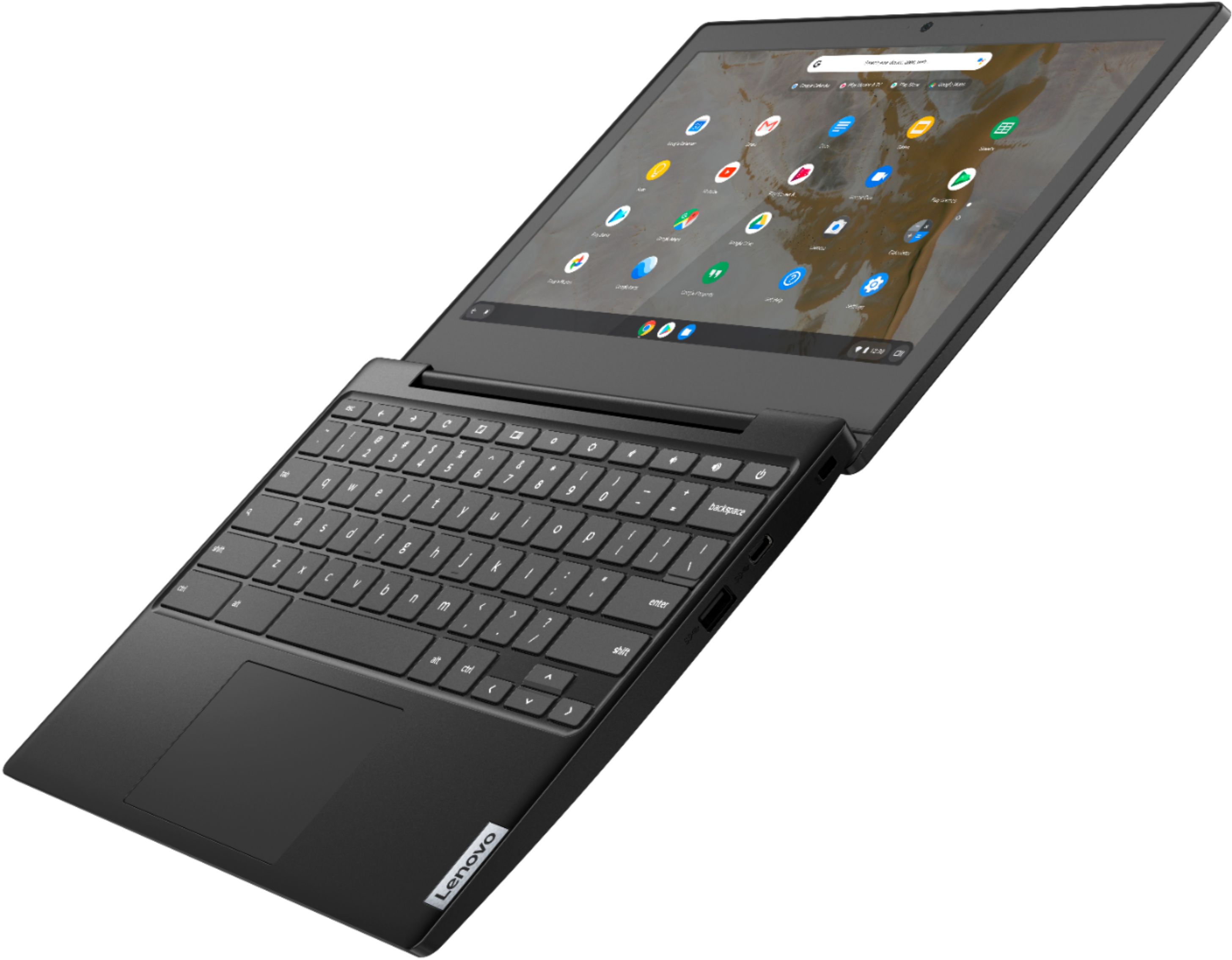
  • QuestionI got this as a gift so my question is does the screen tilt all the way back like the picture shows.

    Asked by Maryla.

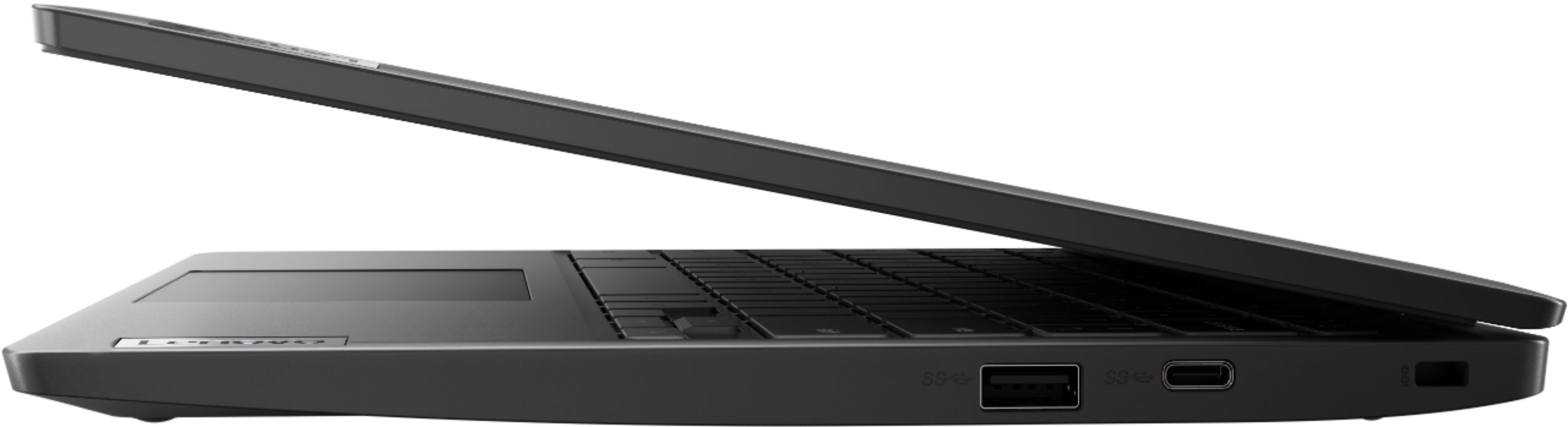
    • Answer The Hinges on the Lenovo Chromebook 3 11 model number 82H40000US will allow the screen to rotate back to 180-degrees.

      Answered by Lenovo Product Expert

  • QuestionAre there any compatible external hard drives you can connect to it for extra memory space

    Asked by Pete.

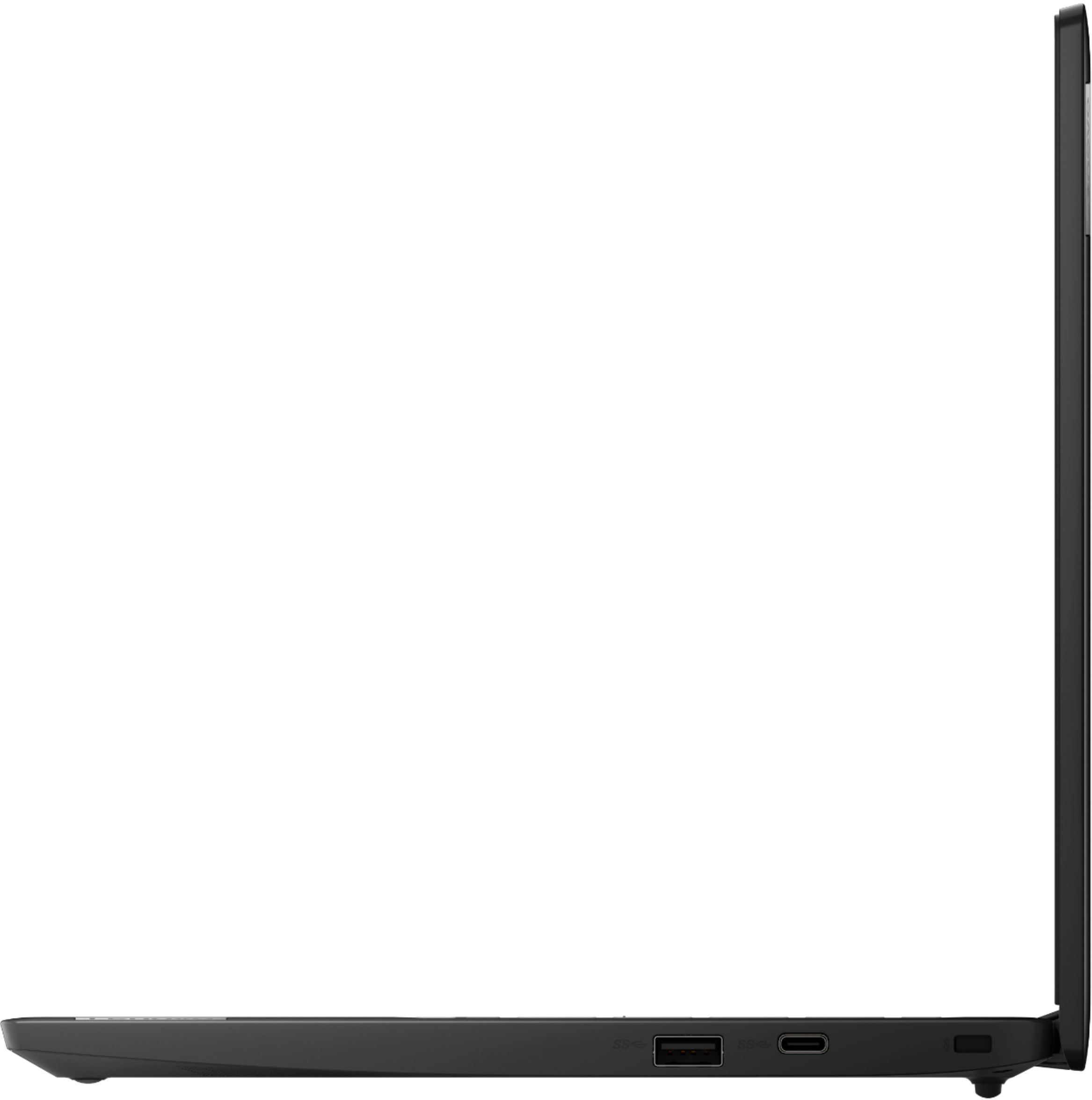
    • Answer Yes. You can use any USB-based external hard drive that is compatible with the Chrome Operating System. We recommend you check with the external hard drive manufacturer's website for compatibility.

      Answered by Lenovo Product Expert

  • QuestionDoes this have Google Play?

    Asked by Aaron.

    • Answer Yes it does.

      Answered by Lenovo Product Expert

  • Questionis google play available on this specific model

    Asked by Anonymous.

    • Answer Yes it is.

      Answered by Lenovo Product Expert

  • QuestionYour answer to my question about speaker for my Lenovo Ideapad100 mentioned "Chromebook". Is Lenovo Ideapad same as Chromebook? I need help shopping for a speaker for my computer...pictures, price, ordering procedure, etc. Thanks, Duchess

    Asked by Anonymous.

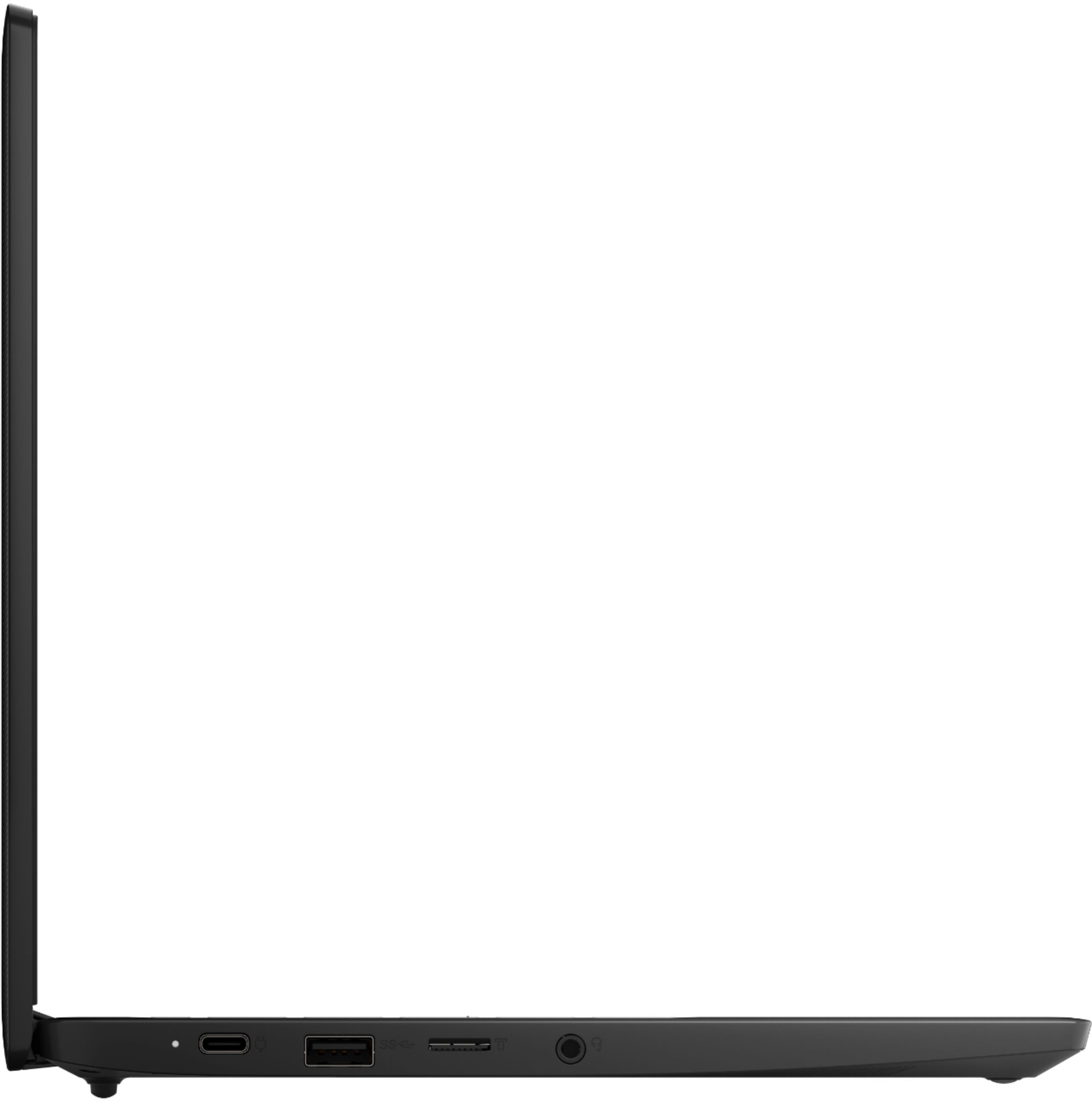
    • Answer Any computer capable speaker system that connects via a 3.5mm cable should work with a Chromebook. Check the speaker specifications to be sure.

      Answered by Lenovo Product Expert

  • QuestionDoes it have a DVD drive

    Asked by Mamajoyce.

    • Answer No

      Answered by Khaosnyc

  • QuestionDoes it have goggle assistant?

    Asked by Anonymous.

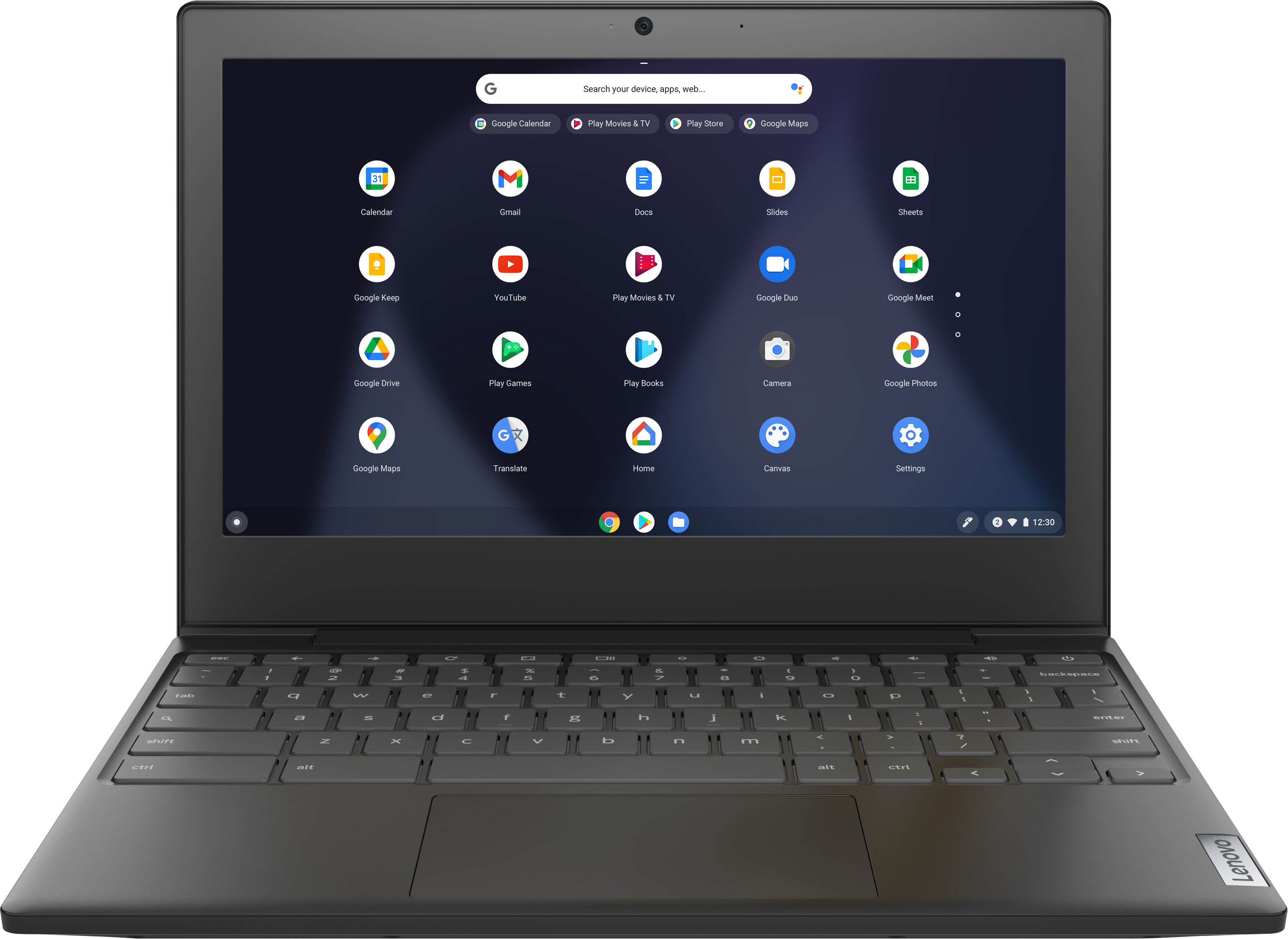
    • Answer I googled--"does chromebook have goggle assistant" Showing results for Does chromebook have google assistant Search instead for Does chromebook have goggle assistant On Chromebook, you can communicate with the Assistant by using your voice or typing. ... On your Chromebook, go to Settings > Search and Assistant > Google Assistant. Enable voice input and train your Assistant to recognize your voice. Just say “Hey Google” and your Assistant will respond.Sep 24, 2019 Google Assistant comes to more Chromebooks - The Keywordblog.google › chromebooks › whats-new-september2019 Feedback About featured snippets
      Answered by bobk

  • QuestionIs this laptop touchscreen?

    Asked by Anonymous.

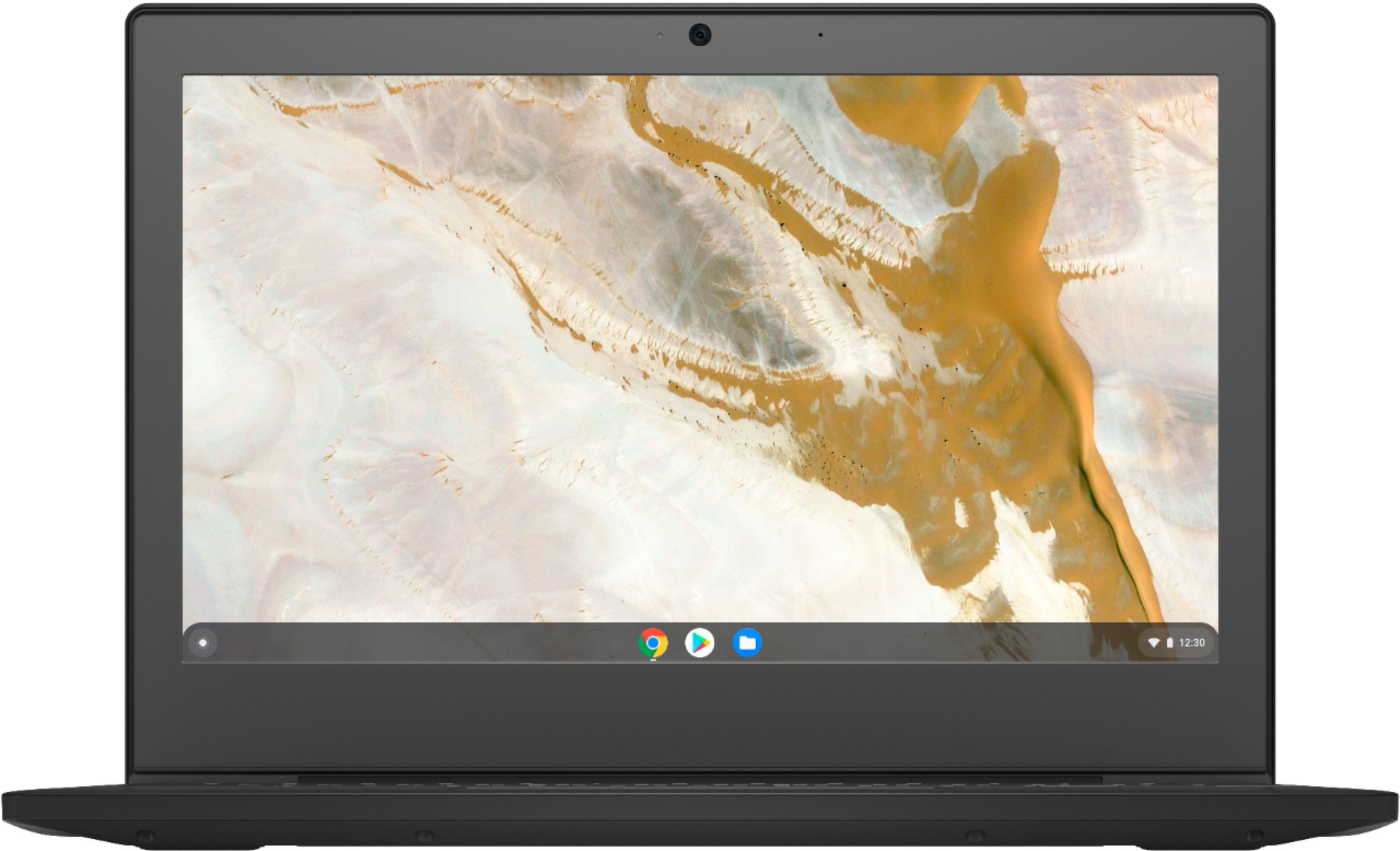
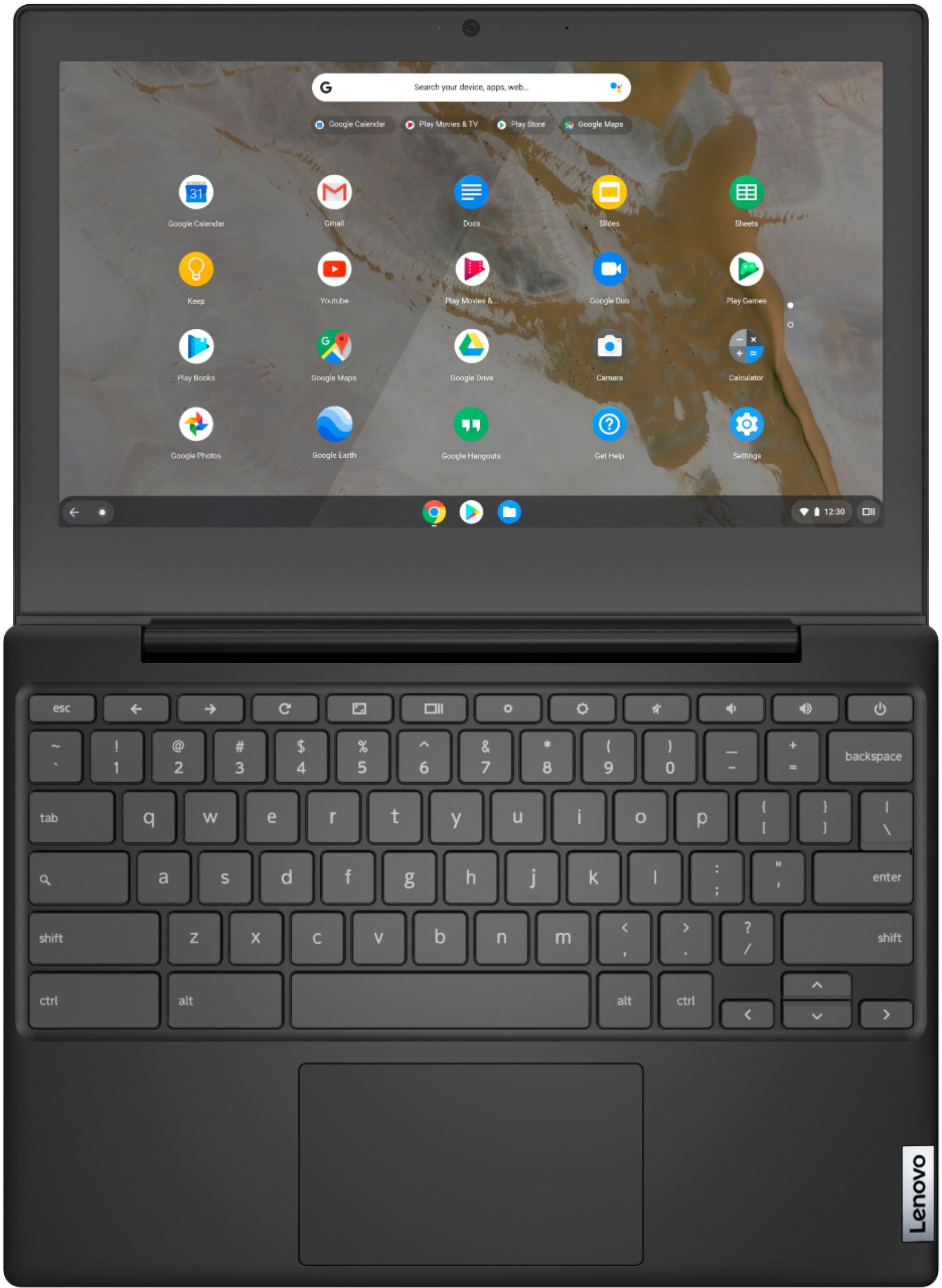
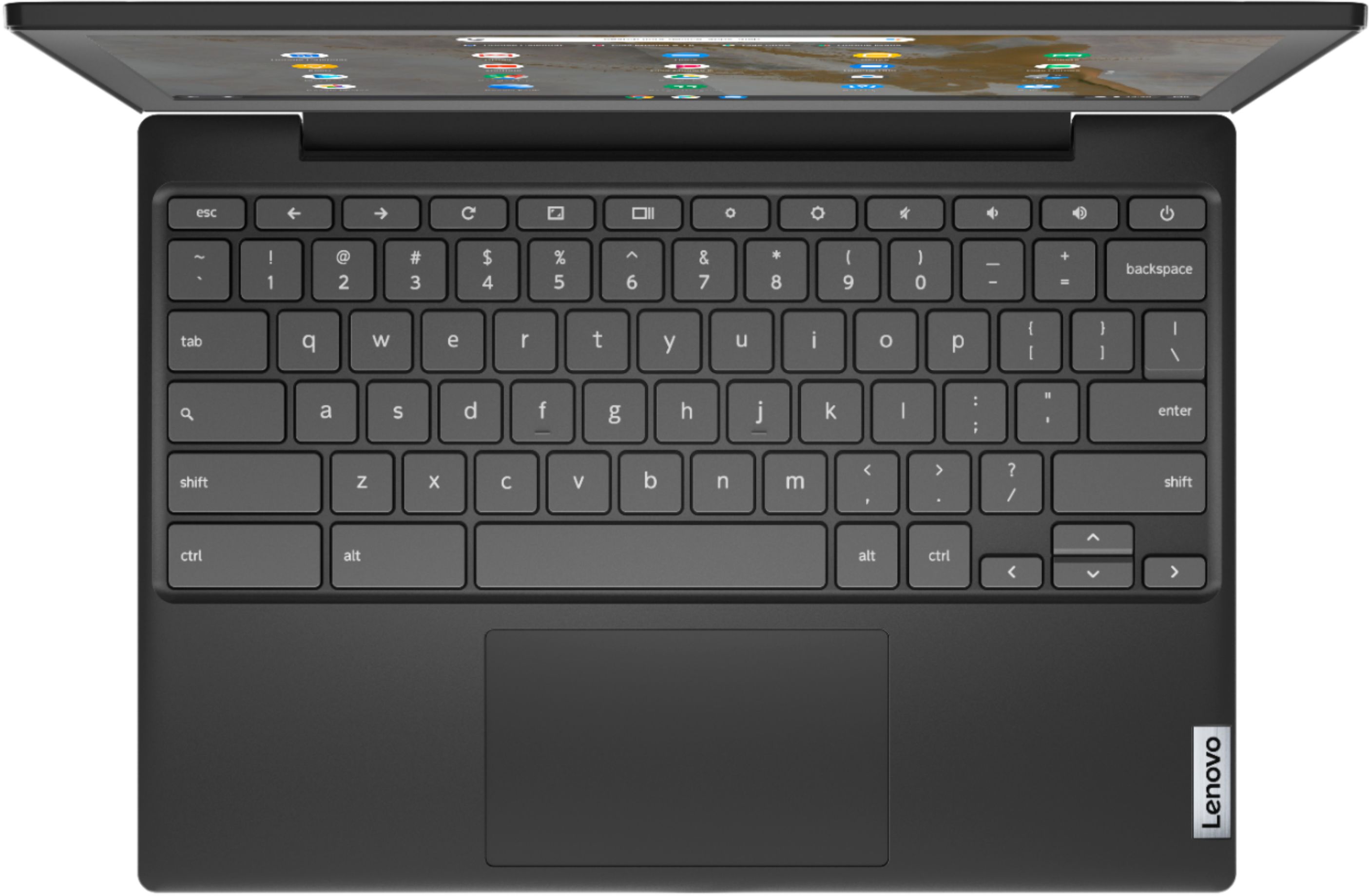
    • Answer No. The Lenovo Chromebook 3 11 Model Number 82H40000US, does not have a touchscreen.

      Answered by Lenovo Product Expert

  • QuestionDoes the chrome book have a solid state hard drive?

    Asked by Anonymous.

    • Answer Yes. The Lenovo Chromebook 3 11 model number 82H40000US ships with a 32GB eMMC solid state hard drive.

      Answered by Lenovo Product Expert

  • QuestionIs this a good computer for college?

    Asked by Tete.

    • Answer It is a CHROMEBOOK not a computer as such I all you need is internet and basic functions , yes. If you need to actually run OFFICE type stuff and windows programs , then no it is not.

      Answered by bobk

  • QuestionCan I download chessmaster dvd on this device?

    Asked by Bobthebuilder.

    • Answer Hello, this is a Chromebook and runs ChromeOS. We always recommend you check the requirements and compatibility of any software you will be installing on your new computer before you invest in any computer. Be sure your new computer can support the software you will need to use.

      Answered by Lenovo Product Expert

  • QuestionDo you have to be connected to the Internet to play games. Looking for something for my mother to play games on and she doesn't have interent

    Asked by wiglady.

    • Answer It is possible to use a Chromebook offline: https://support.google.com/chromebook/answer/3214688?hl=en

      Answered by Lenovo Product Expert

  • Questioncan you play games on this

    Asked by Anonymous.

    • Answer That will depend on the games you want to play and the requirements and compatibility of those games. The Lenovo Chromebook 3 11 ships with the Chrome Operating System and is compatible with Google Play Store APPs. We recommend you check with the specific game's software publisher's web sites od the games you want to play, for their compatibility with the Chrome operating system and the minimum/recommended hardware requirements (Is a Graphics card required, the processor speed and the minimum required system RAM and the minimum available hard drive space) to run their program, then compare those requirements to this system's configuration.

      Answered by Lenovo Product Expert

  • Questionis this touchscreen

    Asked by lola.

    • Answer No its not touch screen

      Answered by Trisha

  • QuestionCan you use the Bluetooth to connect this device to a receiver? (as in Bluetooth out capability?)

    Asked by sides.

    • Answer The Lenovo Chromebook 3 11 model number 82H40000US, ships with Bluetooth 5.0 version capability built in.

      Answered by Lenovo Product Expert