Questions & Answers
- Model:
- 82H40000US
- |
- SKU:
- 6419029
Q: QuestionCan you use Linux(Beta) with this Chromebook? I'm looking to do some light Python programming.
Asked by JamieB.
- A:Answer Yes. Definitely.
Answered by Yoyo
Q: QuestionCan you download premier pro on here ?
Asked by Stack.
- A:Answer No, as the OS is Chrome only. Great for running Web apps, but very limited for programs.
Answered by SingingPreacher
Q: QuestionCan you type notes and letters on this and print them off to a printer?
Asked by Anonymous.
- A:Answer Yes
Answered by BAMA171921
Q: QuestionDoes this have a cd/ dvd drive
Asked by Ralph.
- A:Answer No. This lenovo Chromebook 3 11 does not have a CD/DVD drive.
Answered by Lenovo Product Expert

Q: QuestionCan this device stream audio using Bluetooth from a USB external hard drive?
Asked by Coop.
- A:Answer Yes, I use it to play my old mp3 files from an external HDD
Answered by abrescom
Q: QuestionCan abelton or music recording programs be ran on this
Asked by Mock.
- A:Answer Works great for Web apps, but will not run powerful programs like Abelton (both in power of the system itself, hard drive, and OS limitations)
Answered by SingingPreacher
Q: QuestionLenovo- Chromebook 3 11" AMD A6 4GB Memory. Is there an outlet on the side for earphones?
Asked by Kar.
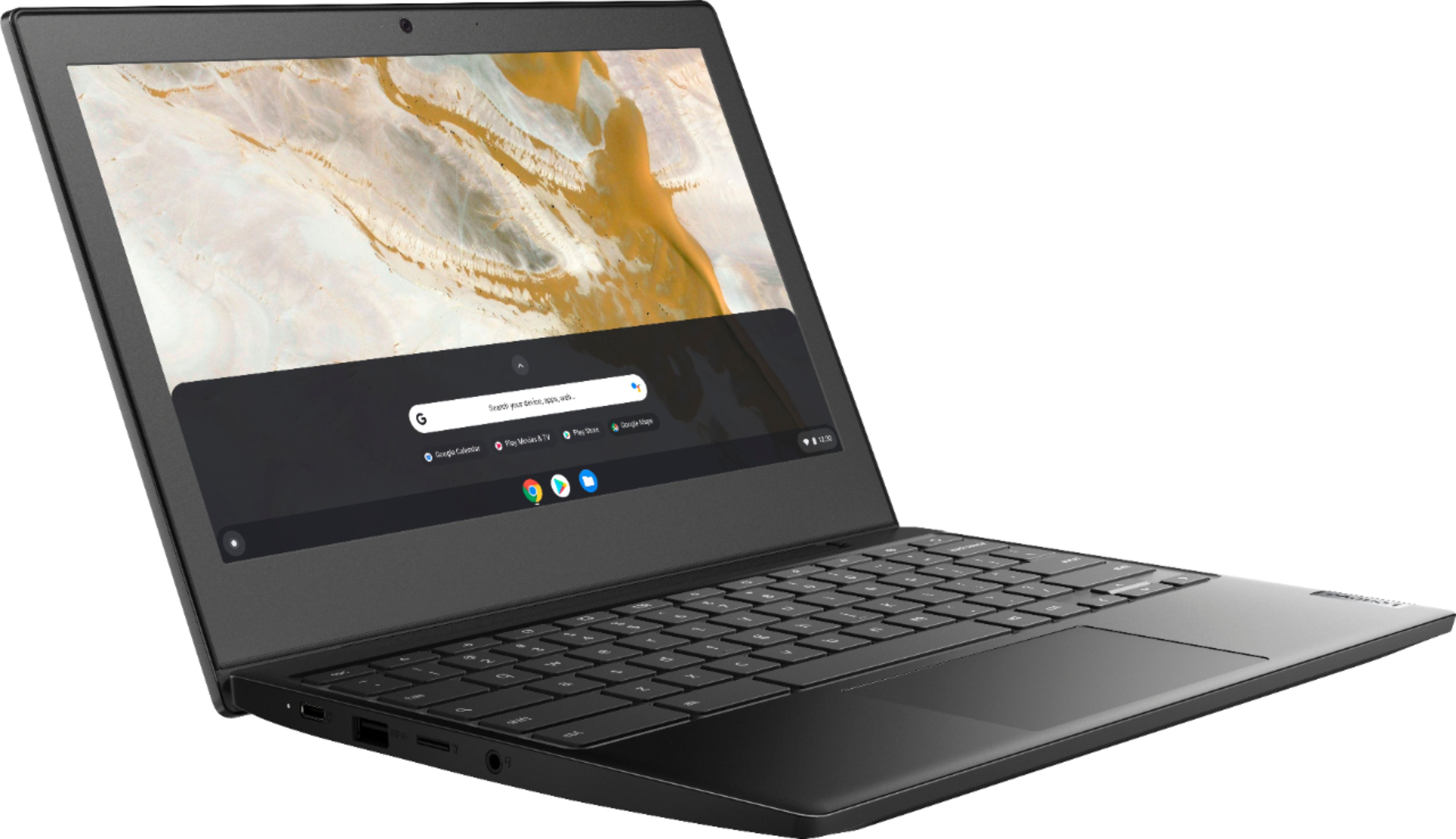
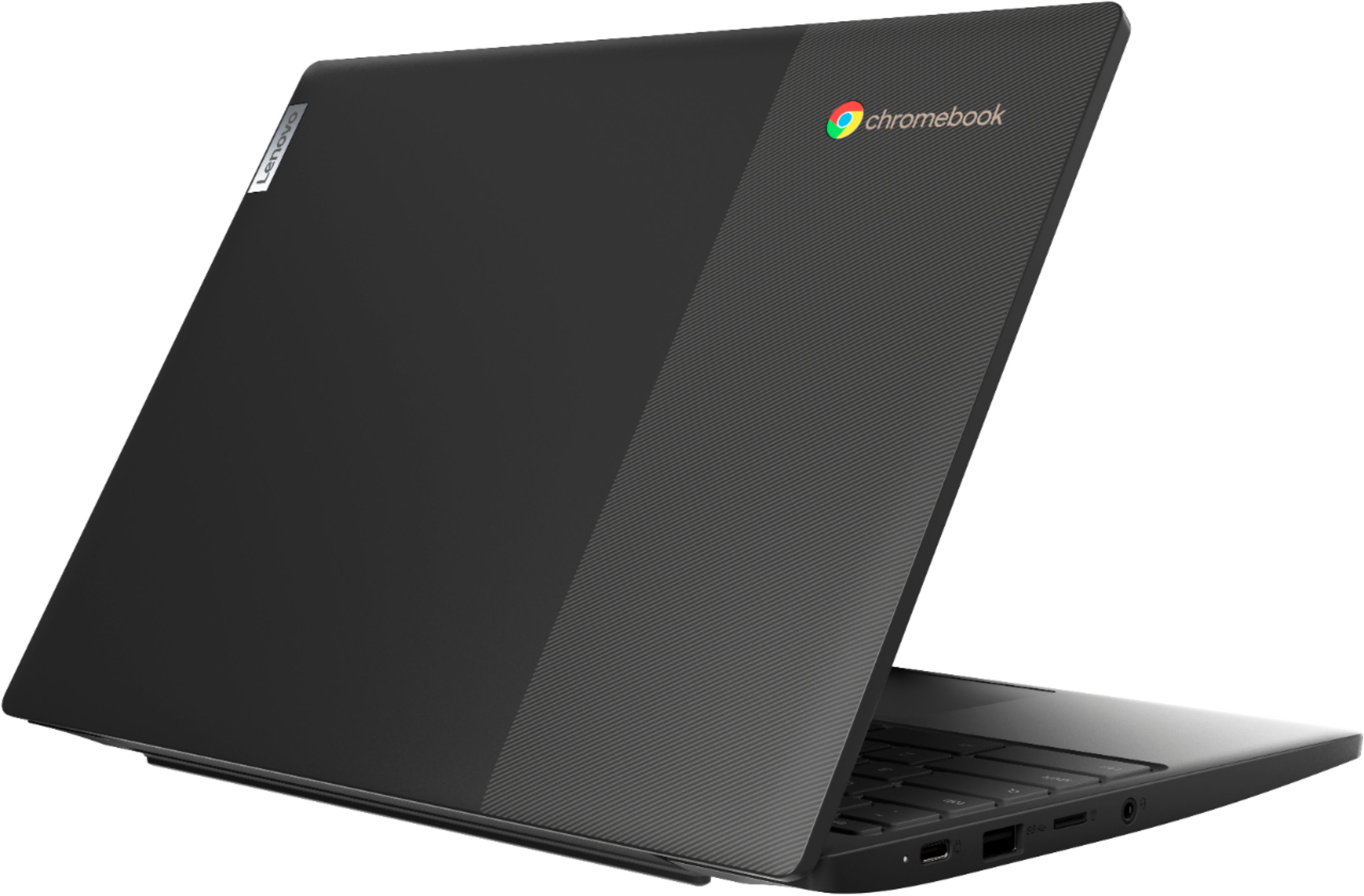
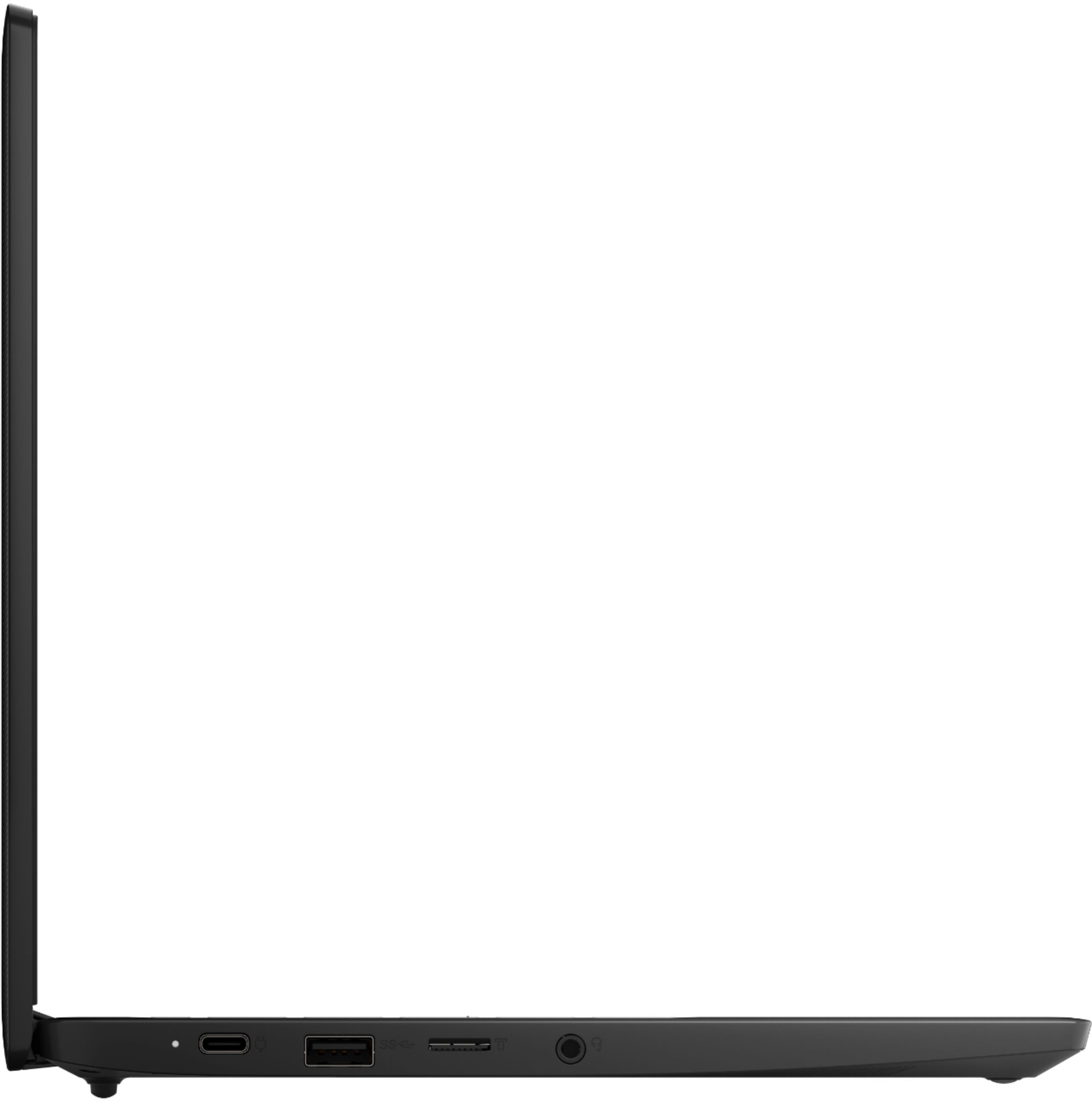
- A:Answer Yes, there is a headphone jack on the left side of the Chromebook. The audio is excellent by the way.
Answered by OneEyedKristy
Q: QuestionDoes this have google play store
Asked by Dwil.
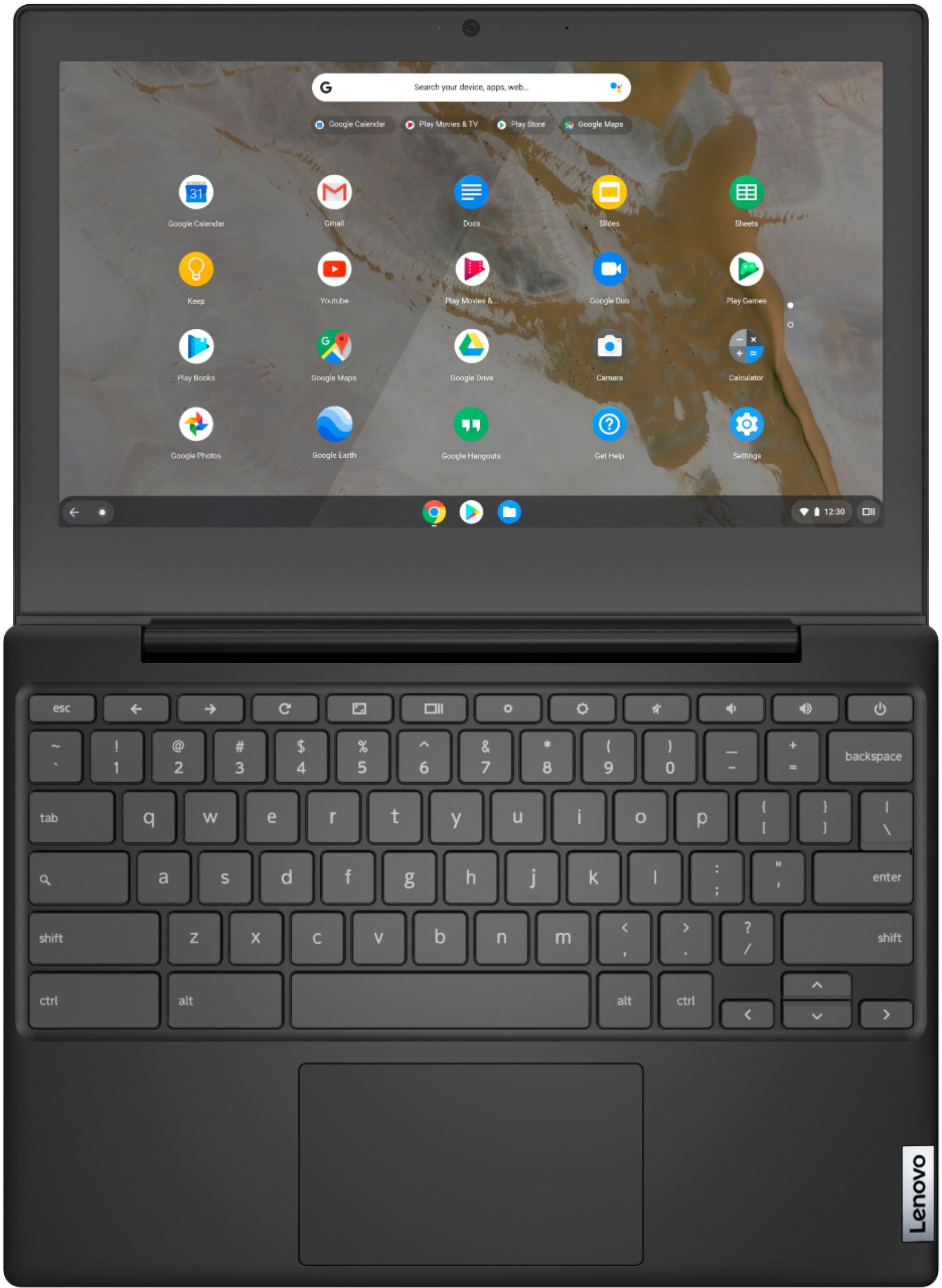
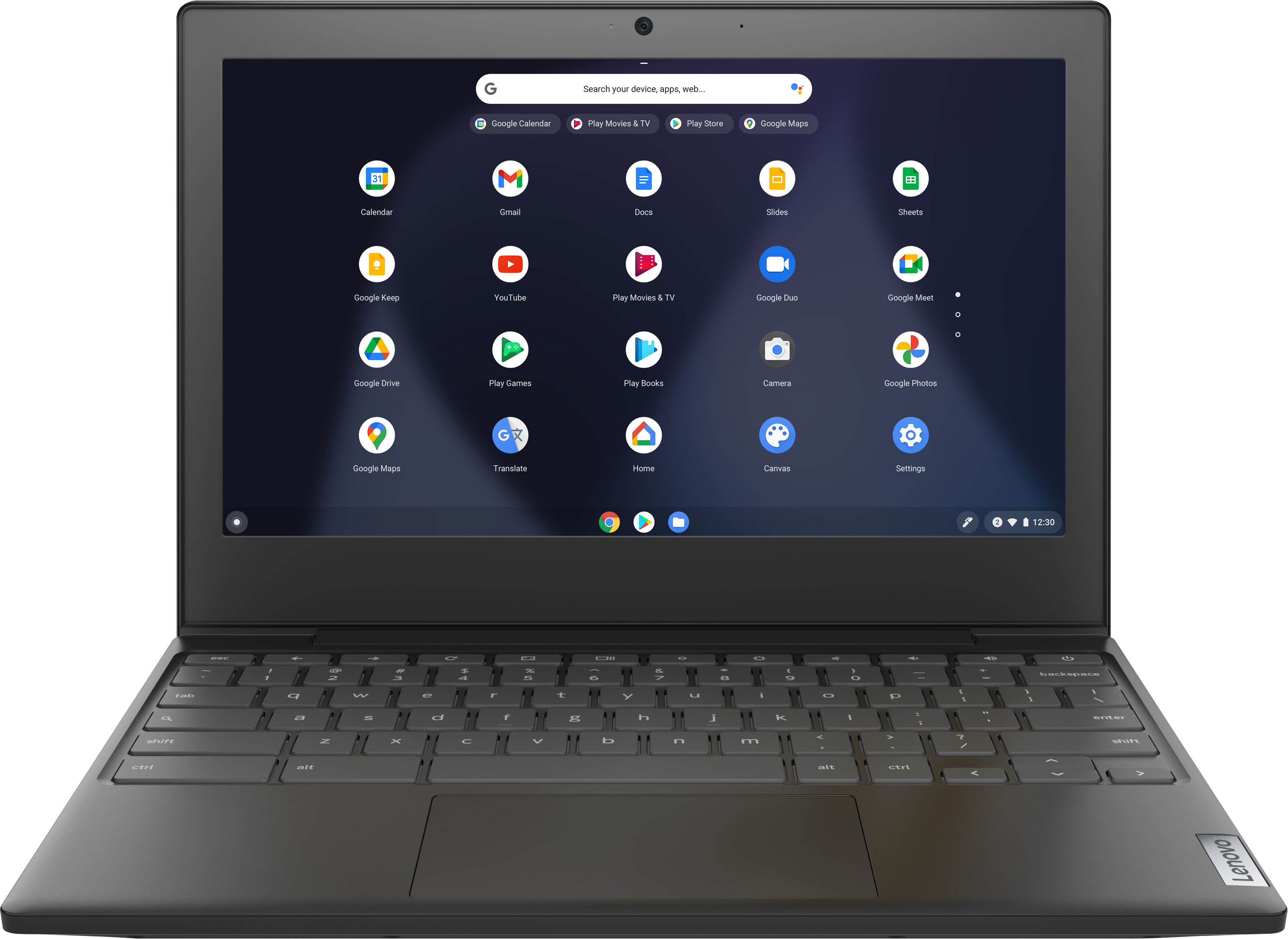
- A:Answer Yes. The icon is located on the bottom of my home screen. If you don't see it you can probably download it from Google.
Answered by Jff93127001
Q: QuestionCan you download android games
Asked by Anonymous.
- A:Answer That will depend on the specific requirements and compatibility of the Android OS Games you want to play. Here is a link to more information: https://support.google.com/chromebook/answer/7021273?hl=en
Answered by Lenovo Product Expert

Q: QuestionHi! Is there a reason why I can only connect one monitor to it? Because I tried connecting another monitor to it and it doesn’t allow it. I am using a USB C TO HDMI for the other monitor and it won’t connect. It only allows one monitor to project. Reasons
Asked by hoey.
- A:Answer This Lenovo Chromebook 3 11, model number 82H40000US, supports up to 2 independent displays via native display and 1 external monitor; supports external monitor via USB-C (up to 3840x2160@30Hz). There can only be one external monitor connected directly to this Chromebook 3 11 at a time, plus the Chromebook 3 11 display, for two independent displays.
Answered by Lenovo Product Expert

Q: QuestionI'm unable to connect to a at&t 5268ac wifi router. Window keeps popping up "bad password" All my other labtops connect just fine.
Asked by vinylman.
- A:Answer This Lenovo Chromebook 3 11 model number 82H40000US, ships with 2x2 802.11ac frequency WiFi installed. If your Chromebook is throwing up Bad password errors, restart your router and check your Wi-Fi settings. Switch to a different Wi-Fi channel and check if you notice any improvements. Additionally, check your keyboard settings, and reset Chromebook hardware. If the error persists, reset your Wi-Fi password. Here is a link to more information: https://www.technipages.com/fix-chromebook-network-connection-error-bad-password. If the issue continues, we recommend you contact Lenovo Tech Support for Chromebooks at: 800-426-7378.
Answered by Lenovo Product Expert

Q: QuestionCan I use this to update my uniden SDS100 police scanner?
Asked by Hathawayhiker.
- A:Answer Yes
Answered by Love
Q: QuestionDoes this allow RTX?
Asked by RobloxDevMua.
- A:Answer No. This Lenovo Chromebook 3 11 model number 82H40000US, ships with Integrated AMD Radeon R5 Graphics version, integrated within the 2-Core AMD A6-9220C Processor.
Answered by Lenovo Product Expert

Q: Questiondoes it had an expandable feature where u can add a memory slot?
Asked by Anne.
- A:Answer There is no slot for a memory card on this model. I find the 32GB eMMC flash memory is more than enough - I use Google Drive and Google Photos to store documents and images.
Answered by OneEyedKristy
Q: Questiondoes this chromebook have an sd card reader?
Asked by coco.
- A:Answer It has a micro SD card reader. I put a 64 GB card in, it can go much higher.
Answered by Anonymous
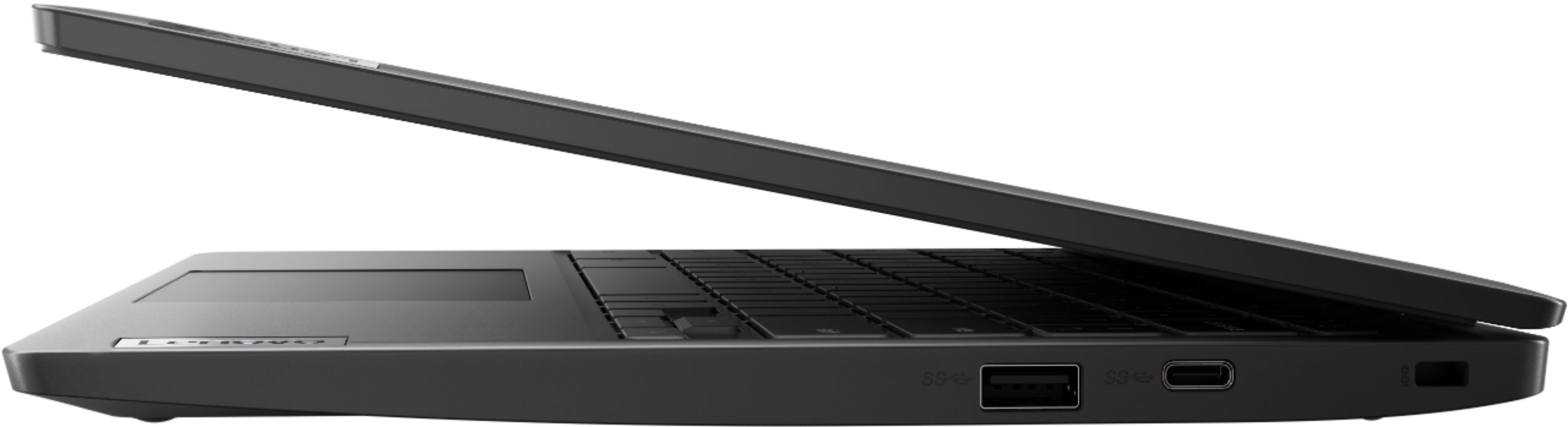
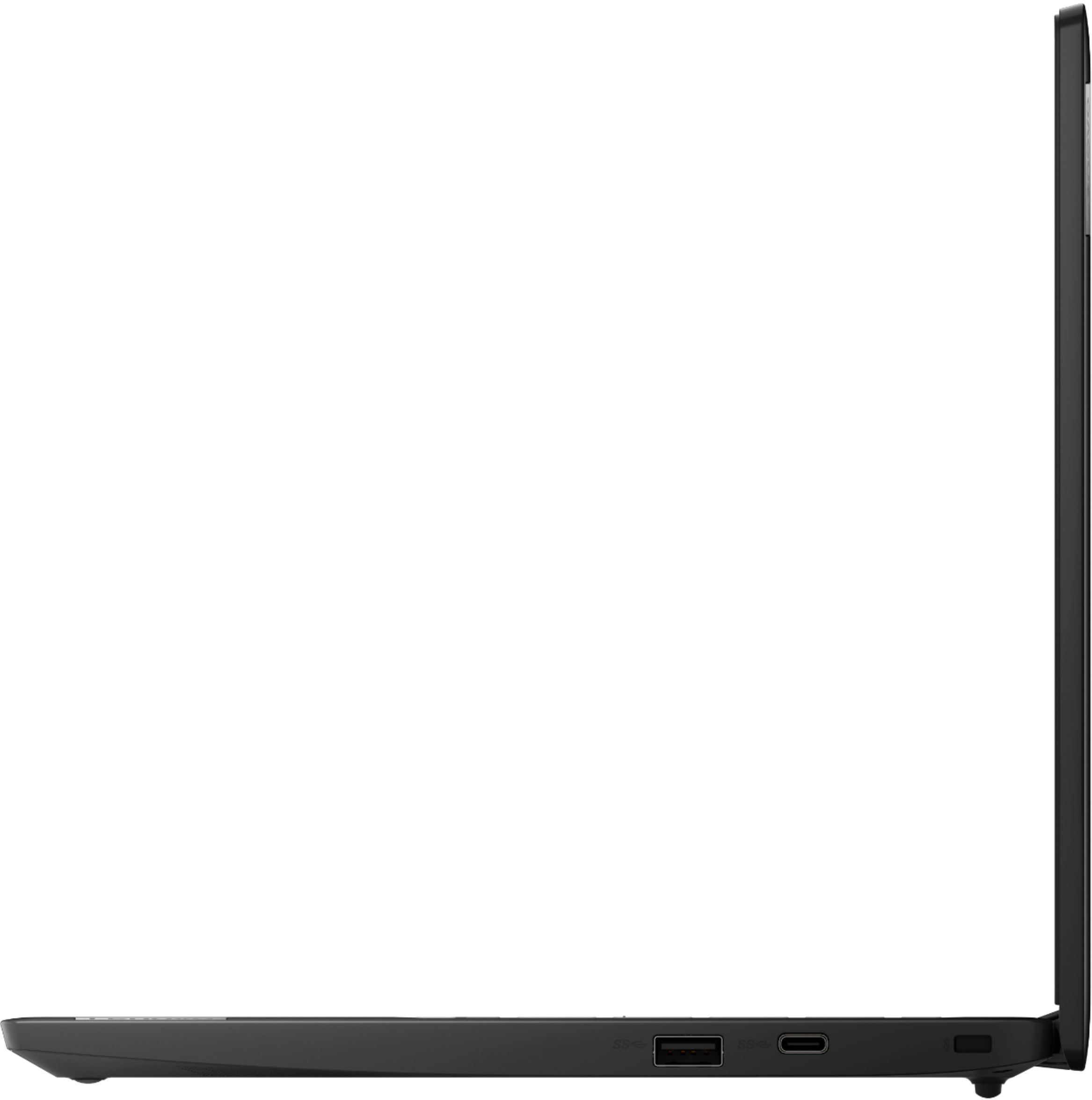
Q: QuestionDoes this have an HDMI port? If not, how do you attach to HDMI port on TV using an HDMI cable?
Asked by bgawk.
- A:Answer This Lenovo Chromebook 3 11 model number 82H40000US, ships with 2x USB-C 3.2 Gen 1 (support data transfer, Power Delivery and DisplayPort 1.2) ports with video out capability to an external monitor. This Chromebook 3 11 supports up to 2 independent displays via native display and 1 external monitor; supports external monitor via USB-C (up to 3840x2160@30Hz). You can connect an HDMI monitor to this Chromebook by using a USB-c to HDMI adapter, like this one: https://www.bestbuy.com/site/best-buy-essentials-usb-c-to-hdmi-adapter-white/6458562.p?skuId=6458562
Answered by Lenovo Product Expert

Q: QuestionCan u install windows with this computer
Asked by Tim.
- A:Answer No. The Lenovo Chromebook 3 11 ships with the Chrome Operating System installed and is not compatible with the Windows Operating System.
Answered by Lenovo Product Expert

Q: Questiondoes it have hdmi port
Asked by chromebook.
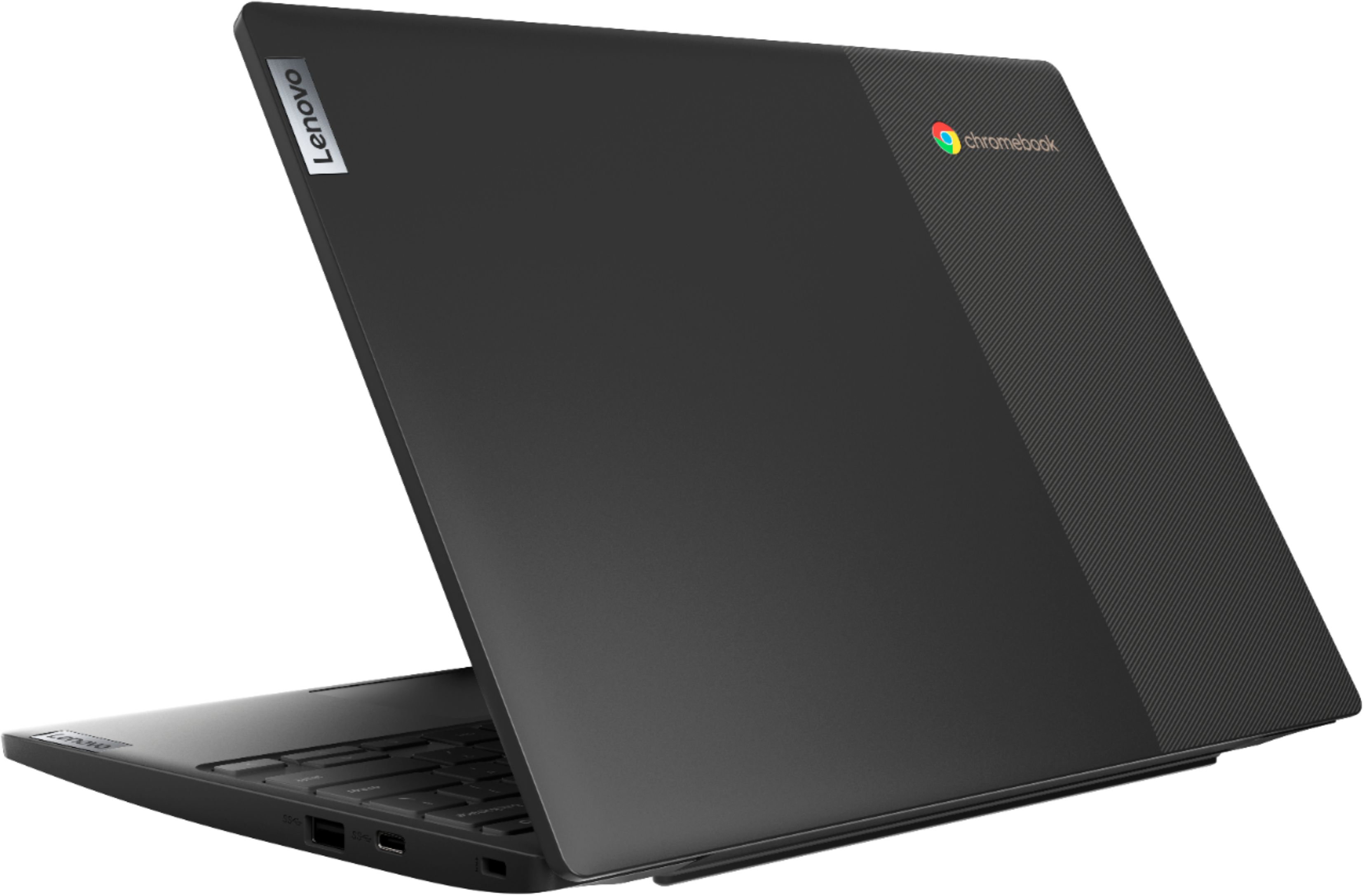
- A:Answer No. This Lenovo Chromebook 3 11 model number 82H40000US, ships with 2x USB-C 3.2 Gen 1 (support data transfer, Power Delivery and DisplayPort 1.2) ports with video out to an external monitor. You can connect an HDMI monitor to this laptop by using a USB-c to HDMI adapter like this one: https://www.bestbuy.com/site/insignia-usb-c-to-hdmi-adapter-white/6424886.p?skuId=6424886
Answered by Lenovo Product Expert

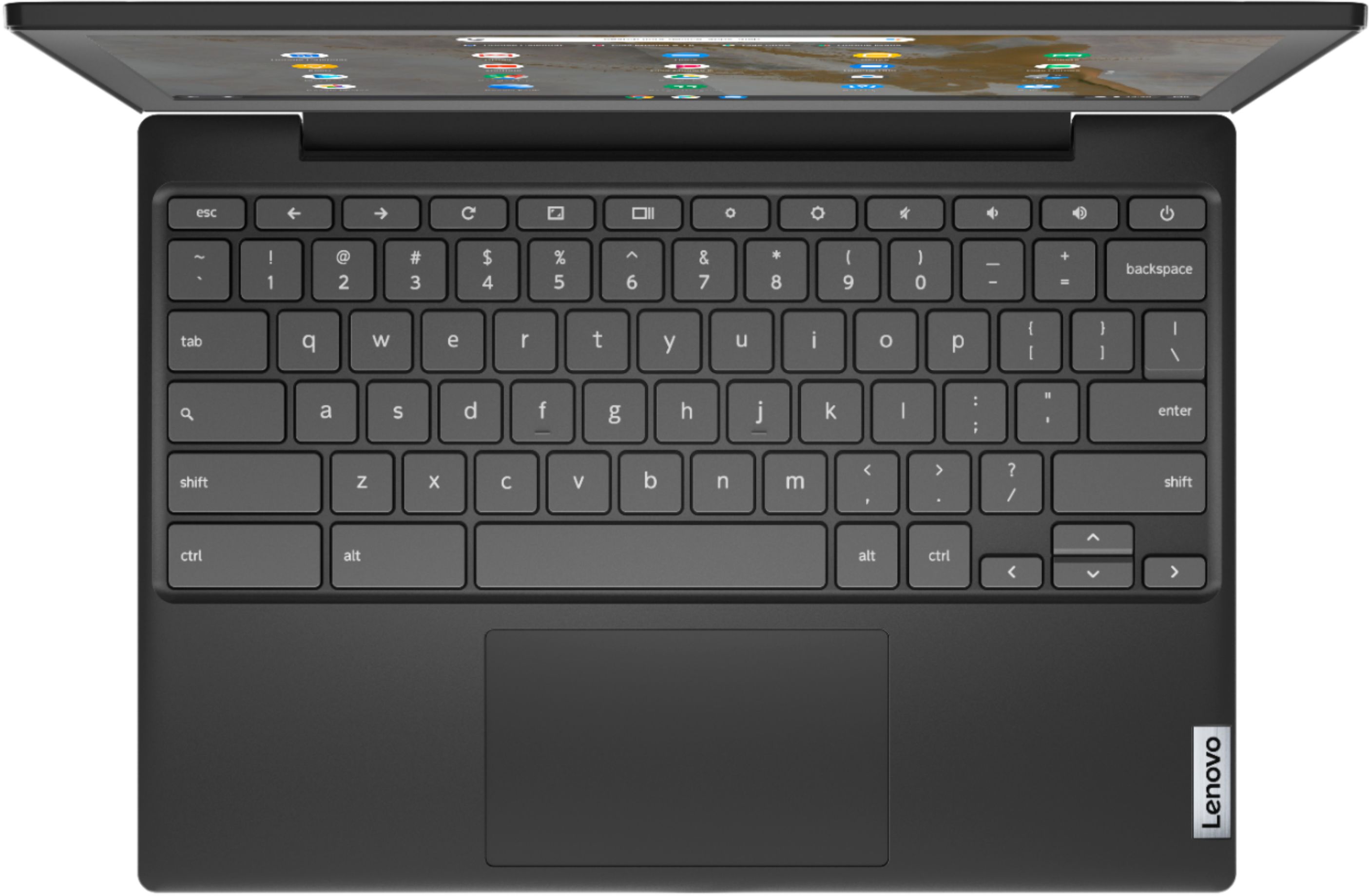
Q: Questionis this product touchscreen
Asked by Anonymous.
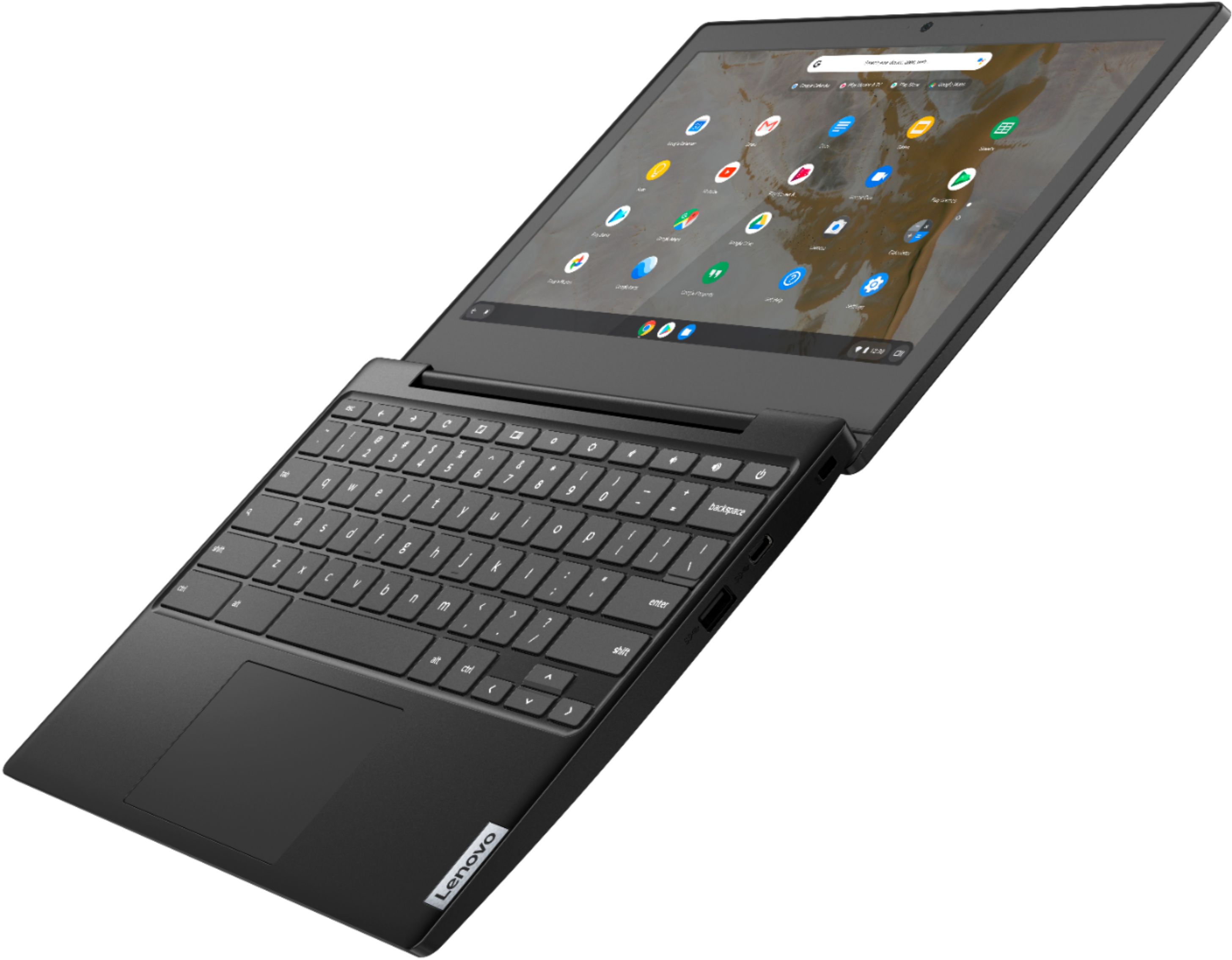
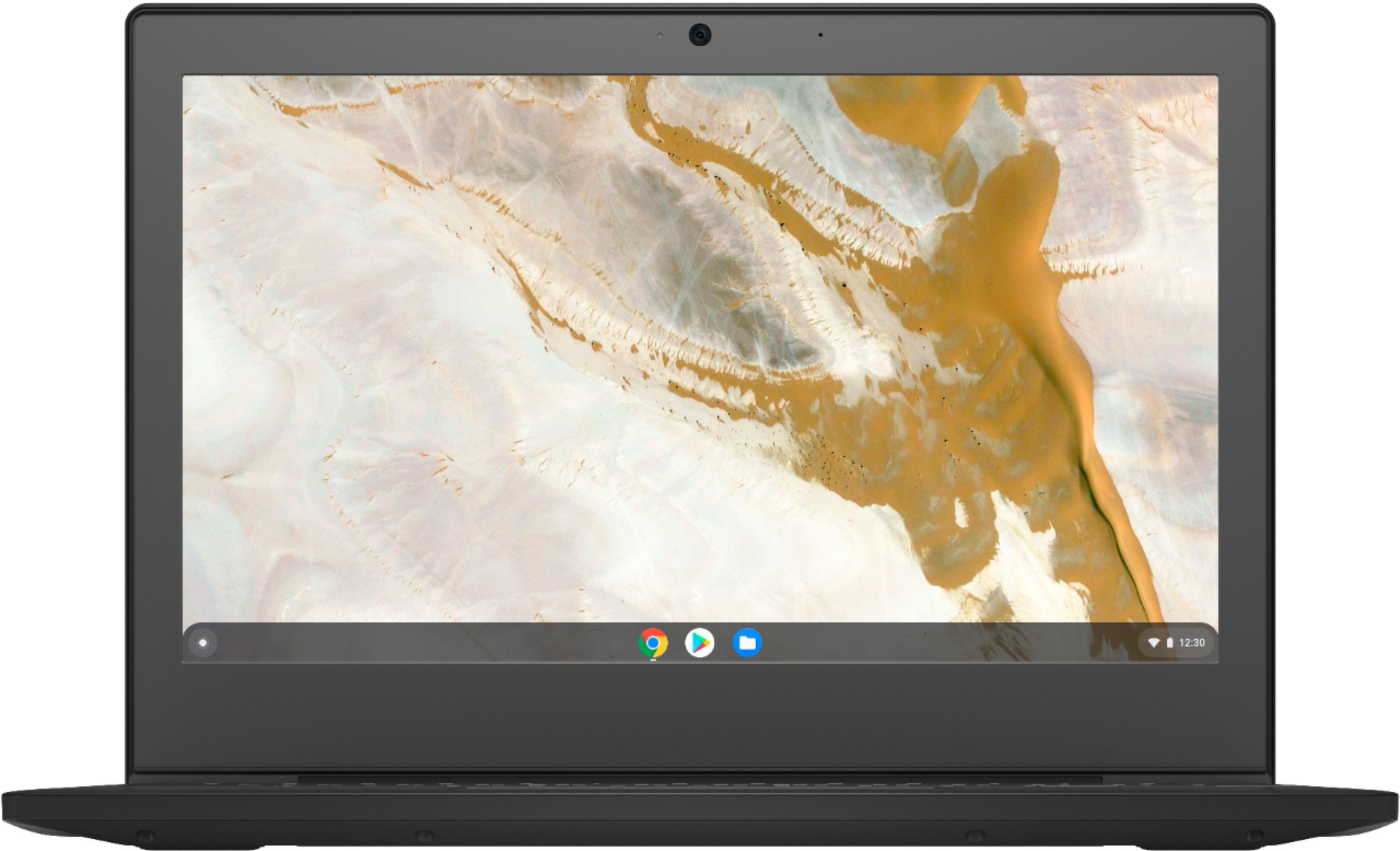
- A:Answer No. This Lenovo Chromebook 3 11 model number 82H40000US, does not have a touch screen.
Answered by Lenovo Product Expert

Q: Questioncan i use a wireless mouse with this chromebook. is there a port for the plug in part of the mouse system.
Asked by Anonymous.
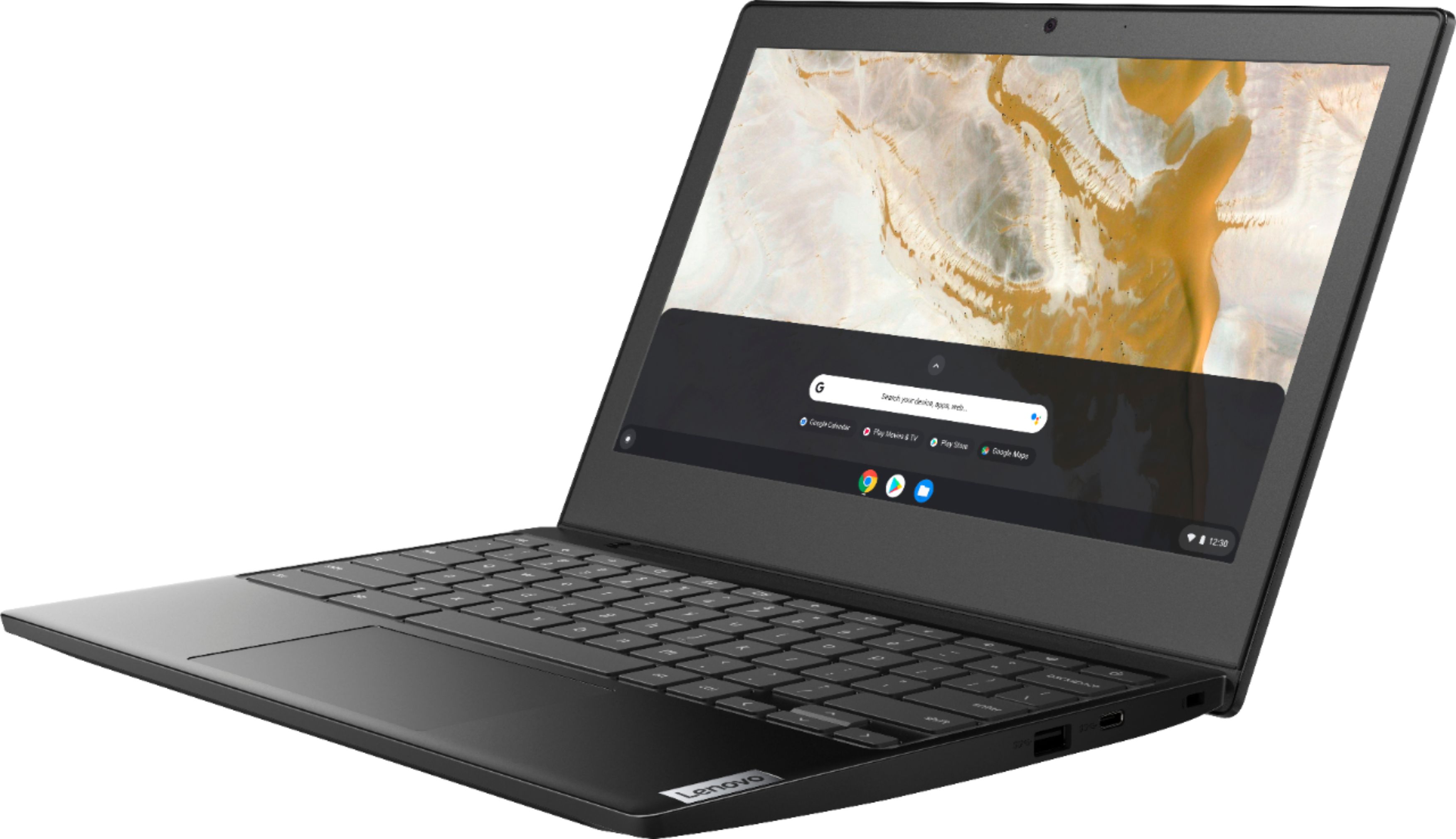
- A:Answer Yes. You can use any wireless mouse that is compatible with the Chrome Operating System. This Lenovo Chromebook 3 11 model number 82H40000US, ships with these ports: 2x USB 3.2 Gen 1, 2x USB-C 3.2 Gen 1 (support data transfer, Power Delivery and DisplayPort 1.2), 1x Card reader 1x Headphone / microphone combo jack (3.5mm).
Answered by Lenovo Product Expert

Most-viewed items
- $34.99$34.99The price was $69.99
- $799.99$799.99The price was $1,199.99
- $329.99$329.99The price was $659.99
- $129.99$129.99The price was $199.99
- $299.99$299.99The price was $449.99
- $59.99$59.99The price was $99.99