Black Friday is hereShop new DoorbustersShop now

Main Content

Questions & Answers

Your price for this item is $46.99
Clearance
The comparable value price is $219.00
Page Showing 121-140 of 278 questions
  • QuestionDoes this model have an HDMI port?

    Asked by Pat.

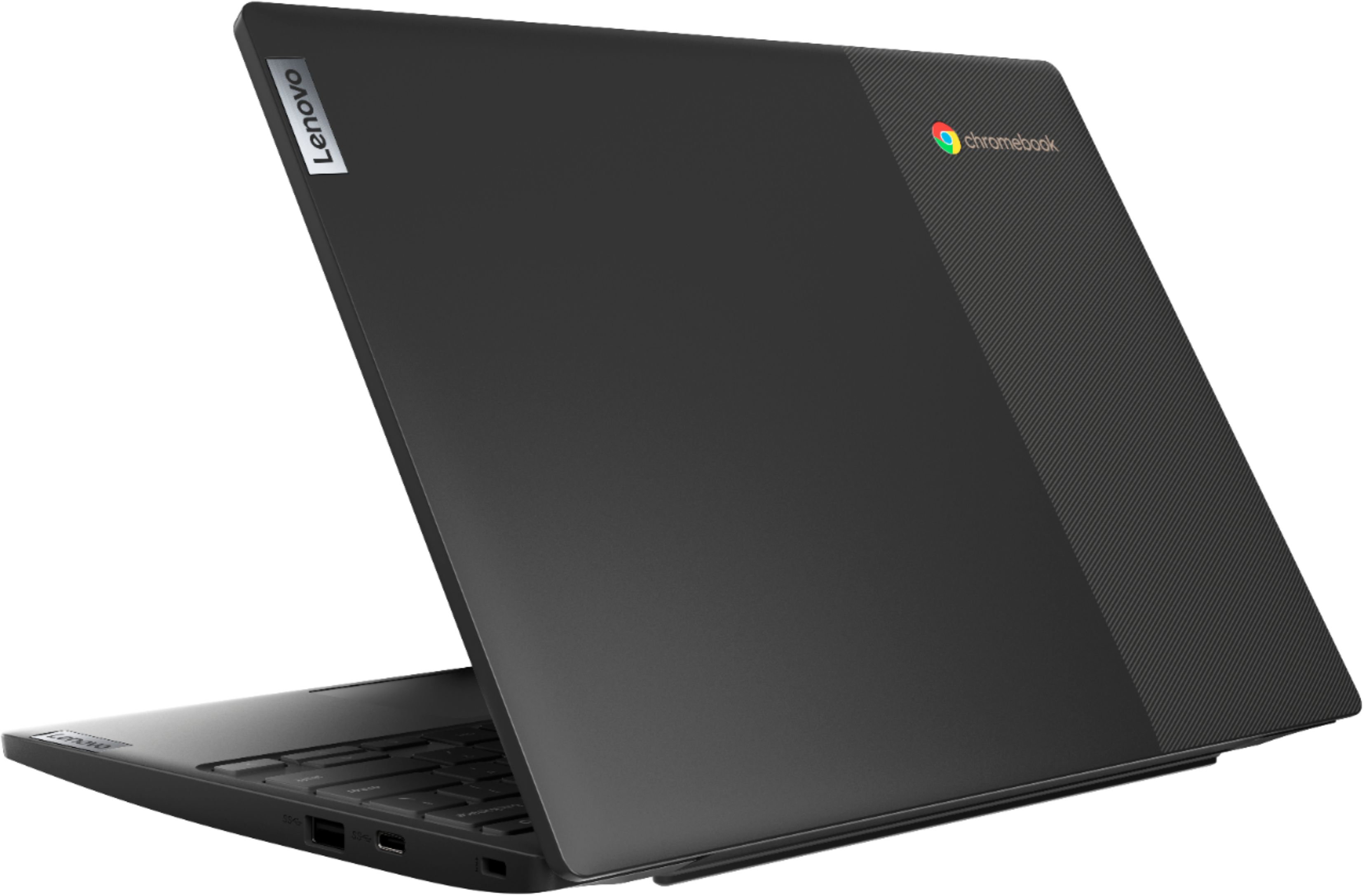
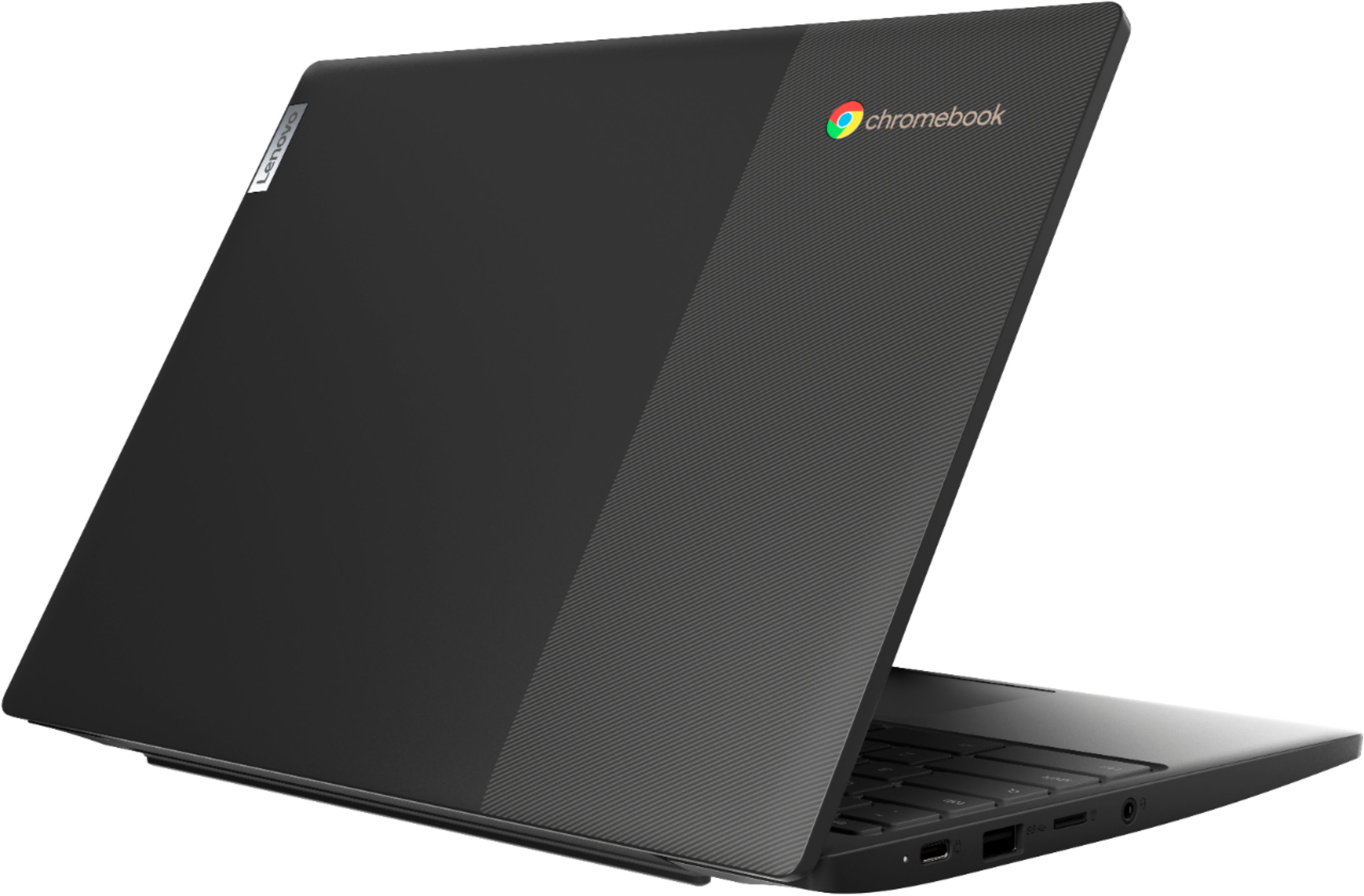
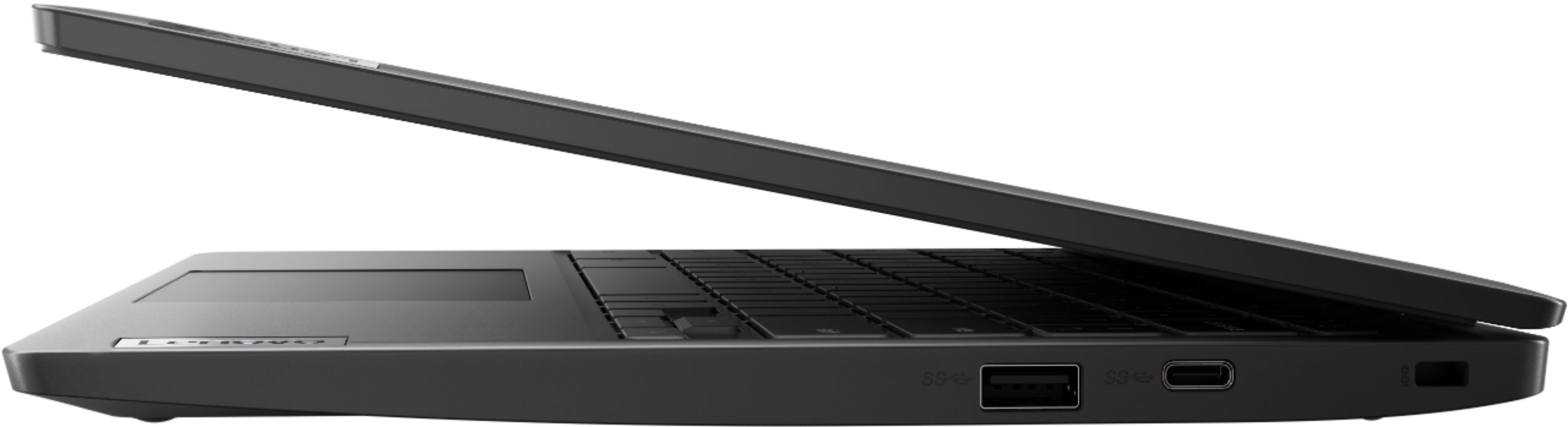
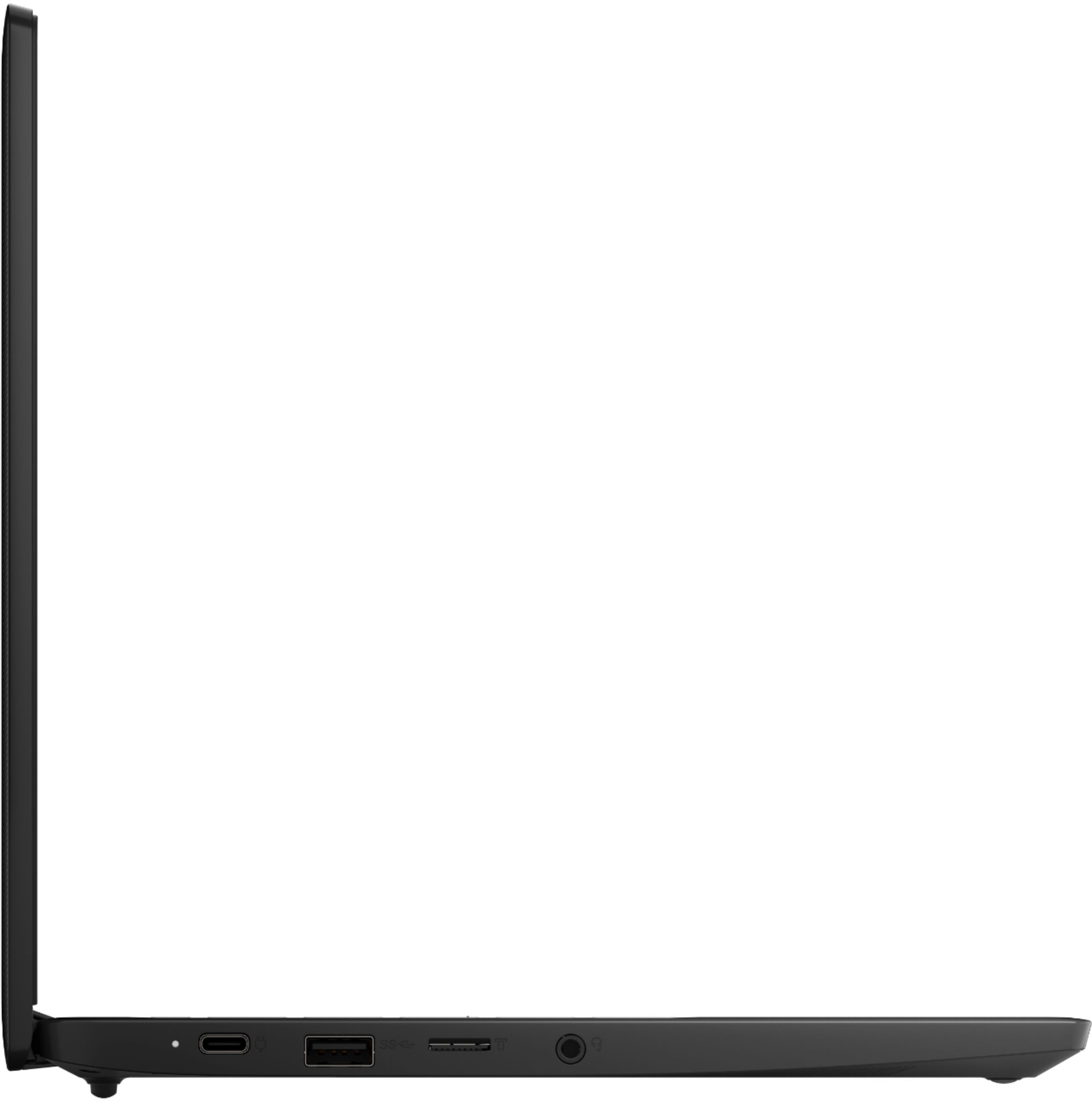
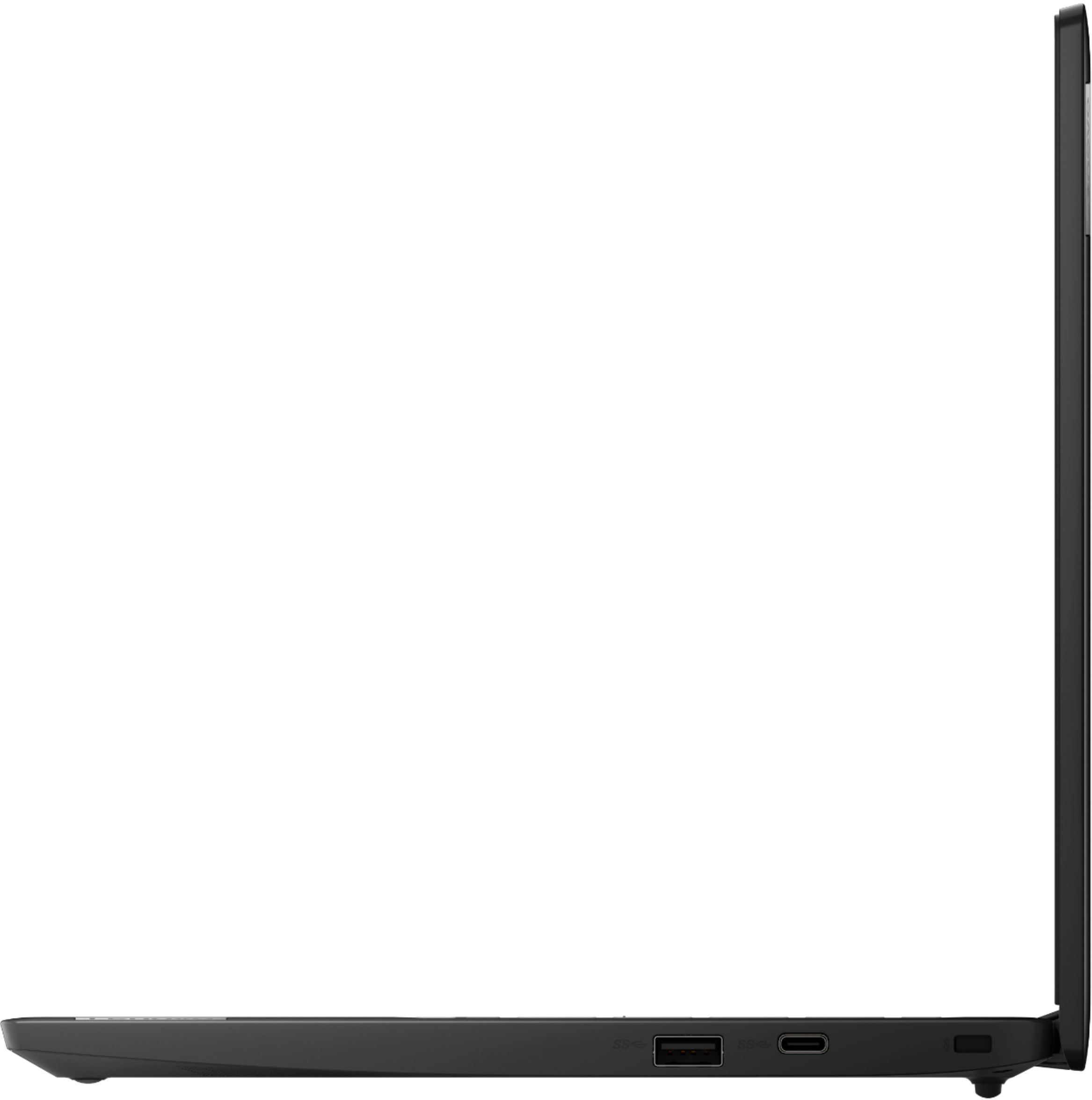
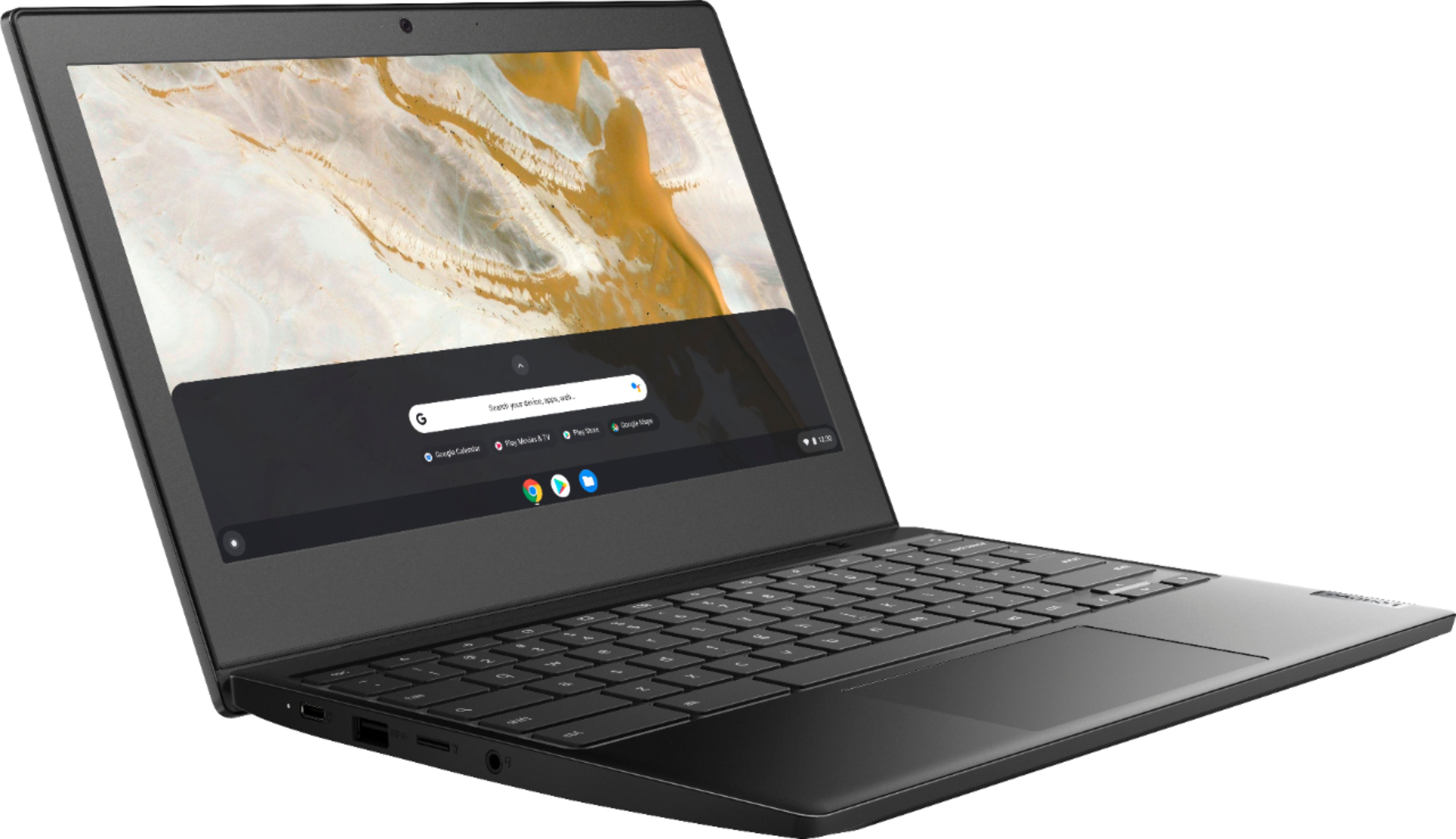
    • Answer No. The Lenovo Chromebook 3 11 model number 82H40000US, ships with 2x USB-C 3.2 Gen 1 (support data transfer, Power Delivery and DisplayPort 1.2) ports with video out capability to an external monitor. This Chromebook 3 11 supports up to 2 independent displays via native display and 1 external monitor; supports external monitor via USB-C (up to 3840x2160@30Hz). You can connect an HDMI monitor to this Chromebook by using a USB-c to HDMI adapter, like this one: https://www.bestbuy.com/site/insignia-usb-c-to-hdmi-adapter-white/6424886.p?skuId=6424886

      Answered by Lenovo Product Expert

  • QuestionIs this laptop have a lighted keyboard?

    Asked by Cin.

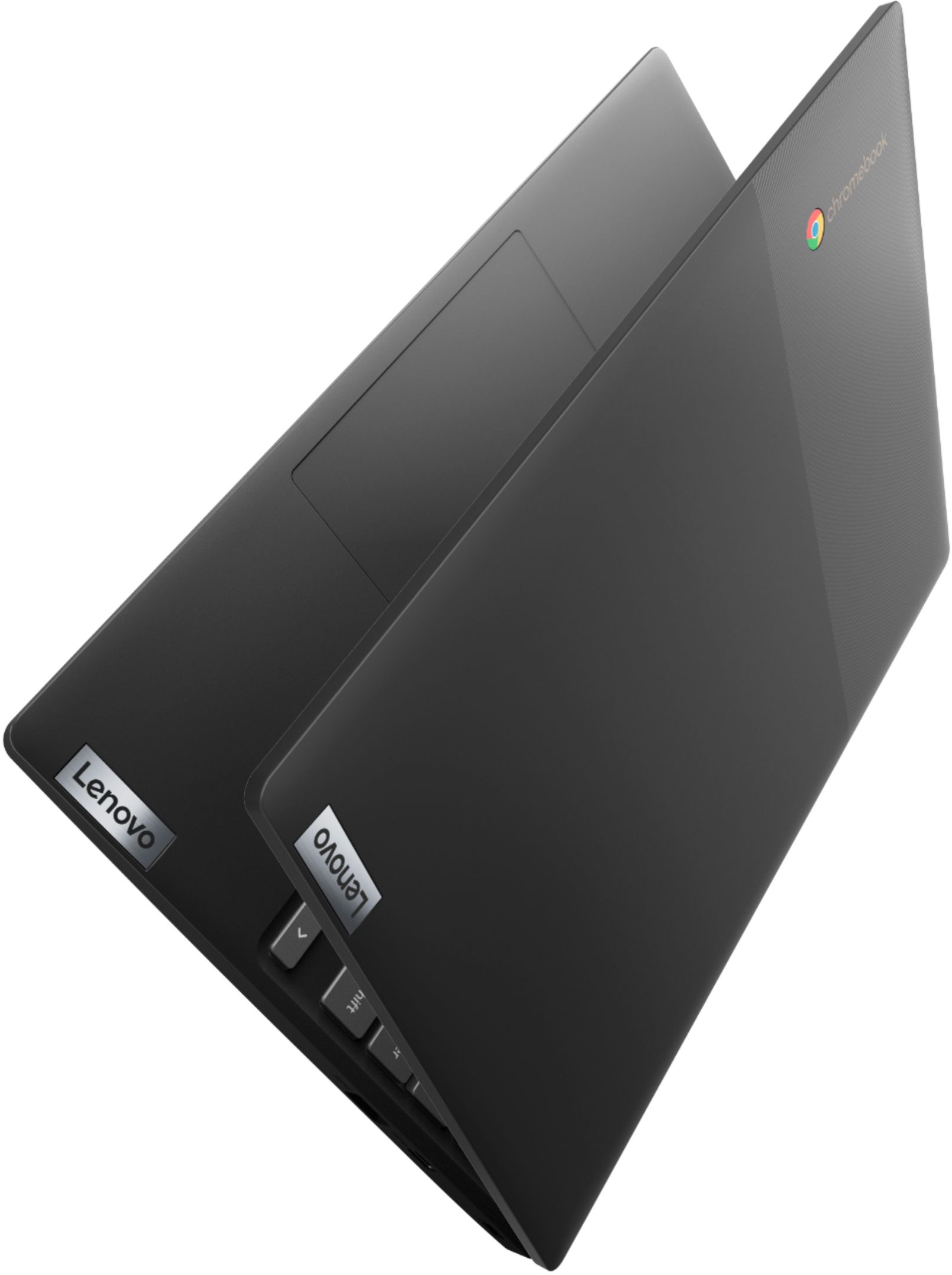
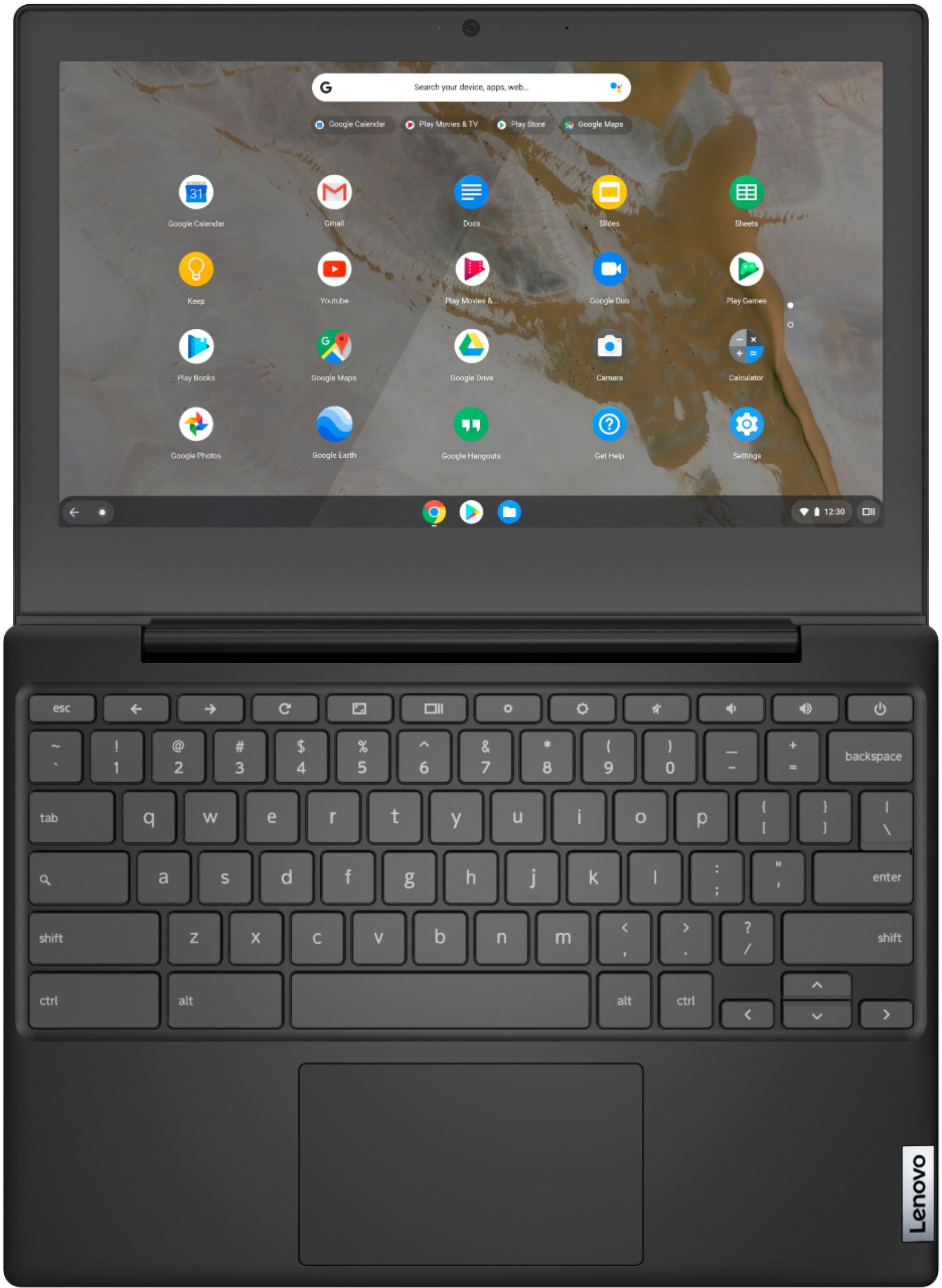
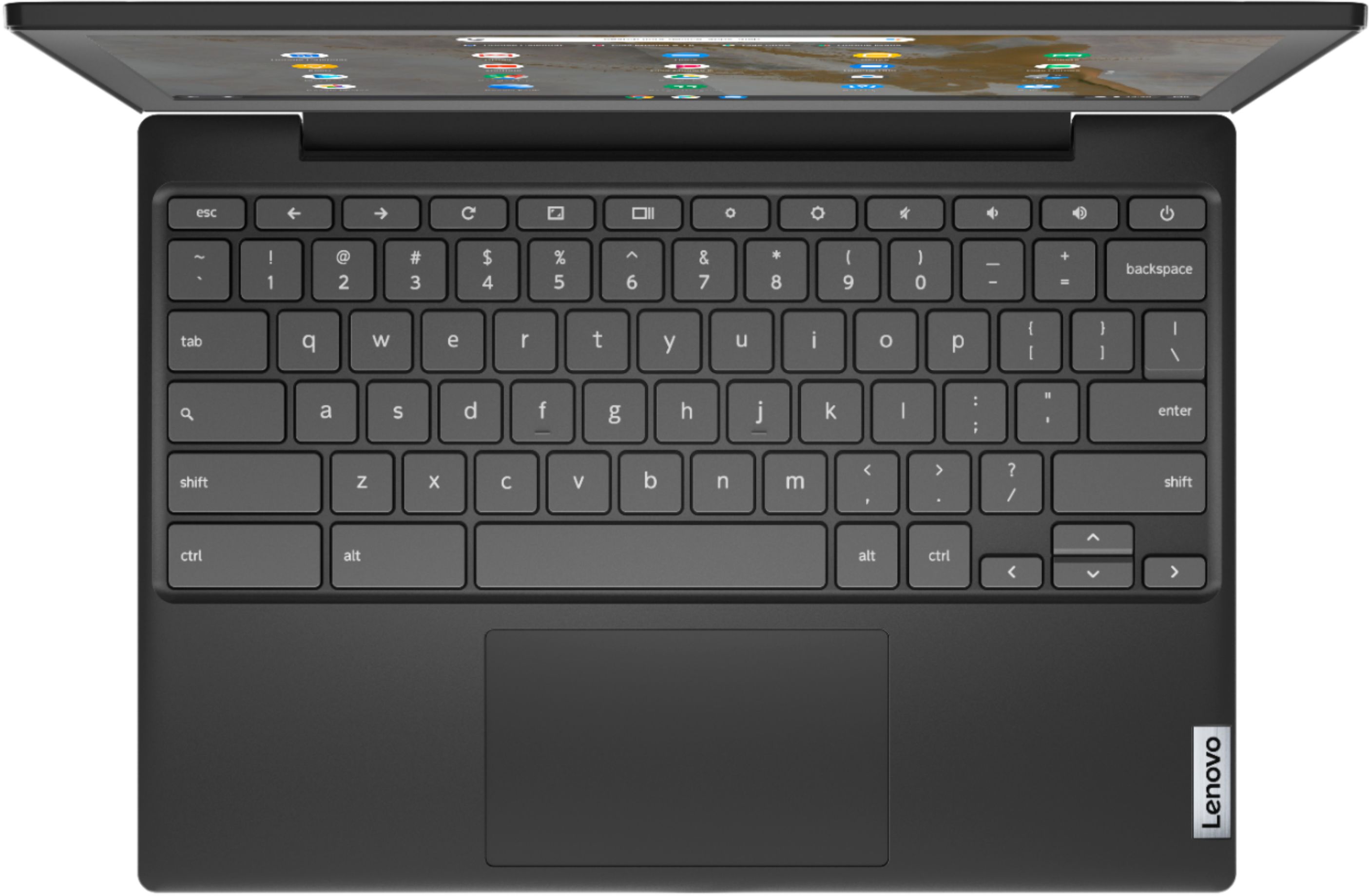
    • Answer No. The Lenovo Chromebook 3 11 model number 82H40000US, does not have a backlit keyboard.

      Answered by Lenovo Product Expert

  • QuestionWill this handle zoom meetings? I read one review that says No. Just double checking. Thank you.

    Asked by Suz132.

    • Answer That really will depend on the requirements and compatibility of the specific APP you want to use. The Lenovo Chromebook 3 11 ships with the Chrome Operating System and is compatible with Google Play Store APPs. We recommend you check with the specific APPs software publisher's web site, of the specific APP you want to use, for their compatibility with the Chrome operating system and the minimum/recommended hardware requirements (Is a Graphics card required, the processor speed and the minimum required system RAM and the minimum available hard drive space) to run their program, then compare those requirements to this system's configuration.
      Answered by Lenovo Product Expert

  • QuestionDo this laptop jave a hdmi input

    Asked by Vivia.

    • Answer No. The Lenovo Chromebook 3 11 model number 82H40000US does not have an HDMI port. This model ships with 2x USB-C 3.2 Gen 1 (support data transfer, Power Delivery and DisplayPort 1.2) ports, with video out capability to external monitors. This Chromebook 3 11 Supports up to 2 independent displays via native display and 1 external monitor; supports external monitor via USB-C (up to 3840x2160@30Hz). You can connect an HDMI monitor to this Chromebook by using a USB-c to HDMI adapter like this one: https://www.bestbuy.com/site/insignia-usb-c-to-hdmi-adapter-white/6424886.p?skuId=6424886

      Answered by Lenovo Product Expert

  • QuestionCan you use a wireless mouse with this?

    Asked by Pamela.

    • Answer Yes, I’m using a wireless mouse as well.

      Answered by Anonymous

  • QuestionHow long does the battery last before recharging

    Asked by Hanz.

    • Answer The Lenovo Chromebook 3 11 model number 82H40000US, ships with a Integrated 47Wh, Lithium-Polymer battery, which within this configuration, has a battery life of up to 10 hours, depending on the work this Chromebook is performing.

      Answered by Lenovo Product Expert

  • QuestionCan I use a mouse with this?

    Asked by LightE.

    • Answer Yes, so long as the mouse is compatible with the Chrome Operating System. We recommend you check with the mouse manufacturer for the compatibility of your specific model mouse.

      Answered by Lenovo Product Expert

  • QuestionDoes the keyboard have backlit?

    Asked by Ash.

    • Answer No. The Lenovo Chromebook 3 11 model number 82H40000US, does not have a backlit keyboard.

      Answered by Lenovo Product Expert

  • QuestionDoes it have a webcam?

    Asked by Debby.

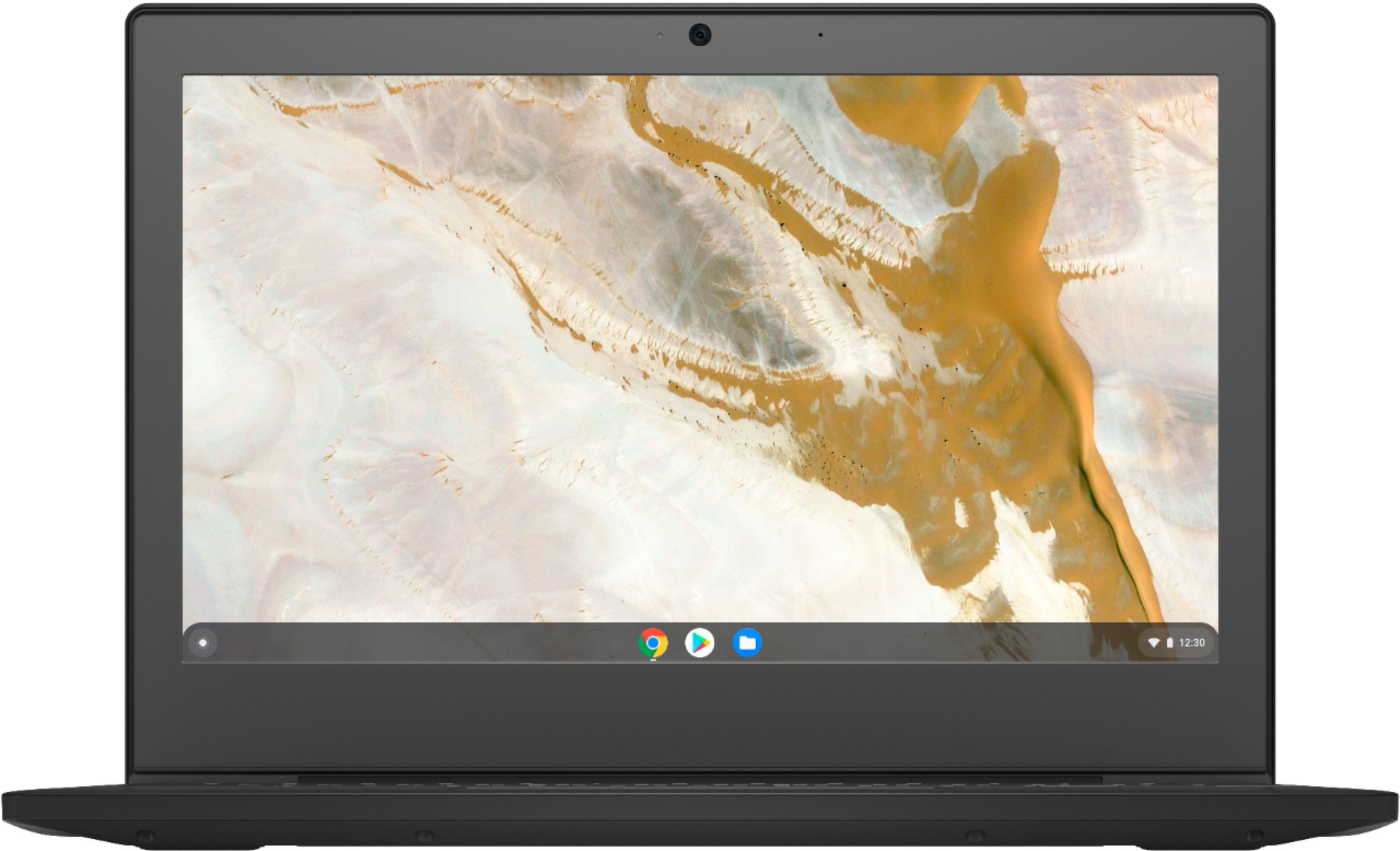
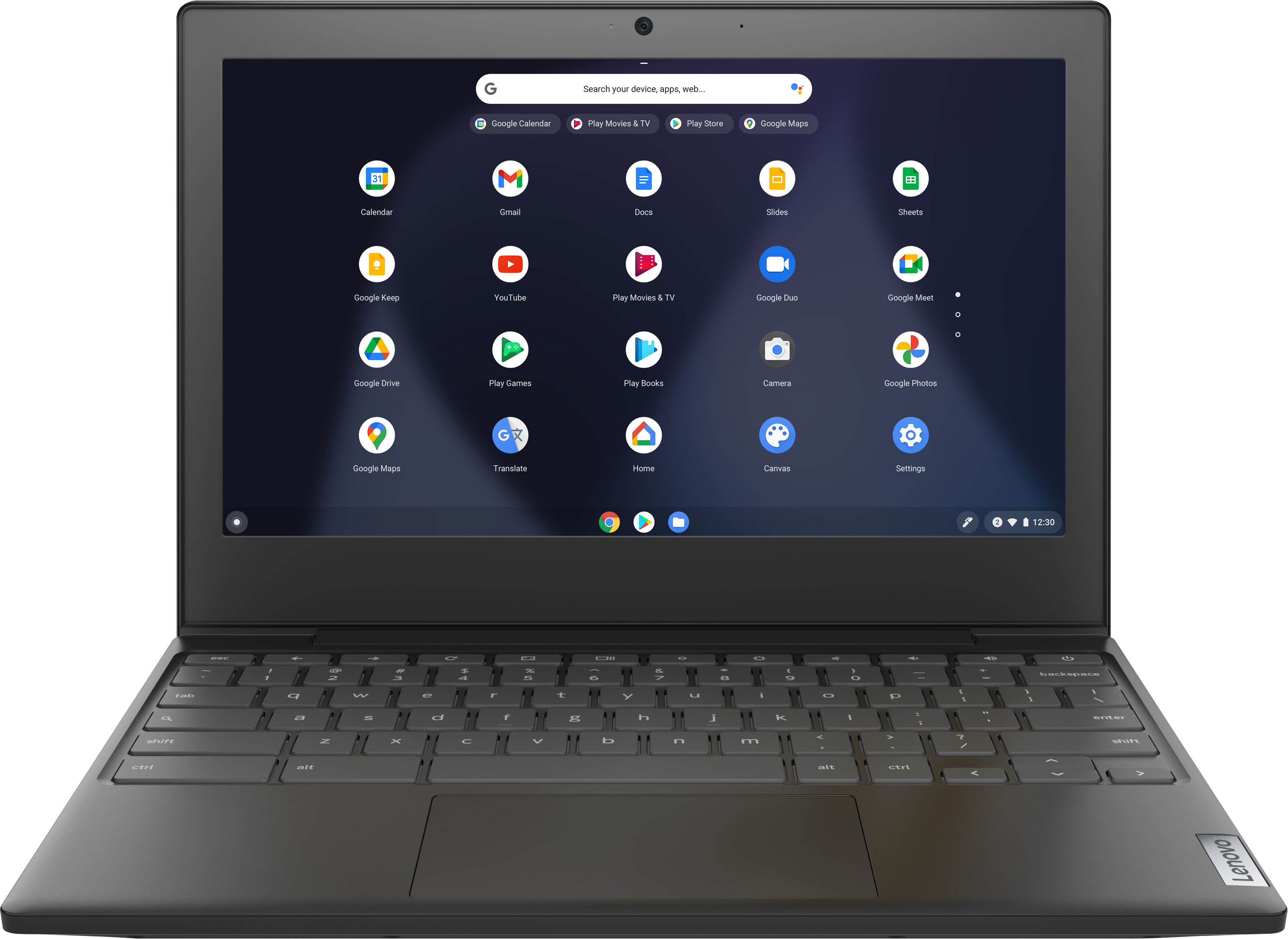
    • Answer Yes. The Lenovo Chromebook 3 11 model number 82H40000US, ships with an HD (720p) webcam and microphone built in.

      Answered by Lenovo Product Expert

  • Questionare you able to download and open all the android apps on this computer

    Asked by ash.

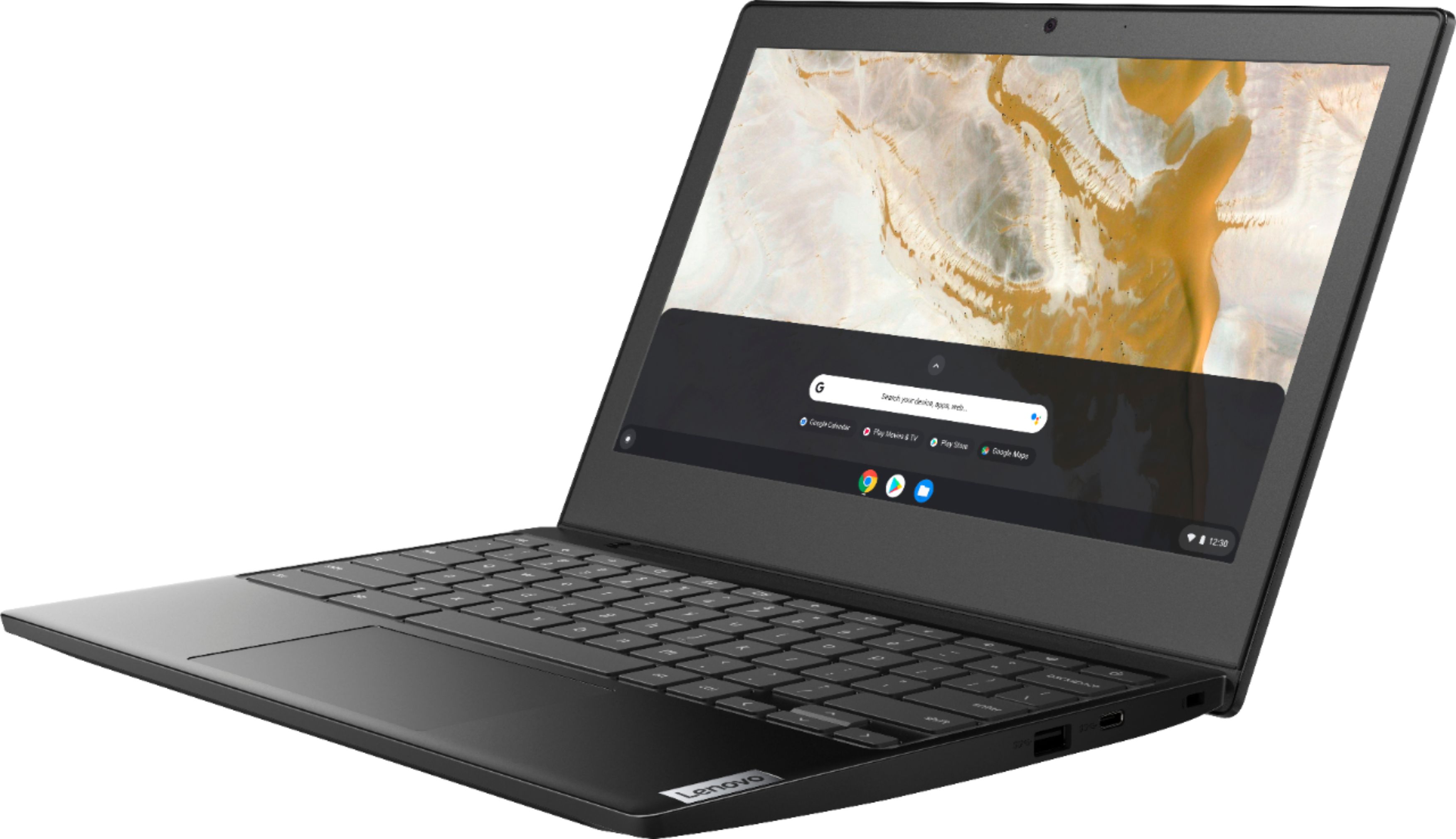
    • Answer No. Not all Google Play Store APPs are optimized for the Chrome Operating System. We recommend you check with any critical APPs software publisher's web sites, that you will need to use, for their compatibility with the Chrome operating system and the minimum/recommended hardware requirements (Is a Graphics card required, the processor speed and the minimum required system RAM and the minimum available hard drive space) to run their program, then compare those requirements to this system's configuration.
      Answered by Lenovo Product Expert

  • QuestionIs this laptop touchscreen

    Asked by Tay.

    • Answer No

      Answered by Ofoosy

  • QuestionCet ordinateur peut se connecter au wifi?

    Asked by Mik.

    • Answer Oui. Le Lenovo Chromebook 3 11 numéro de modèle 82H40000US, est livré avec WiFi-5, WiFi de fréquence 2x2 802.11ac intégré.

      Answered by Lenovo Product Expert

  • QuestionHow do you find the IMEI number?

    Asked by Mmdd.

    • Answer The Lenovo Chromebook 3 11 model number 82H40000US, is WiFi only for internet connectivity, it has no cellular/broadband data capability.

      Answered by Lenovo Product Expert

  • QuestionDoes it have a cd or dvd insert?

    Asked by Earl.

    • Answer No. The Lenovo Chromebook 3 11 does not have a built in CD/DVD drive.

      Answered by Lenovo Product Expert

  • QuestionDoes this have HDMI port?

    Asked by Dennis.

    • Answer No. The Lenovo Chromebook 3 11 model number 82H40000US, ships with 2x USB-C 3.2 Gen 1 (support data transfer, Power Delivery and DisplayPort 1.2) and supports up to 2 independent displays via native display and 1 external monitor; supports external monitor via USB-C (up to 3840x2160@30Hz). You can connect an HDMI external monitor to this Chromebook by using a USB-c to HDMI adapter, like this one: https://www.bestbuy.com/site/insignia-usb-c-to-hdmi-adapter-white/6424886.p?skuId=6424886

      Answered by Lenovo Product Expert

  • QuestionIs it a touch screen

    Asked by Jazz.

    • Answer No. The Lenovo Chromebook 3 11 model number 82H40000US, does not have a touch screen.

      Answered by Lenovo Product Expert

  • Questiondoes chromebook connect to the internet wireless

    Asked by irishman.

    • Answer Yes. The Lenovo Chromebook 3 11 model number 82H40000US, ships with 802.11ac frequency WiFi, which is also backward compatible with older a/b/g/n frequency WiFi.

      Answered by Lenovo Product Expert

  • QuestionCan the Lanova Chromebook 3 use Word?

    Asked by songster.

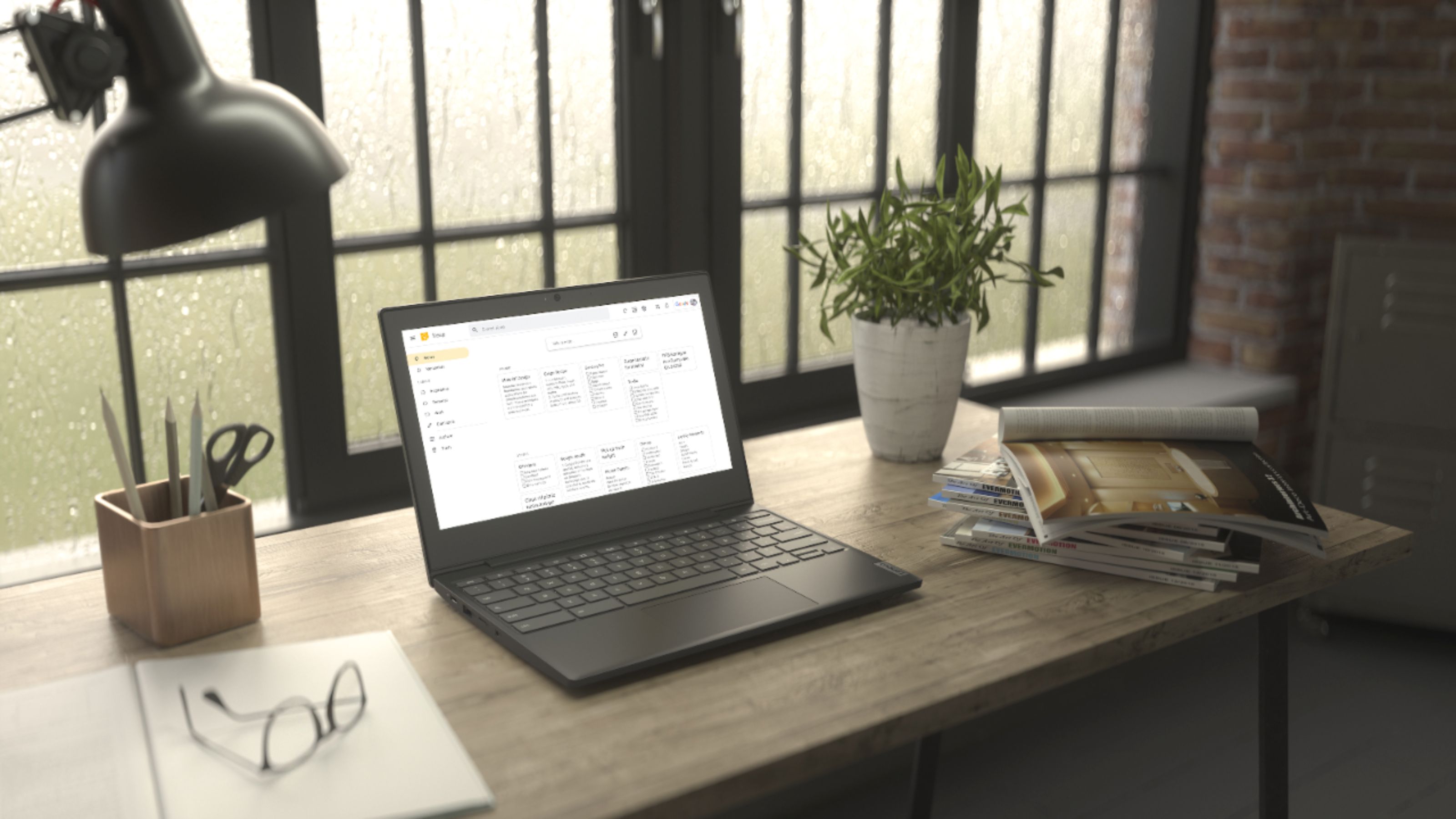
    • Answer All Chromebooks including this Lenovo Chromebook 3 11 model number 82H40000US, use Google Docs for office type programs. Google Docs is completely compatible with Microsoft Office Programs and this is a free service through the Google Server. If you must have the actual Microsoft Office Programs, you can purchase Microsoft Office 365 for this Chromebook at the Google Play Store.

      Answered by Lenovo Product Expert

  • Questioncan i use google play?

    Asked by julcam800.

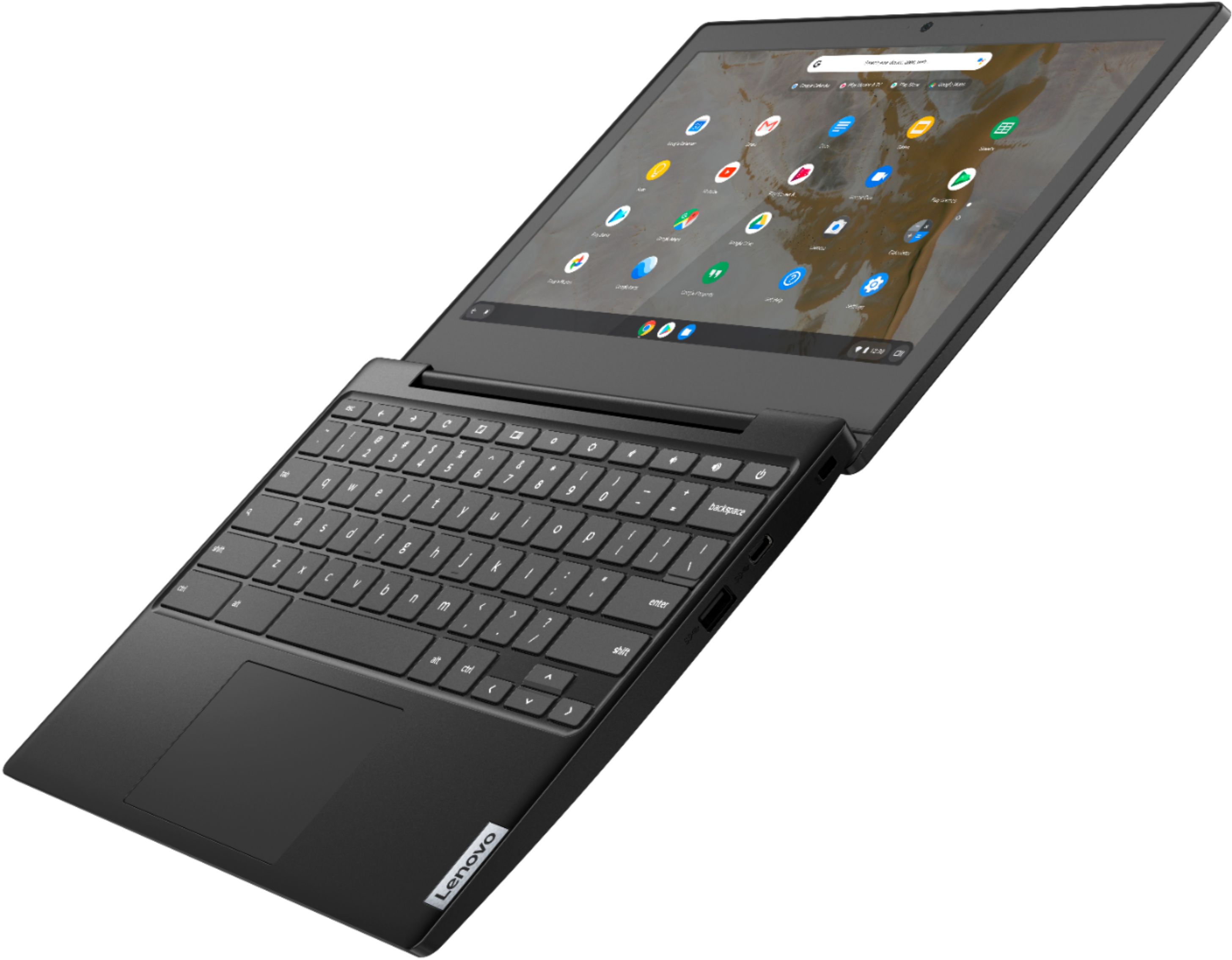
    • Answer The Lenovo Chromebook 3 11 model number 82H40000US, ships with the Chrome Operating System and is compatible with Google Play Store APPs. Not all Google Play Store APPs are optimized for the Chrome Operating System. We recommend you check with the specific APPs software publisher's web sites, of the specific APPs you want to use, for their compatibility with the Chrome operating system and the minimum/recommended hardware requirements (Is a Graphics card required, the processor speed and the minimum required system RAM and the minimum available hard drive space) to run their program, then compare those requirements to this system's configuration.
      Answered by Lenovo Product Expert

  • QuestionCan I extend the flash memory? or the ram memory?

    Asked by shp.

    • Answer Both the 4GB DDR4-1866MHz RAM and the 32GB eMMC 5.1 solid state hard drive are soldered to the motherboard and are not upgradeable internally. You can extend your storage capacity by using the MicroSD Card slot on the Chromebook 3 11, and external USB-based, Chrome Operating System hard drive and/or a Cloud-Based Storage Account.

      Answered by Lenovo Product Expert