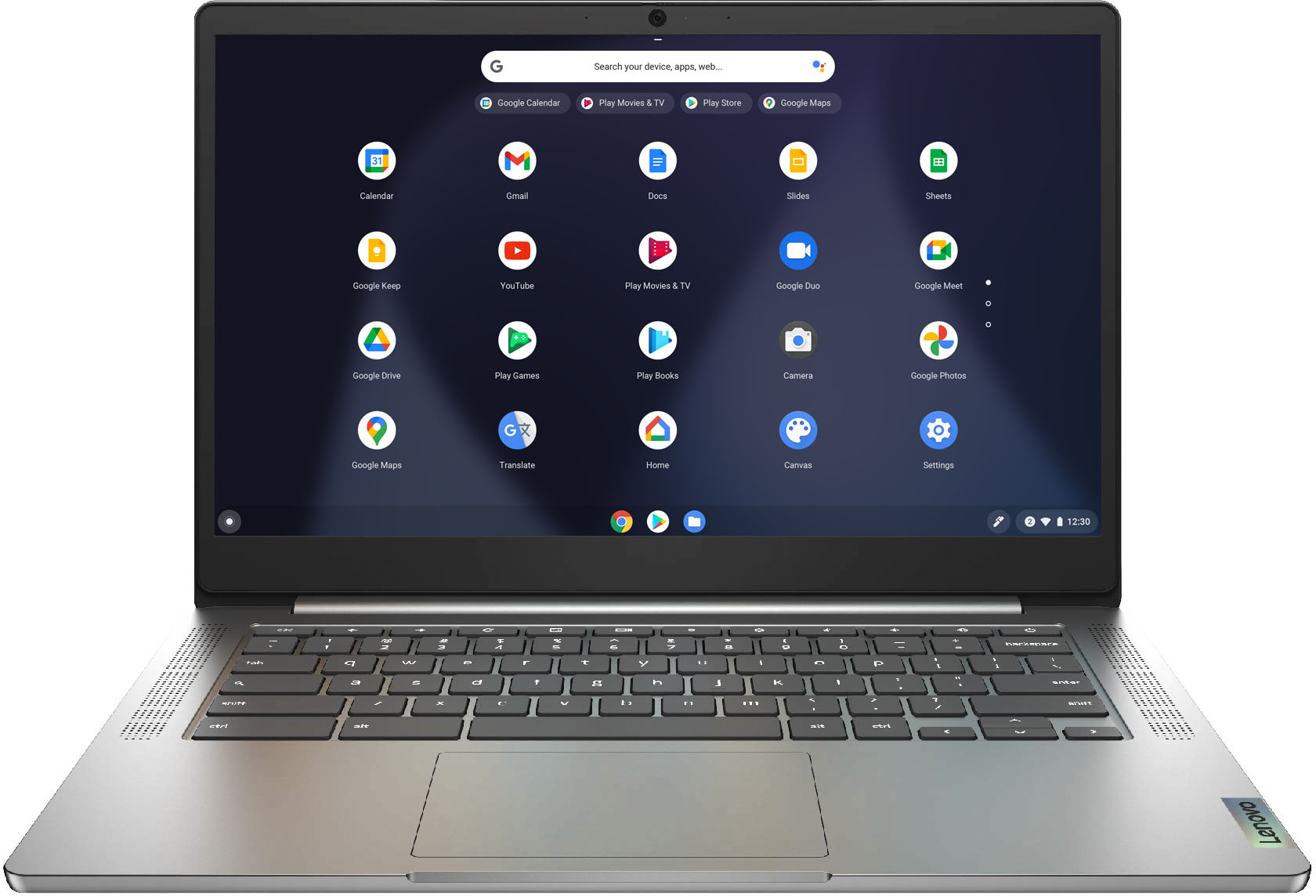
A:AnswerNo. The Lenovo Chromebook 3 14 ships with the Chrome Operating System and is compatible with Google Play Store APPs. It is not compatible with the Windows Operating System.
A:AnswerThe Lenovo Chromebook 3 14 uses Google Docs for office type programs. Google Docs is completely compatible with Microsoft Office Programs and this is a free service through the Google Server. If you must have the actual Microsoft Office Programs, you can purchase Microsoft Office 365 for this Chromebook at the Google Play Store.
A:AnswerNo. The Lenovo Chromebook 3 14 model number 82KN0000US uses WiFi only for connecting to the internet. It has no cellular/broadband capability. You can create a WiFi Hotspot with a compatible cell phone then connect the Chromebook 3 14 to that WiFi signal. We recommend you consult with your cellular provider for details, requirements and compatibility.
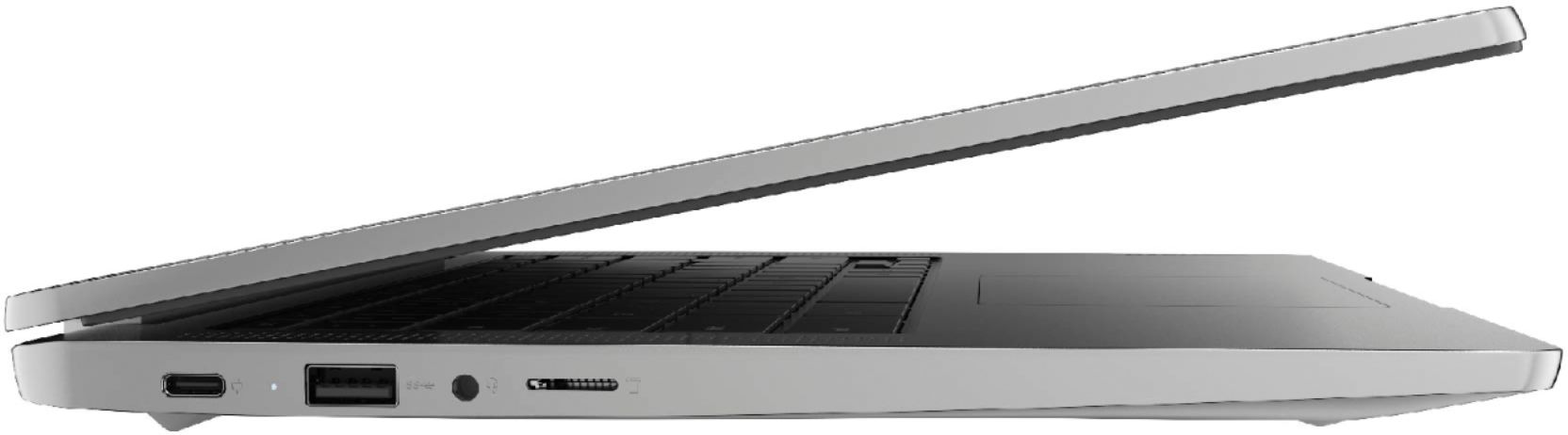
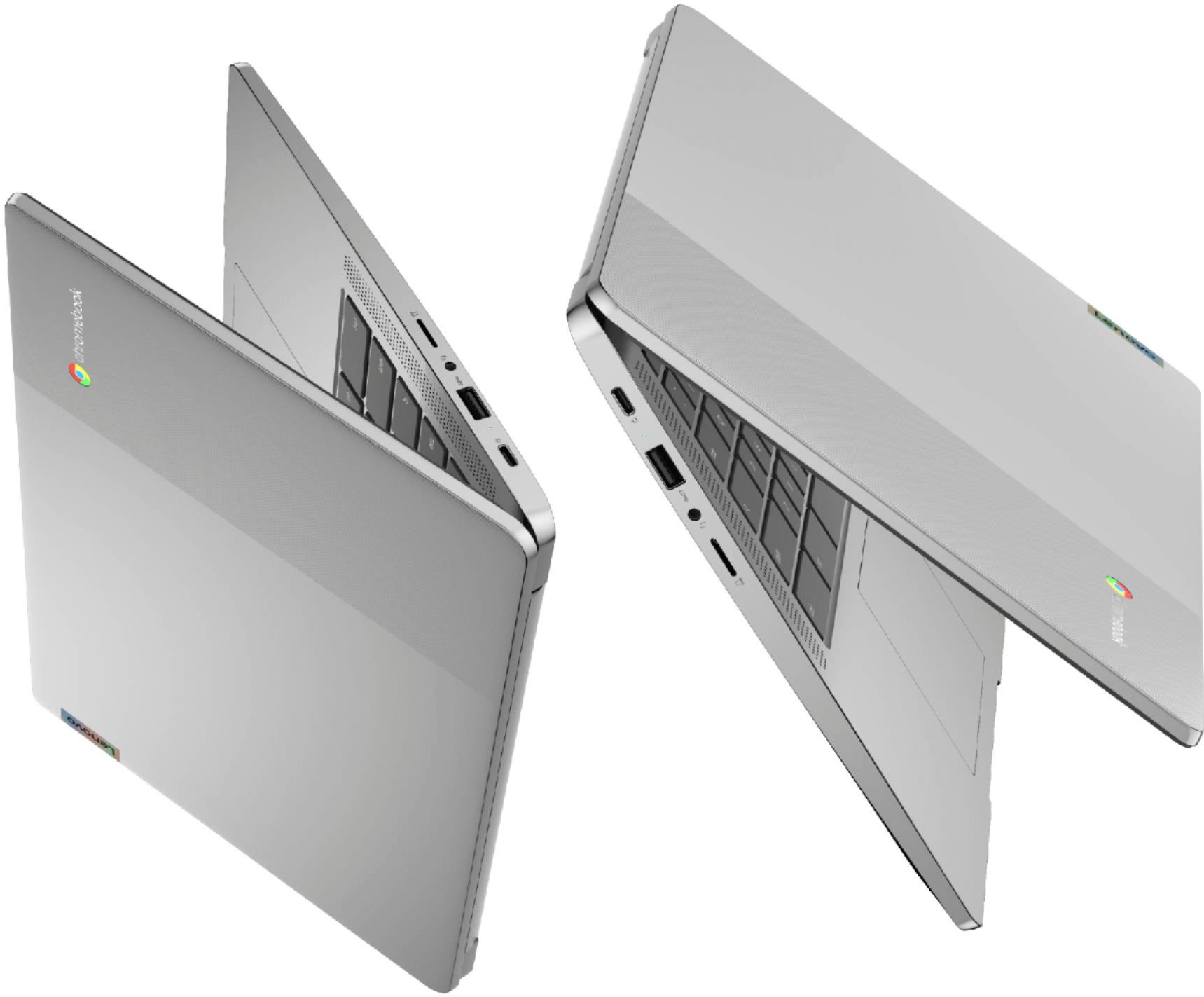
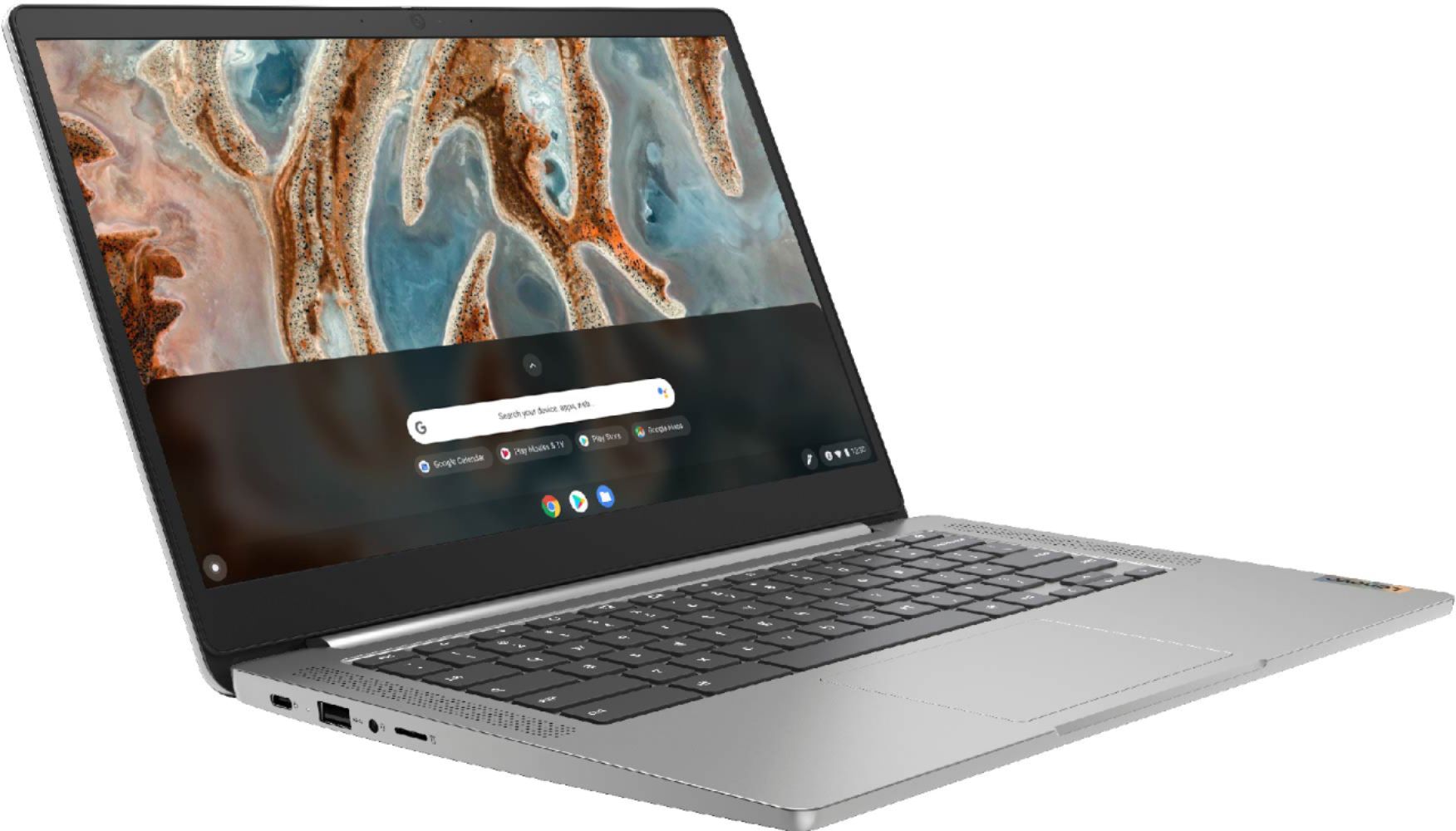
A:AnswerUse bluetooth or micro sd card in slot for pictures. It has 1 usb 2. port. usually which a portable burner would use. Also a usb c port. Use a usb 2. to usb c adapter if needed.
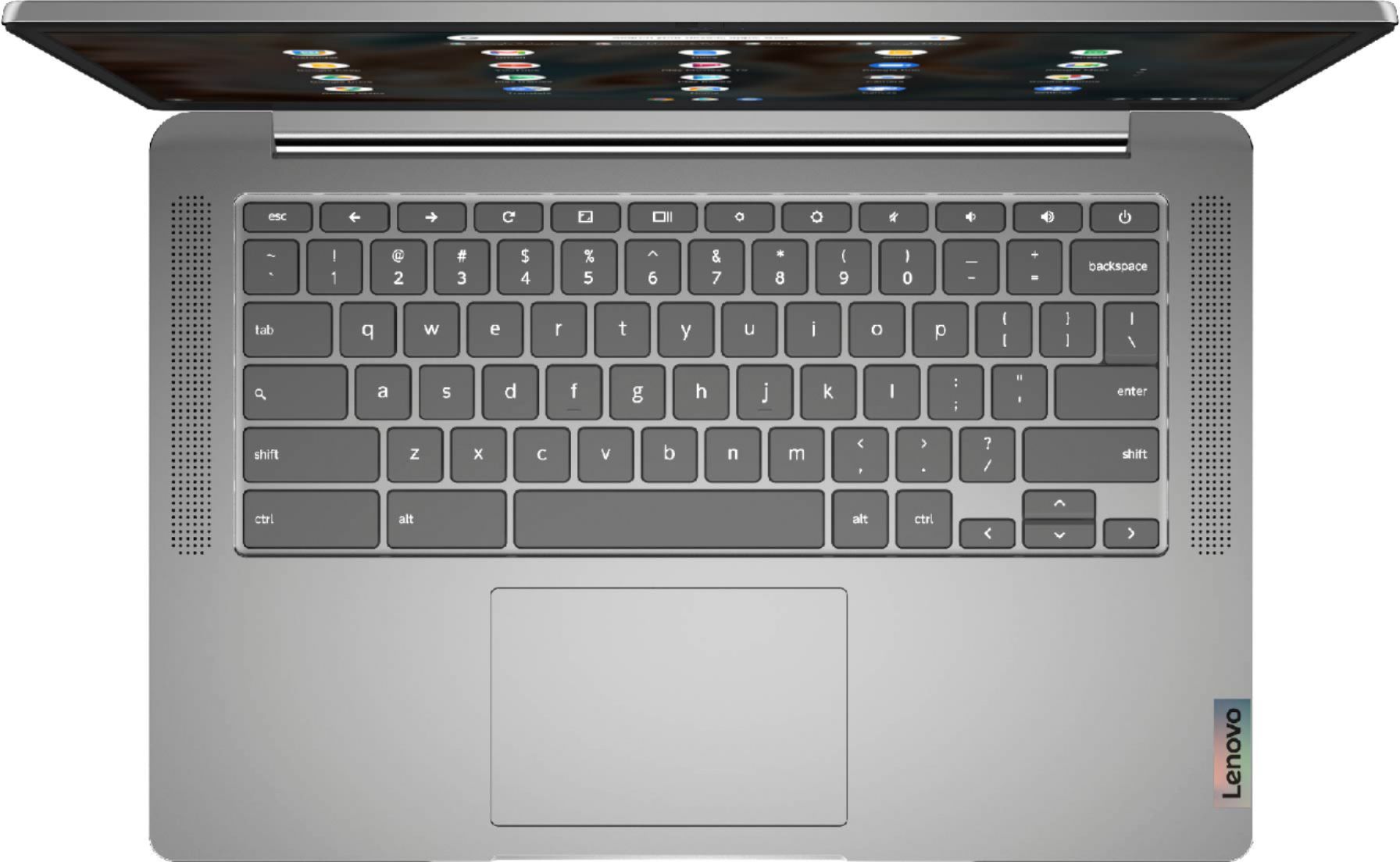
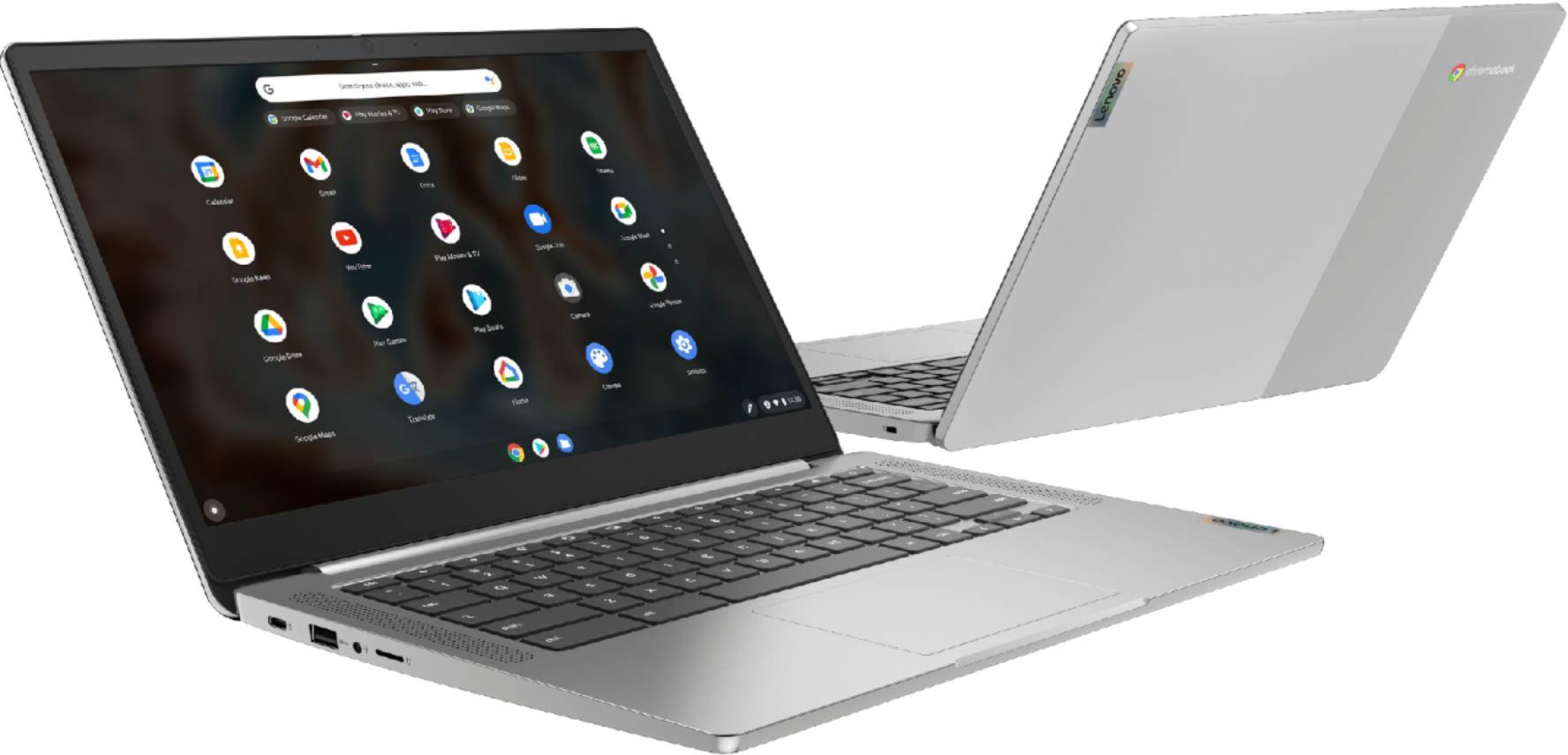
A:AnswerThe Lenovo Chromebook 3 14 model number 82KN0000US, has a 14 inch (screen size measured diagonally) TN - FHD (1920x1080) screen, with a brightness level of 220 nits and has an Anti-glare coating. The Chromebook 3 14 has 1x USB-C 2.0 (support data transfer, Power Delivery 2.0 and DisplayPort 1.1a) with video out capability, which supports up to 2 independent displays via native display and 1 external monitor; supports external monitor via USB-C (up to 1920x1080@60Hz). Here is a link to instructions for connecting and adjusting an external monitor connected to a Chromebook: https://support.google.com/chromebook/answer/1060909?hl=en. If you continue to have issues, check the HDMI cable you are using, switch it with a different HDMI cable, if possible. Also check the specs of the USB-c adapter you are using to be sure it supports FHD resolution. If you continue to have issues we recommend you contact Lenovo Tech Support for Chromebooks at: 800-426-7378.
A:AnswerSo long as the wireless mouse is compatible with the Chrome Operating System uses either a USB 2.4GHz WiFi receiver or is compatible with Bluetooth 4.2 version. We recommend you check with the mouse manufacturer for compatibility.
A:AnswerYes this Chromebook is compatible with a printer fax machine it is also compatible with wireless mouse and it is good for video chat comes with built-in microphone and speakers.
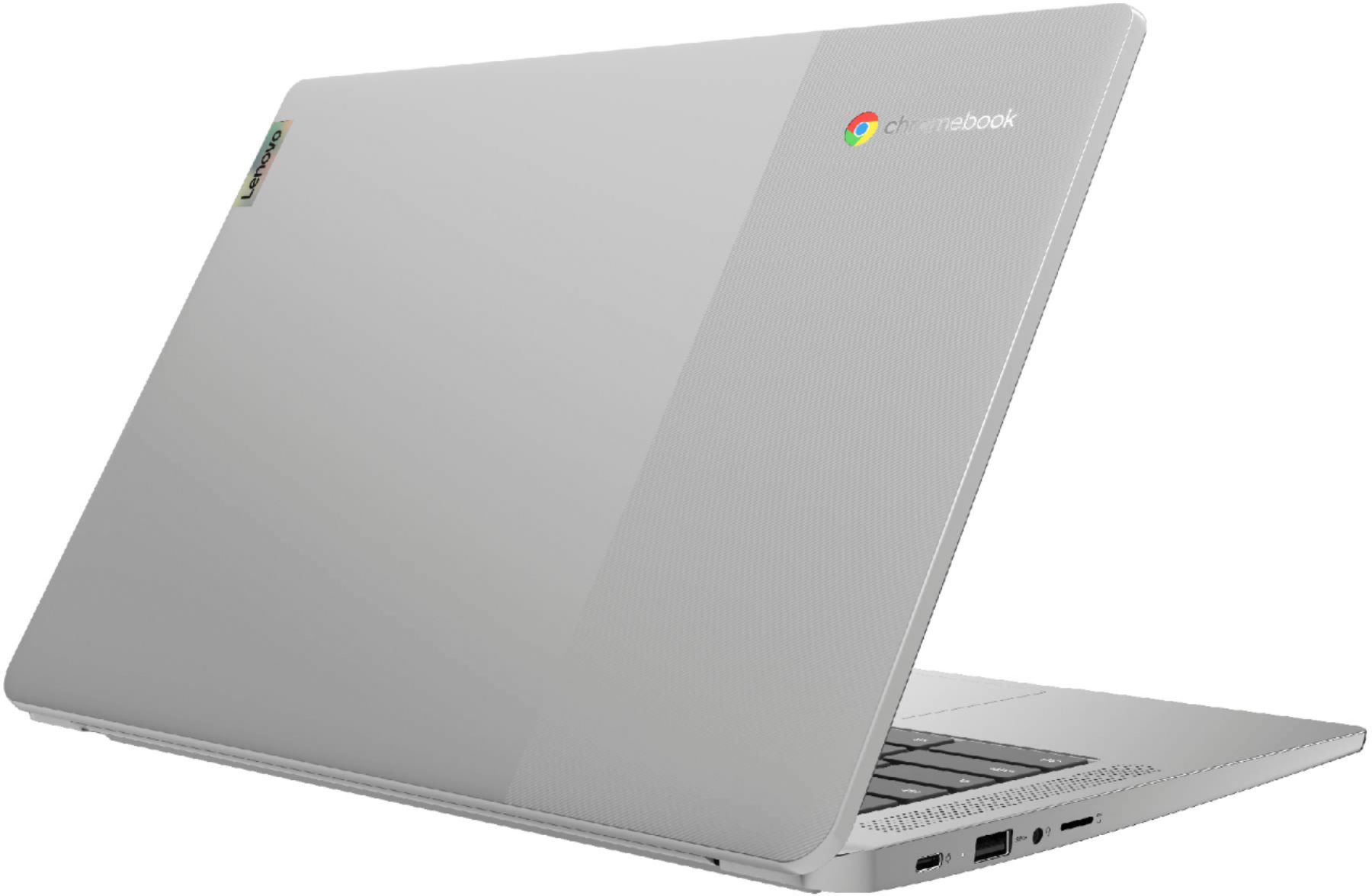
A:AnswerThe Lenovo Chromebook 3 14 model number 82KN0000US, ships with 1x USB-C 2.0 (support data transfer, Power Delivery 2.0 and DisplayPort 1.1a) with video out capability for connecting an external monitor. You can connect an HDMI monitor to this Chromebook by using a USB-c to HDMI adapter like this one: https://www.bestbuy.com/site/insignia-usb-c-to-hdmi-adapter-white/6424886.p?skuId=6424886
A:AnswerThere is no HDMI port on the Lenovo Chromebook 3 14 model number 82KN0000US. This model uses 1x USB-C 2.0 (support data transfer, Power Delivery 2.0 and DisplayPort 1.1a) with video out capability for connecting an external monitor to this Chromebook. The Chromebook 3 14 supports up to 2 independent displays via native display and 1 external monitor; supports external monitor via USB-C (up to 1920x1080@60Hz). You can connect an HDMI monitor to this Chromebook by using a USB-c to HDMI adapter like this one: https://www.bestbuy.com/site/insignia-usb-c-to-hdmi-adapter-white/6424886.p?skuId=6424886
A:AnswerAlthough this Chromebook will not auto-update after June 2026, you can still use it. I have an old Chromebook that I have had for years (bought it when Chromebooks first came out), which I still use for email and to surf the web/internet, although it no longer auto-updates. I have not really missed the auto-updating feature at all. So that date is not really the "end of life" for the laptop!
A:AnswerHere is a link to instructions for recovering the Operating System on a Chromebook: https://support.google.com/chromebook/answer/1080595?hl=en. If the issue continues, we recommend you contact Lenovo Tech Support for Chromebooks at: 800-426-7378.
A:AnswerThat will depend on the requirements and compatibility of the APPs that will be used. The Lenovo Chromebook 3 14 model number 82KN0000US, ships with the Chrome Operating System and is compatible with Google Play Store APPs. We recommend you check with the specific APPs software publisher's web sites, of the APPs that will be used, for their compatibility with the Chrome operating system and the minimum/recommended hardware requirements (Is a Graphics card required, the processor speed and the minimum required system RAM and the minimum available hard drive space) to run their program, then compare those requirements to this system's configuration.
A:AnswerThe Lenovo Chromebook 3 14 model number 82KN0000US, ships with a built-in Linux environment called Linux (Beta) that you can easily switch to and from within the Chrome OS. Here is a link to more information about Linux on Lenovo Chromebooks: https://www.lenovo.com/us/en/faqs/operating-systems/install-linux-chromebook/