Black Friday is hereShop new DoorbustersShop now

Main Content

Questions & Answers

Your price for this item is $113.99
Clearance
The comparable value price is $189.00
Page Showing 41-60 of 74 questions
  • QuestionCan you use Microsoft on this device?

    Asked by Anonymous.

    • Answer No, has chrome os.

      Answered by CraigH

  • Questionyou answered my question but did not tell me what size i should buy of the micro sd card thars sold separately pleas tell me if 128gb is the one to buy of not

    Asked by maybe.

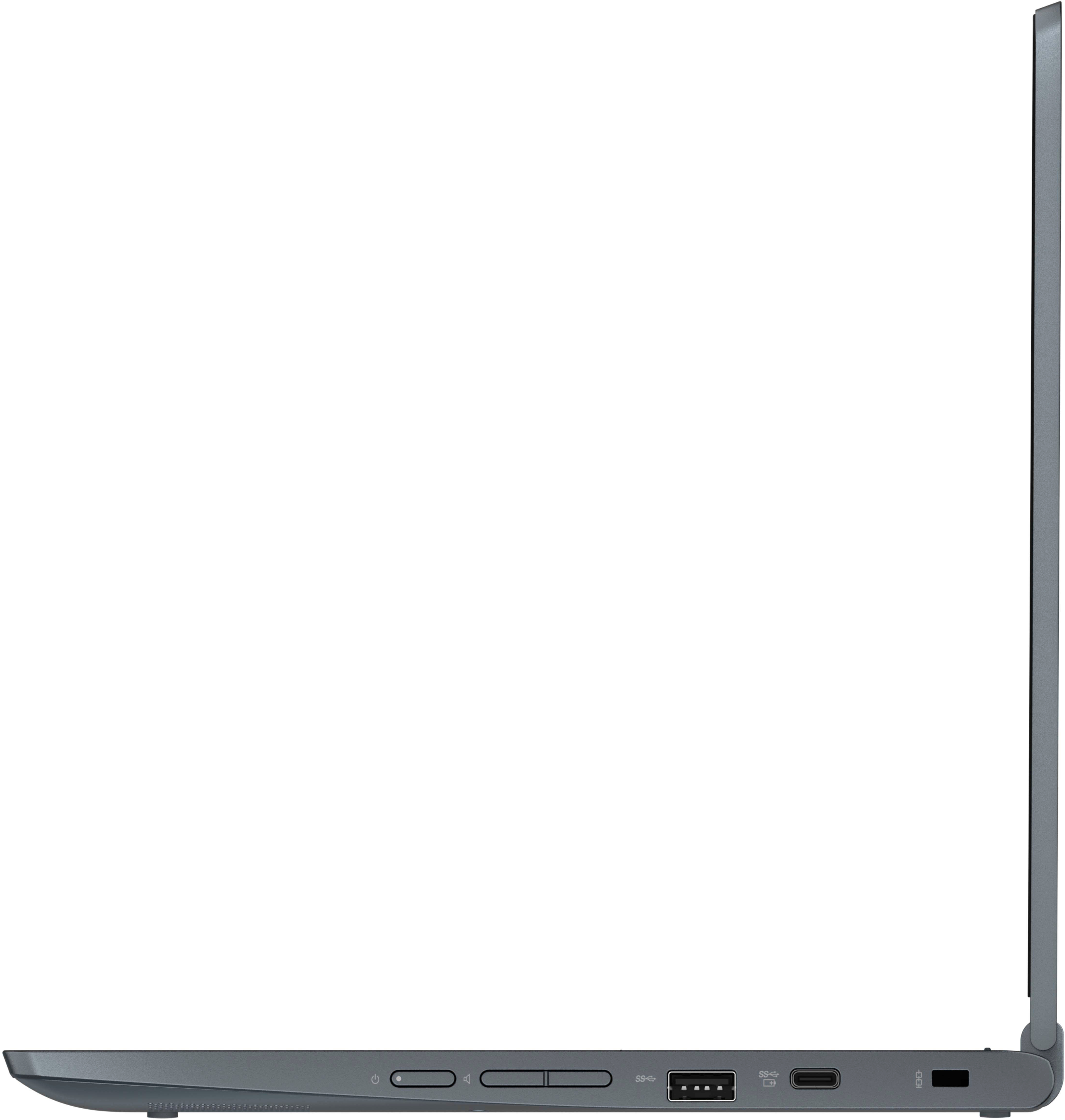
    • Answer You can buy any micro sd card to slip into the little port on the side of the chromebook. They are all the same "size". The micro card is about 1/4 the size of a postage stamp. However they come with different levels of Memory capacity. Your chromebook comes with 64 GB of memory. The little card you are thinking of buying comes with 128 GB. That's double what your chromebook has. A lot of memory. A lot. A 32 or 64 would most likely meet your needs. However keep in mind it is tiny and really easy to lose. Or your dog could chew it up. It's tiny. I wouldn't use it as the only place I used to back up a bunch of precious pictures. What about uploading them to an online storage system like Google photos or Amazon Prime? Just a thought.

      Answered by DH706

  • QuestionIs there enough storage to download a few movies for a road trip?

    Asked by Ollie406.

    • Answer That will depend on the size of the movie files you want to download. This Lenovo Flex 3 11 Chromebook, model number 82BB000AUS, ships with a 64GB eMMC 5.1 solid state hard drive soldered on the systemboard, with approximately 50GB of storage space available after the factory installation of System files. We recommend you check the size of the movie files you will be downloading to confirm the space is available on your Lenovo Flex 3 11 Chromebook. Also check with the movie publisher's web site for any Copyright restrictions to downloading the movie files on to removable media, like a MicroSD Card. This Lenovo Flex 3 11 Chromebook ships with a MicroSD Card Reader Slot, built in. The MicroSD Card is sold separately.

      Answered by Lenovo Product Expert

  • QuestionIs this compatible with cricut design space?

    Asked by Anonymous.

    • Answer That will depend on the requirements and compatibility of the specific device you want to use with this Lenovo Flex 3 11 Chromebook, which ships with the Chrome Operating System installed and is compatible with Google Play Store APPs. Not all Google Play Store APPs are optimized for the Chrome OS. We recommend you check with the specific device manufacturer's web site, of the specific model of the device you want to use, for their compatibility with the Chrome operating system and the minimum/recommended hardware requirements (Is a Graphics card required, the processor speed and the minimum required system RAM and the minimum available hard drive space) to run their program, then compare those requirements to this Chromebook's configuration.

      Answered by Lenovo Product Expert

  • QuestionDoes it have a sd card reader on the side?

    Asked by Sparty.

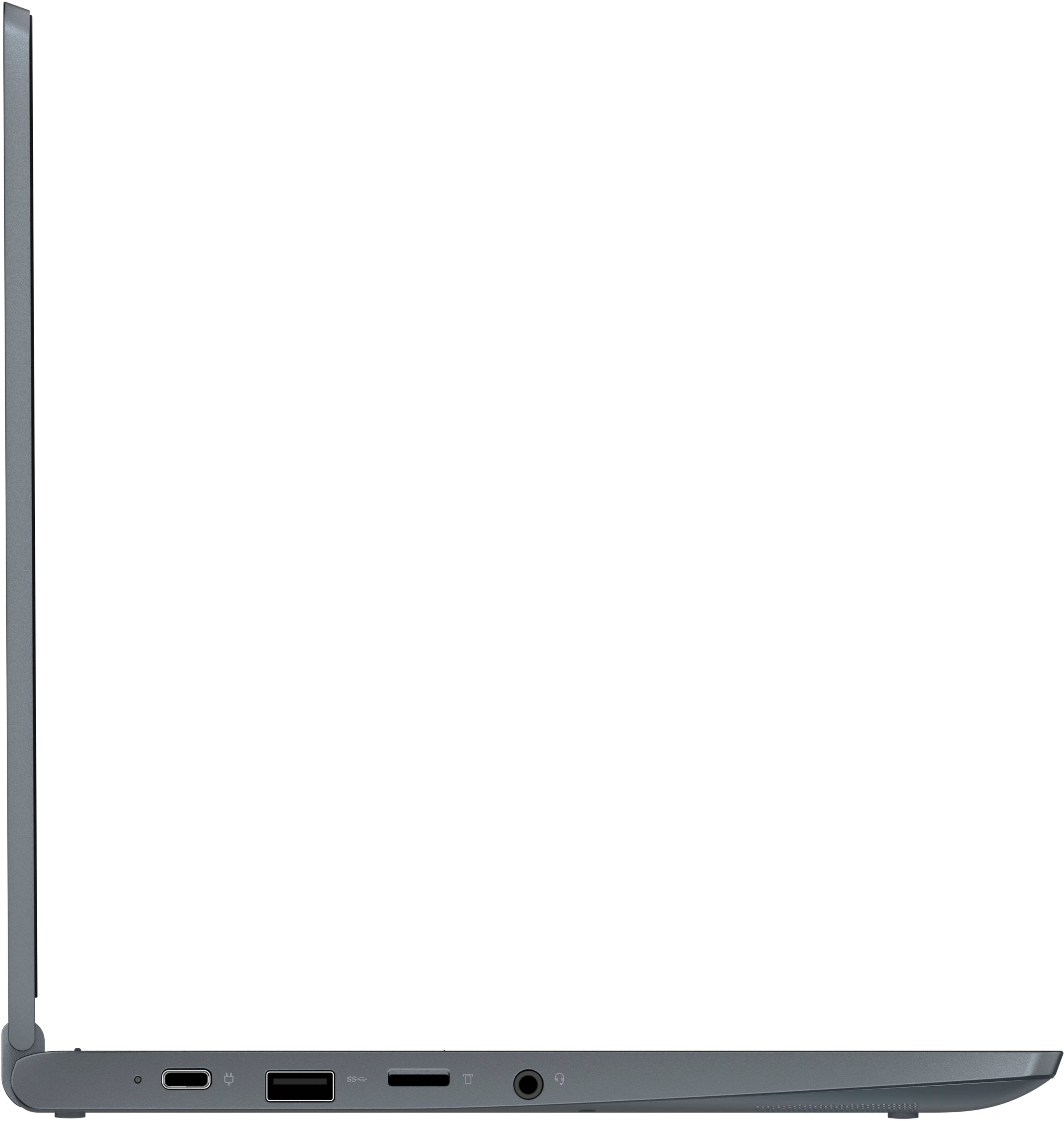
    • Answer Yes. This Lenovo Flex 3 11 Chromebook, model number 82BB000AUS, ships with a built in, MicroSD Card Reader Slot. The MicroSD Card is sold separately.

      Answered by Lenovo Product Expert

  • Questionis cloud storage is free or monthly subscription for this after 64gb ?

    Asked by Kumar.

    • Answer All Chromebooks, like this Lenovo Flex 3 11 Chromebook ship with 100GB of cloud storage. Enjoy plenty of space for all your files and photos free of charge with 12 months of Google One. Terms apply.

      Answered by Lenovo Product Expert

  • QuestionWhat ports are built in on this computer?

    Asked by SanJan.

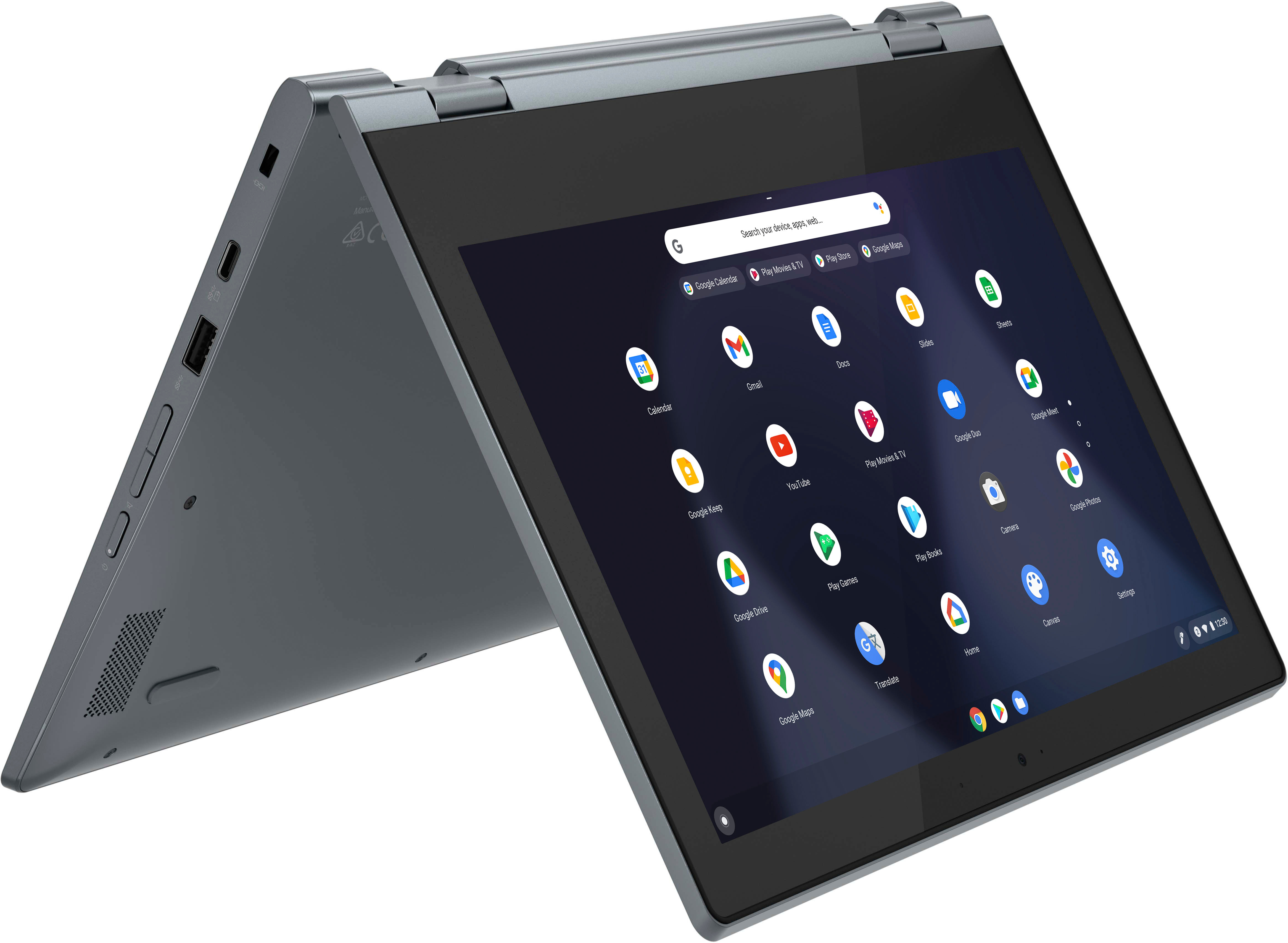
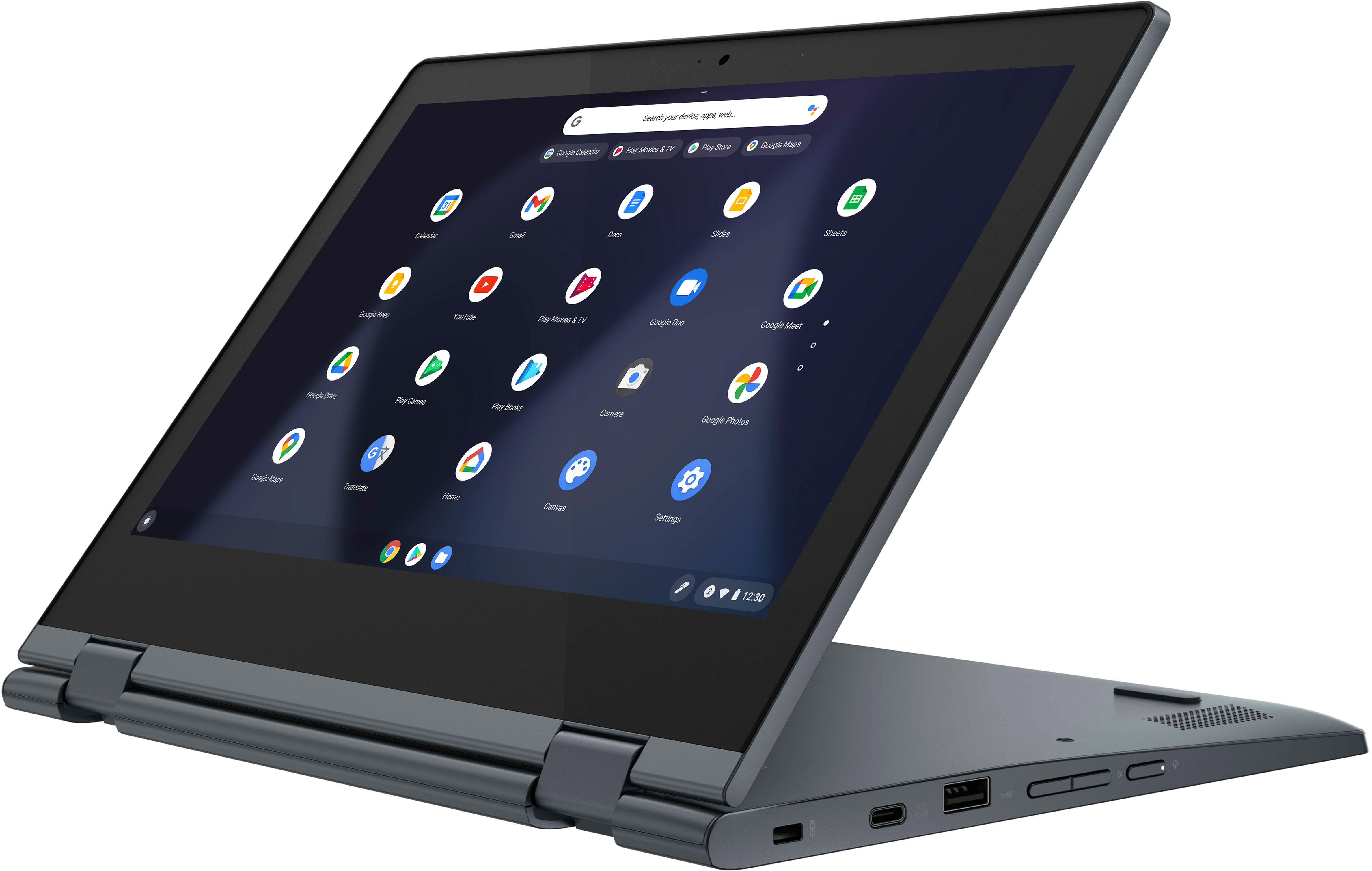
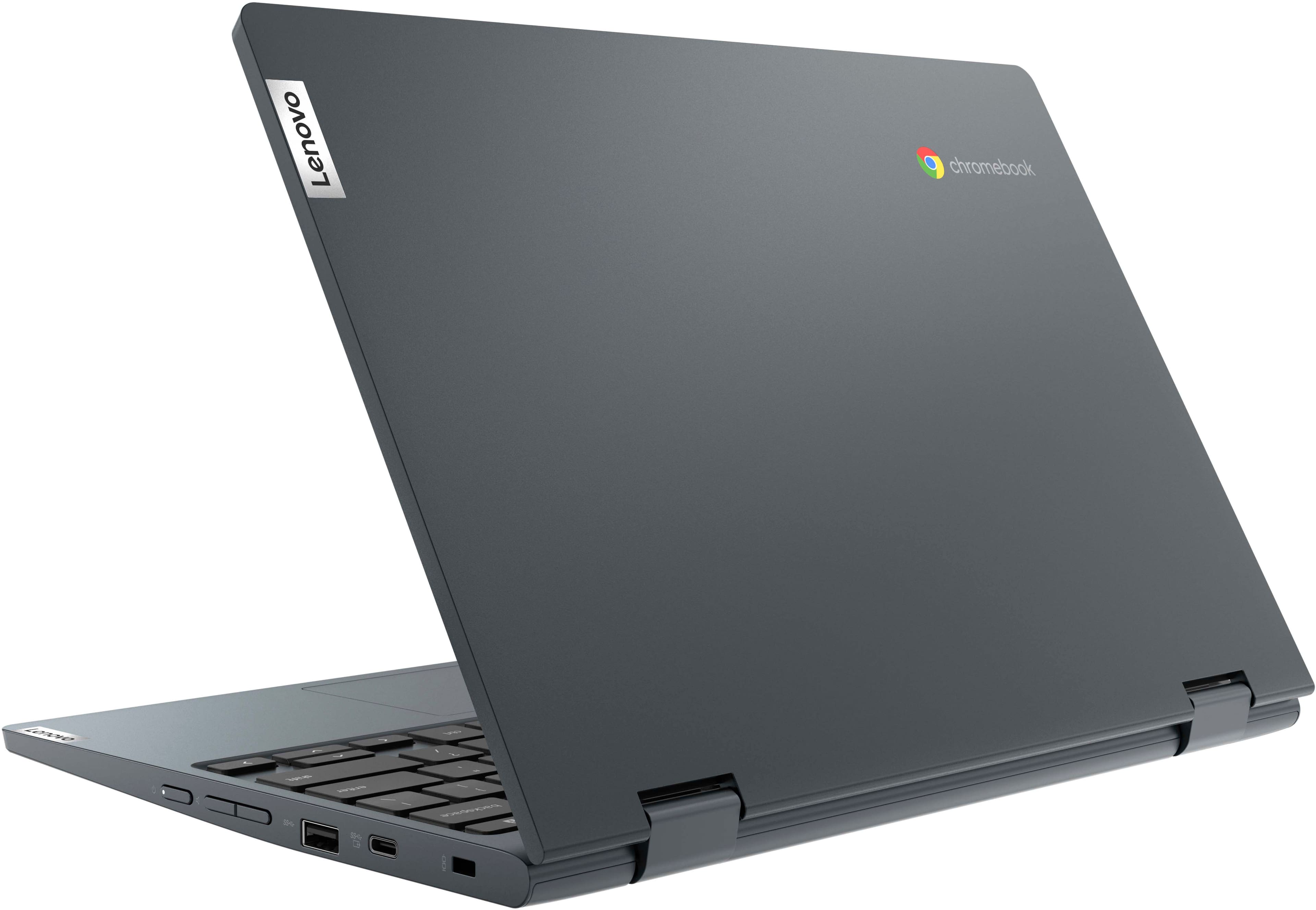
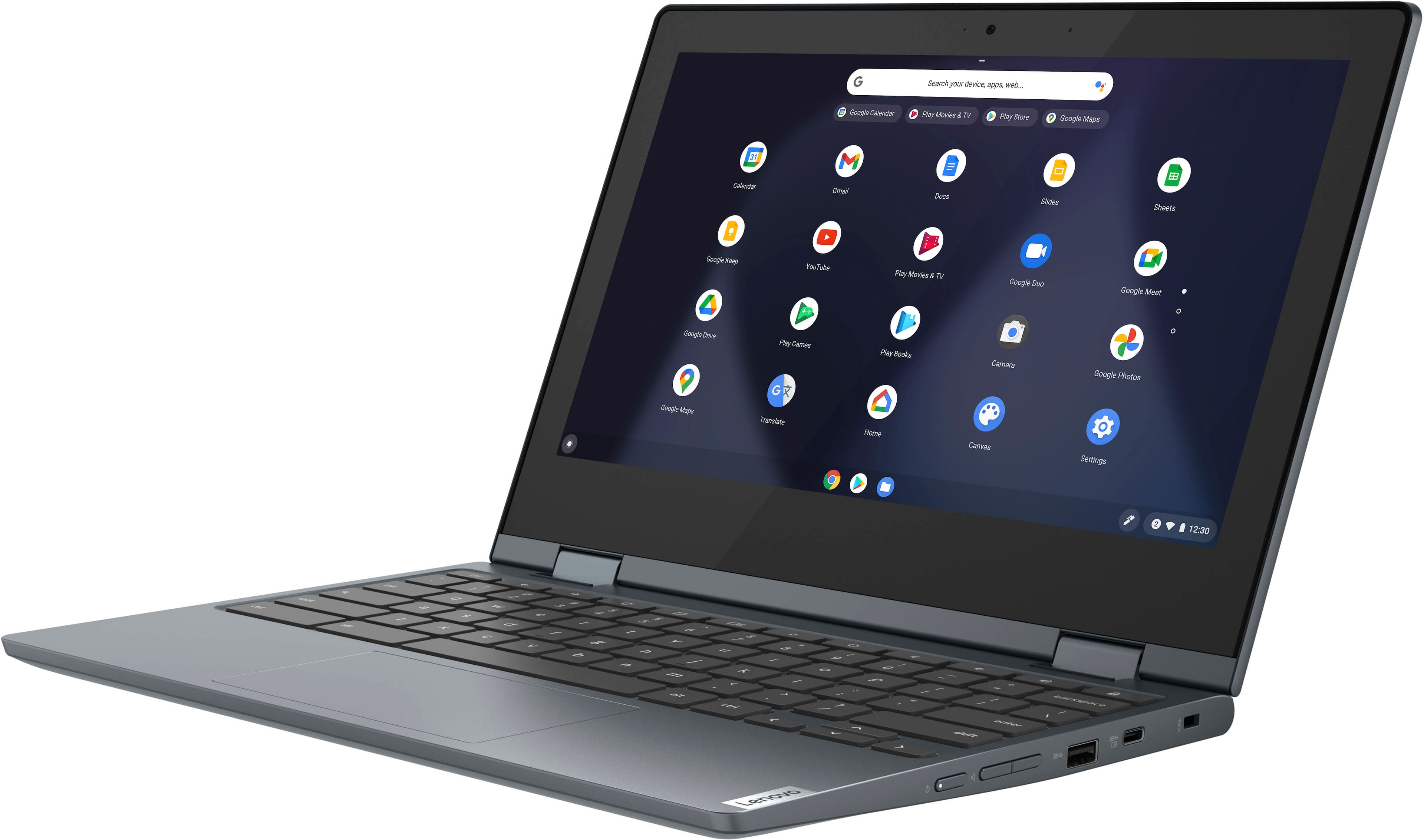
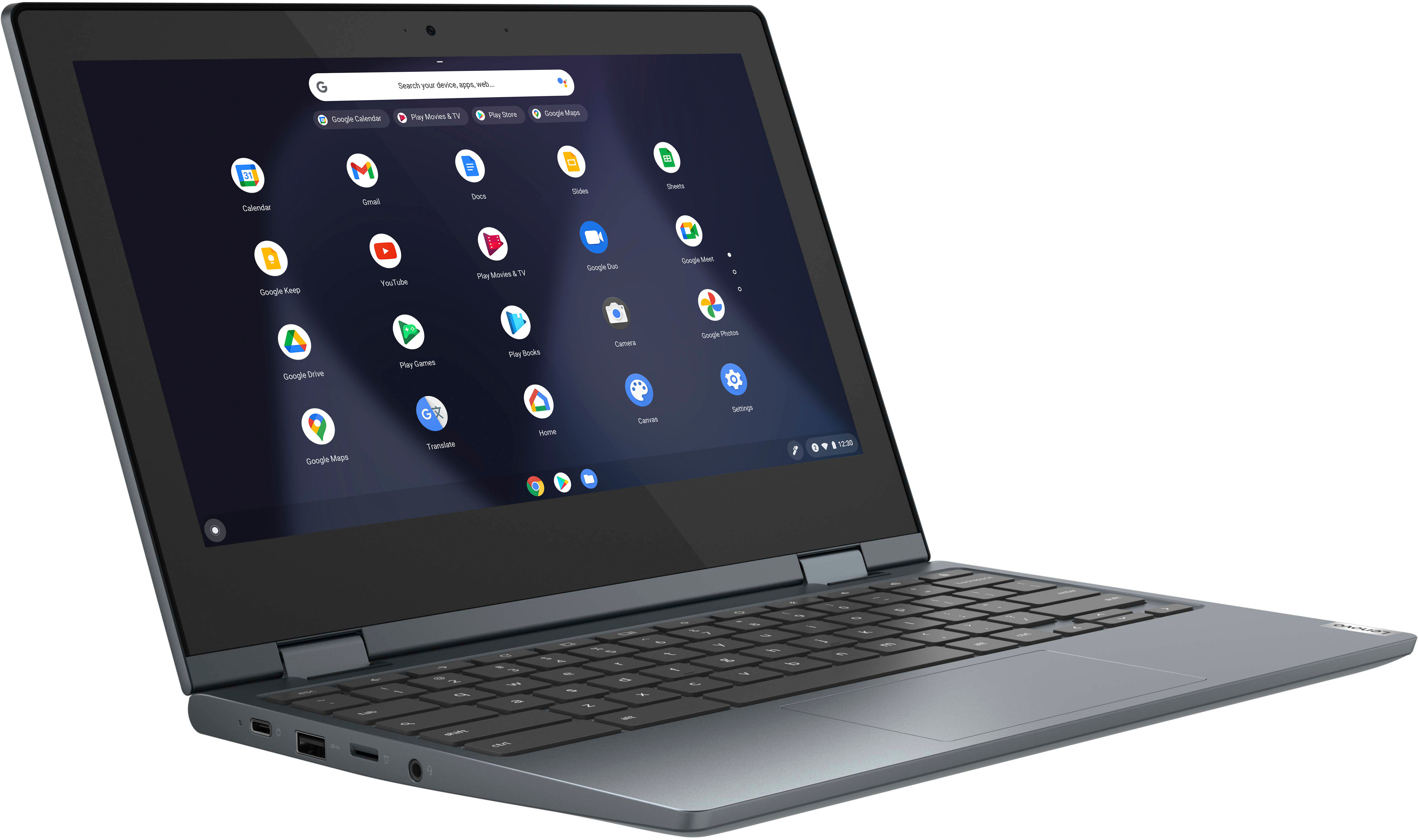
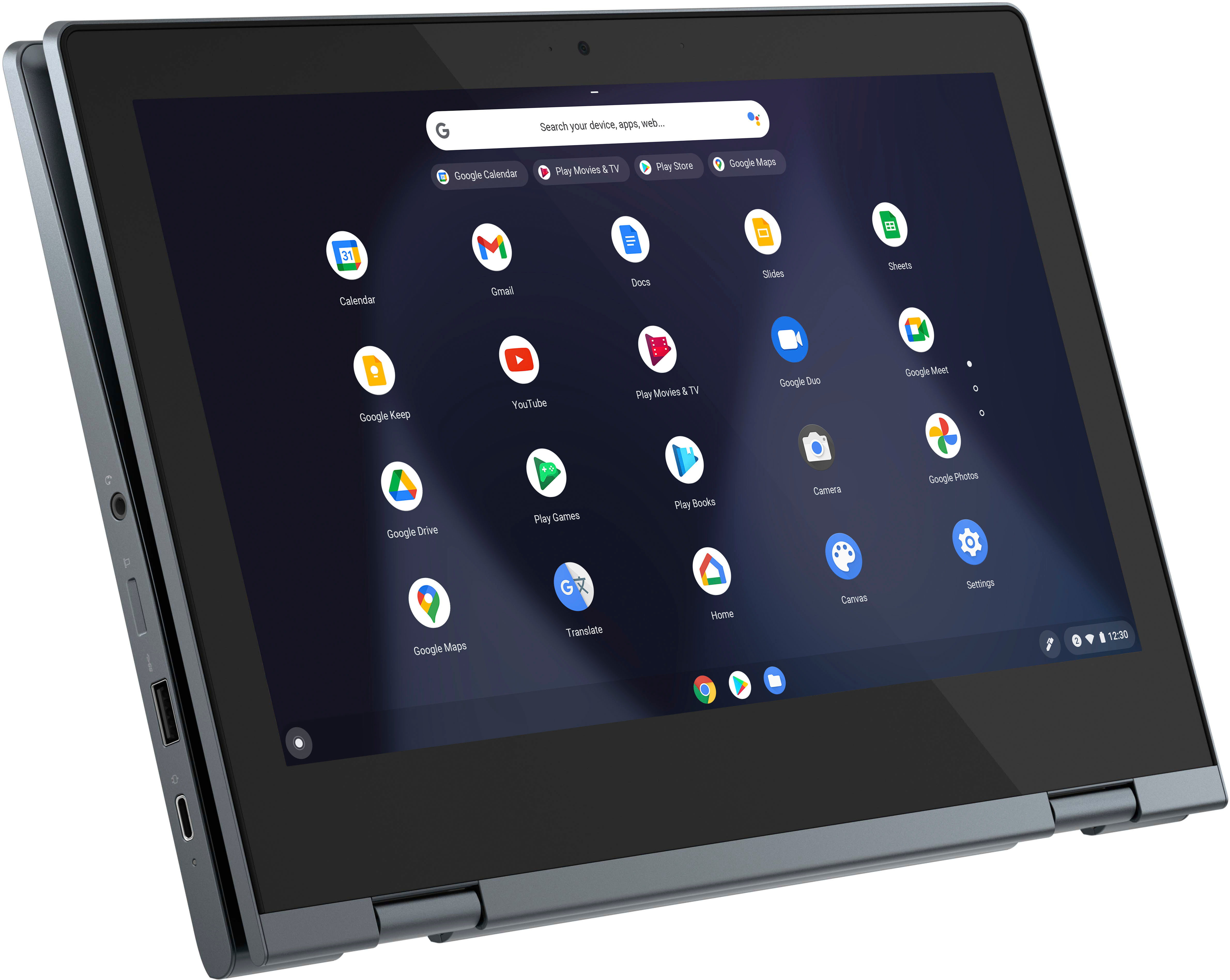
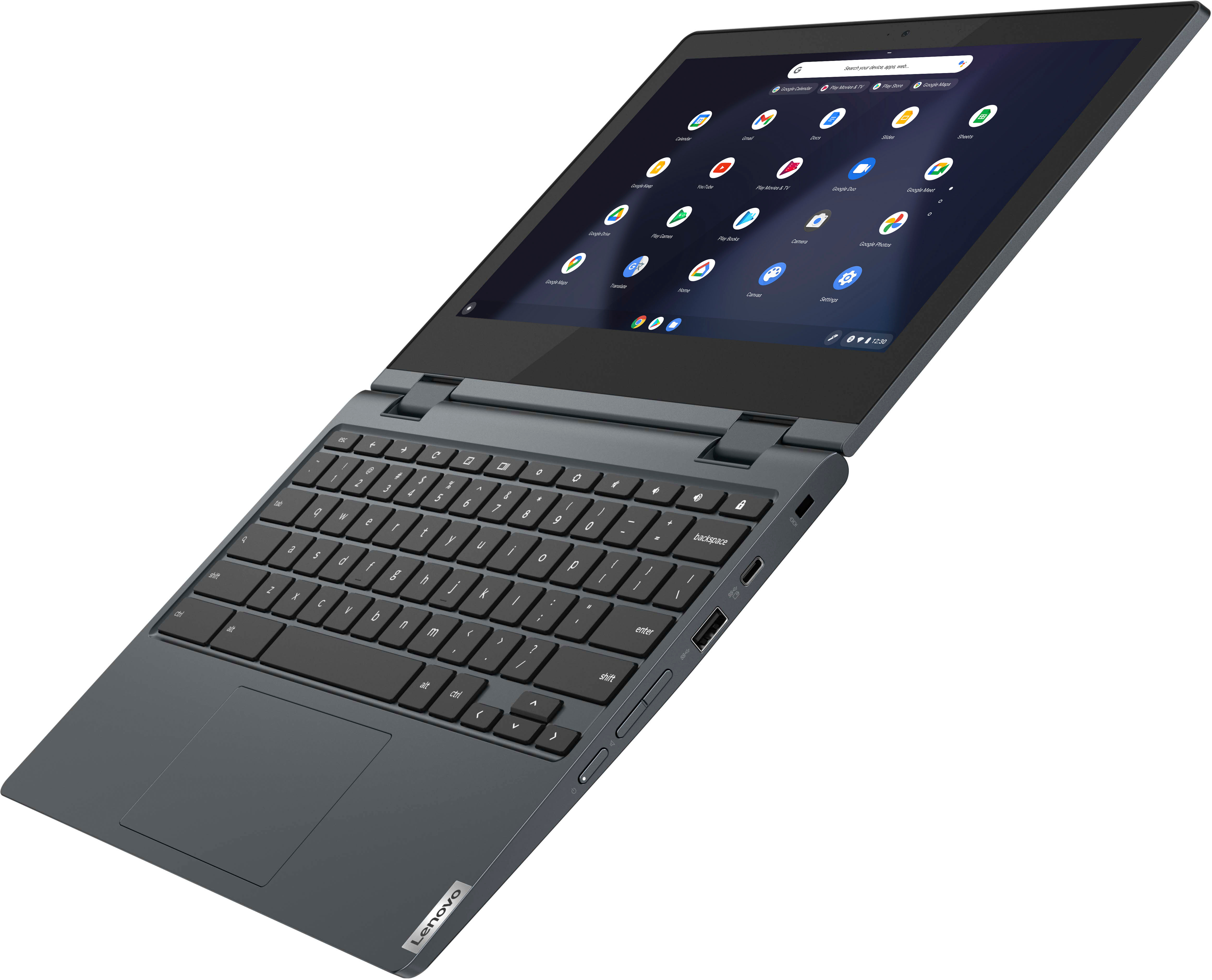
    • Answer This Lenovo Flex 3 11 Chromebook, model number 82BB000AUS, ships with these ports: 2x USB 3.2 Gen 1, 2x USB-C 3.2 Gen 1 (support data transfer, Power Delivery, and DisplayPort 1.1a) with video out capability, 1x Card reader, 1x Headphone / microphone combo jack (3.5mm).

      Answered by Lenovo Product Expert

  • QuestionCan you add more ram to this Chromebook?

    Asked by Dc.

    • Answer No. This Lenovo Flex 3 11 Chromebook, model number 82BB000AUS, ships with 4GB Soldered LPDDR4-2400MHz RAM Memory soldered to systemboard, no slots, single-channel and is not upgradeable.

      Answered by Lenovo Product Expert

  • QuestionCan you surf the web and play YouTube movies on this device?

    Asked by Ednterri.

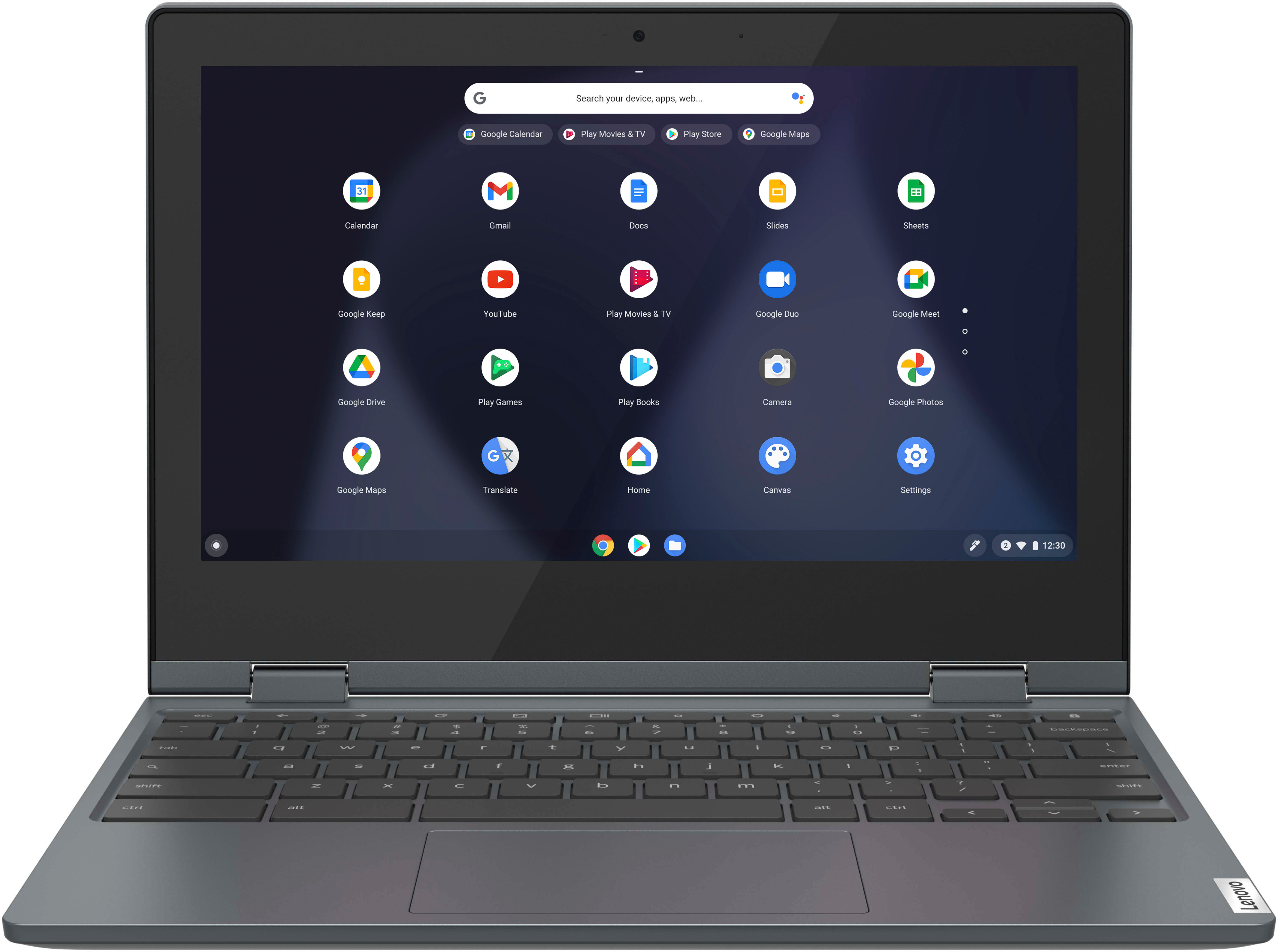
    • Answer This Lenovo Flex 3 11 Chromebook ships with the Chrome Operating System installed, which has the Google Chrome web browser available. This Flex 3 11 Chromebook uses WiFi-5, 2x2 802.11ac frequency WiFi for internet connectivity, which is also backward compatible to older a/b/g/n frequency WiFi. Whether this Flex 3 11 Chromebook is compatible with a specific APP will depend on the requirements and compatibility of the specific APP you want to use. The Flex 3 11 Chromebook is compatible with Google Play Store APPs. Not all Google Play Store APPs are optimized for the Chrome OS. We recommend you check with the specific APP's software publisher's web sites, of the specific APPs you want to use, for their compatibility with the Chrome operating system and the minimum/recommended hardware requirements (Is a Graphics card required, the processor speed and the minimum required system RAM and the minimum available hard drive space) to run their program, then compare those requirements to this Chromebook's configuration.

      Answered by Lenovo Product Expert

  • QuestionCan I type my book on this laptop?

    Asked by TW.

    • Answer Absolutely. If you can write a book, you can type it on this laptop. Many options for managing your text, including myriad web-based and ChromeOS apps. Mainstream apps, such as MS Word, and many others. Most Android apps are supported, so if you already own those, you can use them here, using the same Google account. You've got 64GB of hard drive space, space enough for several novels. Also syncs with Android devices, in case you're writing on multiple devices. The hard part is actually writing the book. ;)
      Answered by Susan

  • QuestionDoes it have word processing capabilities?

    Asked by Carl.

    • Answer Use Google Docs. Free and easy. always saves your work. available anywhere.

      Answered by dh706

  • QuestionWhat type of hard case will fit this device?

    Asked by natejen.

    • Answer Their are a lot of case options on Amazon I found a great one for $15 hard plastic

      Answered by ErikaC

  • QuestionIf it has a touchpad, why do I need a mouse?

    Asked by Anonymous.

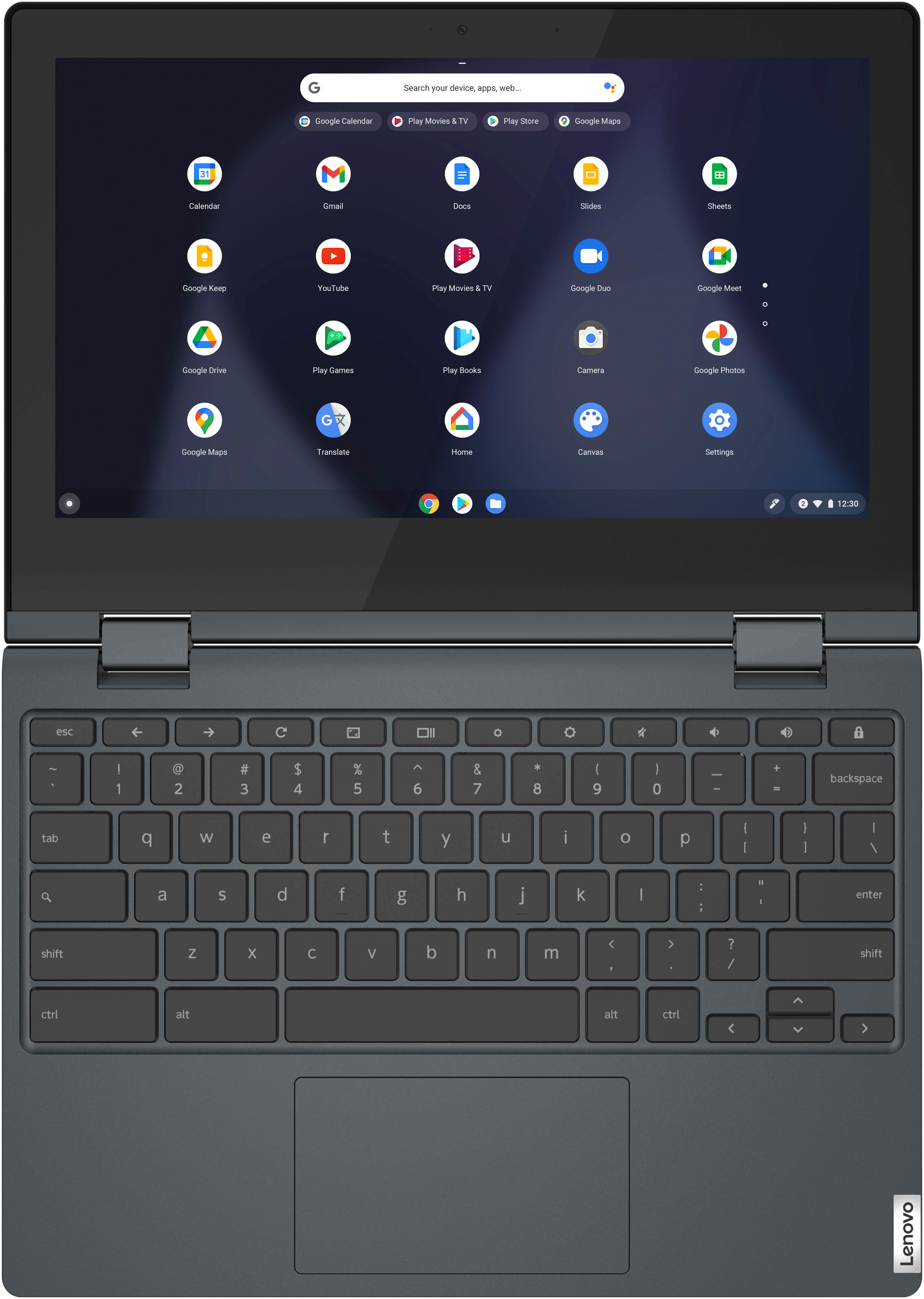
    • Answer You don't need to use an external mouse. The built in touchpad of this Lenovo Flex 3 11 Chromebook functions as an external mouse would. An external mouse that is compatible with the Chrome OS would be sold separately and used at the preference of the individual user, in place of the built in touchpad.

      Answered by Lenovo Product Expert

  • QuestionDoes it come with a charger?

    Asked by O.

    • Answer Yes

      Answered by Chris

  • QuestionDoes it have a HDMI port?

    Asked by Anna.

    • Answer No. Will have to buy a USB C to HDMI adapter.

      Answered by moparman05

  • QuestionDoes it have Windows 10 or 11 installed?

    Asked by Anna.

    • Answer This Lenovo Flex 3 11 Chromebook ships with the Chrome Operating System installed and is not compatible with Windows OS.

      Answered by Lenovo Product Expert

  • Questionbought this chromebook not secure for 83 days ??

    Asked by Anonymous.

    • Answer Here is a link to more information about receiving Not Secure notifications when visiting a web site with a Chromebook like this Lenovo Flex 3 11 Chromebook: https://www.digicert.com/blog/not-secure-warning-what-to-do. If you have questions about your Lenovo Flex 3 11 Chromebook, we recommend you contact Lenovo Tech Support for Chromebooks for additional information at: 800-426-7378.

      Answered by Lenovo Product Expert

  • QuestionIs this hard to setup? Do I need to get a professional?

    Asked by Ted26203.

    • Answer No extremely easy set up as long as you can follow simple instructions.

      Answered by Anonymous

  • QuestionDoes this PC have cd drive capabilities?

    Asked by Ready2Buy.

    • Answer No

      Answered by Dd6691

  • QuestionWill I be able to play games downloaded from Google play store?

    Asked by Scotall.

    • Answer Yes

      Answered by Anonymous