Year-End SaleEnds 1/1/26. Limited quantities. No rainchecks.

Main Content

Questions & Answers

Your price for this item is $204.99
Clearance
The comparable value price is $379.00
Page Showing 21-40 of 104 questions
  • QuestionCan I use Linux with this Chromebook?

    Asked by WrecklezzDoom.

    • Answer Yes it supports Linux virtual machine

      Answered by TinMan

  • QuestionCan it run android apps and can it multitask android apps?

    Asked by agent86.

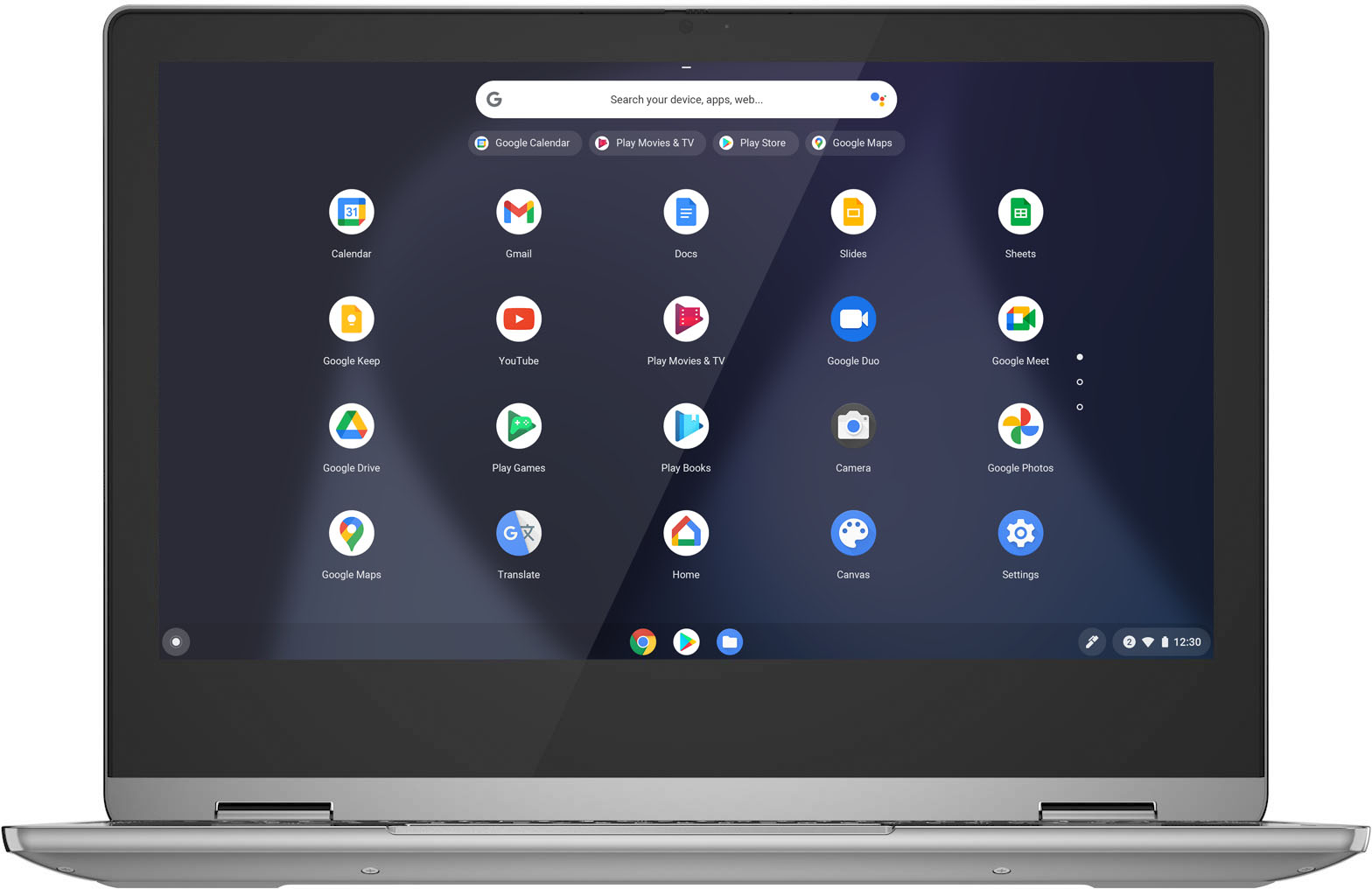
    • Answer The Lenovo Flex 3 11 Chromebook ships with the Chrome Operating System and is compatible with Google Play Store APPs. Not all APPs at the Google Play Store are optimized for the Chrome Operating System. We recommend you check with the specific APPs software publisher's web sites, of the specific APPs you want to use, for their compatibility with the Chrome operating system and the minimum/recommended hardware requirements (Is a Graphics card required, the processor speed and the minimum required system RAM and the minimum available hard drive space) to run their program, then compare those requirements to this system's configuration.

      Answered by Lenovo Product Expert

  • QuestionCan you play minecraft?

    Asked by B.

    • Answer Minecraft/rollblox yes these games can be played, and it come the stadia app.

      Answered by Fattboislim

  • QuestionDoes the keyboard detach?

    Asked by Anonymous.

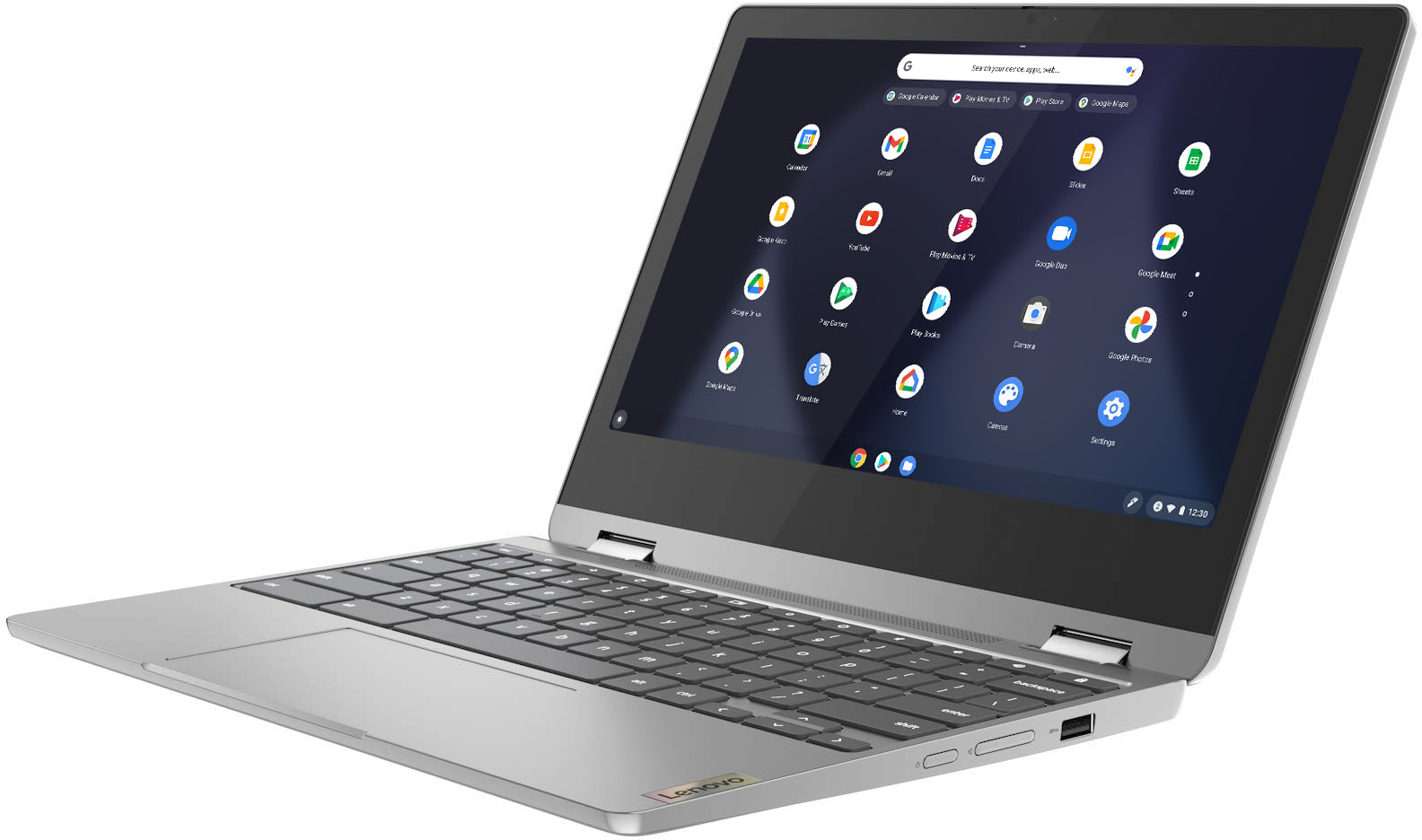
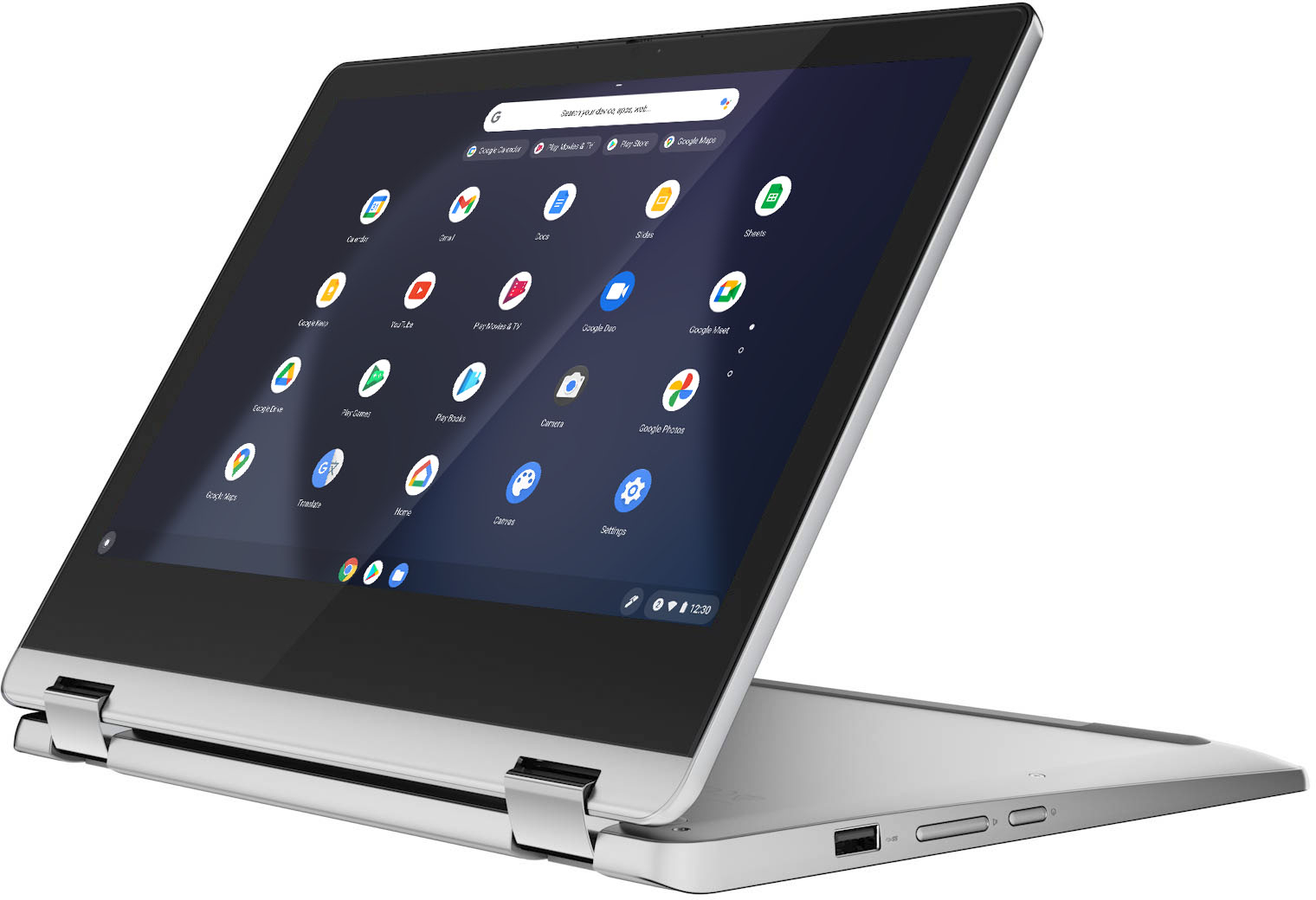
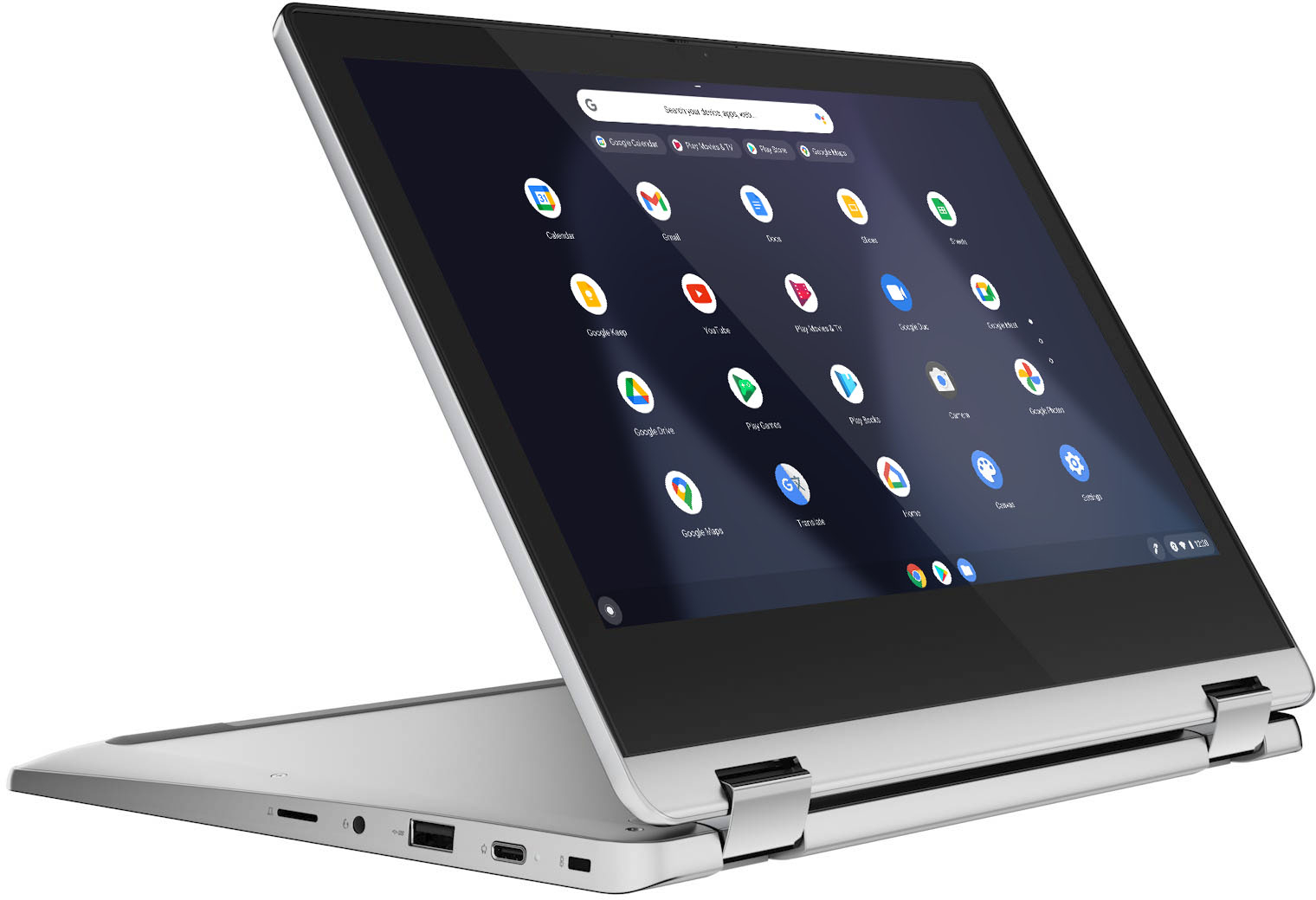
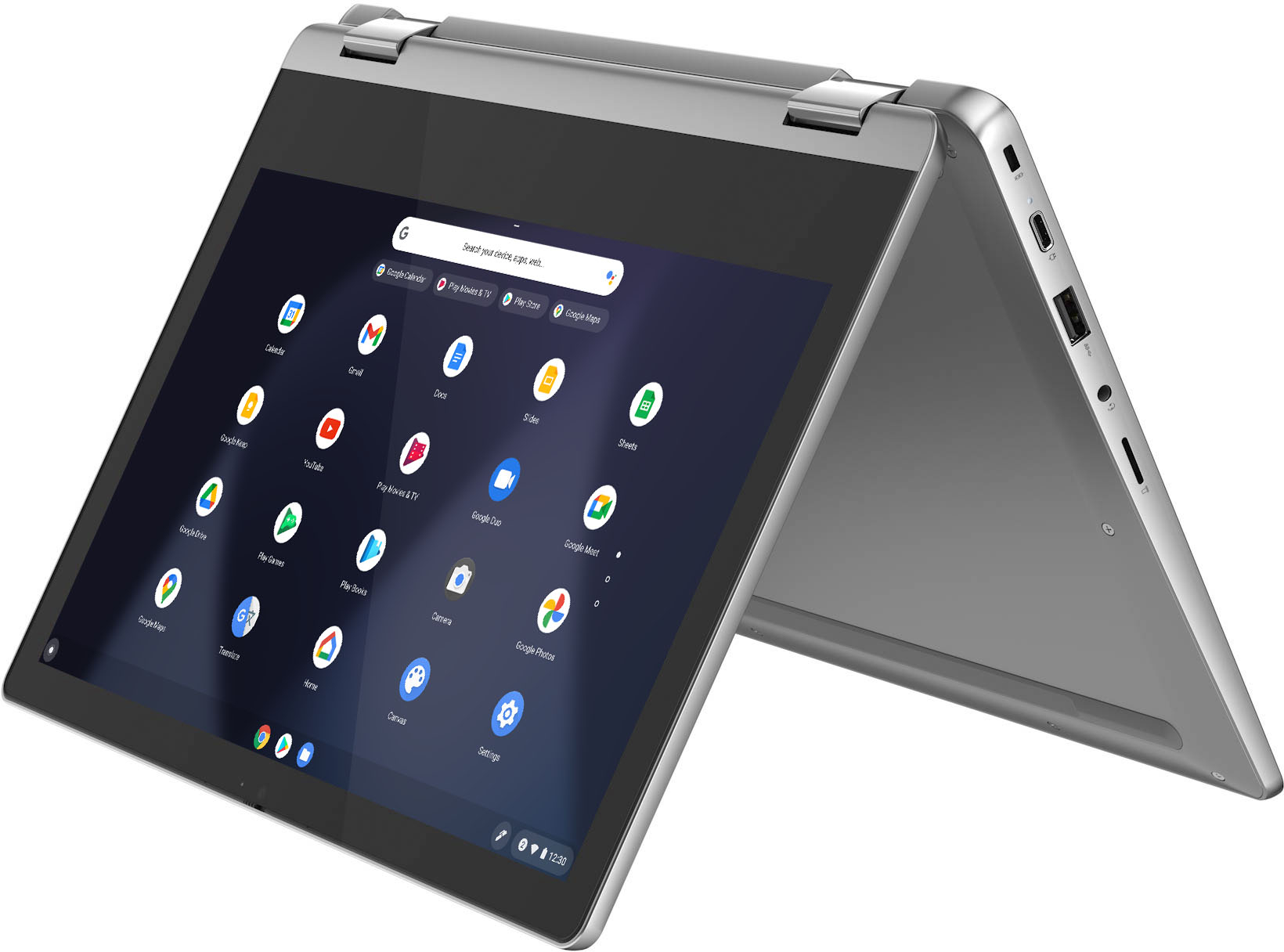
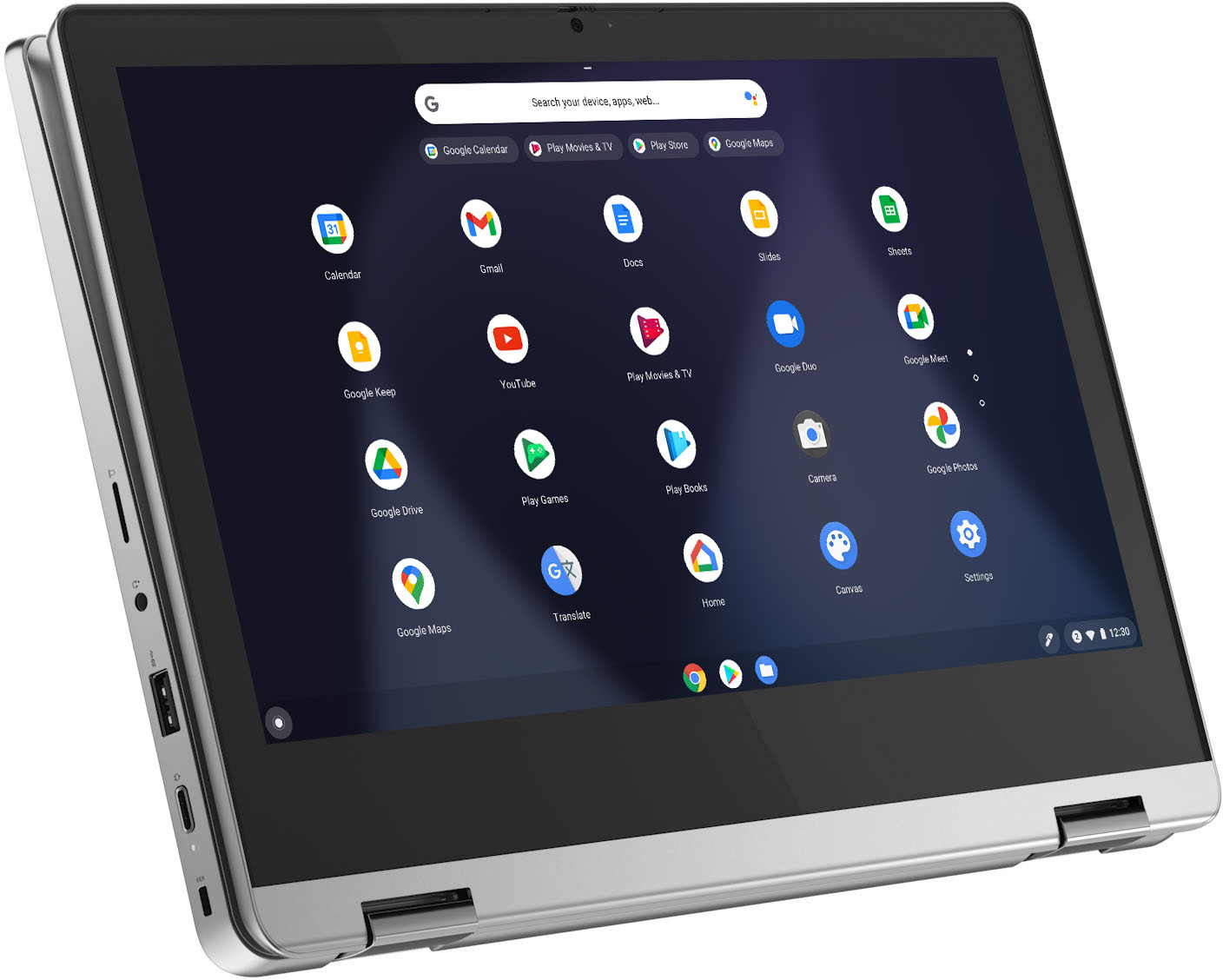
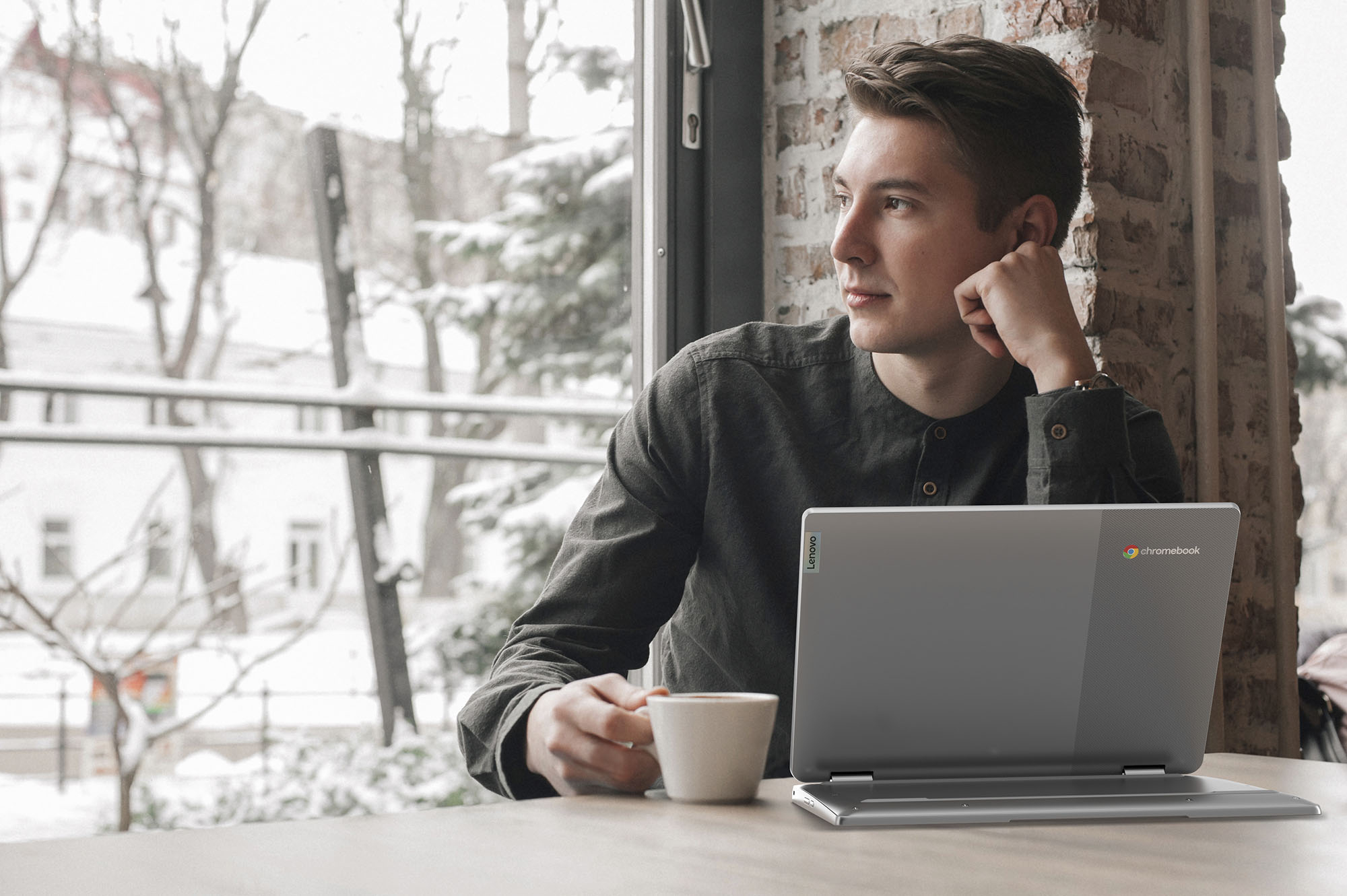
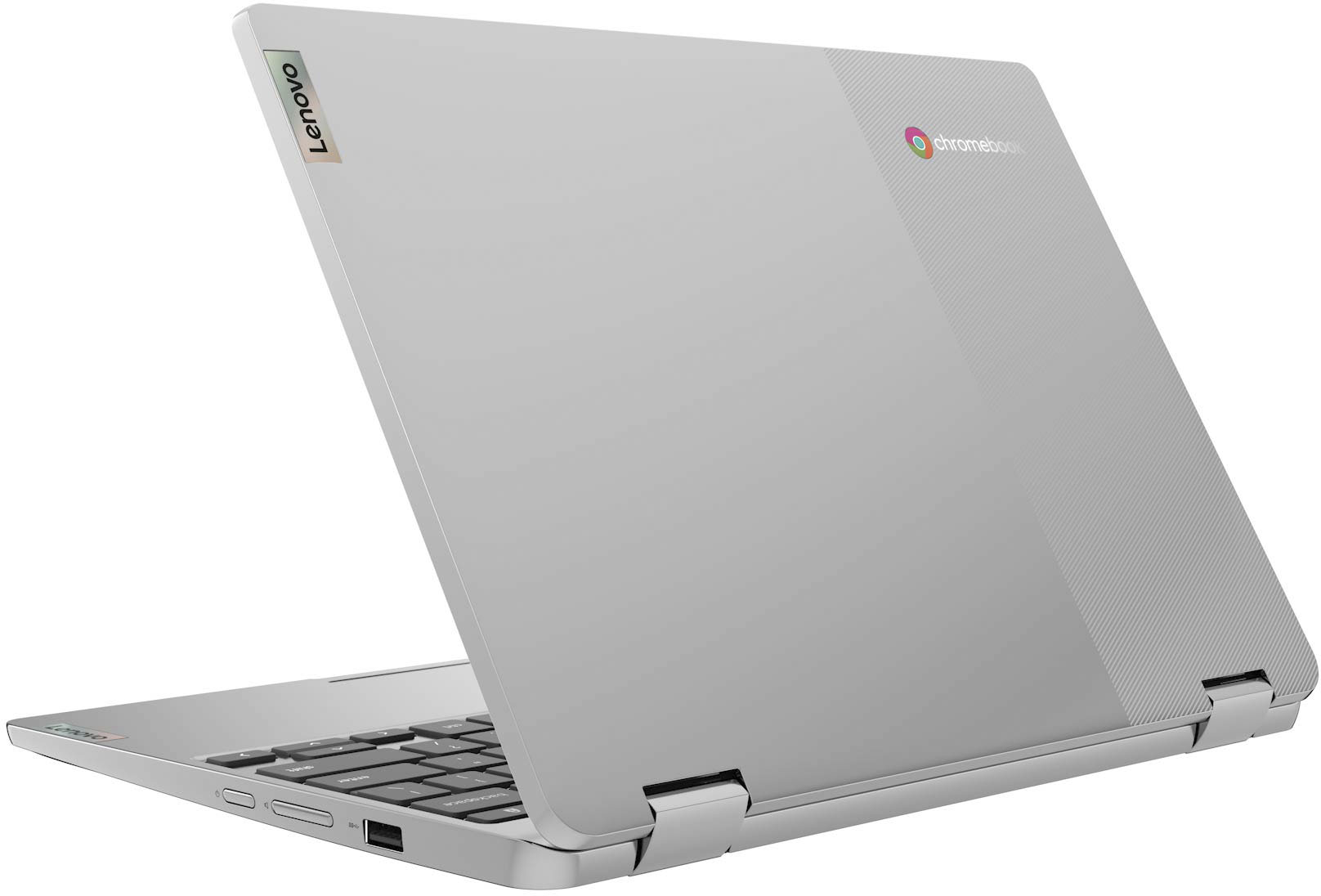
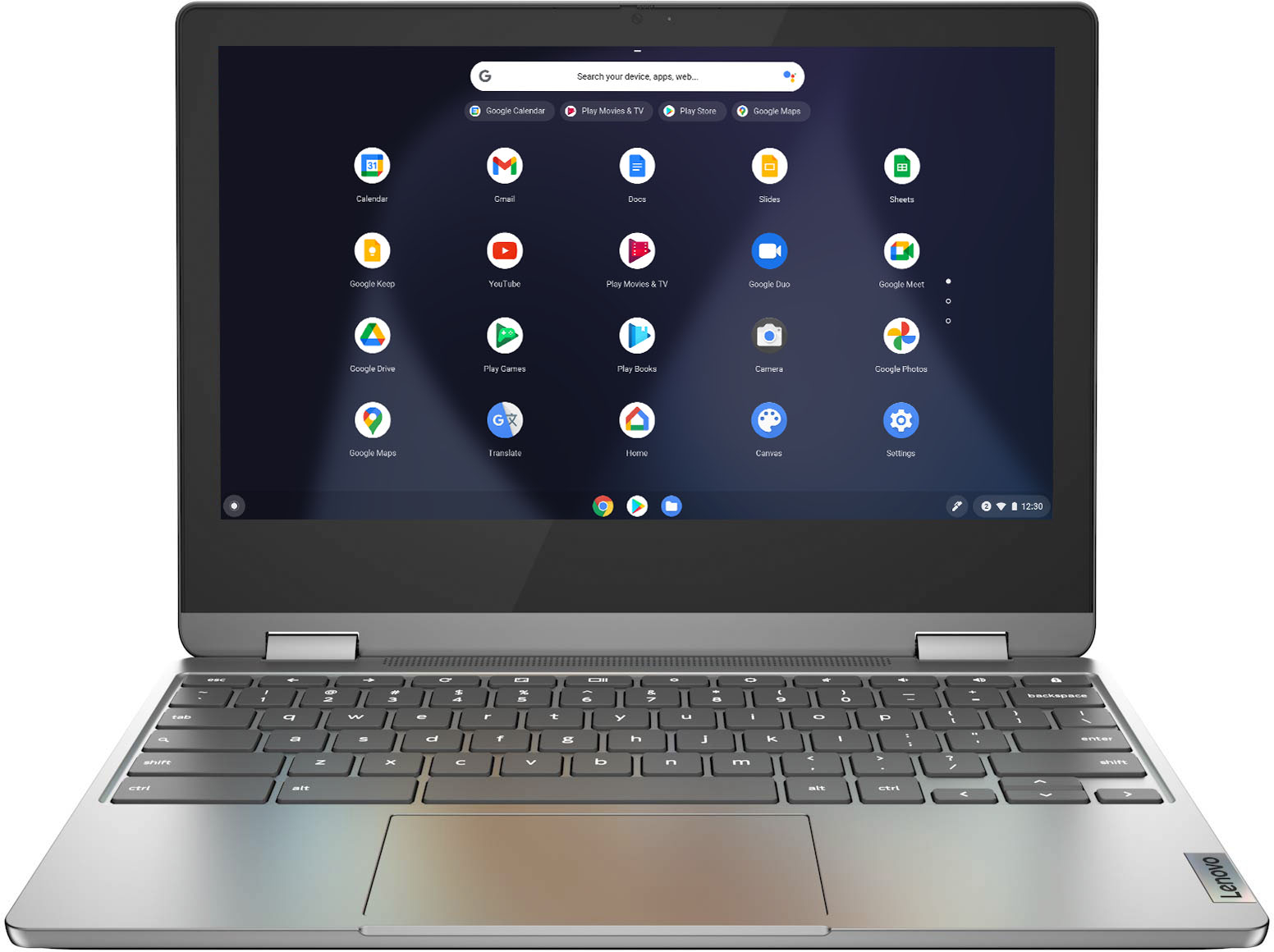
    • Answer No. The Lenovo Flex 3 11 Chromebook has 360 degree hinges on the screen/keyboard that allow the screen to rotate back so the Flex 3 11 Chromebook can be used either in tablet mode or traditional laptop mode.

      Answered by Lenovo Product Expert

  • QuestionThe screen on my laptop broke, what is the process to fix it?

    Asked by Vic.

    • Answer Try letting the geek squad do it and out source to find someone else that can do it for the right price.

      Answered by darrius

  • QuestionDoes anyone know how to get the keyboard to work, i have tried everything suggested for troubleshooting and nothing has worked

    Asked by Aturner.

    • Answer First be sure that the screen is positioned in traditional laptop mode. The keyboard and touchpad automatically turn off when the screen is opened beyond 185-degrees. If the screen is in traditional laptop position and the keyboard and touchpad still do not work, try resetting the Lenovo Flex 3 11 Chromebook back to original factory settings. here is a link yo instructions for resetting a Chromebook: https://support.google.com/chromebook/answer/183084?hl=en. If the issue continues after this reset, we recommend you contact lenovo Tech Support for Chromebooks for additional help at: 800-426-7378.

      Answered by Lenovo Product Expert

  • QuestionCan I record cds using an external cd burner with this device?

    Asked by Matadoor4.

    • Answer No, at least not one running Chrome OS. It doesn't provide the low-level access a program would need to burn a CD (or play a video DVD). Here is a link to more information: https://answerstoall.com/users-questions/how-do-you-burn-a-cd-on-a-chromebook/

      Answered by Lenovo Product Expert

  • QuestionCan I do Zoom calls on here?

    Asked by MsVal.

    • Answer Yes

      Answered by SaraY11

  • QuestionCan you play Roblox and Minecraft on this with a controller?

    Asked by Gaming.

    • Answer Whether a specific game is compatible with this Lenovo Flex 3 11 Chromebook will depend on the requirements and compatibility of the specific games you want to play. This Flex 3 11 Chromebook ships with the Chrome Operating System and is compatible with Google Play Store APPs. We recommend you check with the specific game's software publisher's web sites, of the specific games you want to play, for their compatibility with the Chrome operating system and the minimum/recommended hardware requirements (Is a Graphics card required, the processor speed and the minimum required system RAM and the minimum available hard drive space) to run their program, then compare those requirements to this system's configuration. Regarding using a game controller with your Chromebook, here is a link to more information: https://www.androidcentral.com/best-game-controllers-chromebooks

      Answered by Lenovo Product Expert

  • QuestionI bought it 11/2021. My camera somehow has issue of being covered half. Looks like some particle is blocking. Would it covered under guarantee since I just bought it?

    Asked by Camera.

    • Answer My daughter had same issue. Camera has a slide that covers the camera if you do not want to use it. just slide it over to cover or uncover so hope that helps you out.

      Answered by Anonymous

  • QuestionCan this be used to take notes without WiFi?

    Asked by Nick.

    • Answer Here is a link to more information about using your Chromebook offline to take notes: https://certsimple.com/uncategorized/can-you-take-notes-on-a-chromebook-without-wifi/

      Answered by Lenovo Product Expert

  • QuestionDoes this have a backlit keyboard

    Asked by Em.

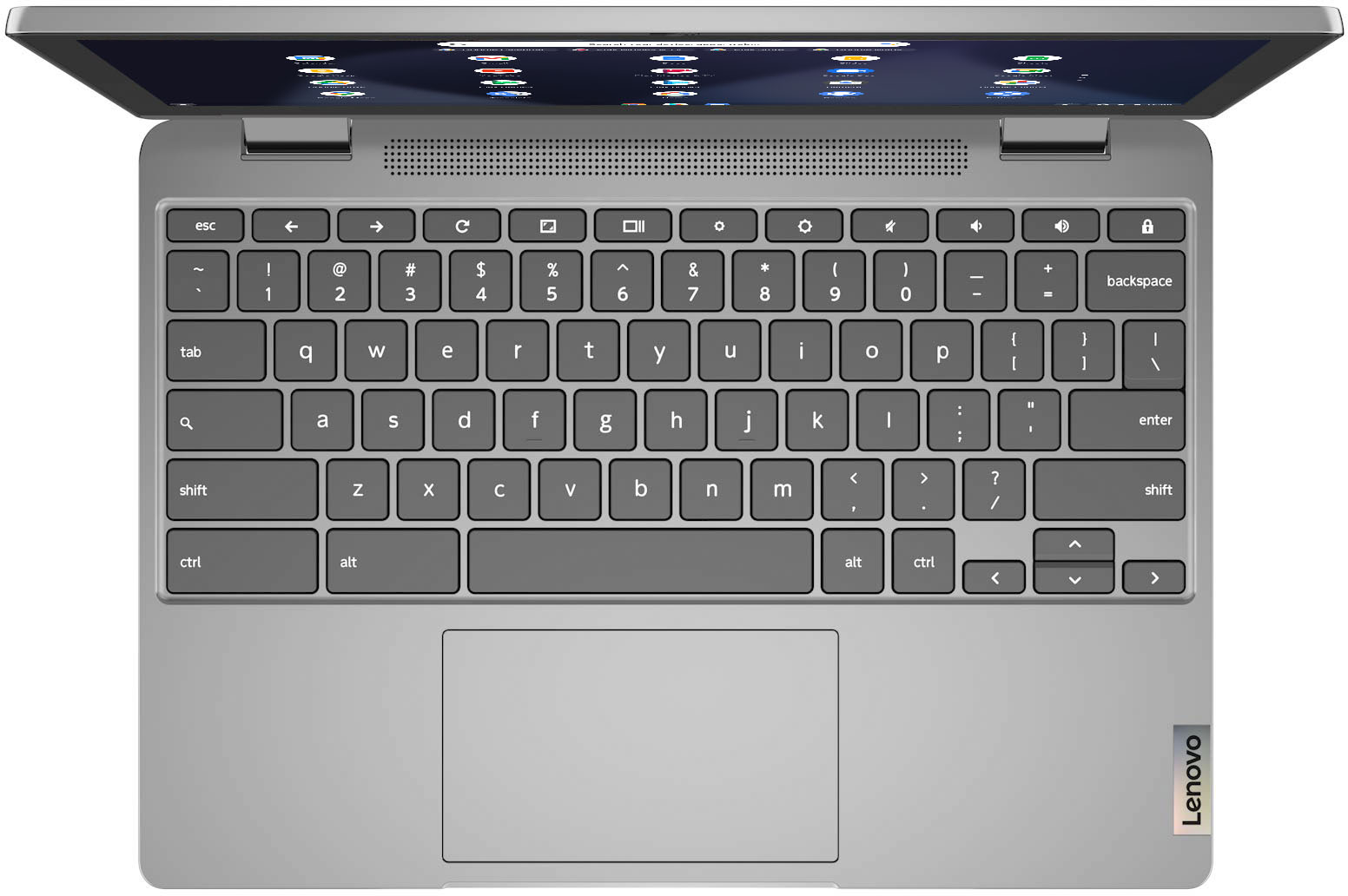
    • Answer No. This Lenovo Flex 3 11 Chromebook, model number 82KM0002US, does not have a backlit keyboard.

      Answered by Lenovo Product Expert

  • QuestionIs this laptop compatible to Microsoft Word and can it be used offline?

    Asked by Keke.

    • Answer This Lenovo Flex 3 11 Chromebook uses Google Docs for office type programs. Google Docs is completely compatible with Microsoft Office Programs and this is a free service through the Google Server. If you must have the actual Microsoft Office Programs, you can purchase Microsoft Office 365 for this Chromebook at the Google Play Store. The Chrome Web Store applications are online versions of Word, Excel, and PowerPoint. These apps can't be used offline. You can use Google Drive Files on your Chromebook offline. Here is a link to more information about using a Chromebook offline: https://support.google.com/chromebook/answer/2809731?hl=en

      Answered by Lenovo Product Expert

  • Questioncan i download candy crush

    Asked by Anonymous.

    • Answer That will depend on the requirements and compatibility of the specific APP you want to download. This Lenovo Flex 3 11 Chromebook ships with the Chrome Operating System and is compatible with Google Play Store APPs. Not all Google Play Store APPs are optimized for the Chrome Operating System. We recommend you check with the specific APPs software publisher's web site for their compatibility with the Chrome operating system and the minimum/recommended hardware requirements (Is a Graphics card required, the processor speed and the minimum required system RAM and the minimum available hard drive space) to run their program, then compare those requirements to this system's configuration.

      Answered by Lenovo Product Expert

  • QuestionCan you use a stylus with this Chromebook?

    Asked by Ken.

    • Answer This Lenovo Flex 3 11 Chromebook, model number 82KM0002US, is not compatible with any active/digital pen. You can use a capacitive touch stylus is a finger replacement on the touch screen, like this one: https://www.bestbuy.com/site/insignia-stylus-silver/3695185.p?skuId=3695185

      Answered by Lenovo Product Expert

  • QuestionDoes this have Windows 10?

    Asked by Anonymous.

    • Answer No. This Lenovo Flex 3 11 Chromebook ships with the Chrome Operating System and is compatible with Google Play Store APPs.

      Answered by Lenovo Product Expert

  • QuestionWhat are some compatible protective case options for this device. I can't seem to find any.

    Asked by Eric.

    • Answer Incase makes a laptop sleeve that fits it as long as you get the right size.

      Answered by Brando

  • QuestionIf USB C port is for power would I need to unplug that to put a USB-C to HDMI adapter in? Need to use HDMI port and possibly 2 regular USB ports at same time, so will likely need USB-C adapter that has ehternet.HDMI/and USB ports on it.

    Asked by Nora.

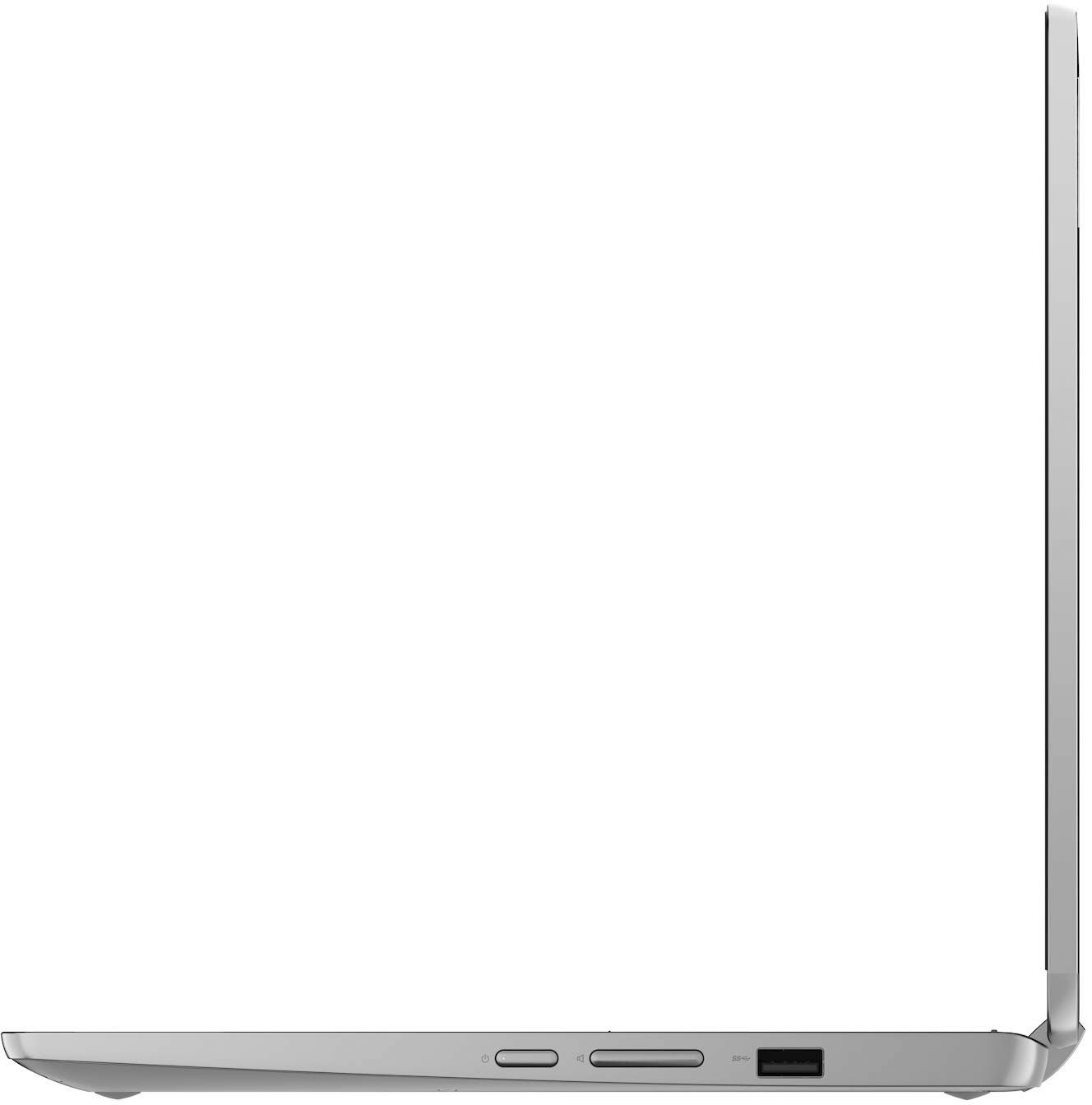
    • Answer This Lenovo Flex 3 11 Chromebook, model number 82KM0002US, ships with these ports: 1x USB 2.0, 1x USB-C 2.0 (support data transfer, Power Delivery 2.0 and DisplayPort 1.1a), 1x microSD card reader, 1x Headphone / microphone combo jack (3.5mm). You can add connectivity to this Chromebook by adding a universal USB-c Hub, like this one: https://www.bestbuy.com/site/hyper-hyperdrive-ultimate-11-port-universal-usb-c-hub-usb-c-docking-station-for-laptops-space-gray/6349957.p?skuId=6349957
      Answered by Lenovo Product Expert

  • QuestionDoes Zoom work with this computer. I use zoom and annotation. Also, can the computer accommodate Roblox? In regards to both questions, would I need to do specifics in order for these to work on this computer. Thanks

    Asked by myday.

    • Answer That really will depend on the specific APPs you want to use and the requirements and compatibility of those specific APPs. This Lenovo Flex 3 11 Chromebook ships with the Chrome Operating System and is compatible with Google Play Store APPs. We recommend you check with the specific APPs software publisher's web sites, of the specific APPs you want to use, for their compatibility with Chrome operating system and the minimum/recommended hardware requirements (Is a Graphics card required, the processor speed and the minimum required system RAM and the minimum available hard drive space) to run their program, then compare those requirements to this system's configuration.

      Answered by Lenovo Product Expert