Questions & Answers
- Model:
- 80SA0000US
- |
- SKU:
- 5206701
Highly rated by customers for: Touch screen, Price, Lightweight
Page Showing 201-208 of 208 questions
Q: QuestionCan the battery in this unit be replaced?
Asked by chicagoguy.
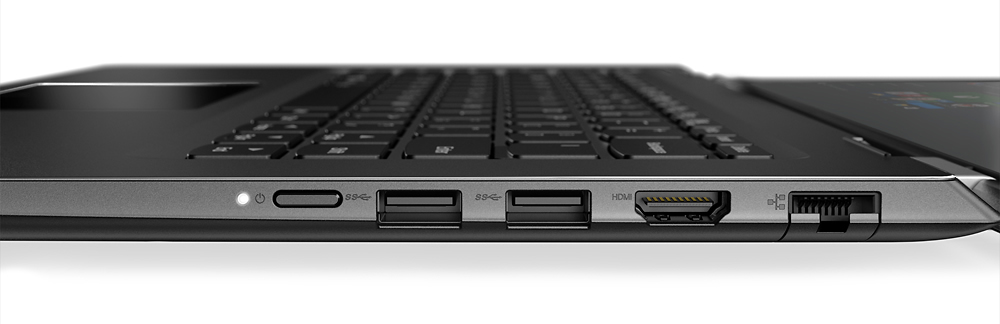
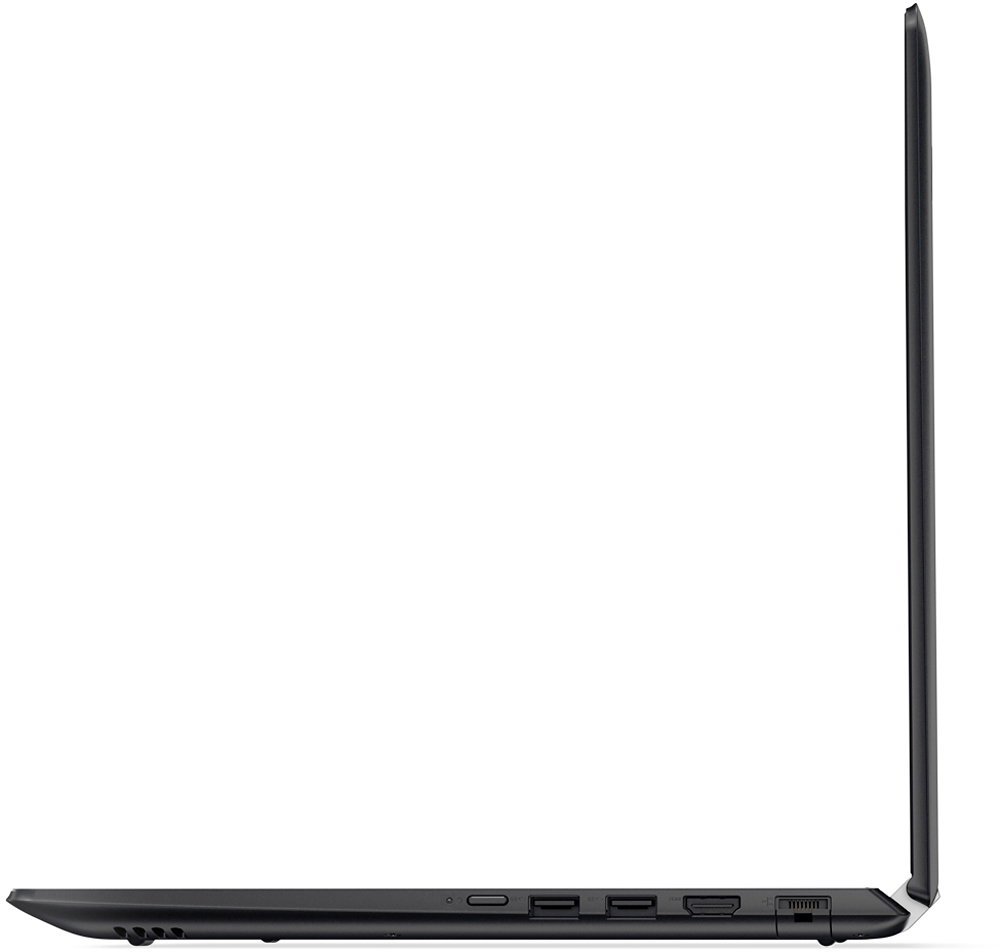
- A:Answer If you are comfortable with opening this computer, the battery can be replaced, the RAM, the HDD, and the fan too. Very flexible.
I would recommend:
Answered by brike2001
Q: QuestionI brought this new laptop yesterday, but it seems it has battery problem, its battery is not going beyond 5-6%. I am charging it since it brought. Also in specification it shows 3 cell battery separately. Now it looks like it doesnt have battery in it
Asked by Anonymous.
- A:Answer This is worst product, I got. it is not charging. I have followed suggested instructions. Now it discharged to 0% and remain 0% even after 3-4 hours charging.
Answered by Anonymous
Q: QuestionIs hard drive easy to remove?
Asked by Rick.
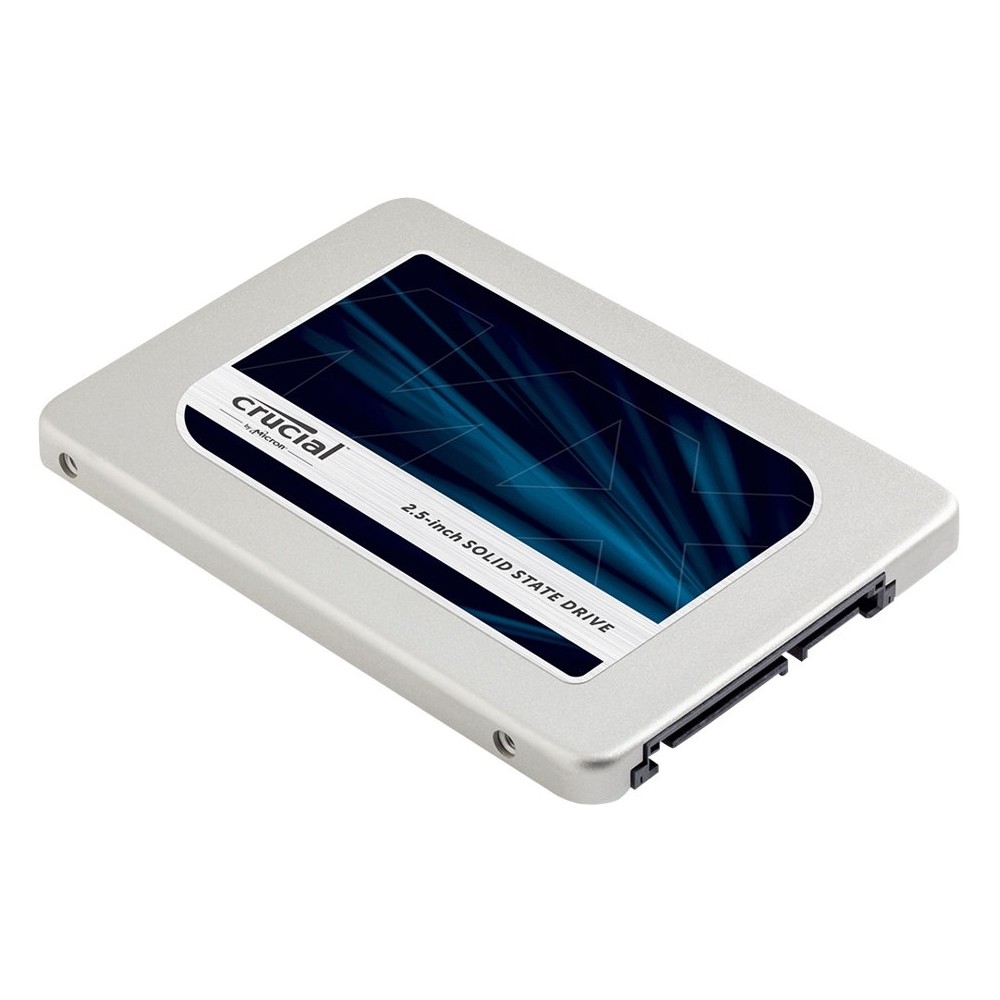
- A:Answer Yes !! Super easy there are 9 screws to remove the back plate and then the hdd is held in place with 3 screws one under the Lenovo warranty sticker. I would recommend an ssd for fastest boot times. Current boot is about 30s with ssd it's about 6s
Answered by Steven
Q: QuestionWill this laptop be capable of handling photoshop?
Asked by Aaron.
- A:Answer Yea it way I'm actually using for editing It's pretty fast
Answered by Sammiby1
Q: QuestionHow to replace the laptop battery and what is the battery part number?
Asked by Customer.
- A:Answer Check with your local Best Buy store's Geek Squad as all work must be done on this system by a certified technician, otherwise your warranty may be voided.
Answered by Lenovo Product Expert

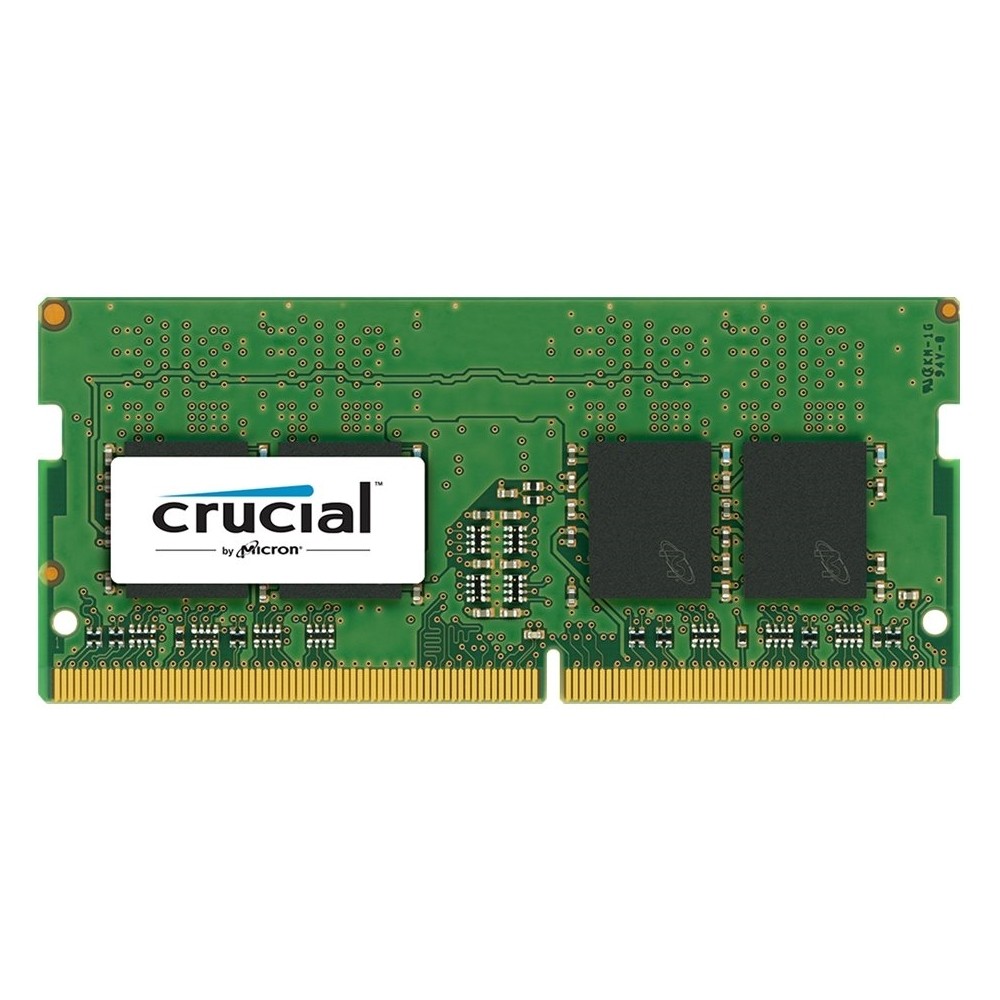
Q: QuestionWill this laptop support a 8gb memory upgrade from the 4gb? And if so can I purchase a Crucial DDR4-2133 or Crucial DDR4-2400? Lastly is it plug and play?
Asked by Anonymous.
- A:Answer Yes it will take 16gb. I ordered mine from crucial. It is plug and play
Answered by Blackstockrc
Q: QuestionCan the hard drive be removed and insert a newer and faster solid state drive?
Asked by Wondering.
- A:Answer I would recommend getting a separate hard drive for this laptop.
Answered by Bersan1989
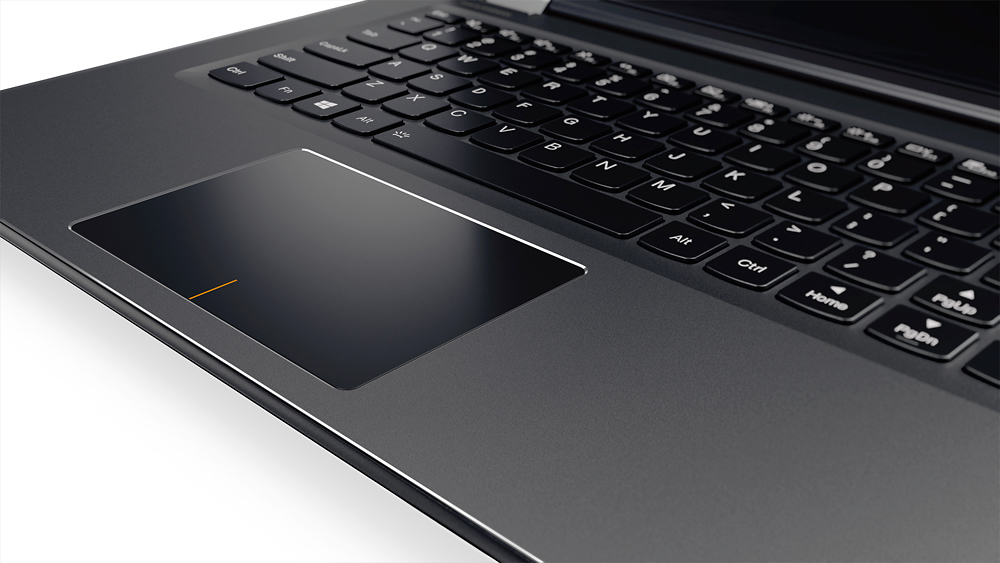
Q: QuestionHow do you turn on the backlit keyboard?
Asked by JLM.
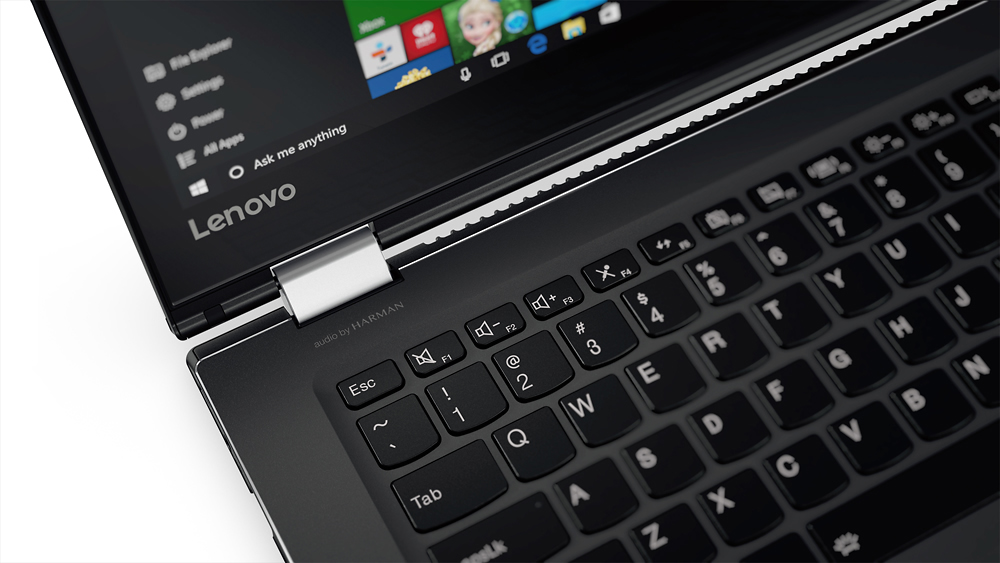
- A:Answer This model does NOT have a backlit KB, I am guessing, the Flex 4 you get from Lenovo does but this BB model does not; no ICON on space bar; FN+Shift does nothing/ The Lenovo experts saying it does should do a little more research, just saying. It is also strange they chose to misplace the right shift key, this is a showstopper for touch typists.
Answered by JLM
Most-viewed items
- $329.00$329.00The price was $349.00
- $249.99$249.99The price was $379.99
- $329.99$329.99The price was $469.99
- $99.99$99.99The price was $129.99
Not yet reviewed
Not yet reviewed$89.99$89.99- $229.99$229.99The price was $599.99