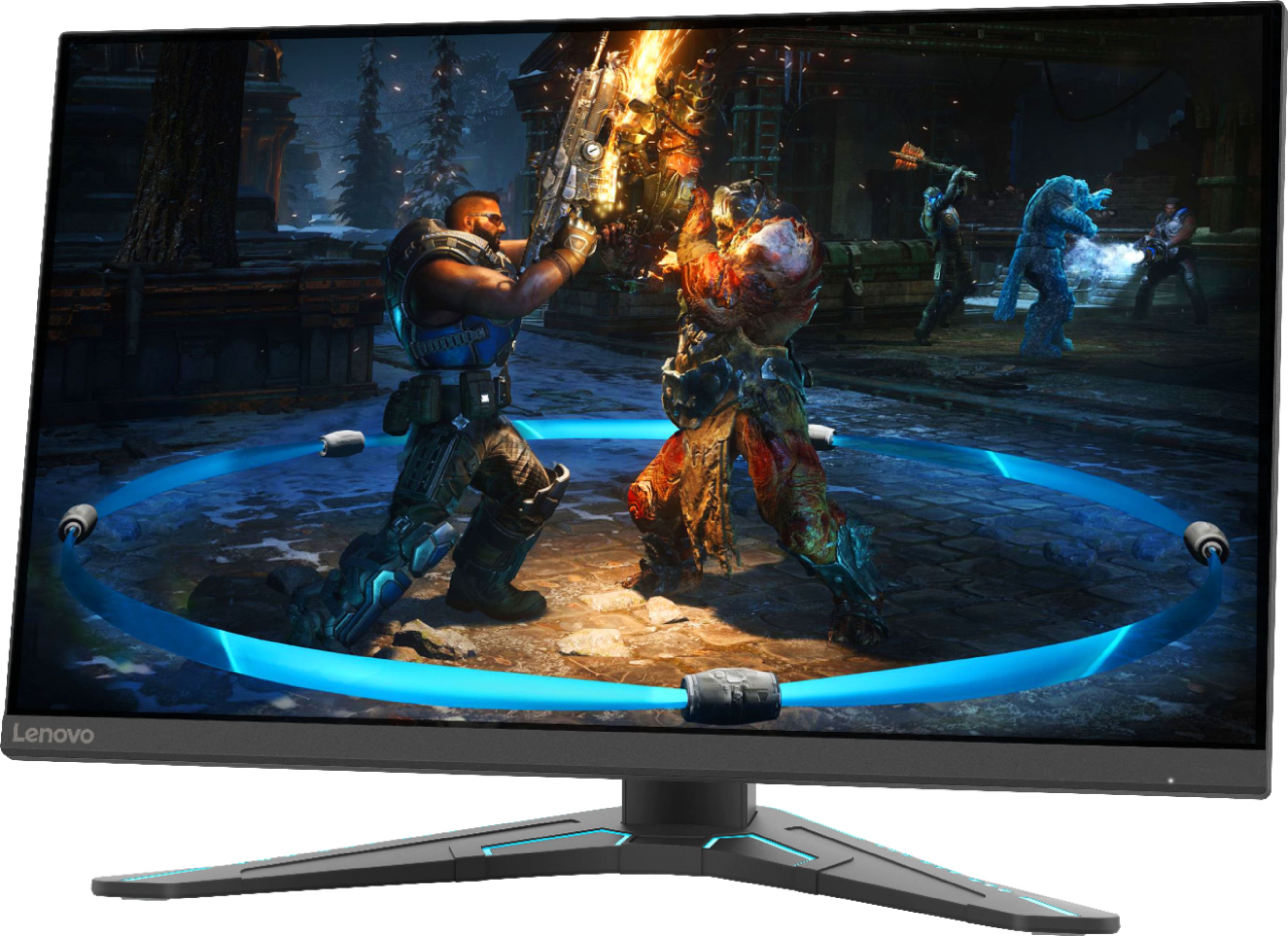
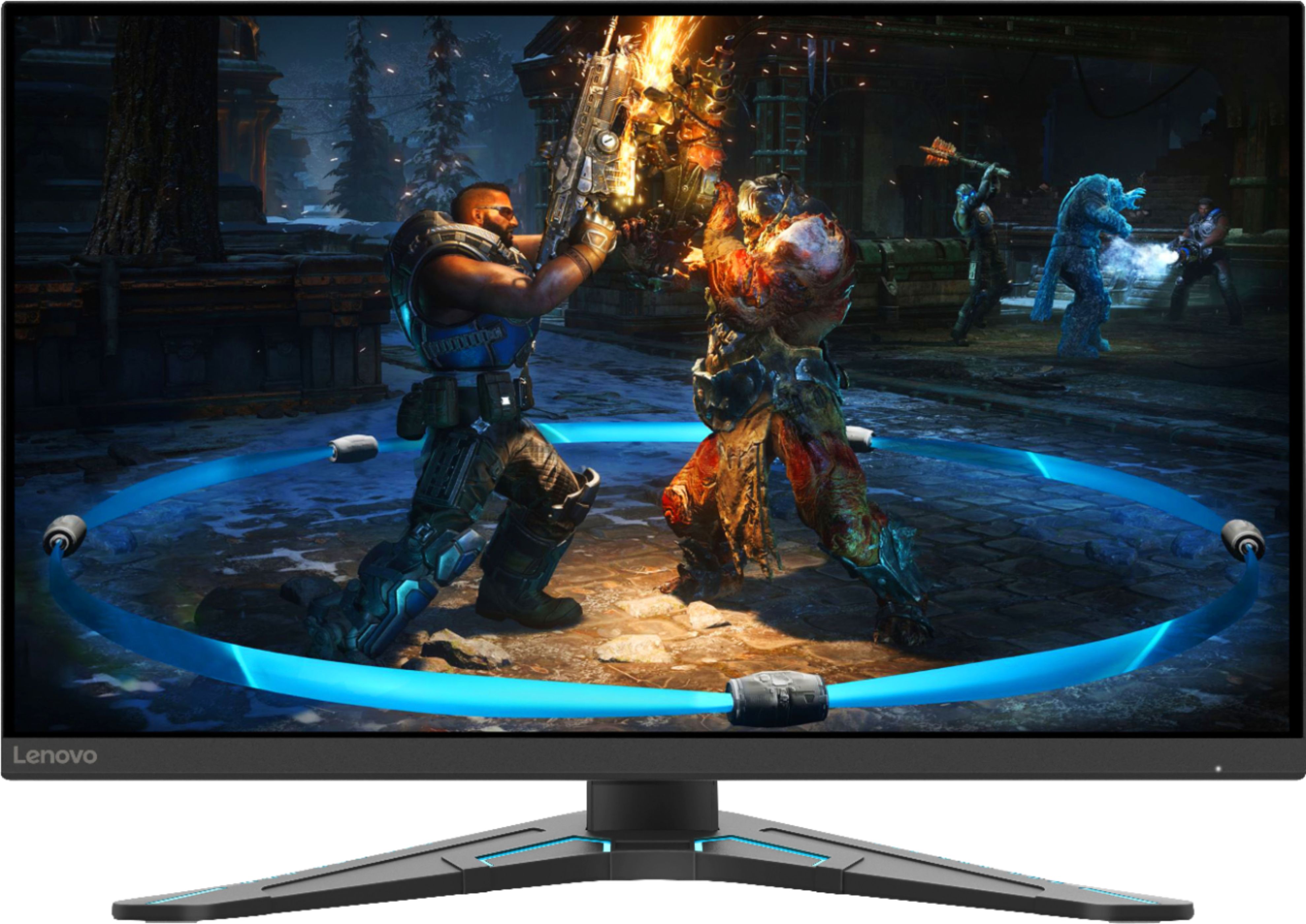
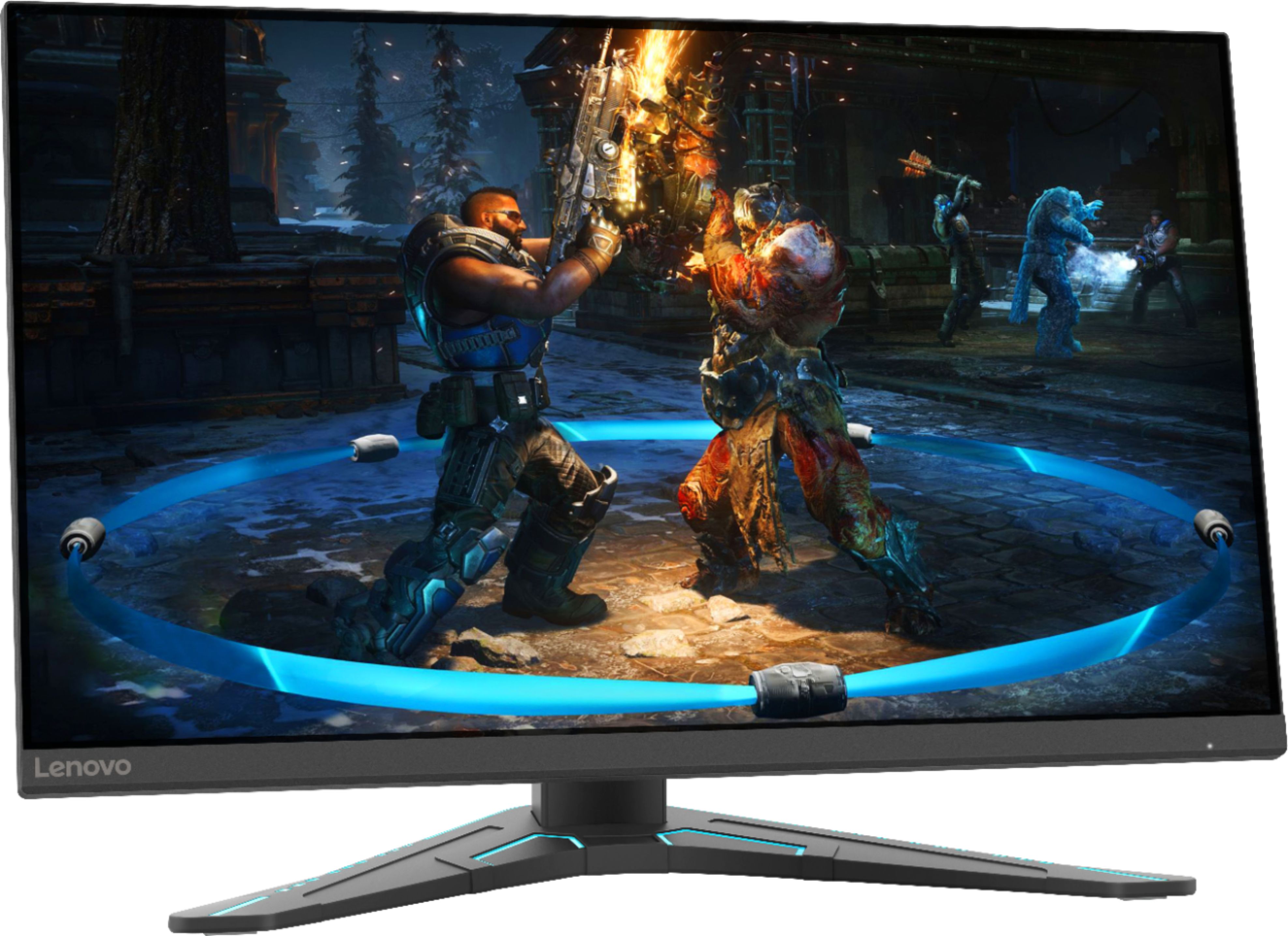
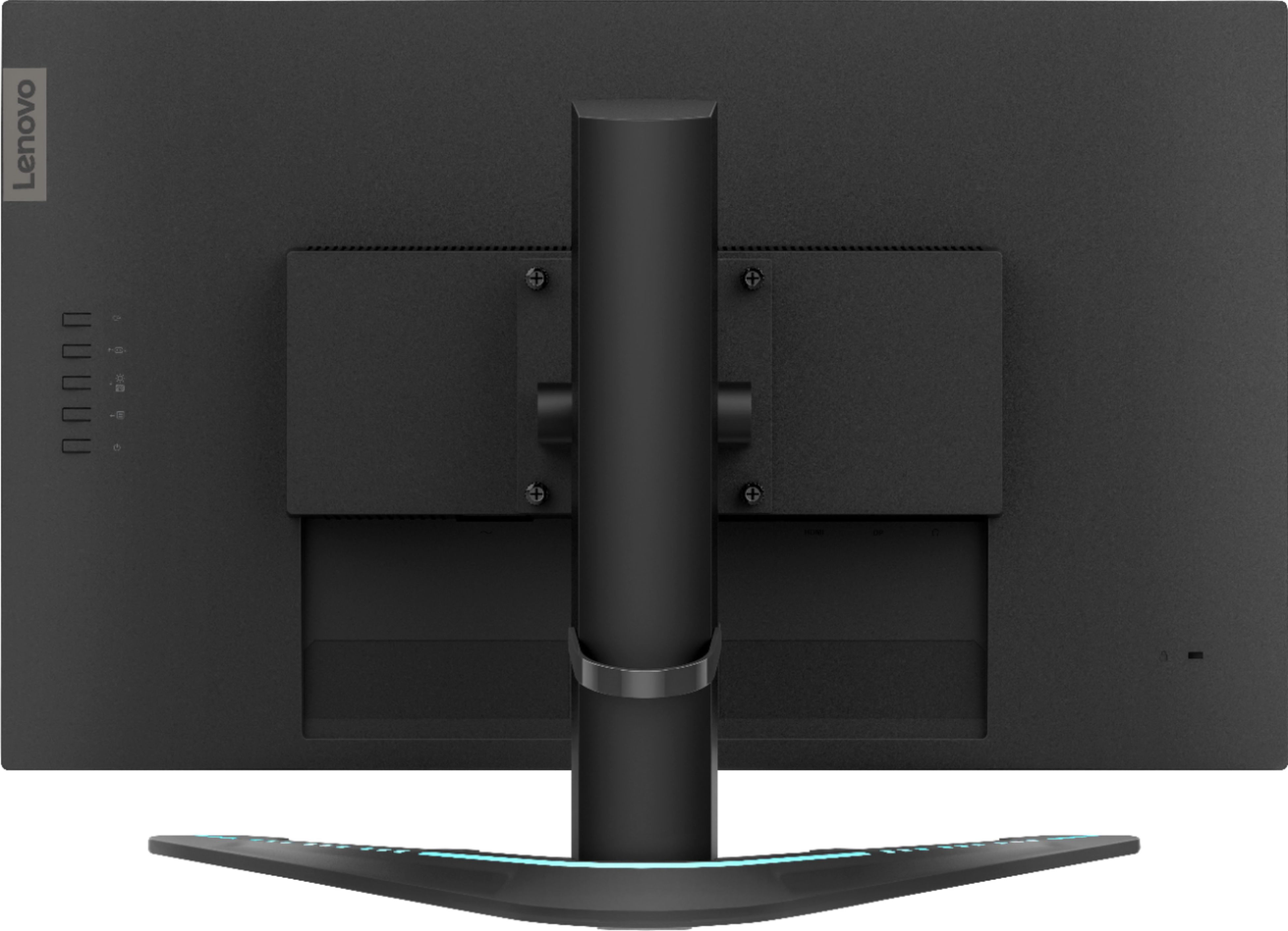
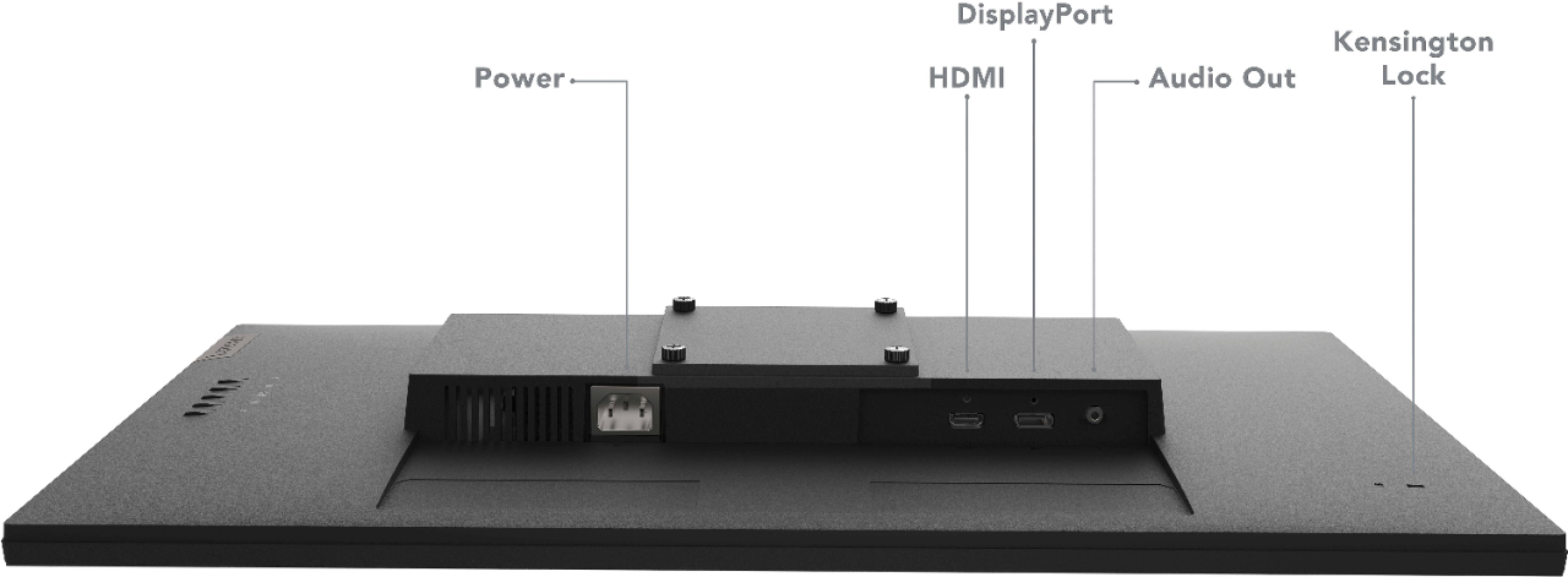
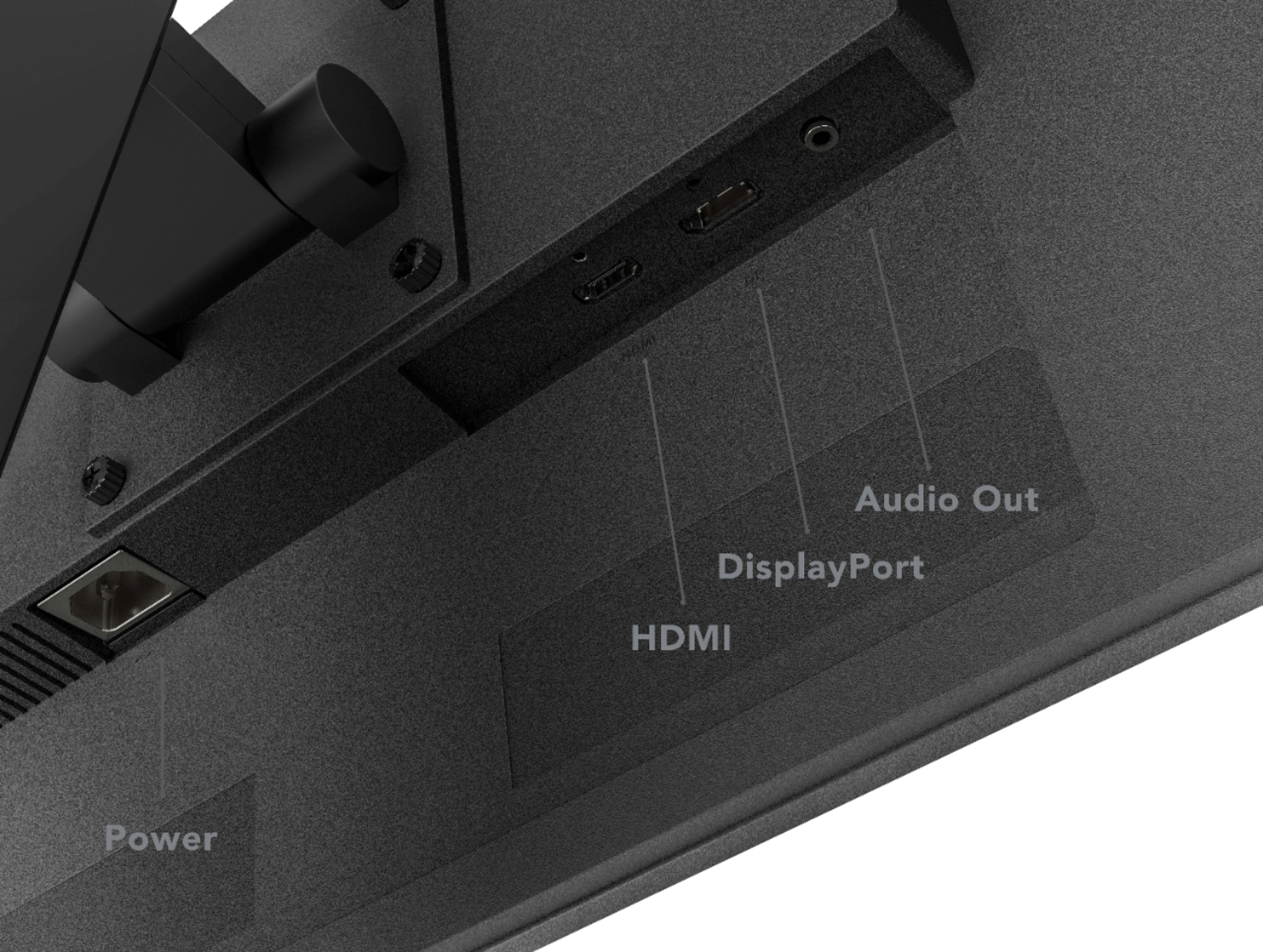
A:AnswerThe Lenovo G27-20 Monitor, model number 66C2GCC1US, has a refresh rate of 144Hz through HDMI 1.4 or DisplayPort 1.2 version connections, when connected to a compatible device.
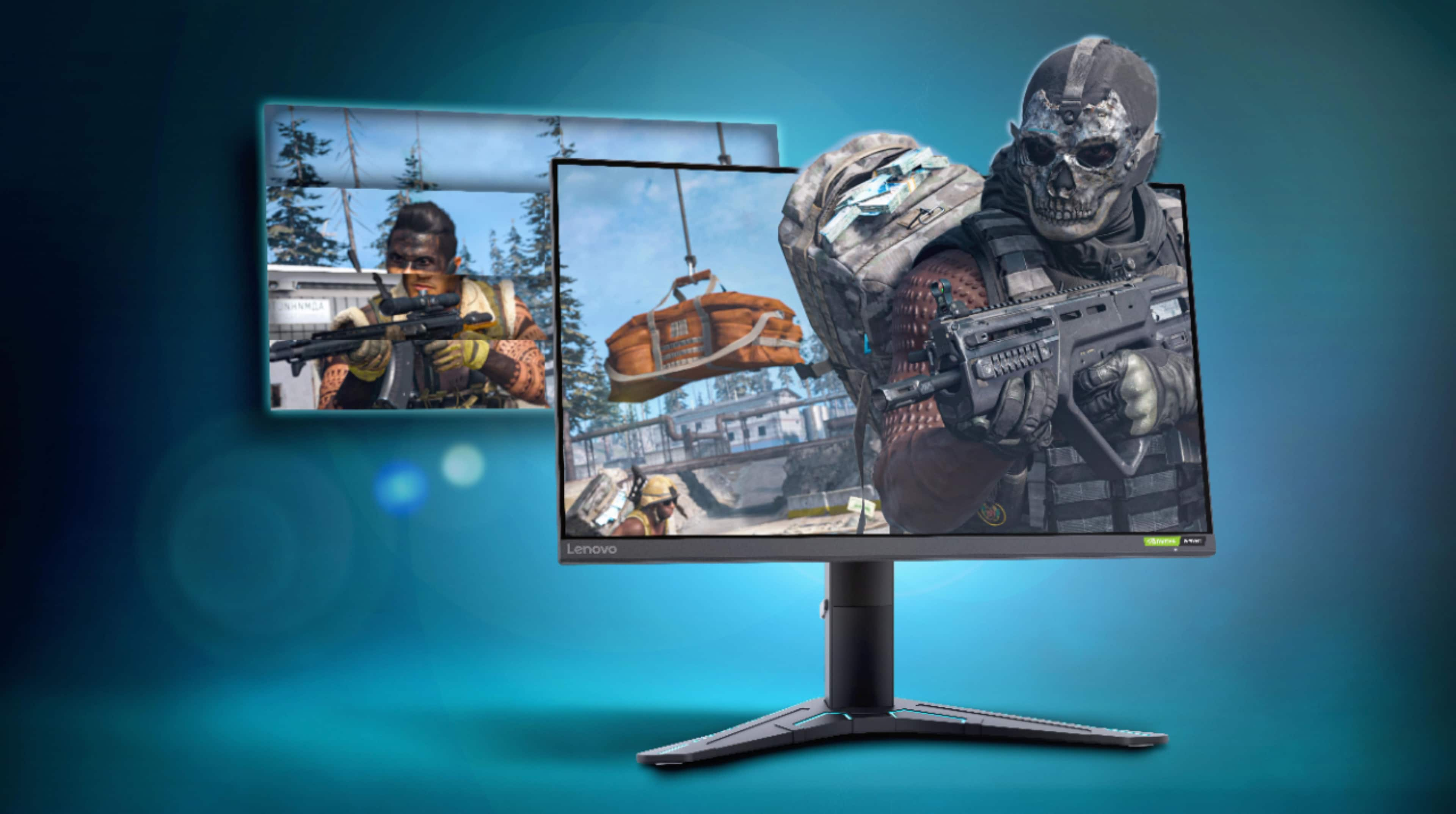
A:AnswerThe Lenovo G27-20 monitor, model number 66C2GCC1US, is G-Sync Compatible. Here is a link to the Datasheet for this monitor: https://psref.lenovo.com/syspool/Sys/PDF/datasheet/Lenovo_G27-20_datasheet_EN.pdf
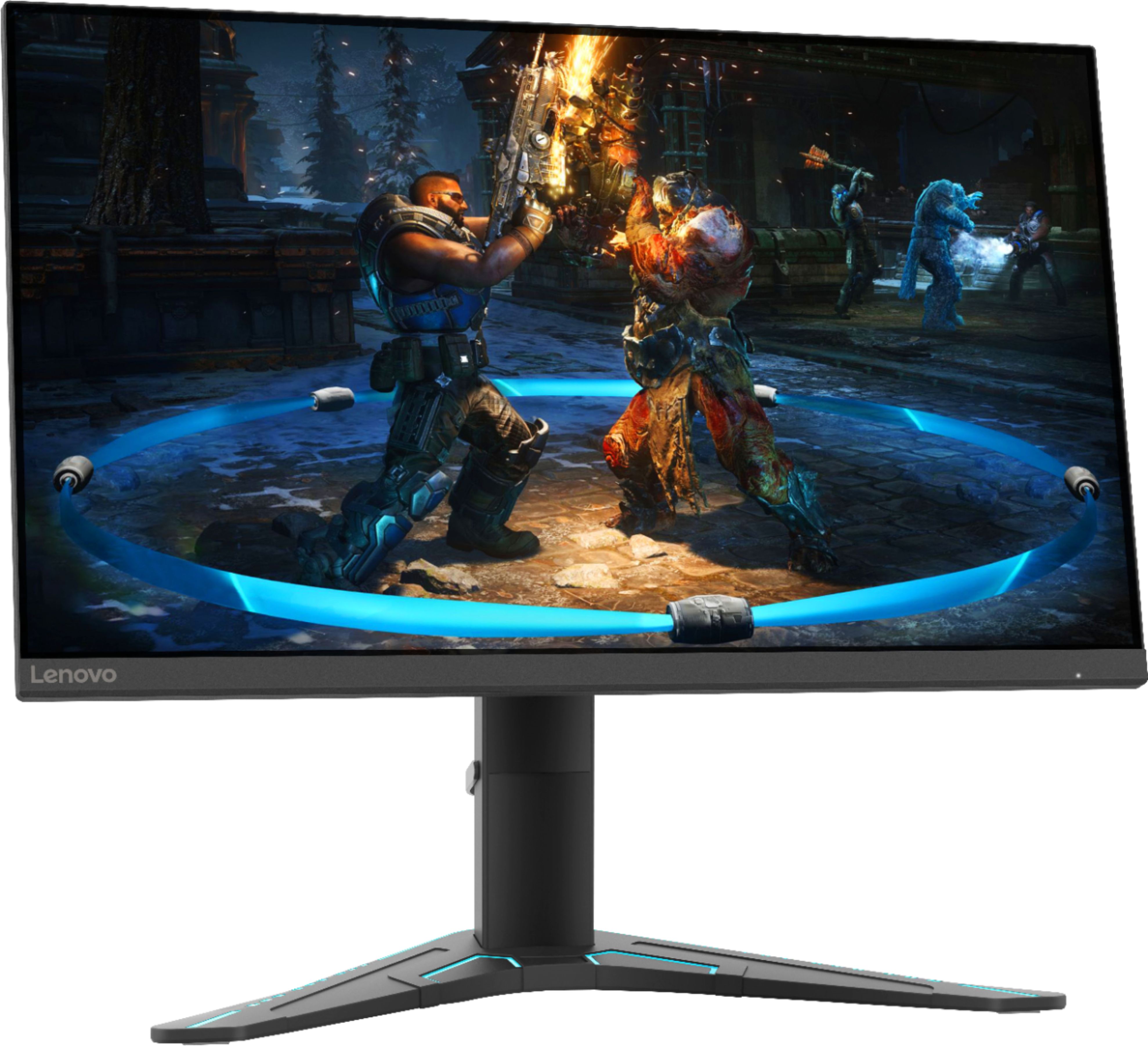
A:AnswerThe Lenovo G27-20 Monitor, model number 66C2GCC1US viewing area of 27 inches which is the viewable screen size measured diagonally. The dimensions of the monitor are: Size Unpacked w/ Stand (D x H x W, mm/inch) (lowest position) - 260.0 x 392.8 x 612.4mm /10.24 x 15.46 x 24.11 inches.
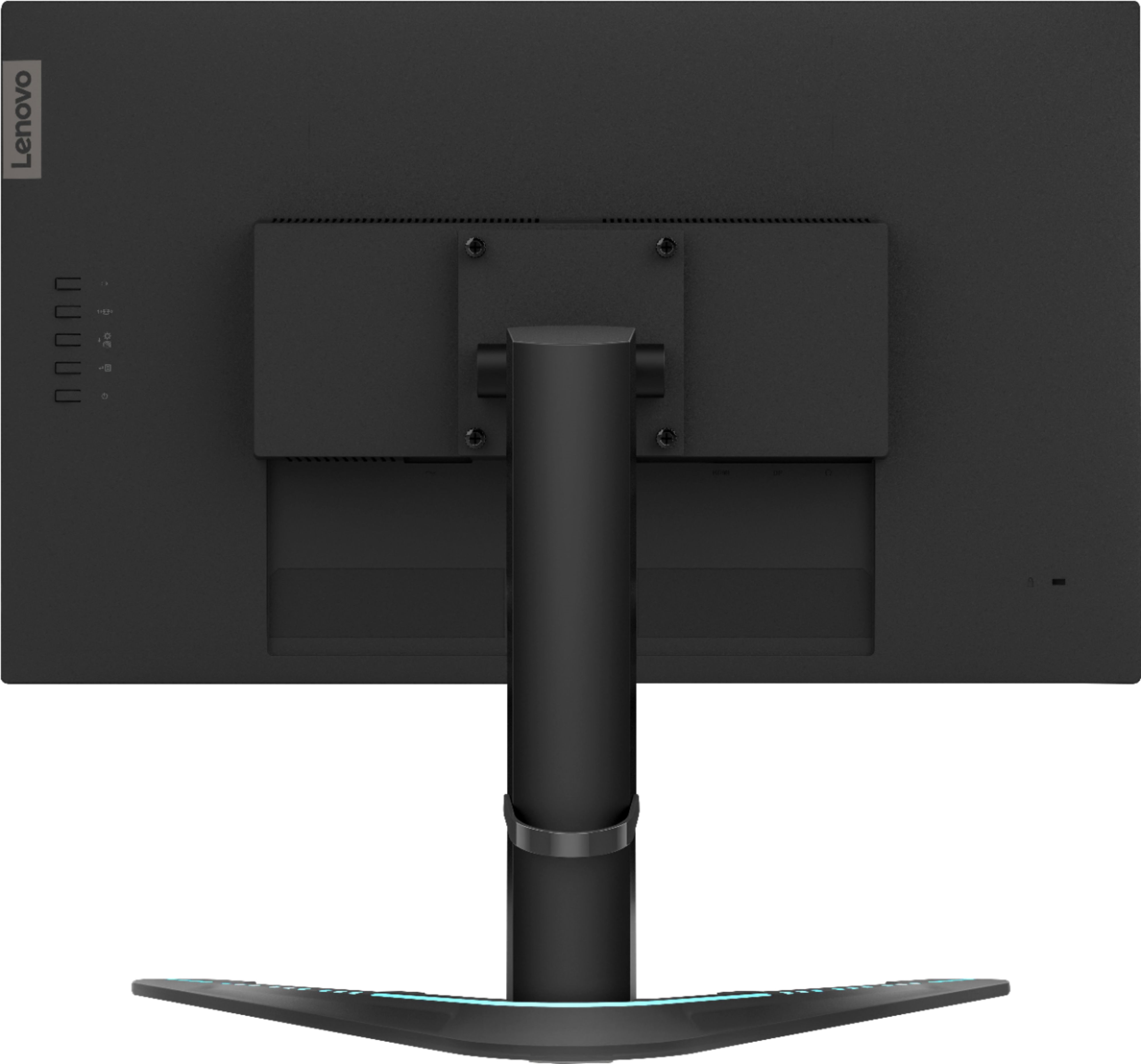
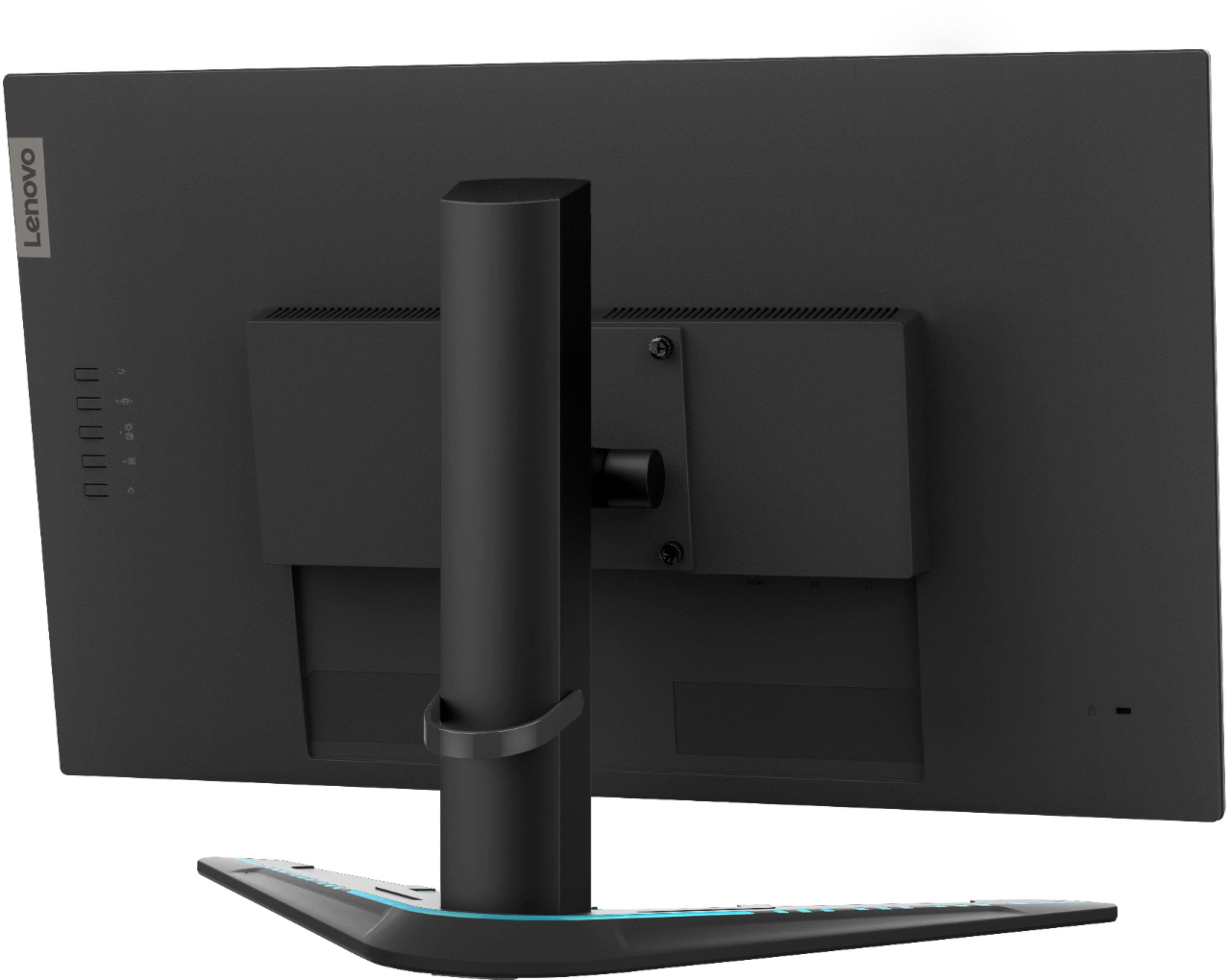
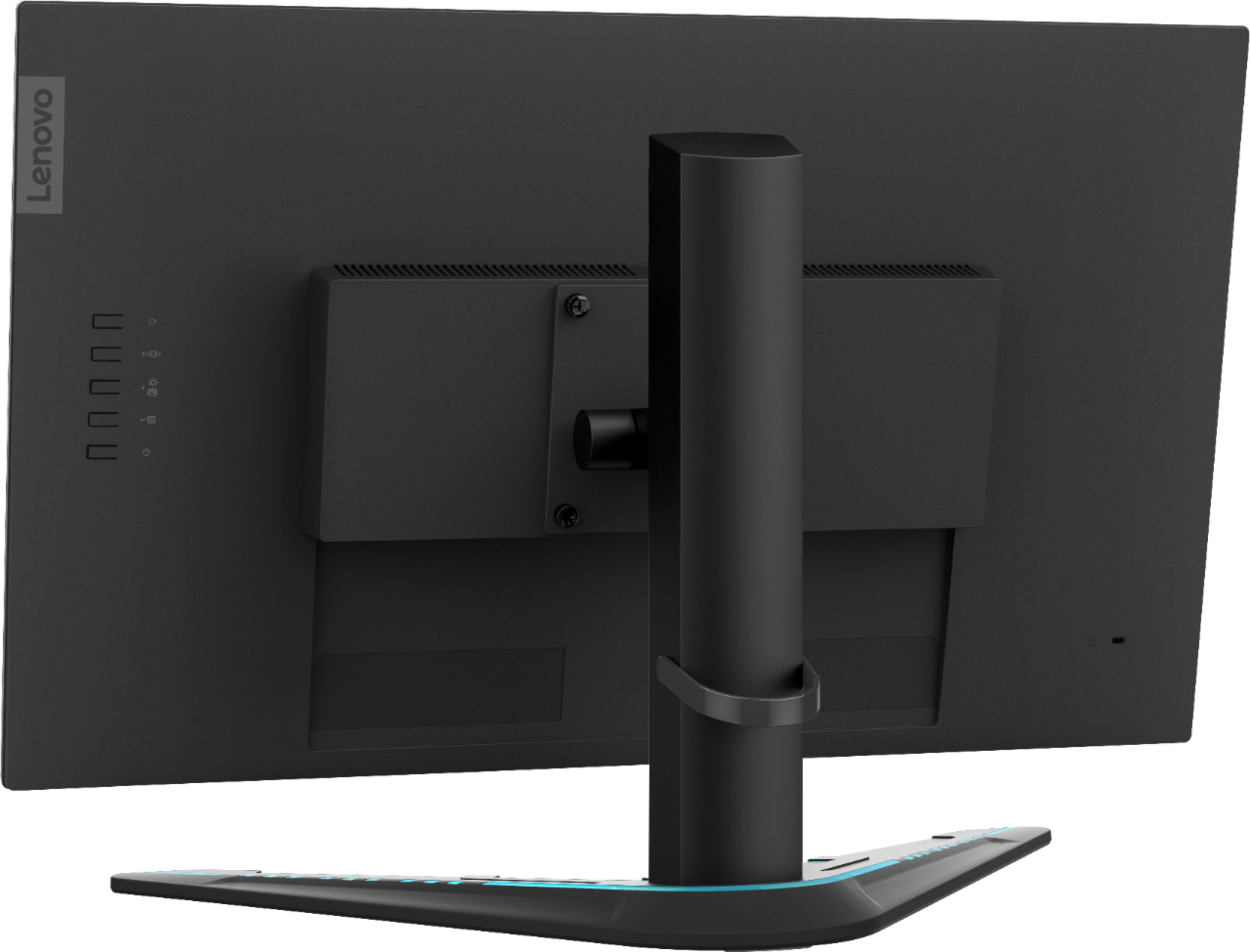
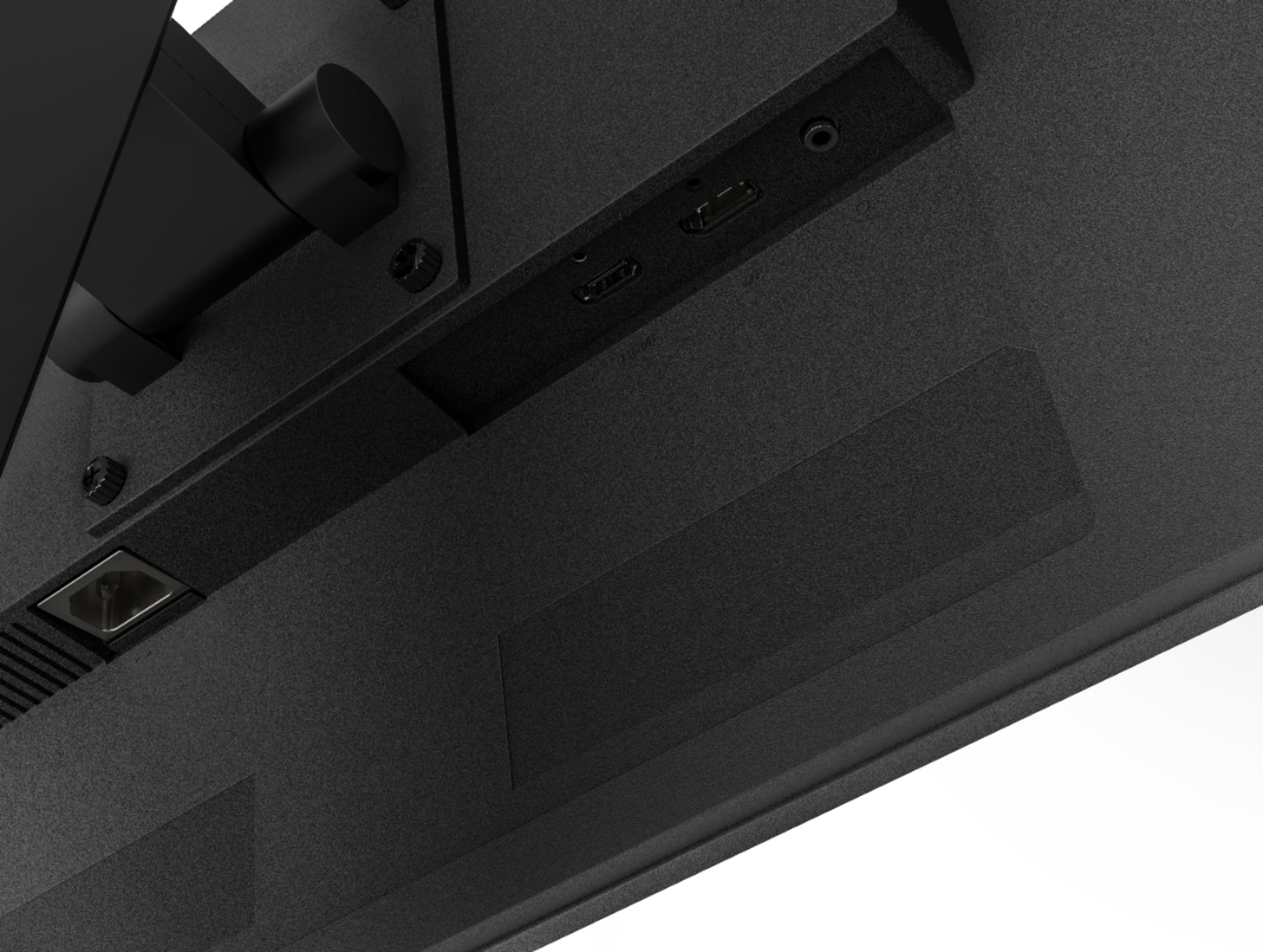
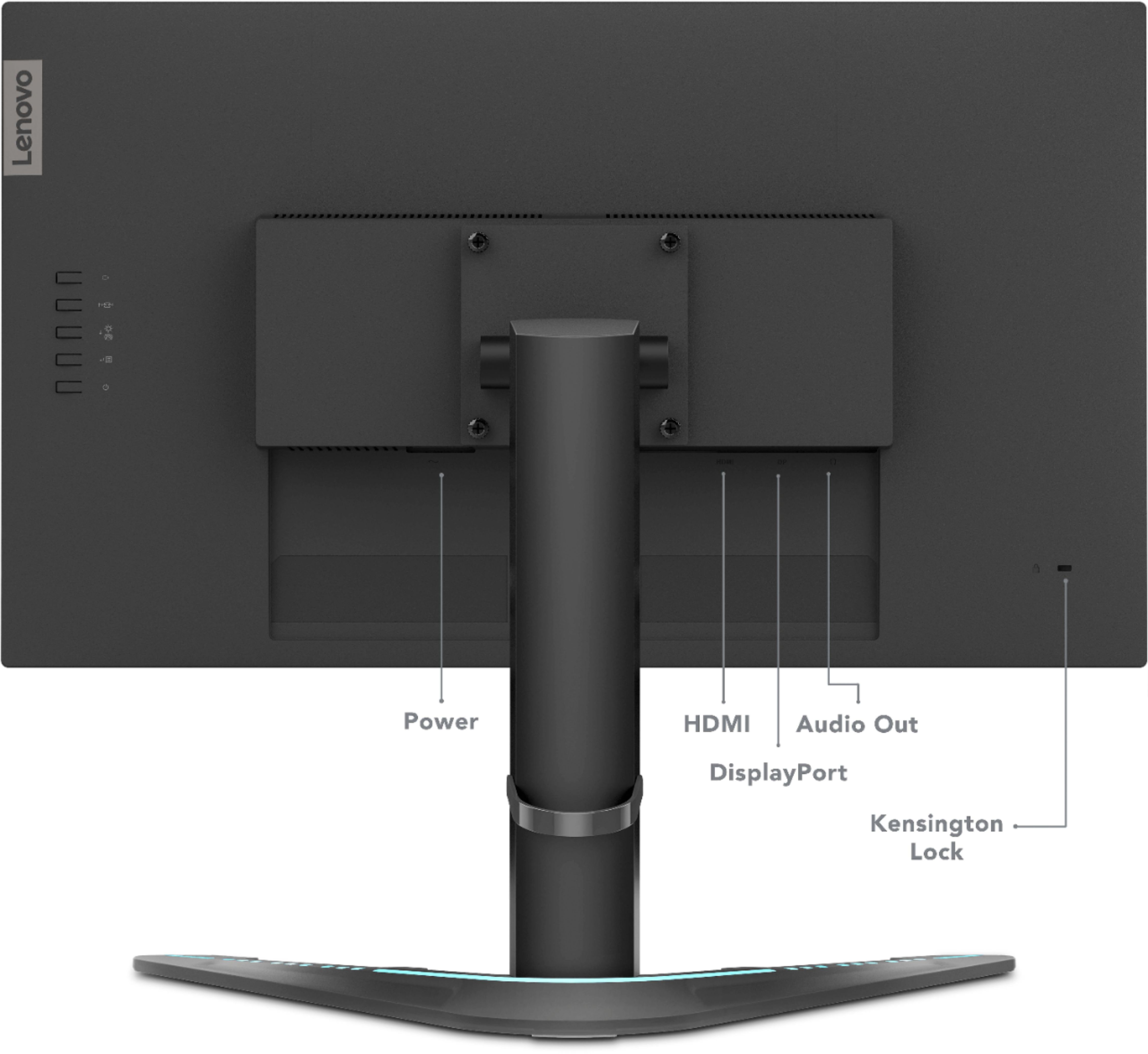
A:AnswerYes. This Lenovo G27-20 Monitor, model number 66C2GCC1US, ships with both 1 x HDMI 1.4 and
1 x DisplayPort 1.2 connectivity with NVIDIA G-SYNC Compatibility and AMD Radeon Freesync Premium Compatibility over both modes when used with a compatible computer.
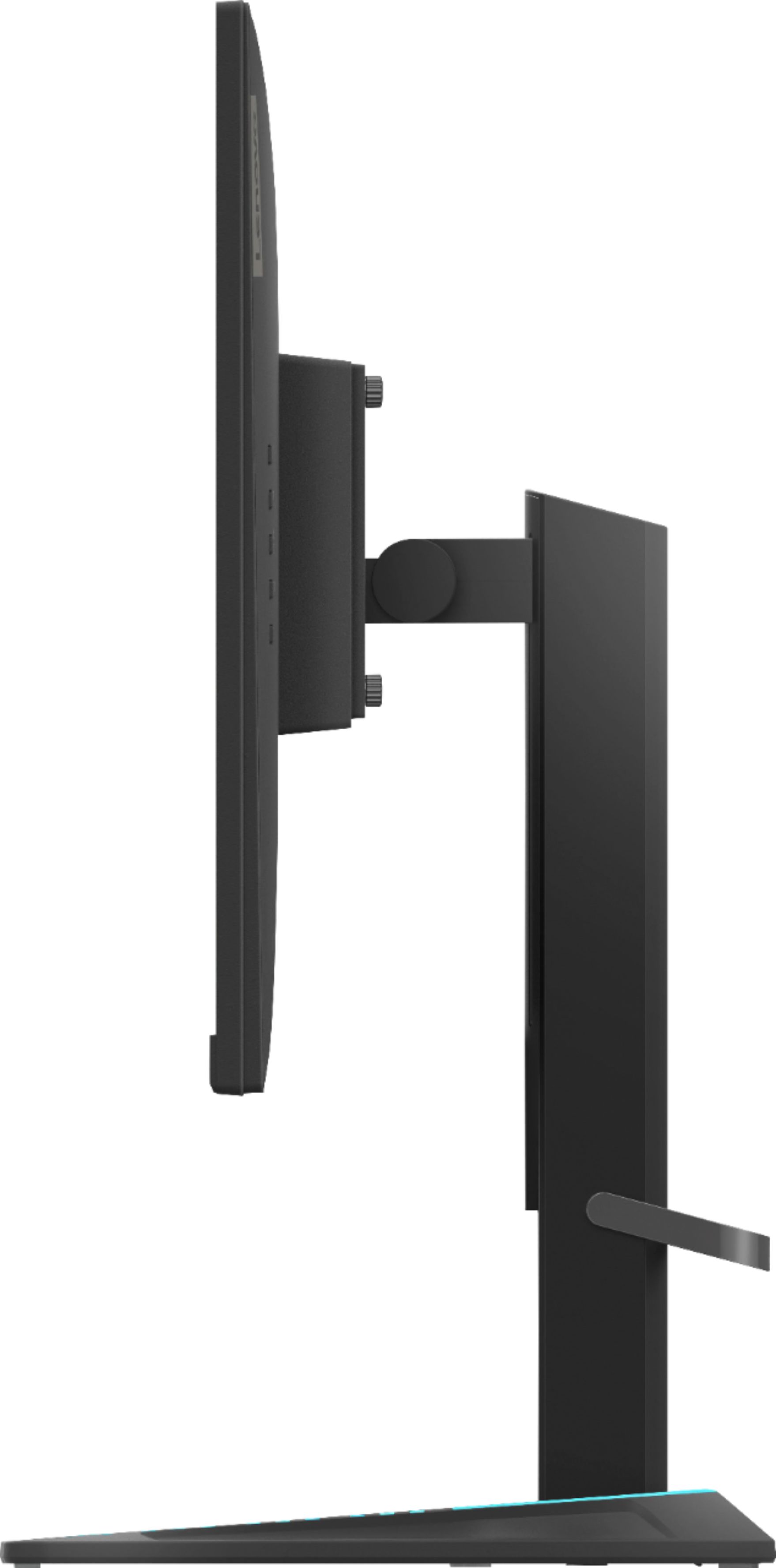
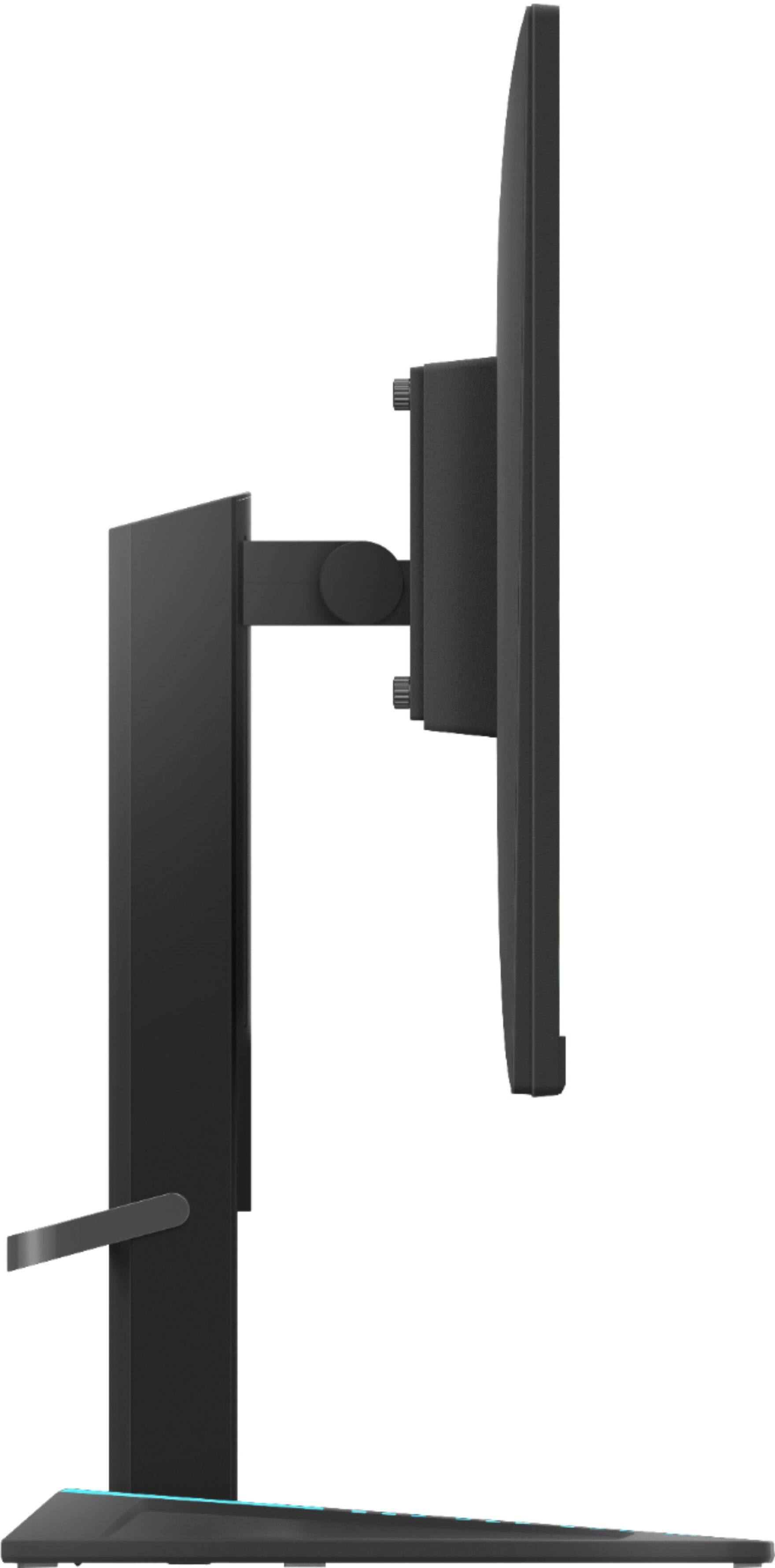
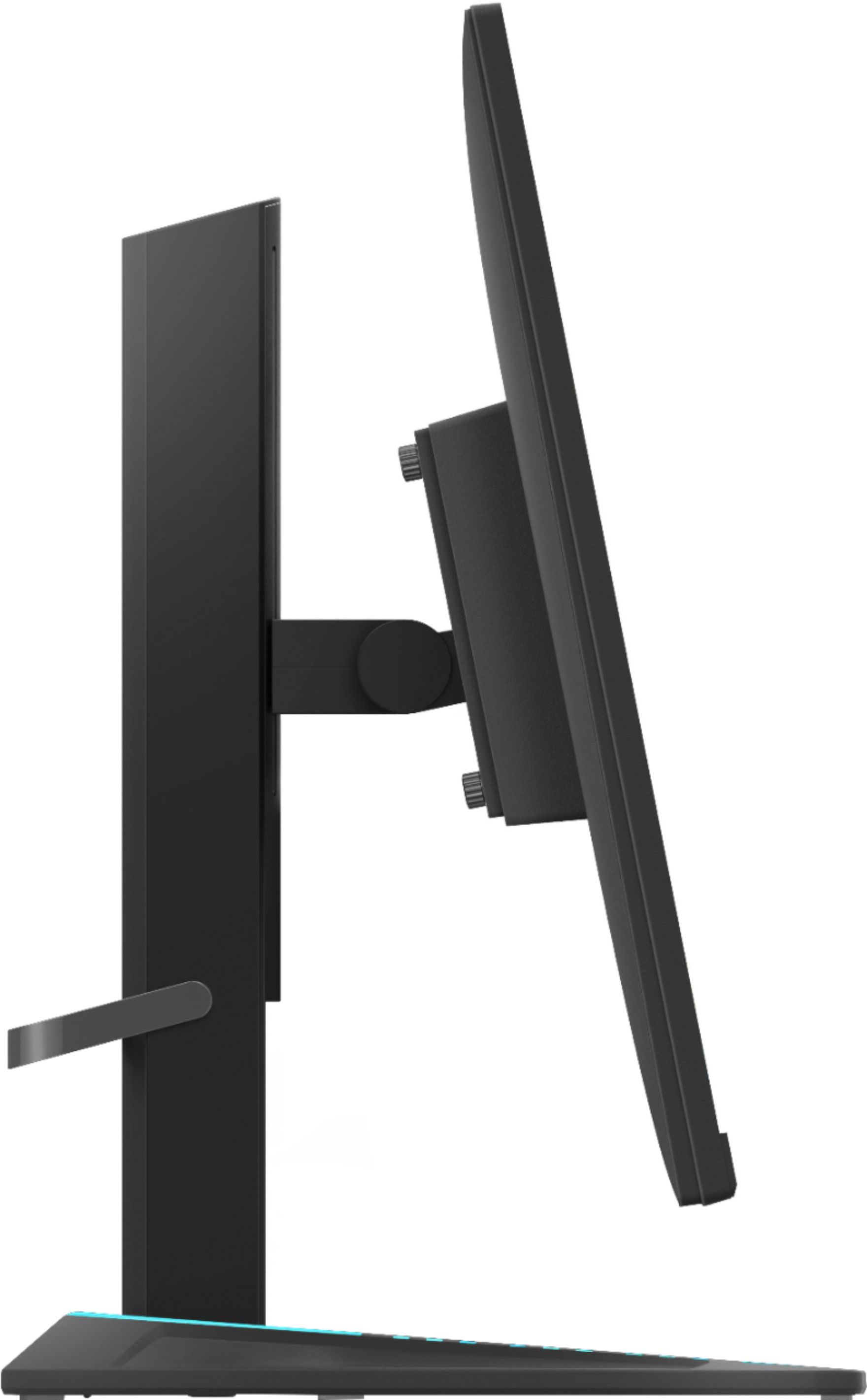
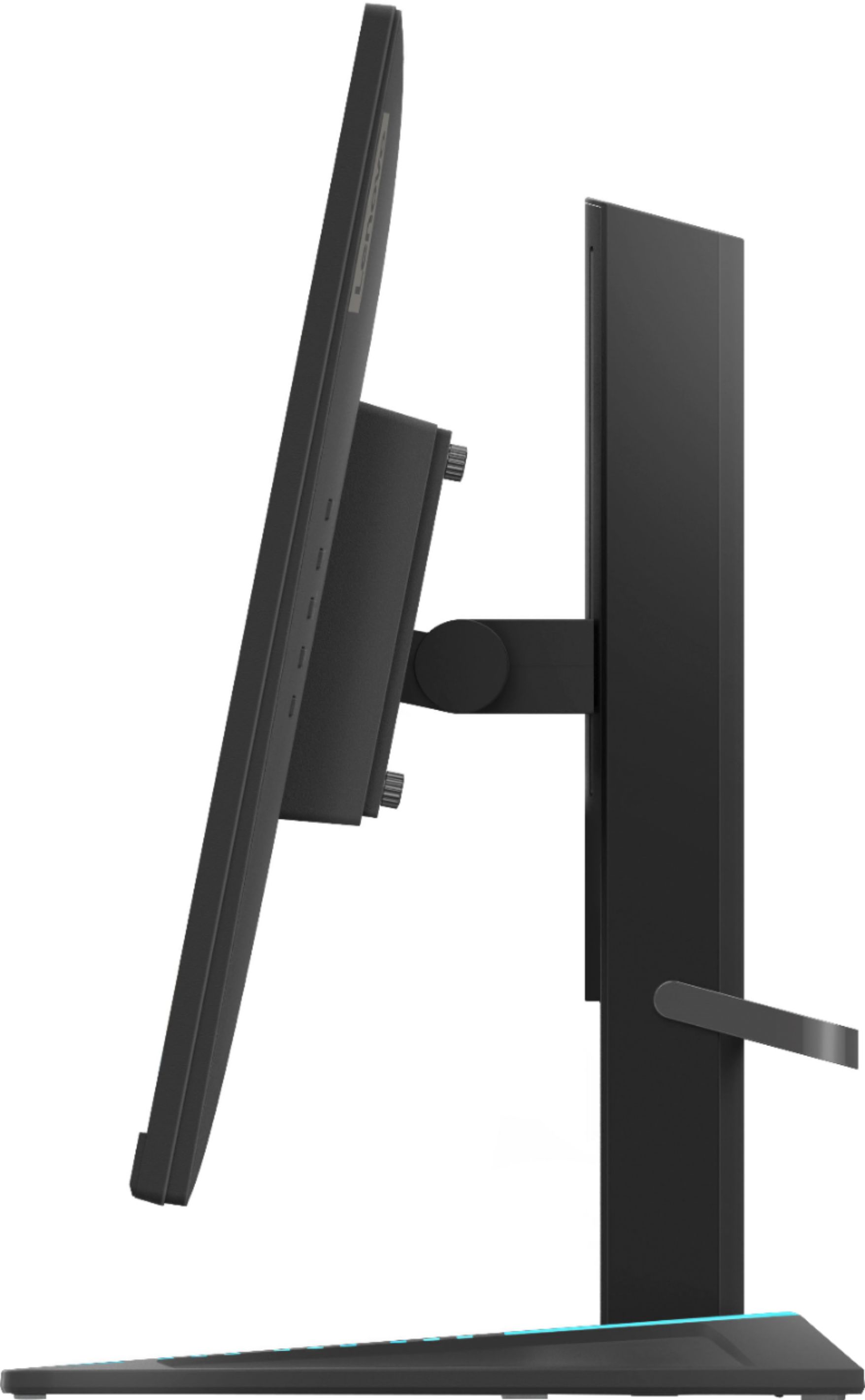
A:AnswerNo. This Lenovo G27-20 Monitor, model number 66C2GCC1US, does not have the ability to display in portrait orientation, either on the stand provided or VESA mounted. The stand has tilt and lift capability in the horizontal orientation only.
A:AnswerThis Lenovo G27-20 Monitor, model number 66C2GCC1US, uses 1 x HDMI 1.4 Version port and 1 x DisplayPort 1.2 Version Port. It is not compatible with HDMI 2.1 speeds.
A:AnswerThe Lenovo G27-20 Monitor, model number 66C2GCC1US, is both NVIDIA G-SYNC Compatible / AMD Radeon FreeSync Premium Compatible. Here is a link to more information about this specific monitor: https://psref.lenovo.com/Detail/Lenovo_Monitors/Lenovo_G27_20?M=66C2GCC1US
A:AnswerThe Lenovo G27-20 Monitor model number 66C2GCC1US, ships with 1 x HDMI 1.4 version connection and 1 x DisplayPort 1.2 version connection for connecting a compatible video source.