A:AnswerIf you upgrade the RAM yourself, the cost is just the price of an 8gb DDR4-2666MHz RAM module to add to the system. (I did this and it cost around $30). Lenovo recommends a technician perform the upgrade, so if you go that route, it will cost more.
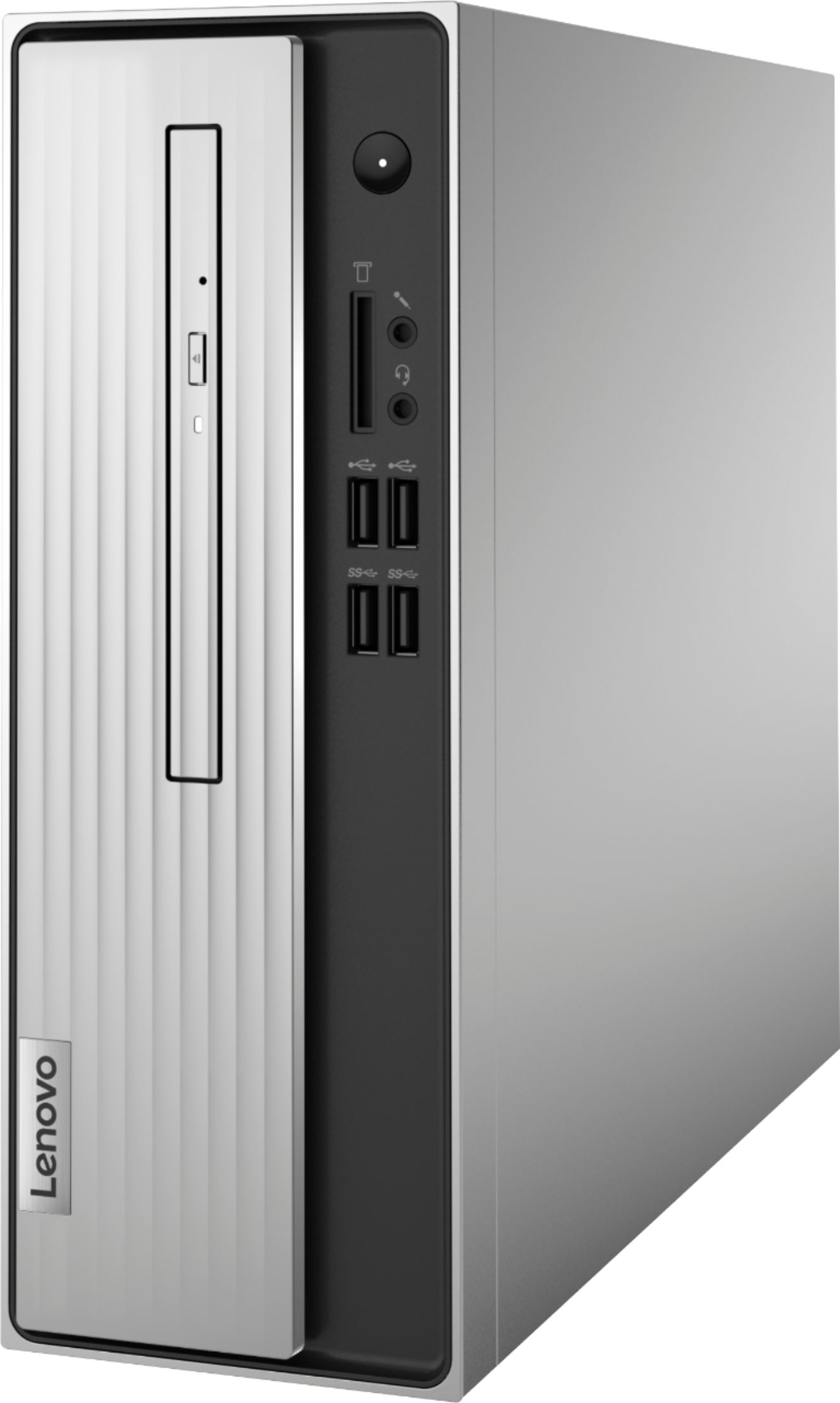
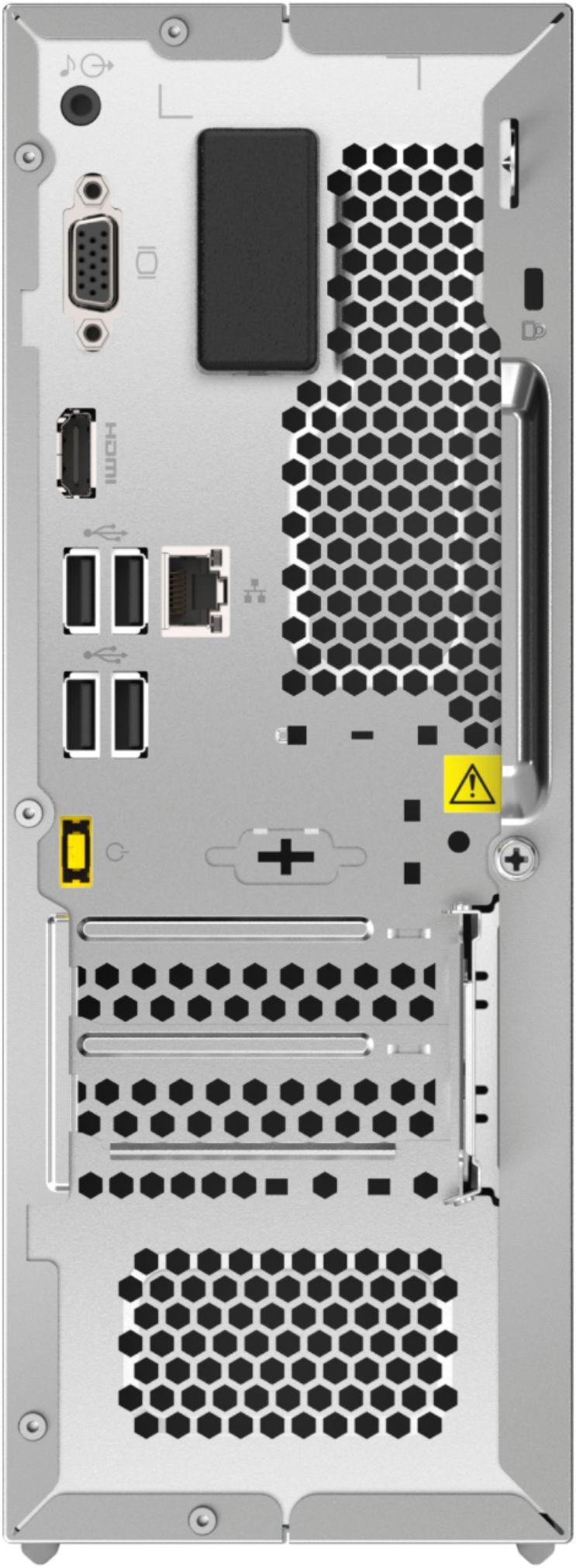
A:AnswerThe Lenovo IdeaCentre 3 Desktop, model number 90MV0001US has a VGA and an HDMI-Out port for connecting two monitors. There is a built in CD/DVD drive.
A:AnswerNo. Not easily. Out-of-the-box, this desktop runs Windows 10 Home edition. Although PCs with S mode installed can be switched out of S mode, there is no program to easily switch into it. To get S mode, you'd have to reinstall Windows to a version with S mode already onboard.
A:AnswerYou can connect a USB mic and a USB camera to this computer. If you have an XLR microphone all you will need is an audio interface like the Preosnus Audiobox of the Focusrite 2i2.
A:AnswerYes it does have an M.2 slot that supports NVME drives, that was the first thing I added when I bought it, added a sandisk ultra 3d m.2 1tb nvme ssd and used thier clone tool to move OS to it, and this thing blazing fast now.
A:AnswerI would say no. I am returning the CP because programs often do not respond when streaming music, using ImageJ, or anything from Adobe creative cloud at the same time. It takes me ten minutes just to open a web browser to check my email.
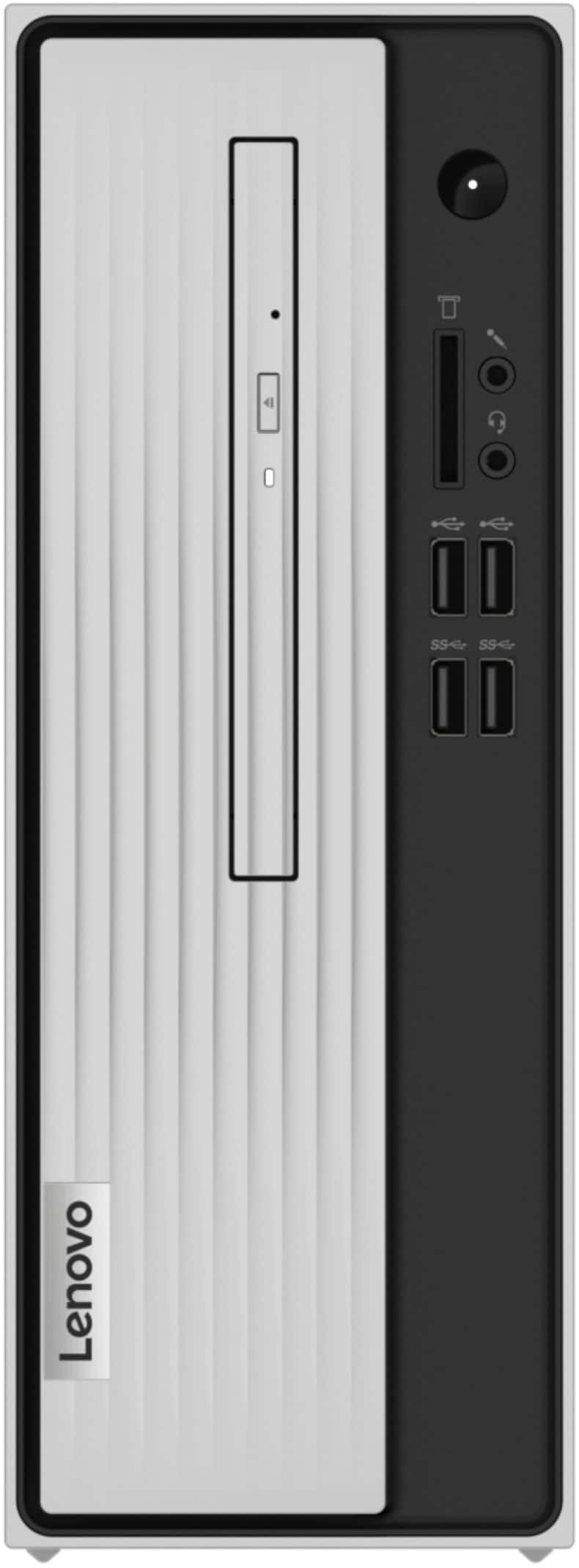
A:AnswerThe IdeaCentre 3, model number 90MV0001US, ships with a DVD burner (DVD±RW), SATA 1.5Gb/s, slim (9.0mm), and can play most CD and DVD formats. We recommend that you check the software publisher’s website for their compatibility with Windows 10 operating system and the minimum/recommended hardware requirements to run their program, then compare those requirements to this system's configuration to ensure that you can utilize the software on this model IdeaCentre 3.
A:AnswerI called Lenovo and this computer is compatible and should take all sorts of DDR4 even if it’s not a 2400 MHz which the specs or manual recommend. I questioned Lenovo and told him I put in a DDR4-16GB 2666mhz, and the technician said it should work. Then, I asked what range can you put in, and even 2400-3200. that’s what I got out of it. Correct me if I’m wrong.
A:AnswerThis Lenovo IdeaCentre 3 Desktop Computer, model number 90MV0001US, ships with Windows 10 Home, 64-bit Operating System installed and these video connections: 1x VGA Port and 1x HDMI 1.4 Version Port and supports up to 2 independent displays via onboard ports (VGA and HDMI). We recommend you check with your specific monitor manufacturer's web site for the requirements and compatibility of your specific monitor model.
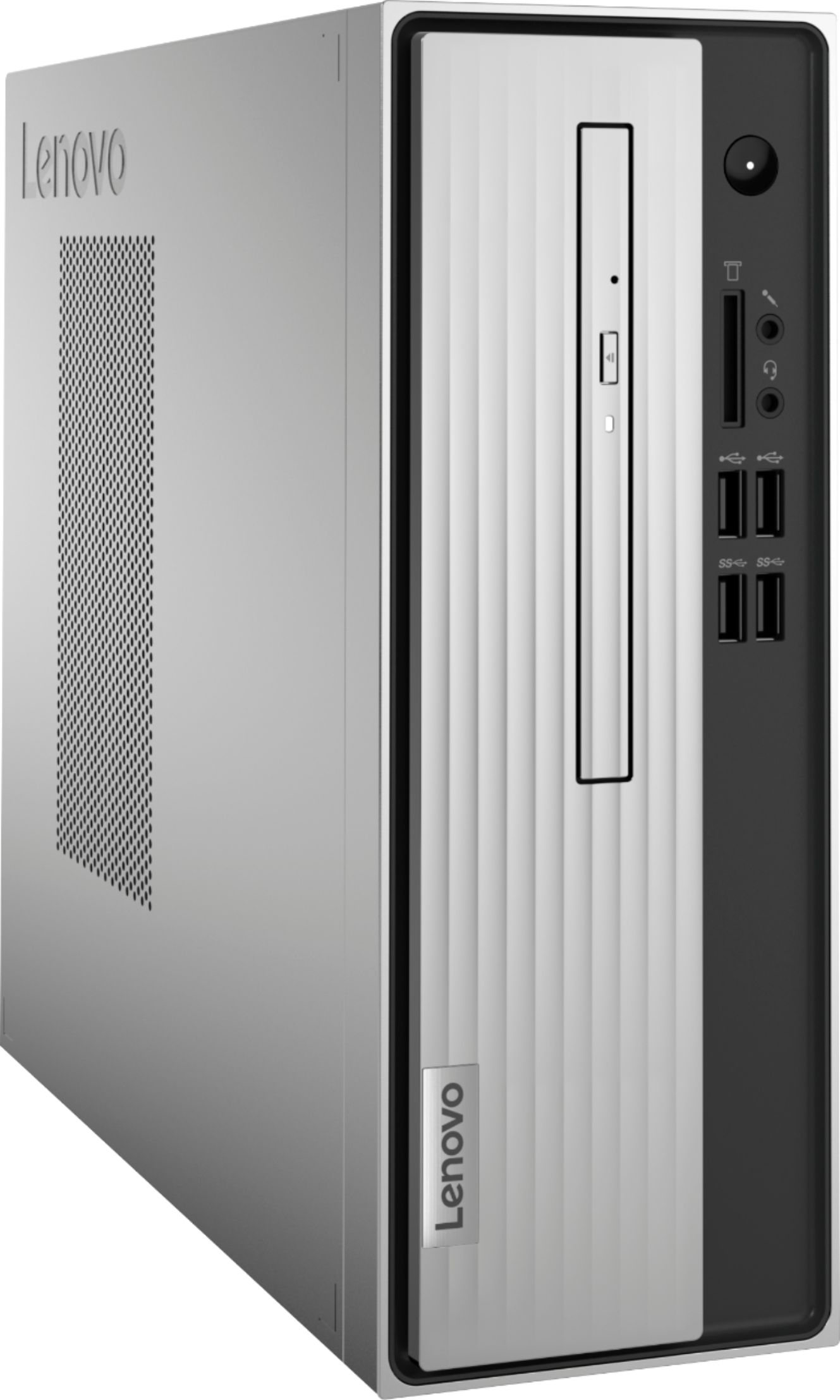
A:AnswerThis Lenovo IdeaCentre 3 Desktop Computer, model number 90MV0001US, ships with Windows 10 Home, 64-bit Operating System installed. This model ships with these ports included: Front Ports - 2x USB 2.0, 2x USB 3.2 Gen 1, 1x headphone / microphone combo jack (3.5mm), 1x microphone (3.5mm). Rear Ports - 4x USB 2.0, 1x VGA, 1x HDMI 1.4, 1x Ethernet (RJ-45), 1x line-out (3.5mm).
A:AnswerThis Lenovo IdeaCentre 3 Desktop Computer, model number 90MV0001US, ships with Windows 10 Home, 64-bit Operating System installed. This model also ships with the Firmware TPM 2.0 Security Chip, integrated in chipset that is required for upgrading to Windows 11. Here is a link to more information about upgrading to Windows 11: https://docs.microsoft.com/en-us/windows/whats-new/windows-11-requirements
A:AnswerThis Lenovo IdeaCentre 3 Desktop Computer, model number 90MV0001US, ships with the Firmware TPM 2.0 Security Chip that is required for upgrading to Windows 11. Here is a link to more information about upgrading to Windows 11: https://docs.microsoft.com/en-us/windows/whats-new/windows-11-requirements