



Black Friday is hereShop new DoorbustersShop now

Main Content

Questions & Answers

Your price for this item is $499.99
The comparable value price is $689.99
Page Showing 1-20 of 21 questions
  • QuestionDoes the Lenovo computer have a touchscreen?

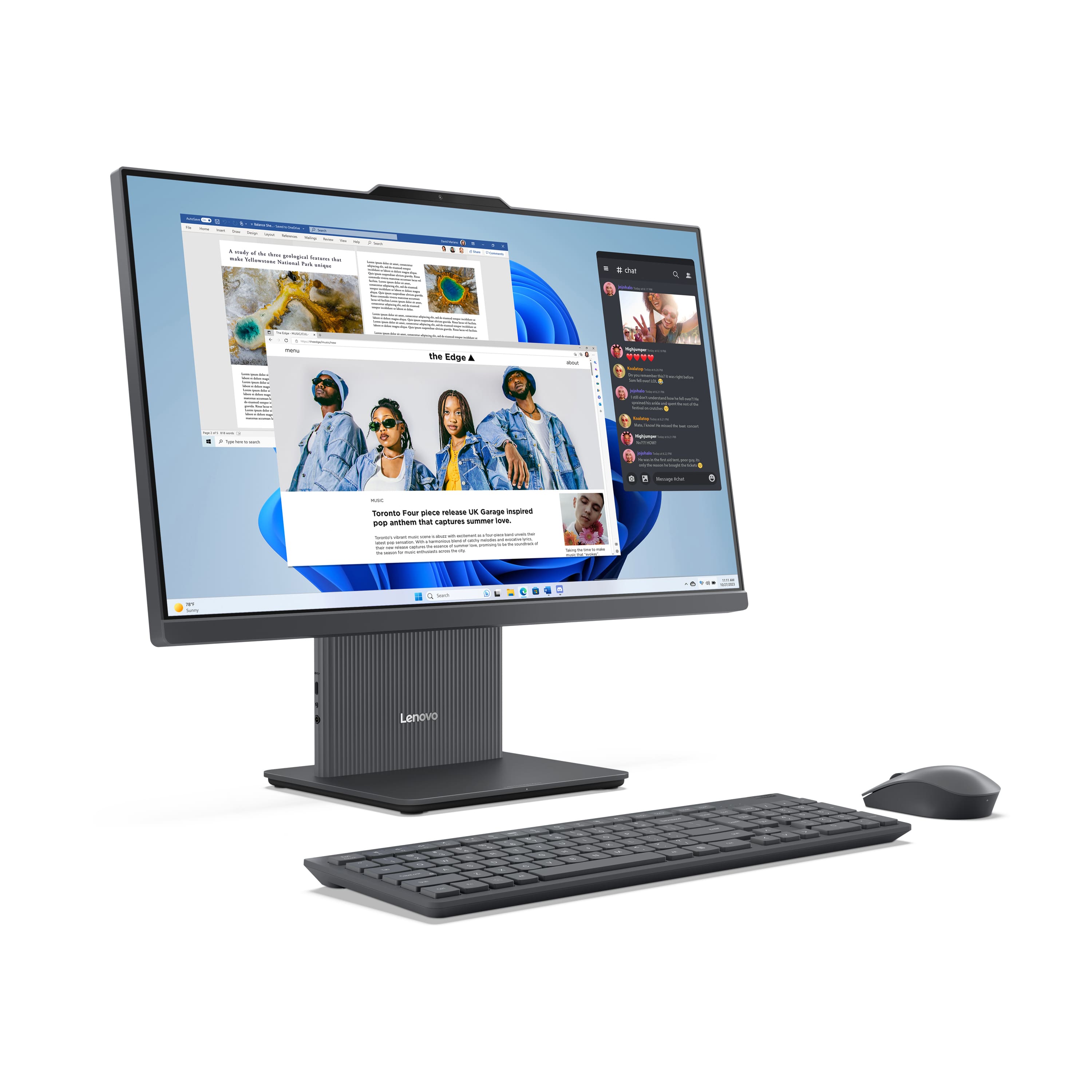
    • Answer Yes, it has an intuitive touchscreen that allows for personalized viewing angles.
    This question and answer was generated by AI based on customer and product data.

  • QuestionHow much storage does the Lenovo IdeaCentre AIO have?

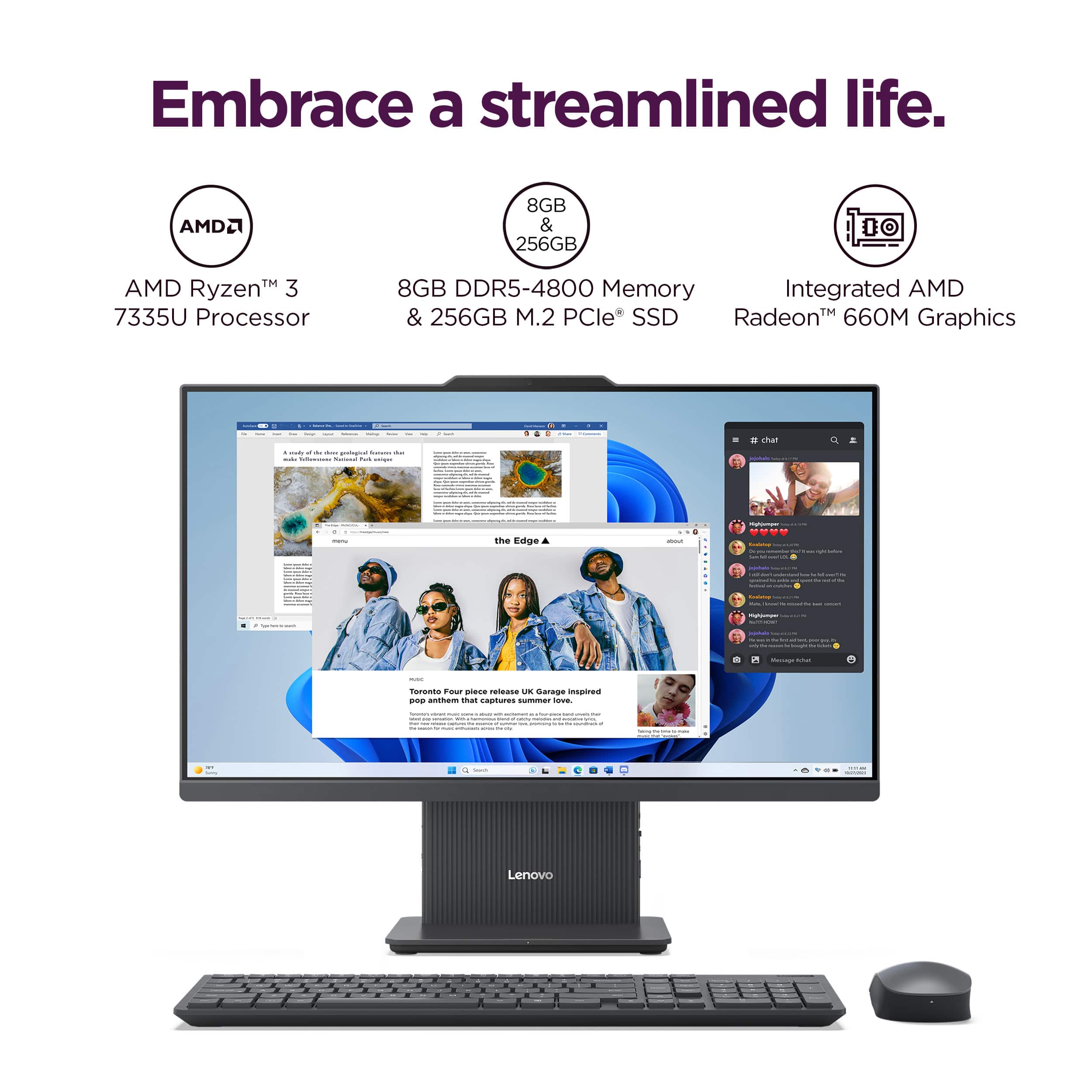
    • Answer It has a 256GB solid state drive (SSD).
    This question and answer was generated by AI based on customer and product data.

  • QuestionWhat is the processor speed of this computer?

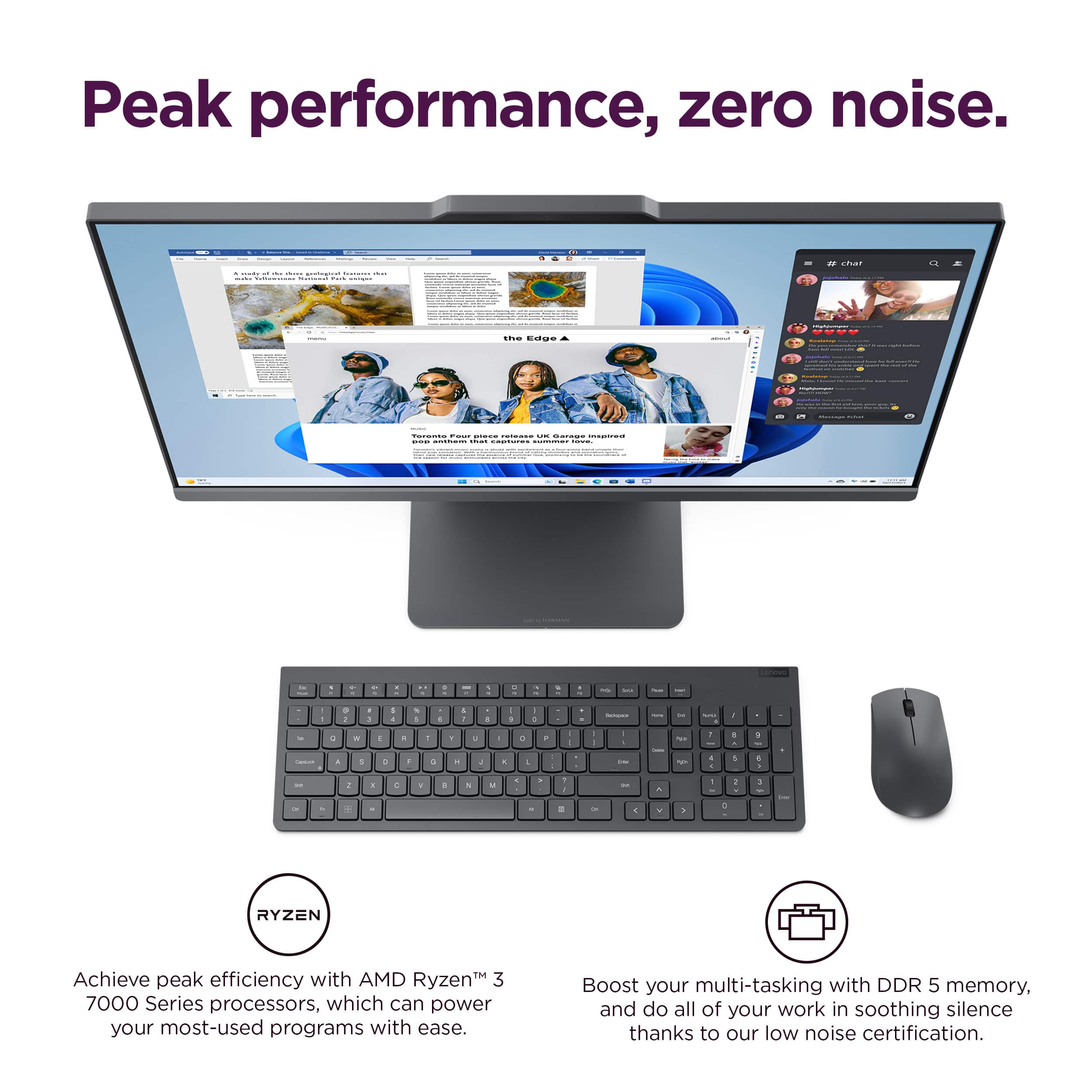
    • Answer The AMD Ryzen 7000 series processor has a base clock frequency of 3 GHz and a boost clock frequency of 4.3 GHz.
    This question and answer was generated by AI based on customer and product data.

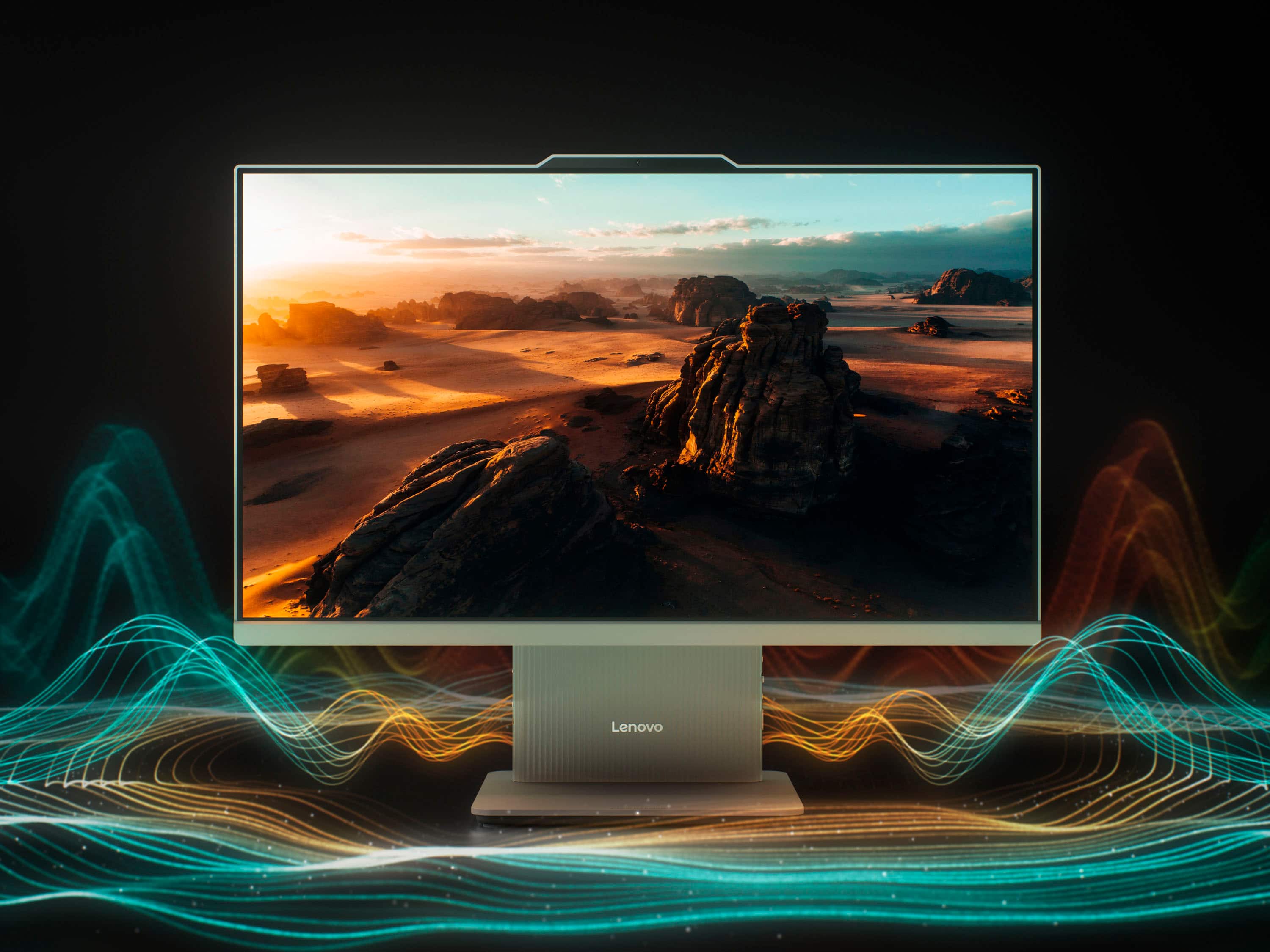
  • QuestionWhat type of display does this Lenovo computer have?

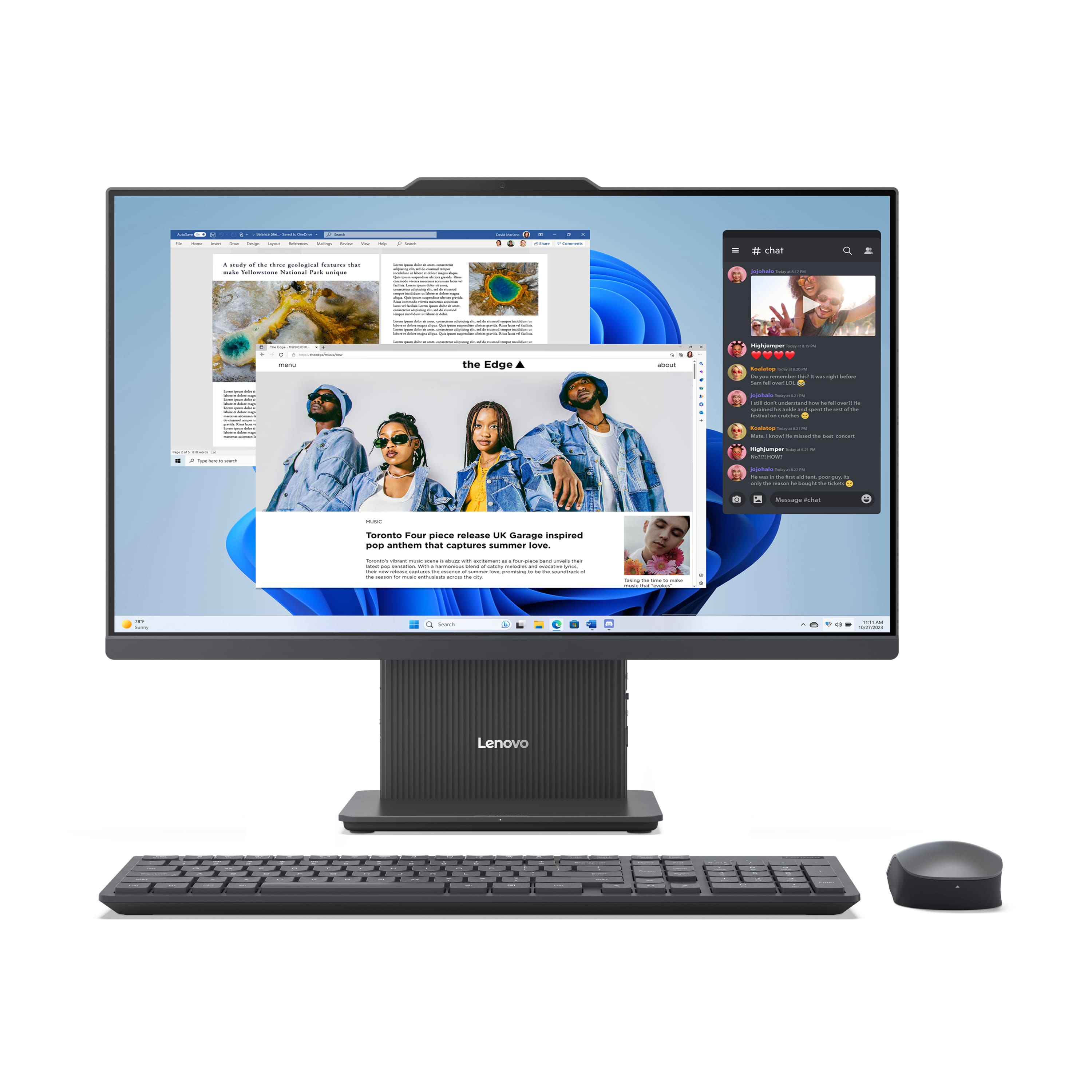
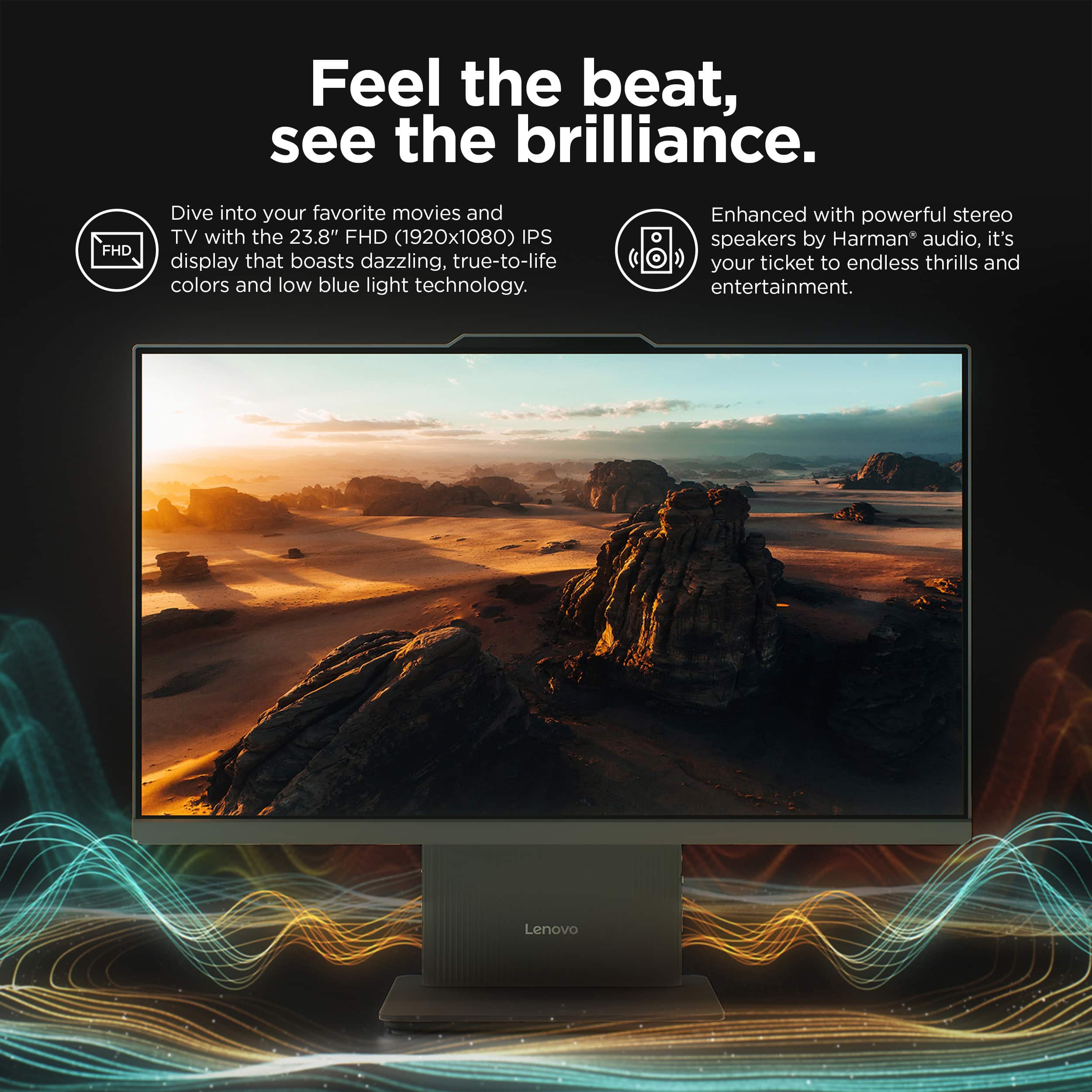
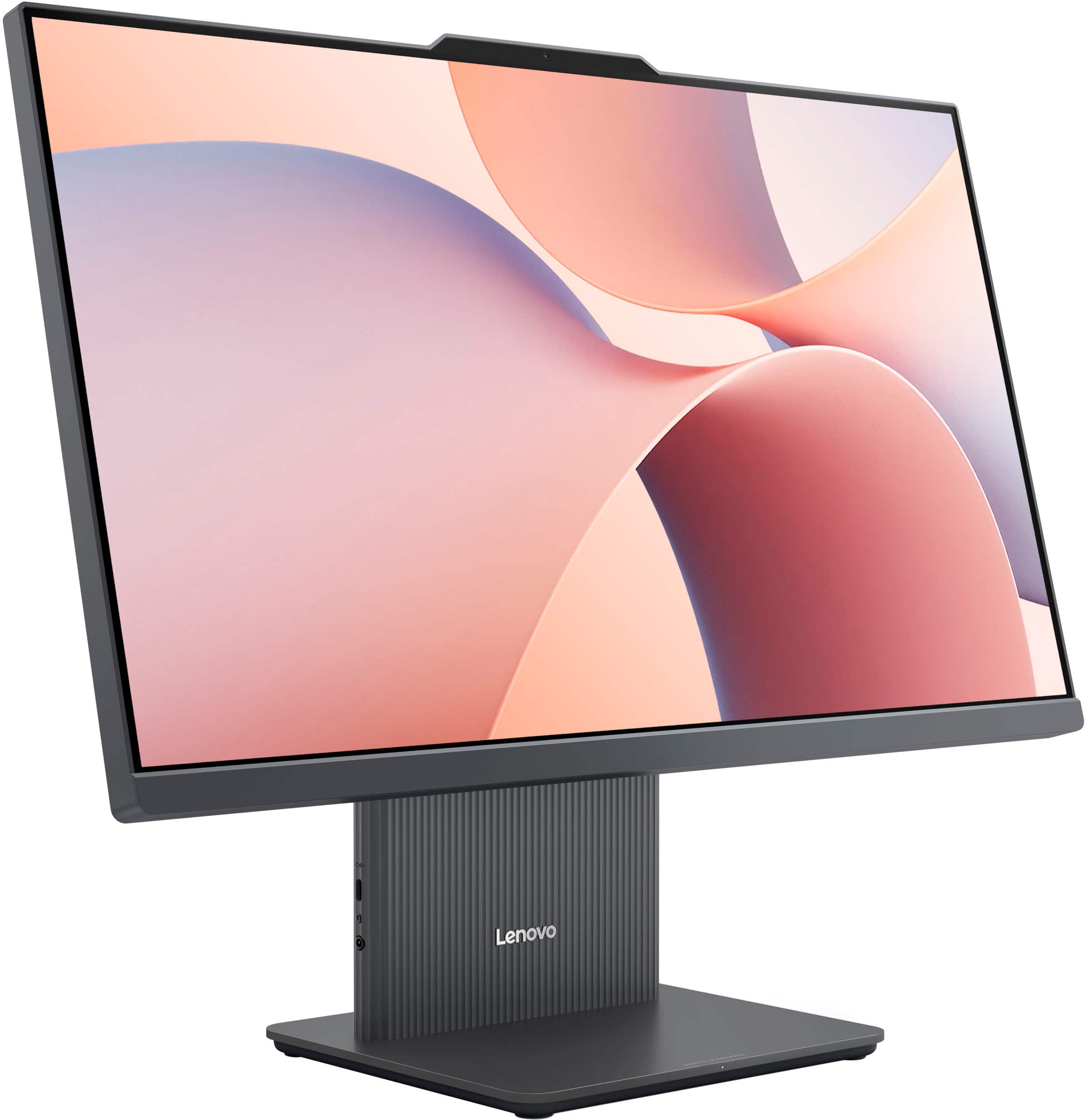
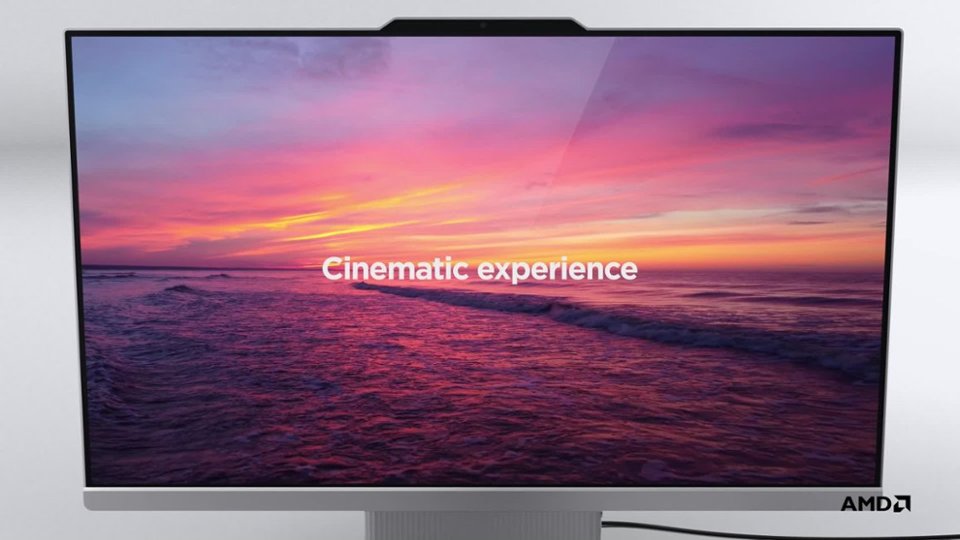
    • Answer This Lenovo IdeaCentre AIO has an expansive IPS 100 Hz display with a vivid 99% sRGB color range and Low Blue Light certificate.
    This question and answer was generated by AI based on customer and product data.

  • QuestionHow much RAM does this all-in-one computer have, and is it expandable?

    • Answer It comes with 8GB of DDR5 RAM, and it's expandable up to 16GB.
    This question and answer was generated by AI based on customer and product data.

  • QuestionWhat operating system does this computer use?

    • Answer This computer comes with the Windows 11 Home operating system.
    This question and answer was generated by AI based on customer and product data.

  • QuestionDoes this all-in-one computer include a webcam?

    • Answer Yes, it has a 5MP webcam tuned by Lenovo Smart Meeting.
    This question and answer was generated by AI based on customer and product data.

  • QuestionCan I use a wired mouse with this PC? Batteries go dead at the most inopportune times.

    Asked by randomthoughts.

    • Answer Hey there, Yes, you can use a wired mouse with this IdeaCentre AIO. Please feel free to reach out to us with any other questions!

      Answered by Lenovo Product Expert

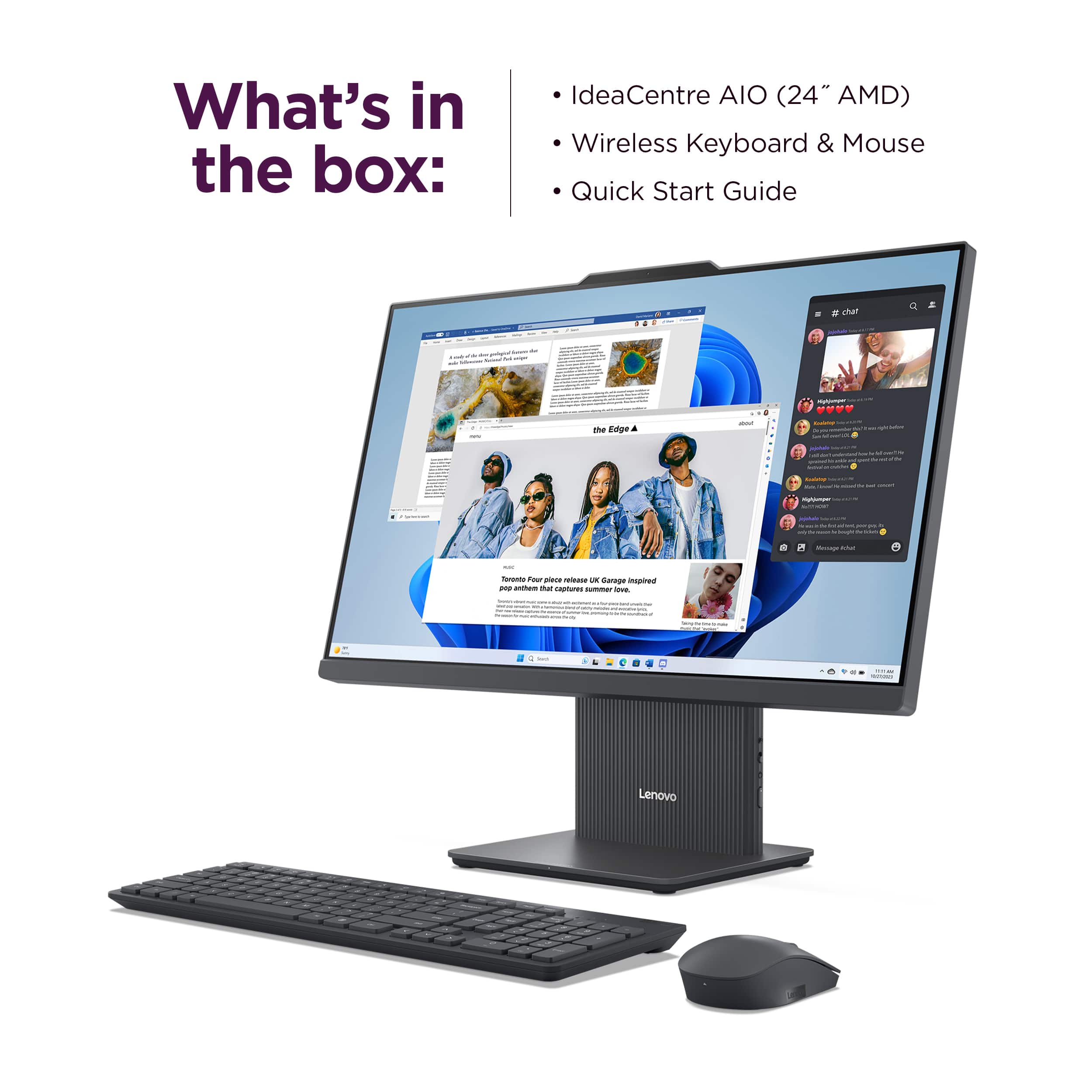
  • Questiondoes this have a keyboard and or a mouse

    Asked by robert789.

    • Answer Hi robert789, Thanks for choosing Lenovo. This IdeaCentre AIO does come with a wireless keyboard and mouse in the box. Let us know if you have any other questions!

      Answered by Lenovo Product Expert

  • QuestionIs this computer mountable to a vesa mount

    Asked by Jacqueline.

    • Answer Hey Jacqueline, The IdeaCentre AIO does not support VESA mounting. Please feel free to reach out to us with any other questions!

      Answered by Lenovo Product Expert

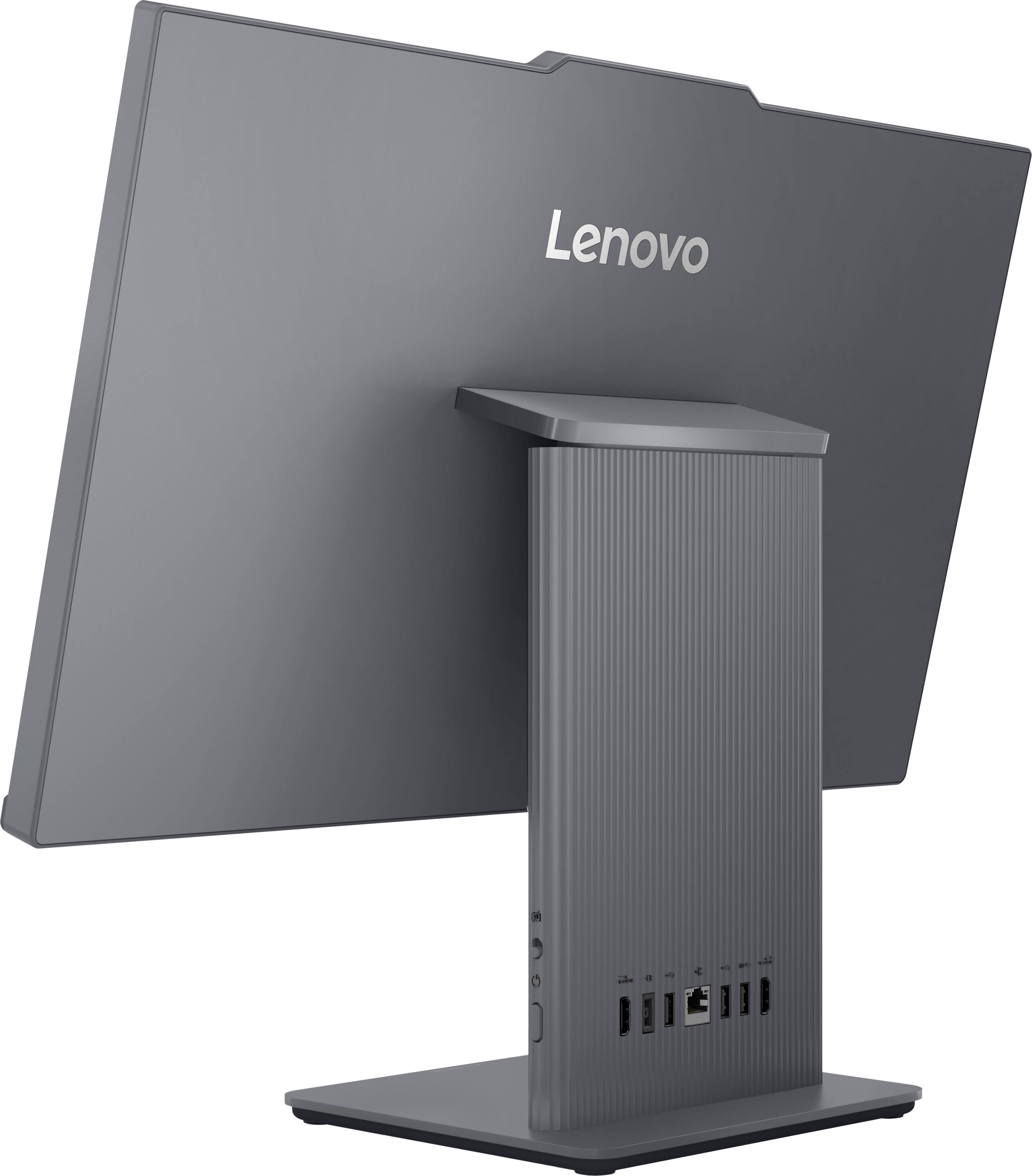
  • QuestionWhere is the power button. I csnt seem to find it

    Asked by Precious.

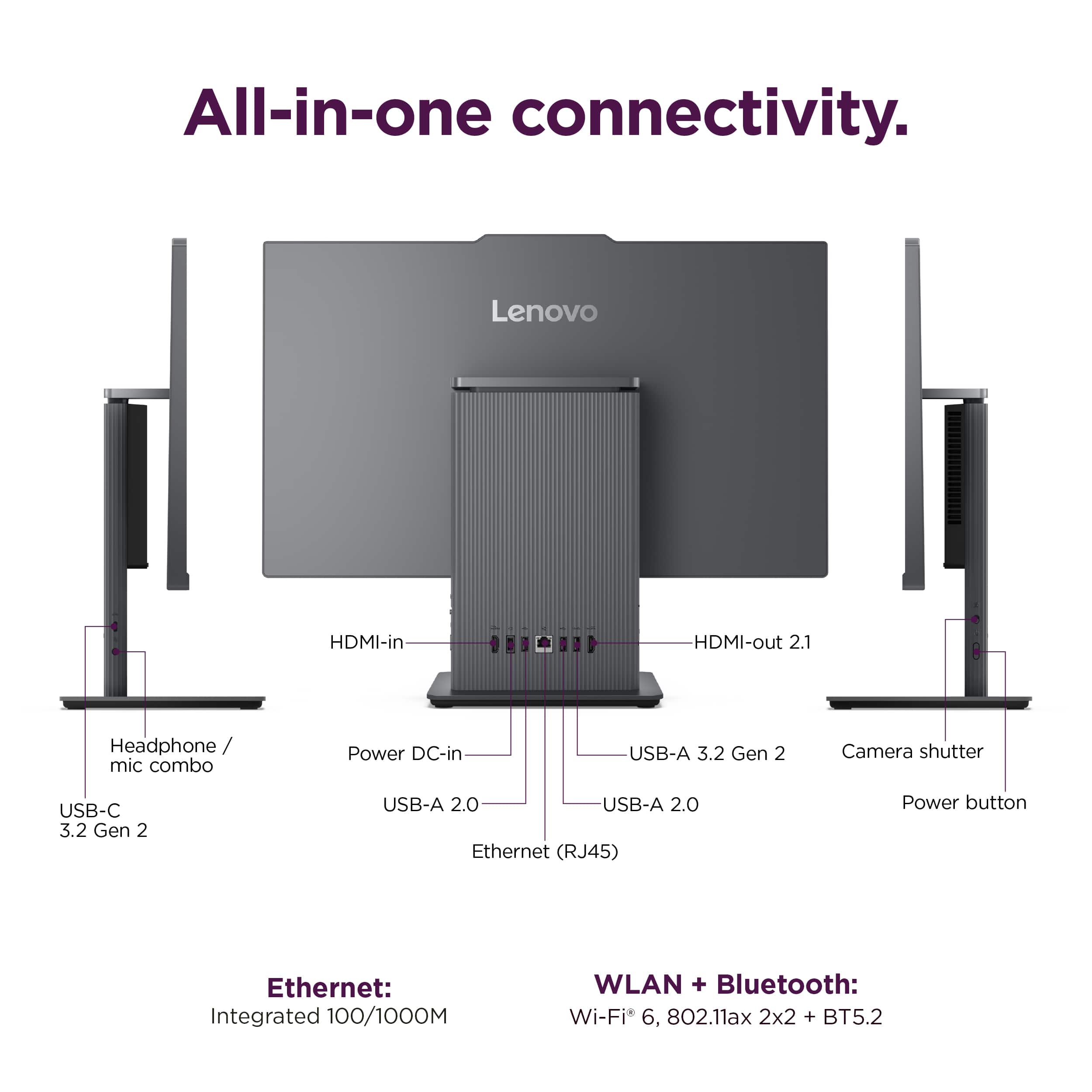
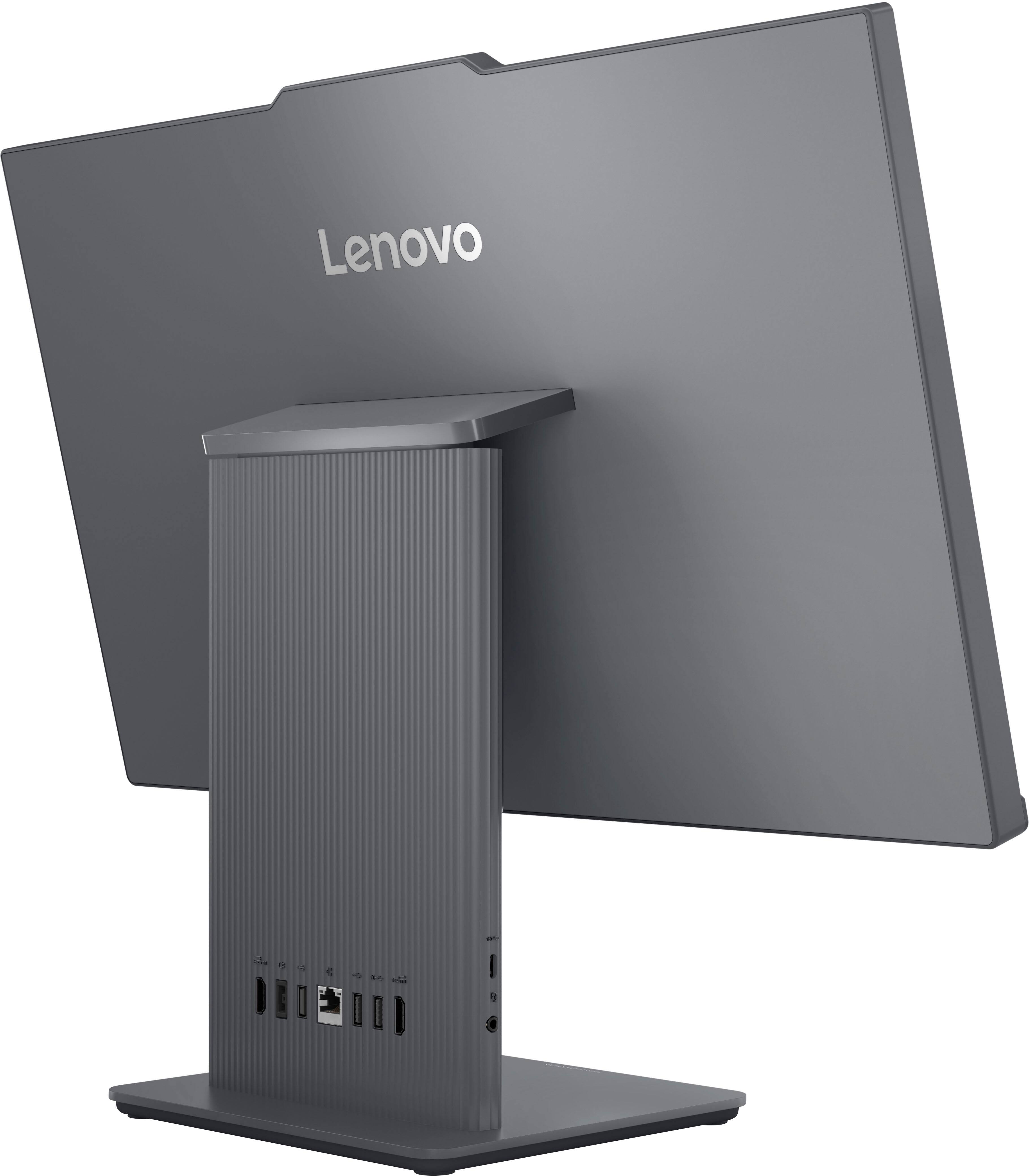
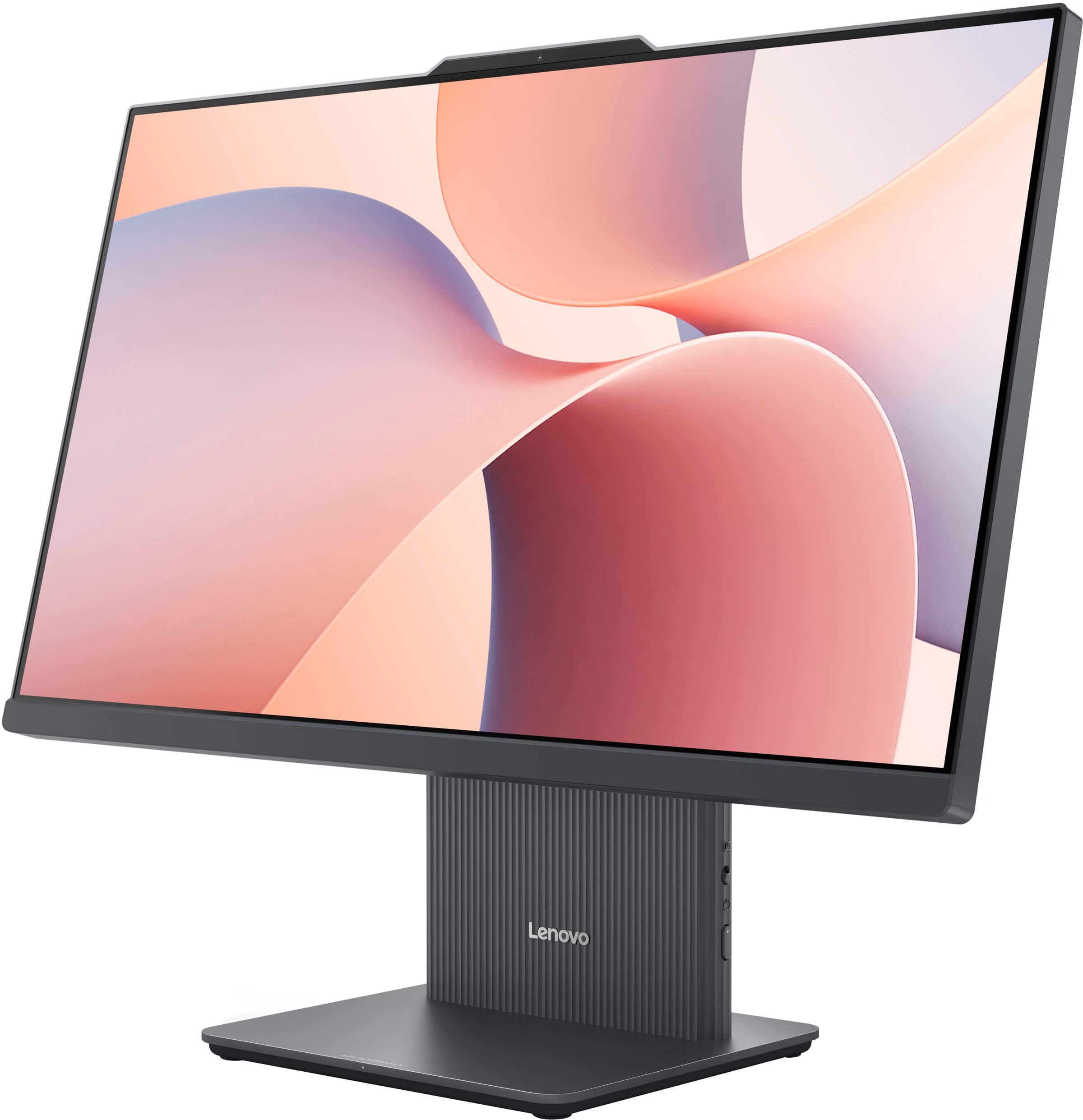
    • Answer Hey Precious, We apologize for any inconvenience that this has caused you. This IdeaCentre AIO's power button is on the right side of the stand below the camera e-shutter privacy switch. Should you want a visual guide, here's a link to the 'Meet your computer' section of the User Guide for your model IdeaCentre AIO with a labeled description: https://support.lenovo.com/us/en/documentation/sg10122-user_guide/Meet_your_computer_(topic)_T0000860817?language=en | Please feel free to reach out to us with any other questions!

      Answered by Lenovo Product Expert

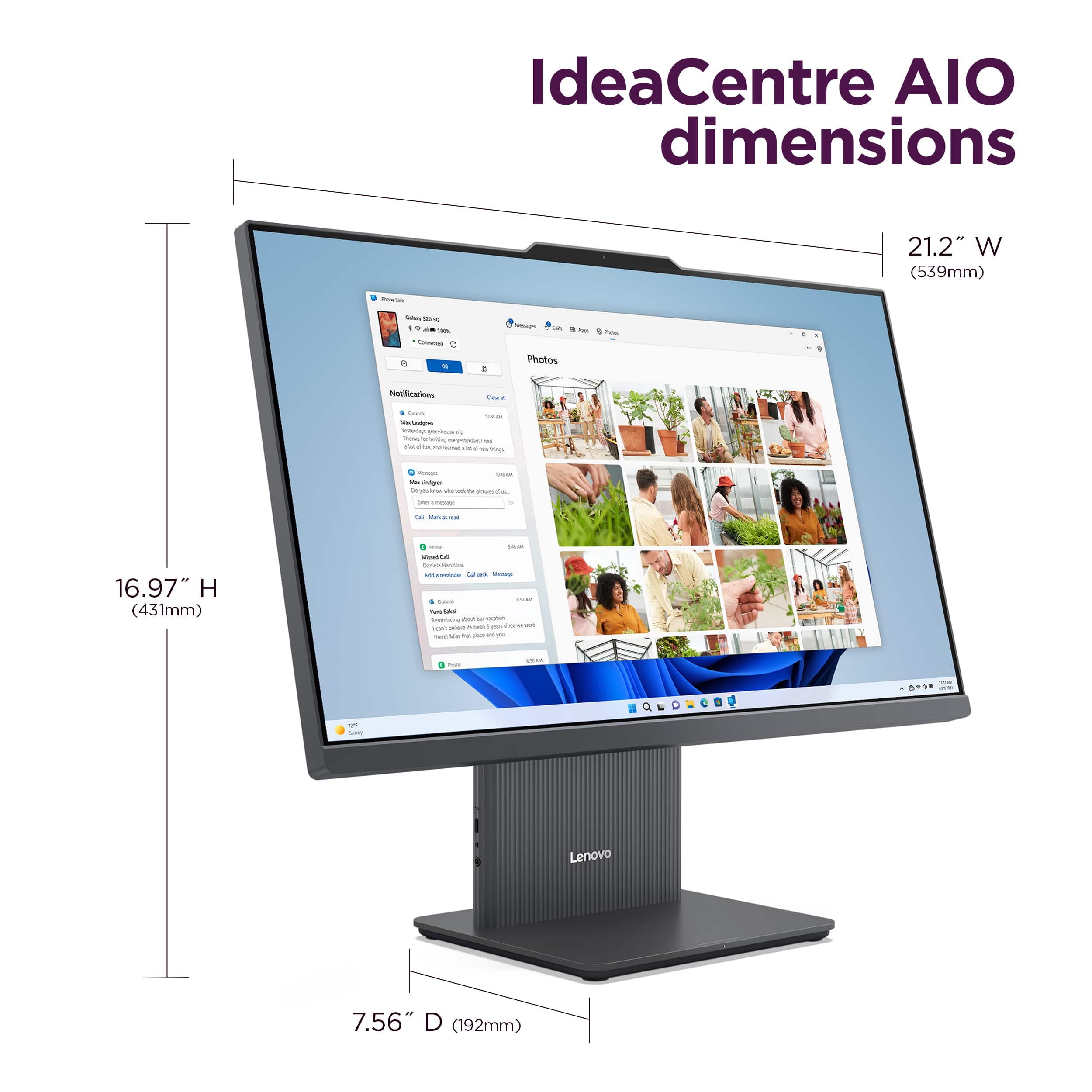
  • QuestionWhat are the dimensions of the screen (including casing) without the stand? Looks to be 21.2" wide, but I can't find a height that doesn't include the stand.

    Asked by Andy.

    • Answer Hey Andy, There are no recorded measurements of the AIO with its casing but without the stand, as the two are integrated as one. Please feel free to reach out to us with any other questions!

      Answered by Lenovo Product Expert

  • QuestionHow do I fix the automatic repair mode?

    Asked by Error.

    • Answer Hello, We are sorry to hear that you ran into this issue with your IdeaCentre AIO. We'd like to work with you to try to resolve this. To start, we recommend a hard reset or forced shut down 3 times repeatedly by: 1. Pressing and holding the unit's power button from it being powered on, until the screen turns off. 2. Once the computer is off, wait 10 seconds, then power the unit on. 3. Repeat the first step, until this cycle has been completed 3 times or if automatic repair is deactivated before the third attempt. If this does not resolve the issue, kindly try the following methods to fix the issue and you can skip a step that you may have already tried: After forced shuts downs and reboots, if you get the Windows Troubleshooting Screen > Select Advanced options: Option A - Startup repair. Option B - If you have a system restore point, perform a system restore. (Link to a Microsoft Support webpage that shares details on the process: https://support.microsoft.com/en-us/windows/recovery-options-in-windows-31ce2444-7de3-818c-d626-e3b5a3024da5#WindowsVersion=Windows_11) Option C - If you installed any updates recently, uninstall it. After these steps, Windows should start normally after selecting Continue, exit and continue to Windows 11. Please update us when you can regarding this, and feel free to reach out to us with any other questions or should you need further assistance.

      Answered by Lenovo Product Expert

  • QuestionCan this computer handle games from STEAM like NBA 2K, WWE etc? Or run emulators? and stream.

    Asked by LottoStud.

    • Answer It will handle some games from steam and other like platforms. But not the real graphic heavy games

      Answered by TimothyS

  • QuestionWILL THIS COMPUTER SUPPORT A ZOOM BACKDROP WITHOUT A GREEN SCREEN

    Asked by Anonymous.

    • Answer Hey there, Yes, this system should support using virtual backgrounds on video conferencing platforms like Zoom. Please feel free to reach out to us with any other questions!

      Answered by Lenovo Product Expert

  • QuestionDoes this computer walk you through the set up process?

    Asked by Anonymous.

    • Answer Hey there, Yes, the Windows Out-Of-The-Box setup experience takes you through each part of device setup, one screen at a time, and should you run into any issues, please let us know. Feel free to reach out to us with any other questions!

      Answered by Lenovo Product Expert

  • QuestionCan I upgrade the processor upon purchase?

    Asked by Bo.

    • Answer Hi Bo, The system was not designed to support CPU customization. The included processor is so deeply integrated into the systemboard that changing it is not passible in our opinion. Please let us know if you have any other questions.

      Answered by Lenovo Product Expert

  • QuestionWhat is a best/good brand for a home computer?

    Asked by Bo.

    • Answer lenovo

      Answered by Dutchishappy

  • QuestionWhich brand of all in one computers is best/good for home use with no gaming features?

    Asked by Bo.

    • Answer Hi Bo, To speak to our brand, many of our customers are satisfied with their IdeaCentre AIO that use their desktop with similar usage. Unless there's software that you plan on using that must be applied to a system with a certain tier of processing speed or system requirements, this all-in-one could be a good fit for you. Please let us know if you have any other questions!

      Answered by Lenovo Product Expert

  • QuestionHow good is the speed of the AMD processor? Don't need gaming graphics. Will this CPU good for web browsing and bill pay?

    Asked by Bo.

    • Answer Hi Bo, For how you wish to use this IdeaCentre AIO, it should work well for you light use and the processor should satisfy your needs well. Please let us know if you have any other questions!

      Answered by Lenovo Product Expert