A:AnswerHey Cezfast,
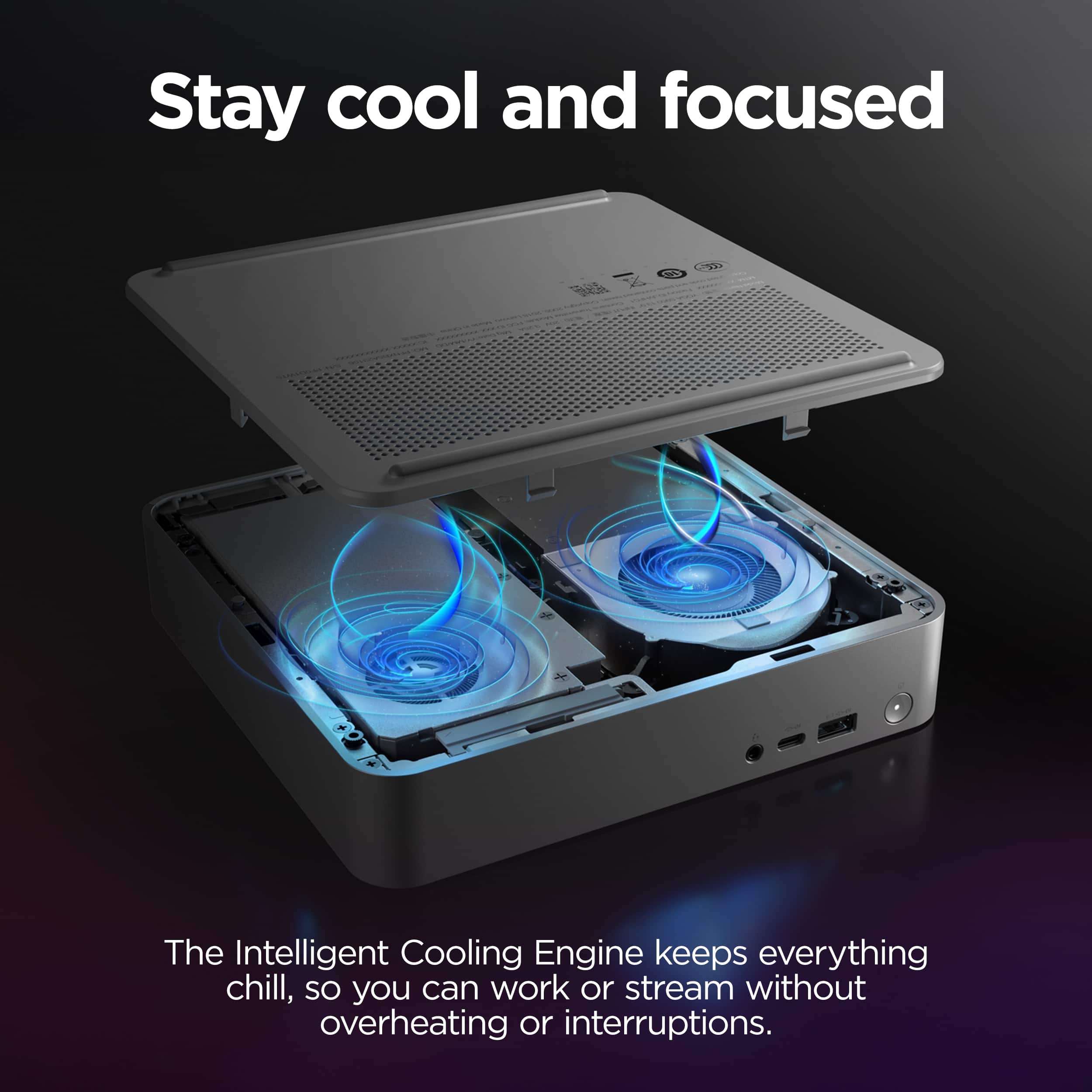
You can add memory right out of the box, as the system features 1x 16GB memory module installed with two DDR5 SODIMM slots, leaving one open for easy expansion. You can also take out the preinstalled memory and add two sticks of what you prefer.
Please feel free to reach out to us with any other questions!
A:AnswerHey moose,
This IdeaCentre Mini should work fine with the printer after downloading the respective drivers and adding the printer to your system. As for the speakers, so long as they have the appropriate audio connector for the IdeaCentre Mini, a 3.5mm jack, this should work fine was well.
Please feel free to reach out to us with any other questions!
A:AnswerHey Speed,
You can view these details in the hardware maintenance manual for this model IdeaCentre Mini. If you don't have a copy, please visit the following Lenovo Support webpage: https://download.lenovo.com/consumer/desktop_pub/ideacentre_mini_01irh10r_hmm.pdf |
Please feel free to reach out to us with any other questions!
A:AnswerHey likeyaneverdidse,
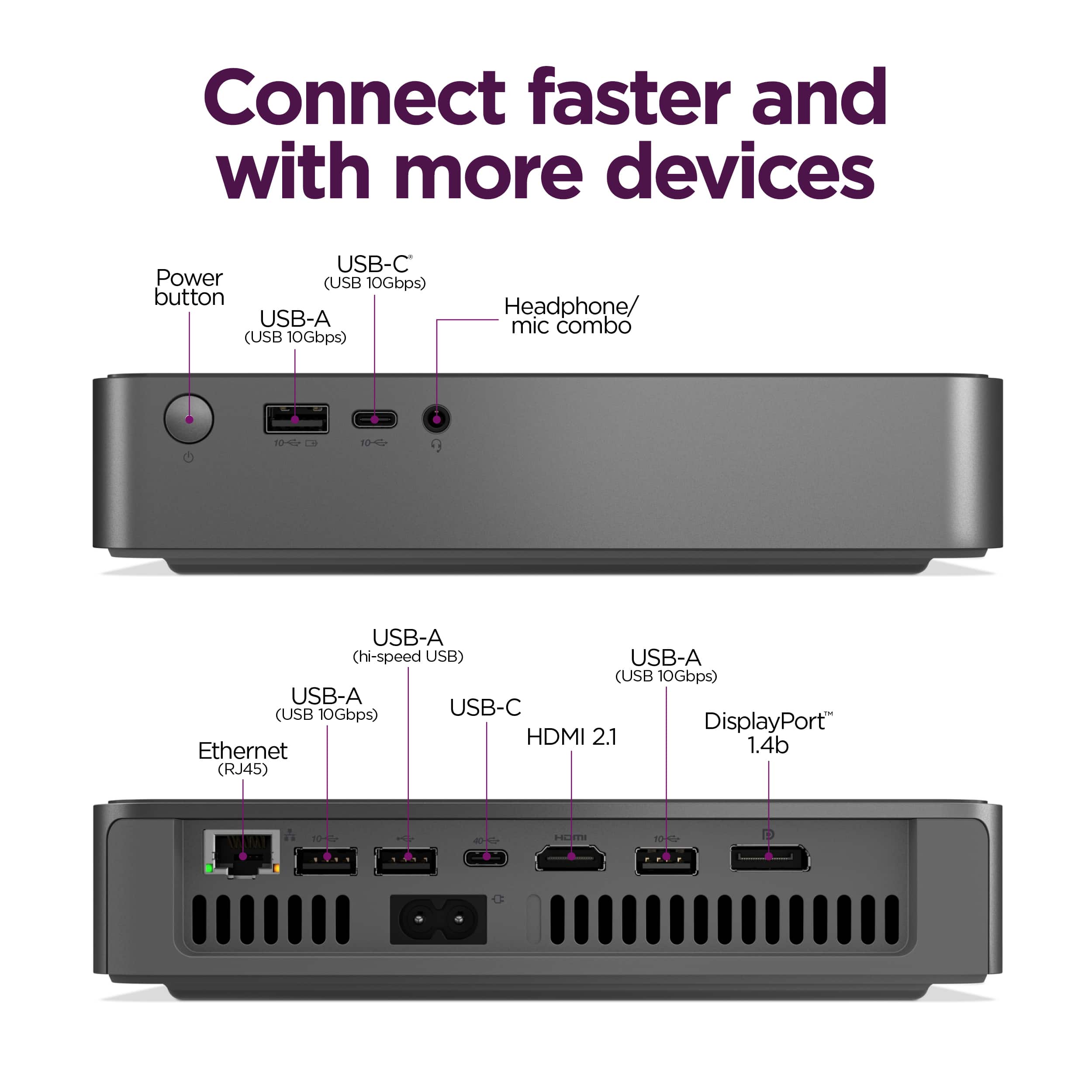
Yes, this IdeaCentre Mini can support this function via its Thunderbolt 4, DisplayPort (1.4) and HDMI (2.1) ports.
Please feel free to reach out to us with any other questions!
A:AnswerHi Imw429,
Generally speaking, this IdeaCentre Mini should work well for your use. Also, most M.2 2280 SSDs should fit just fine into the system.
Please feel free to reach out to us with any other questions!
A:AnswerHey kbimh824,
Based on the specifications for the USB-C port on this IdeaCentre Mini, it should work just fine with your ThinkPad USB-C Dock Gen 2. Although for disclosure, this IdeaCentre isn't listed on the compatibility matrix for this model Dock. This is most likely due to this IdeaCentre Mini not being tested with this specific dock, as the docking stations are most commonly used with laptops.
Please feel free to reach out to us with any other questions!
A:AnswerHey powellk00,
The system is noted to support up to 3 independent displays via onboard ports: 1x DisplayPort, 1x HDMI, and 1x Thunderbolt 4 port.
Please feel free to reach out to us with any other questions!
A:AnswerHey Pablojuan,
Yes, and yes. You can install another M.2 2280 SSD in the system, and the preinstalled 512GB drive can be swapped out for one of a higher capacity.
Please feel free to reach out to us with any other questions!
A:AnswerHey KingsleyZissou,
Yes, you can connect dual external monitors, one via HDMI and the other via DisplayPort.
Please feel free to reach out to us with any other questions!
A:AnswerHey ray,
This IdeaCentre Mini features two USB-C ports: 1x USB-C, USB 3.2 Gen 2 and 1x USB-C Thunderbolt 4/USB4 with DisplayPort 1.4.
Please feel free to reach out to us with any other questions!
A:AnswerHey RT,
Based on the system requirements, this IdeaCentre Mini should run the software, but for optimal performance, Adobe recommends considering a system with dedicated graphics memory (2-8GB of GPU memory).
Please feel free to reach out to us with any other questions!
A:AnswerHi Topgun,
Yes, this IdeaCentre Mini features two M.2 slots total, leaving an open storage slot for expansion.
Please feel free to reach out to us with any other questions!
A:AnswerHi,
This model IdeaCentre Mini is not designed to support this kind of system expansion, but after system purchase, you can upgrade the operating system from Windows 11 Home to Windows 11 Pro for an upgrade fee.
Please feel free to reach out to us with any other questions!
A:AnswerHi Snake307,
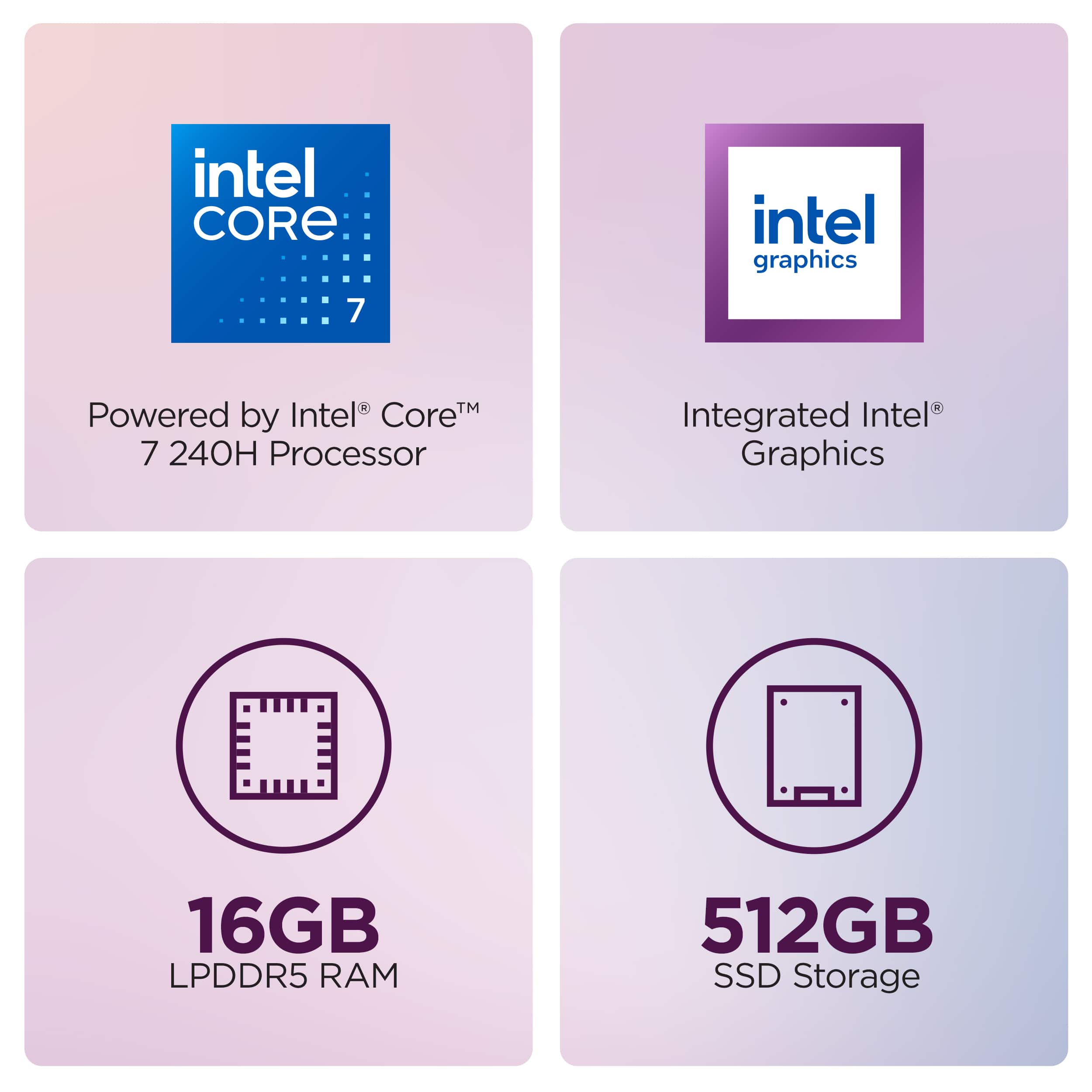
You can upgrade the memory with IdeaCentre Mini. It features two DDR5 SO-DIMM slots (dual-channel capable), with one slot preoccupied the included 16GB DDR5-5600 memory module.
Please feel free to reach out to us with any other questions!