Questions & Answers
Page Showing 1-2 of 2 questions
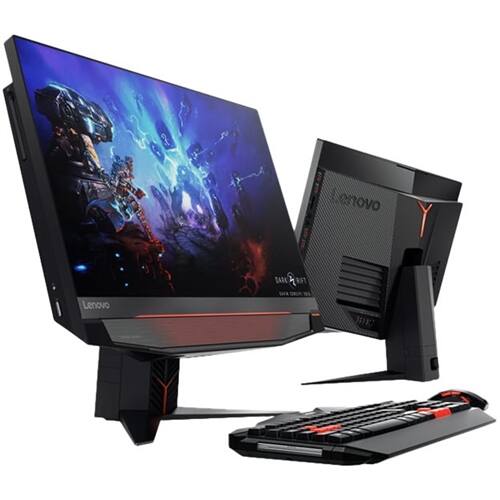
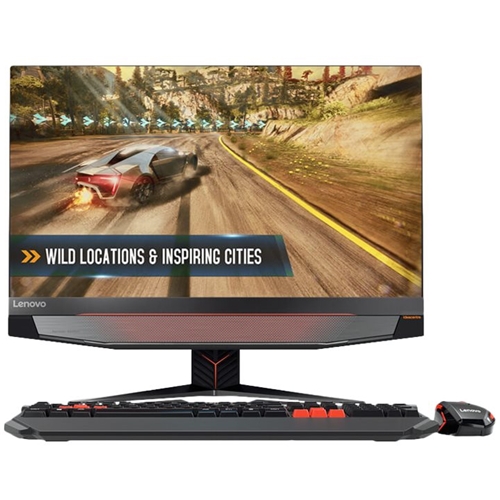
Q: QuestionDoes this model have (a) an anti-glare screen as well as (b) a full-out matte screen (i.e., totally non-reflective). Alternatively, how does the screen look in a brightly lit room?
Asked by cye2k.
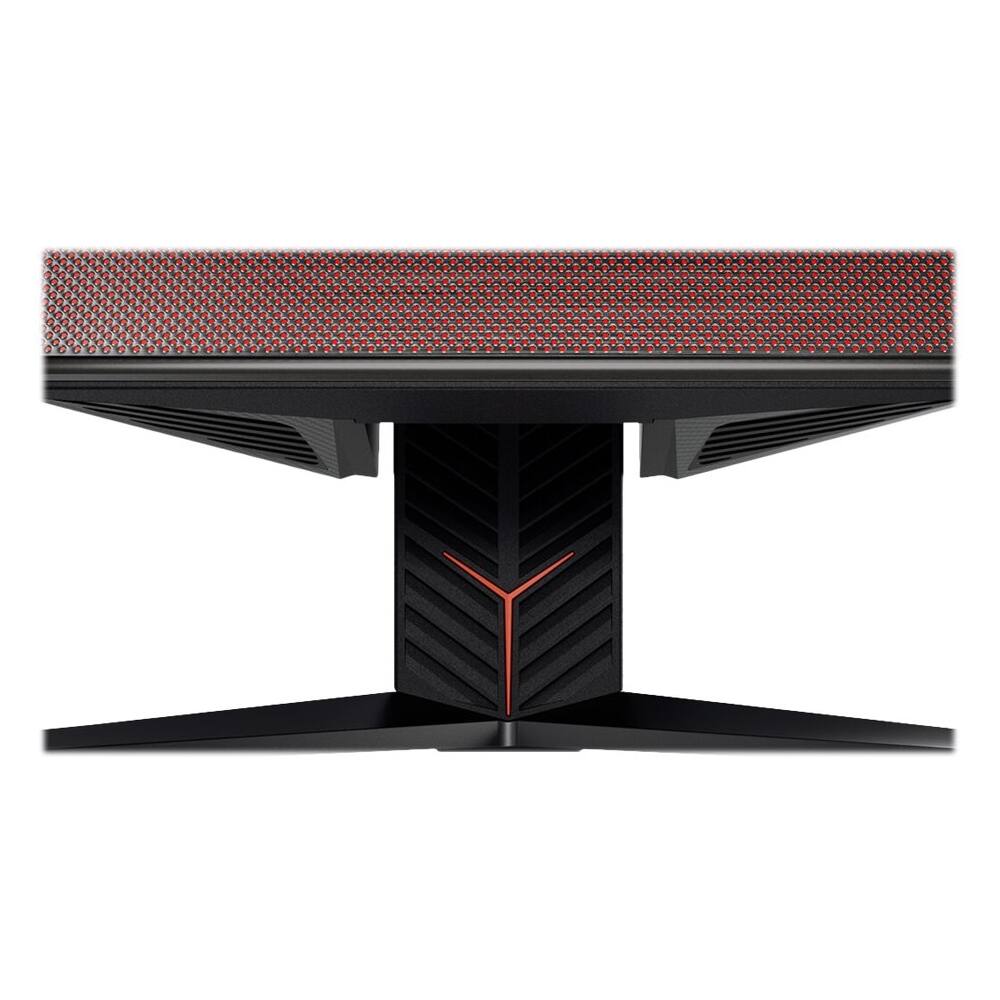
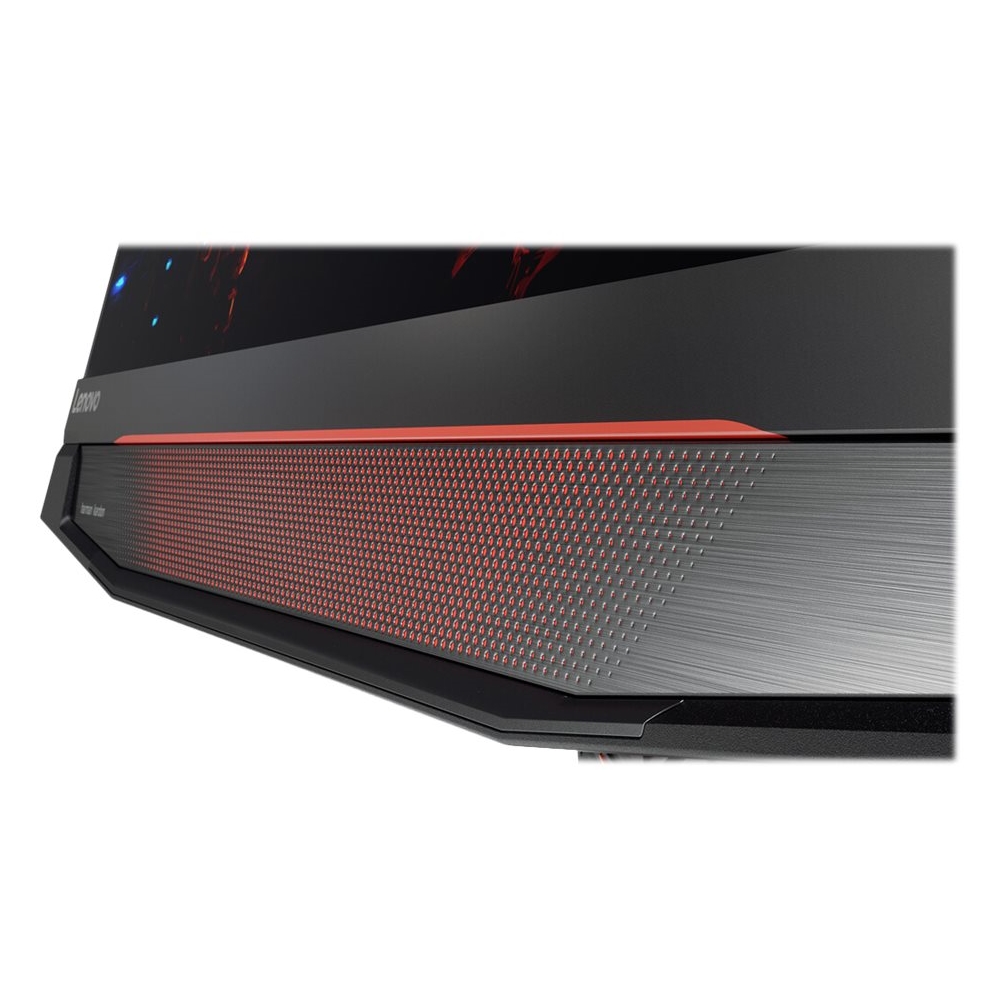
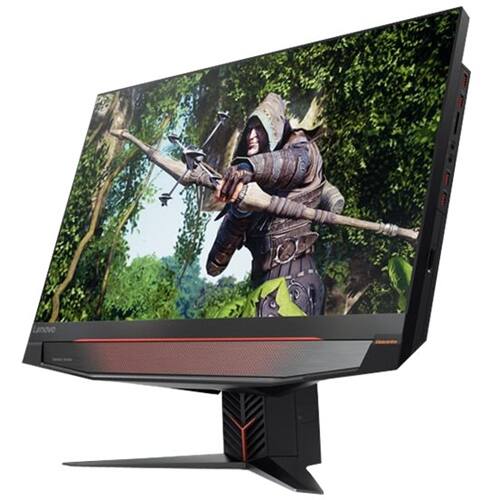
- A:Answer There is no listing for an anti-glare, matte screen for this model. Screen resolution is 27" QHD (2560x1440) and is borderless. The screen brightness is 250 nits.
Answered by Lenovo Product Expert

Q: QuestionCan you upgrade the GPU in the AIO Y910 27" #FOCJ000AUS
Asked by CJW.
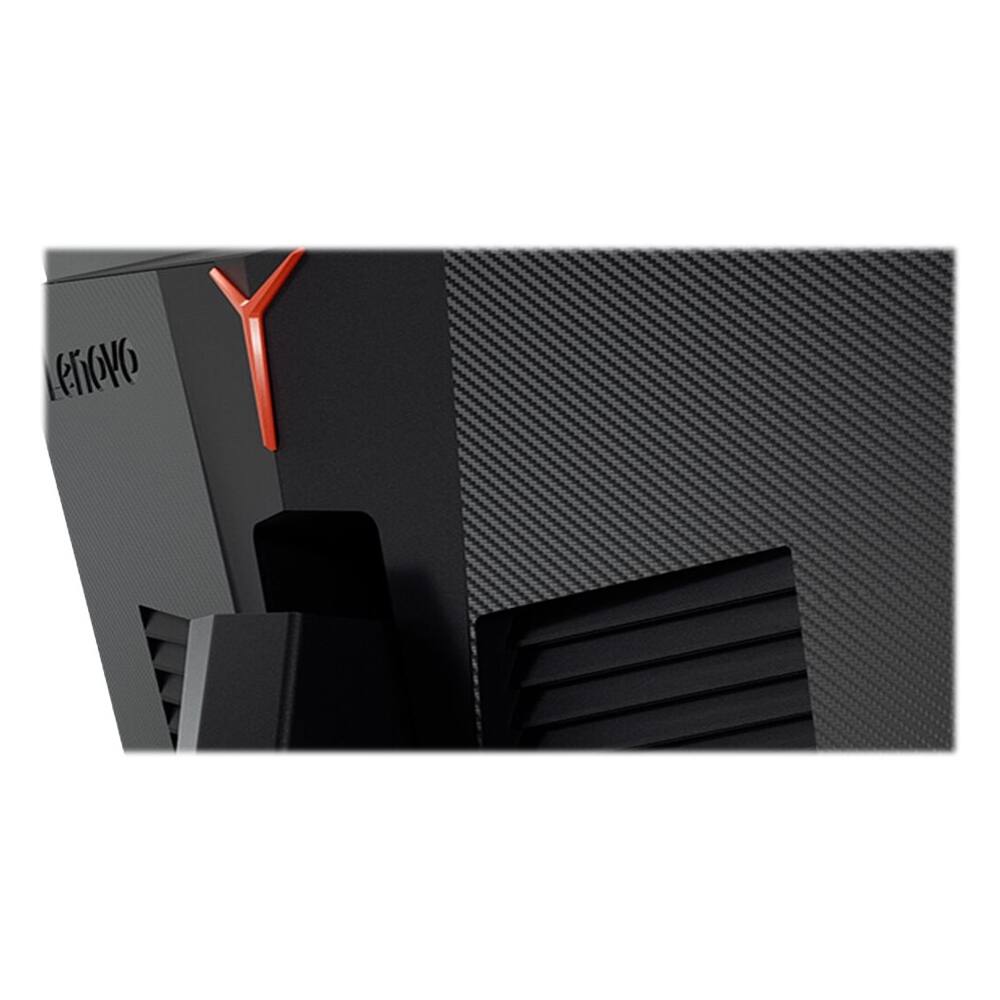
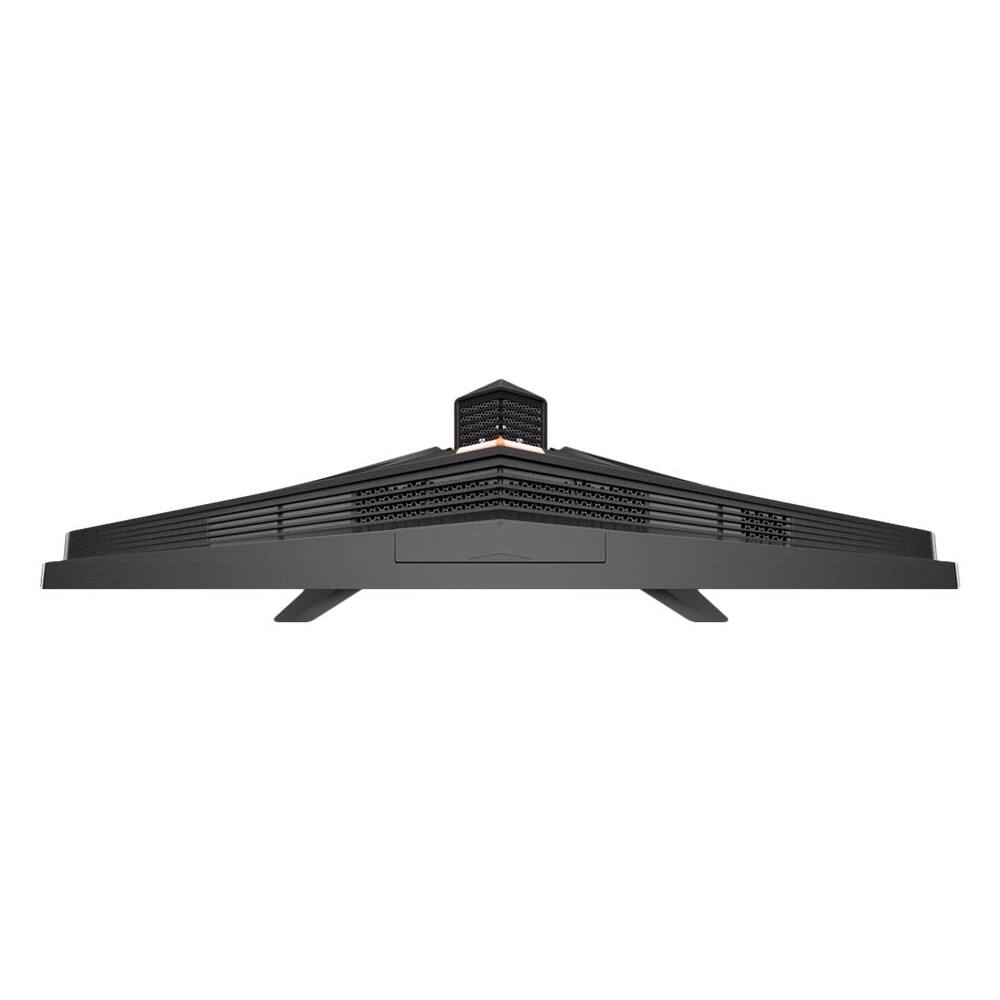
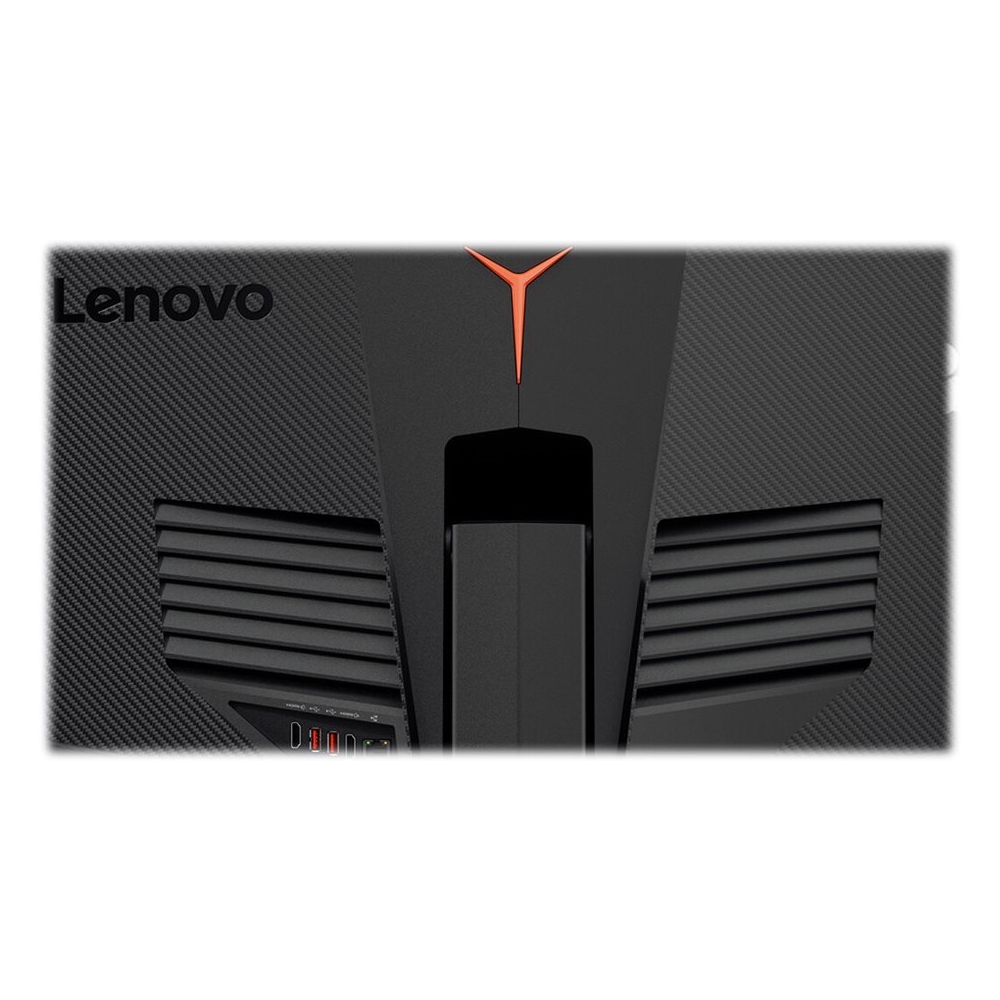
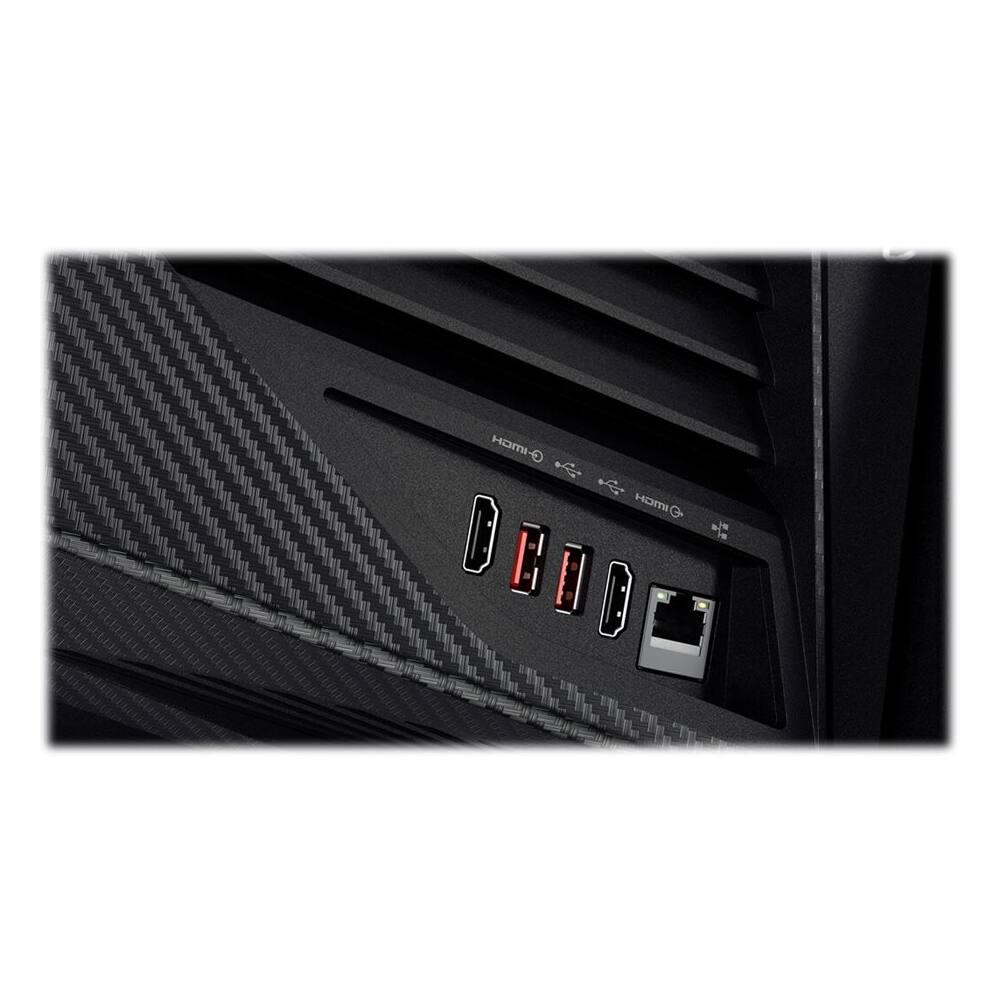
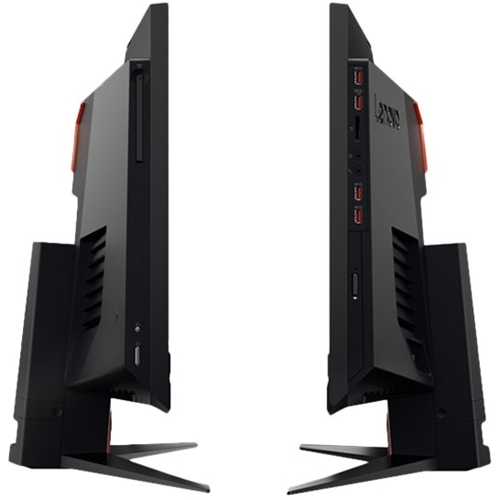
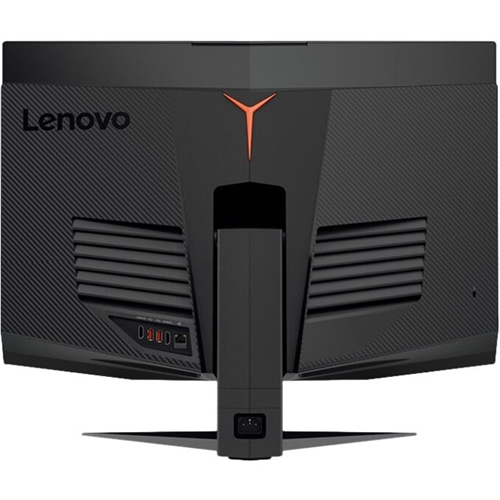
- A:Answer The last answer is incorrect. At first you can buy different models with different ram/storage/cpu/gpu configurations. When ever you want to upgrade later the back panels pop off and you can upgrade replace the GPU (it uses the actual desktop version GPUs so any NVidia will work even future models). You can also upgrade or replace ram, and both hard drives that are in it. From what I understand the only things that cannot be upgraded or replaced is the CPU and MOBO. It is kinda like owning a laptop, you can always replace ram/hard drives, but this is a step better, you can buy the next NVidia when it comes out and replace this gpu.
Answered by Jason
Page 1, Showing 1-2 of 2 questions
Best-selling Best Buy
- $299.99$299.99The price was $349.99
- $59.99$59.99The price was $99.00
- $199.99$199.99The price was $349.99
- $14.99$14.99The price was $19.00
- $24.99$24.99The price was $29.99
- $14.99$14.99The price was $19.00
- $139.99$139.99The price was $149.99