A:AnswerHey Sunshine,
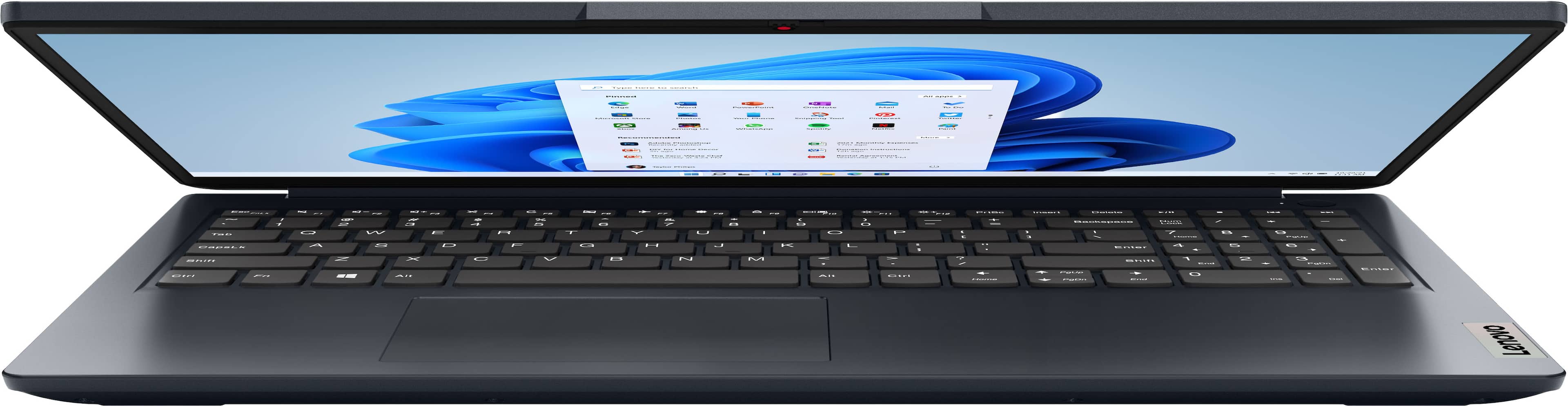
We're sorry to hear that this is happening with your IdeaPad 1. We're happy to help you figure out what's the matter. Now, there could be a number of reasons so to start, we'd like to cover the bases with level 1 troubleshooting tips. we recommend ensuring you have the latest software by checking for updates, as this could correct the issue. To do so, first, open the Settings app > Select the Windows update tab > Select the Check for updates button, apply all available updates. Next, open the Lenovo Vantage app > on the homepage, select the Check for updates button, following on-screen prompts to apply all available updates here as well.
If after the available updates are applied and the system restarts, yet the issue persists, in-depth troubleshooting will be necessary to fix the problem. We recommend contacting Lenovo Support here: 877-453-6686, for further assistance.
Please feel free to reach out to us with any other questions!
A:AnswerHey,
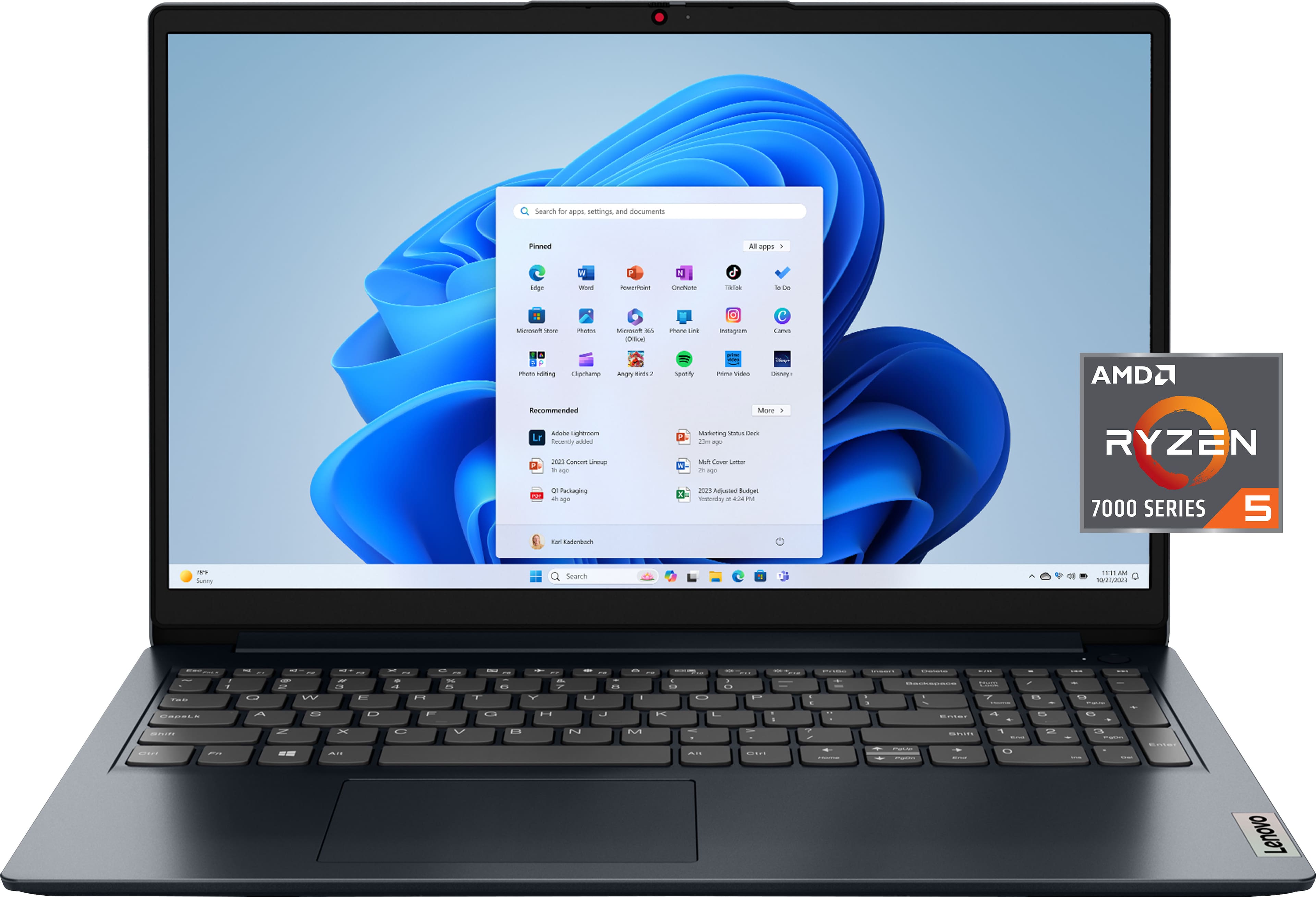
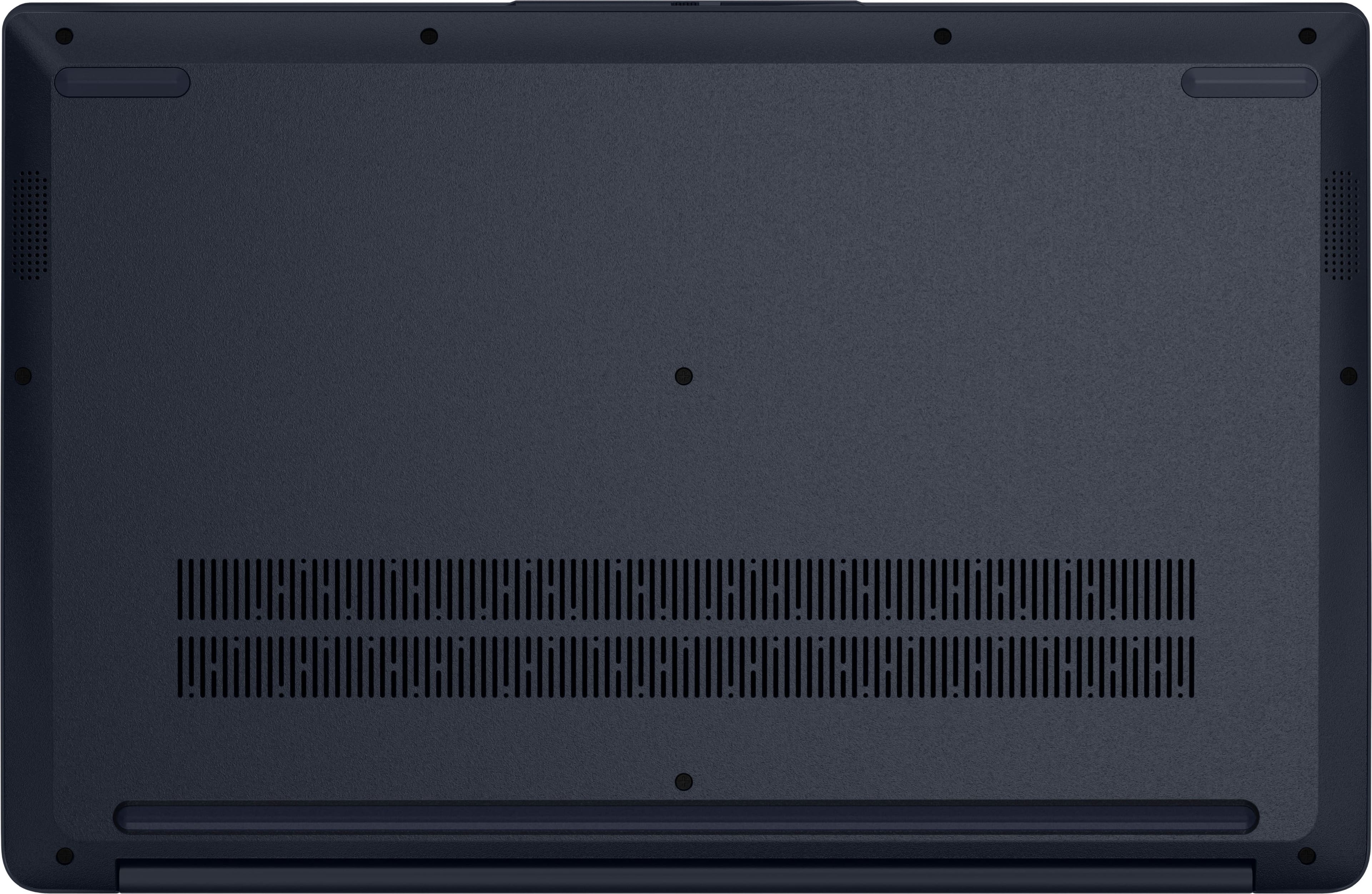
The memory within this IdeaPad 1 cannot be upgraded, as it is soldered to the systemboard, but you can upgrade storage by swapping out the existing 256GB SSD for an M.2 2242 (can fit M.2 2280) SSD with a higher capacity.
Please feel free to reach out to us with any other questions!

A:AnswerHey craig,
This is common with Windows 11 devices, and more commonly, Chrome browser uses more memory to run compared to other common browsers, which is a contributing factor. To open up available memory, we recommend uninstalling unnecessary applications, along with visiting the following Microsoft Support webpage to learn how to stop what background tasks you need: https://support.microsoft.com/en-us/windows/windows-background-apps-and-your-privacy-83f2de44-d2d9-2b29-4649-2afe0913360a |
Please feel free to reach out to us with any other questions!
A:AnswerHey Garrett,
Given the age of the game and its subsequent system requirements to run, you can likely run the title smoothly on this IdeaPad 1 with background apps / processes at a minimum.
Please feel free to reach out to us with any other questions!
A:AnswerHey Dee,
This IdeaPad 1 does ship with OneDrive installed, as it's an integral feature of the Windows 11 Home experience. You can setup / sign-in to your OneDrive personal account during or after device setup.
Please feel free to reach out to us with any other questions!
A:AnswerHeyTLyles,
Memory cannot be upgraded with this model, as it is soldered to the systemboard.
Please feel free to reach out to us with any other questions!
A:AnswerHey allie,
You can download the Citrix app from the Microsoft Store onto this IdeaPad 1.
Please feel free to reach out to us with any other questions!
A:AnswerHey Lex,
Objectively, based on the specifications of this IdeaPad 1, it should be able to run Sims 4; although, how well it will run can vary greatly depending on in-game settings, background tasks and applications, and more.
Please feel free to reach out to us with any other questions!
A:AnswerHey juju,
You can run Steam on this IdeaPad 1, along with games that align with the laptop's system requirements.
Please feel free to reach out to us with any other questions!
A:AnswerHey JayCh,
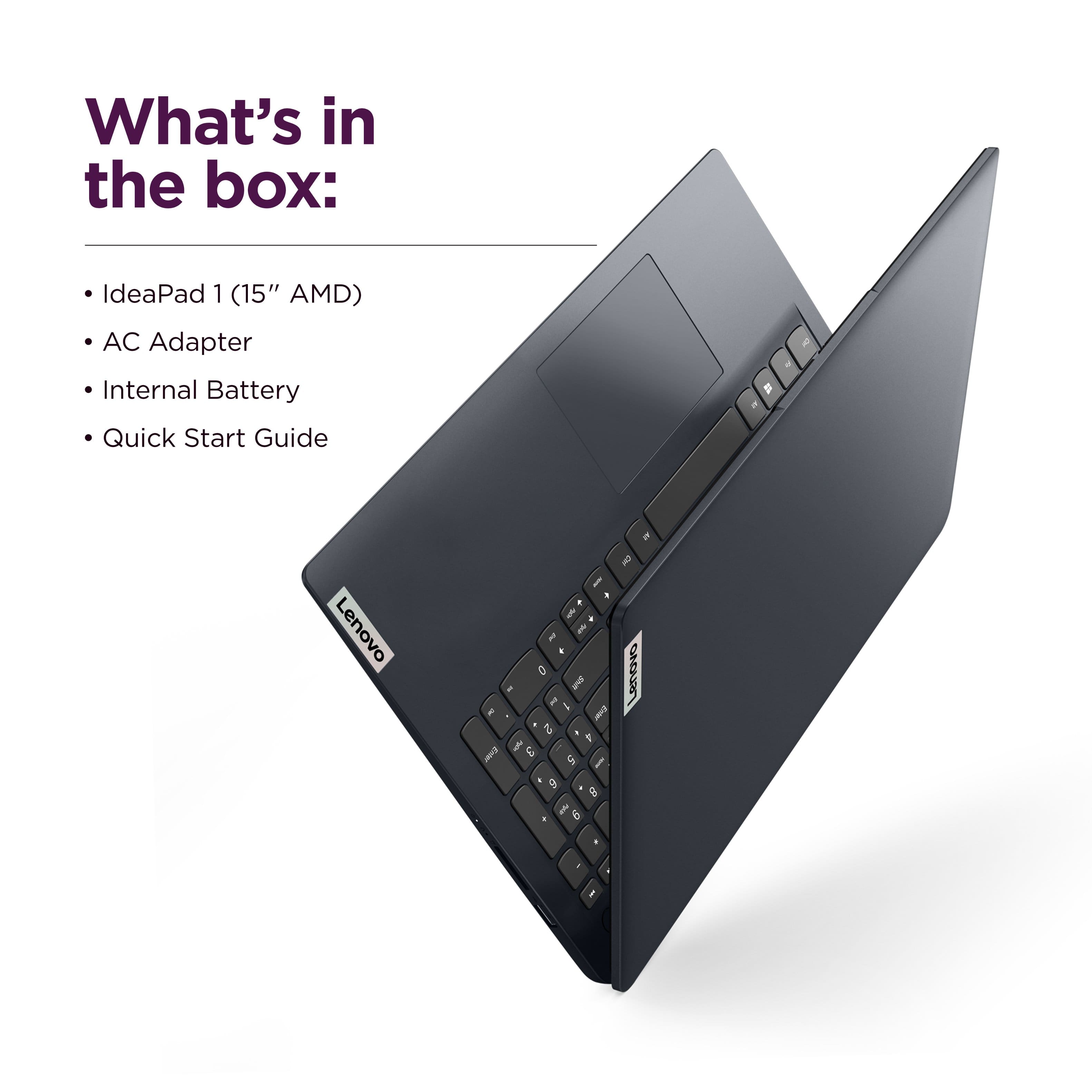
To review the manufacturer warranty terms for this IdeaPad 1, please visit the following web address: https://support.lenovo.com/us/en/solutions/ht100140 | Also, additional warranty and support coverage with Best Buy or Geek Squad will start at the time of purchase or warranty / support activation for the laptop.
Please feel free to reach out to us with any other questions!
A:AnswerHi,
Based on user reviews where customers mentioned similar usage, you shouldn't have a problem running the software on this IdeaPad 1.
Please feel free to reach out to us with any other questions!
A:AnswerHey DaveinCharlotte,
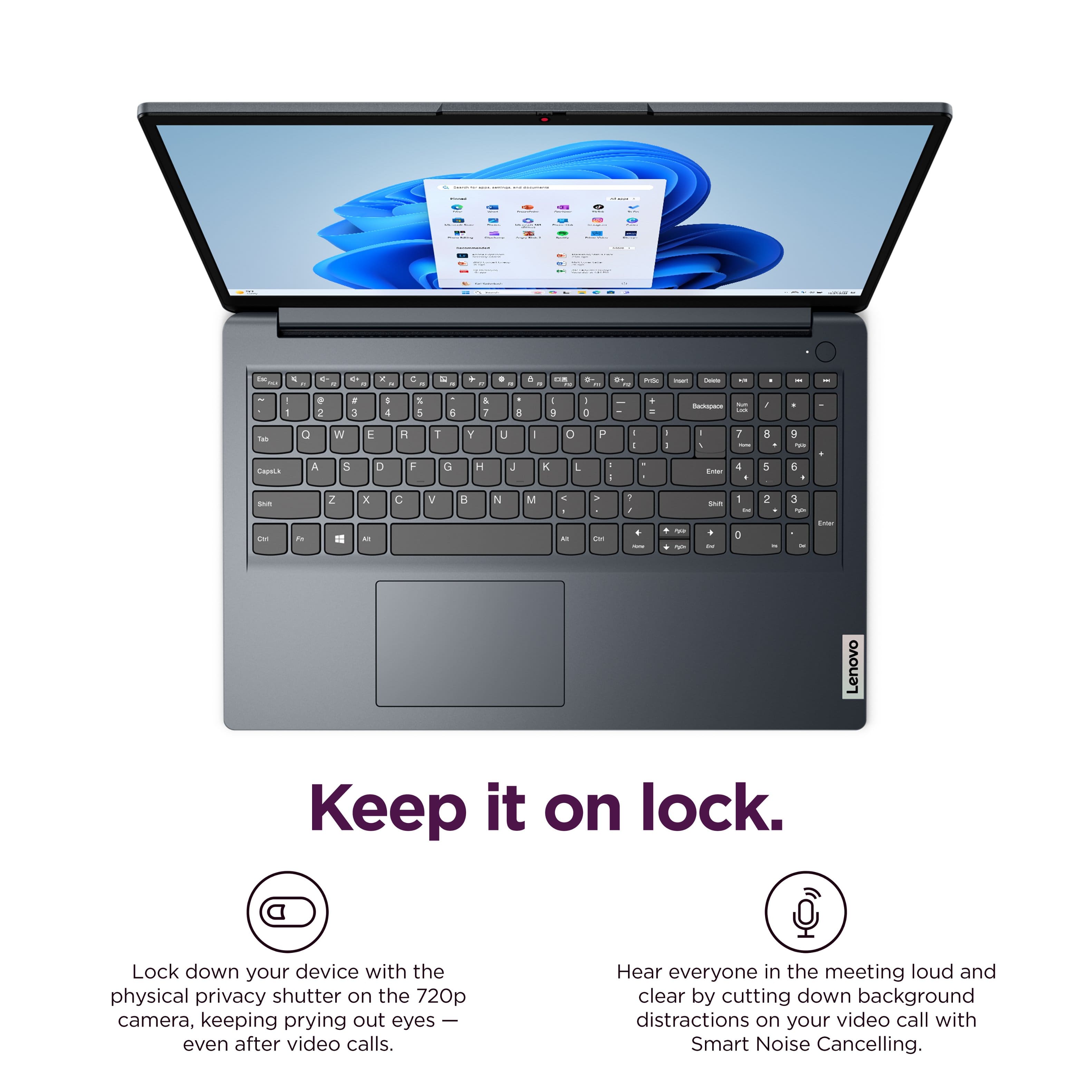
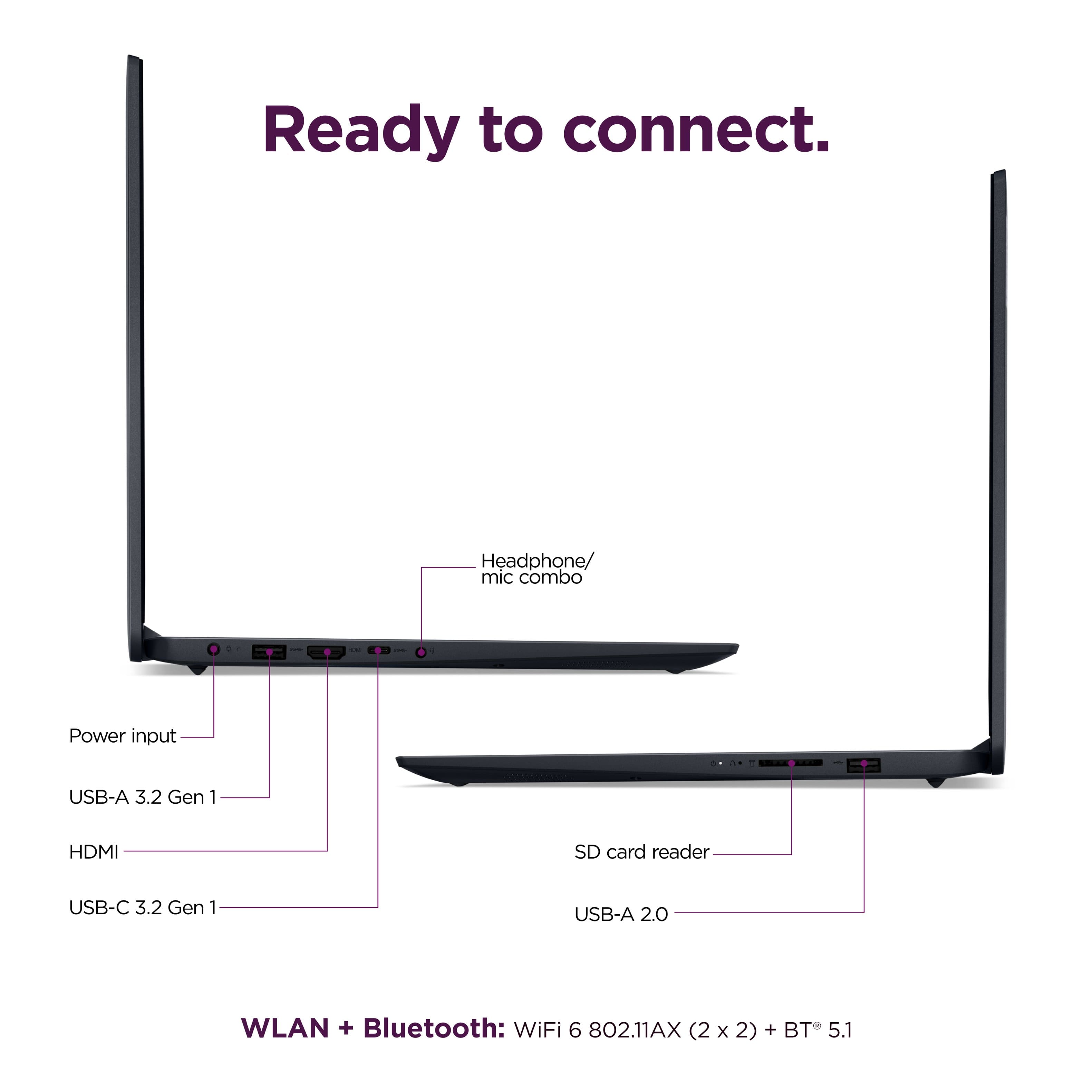
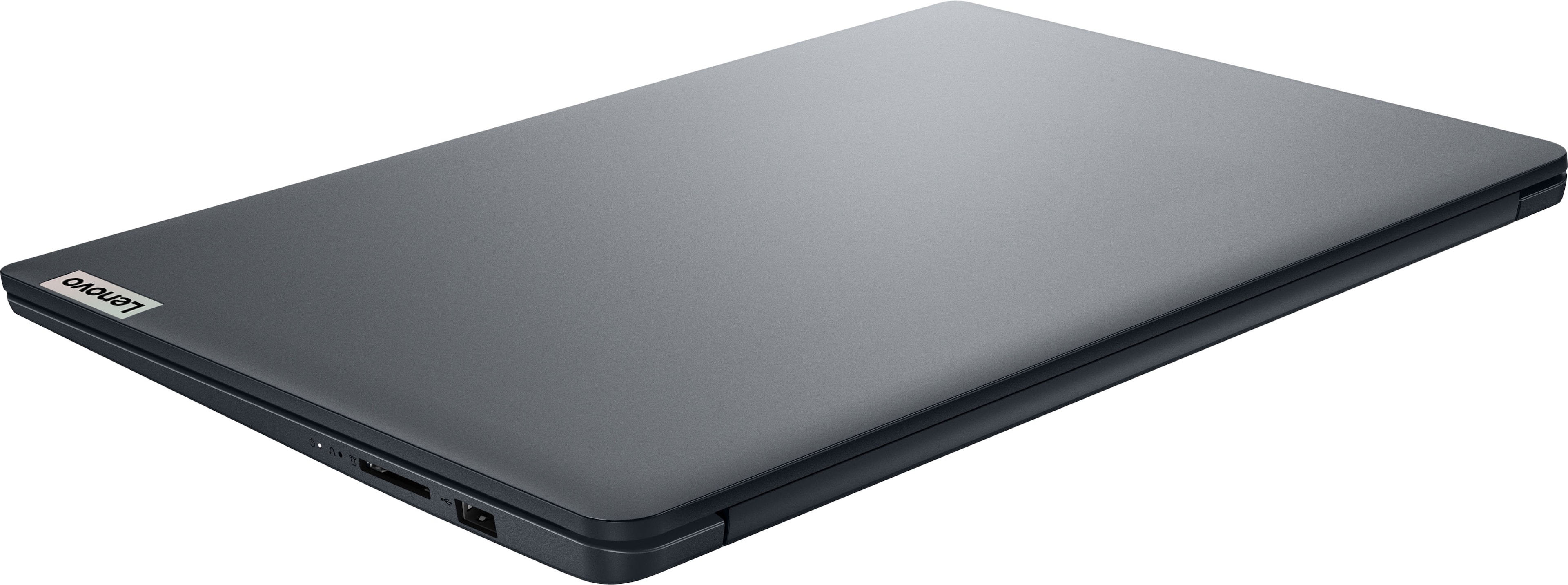
You can use either port. Performance is more reliant upon the output of the ethernet adapter you plan to use.
Please feel free to reach out to us with any other questions!
A:AnswerHey,
There are various external optical drives that will work with this IdeaPad 1. So long as the disc drives are compatible with Windows, it should work well with the system.
Please feel free to reach out to us with any other questions!