A:AnswerThat depends on the requirements and compatibility of the specific programs. We recommend you check with the specific software publisher's web site for their compatibility with Windows 10 S-Mode 64-bit operating system (Windows 10 S-Mode provides added security by only allowing APPs available ( and therefore certified by Microsoft) at the Microsoft Store. If you don't need the added security or you need to install APPs not available at the Microsoft Store, you can switch to standard Windows 10 Home 64-bit Operating System, at no additional cost.) and the minimum/recommended hardware requirements (Is a Graphics card required, the processor speed and the minimum required system RAM and the minimum available hard drive space) to run their program, then compare those requirements to this system's configuration.
A:AnswerThe Lenovo IdeaPad 130S-11 is a Windows 10 S-Mode Operating System computer. Windows 10 S-Mode provides added security by only allowing APPs available ( and therefore certified by Microsoft) at the Microsoft Store. If you don't need the added security or you need to install APPs not available at the Microsoft Store, you can switch to standard Windows 10 Home 64-bit Operating System, at no additional cost. To Access Google Docs through a Windows 10 system, you will need to switch from S-Mode to Windows 10 Home, then install the Chrome Browser. Here is a link to more information about Google Docs on a Windows 10 computer: https://www.goskills.com/Microsoft-Office/Articles/Google-Docs-Microsoft-Word-comparison
A:AnswerThat really depends on the requirements and compatibility of the specific software. We recommend you check with the game's software publisher's web site for their compatibility with Windows 10 S-Mode 64-bit operating system (Windows 10 S-Mode provides added security by only allowing APPs available ( and therefore certified by Microsoft) at the Microsoft Store. If you don't need the added security or you need to install APPs not available at the Microsoft Store, you can switch to standard Windows 10 Home 64-bit Operating System, at no additional cost.) and the minimum/recommended hardware requirements (Is a Graphics card required, the processor speed and the minimum required system RAM and the minimum available hard drive space) to run their program, then compare those requirements to this system's configuration. Please keep in mind, The Lenovo IdeaPad 130s-11 laptop is an entry level, light use system with its Intel Celeron processor, 4GB of RAM and a 64GB eMMC solid state hard drive. It ships with Windows 10 S-Mode Operating System for added security (you can switch to Windows 10 Home 64-bit Operating System at no additional cost, if you don't need the added security of S-Mode). It is not meant for multi-tasking or demanding programs. It is good for Microsoft Office and light internet browsing. The IdeaPad 130s-11 laptop ships with a free 1-year subscription to Microsoft Office 365 (a $69.00 value). If this describes your computing needs, the IdeaPad 130s-11 laptop would be a good choice.
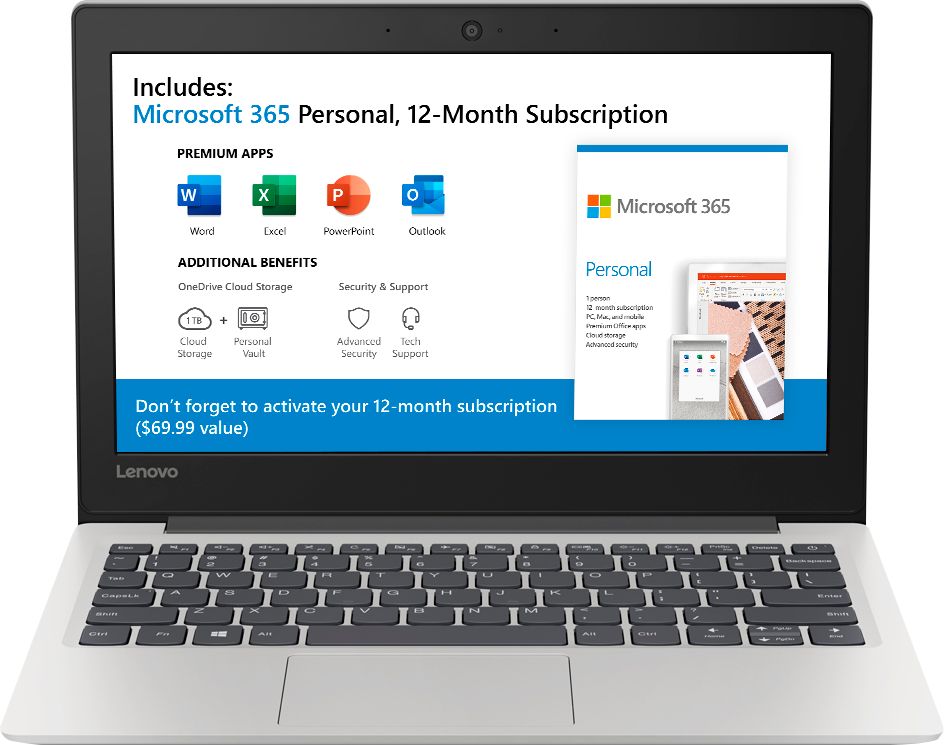
A:AnswerIt's already there. There is a 1-year free subscription to Microsoft Office 365 included with this device. The Lenovo IdeaPad 130s-11 laptop is an entry level, light use system with its Intel Celeron processor, 4GB of RAM and a 64GB eMMC solid state hard drive. It ships with Windows 10 S-Mode Operating System for added security (you can switch to Windows 10 Home 64-bit Operating System at no additional cost, if you don't need the added security of S-Mode). It is not meant for multi-tasking or demanding programs. It is good for Microsoft Office and light internet browsing. The IdeaPad 130s-11 laptop ships with a free 1-year subscription to Microsoft Office 365 (a $69.00 value). If this describes your computing needs, the IdeaPad 130s-11 laptop would be a good choice.
A:AnswerThat really will depend on the requirements and compatibility of the specific software. We recommend you check with the specific software publisher's web site for their compatibility with Windows 10 S-Mode 64-bit operating system (Windows 10 S-Mode provides added security by only allowing APPs available ( and therefore certified by Microsoft) at the Microsoft Store. If you don't need the added security or you need to install APPs not available at the Microsoft Store, you can switch to standard Windows 10 Home 64-bit Operating System, at no additional cost.) and the minimum/recommended hardware requirements (Is a Graphics card required, the processor speed and the minimum required system RAM and the minimum available hard drive space) to run their program, then compare those requirements to this system's configuration.
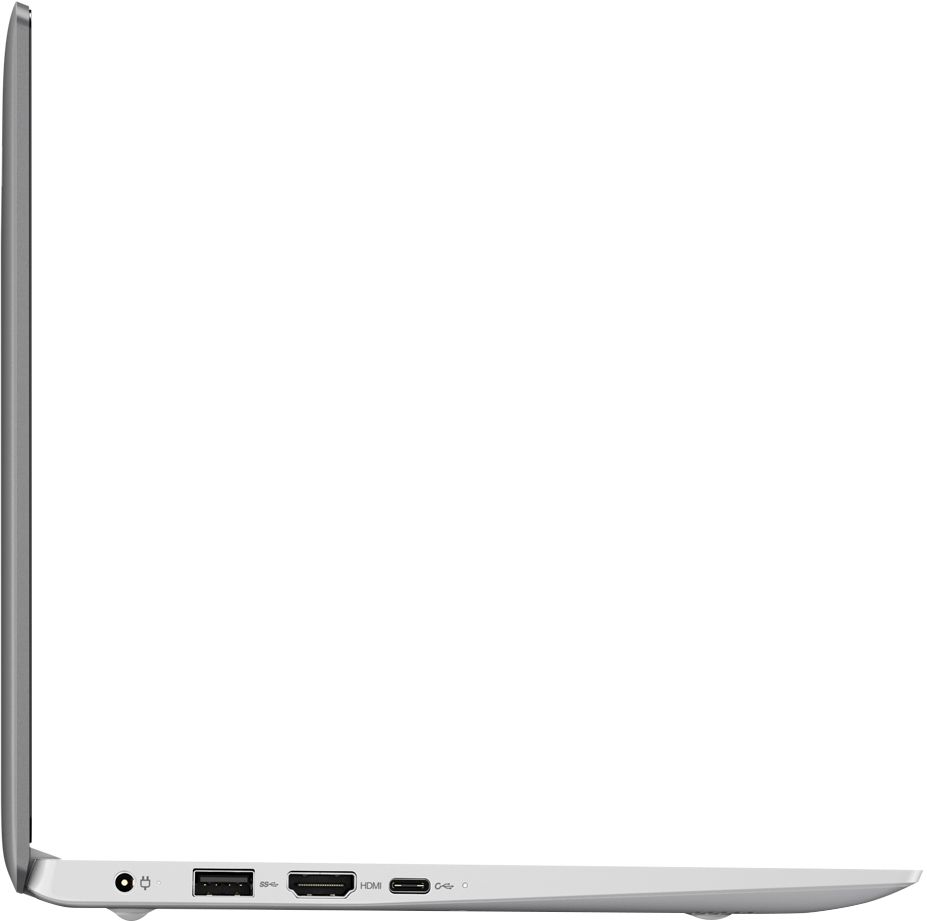
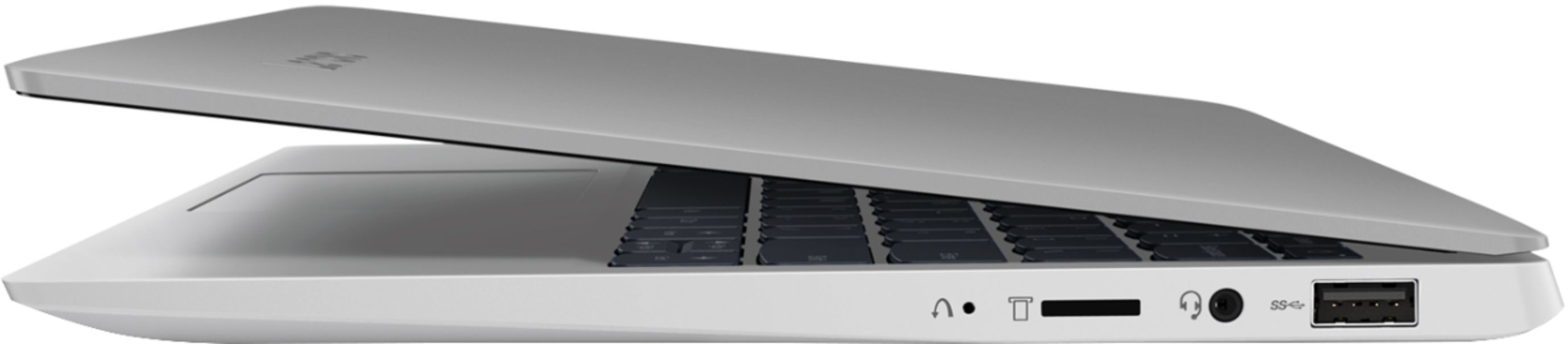
A:AnswerNo, this model does not have an ethernet port built in, but you can connect this device to an ethernet cable by using a USB to ethernet adapter.
A:AnswerYou can use a USB-based wired mouse with this device. This system ships with Windows 10 S-Mode. Windows 10 S-Mode provides added security by only allowing APPs available ( and therefore certified by Microsoft) at the Microsoft Store. If you don't need the added security or you need to install APPs not available at the Microsoft Store, you can switch to standard Windows 10 Home 64-bit Operating System, at no additional cost. Windows 10 operating system has Miracast capability. Here is a link to more information: https://www.makeuseof.com/tag/project-windows-miracast/

A:AnswerNo. This is a Windows 10 S-Mode Operating System device. Windows 10 S-Mode provides added security by only allowing APPs available ( and therefore certified by Microsoft) at the Microsoft Store. If you don't need the added security or you need to install APPs not available at the Microsoft Store, you can switch to standard Windows 10 Home 64-bit Operating System, at no additional cost. Microsoft Support for Windows 7 is ending. After January 14, 2020, Microsoft will no longer provide security updates or support for PCs running Windows 7. Now is the time to upgrade to Windows 10.
A:AnswerThe Office 365 included on my machine, which arrived today, was good for one MONTH, and not the one YEAR as stated in the response from the Lenovo rep.
A:AnswerWith the delivered version of the OS you can only load apps from the Microsoft store. As far as just typing a blog, this is probally the perfect on the go tool for you, as far as your app. Check first if it's available in the MS store.