Save up to 50% on 3-Day Sale deals.Ends 12/14.Shop now

Skip to content
Gift Ideas
Main Content

Questions & Answers

Your price for this item is $49.99
Clearance
The comparable value price is $249.99
Page Showing 201-215 of 215 questions
  • QuestionUntil what year will be updated?

    Asked by Tulipan.

    • Answer This entry-level Lenovo IdeaPad 1i 14 Laptop, model number 82V6S00000, ships with Windows 11 S-Mode, 64-bit Operating System installed. Microsoft has not officially declared when Windows 11 will stop getting support. However, we can anticipate that to be approx. 10 years from now. This limit can change, and the period can be extended at Microsoft's discretion.

      Answered by Lenovo Product Expert

  • QuestionDoes it have an internal m.2 capability like the asus

    Asked by Pw.

    • Answer No. This entry-level, Lenovo IdeaPad 1i 14 Laptop, model number 82V6S00000, ships with a 64GB eMMC 5.1 solid state hard drive, soldered on the systemboard, no slots and is not upgradeable.

      Answered by Lenovo Product Expert

  • QuestionThis model is possible with wired internet connection?

    Asked by jk.

    • Answer You can try an USB Ethernet adapter because it doesn't have a Ethernet port installed. Or you can use a proxy server for Ethernet connections.

      Answered by GadgetGirl99

  • QuestionWhy do I have only 955 mb of memory left on a new laptop? I don't even have any programs such as MS Office 365 - I bought this for only surfing the web. I have checked available memory for 2 days, and its still in the 900 range.

    Asked by Anonymous.

    • Answer This entry-level, Lenovo IdeaPad 1i 14 Laptop, model number 82V6S00000, ships with a 64GB eMMC solid state hard drive soldered to the motherboard, with approximately 40GB of useable storage space available after the factory installation of the Windows 11 S-Mode operating System. If you are showing approximately 1GB of available space, check the size of any files you have installed on to the computer, including photo files. Additionally, if you have installed a 3rd party anti-virus program, be sure that Windows Defender is turned off and that the trial version of McAfee Anti-Virus software is uninstalled. There can only be one anti-virus program on the system. Here is a link to instructions for uninstalling McAfee from a Windows computer: https://service.mcafee.com/?articleId=TS101331&page=shell&shell=article-view You may need to restore your system to original factory default settings if any of the programming errors have occurred. You can do that by typing "restore" in the Cortana search window. Just click on the magnifying glass icon at the bottom of your Windows 11 Desktop. Click on "Reset This PC" Then click on "Get Started" and follow the on screen directions to restore to factory defaults. If the problem persists, we recommend you contact Lenovo Tech Support for additional help at: 877-453-6686.

      Answered by Lenovo Product Expert

  • QuestionWhat is the input voltage of the computer? I'm wondering if I can charge this using a 12v car battery.

    Asked by Grewterd.

    • Answer This entry level, Lenovo IdeaPad 1i 14 Laptop, model number 82V6S00000, is a 110V device and ships with its own 45W round tip, device side (3-pin, USA compatible, wall side plug) AC adapter/charger, 100-240V, 50-60Hz, included with the laptop.

      Answered by Lenovo Product Expert

  • QuestionCan this laptop run roblox??

    Asked by Lo.

    • Answer not recommended

      Answered by Stonedoc

  • QuestionCan I load my photographs onto it and use something like Photoshop?

    Asked by DeliGal.

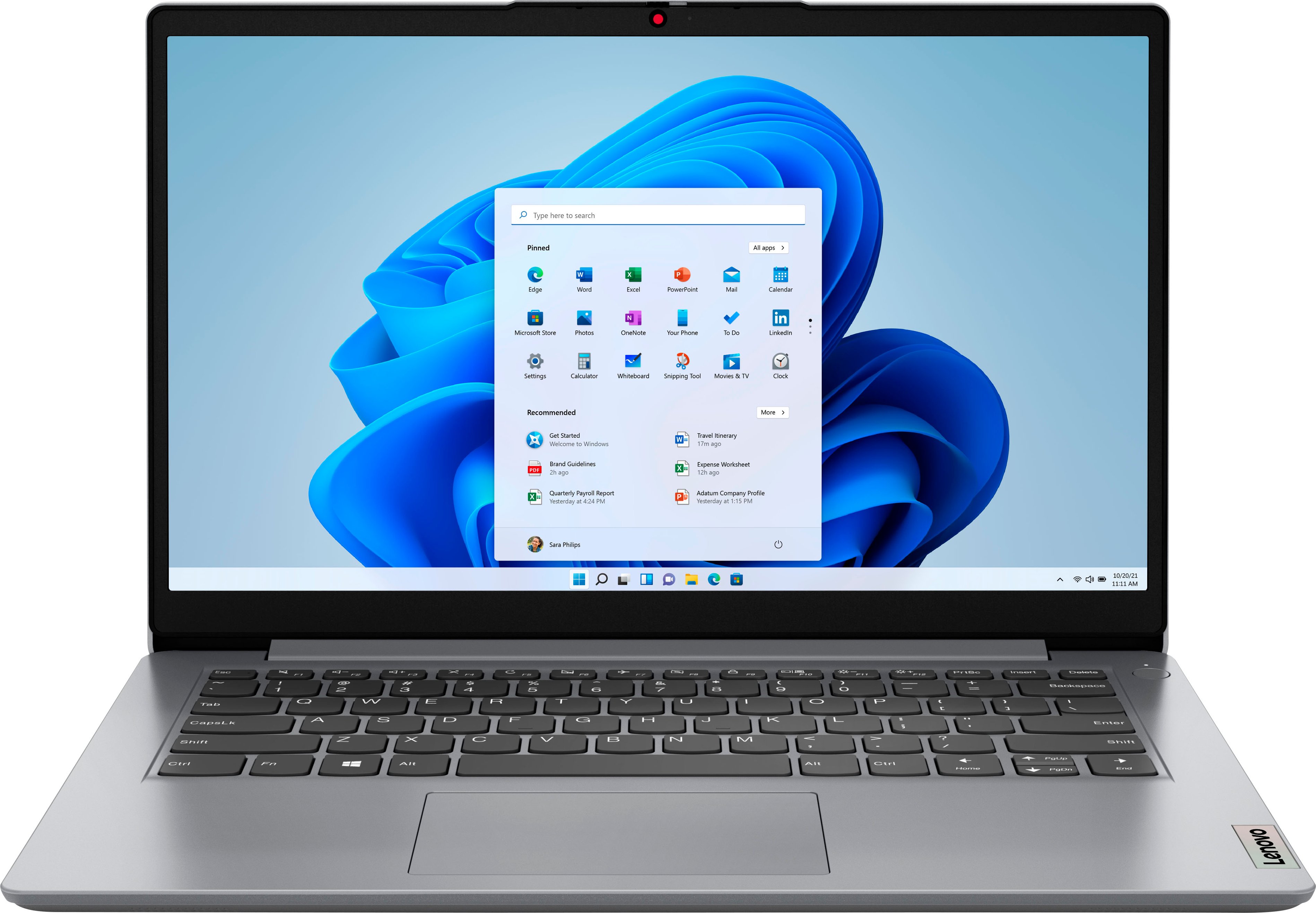
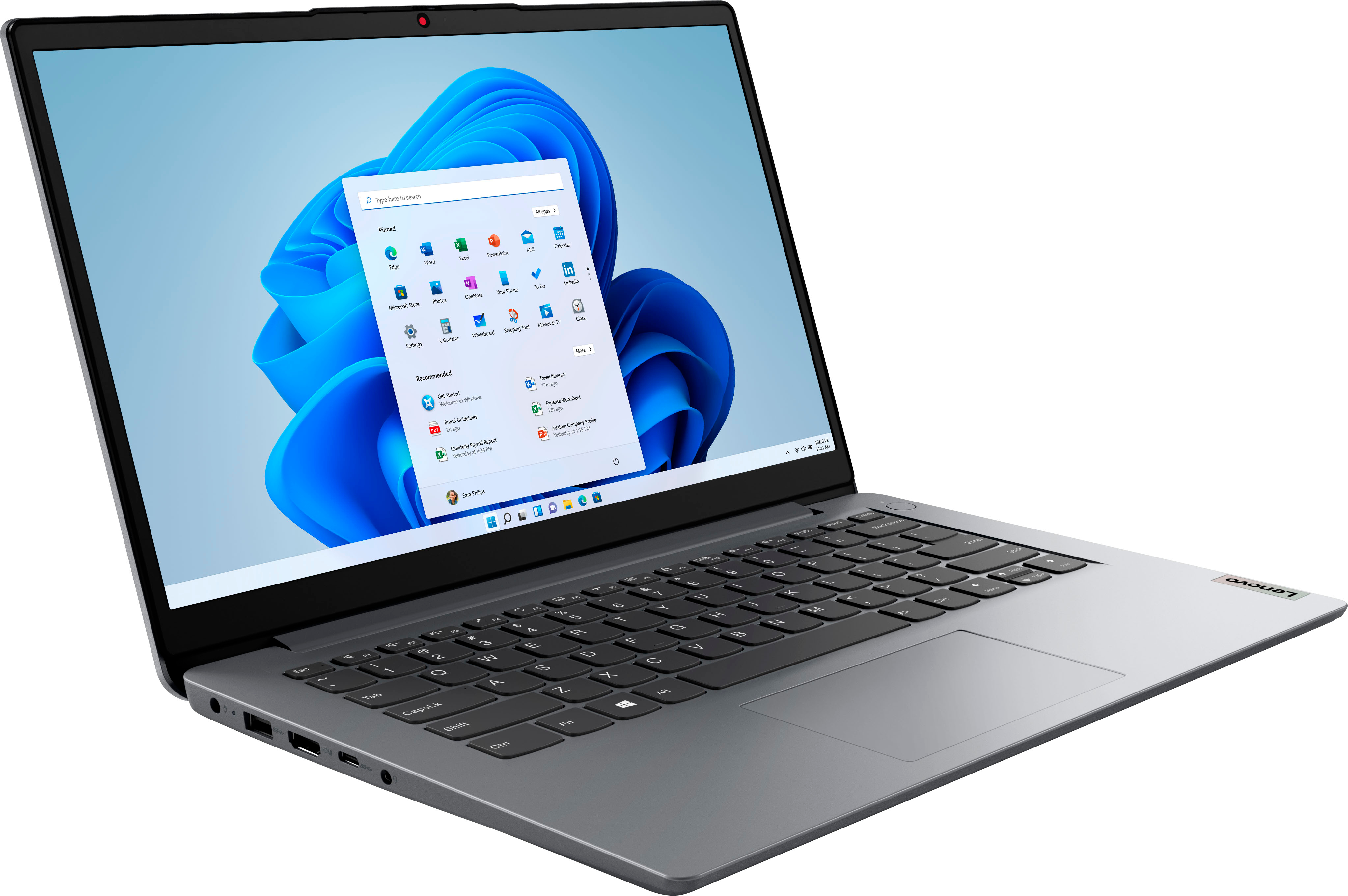
    • Answer This entry-level Lenovo IdeaPad 1i 14 Laptop, model number 82V6S00000, ships with a 64GB eMMC solid state hard rive, soldered to the motherboard and is not upgradeable. Whether this entry-level, IdeaPad 1i 14 Laptop can run a specific APP will depend on the requirements and compatibility of the specific APP. This entry-level, IdeaPad 1i 14 Laptop, ships with Windows 11 S-Mode, 64-bit Operating System installed. Windows 11 S-Mode provides added security by only allowing APPs available ( and therefore certified by Microsoft) at the Microsoft Store. If you don't need the added security or you need to install APPs not available at the Microsoft Store, you can switch to standard Windows 11 Home 64-bit Operating System, at no additional cost. We recommend you check with the specific APPs software publisher's web site, of the specific APP you want to use, for their compatibility with Windows 11 S-Mode 64-bit operating system and the minimum/recommended hardware requirements (Is a Graphics card required, the processor speed and the minimum required system RAM and the minimum available hard drive space) to run their program, then compare those requirements to this system's configuration. If you choose to switch out of S-Mode for Windows 11 Home: Here is a link to instructions for switching from Windows 11 S-Mode to Windows 11 Home: https://support.microsoft.com/en-us/windows/switching-out-of-s-mode-in-windows-4f56d9be-99ec-6983-119f-031bfb28a307#WindowsVersion=Windows_11
      Answered by Lenovo Product Expert

  • QuestionCan this be used with Design Space for a Cricut?

    Asked by RoRo.

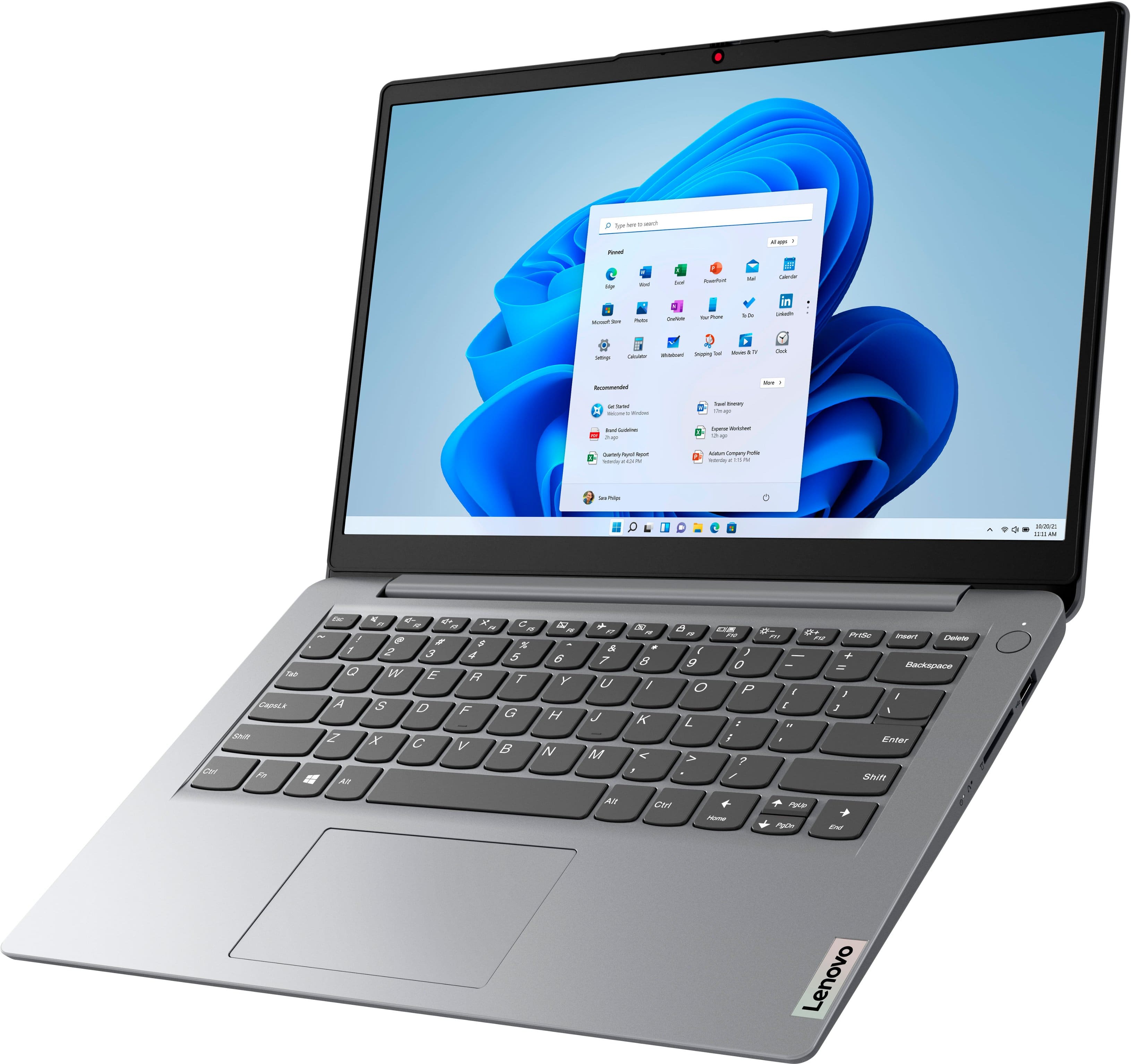
    • Answer That will depend on the requirements and compatibility of the device/software you want to use with this entry-level, Lenovo IdeaPad 1i 14 Laptop. This entry-level, IdeaPad 1i 14 Laptop ships with Windows 11 S-Mode, 64-bit Operating System installed. Windows 11 S-Mode provides added security by only allowing APPs available ( and therefore certified by Microsoft) at the Microsoft Store. If you don't need the added security or you need to install APPs not available at the Microsoft Store, you can switch to standard Windows 11 Home 64-bit Operating System, at no additional cost. We recommend you check with the device manufacturer's web site and the software publisher's web site, for the specific model of the device/software you want to use, for their compatibility with Windows 11 S-Mode 64-bit operating system and the minimum/recommended hardware requirements (Is a Graphics card required, the processor speed and the minimum required system RAM and the minimum available hard drive space) to run their program, then compare those requirements to this system's configuration. If you choose to switch out of S-Mode for Windows 11 Home: Here is a link to instructions for switching from Windows 11 S-Mode to Windows 11 Home: https://support.microsoft.com/en-us/windows/switching-out-of-s-mode-in-windows-4f56d9be-99ec-6983-119f-031bfb28a307#WindowsVersion=Windows_11
      Answered by Lenovo Product Expert

  • QuestionCan this laptop run turbo tax?

    Asked by Anonymous.

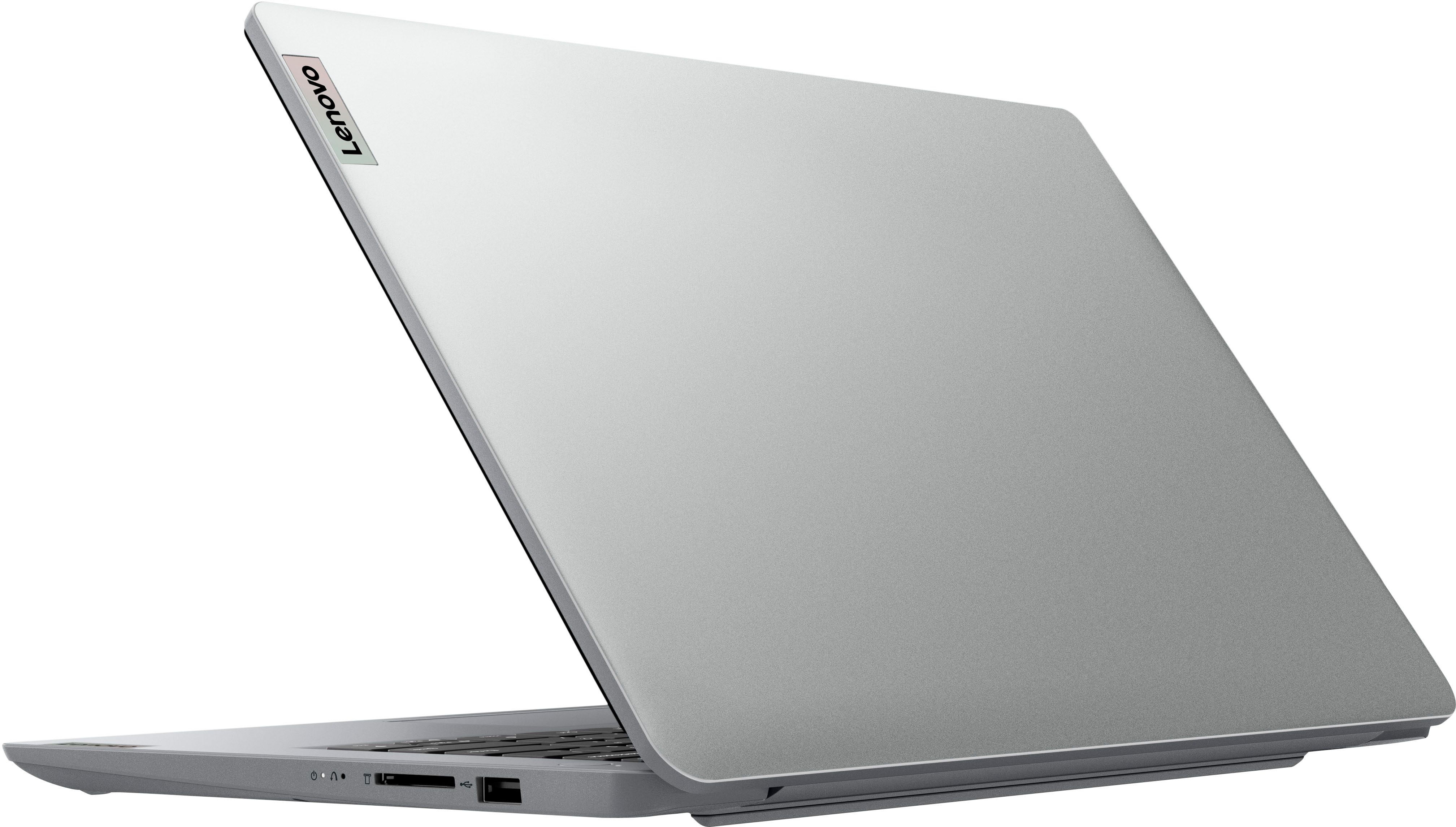
    • Answer That will depend on the requirements and compatibility of the software you want to run. This entry-level, Lenovo IdeaPad 1i 14 Laptop, model number 82V6S00000, ships with Windows 11 S-Mode, 64-bit Operating System installed. Windows 11 S-Mode provides added security by only allowing APPs available ( and therefore certified by Microsoft) at the Microsoft Store. If you don't need the added security or you need to install APPs not available at the Microsoft Store, you can switch to standard Windows 11 Home 64-bit Operating System, at no additional cost. We recommend you check with the specific software publisher's web site, of the specific version of the software you want to use, for their compatibility with Windows 11 S-Mode 64-bit operating system and the minimum/recommended hardware requirements (Is a Graphics card required, the processor speed and the minimum required system RAM and the minimum available hard drive space) to run their program, then compare those requirements to this system's configuration. If you choose to switch out of S-Mode for Windows 11 Home: Here is a link to instructions for switching from Windows 11 S-Mode to Windows 11 Home: https://support.microsoft.com/en-us/windows/switching-out-of-s-mode-in-windows-4f56d9be-99ec-6983-119f-031bfb28a307#WindowsVersion=Windows_11
      Answered by Lenovo Product Expert

  • QuestionCan this laptop work with a wireless printer?

    Asked by Yang.

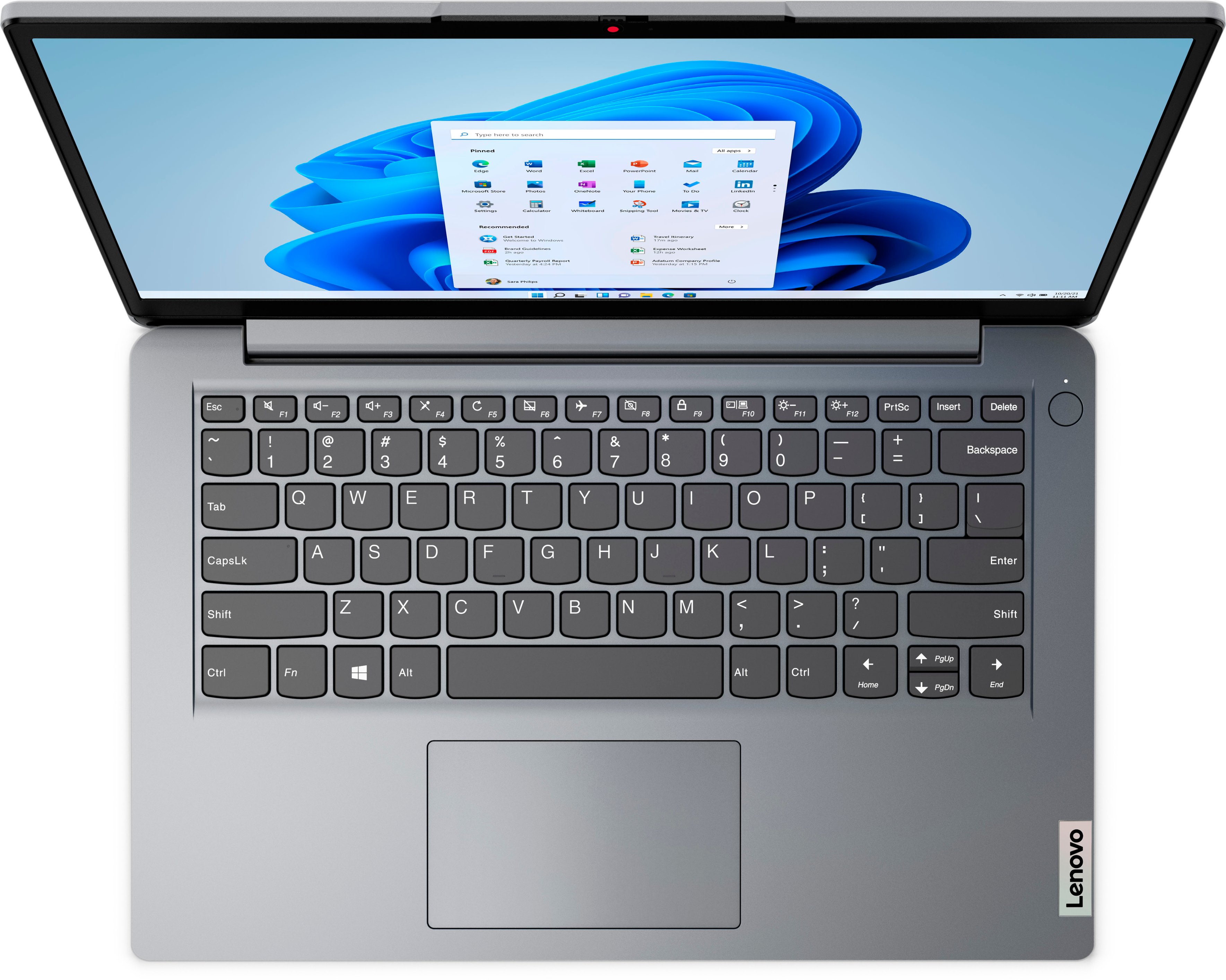
    • Answer That will depend on the requirements and compatibility of the specific model wireless printer you will be using. This entry-level, Lenovo IdeaPad 1i 14 Laptop, model number 82V6S00000, ships with WiFi-6, 802.11ax frequency WiFi capability built in, which is also backward compatible to older, a/b/g/n/ac frequency WiFi. This IdeaPad 1i 14 also ships with Windows 11 S-Mode, 64-bit Operating System installed. Windows 11 S-Mode provides added security by only allowing APPs available ( and therefore certified by Microsoft) at the Microsoft Store. If you don't need the added security or you need to install APPs not available at the Microsoft Store, you can switch to standard Windows 11 Home 64-bit Operating System, at no additional cost. We recommend you check with your printer manufacturer's website for the requirements and compatibility of your specific printer model. If you need to switch out of S-Mode for Windows 11 Home, to install needed drivers for your printer: Here is a link to instructions for switching from Windows 11 S-Mode to Windows 11 Home: https://support.microsoft.com/en-us/windows/switching-out-of-s-mode-in-windows-4f56d9be-99ec-6983-119f-031bfb28a307#WindowsVersion=Windows_11
      Answered by Lenovo Product Expert

  • QuestionHello. Is this laptop capable of 4k Resolution and 60 FPS video streaming (like from YouTube, for example)?

    Asked by Austin.

    • Answer This entry-level, Lenovo IdeaPad 1i 14 Laptop, model number 82V6S00000, can support up to 2 independent displays (native display and 1 external monitor via HDMI). • HDMI supports up to 4096x2160@30Hz.

      Answered by Lenovo Product Expert

  • QuestionCan the RAM be upgraded? (extra RAM slot or swap out existing stick)

    Asked by Drew.

    • Answer Hello, Drew, although the Celeron N4020 can support 2 memory channels, and up to 8GB of DDR4 @ 2400 MT/s. I believe this motherboard only has 1 memory channel. So, you would need to upgrade the existing slot if you wanted more memory.

      Answered by Assec

  • QuestionCan you use adobe photoshop with this?

    Asked by Richie69.

    • Answer Check adobe requirements.

      Answered by receiptkeeper

  • QuestionIs the RAM soldered to the Motherboard? Is there an additional slot for RAM upgrade? May I know the maximum RAM (in GB) supported.

    Asked by MARK.

    • Answer This entry-level Lenovo IdeaPad 1i 14 Laptop, model number 82V6S00000, ships with 4GB Soldered DDR4-2400MHz RAM, soldered to the motherboard and is not upgradeable.

      Answered by Lenovo Product Expert

  • QuestionCan you at least play Roblox on this?

    Asked by Anonymous.

    • Answer Probably

      Answered by Ilene