Black Friday is hereShop new DoorbustersShop now

Main Content

Questions & Answers

Your price for this item is $297.99
Clearance
The comparable value price is $349.99
Page Showing 1-13 of 13 questions
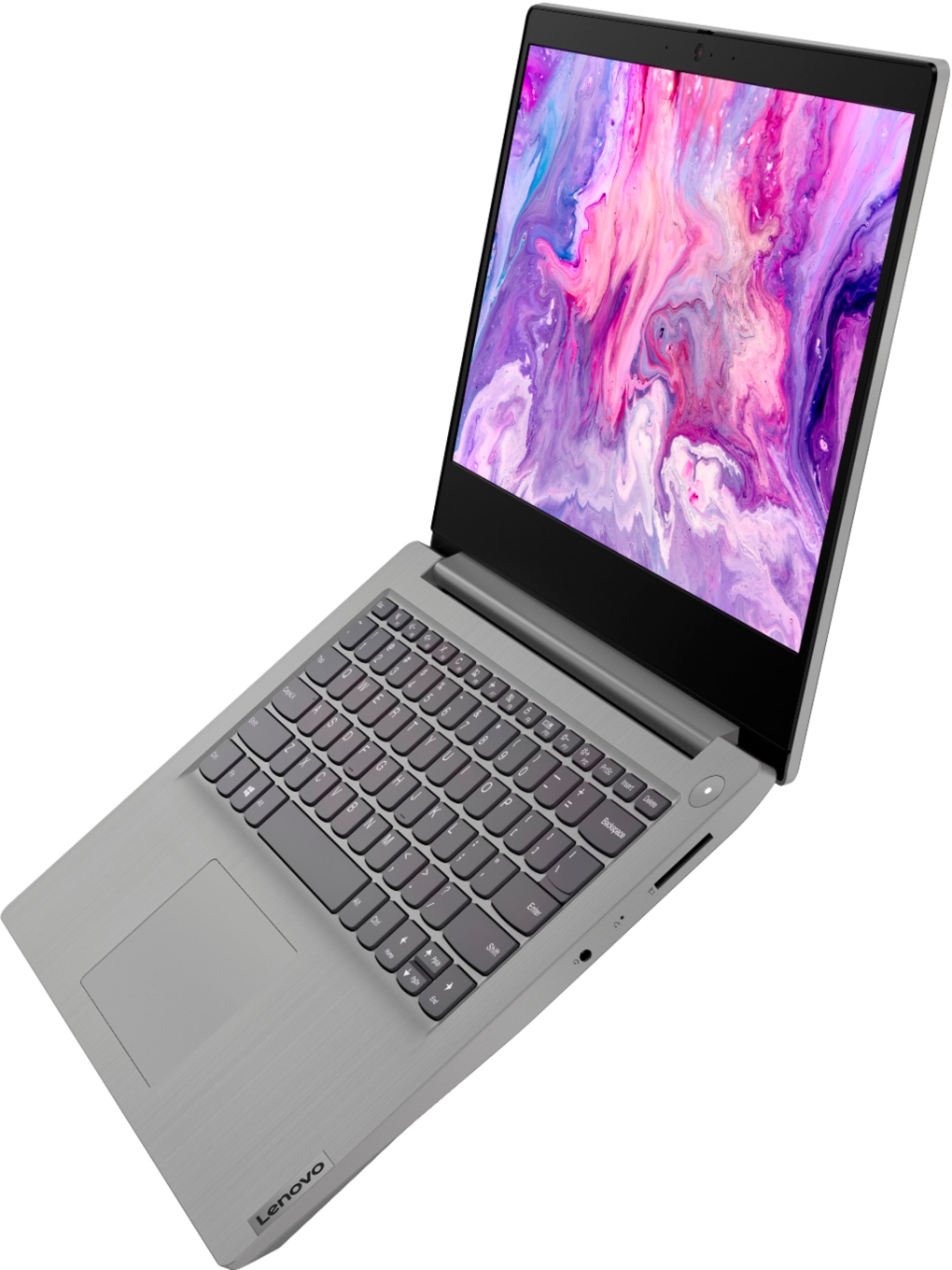
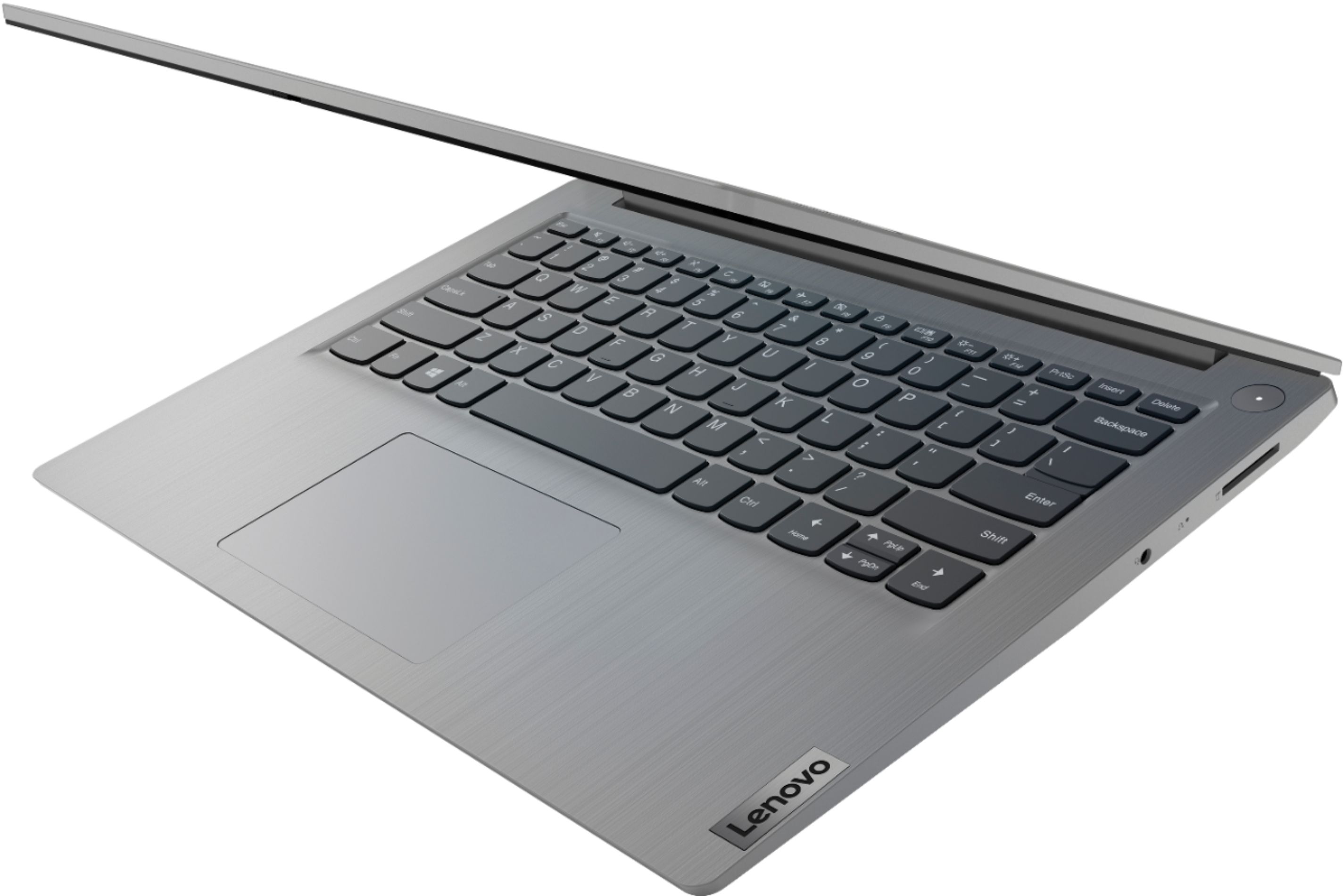
  • QuestionDoes the keyboard light up

    Asked by teri.

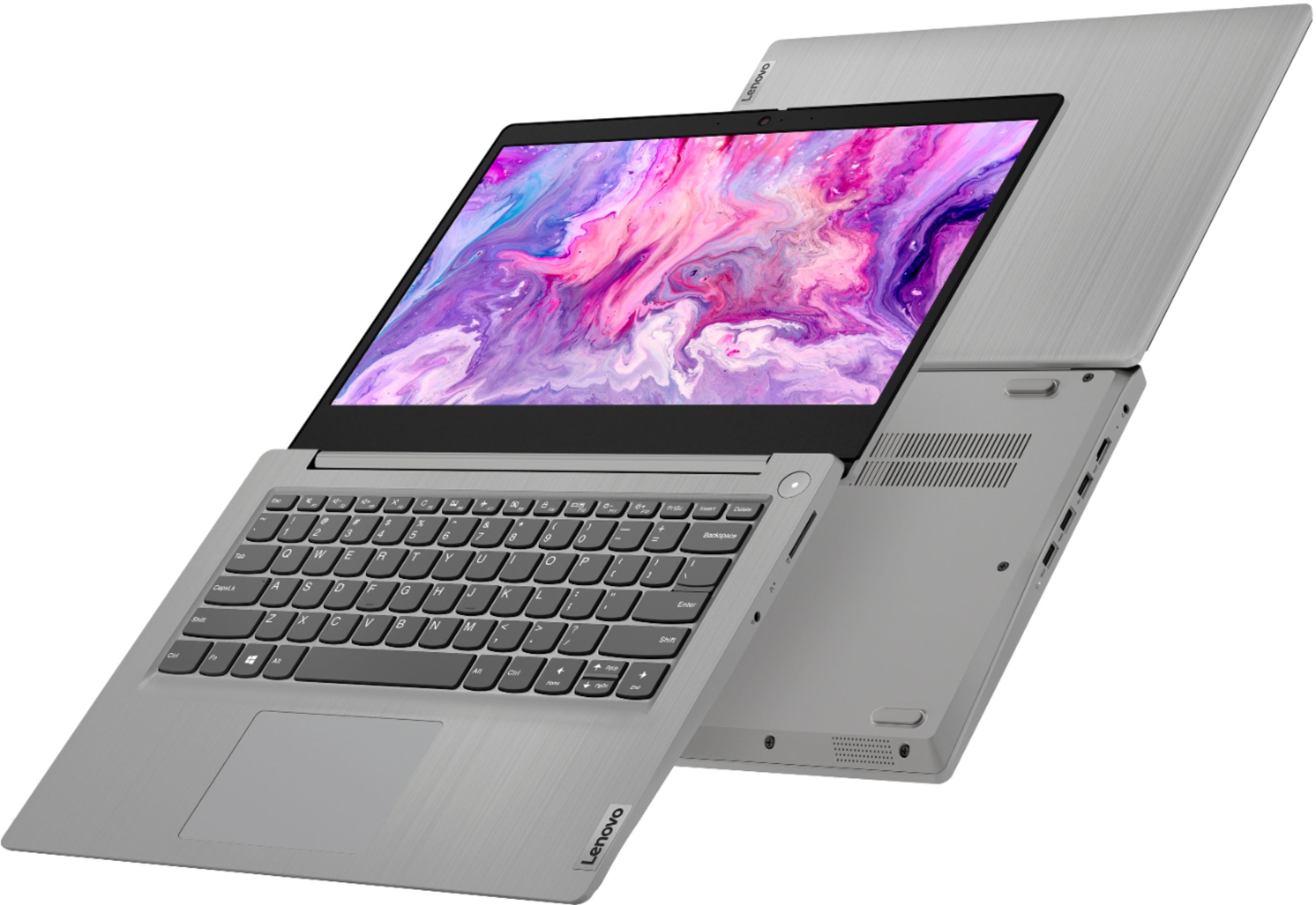
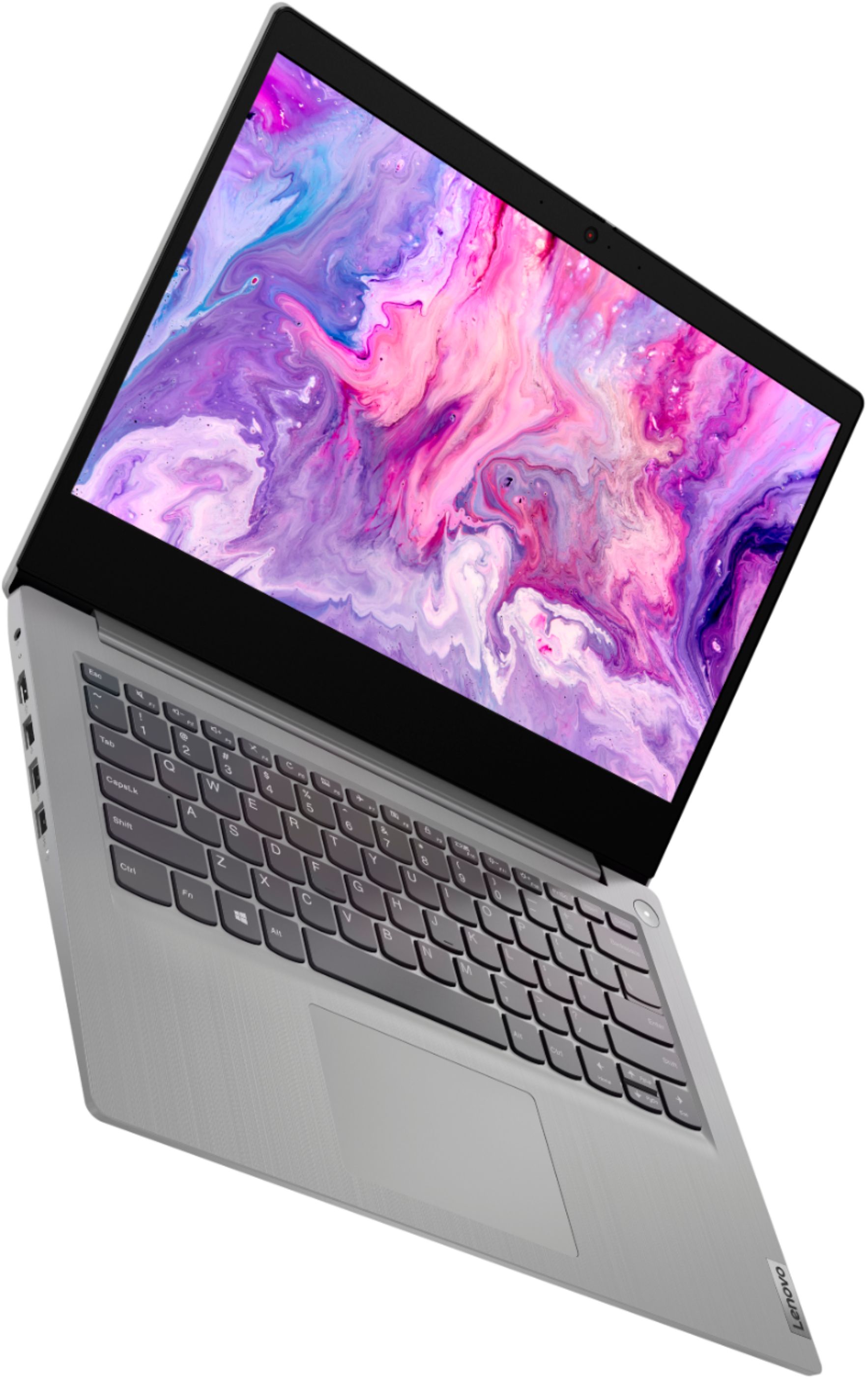
    • Answer No. This Lenovo IdeaPad 3 14 Laptop, model number 81WH004LUS, does not have a backlit keyboard.

      Answered by Lenovo Product Expert

  • Questiondoes this have a dual hdmi, or is it only output?

    Asked by Dylan.

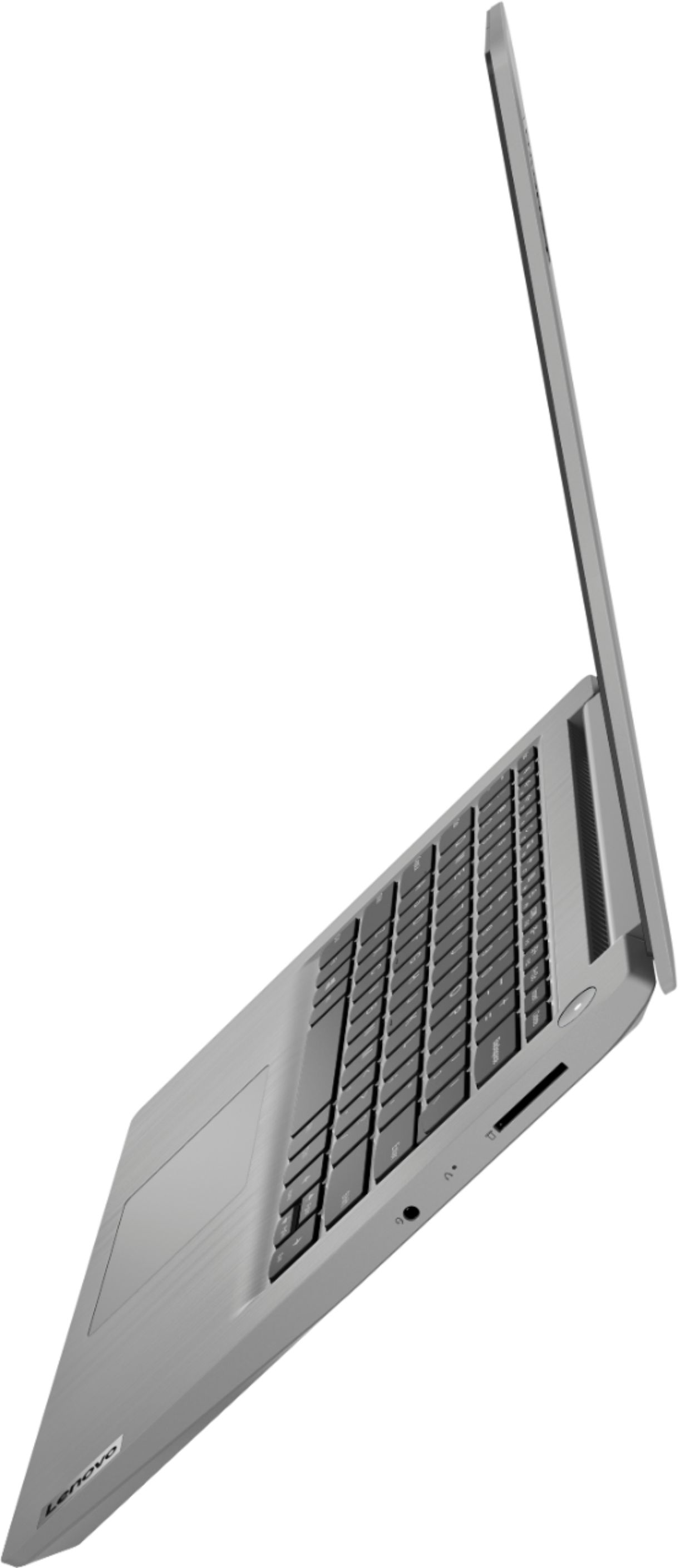
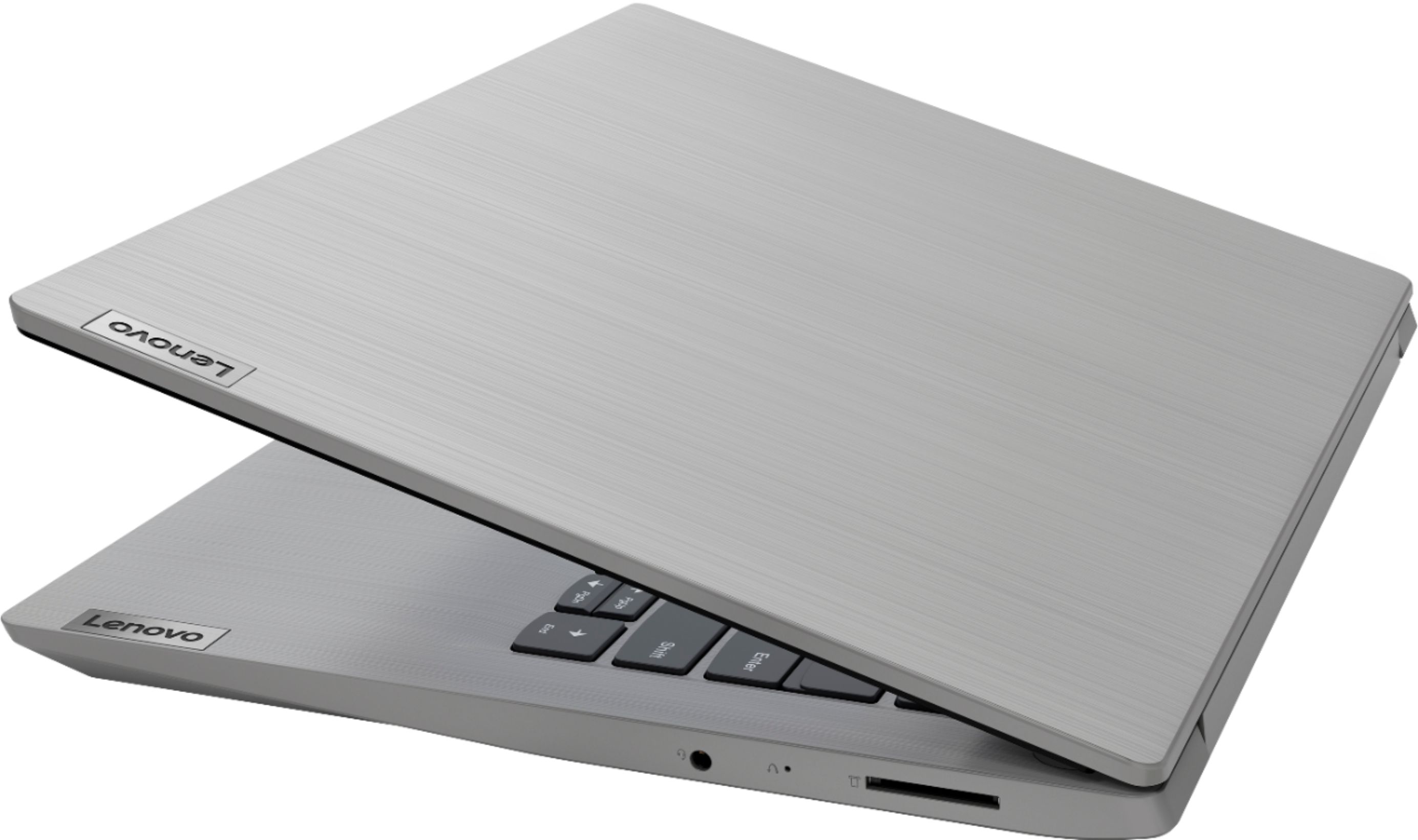
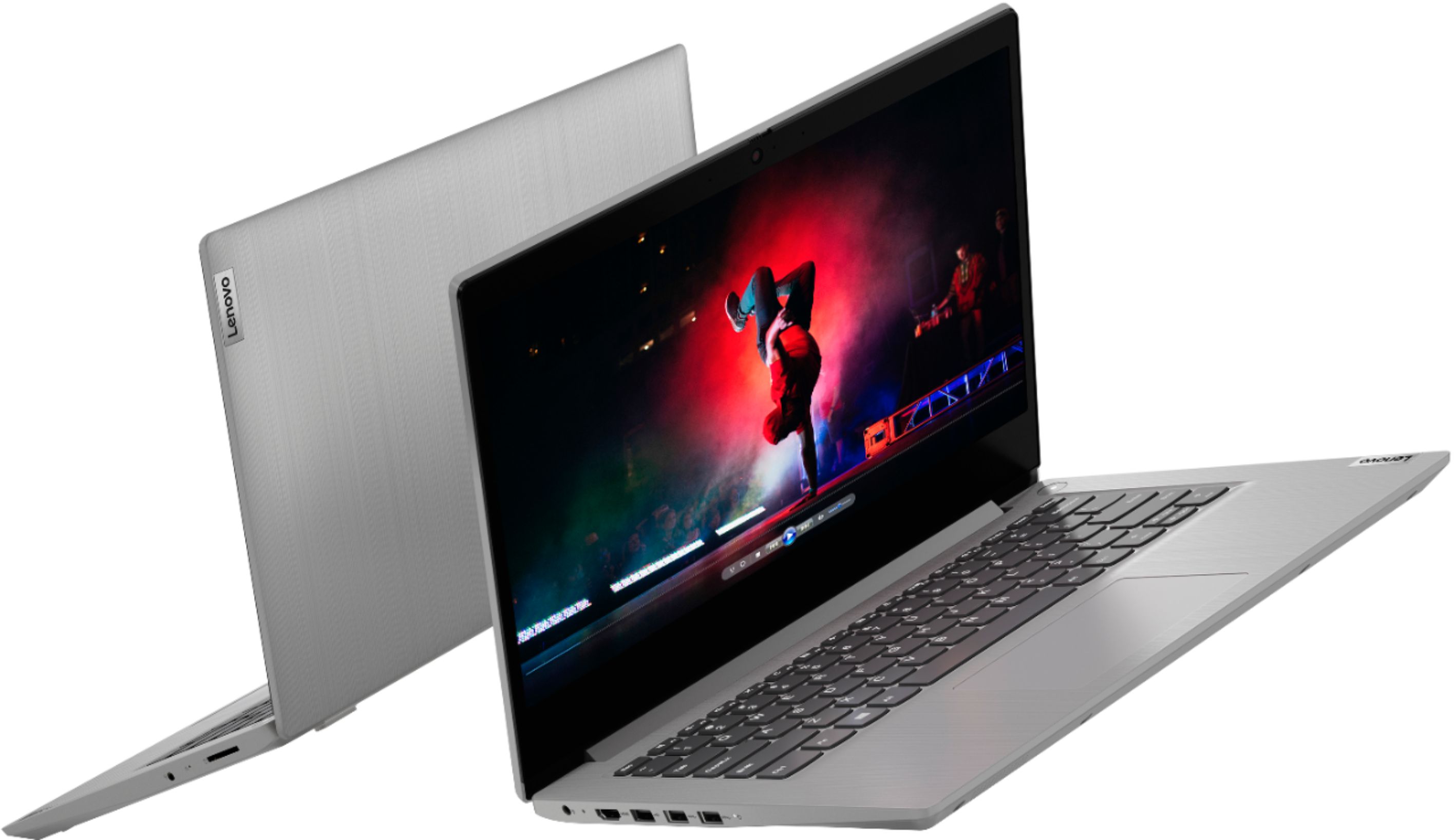
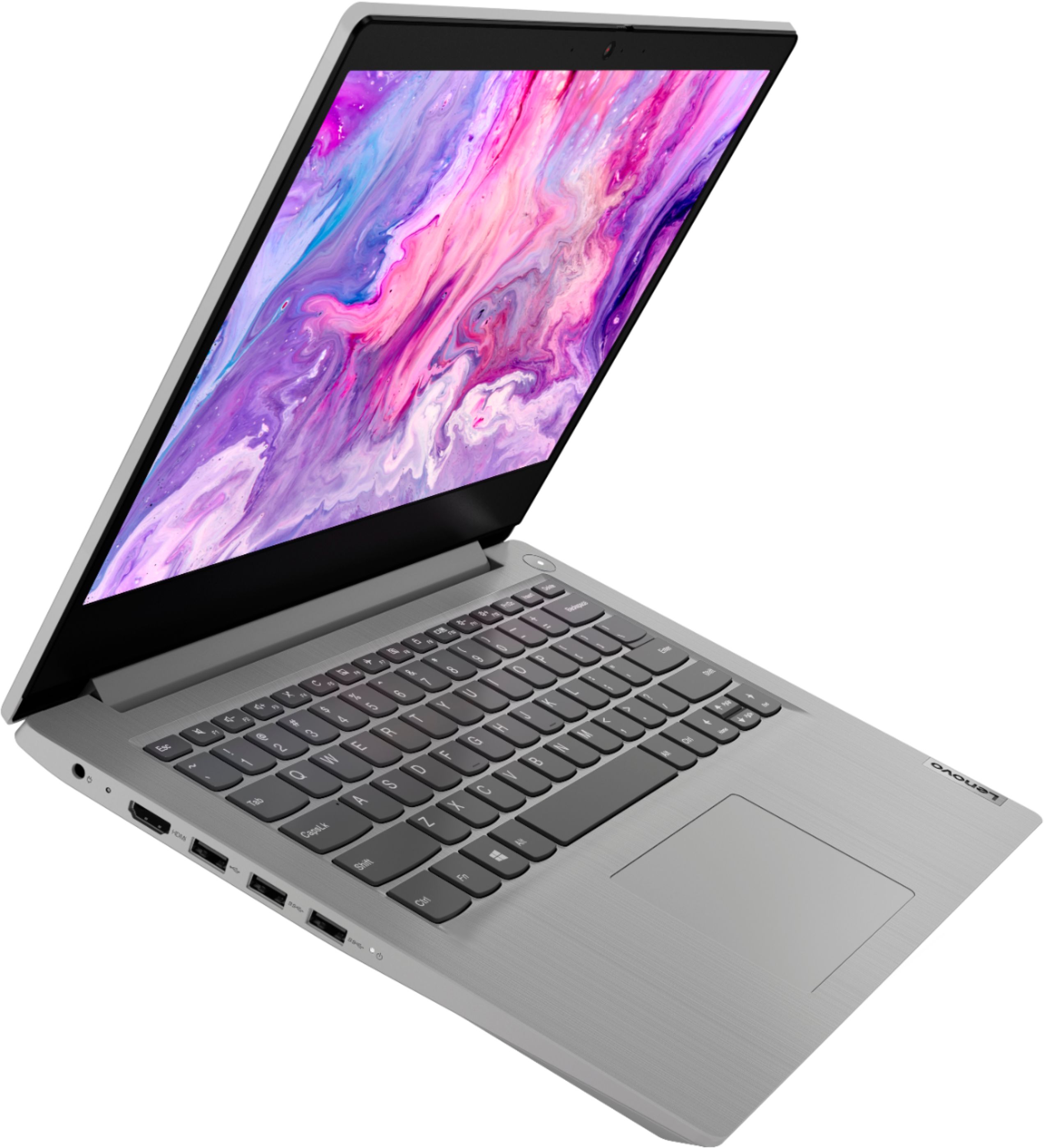
    • Answer This entry-level IdeaPad 3 14 Laptop, model number 81WH004LUS, ships with one HDMI port with video out to an external monitor.

      Answered by Lenovo Product Expert

  • QuestionCan this play genshin impact?

    Asked by Jess.

    • Answer Yes, Lenovo Ideapad 3 14" can play genshin impact. It is best to play on medium settings, I found that it plays smoothly.

      Answered by Anonymous

  • QuestionWhat browsers does this laptop support? Is Chrome one of them & which ones?

    Asked by Natsan22.

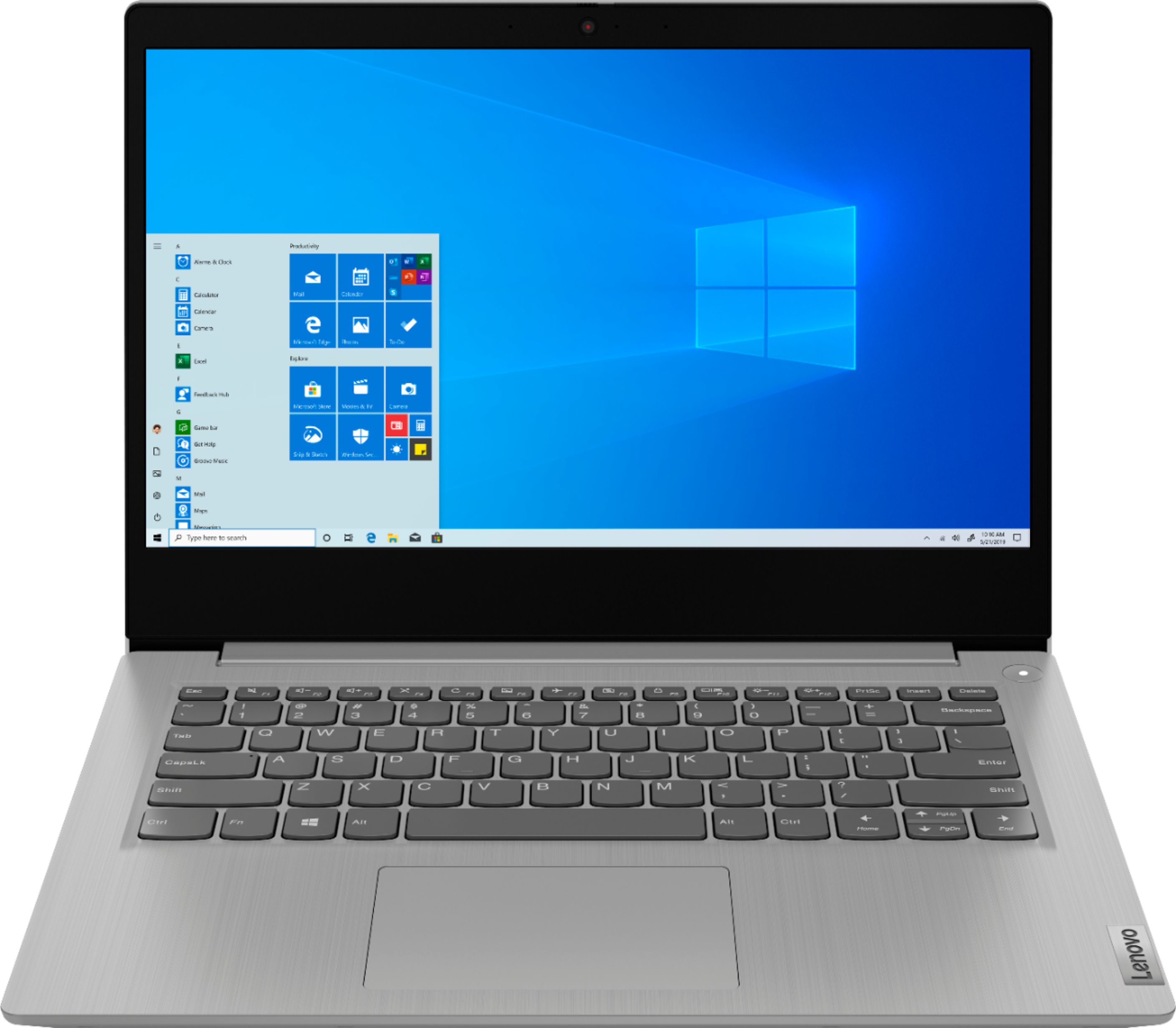
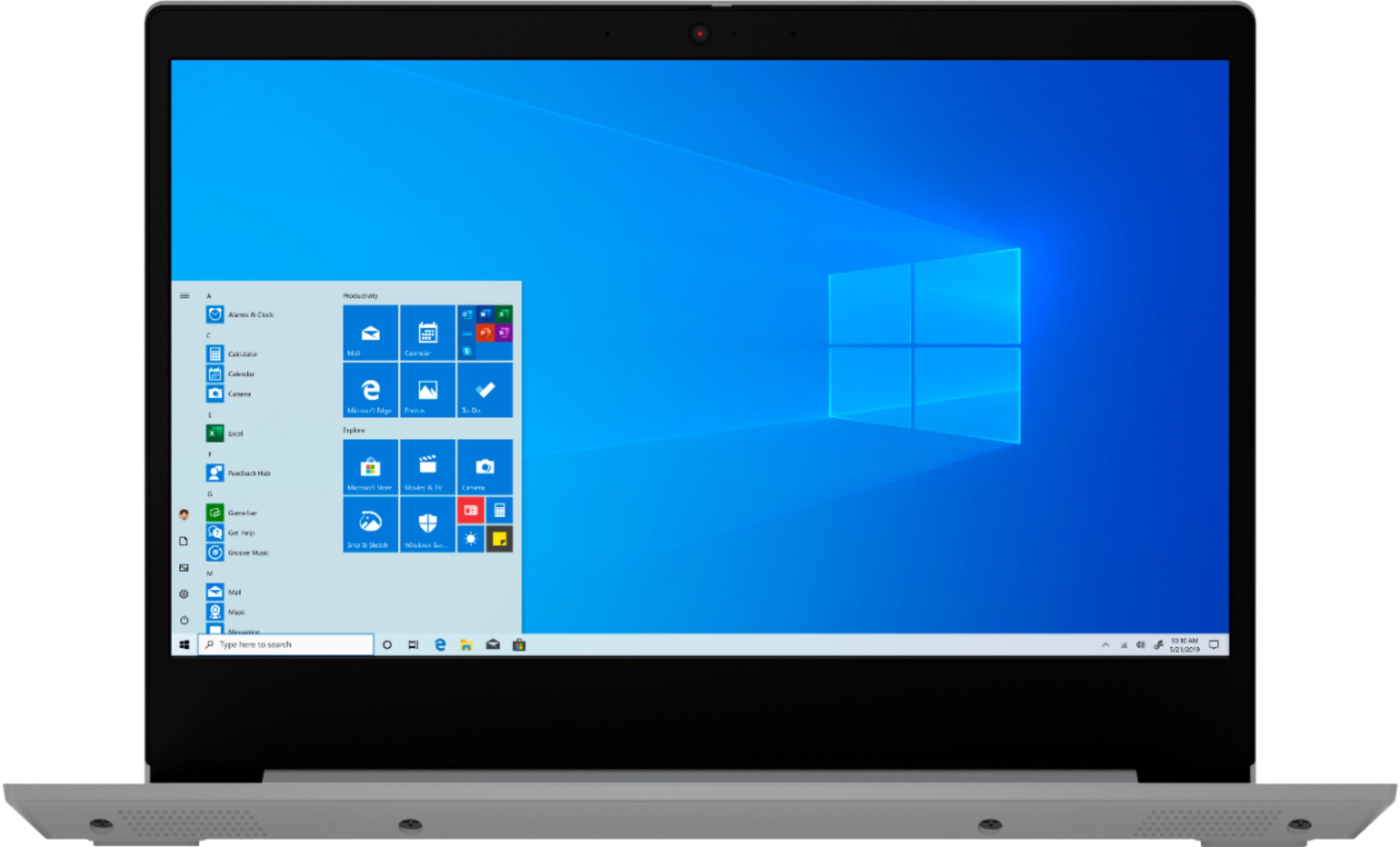
    • Answer The Lenovo IdeaPad 3 14 Laptop, model number 81WH004LUS, ships with Windows 10 S-Mode 64-bit Operating System. Windows 10 S-Mode provides added security by only allowing APPs available ( and therefore certified by Microsoft) at the Microsoft Store. If you don't need the added security or you need to install APPs not available at the Microsoft Store, you can switch to standard Windows 10 Home 64-bit Operating System, at no additional cost. The only web browser you can use in Windows 10 in S mode is Microsoft Edge. You can access other browsers and search engines while in S mode. You can download any browser available in the Microsoft Store in Windows, and you can navigate to any other search engine website. If you want to download a browser (or any other application) that's not in the Microsoft Store, you'll need to permanently switch out of S mode. After you switch, you can then set your default browser and search engine to the one you choose, but you won't be able to return to S mode again. If you choose to switch out of S-Mode for Windows 10 Home: Here is a link to instructions for switching from Windows 10 S-Mode to Windows 10 Home: https://support.microsoft.com/en-us/help/4456067/windows-10-switch-out-of-s-mode
      Answered by Lenovo Product Expert

  • QuestionDoes the Lenovo idealpad comes with touch screen?

    Asked by Anonymous.

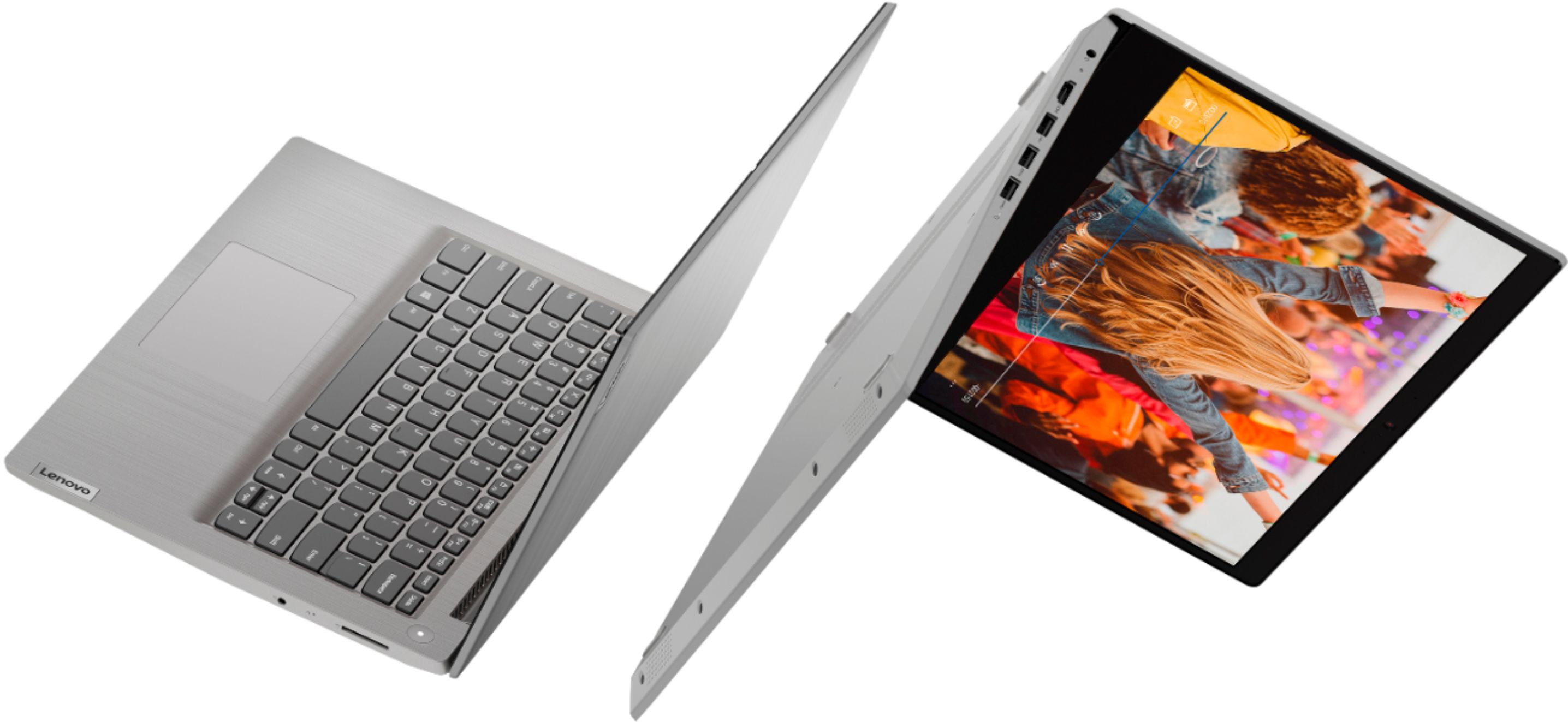
    • Answer No , no Touch-Screen

      Answered by Chromebook

  • QuestionDoes it have a built in webcam? Thanks

    Asked by Liz179.

    • Answer It does and it even comes with a privacy shutter. While it's not the worst camera, it's not great either so I'd recommend buying an external camera.

      Answered by Mdeasy9

  • QuestionIs the RAM upgradable for this laptop?

    Asked by abc.

    • Answer No. The 4GB DDR4-2400MHz RAM is soldered to the motherboard and is not upgradeable.

      Answered by Lenovo Product Expert

  • QuestionHow much is the maximum that can be upgraded ram memory?

    Asked by joseph.

    • Answer The Lenovo IdeaPad 3 14 Laptop, model number 81WH004LUS, ships with 4GB DDR4-2400MHz RAM soldered to the motherboard and is not upgradeable.

      Answered by Lenovo Product Expert

  • QuestionCan it play game simple games. can you put third party apps is it windows 10

    Asked by jose.

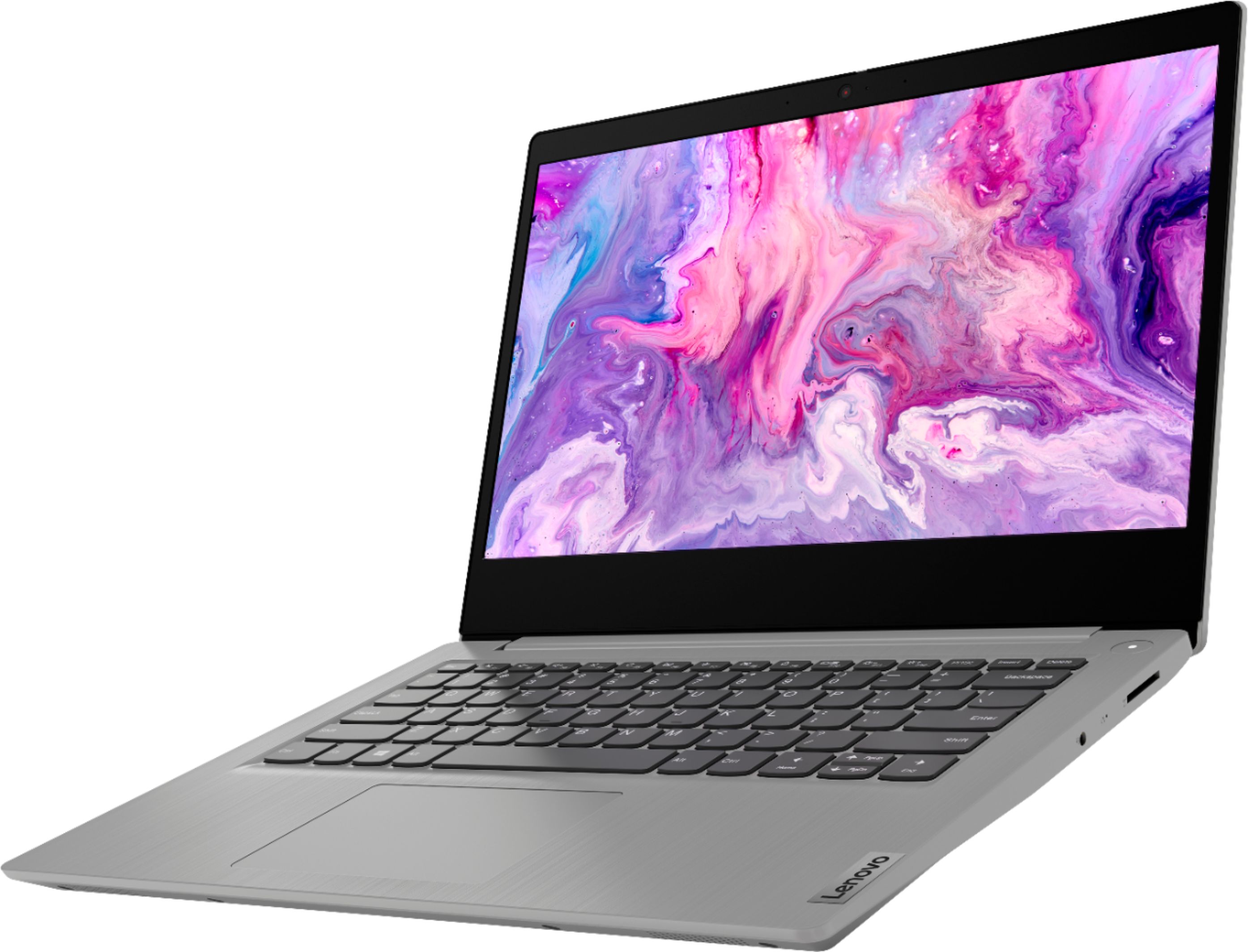
    • Answer The Lenovo IdeaPad 3 14 Laptop, model number 81WH004LUS, ships with Windows 10 S-Mode 64-bit Operating System. Windows 10 S-Mode provides added security by only allowing APPs available ( and therefore certified by Microsoft) at the Microsoft Store. If you don't need the added security or you need to install APPs not available at the Microsoft Store, you can switch to standard Windows 10 Home 64-bit Operating System, at no additional cost. We recommend you check with the specific APPs software publisher's web sites of the APPs you want to install, for their compatibility with Windows 10 S-Mode 64-bit operating system and the minimum/recommended hardware requirements (Is a Graphics card required, the processor speed and the minimum required system RAM and the minimum available hard drive space) to run their program, then compare those requirements to this system's configuration. If you choose to switch out of S-Mode to Windows 10 Home, here is a link to instructions for switching from Windows 10 S-Mode to Windows 10 Home: https://support.microsoft.com/en-us/help/4456067/windows-10-switch-out-of-s-mode
      Answered by Lenovo Product Expert

  • QuestionHi, do you know when this item will be available to order or in stores for pickup. Lenovo Ideapad 3 14" Laptop - Intel Pentium Silver N5030 - 4GB Memory - 128GB SSD - Platinum Grey Thank you and have a great day :)

    Asked by Jazzi.

    • Answer Hello Jazzi. Thank you for your question. To confirm when this Lenovo Ideapad notebook will be available in stock, you may contact the retailer using the information below: ***https://www.bestbuy.com/site/electronics/customer-service/pcmcat87800050001.c?id=pcmcat87800050001*** Thank you for choosing Intel!

      Answered by Intel team

  • Questionwhat is S mode for the Windows 10?

    Asked by mbnorton.

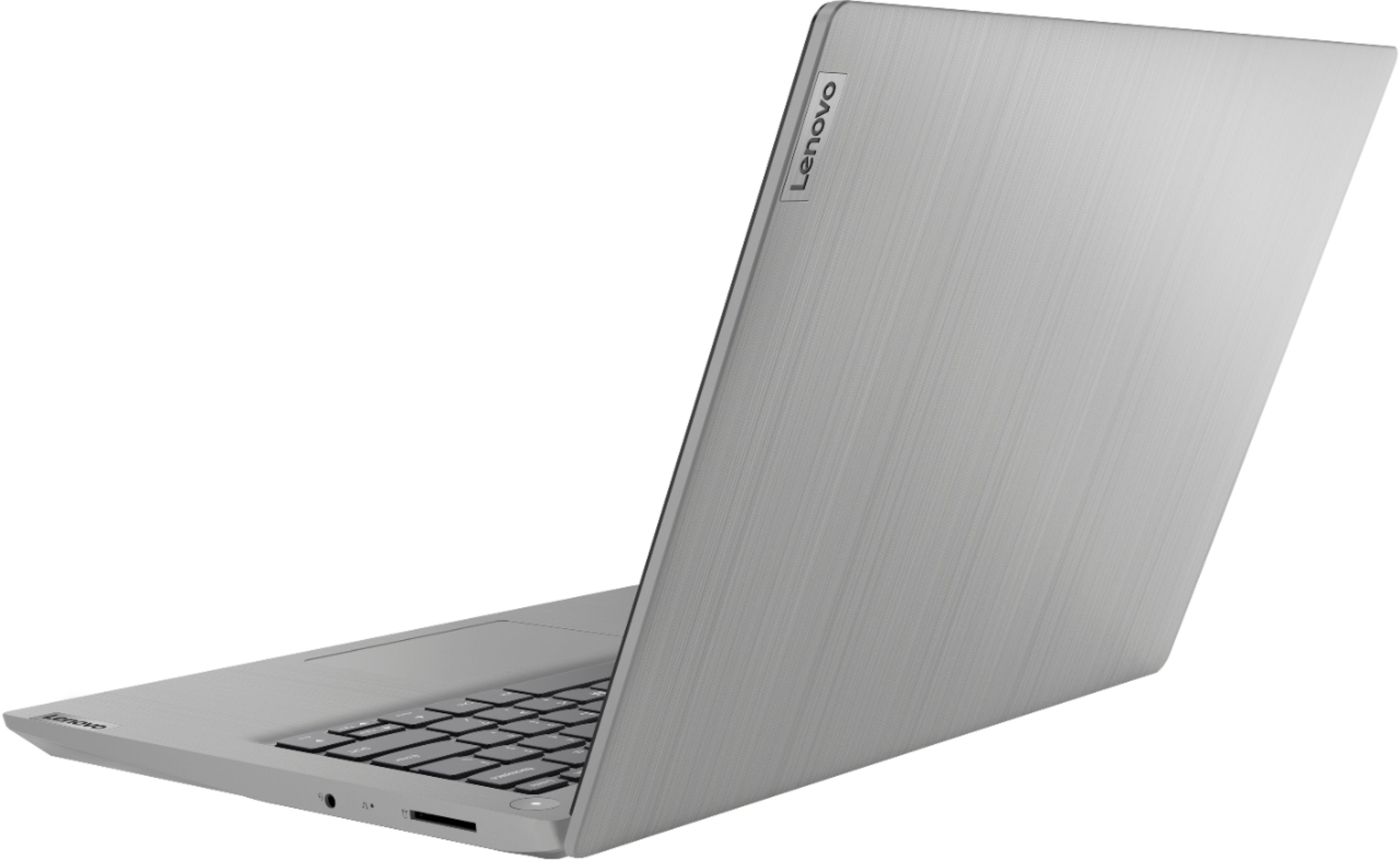
    • Answer The Lenovo IdeaPad 3 14 Laptop model number 81WH004LUS, ships with Windows 10 S-Mode 64-bit Operating System installed. Windows 10 S-Mode provides added security by only allowing APPs available ( and therefore certified by Microsoft) at the Microsoft Store. If you don't need the added security or you need to install APPs not available at the Microsoft Store, you can switch to standard Windows 10 Home 64-bit Operating System, at no additional cost. Here is a link to instructions for switching from Windows 10 S-Mode to Windows 10 Home: https://support.microsoft.com/en-us/help/4456067/windows-10-switch-out-of-s-mode
      Answered by Lenovo Product Expert

  • QuestionCan this laptop run MATLAB and RStudio? Need programming for school.

    Asked by Anonymous.

    • Answer That really will depend on the requirements and compatibility of the specific software you want to run. The Lenovo IdeaPad 3 14 Laptop, model number 81WH004LUS, ships with Windows 10 S-Mode 64-bit Operating System. Windows 10 S-Mode provides added security by only allowing APPs available ( and therefore certified by Microsoft) at the Microsoft Store. If you don't need the added security or you need to install APPs not available at the Microsoft Store, you can switch to standard Windows 10 Home 64-bit Operating System, at no additional cost. We recommend you check with the specific software publisher's web sites, of the software you will need to use, for their compatibility with Windows 10 S-Mode 64-bit operating system and the minimum/recommended hardware requirements (Is a Graphics card required, the processor speed and the minimum required system RAM and the minimum available hard drive space) to run their program, then compare those requirements to this system's configuration. If you choose to switch out of S-Mode for Windows 10 Home, it is one-way and can not be undone. Here is a link to instructions for switching from Windows 10 S-Mode to Windows 10 Home: https://support.microsoft.com/en-us/help/4456067/windows-10-switch-out-of-s-mode
      Answered by Lenovo Product Expert