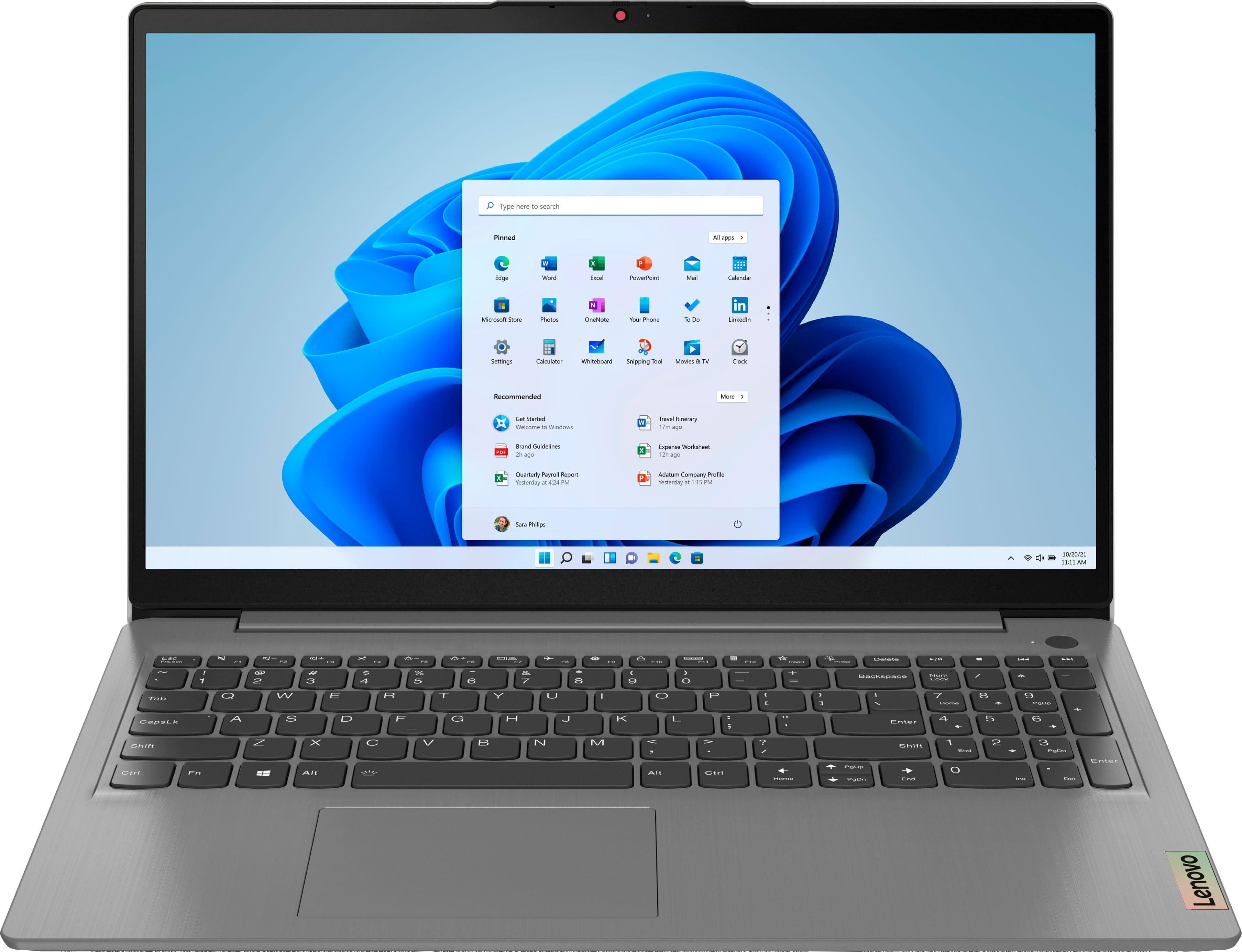
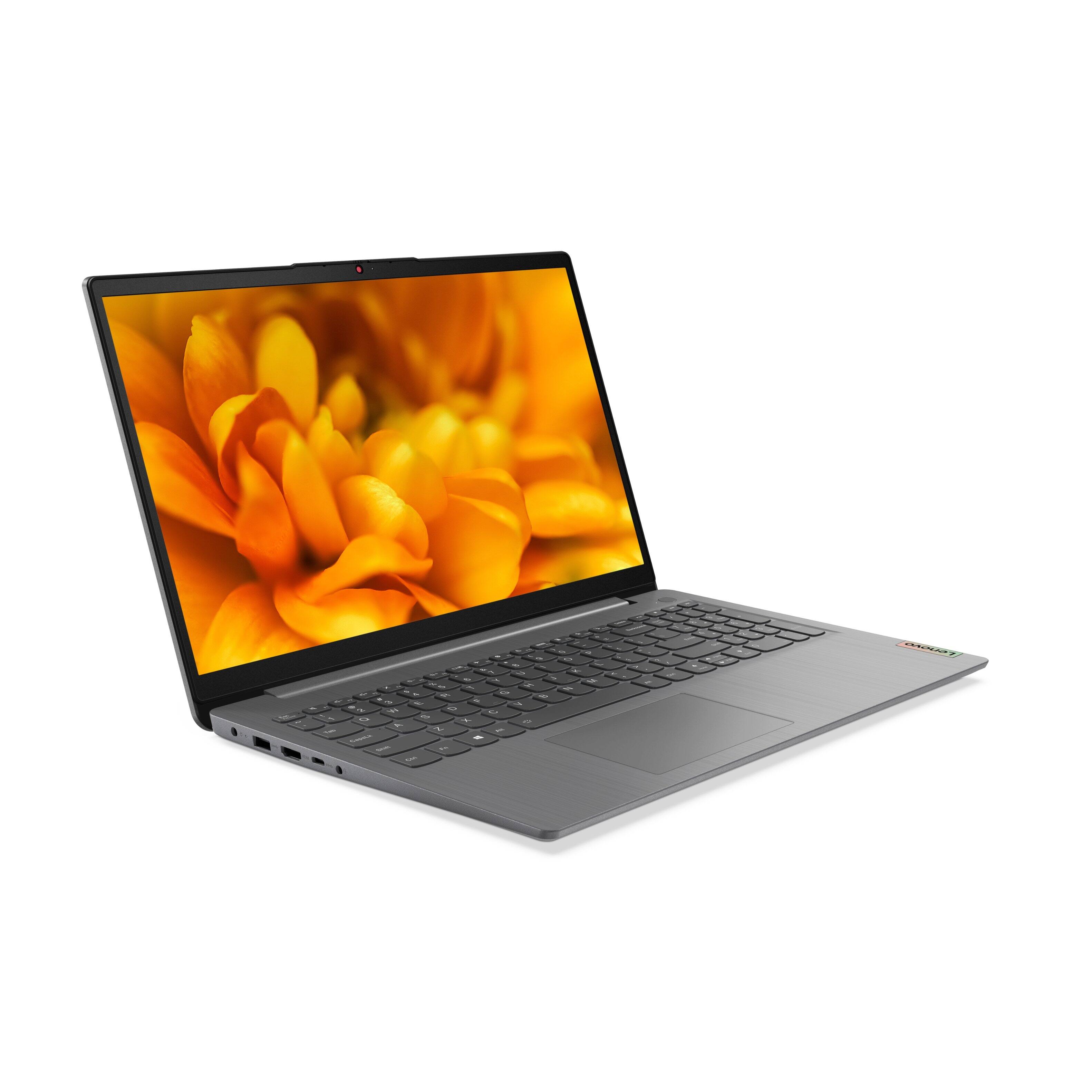
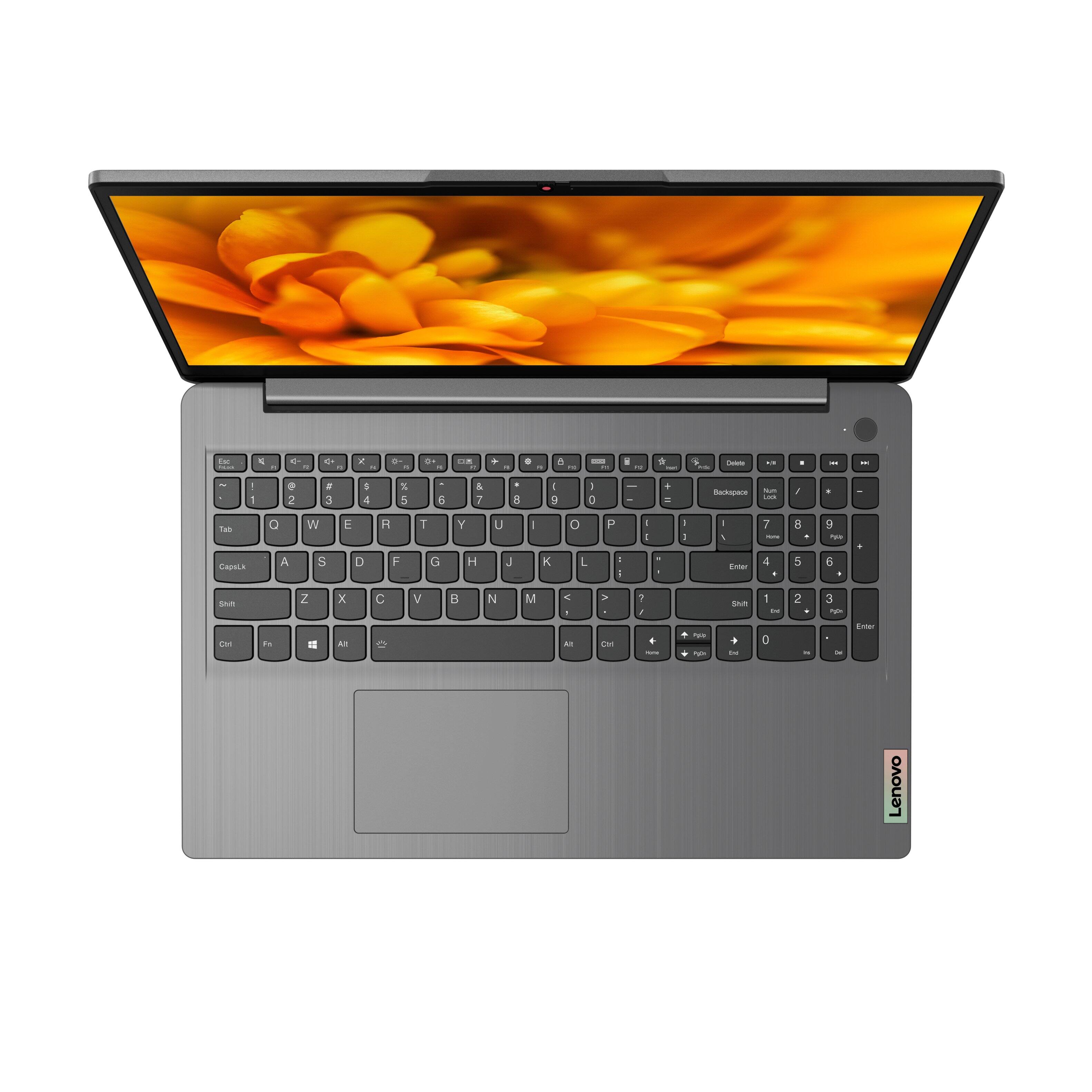
A:AnswerModel number 82H801DQUS of this Lenovo IdeaPad 3 15 Laptop ships with Windows 11 S-Mode 64-bit Operating System installed. Model number 82H8018SUS ships with Windows 10 S-Mode 64-bit Operating System installed and can be upgraded to Windows 11 S-Mode 64-bit Operating System by the user.
A:AnswerI took it out of s mode almost immediately. As I couldn't do hardly anything in s mode. I have had no problems with it and my windows 11 works just fine. I am not sure whether the processor speed slowed down or not.
A:AnswerI would recommend any of the Canon Pixma series printers. I have had nothing but good luck with these. They just work and as they should. I print wireless from my computers and phones with mine. Good overall printers.
A:AnswerYou may need to make sure you take the machine out of 'S Mode'. It is yet another ploy by Microsoft to force you to ONLY use Microsoft apps. You can go into settings>updates to change this which should allow you more flexibility.
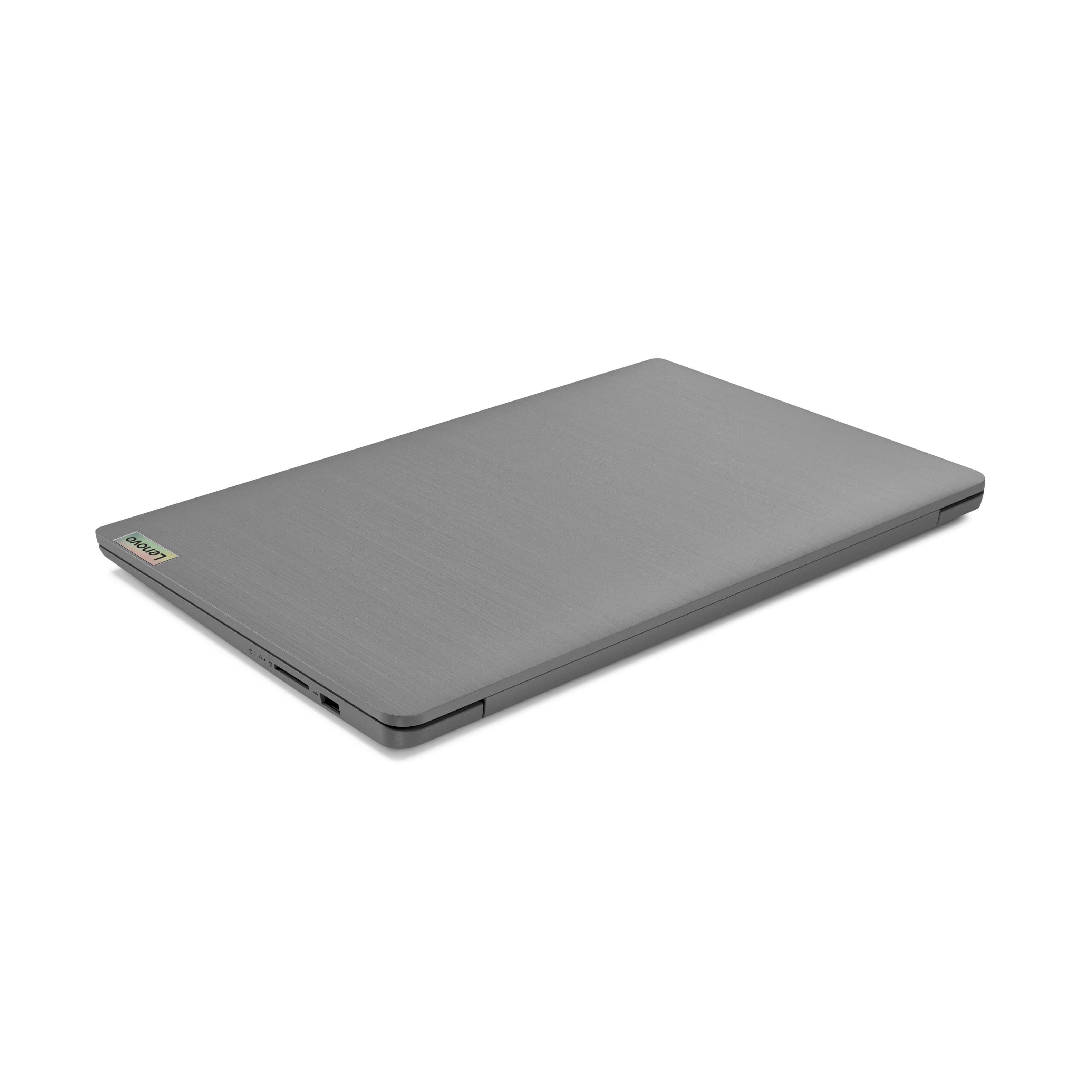
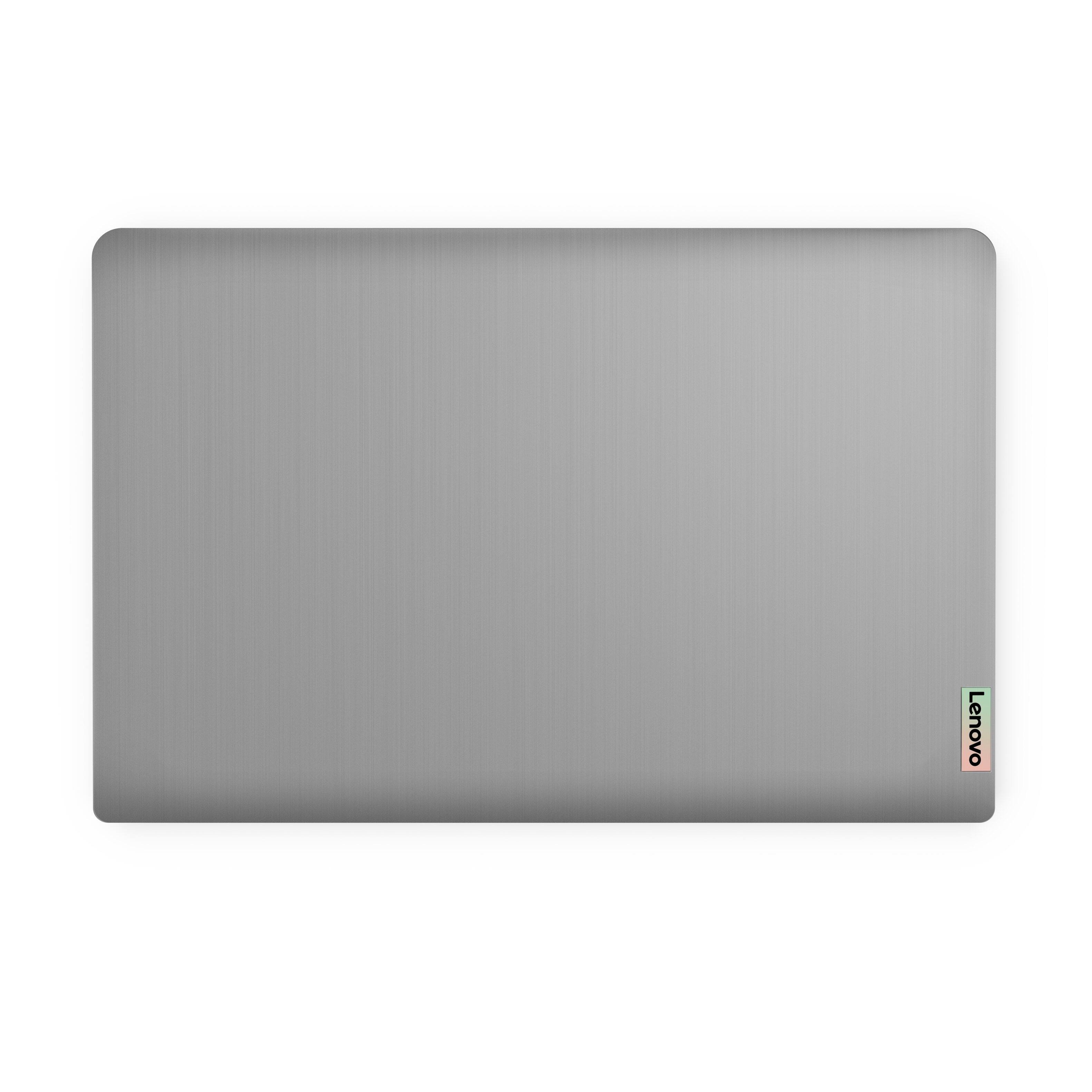
A:AnswerIf you look on the back of the laptop, the label has serial and model number. I had no problem registering the device and it creates a Lenovo account once you register.
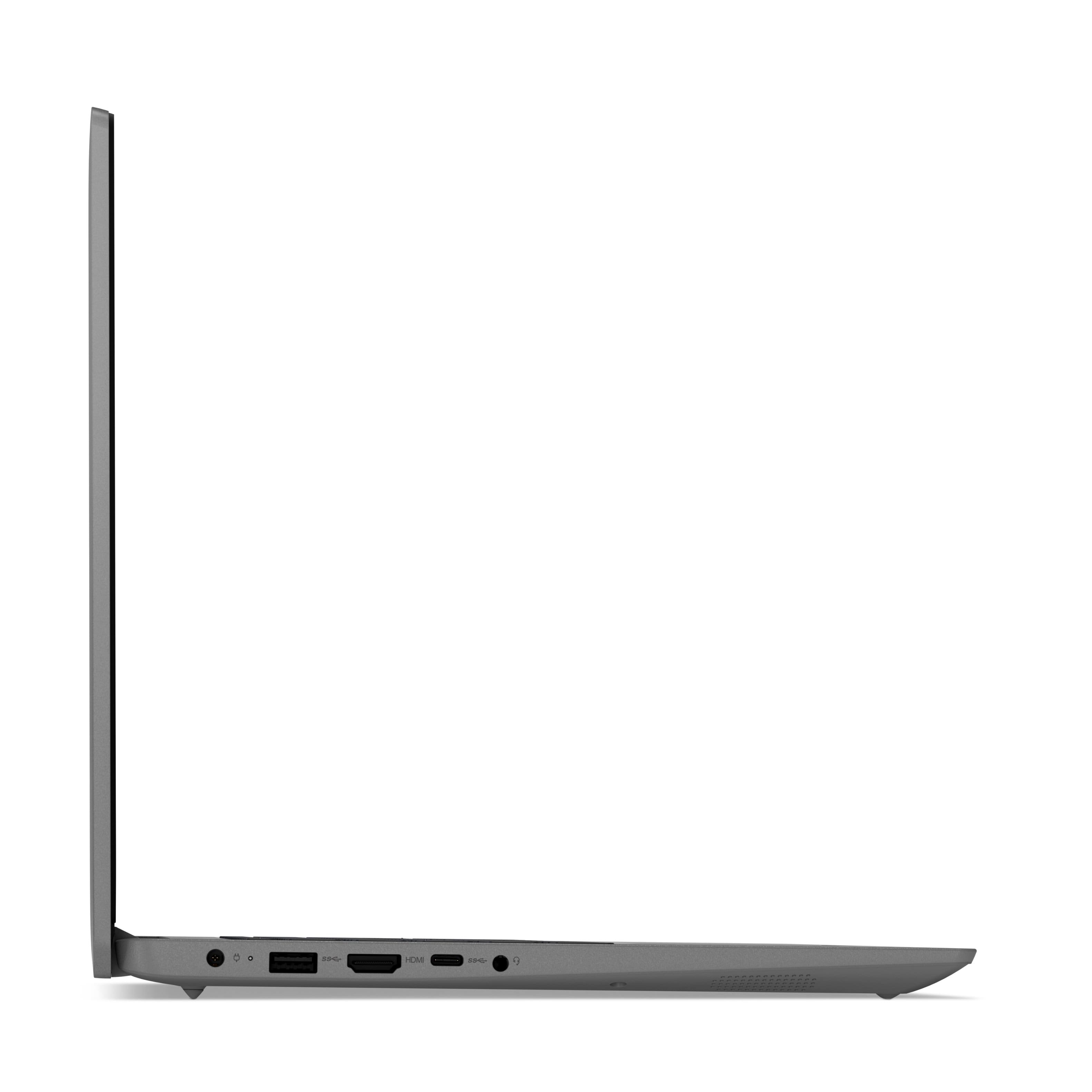
A:AnswerThe Lenovo IdeaPad 3 15 Laptop, model number 82H801DQUS, supports up to 2 independent displays via native display and 1 external monitor; supports external monitor via HDMI (up to 4K@30Hz).
A:AnswerThe Lenovo IdeaPad 3 15 Laptop, model number 82H801DQUS, ships with a Integrated 45Wh, Lithium-Polymer battery, which within this configuration, has a battery life of up to 7 hours, depending on the work the device is performing.
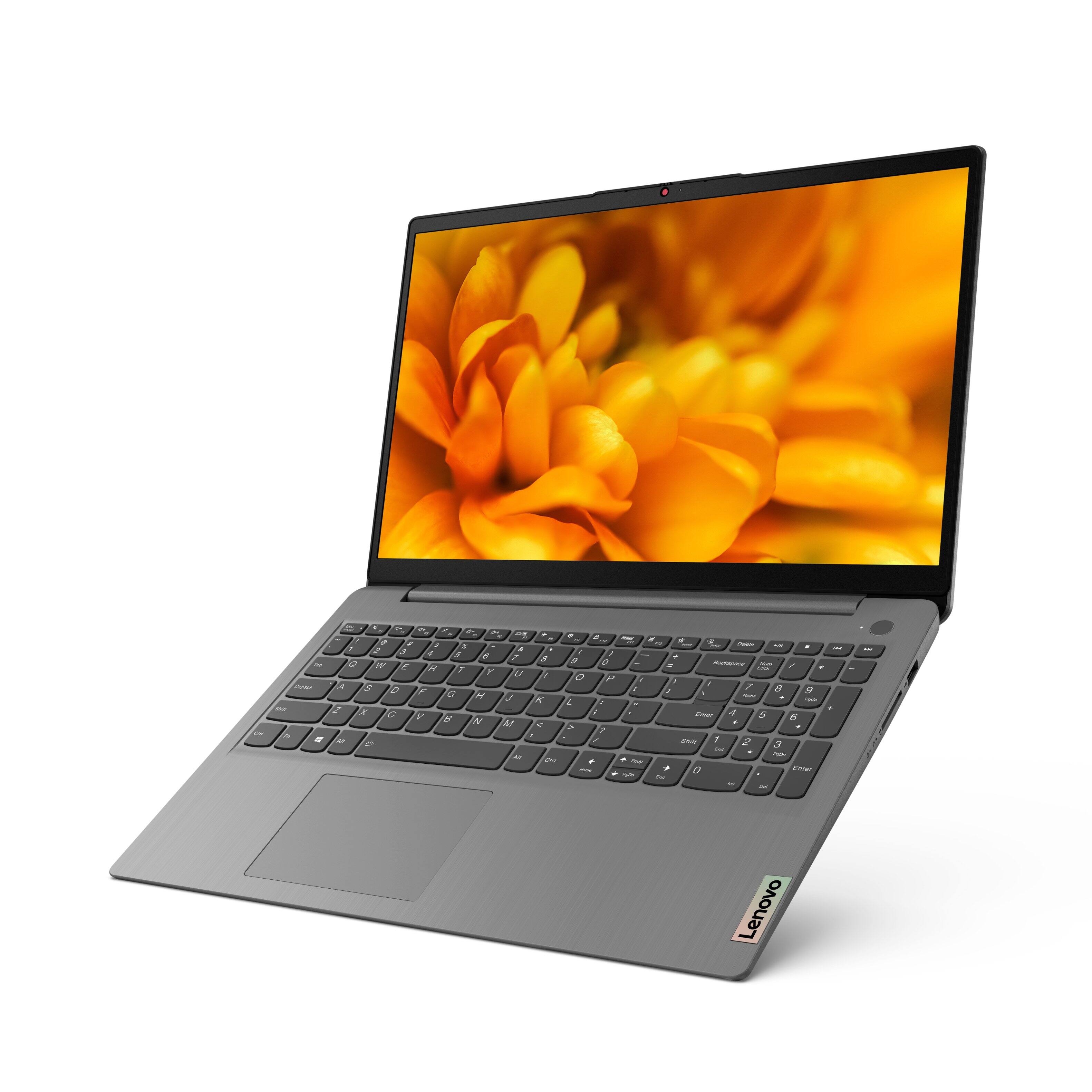
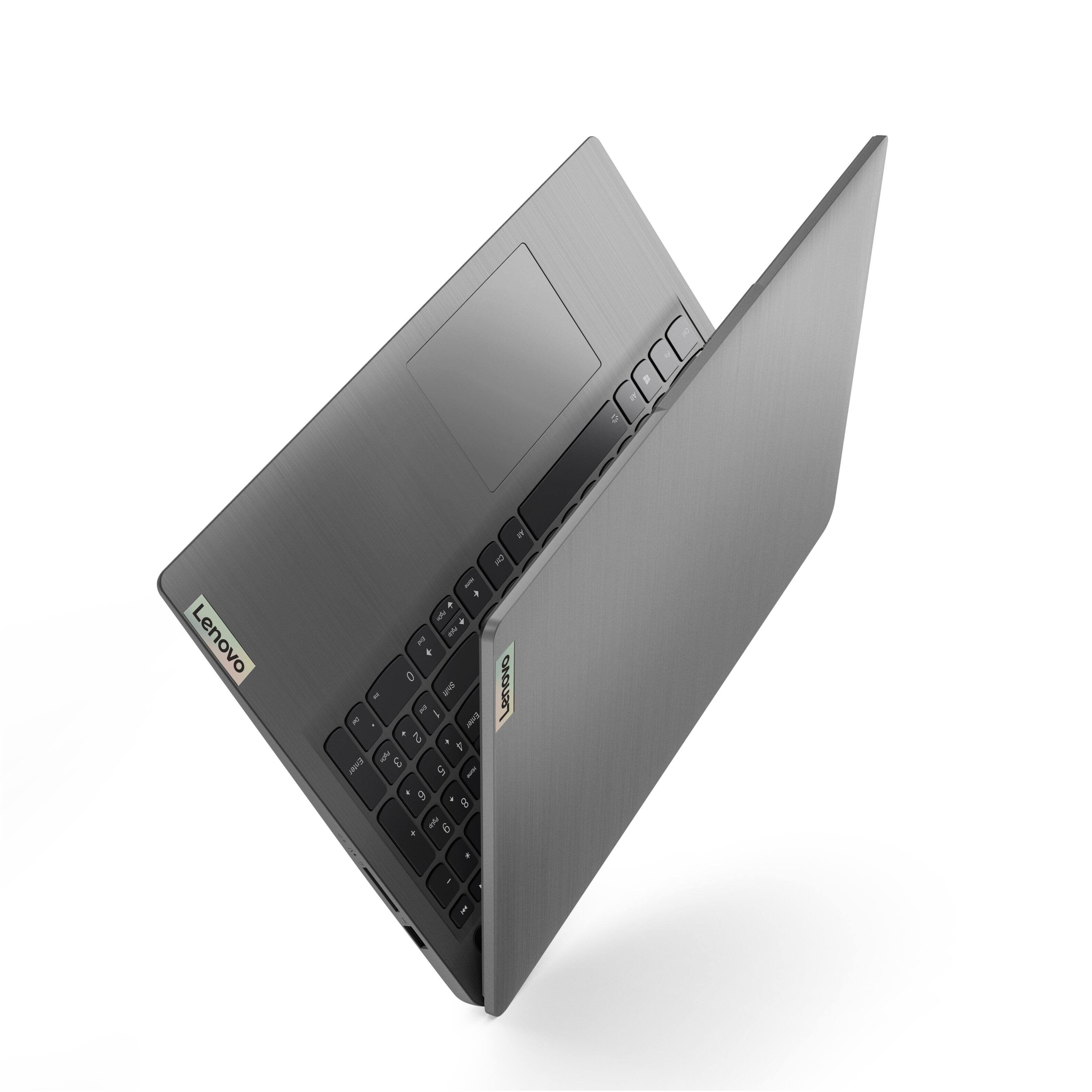
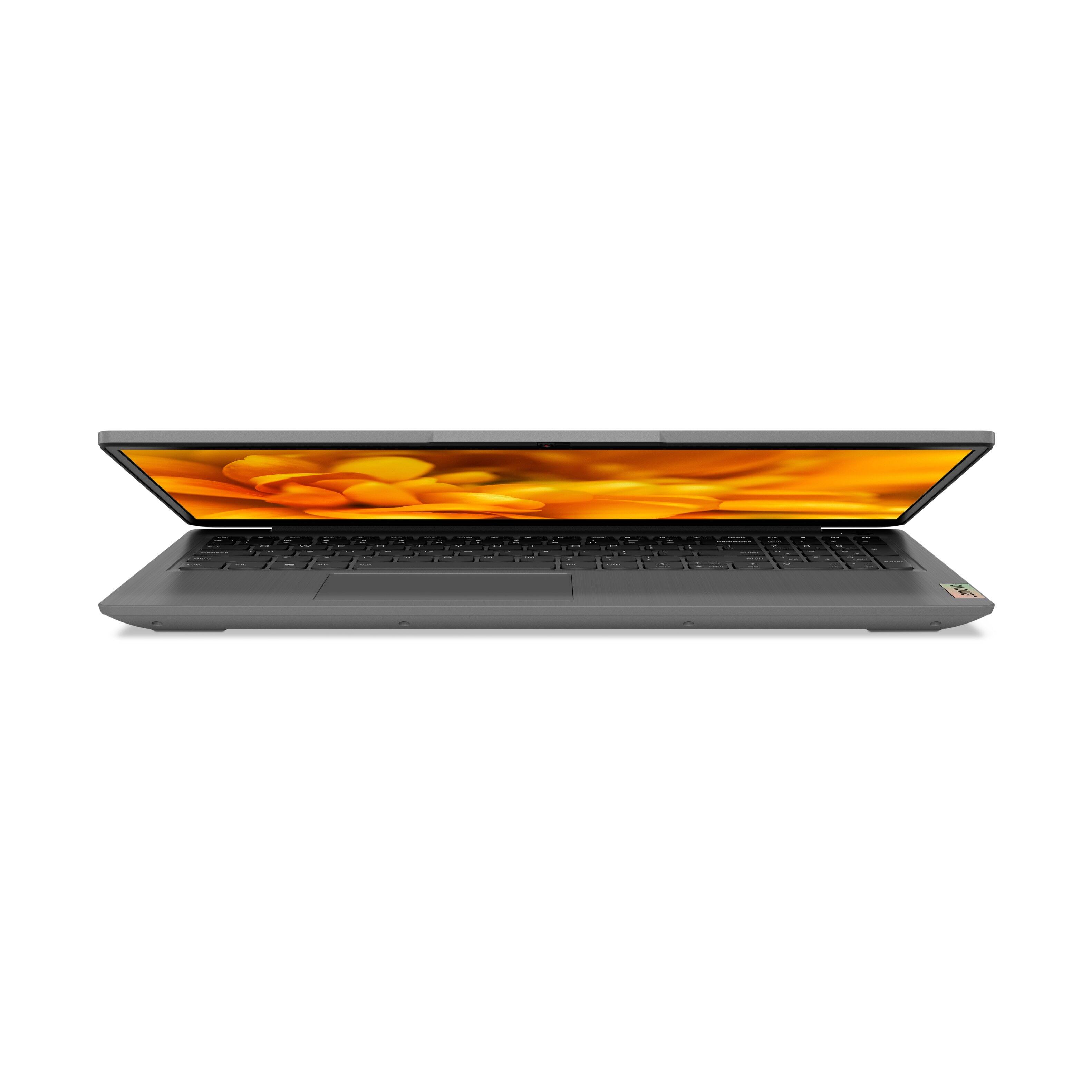
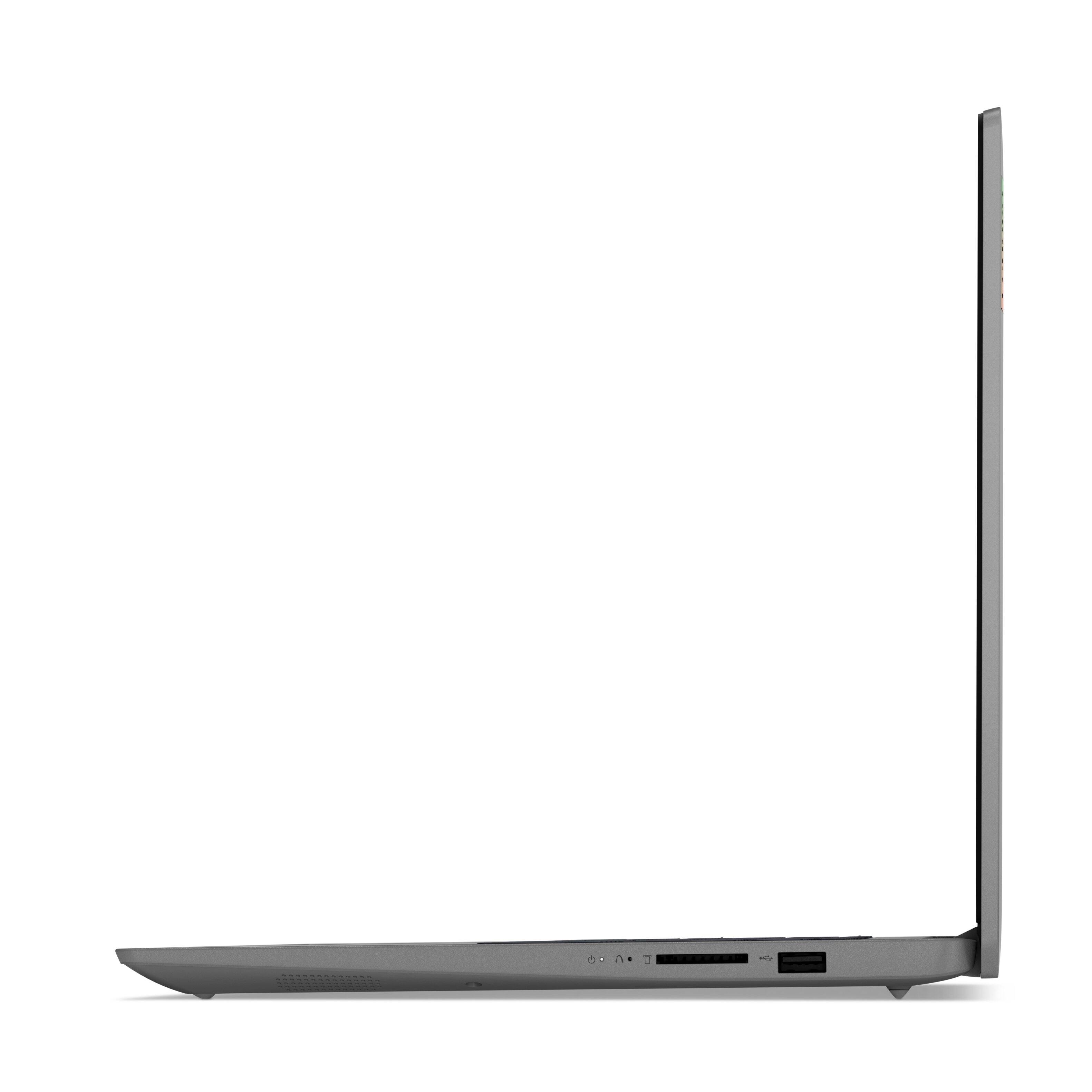
A:AnswerThe screen on this Lenovo IdeaPad 3 15 Laptop, model number 82H801DQUS, will open to a maximum angle of approximately 110-degrees. The screen will not extend to 180-degrees, to lay flat.
A:AnswerThis Lenovo IdeaPad 3 15 Laptop, model number 82H801DQUS, ships with a 65W round tip (2-pin, wall-mount, USA Compatible) AC adapter/charger, 100-240V, 50-60Hz.
A:AnswerI removed the S mode and downloaded Google Chrome which I also prefer. It had no negative impact. You just have to set Chrome as your default browser.
A:AnswerNo. This Lenovo IdeaPad 3 15 Laptop, model number 82H801DQUS, ships with 12GB DDR4-3200MHz RAM (4GB Soldered DDR4-3200 + 8GB SO-DIMM DDR4-3200MHz RAM), One memory soldered to systemboard, one DDR4 SO-DIMM slot, dual-channel capable. The maximum RAM that this model configuration can support is: Up to 12GB (4GB soldered + 8GB SO-DIMM) DDR4-3200MHz RAM.
A:AnswerThis Lenovo IdeaPad 3 15 Laptop, model number 82H801DQUS, is not compatible with any active/digital pen. You can use a capacitive touch stylus as a finger replacement on the touch screen, like this one: https://www.bestbuy.com/site/insignia-slim-stylus-maroon/4400306.p?skuId=4400306
A:AnswerNot sure why you would want to go to windows 10? Yes you should change S mode and go to Microsoft Store upgrade to Windows 11
Best Buy very helpful to guide you thru this
A:AnswerNo. The Lenovo IdeaPad 3 15 Laptop, model number 82H801DQUS, is a traditional laptop configuration. The screen will fold back to approximately 110 degrees maximum.
A:AnswerThe Lenovo IdeaPad 3 15 Laptop, model number 82H801DQUS, ships with Windows 11 S-Mode 64-bit Operating System installed. Model number 82H8018SUS, ships with Windows 10 S-Mode 64-bit Operating System installed and can be upgraded to Windows 11 S-Mode 64-bit Operating System, by the user.
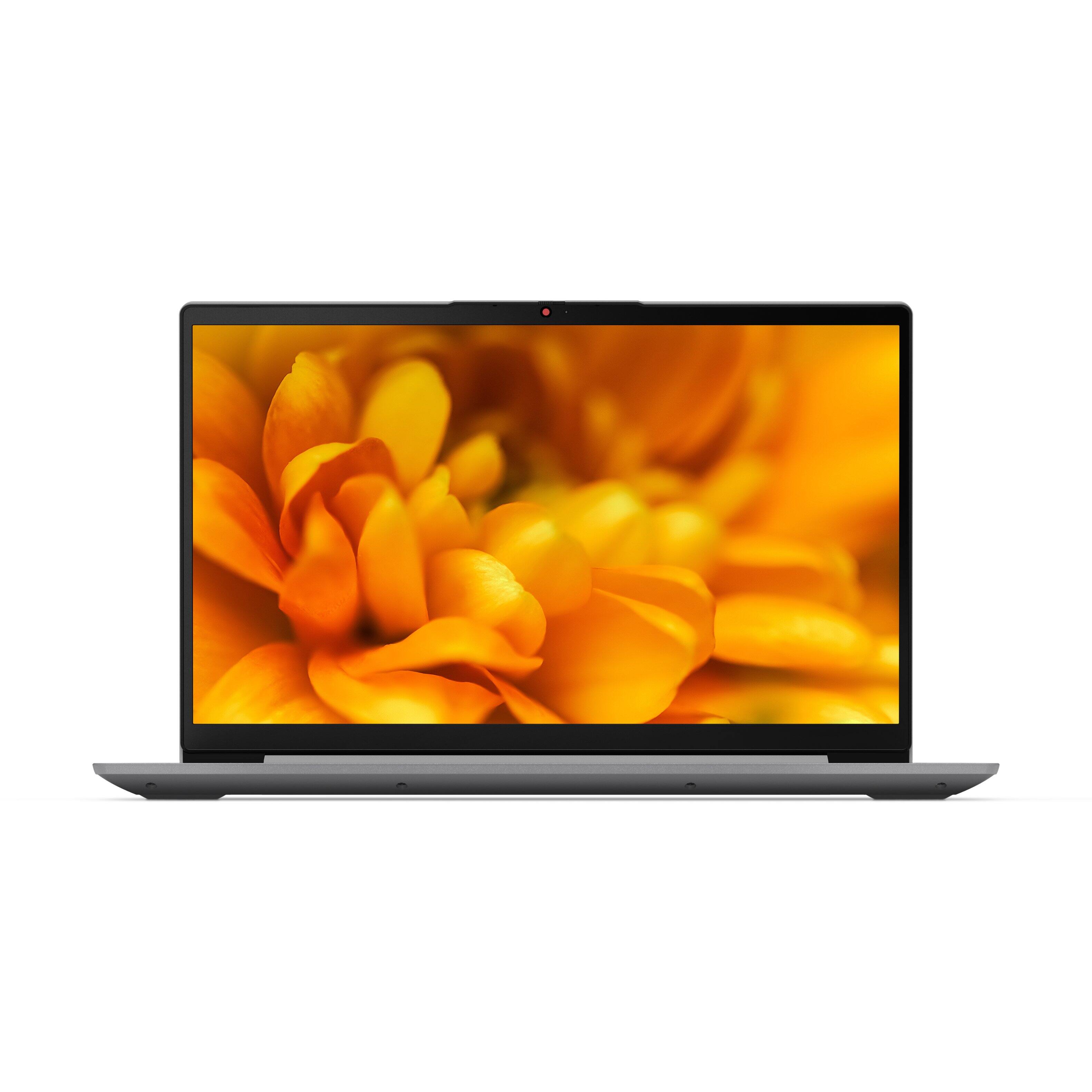
A:AnswerYes. This Lenovo IdeaPad 3 15 Laptop, model number 82H801DQUS, ships with a 15.6 inch (screen size measured diagonally) IPS - FHD (1920x1080) 10-point Multi-touch screen, with a brightness level of 300 nits and has an Anti-glare Coating. This screen provides 67 Percent of the sRGB (45 Percent NTSC) color gamut.
A:AnswerThe Lenovo IdeaPad 3 15 Laptop, model number 82H801DQUS, ships with a 30-day trial of McAfee Virus Protection Software installed. It will activate automatically with the initial activation of Windows and protect your computer for the 30-day trial period. You do not need to use McAfee VPS. You can uninstall McAfee and use the free Windows Defender VPS that comes with Windows or you can uninstall McAfee and then install your choice of any compatible 3rd party VPS. The key is to uninstall McAfee if you will not be using it, as there can only be one active VPS on the computer at a time. Here is a link to information on uninstalling McAfee from Windows 10: https://service.mcafee.com/?locale=en-us&articleId=TS100162&page=shell&shell=article-view