A:Answer11th Gen core i5. 4 cores, 8 threads. 2.40 GHz base speed, up to 4.20 GHz Max Turbo Frequency. I recommend just searching the processor (Intel® Core™ i5-1135G7 Processor) on Google, and following the Intel link to the specifications. It'll tell you anything you want to know.
https://ark.intel.com/content/www/us/en/ark/products/208658/intel-core-i51135g7-processor-8m-cache-up-to-4-20-ghz.html
A:AnswerYes. Here is a link to instructions for disabling the touch screen function on a Windows Laptop: https://support.microsoft.com/en-us/windows/enable-and-disable-your-touchscreen-in-windows-b774e29d-be94-990f-c20f-e02892e572fc
A:AnswerThis Lenovo IdeaPad 3 15 laptop, model number 82H801DQUS, ships with the Realtek Wireless,CMB,CBT,8822CE M2 Wireless LAN adapter, 2x2 802.11ac frequency WiFi. When used with a compatible 802.11ac router, 802.11ac frequency WiFi can deliver up to the theoretical maximum 802.11ac speed of eight 160MHz 256-QAM channels which are each capable of 866.7 Mbps. So, that means the grand theoretical total nears 7 Gbps! However, in the real world, you probably won't be using eight channels (more like two or three), giving you a real-world maximum between 1.7- 2.5 Gbps. This will also depend on the speed of your internet service as well. Here is a link to the complete parts list for this laptop model configuration: https://pcsupport.lenovo.com/us/en/products/laptops-and-netbooks/3-series/ideapad-3-15itl6/82h8/82h801dqus/parts/display/model
A:AnswerIt is more than capable of running any and all of those programs. It's a great computer for the price, but if that's all you need it for, you could probably spend $100-$200 less and still get something that meets your needs.
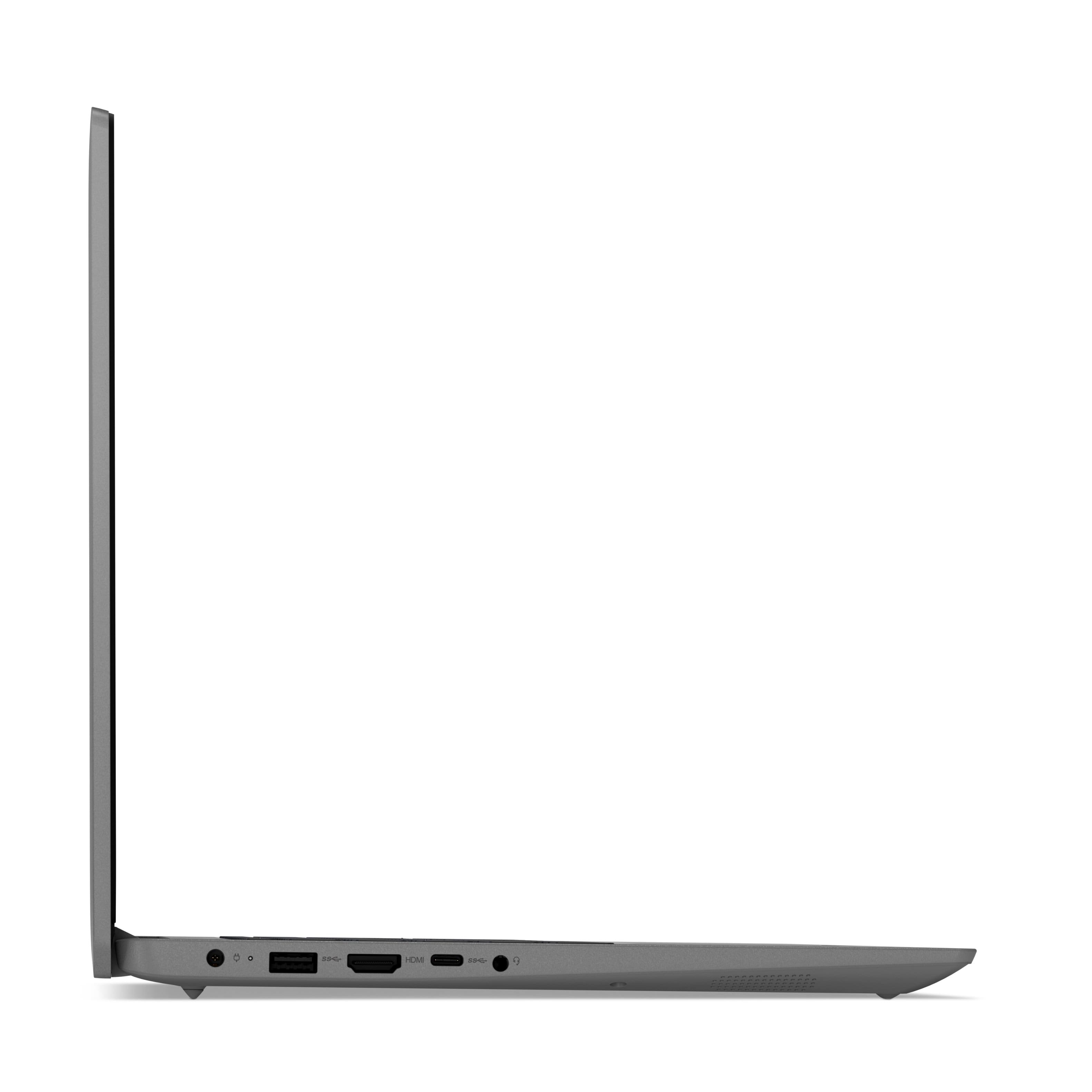
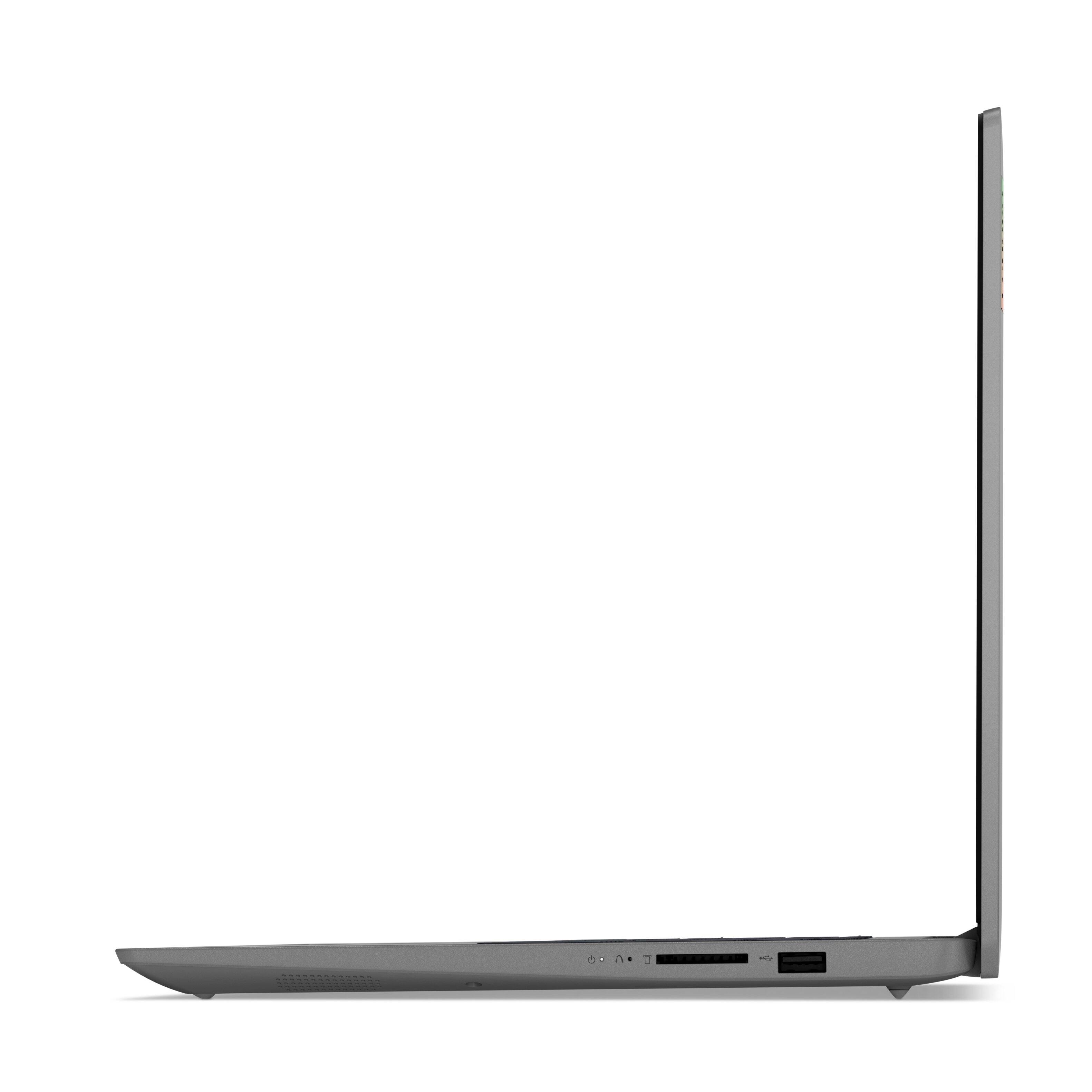
A:AnswerThis Lenovo IdeaPad 3 15 Laptop, model number 82H801DQUS, ships with two USB Type A ports - 1x USB 2.0 and 1x USB 3.2 Gen 1 version. You can also add a USB port replicator to add even more USB Type A ports, like this one: https://www.bestbuy.com/site/insignia-4-port-usb-3-0-hub-black/5631038.p?skuId=5631038
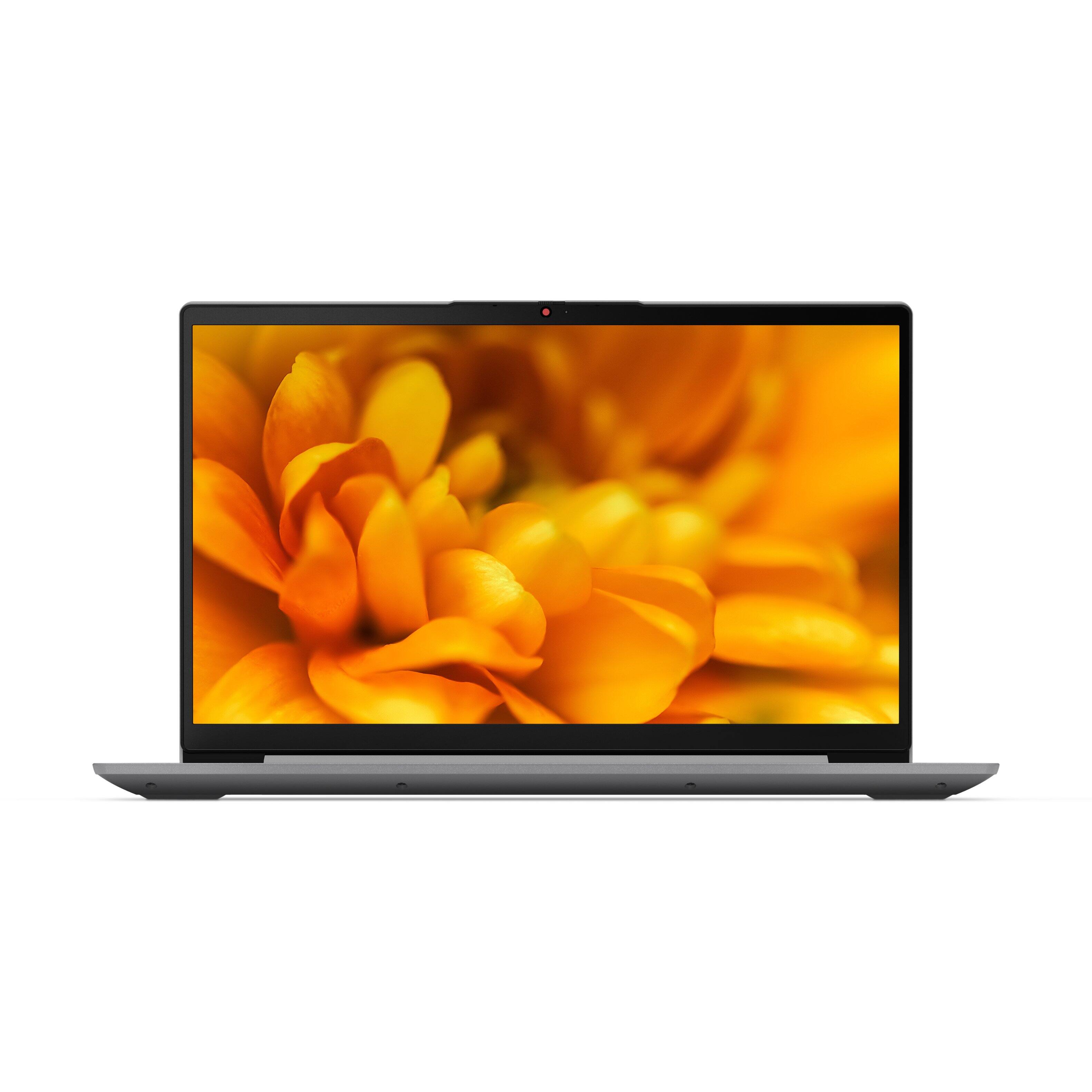
A:AnswerThis Lenovo IdeaPad 3 15 laptop, model number 82H801DQUS, ships with a 10-point Multi-touch screen. Here is a link to tips on using a multi-touch screen on your Windows laptop: https://support.microsoft.com/en-us/windows/touch-gestures-for-windows-a9d28305-4818-a5df-4e2b-e5590f850741
A:AnswerLenovo previously stated "The maximum RAM the Lenovo IdeaPad 3 15 Laptop, model number 82H8018SUS, can support is the 12GB DDR4-3200MHz RAM (4GB Soldered DDR4-3200 + 8GB SO-DIMM DDR4-3200MHz RAM) it ships with. This model ships with a 256GB M.2 2242 PCIe 3.0x4 NVMe solid state hard drive. The maximum storage capacity this model configuration can support is: one drive, 1x M.2 SSD - either M.2 2242 SSD up to 512GB or M.2 2280 SSD up to 1TB. We recommend you consult with your certified technician about your storage upgrade options." to a similar question. I can't verify this, but Lenovo seems to be good at responding.
A:AnswerNo. The Lenovo IdeaPad 3 15 Model number 82H801DQUS has the Windows Cortana Feature available. Cortana is installed in Windows 11 but not active by default. You must launch and sign in to the Cortana app before you can use it. Perform a Windows Search for Cortana. Alternatively, you can launch Windows Start, tap All Apps, then open Cortana.
A:AnswerThe Lenovo IdeaPad 3 15 Laptop, model number 82H801DQUS, ships with a 256GB M.2 2242 PCIe 3.0x4 NVMe solid state hard drive installed. The maximum storage capacitiy that this model configuration can support is: one drive, 1x M.2 SSD M.2 2242 SSD up to 512GB or M.2 2280 SSD up to 1TB. We recommend you consult with your certified technician about your storage upgrade options.
A:AnswerThe Lenovo IdeaPad 3 15 Laptop, model number 82H801DQUS, does not have a discrete graphics card. This configuration uses Integrated Intel Iris Xe Graphics version, within its 4-Core/8-Thread Intel Core i5-1135G7 processor.
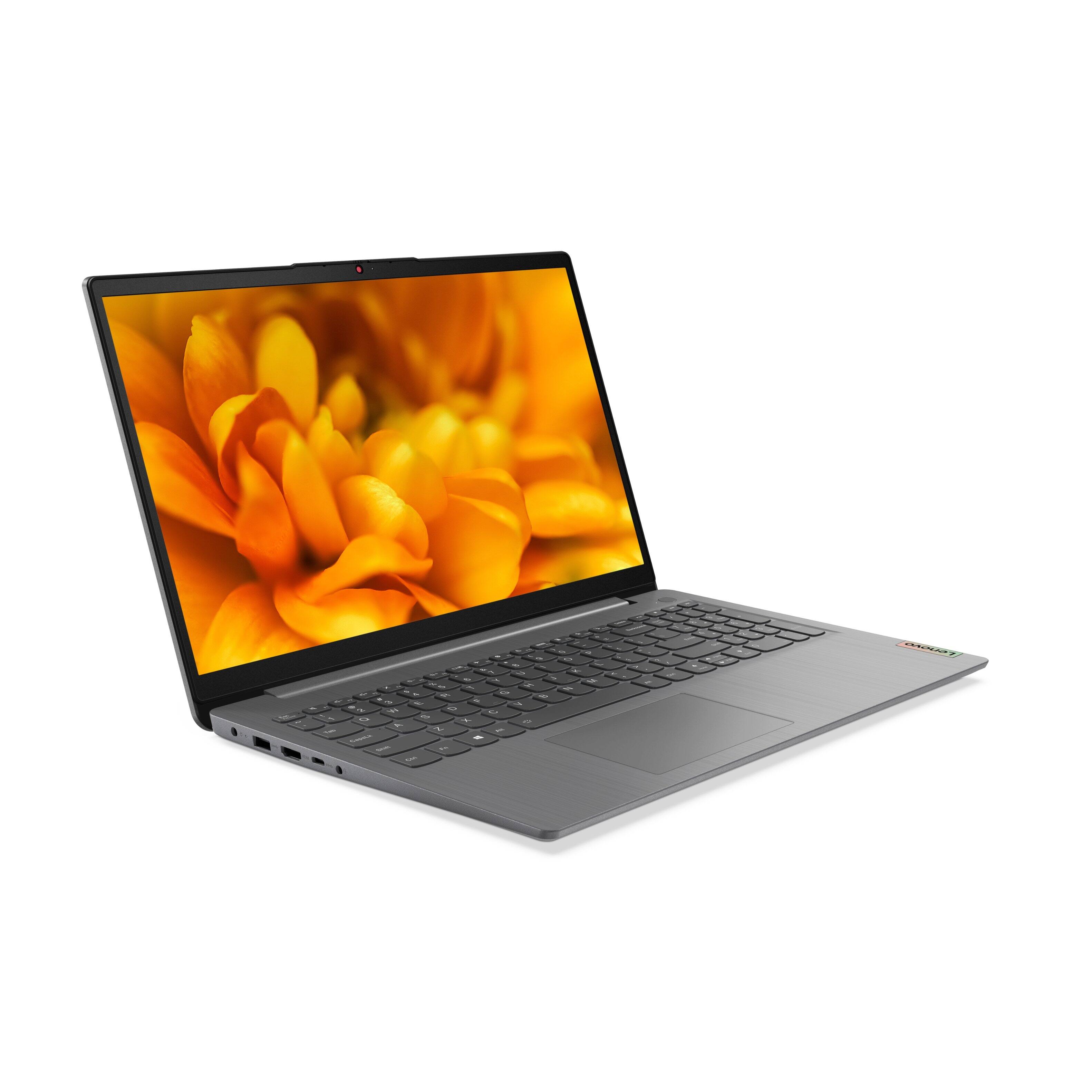
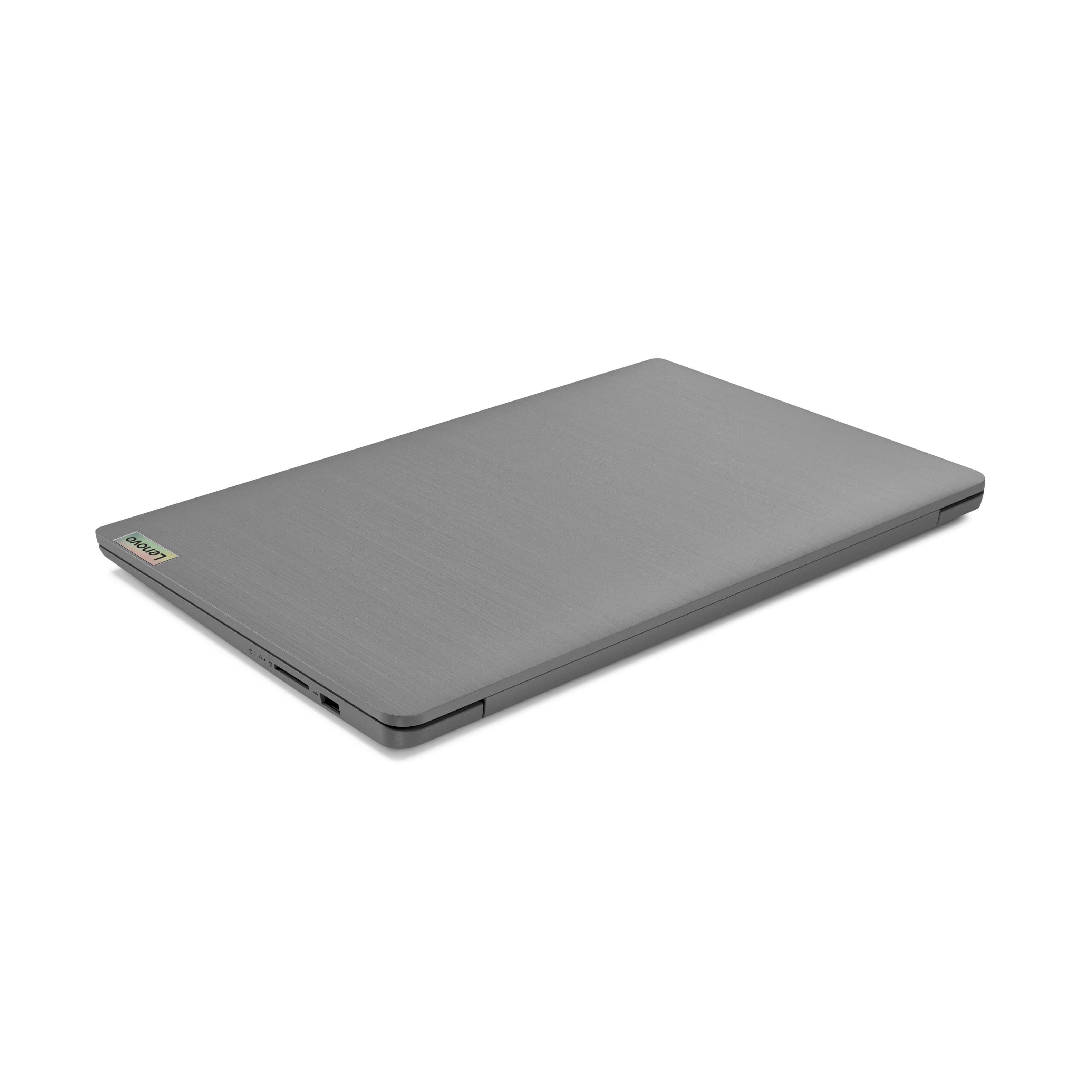
A:AnswerNo. The Lenovo IdeaPad 3 15 Laptop, model number 82H801DQUS, ships with these ports: 1x Power connector, 1x Card reader, 1x USB 3.2 Gen 1, 1x USB-C 3.2 Gen 1 (support data transfer only) - does not have video out capability, 1x HDMI 1.4b port for video out to an external monitor, 1x Headphone / microphone combo jack (3.5mm), 1x USB 2.0. Through direct connection from the computer to a monitor, this IdeaPad 3 15 supports up to 2 independent displays via native display and 1 external monitor; supports external monitor via HDMI (up to 4K@30Hz). You can add an external, USB universal docking station, which can support up to two external monitors either DVI, HDMI or VGA (two connections maximum with this dock), like this one: https://www.bestbuy.com/site/startech-com-hdmi-dvi-vga-usb-3-0-docking-station-black/1805337.p?skuId=1805337
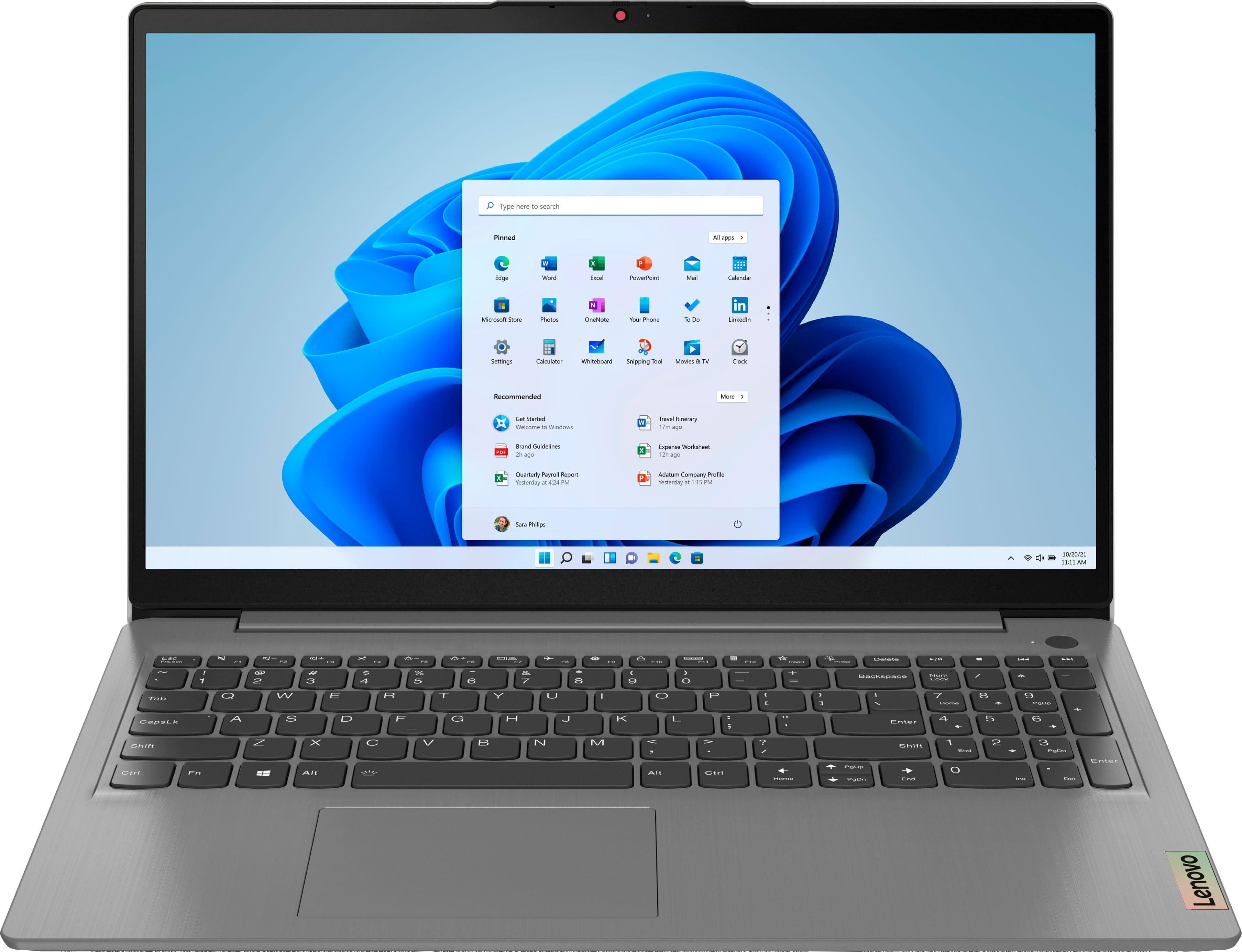
A:Answerif you have a multi-device license, you should be able to use your existing User Name and Password to login to to your existing Microsoft Office 365 Account within the Microsoft Office 365 Software already installed on this Lenovo IdeaPad 3 15 Laptop as part of the Windows Operating System software.
A:AnswerSometimes the way you roll up the cord to put it away breaks the wires inside the cord. Check to see if it works well. The length of battery life is one of my commendations for this product.
A:AnswerFirst, check to be sure that this Lenovo IdeaPad 3 15 Laptop, model number 82H801DQUS, is compatible with your Blu-Ray Player. This IdeaPad 3 15 Laptop, model number 82H801DQUS, ships with Windows 11 S-Mode, 64-bit Operating System installed. Windows 11 S-Mode provides added security by only allowing APPs available ( and therefore certified by Microsoft) at the Microsoft Store. If you don't need the added security or you need to install APPs not available at the Microsoft Store, you can switch to standard Windows 11 Home 64-bit Operating System, at no additional cost. Your Blu-Ray Player mostlikely requires drivers to be installed on the computer it is attached to. We recommend you check with the Blu-Ray Player's manufacturer's web site for their compatibility with Windows 11 S-Mode 64-bit operating system and the minimum/recommended hardware requirements (Is a Graphics card required, the processor speed and the minimum required system RAM and the minimum available hard drive space) to run their program, then compare those requirements to this system's configuration. If you need to switch out of S-Mode for Windows 11 Home: Here is a link to instructions for switching from Windows 11 S-Mode to Windows 11 Home: https://support.microsoft.com/en-us/help/4456067/windows-10-switch-out-of-s-mode