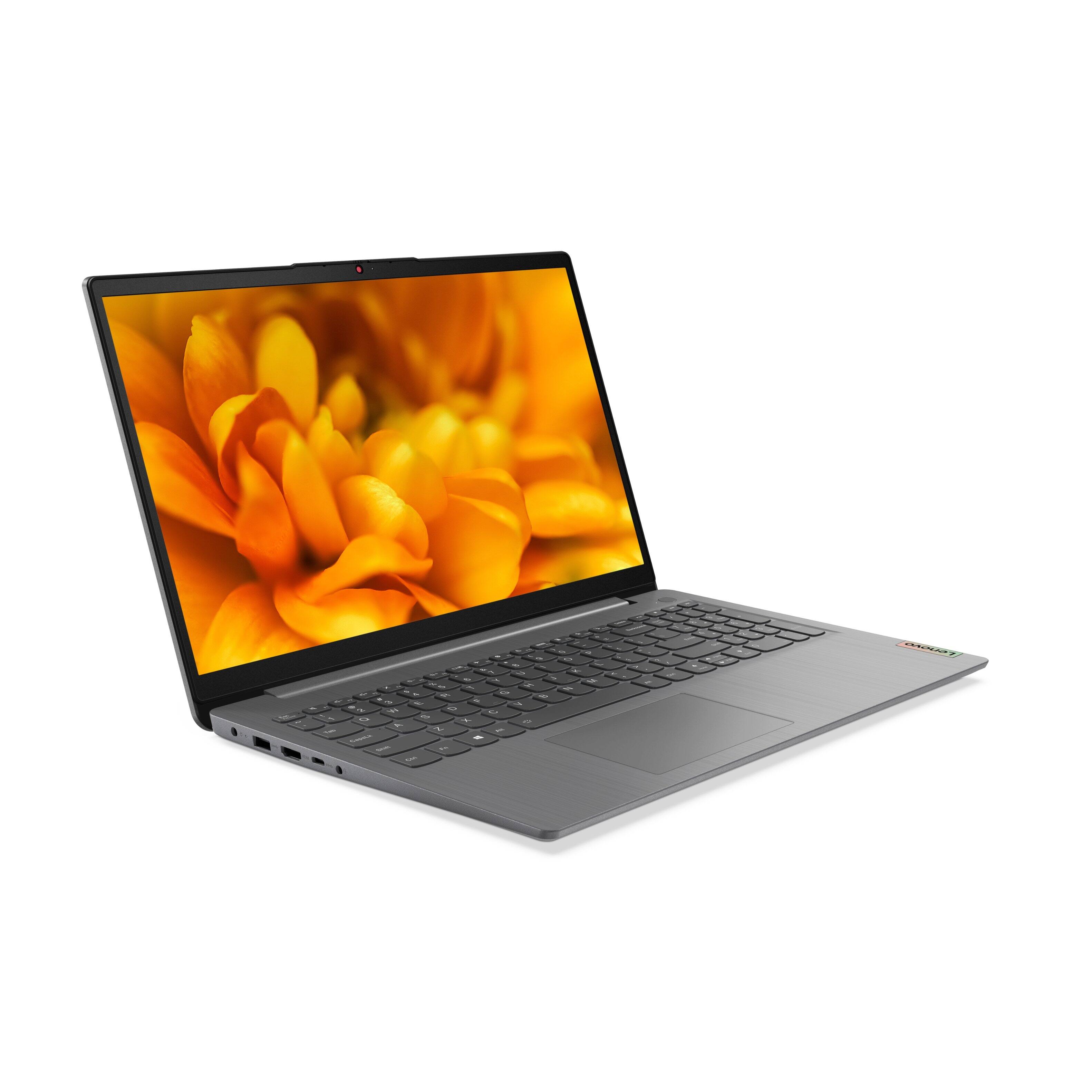
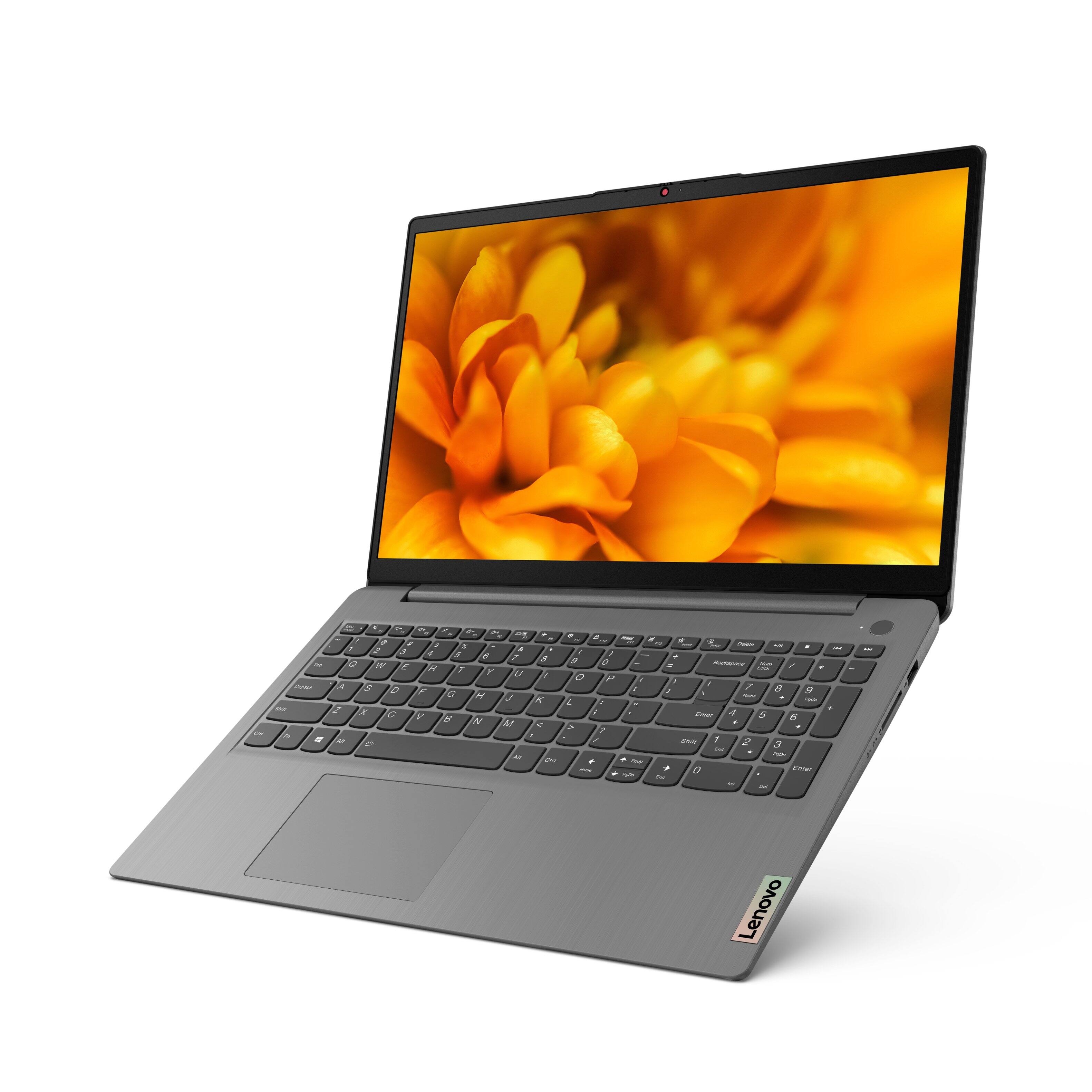
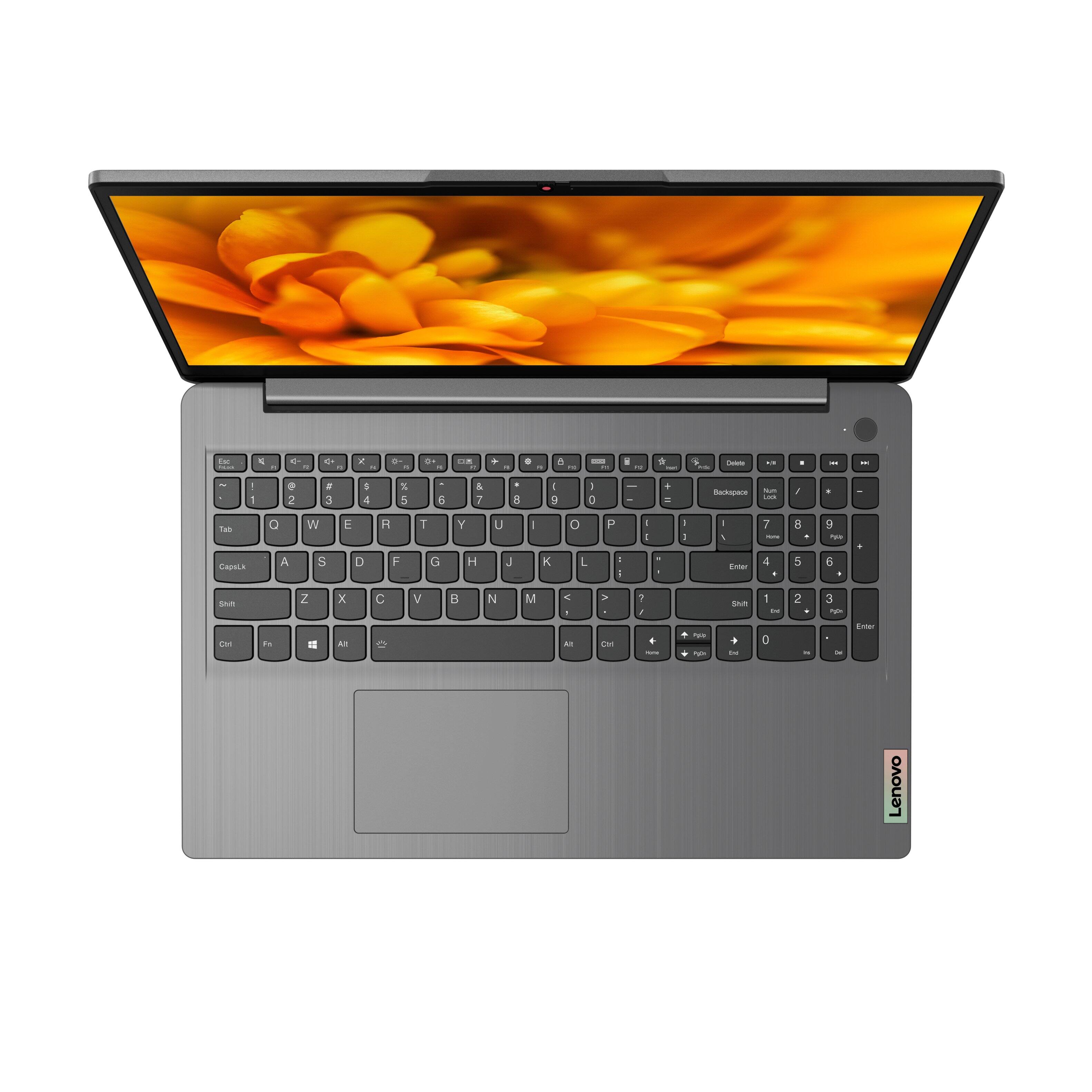
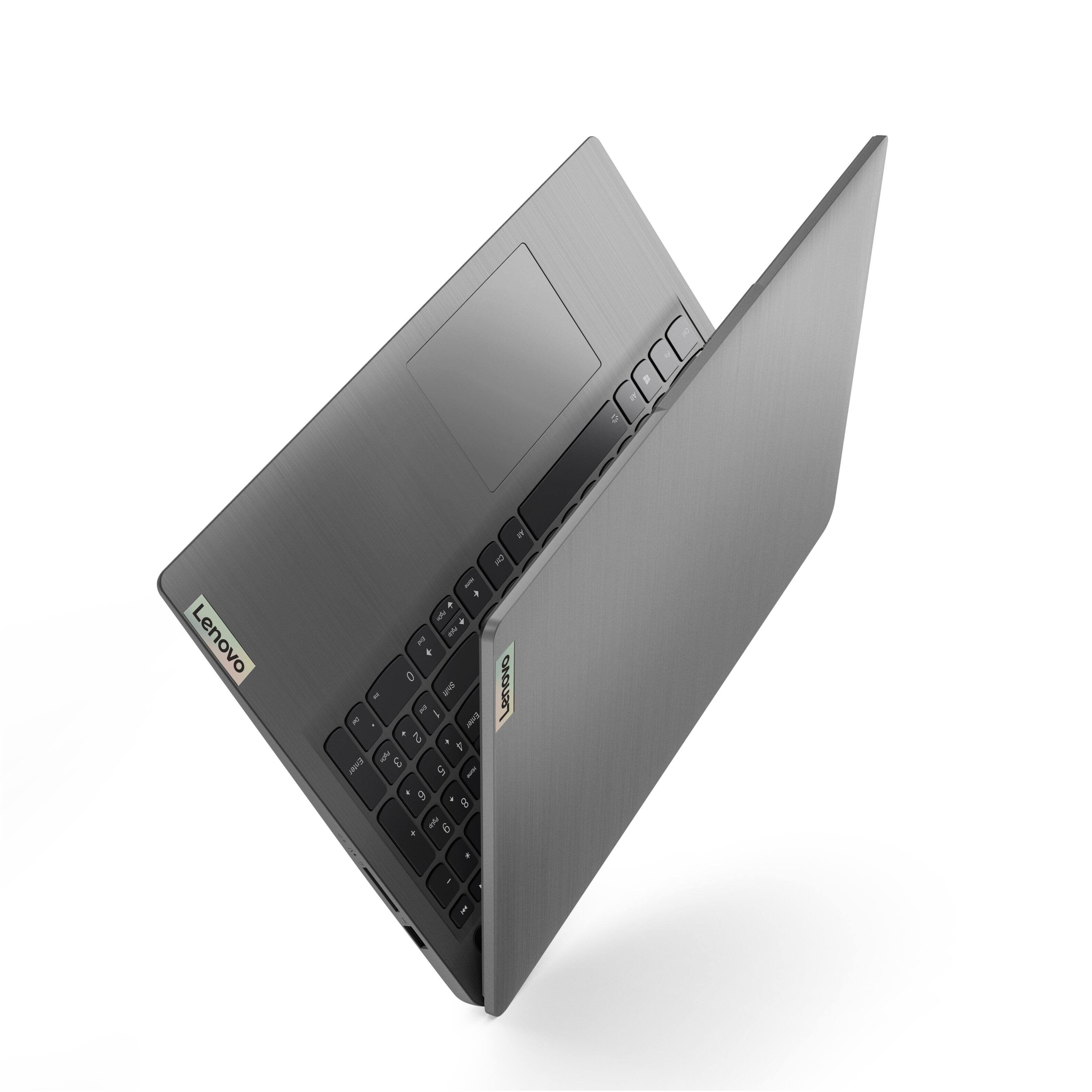
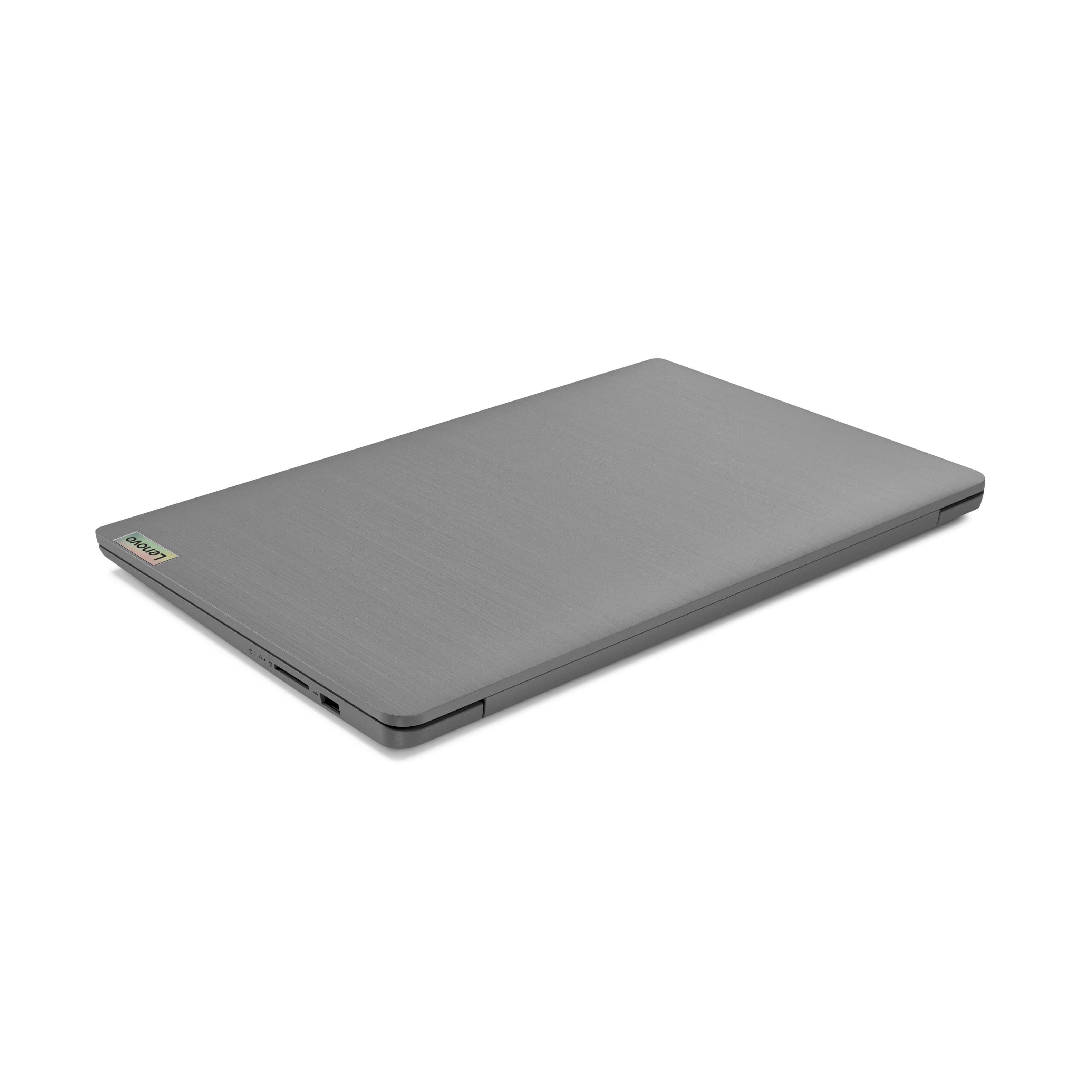
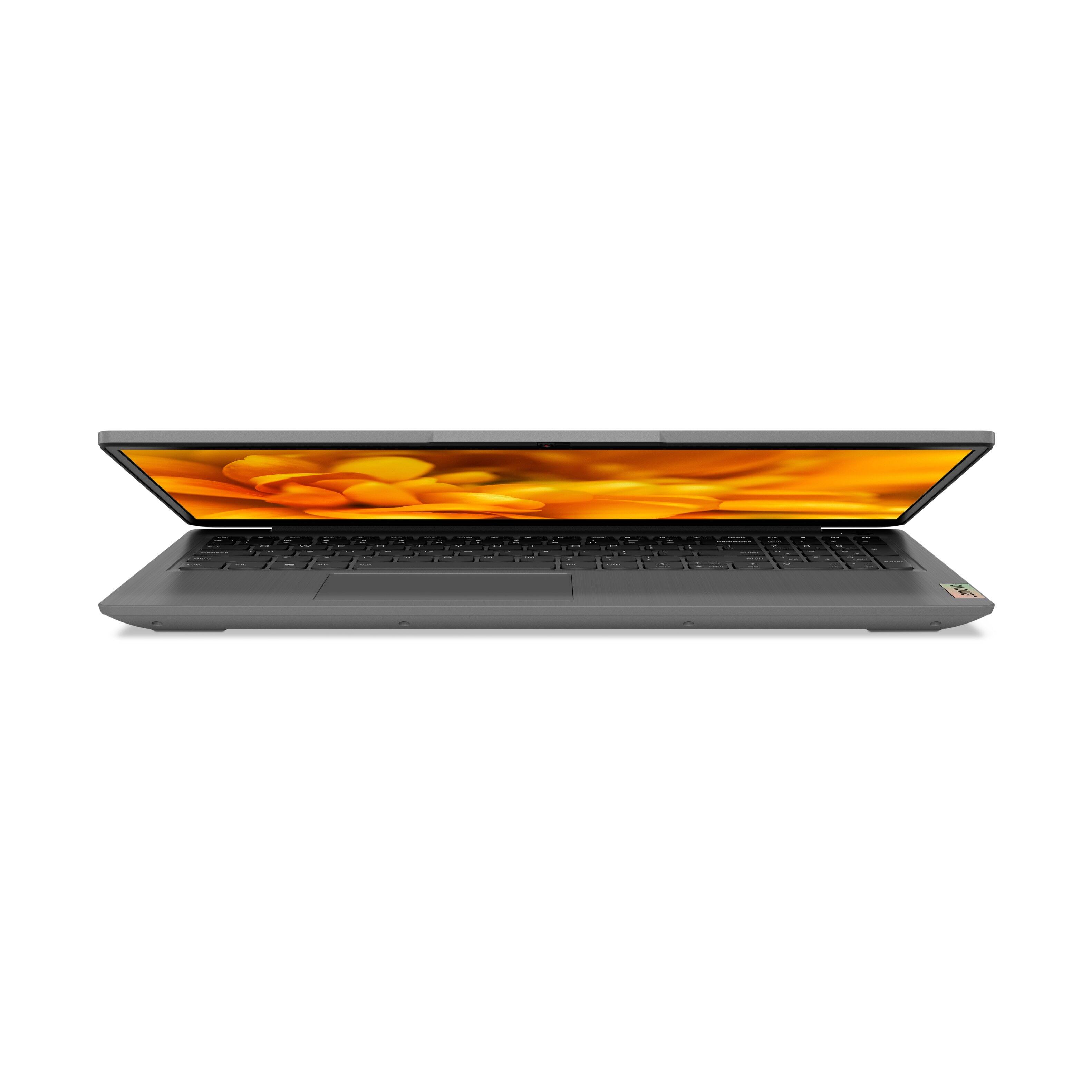
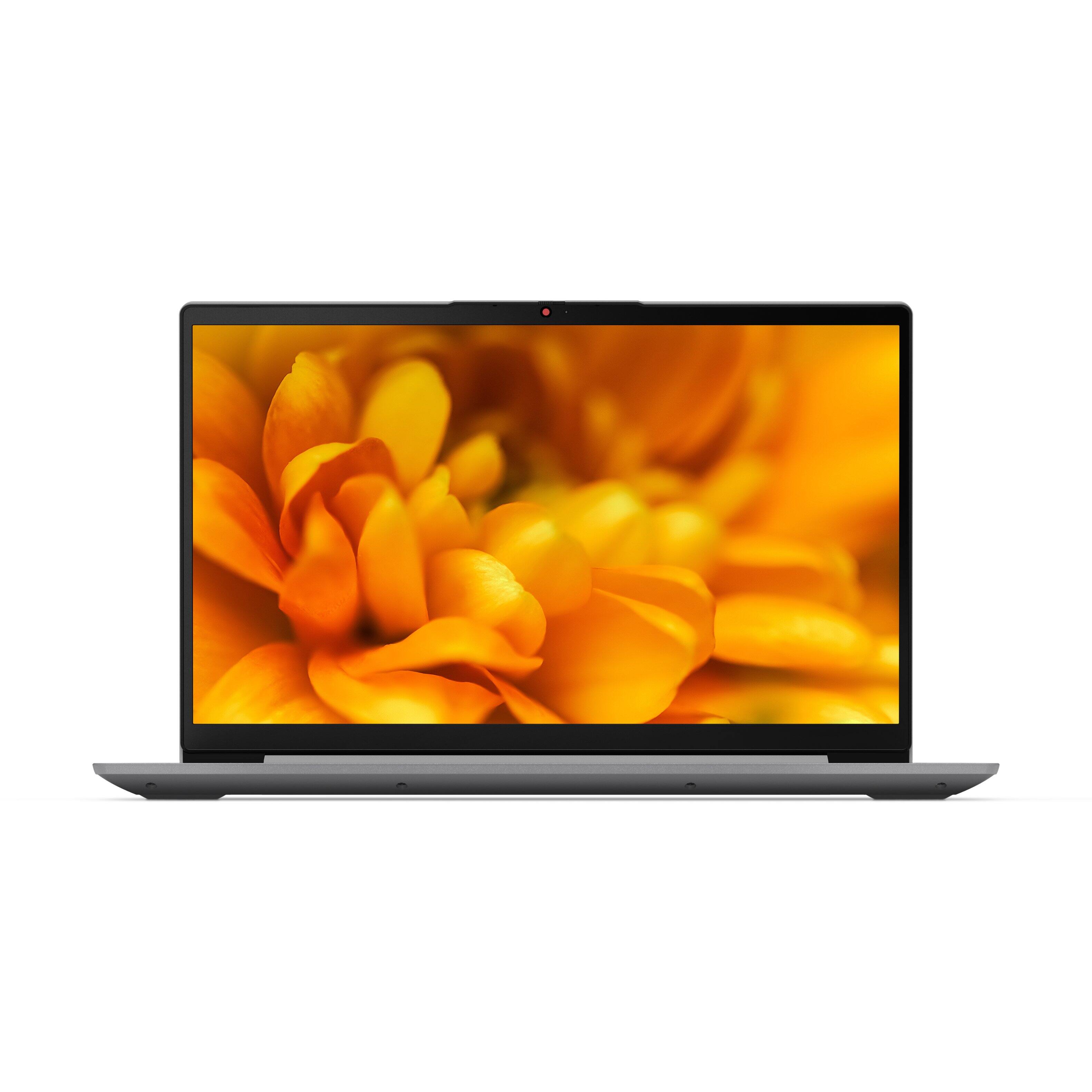
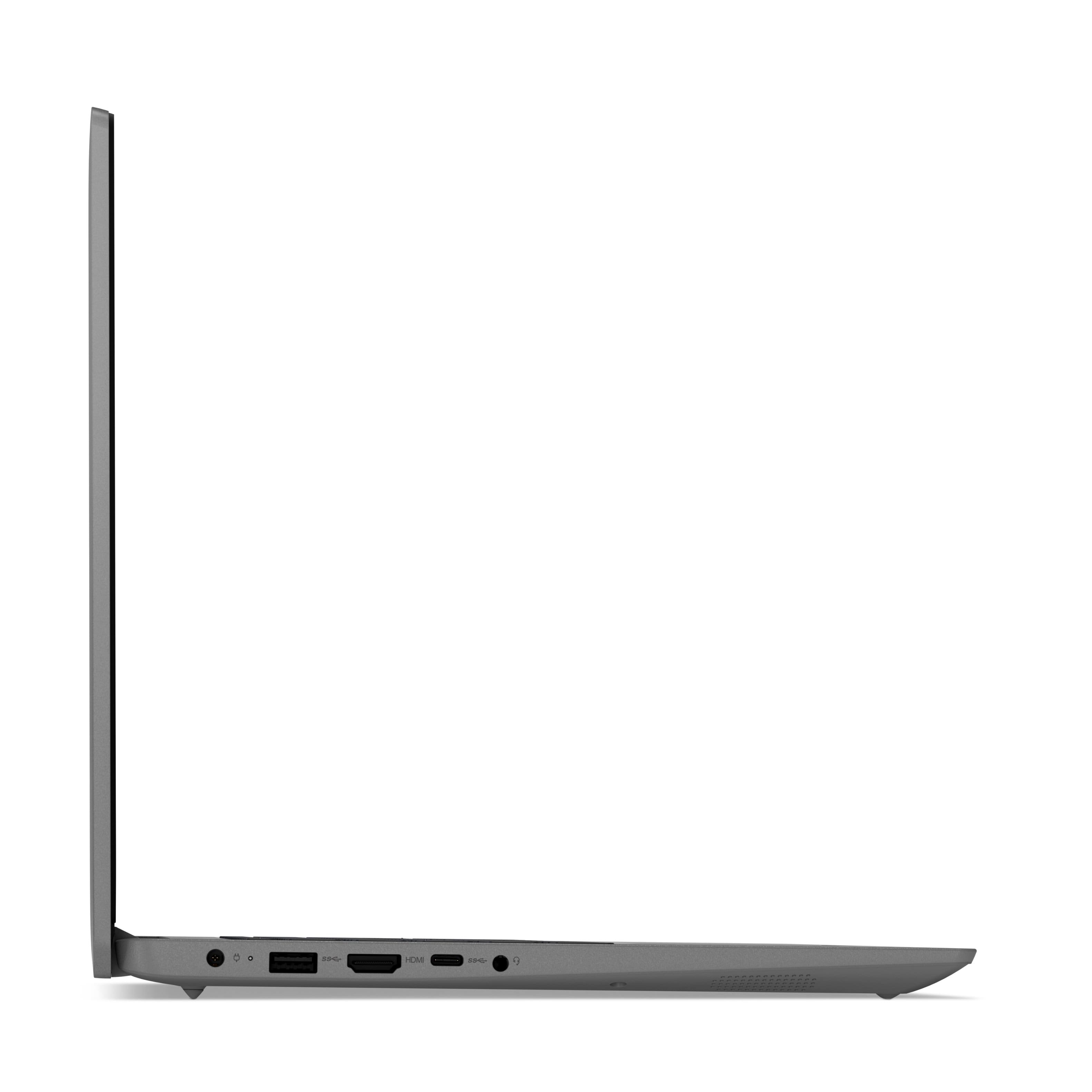
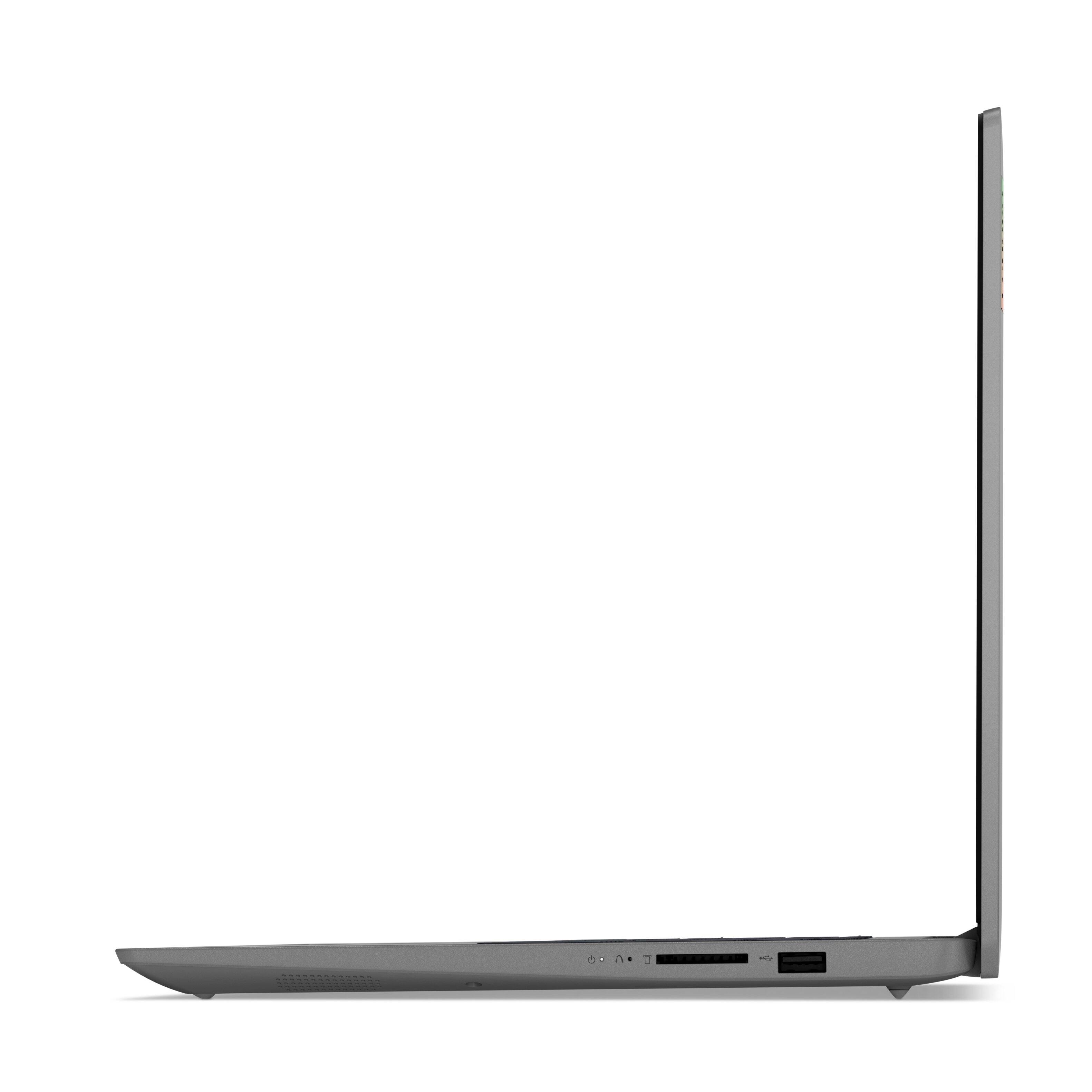
A:AnswerNo. This Lenovo IdeaPad 3 15 Laptop, model number 82H801DQUS, ships with a 256GB M.2 2242 PCIe 3.0x4 NVMe solid state hard drive installed. The maximum storage capacity that this model configuration can support is: one drive, 1x M.2 SSD: M.2 2242 SSD up to 512GB or M.2 2280 SSD up to 1TB. We recommend you consult with your certified technician about your storage upgrade options.
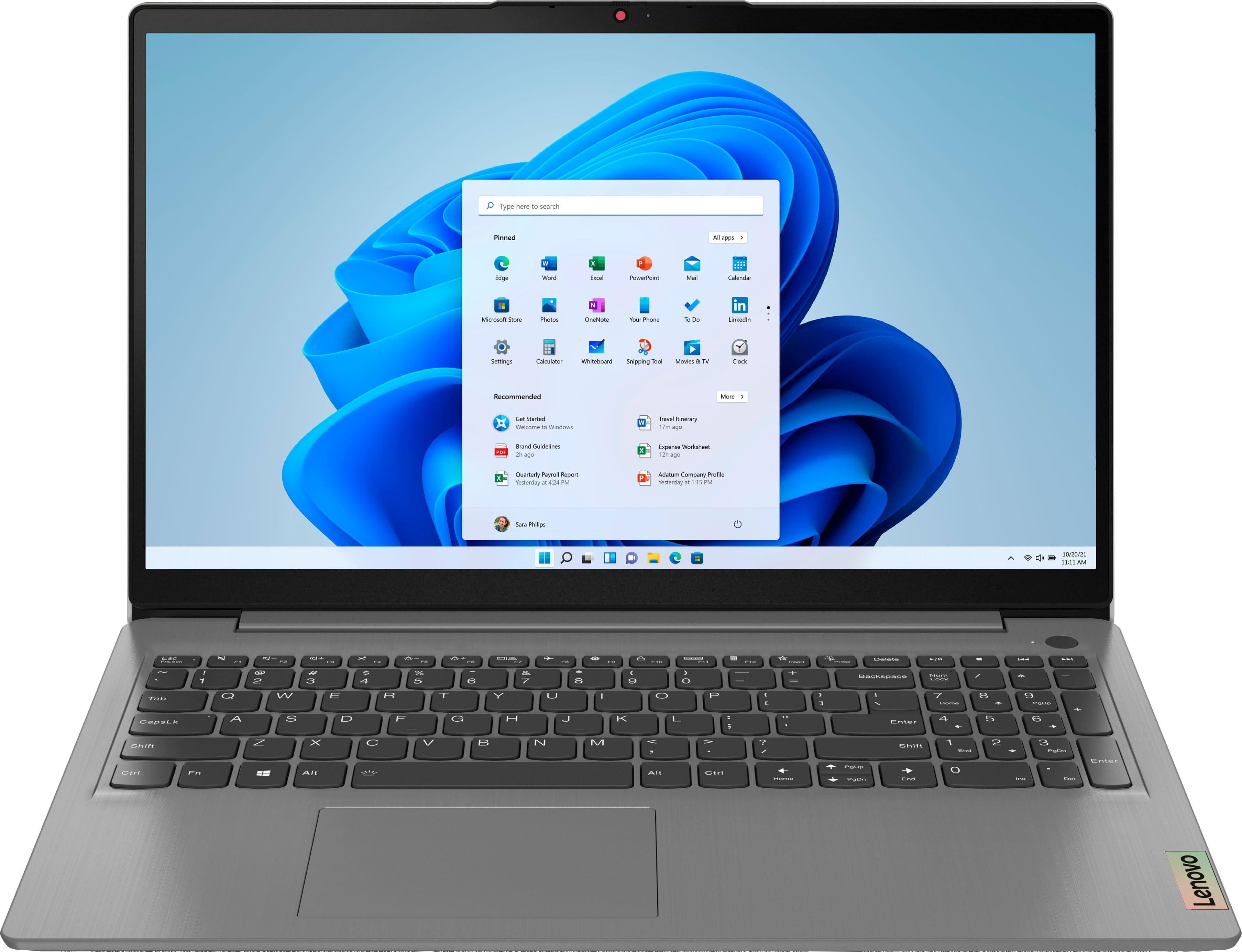
A:AnswerYes. This Lenovo IdeaPad 3 15 Laptop, model number 82H801DQUS, ships with Windows 11 S-Mode, 64-bit Operating System installed. Windows 11 S-Mode provides added security by only allowing APPs available ( and therefore certified by Microsoft) at the Microsoft Store. If you don't need the added security or you need to install APPs not available at the Microsoft Store, you can switch to standard Windows 11 Home 64-bit Operating System, at no additional cost. If you choose to switch out of S-Mode for Windows 11 Home: Here is a link to instructions for switching from Windows 11 S-Mode to Windows 11 Home: https://support.microsoft.com/en-us/help/4456067/windows-10-switch-out-of-s-mode
A:AnswerNo. This Lenovo IdeaPad 3 15 Laptop, model number 82H801DQUS, ships with a standard, HD (720p) webcam with Privacy Shutter and Dual Array Microphones, built in. It uses a Touch style fingerprint reader on power button, for Windows Hello Biometric Security.
A:AnswerNo. There's no room inside, nor are there any ports for an extra drive. If you wanted more storage you'd either have to get an external drive or upgrade the existing SSD, which uses NVMe.
A:AnswerNo, you should be fine. You can run Python on pretty limited hardware and this is a mid-range workstation. I run Visual Studio on it and it’s fine. Jus make sure to take it out of Windows S-mode first!
A:AnswerThis Lenovo IdeaPad 3 15 laptop, model number 82H801DQUS, ships with Windows 11 S-Mode 64-bit Operating System installed. Windows 11 S-Mode provides added security by only allowing APPs available ( and therefore certified by Microsoft) at the Microsoft Store. If you don't need the added security or you need to install APPs not available at the Microsoft Store, you can switch to standard Windows 11 Home 64-bit Operating System, at no additional cost. If you choose to switch out of S-Mode for Windows 11 Home: Here is a link to instructions for switching from Windows 11 S-Mode to Windows 11 Home: https://support.microsoft.com/en-us/help/4456067/windows-10-switch-out-of-s-mode
A:AnswerNo. This Lenovo IdeaPad 3 15 Laptop, model number 82H801DQUS, ships with a 1-year limited manufacturer's warranty, covering OEM hardware issues and is valid in the USA and Canada only.
A:AnswerYou can check to be sure you have the latest version of Windows 10/11 on the computer. Then update all BIOS files and drivers up to that latest version of Windows 10/11. You can easily accomplish this by scanning the computer with the Lenovo Utility software available on this computer. This system has Lenovo utilities installed to help maintain the health of the device and keep the operating system software up to date. Type "Lenovo Vantage" in the Cortana Search window (if Lenovo Vantage is not installed on your device, you can download the APP and install it now). Select Lenovo Vantage from the list. In the window that opens, click on "Health and Support". In the expanded menu, select "Hardware Scan" In the window that opens, select "Run Quick Tests". This will scan your entire system for errors. Follow any directions that may pop up. If the problem continues after this scan, now click on "System Update". First select Windows update from the menu. Scan your system to be sure you have the latest version of Windows 10. Once that scan is complete, select "Additional Updates". This will scan your device to be sure there are no new BIOS/Driver updates needed. Follow any instructions that may pop up. If the issue continues after these updates, we recommend you call Lenovo Tech Support at: 877-453-6686 for additional help.
A:AnswerI would say not if your going to admit that kind of thing here! Keep you animals away from your sensitive electronics ! Quit leaving it on the bed- couch