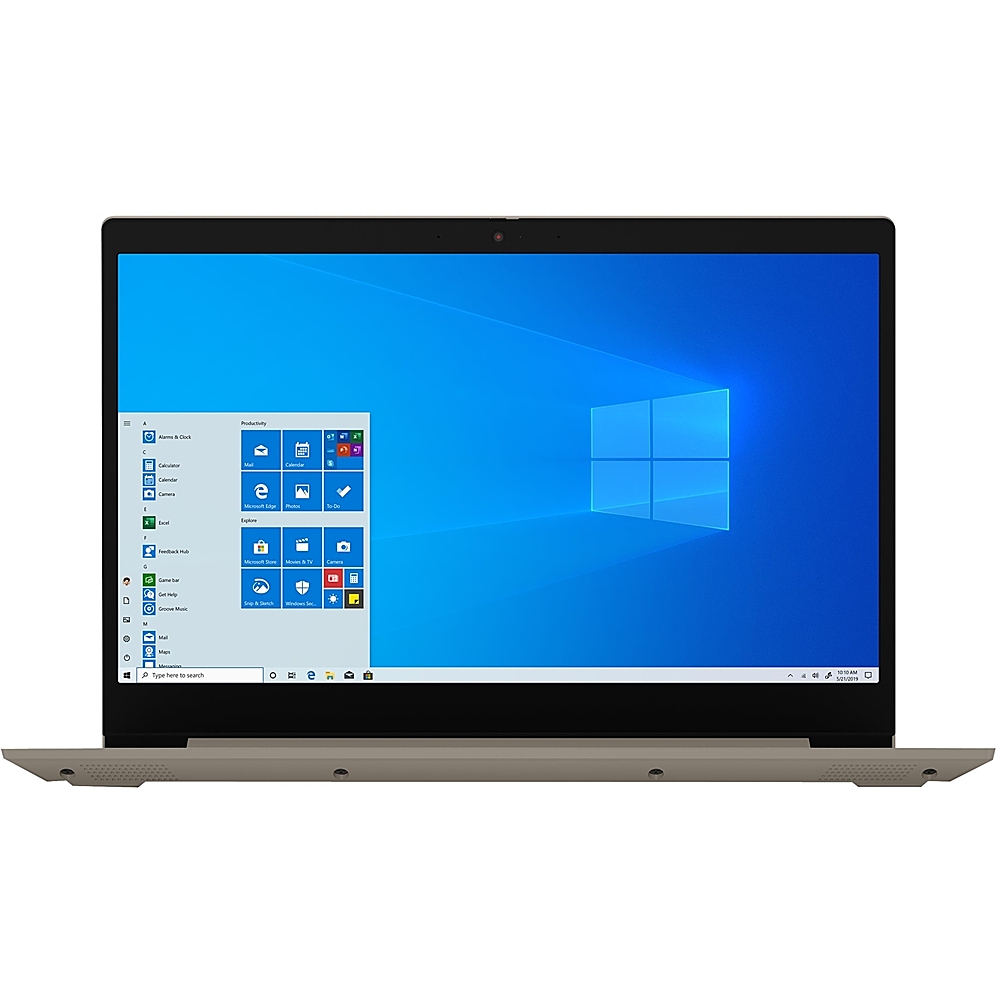
A:AnswerThere is a manual Privacy Shutter slider directly above the webcam lens. Slide the tab to the left to close the Privacy Shutter. A red dot will appear over the webcam lens when the Privacy Shutter is properly set. To open just slide the tab to the right to open the webcam. The red dot over the webcam lens will disappear when the Privacy Shutter is properly opened.
A:AnswerThe Lenovo IdeaPad 3 15 Laptop, model number 81W1000BUS, ships with a 300p webcam. Here is a link to more information about this model: https://psref.lenovo.com/Detail/IdeaPad/IdeaPad_3_15ADA05?M=81W1000BUS
A:AnswerThe Lenovo Yoga 730-15 ships with a 15.6-Inch screen (screen size measured diagonally) and does not have a 10-key numeric pad: https://www.bestbuy.com/site/lenovo-yoga-730-2-in-1-15-6-touch-screen-laptop-intel-core-i5-12gb-memory-256gb-solid-state-drive-abyss-blue/6331991.p?skuId=6331991