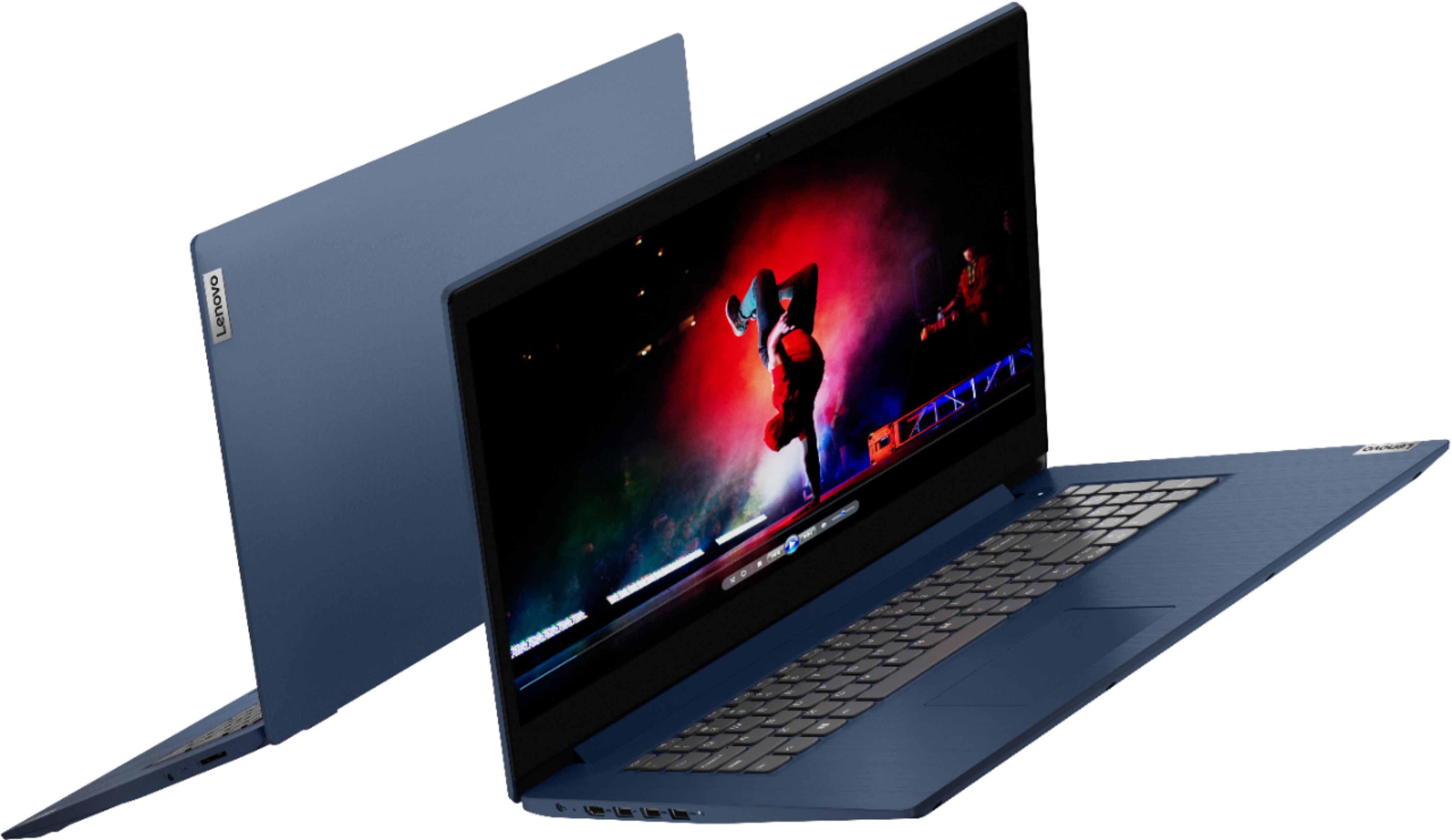
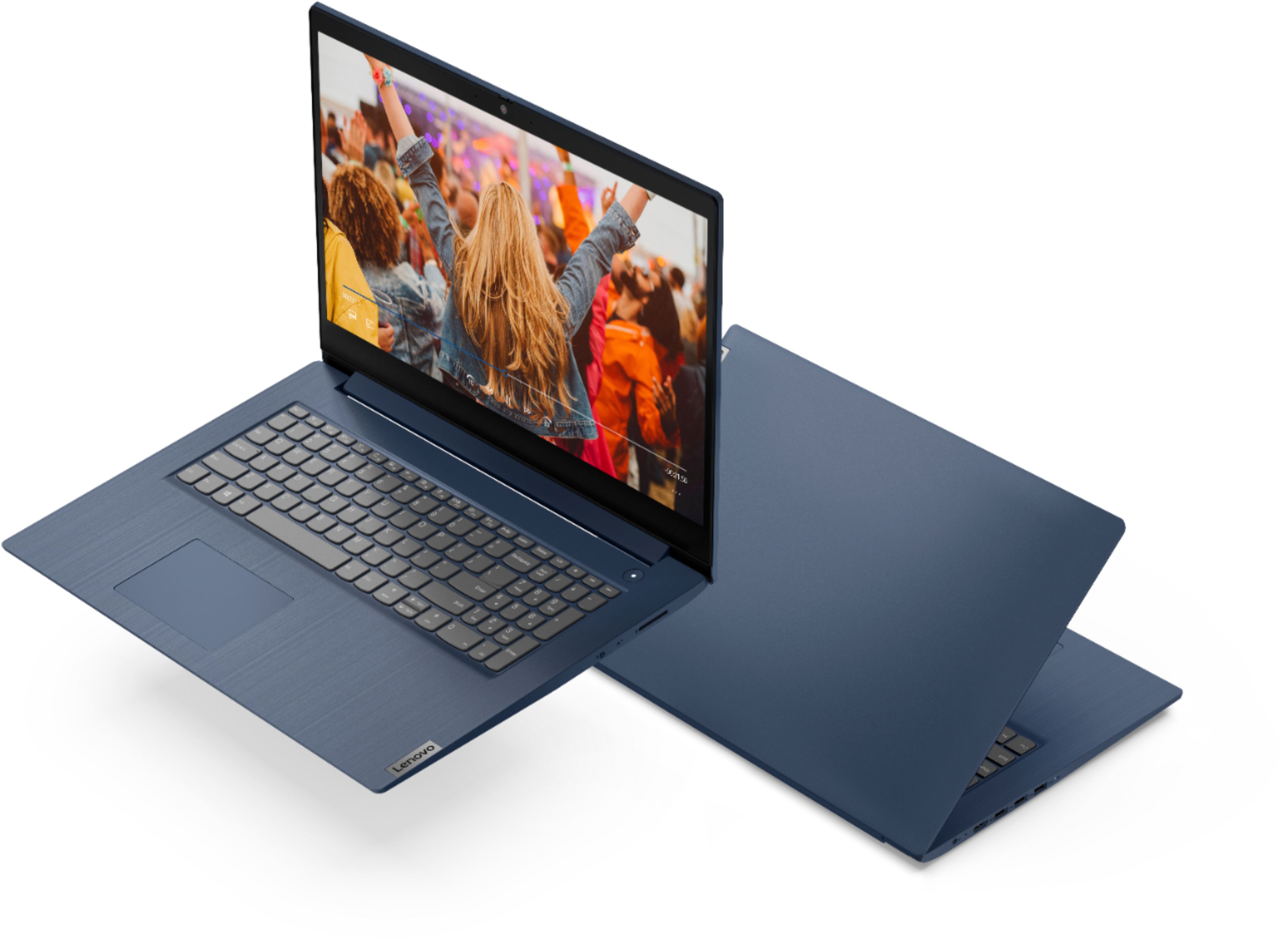
A:AnswerHello Matt. Thank you for your question. After checking the information provided on the manufacturer's website, it does not appear that this laptop is WiFi-6 compatible, however, to verify this information, you may contact the system manufacturer using the link below:
***https://support.lenovo.com/us/en/contactnow***
Thank you for choosing Intel!
A:AnswerAlthough there is no built in CD/DVD drive within this Lenovo IdeaPad 3 17 Laptop, model number 81WF004CUS, you can use an external, USB-based Windows 10 Compatible CD/DVD drive with this laptop, like this one: https://www.bestbuy.com/site/lg-8x-external-usb-double-layer-dvdrw-cd-rw-drive-black/5852919.p?skuId=5852919
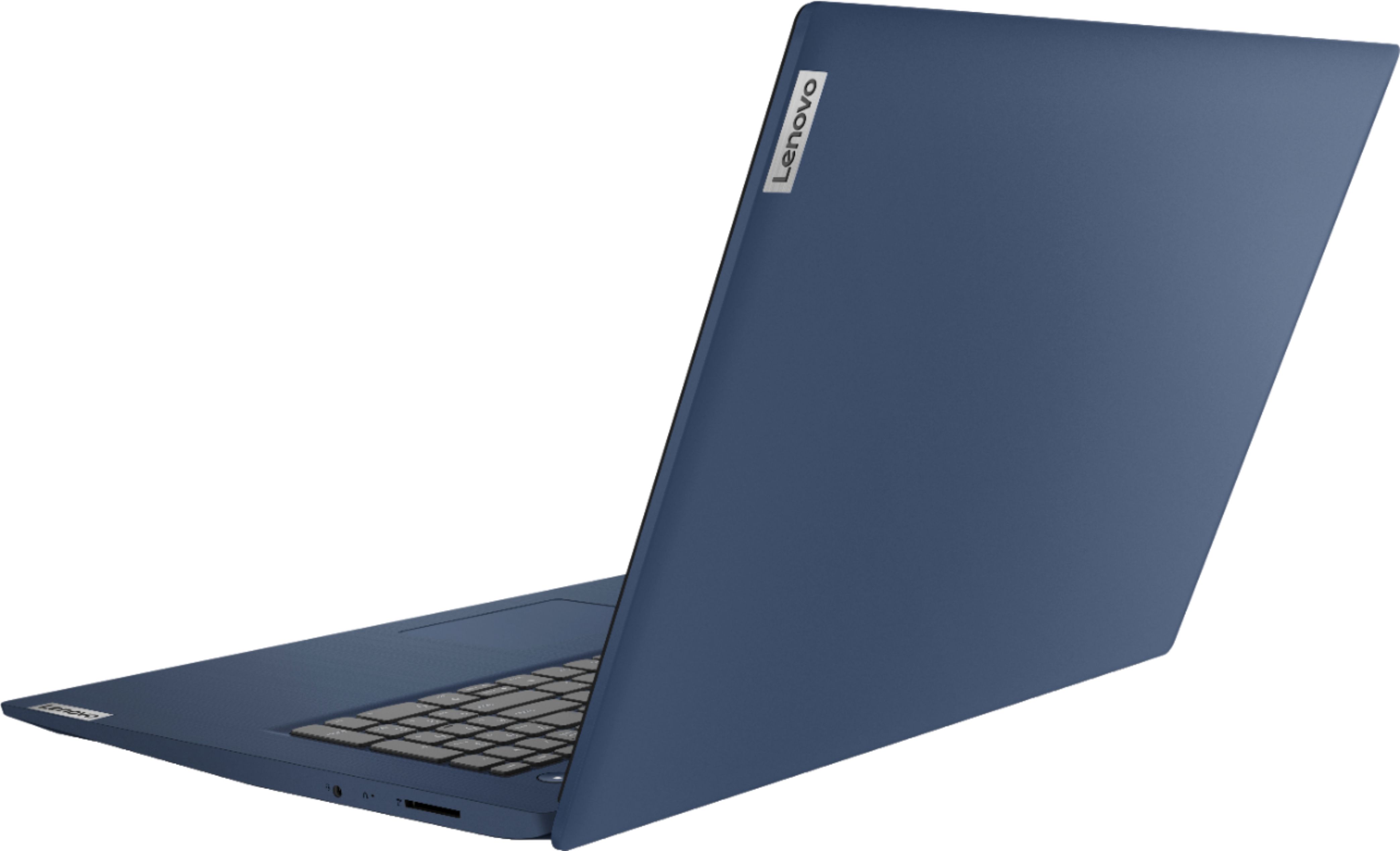
A:AnswerThe Lenovo IdeaPad 3 17 Laptop, model number 81WF004CUS, uses integrated graphics processing within the Intel Core i5-1035G1 processor within this configuration. It is the integrated, Intel UHD Graphics version.
A:AnswerThere is a 30-day trial of Microsoft Office 365 included as part of the Windows 10 operating system. In order to keep the program active after the trial period, you will need to purchase a product key for any version of Microsoft Office. You will not need to download any additional software.
A:AnswerHow the Lenovo IdeaPad 3 17 Laptop, model number 81WF004CUS will perform with a specific game will depend on that games requirements and compatibility. This configuration ships with one HDMI-Out port for connecting one external monitor. You can use a compatible, universal USB 3.0 docking station for more connectivity. Once again, regarding specific game performance, we recommend you check with the specific game's software publisher's web sites for their compatibility with Windows 10 Home 64-bit operating system and the minimum/recommended hardware requirements (Is a Graphics card required, the processor speed and the minimum required system RAM and the minimum available hard drive space) to run their program, then compare those requirements to this system's configuration.
A:AnswerThe Lenovo IdeaPad 3 17 Laptop, model number 81WF004CUS, uses integrated graphics processing within the Intel Core i5-1035G1 processor. It is the integrated, Intel UHD Graphics version.
A:AnswerI don't have a specific answer for you, but if you are going to install a m.2 SSD, just make sure the screw is included in the purchase of one--I think they are all a standard size.
A:AnswerThat will depend on the requirements an compatibility of the specific software you want to run. The Lenovo IdeaPad 3 17 Laptop, model number 81WF004CUS, ships with Windows 10 S-Mode 64-bit Operating System. Windows 10 S-Mode provides added security by only allowing APPs available ( and therefore certified by Microsoft) at the Microsoft Store. If you don't need the added security or you need to install APPs not available at the Microsoft Store, you can switch to standard Windows 10 Home 64-bit Operating System, at no additional cost. We recommend you check with the specific software publisher's web site for their compatibility with Windows 10 S-Mode 64-bit operating system and the minimum/recommended hardware requirements (Is a Graphics card required, the processor speed and the minimum required system RAM and the minimum available hard drive space) to run their program, then compare those requirements to this system's configuration.
A:AnswerThe Lenovo IdeaPad 3 17 Laptop, model number 81WF004CUS, ships with the 10th. Gen 4-Core/8-Thread Intel Core i5-1035G1 processor with a base speed of 1.0GHz and a Turbo Boost Speed of up to 3.6GHz. Turbo Boost over-clocking works automatically, based on the system workload going through this processor at any given time. The user does not have to do anything to activate the Turbo Boost function of this processor.
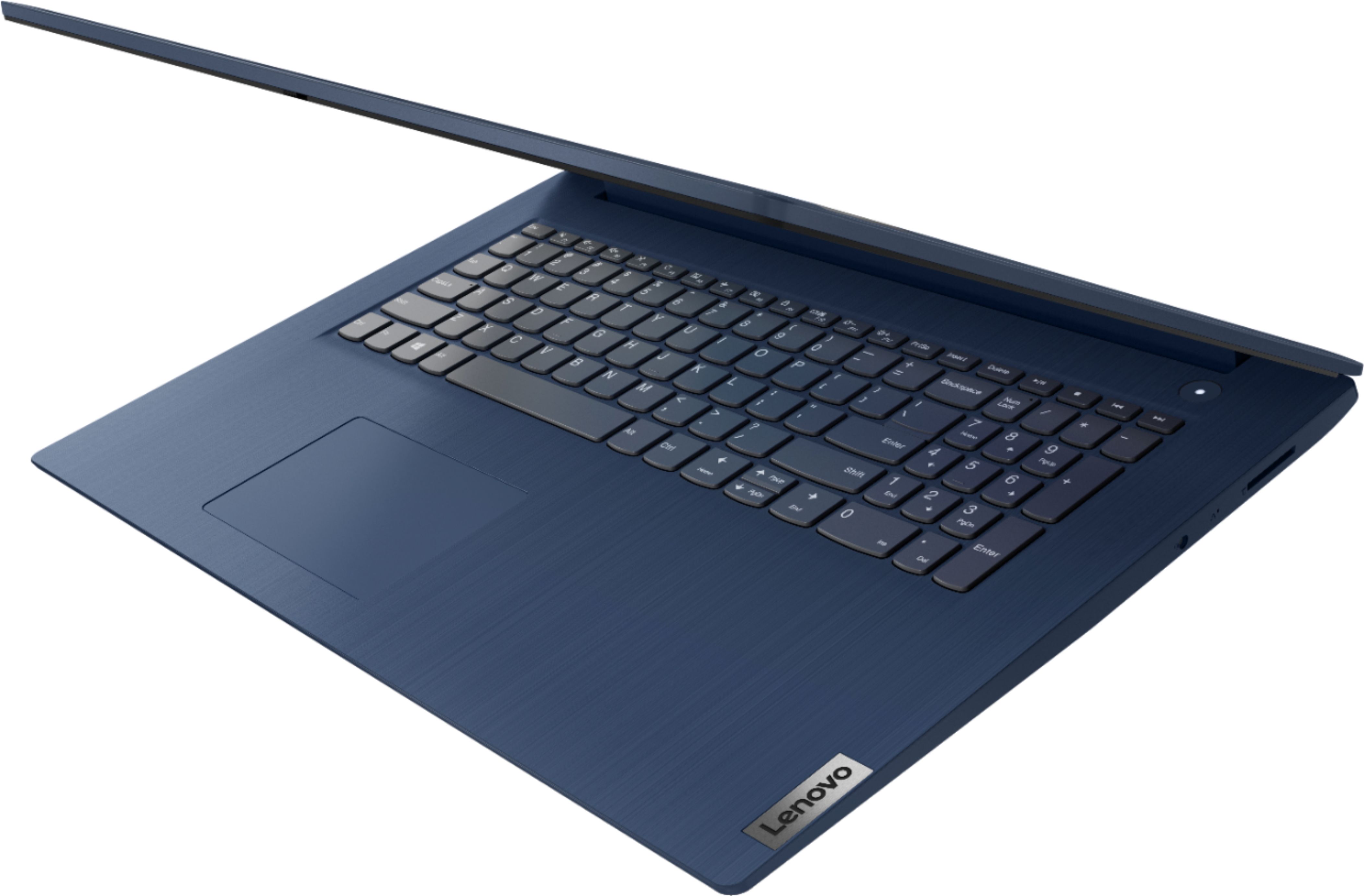
A:AnswerThe Lenovo IdeaPad 3 17 Laptop, model number 81WF004CUS, does not have a built in CD/DVD drive. You can use an external USB-based, Windows 10 compatible CD/DVD drive with this laptop. Whether this computer an any peripheral device you attach to it is compatible with a specific APP will depend on the requirements and compatibility of the specific APP. The IdeaPad 3 17 ships with Windows 10 S-Mode 64-bit Operating System. Windows 10 S-Mode provides added security by only allowing APPs available ( and therefore certified by Microsoft) at the Microsoft Store. If you don't need the added security or you need to install APPs not available at the Microsoft Store, you can switch to standard Windows 10 Home 64-bit Operating System, at no additional cost. We recommend you check with the specific APPs software publisher's web site for their compatibility with Windows 10 S-Mode 64-bit operating system and the minimum/recommended hardware requirements (Is a Graphics card required, the processor speed and the minimum required system RAM and the minimum available hard drive space) to run their program, then compare those requirements to this system's configuration.
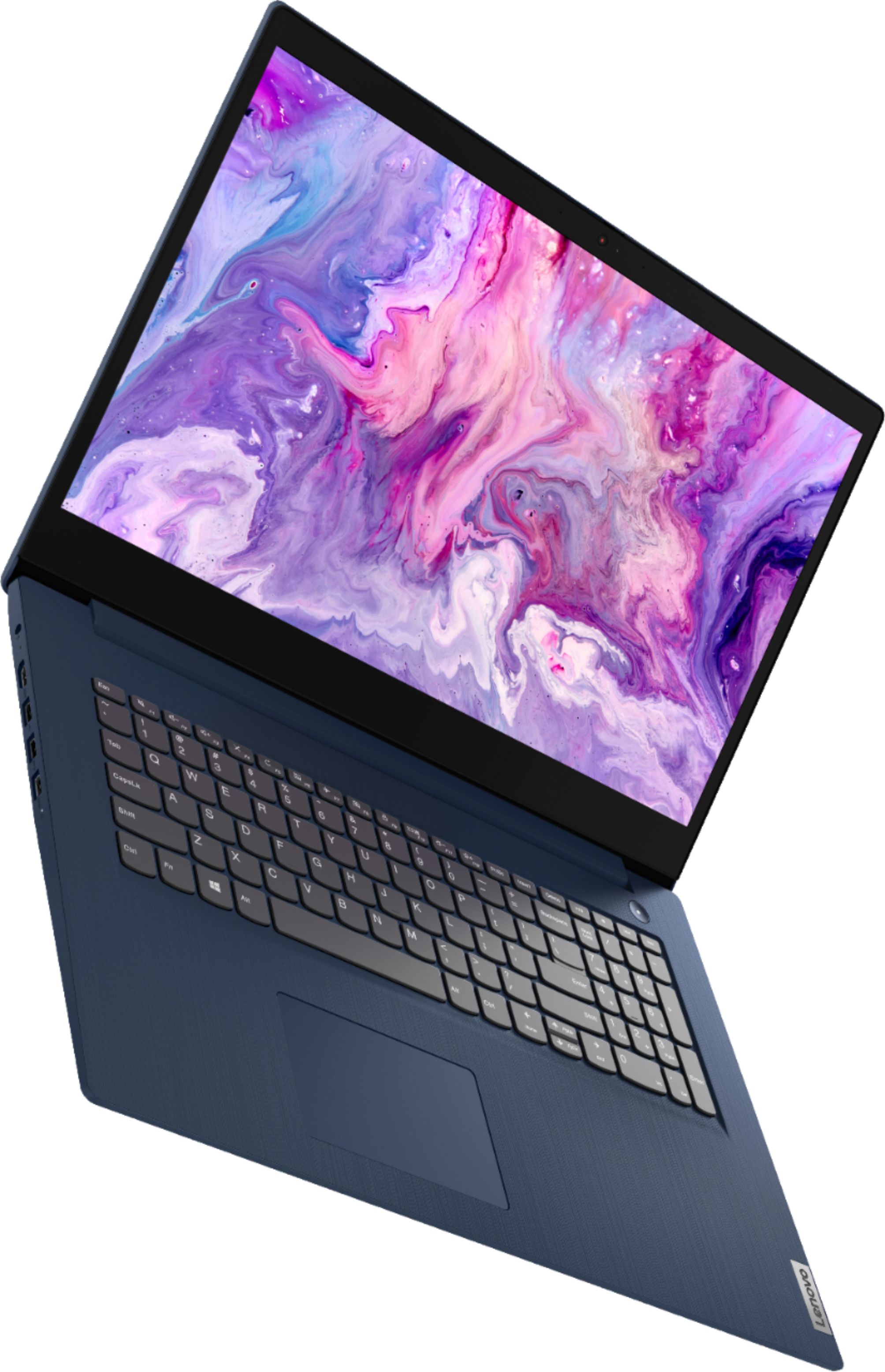
A:AnswerThe Lenovo IdeaPad 3 17 Laptop, model number 81WF004CUS, ships with both a 720p (HD) webcam with manual Privacy Shutter and Dual Array Microphones for video conferencing. Whether it will work with a specific video conferencing APP will depend on the requirements and compatibility of that APP. The IdeaPad 3 17 ships with Windows 10 S-Mode 64-bit Operating System. Windows 10 S-Mode provides added security by only allowing APPs available ( and therefore certified by Microsoft) at the Microsoft Store. If you don't need the added security or you need to install APPs not available at the Microsoft Store, you can switch to standard Windows 10 Home 64-bit Operating System, at no additional cost. We recommend you check with the specific APPs software publisher's web site for their compatibility with Windows 10 S-Mode 64-bit operating system and the minimum/recommended hardware requirements (Is a Graphics card required, the processor speed and the minimum required system RAM and the minimum available hard drive space) to run their program, then compare those requirements to this system's configuration.
A:AnswerThe Lenovo IdeaPad 3 17 Laptop, model number 81WF004CUS, ships with Windows 10 S-Mode 64-bit Operating System. Windows 10 S-Mode provides added security by only allowing APPs available ( and therefore certified by Microsoft) at the Microsoft Store. If you don't need the added security or you need to install APPs not available at the Microsoft Store, you can switch to standard Windows 10 Home 64-bit Operating System, at no additional cost. Here is a link to instructions for switching from Windows 10 S-Mode to Windows 10 Home: https://support.microsoft.com/en-us/help/4456067/windows-10-switch-out-of-s-mode
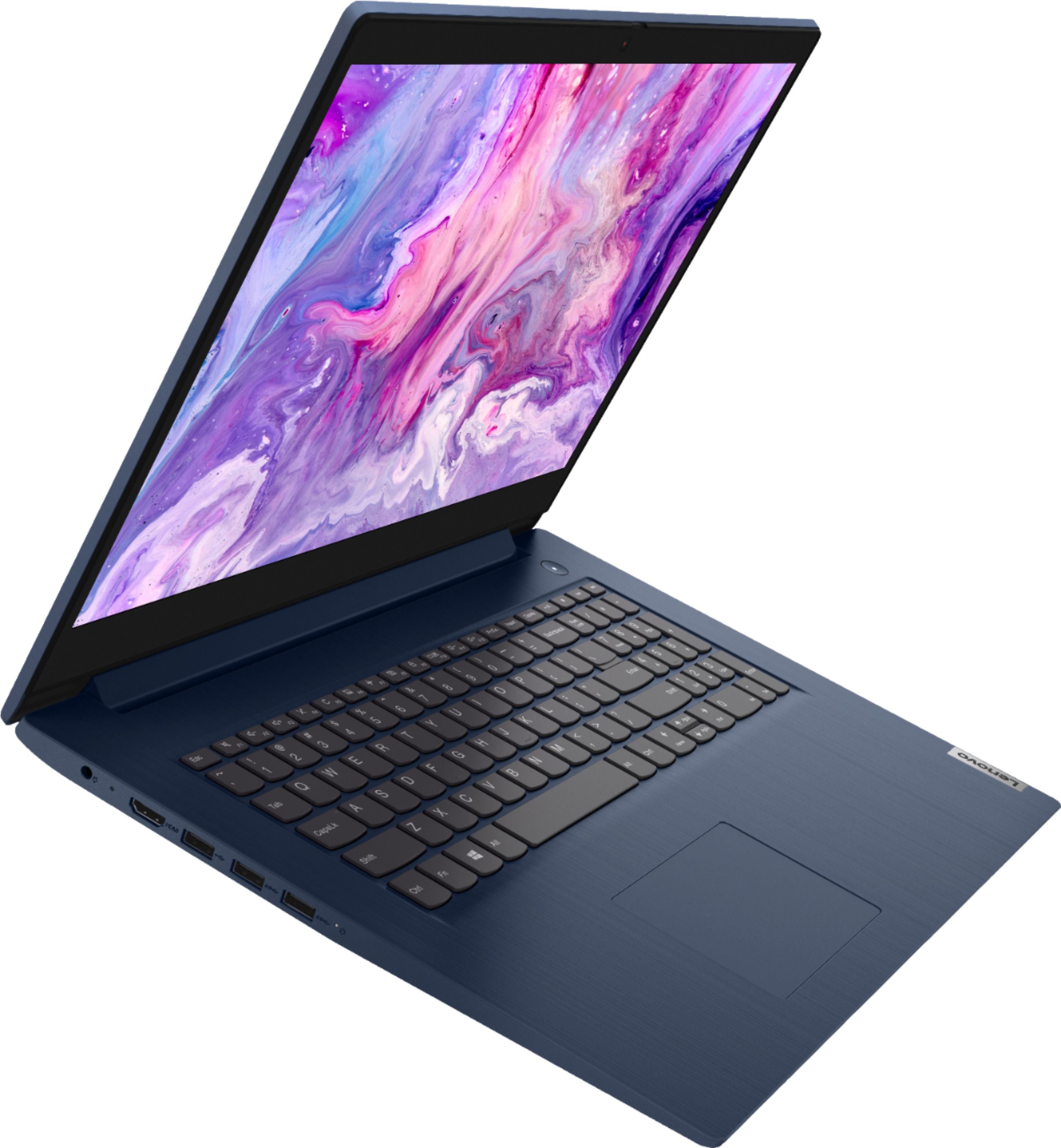
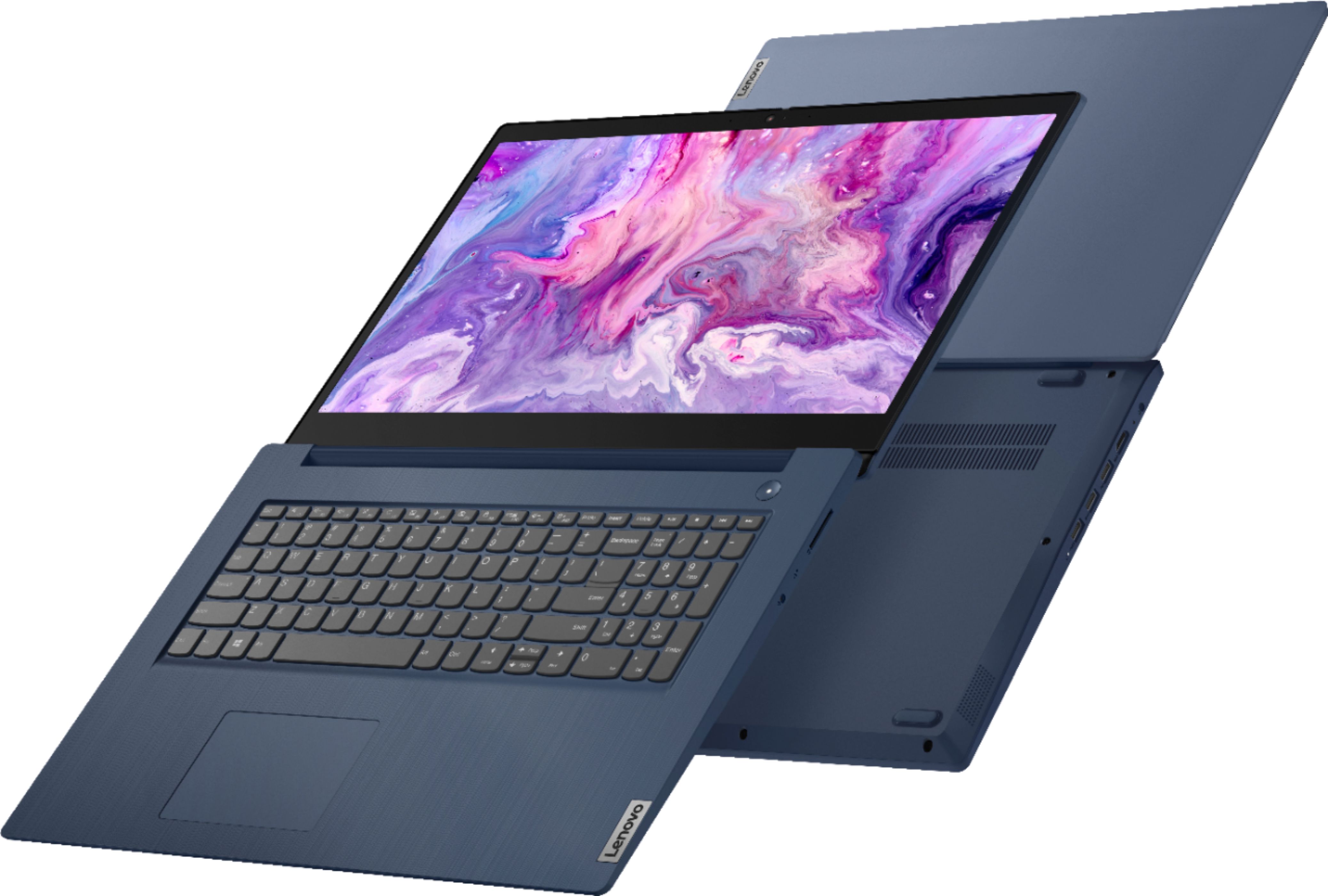
A:AnswerThe Lenovo IdeaPad 3 17 Laptop, model number 81WF004CUS, ships with one HDMI-Out port for direct connection for one external monitor, which when used with the device screen provides a total of two screens. To support two external screens, you would need to add a universal USB 3.0 docking station like this one, there are many varieties available, this is just one example: https://www.bestbuy.com/site/kensington-usb-c-and-usb-3-0-universal-docking-station/6259403.p?skuId=6259403
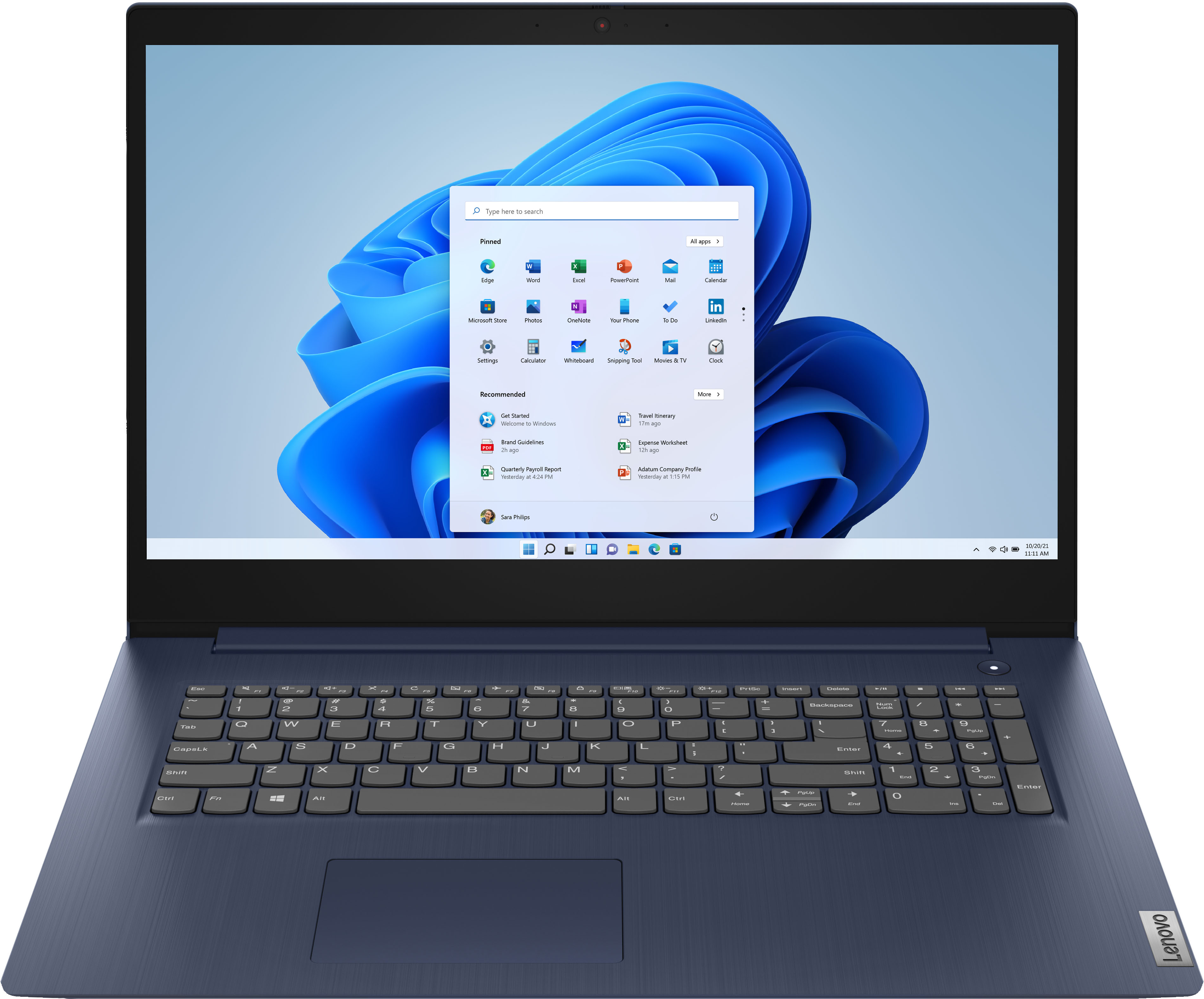
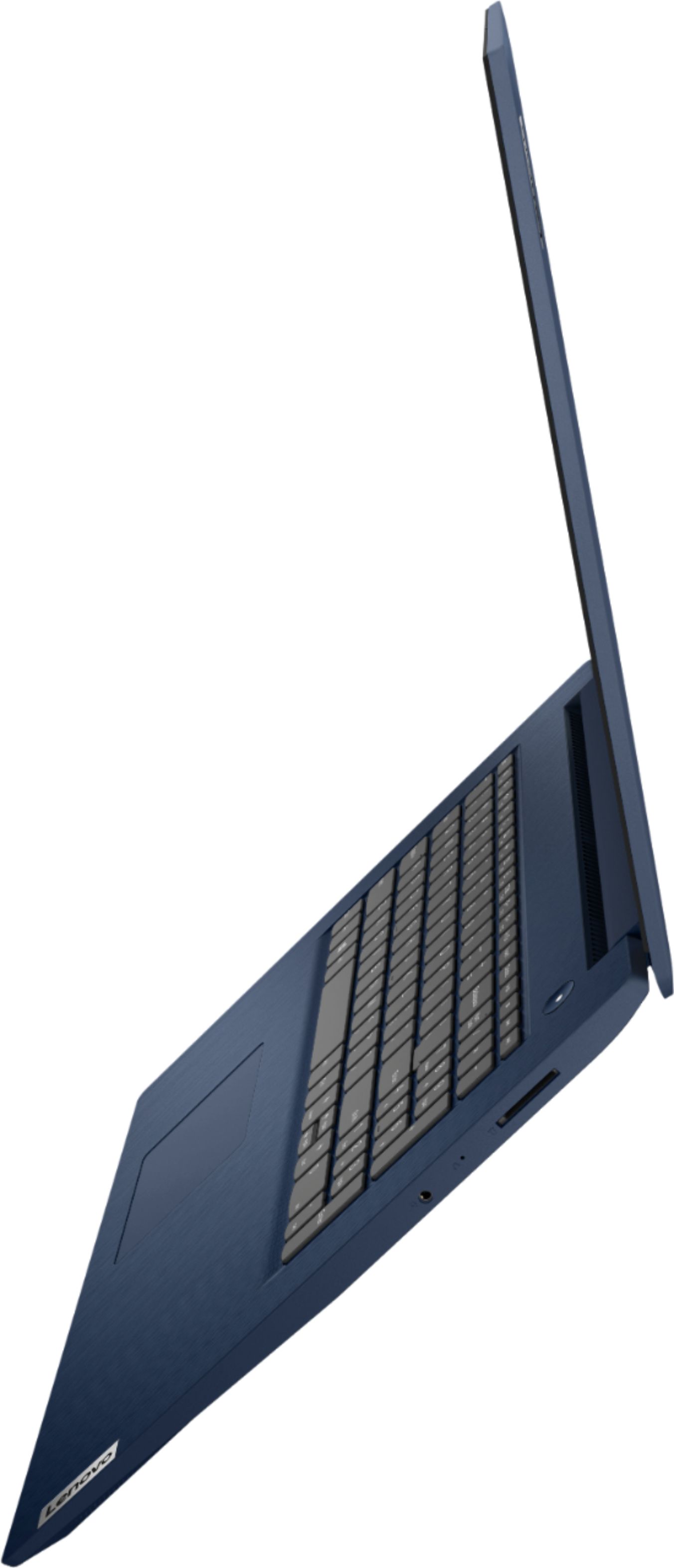
A:AnswerThe Lenovo IdeaPad 3 17 Laptop model number 81WF004CUS, has two USB Type A 3.0 ports and one USB Type A 2.0 port for a total of three standard USB Type A ports.