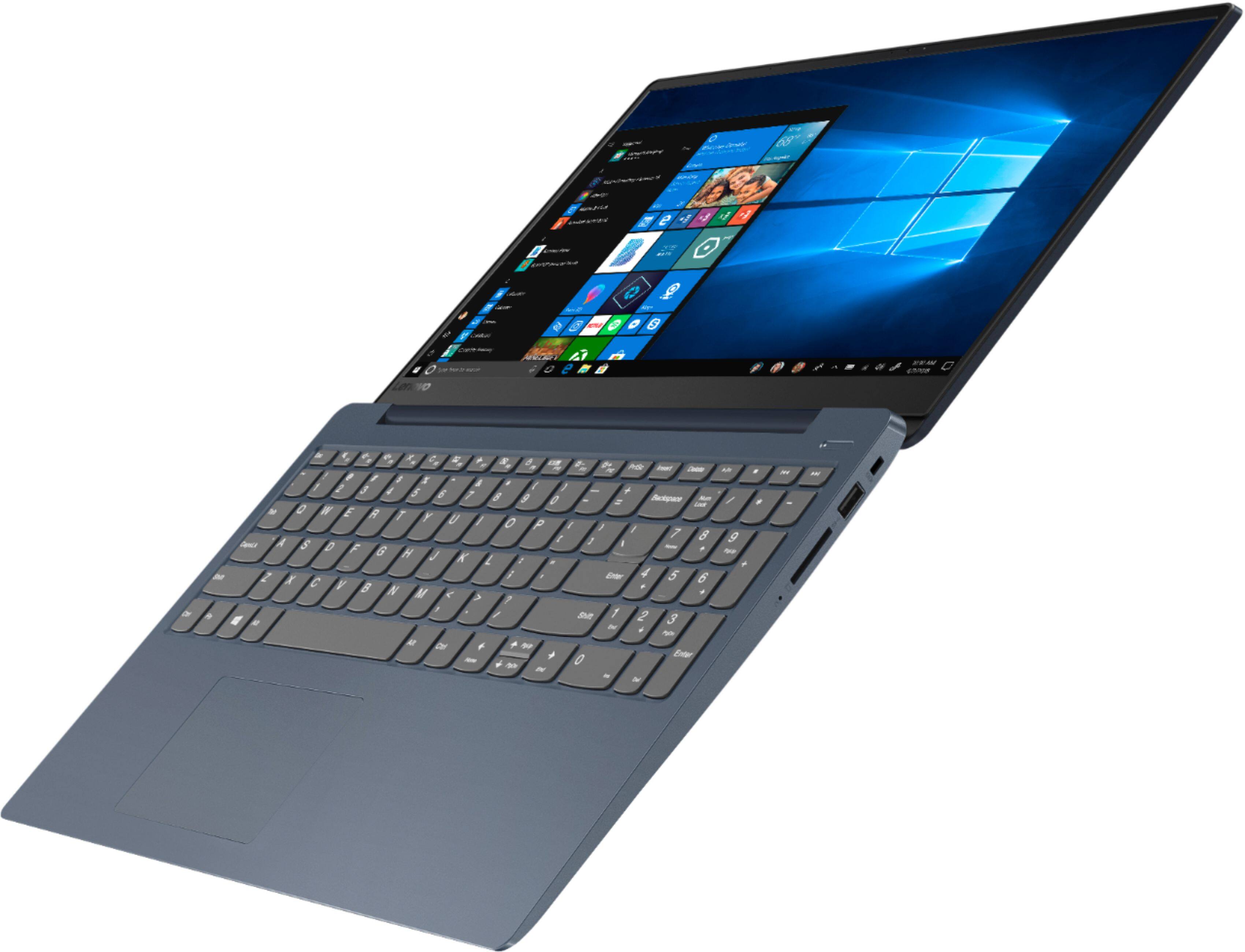
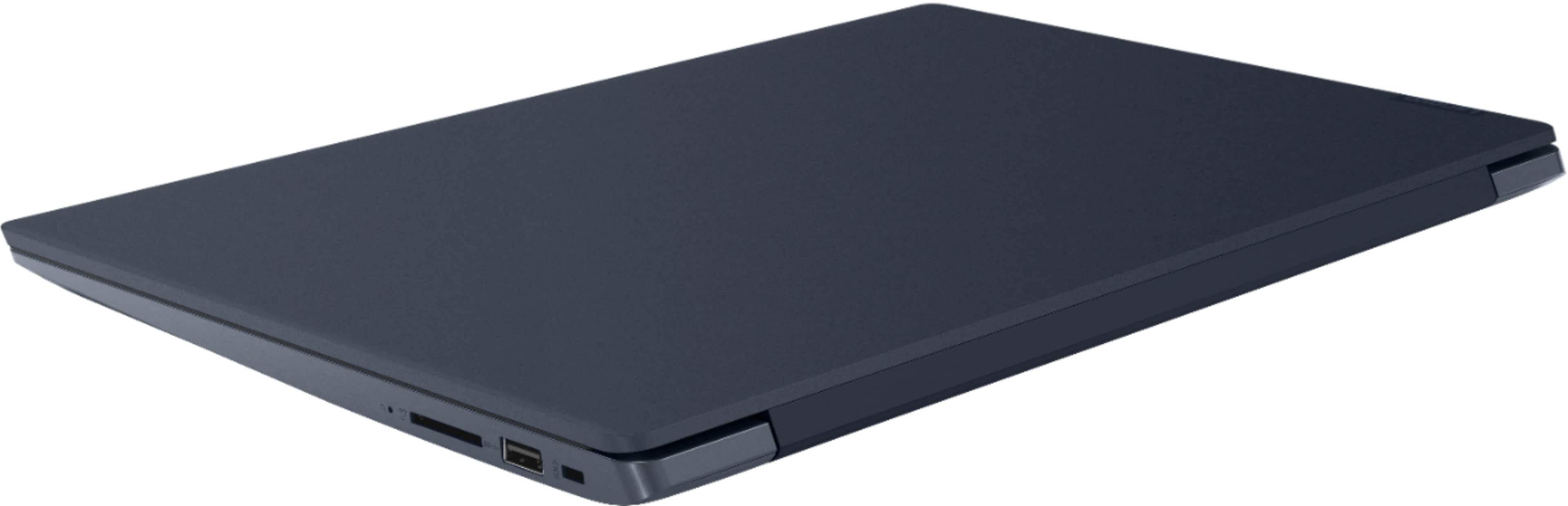
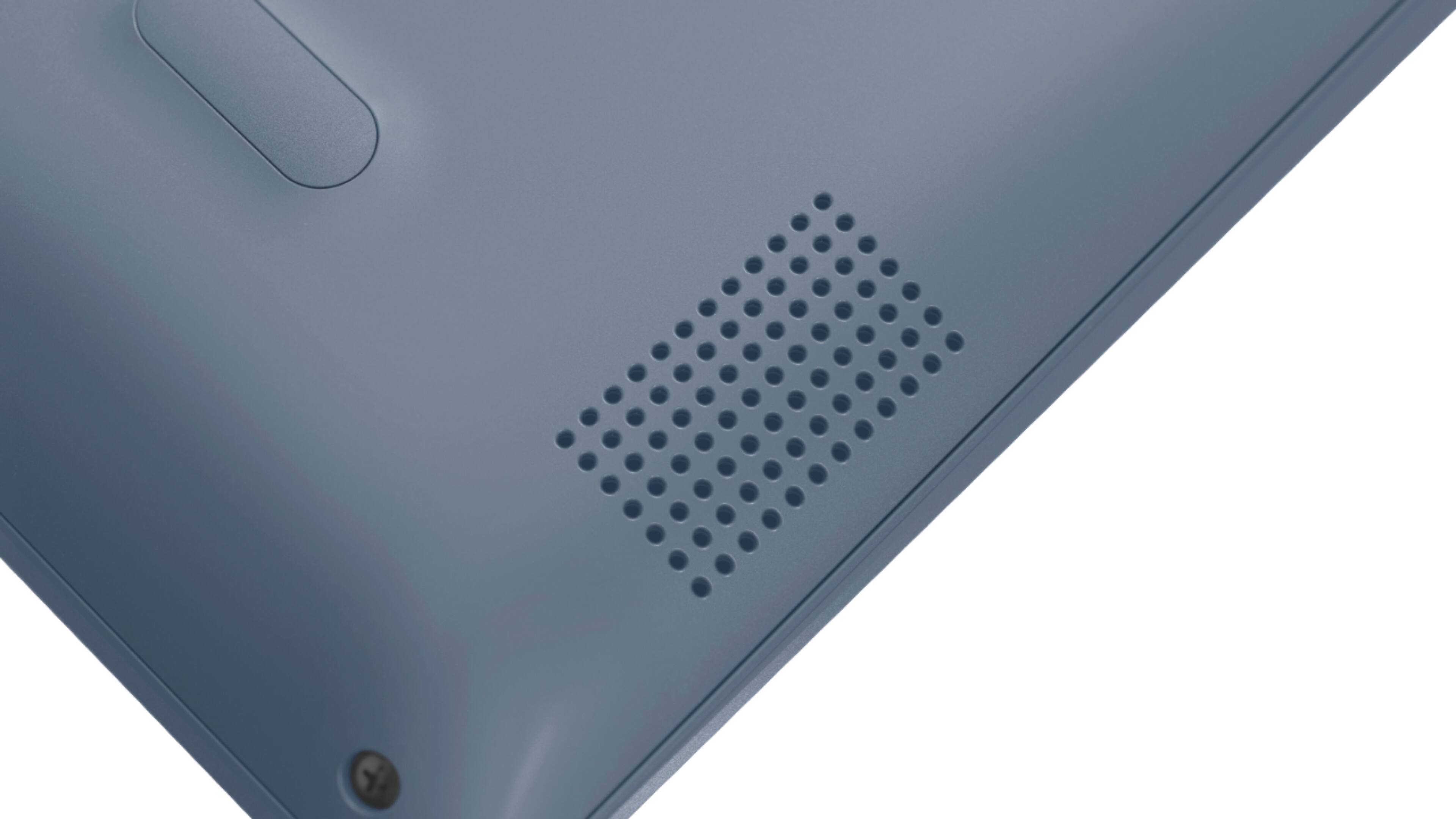
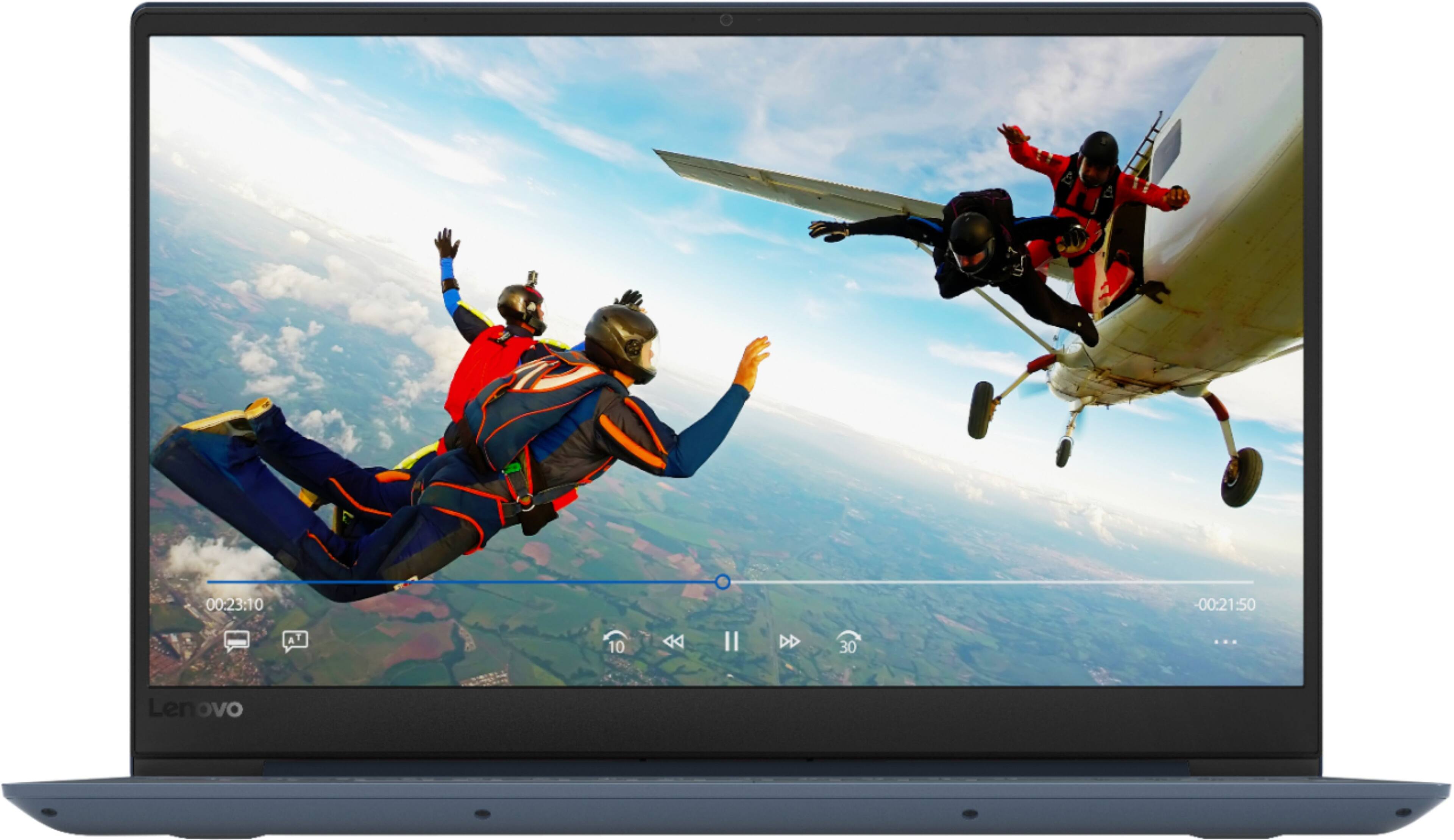
A:Answer You can. But your options are tricky. Since this has both an M.2 NVME slot, and a regular (9.5mm max thickness) sata slot, you are best served with putting the M.2 drive in by itself, install windows to that drive, then powering down and installing as large of a drive as you can afford (SSD would still be 9.5mm or thinner) and have more than 1TB of storage available. There are drives as large as 4TB SSD but I doubt most folks are willing to pay the $2200 price tag.
The thing to remember here is this, if you put in 2 drives that are bootable, the system usually defaults to the SATA salt and not the M.2. Best to start with one, have the regular sata drive formatted when it’s installed, and you will never have a problem. Also, look for the NVMe type M.2 cause it will be faster than the regular sata SSD drives.