A:AnswerHello, thank you for your question. This IdeaPad seems to not satisfy the specifications needed to run Rocket League. For reference, here is a link to Epic Games's site listing the system requirements for Rocket League: https://www.epicgames.com/help/en-US/c-Category_RocketLeague/c-RocketLeague_TechnicalSupport/what-are-the-minimum-system-requirements-for-rocket-league-a000084383 Should you want to play this game, we recommend looking for a device that best aligns with the recommended specifications detailed on Epic Game's site that is previously linked.
A:AnswerAny retail printer with the proper Windows 11 drivers should work on this laptop, e.g. Canon Pixma, Epson InkJet printers, laser printers from Brother, Lexmark, HP, etc.
A:AnswerHello, Doug. The model your question is under, is an IdeaPad 3i, a Windows device. However, you can print with compatible printers with Chromebooks. Here is a link to a Google Support webpage for more info on that: https://support.google.com/chromebook/answer/7225252?hl=en
A:AnswerThis laptop has Windows 11 as its OS which comes with Windows Defender which protects your laptop from malicious software. Should you require a different anti-malware, there are a lot to choose from whether free or paid. There is Avast, AVG, McAffee, etc., all of which have their strengths, weaknesses, and quirks.
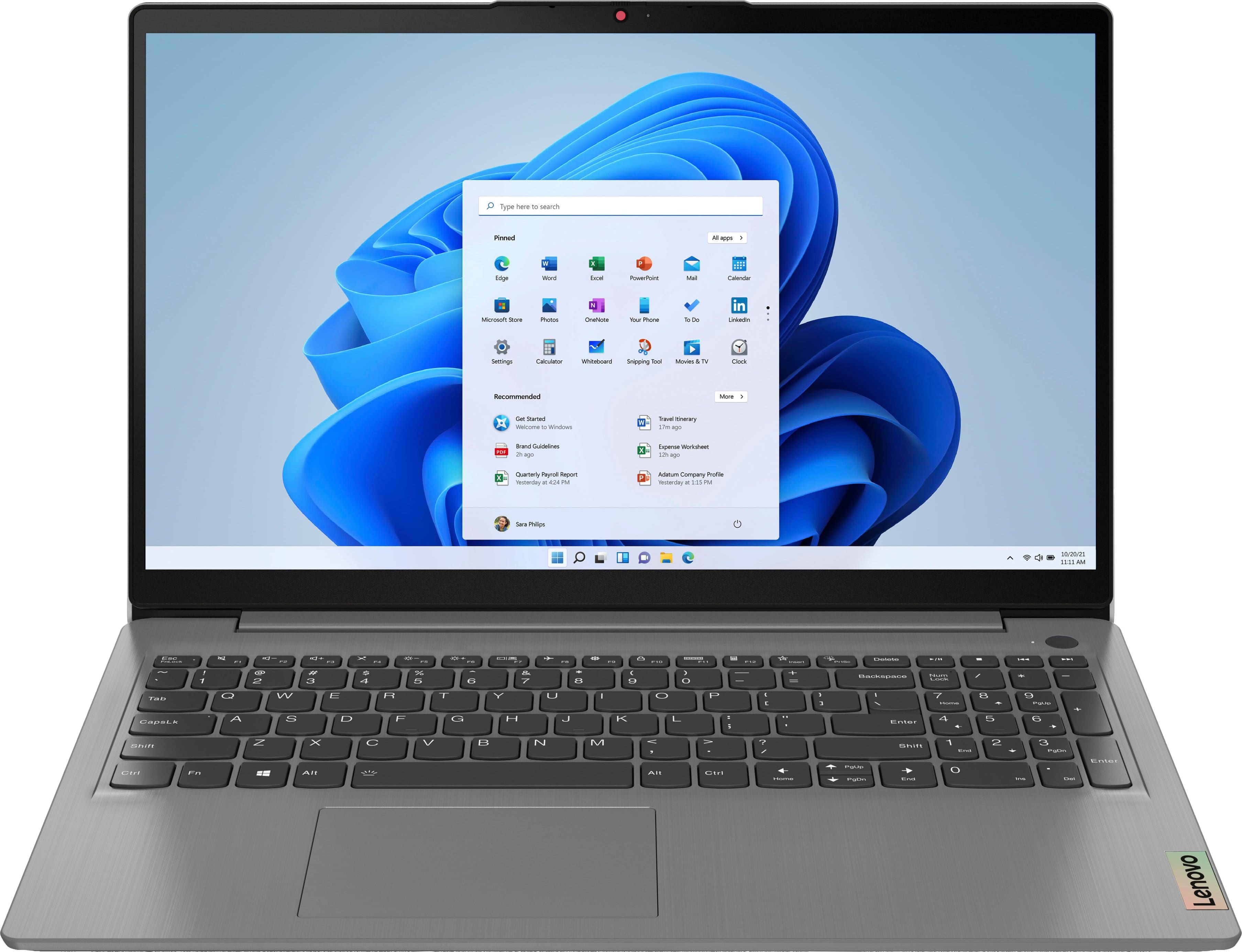
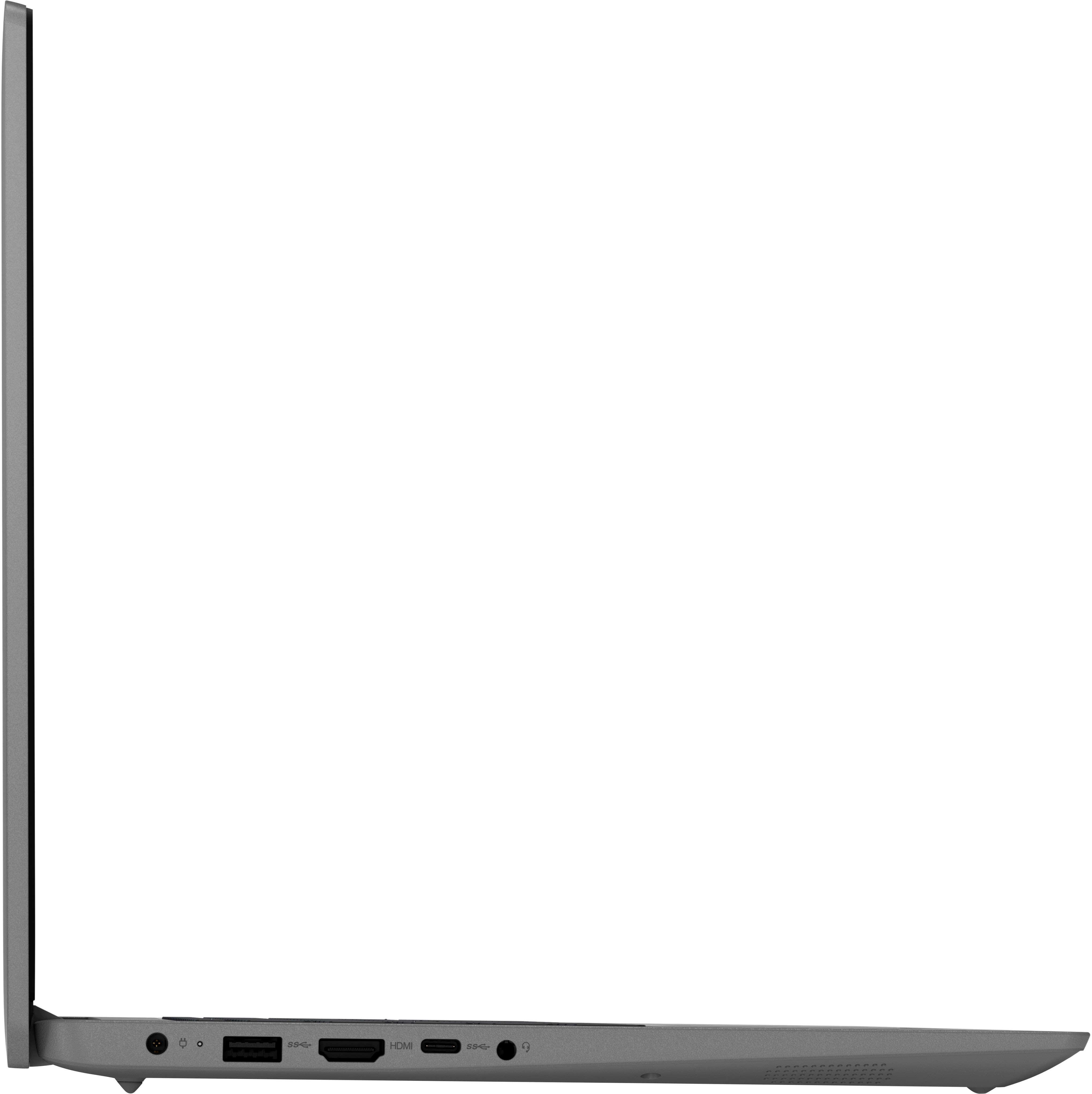
A:AnswerThis laptop does not support Thunderbolt. An external GPU will not work on this laptop but an external monitor can be connected via the HDMI port.
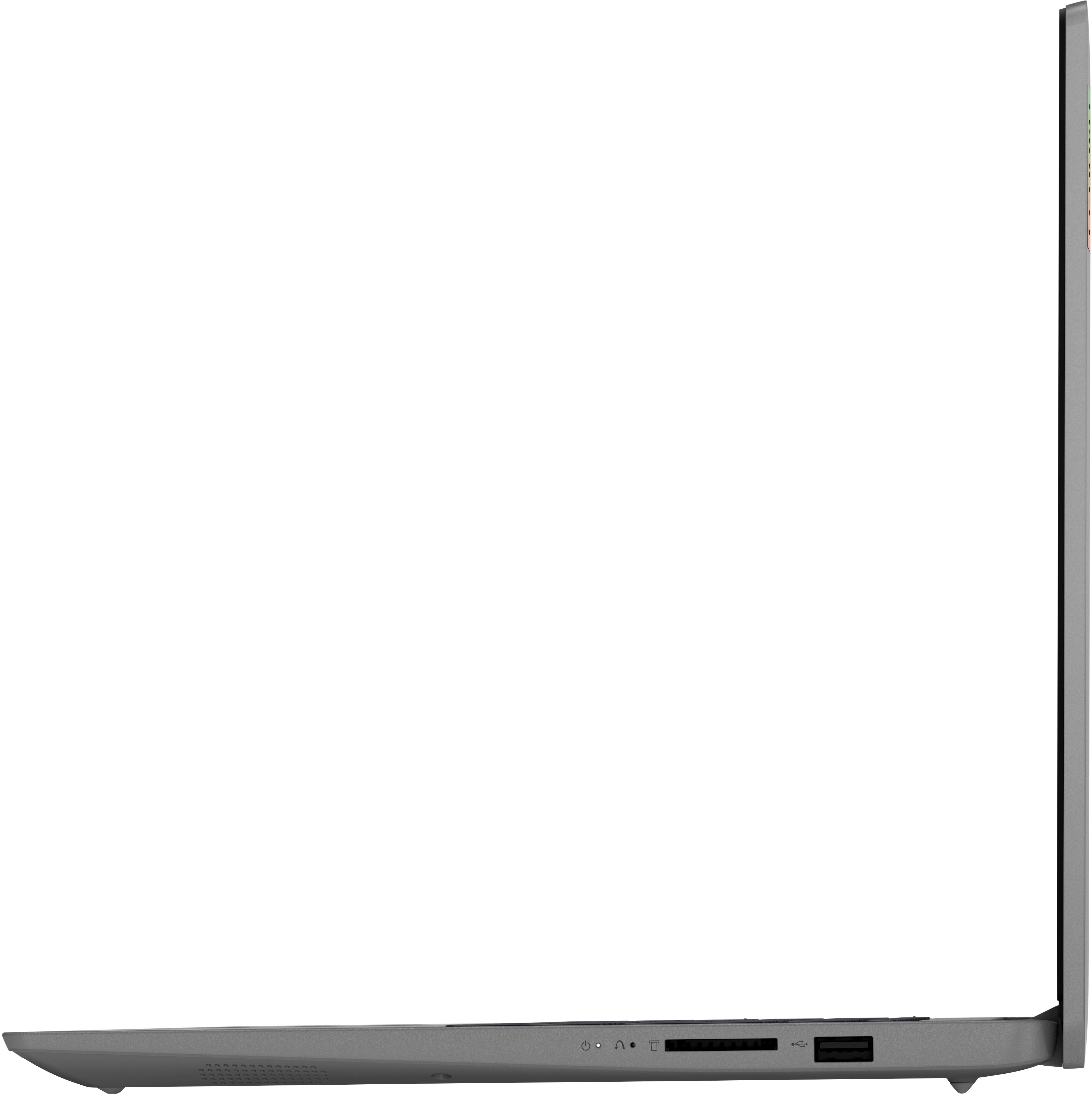
A:AnswerHello, Dean. This model features one storage slot, an M.2 2242. The included SSD is a 512GB M.2 2242 SSD, and at the time of product testing with current Lenovo storage offerings, 512GB is the maximum supported storage.
A:AnswerHello, FoxMindedGuy. This model runs on Windows 11 operating system with OS updates being supplied by Microsoft, and no, this model features a fan/air cooling system.
A:AnswerHello, kazuko. Due to the nature of lithium battery properties, this can lead to battery degradation long-term. However, if you plan on using your laptop in this way, we recommend following this link to a Lenovo Support webpage to learn more about battery charge threshold in Lenovo Vantage: https://pcsupport.lenovo.com/us/en/products/laptops-and-netbooks/thinkbook-series/thinkbook-13s-iwl/videos/nvid500286-quick-tips-lenovo-vantage-battery-charge-threshold | This setting helps to protect the life or health of a battery.
A:AnswerHello. Thank you for your question! Battery life is monitored by conservative settings for things like display brightness and completing non-intensive workloads. There are many variables that can drain or conserve battery life, some of which can be adjusted in the preinstalled Lenovo Vantage application. When the device is idle or asleep, battery can drain as background system processes can be running and using battery power.
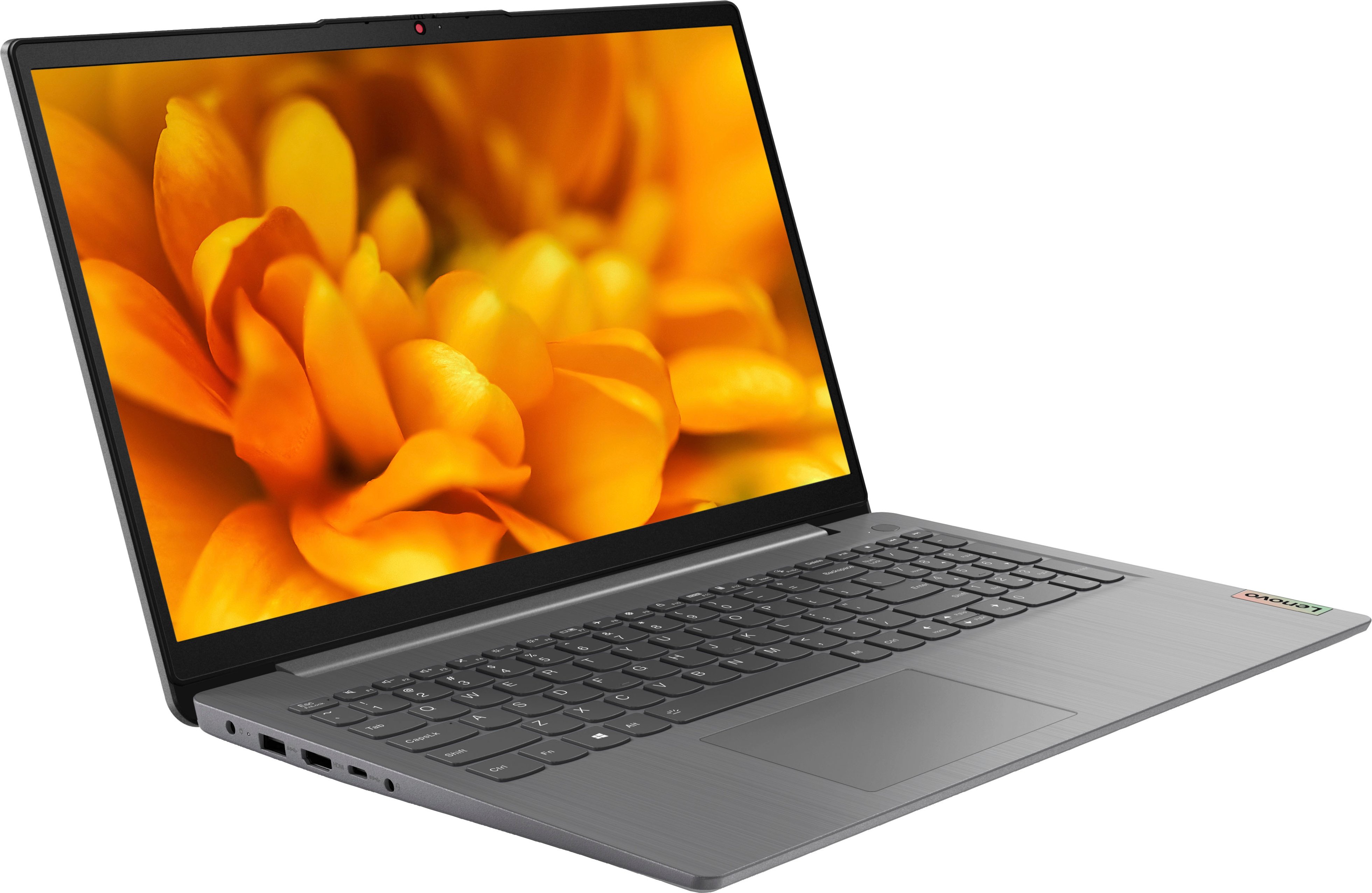
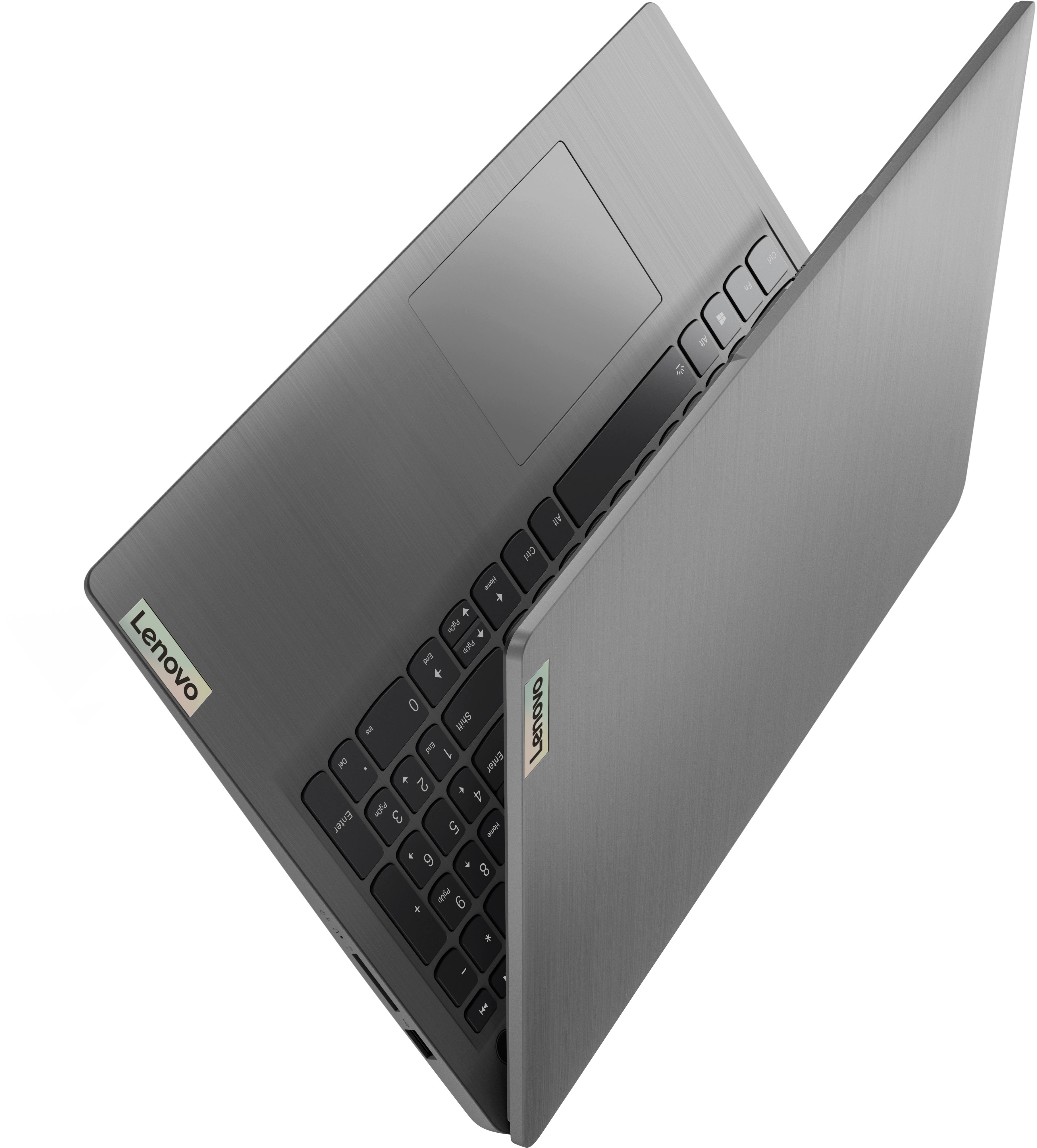
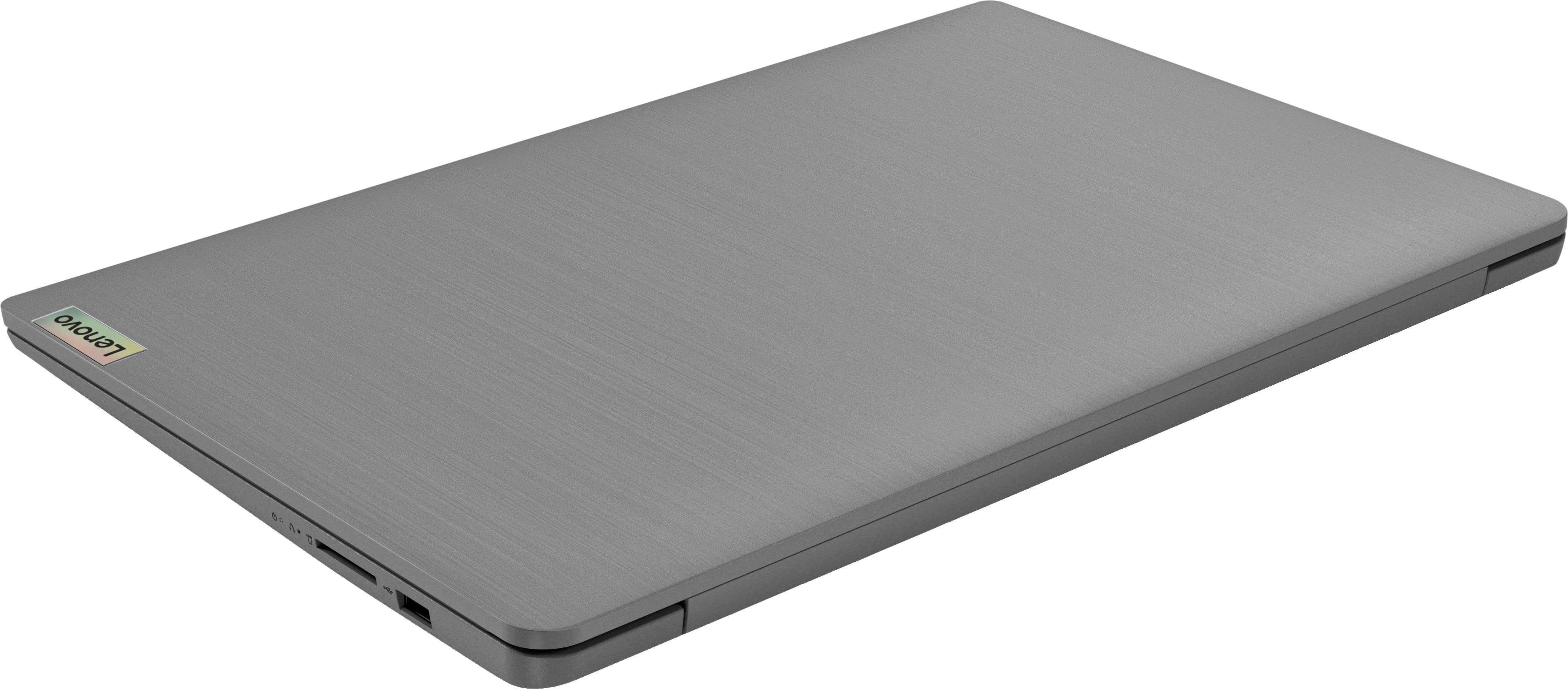
A:AnswerHello, peanutbutter. The USB 3.2 port should be on the left side of this model. It should have a small ""ss" symbol next to the port to help you identify it.
A:AnswerHello, thank you for your question. To help find the best fit for your needs, we recommend working with an expert in stores or online via this link: https://www.bestbuy.com/services/triage/shopping?cat=cnt