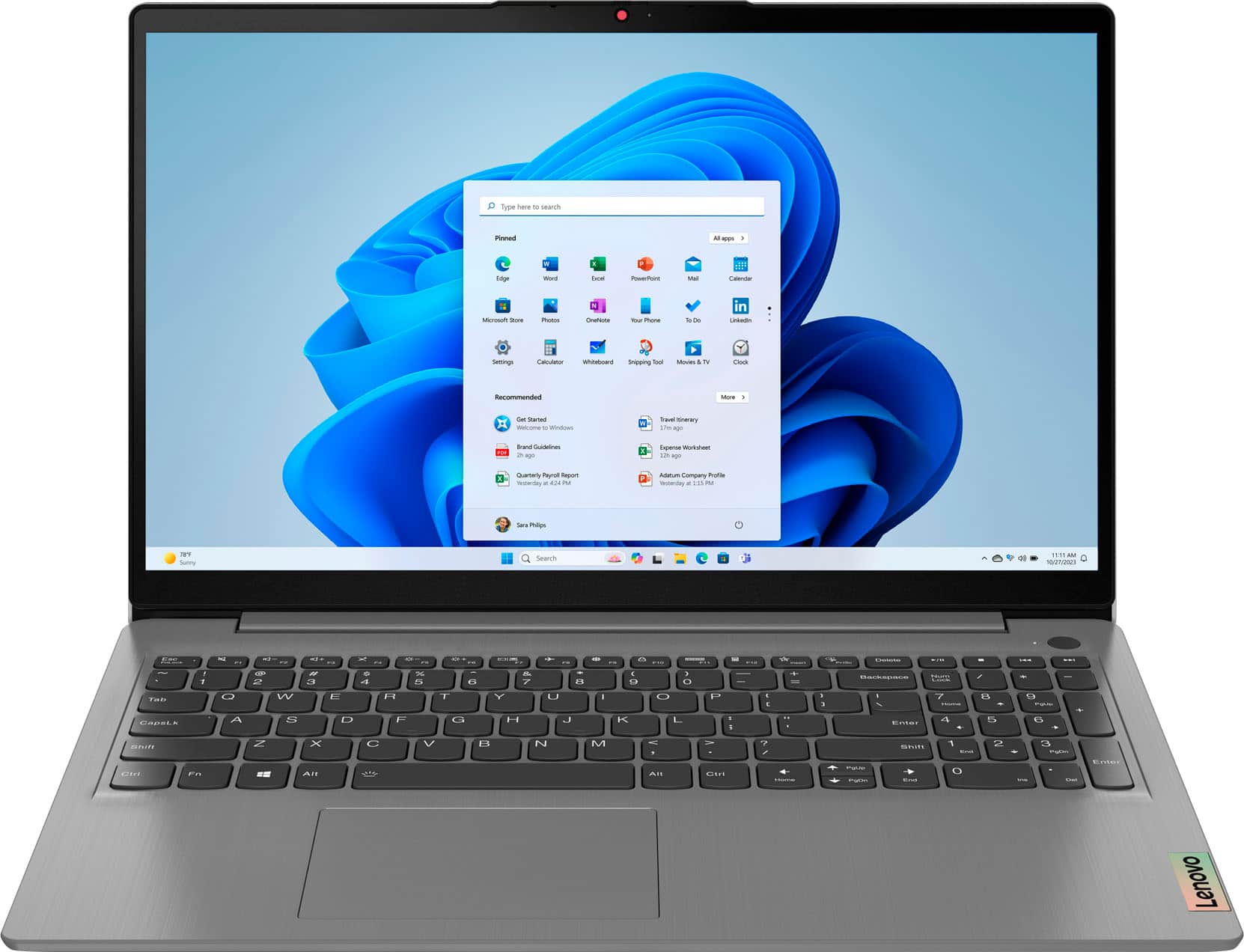
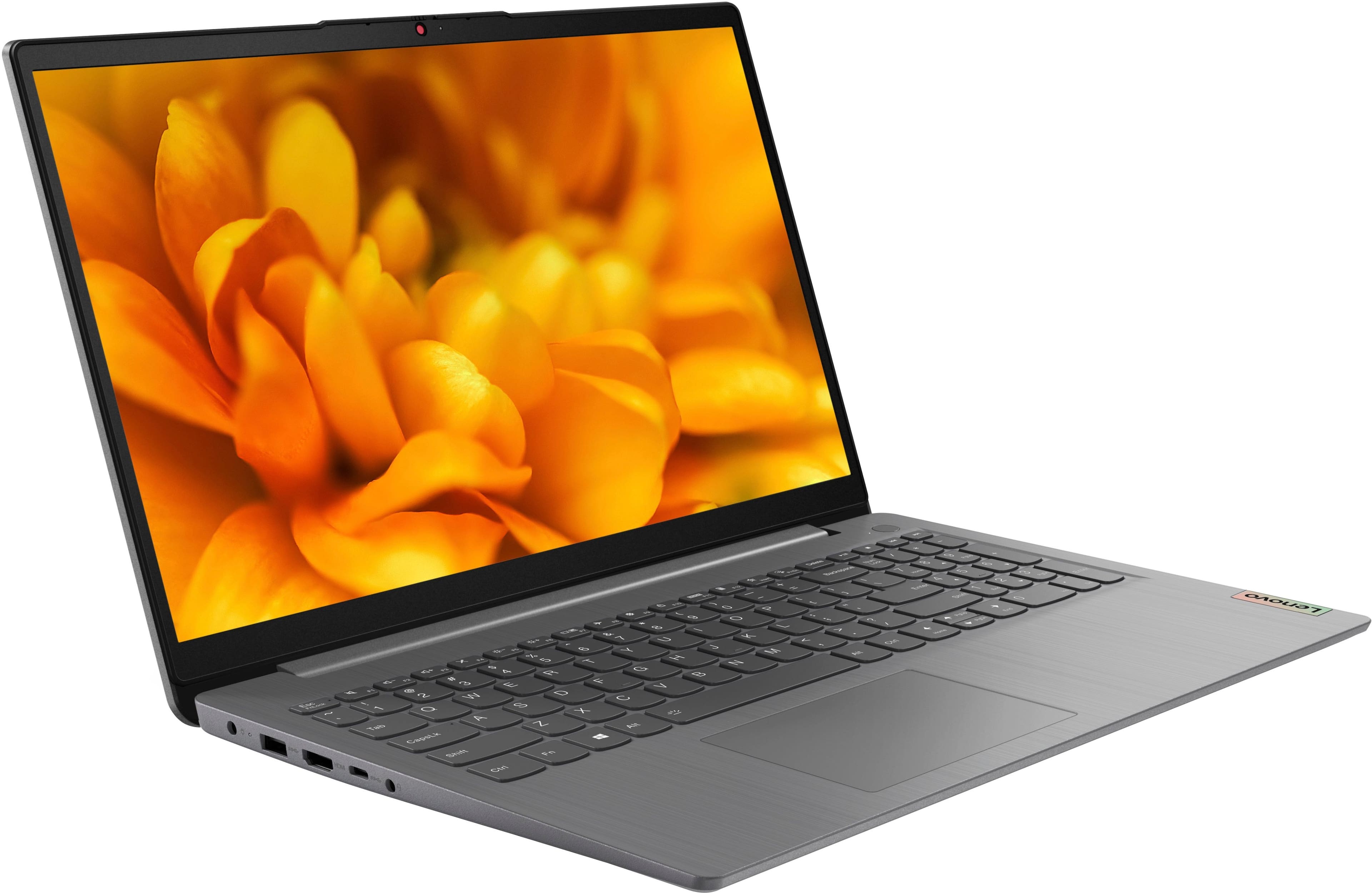
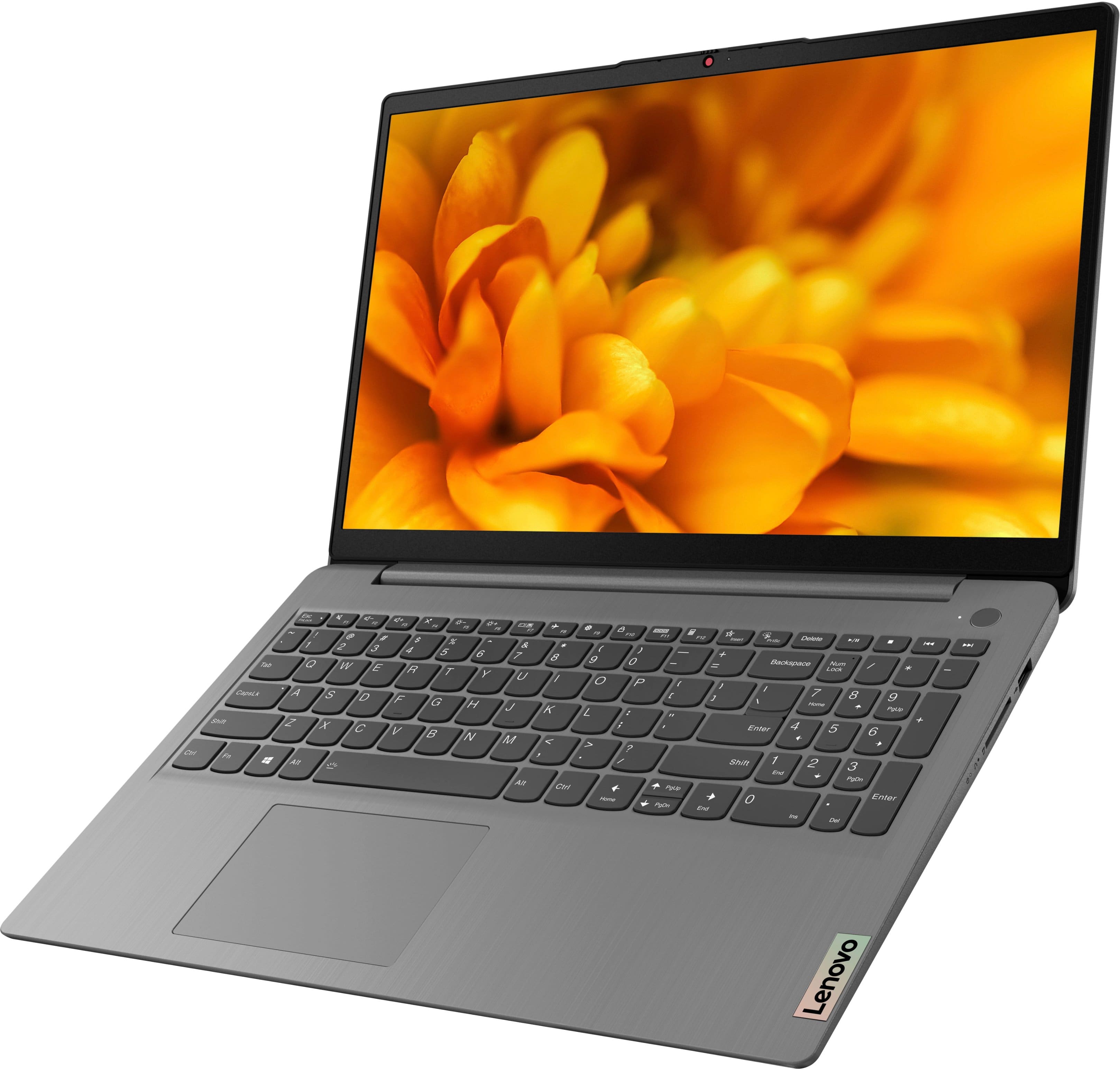
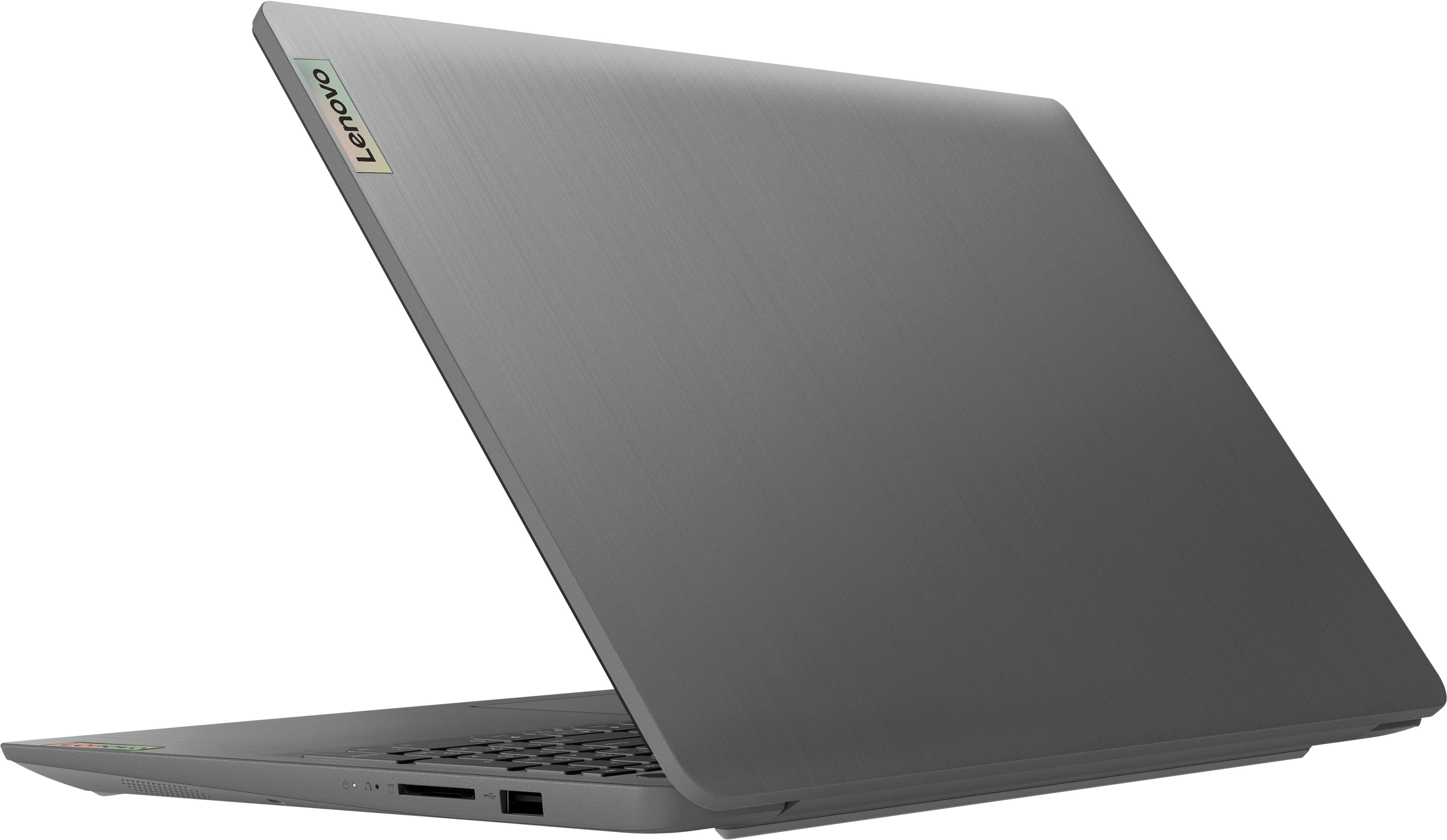
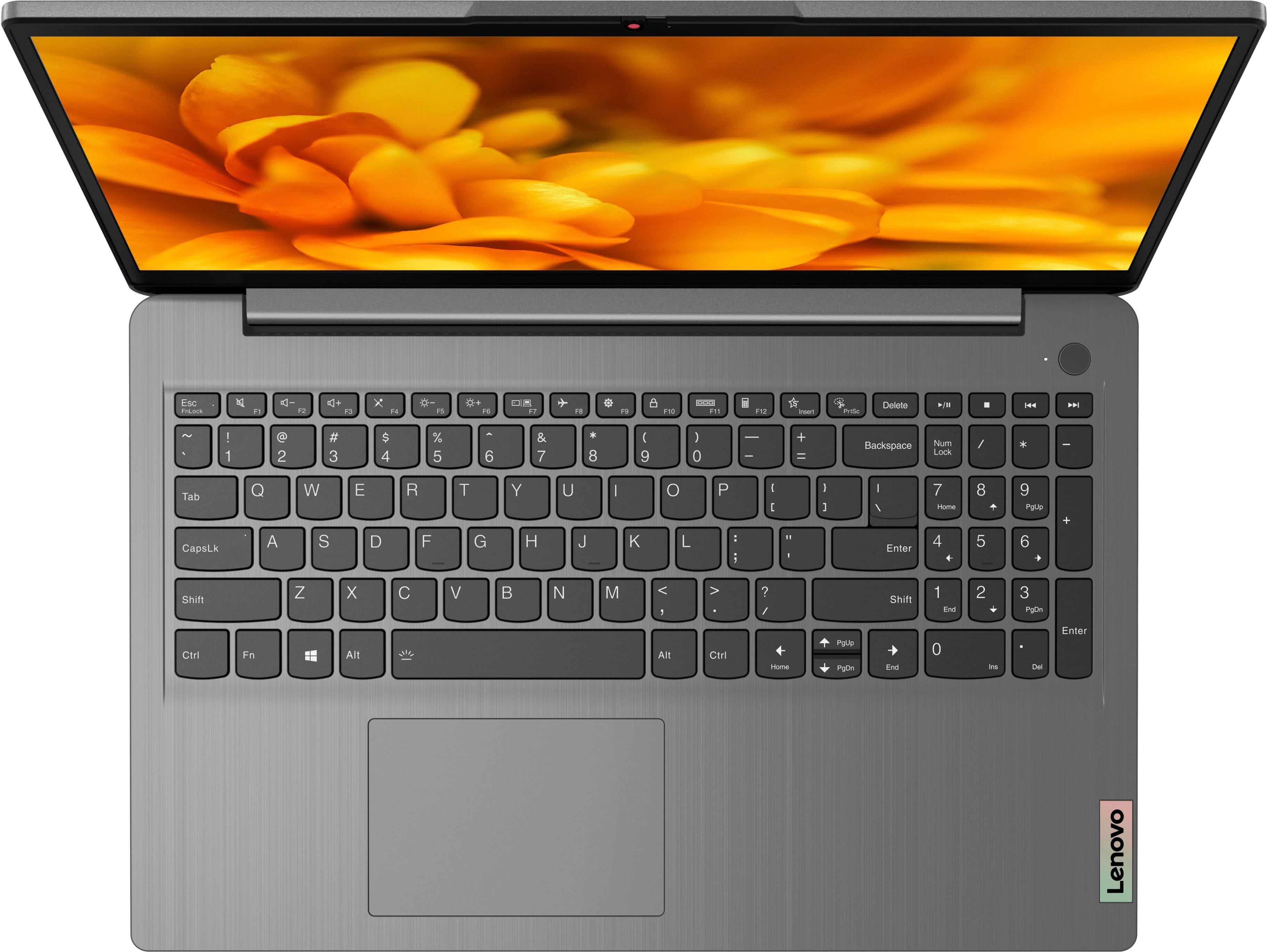
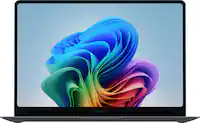
A:Answer Hello, Zaira. Thank you for your question. In short, yes it could be. Since this IdeaPad 3i ships with Windows 11 in S-Mode, you can only download software and app from the Microsoft Store. The software used with Cricut requires downloading the application, and since it is not in the Microsoft Store, you would have to switch out of S-Mode. If you choose to switch out of S-Mode for Windows 11 Home: Here is a link to instructions for switching from Windows 11 S-Mode to Windows 11 Home: https://support.microsoft.com/en-us/windows/switching-out-of-s-mode-in-windows-4f56d9be-99ec-6983-119f-031bfb28a307#WindowsVersion=Windows_11 Additionally, here is a link to a Cricut site that details the system requirements for their software and hardware: https://help.cricut.com/hc/en-us/articles/360009556033-System-Requirements-Design-Space We recommend reviewing the linked information to determine compatibility by referencing the specifications of this IdeaPad 3i.