A:AnswerHey there,
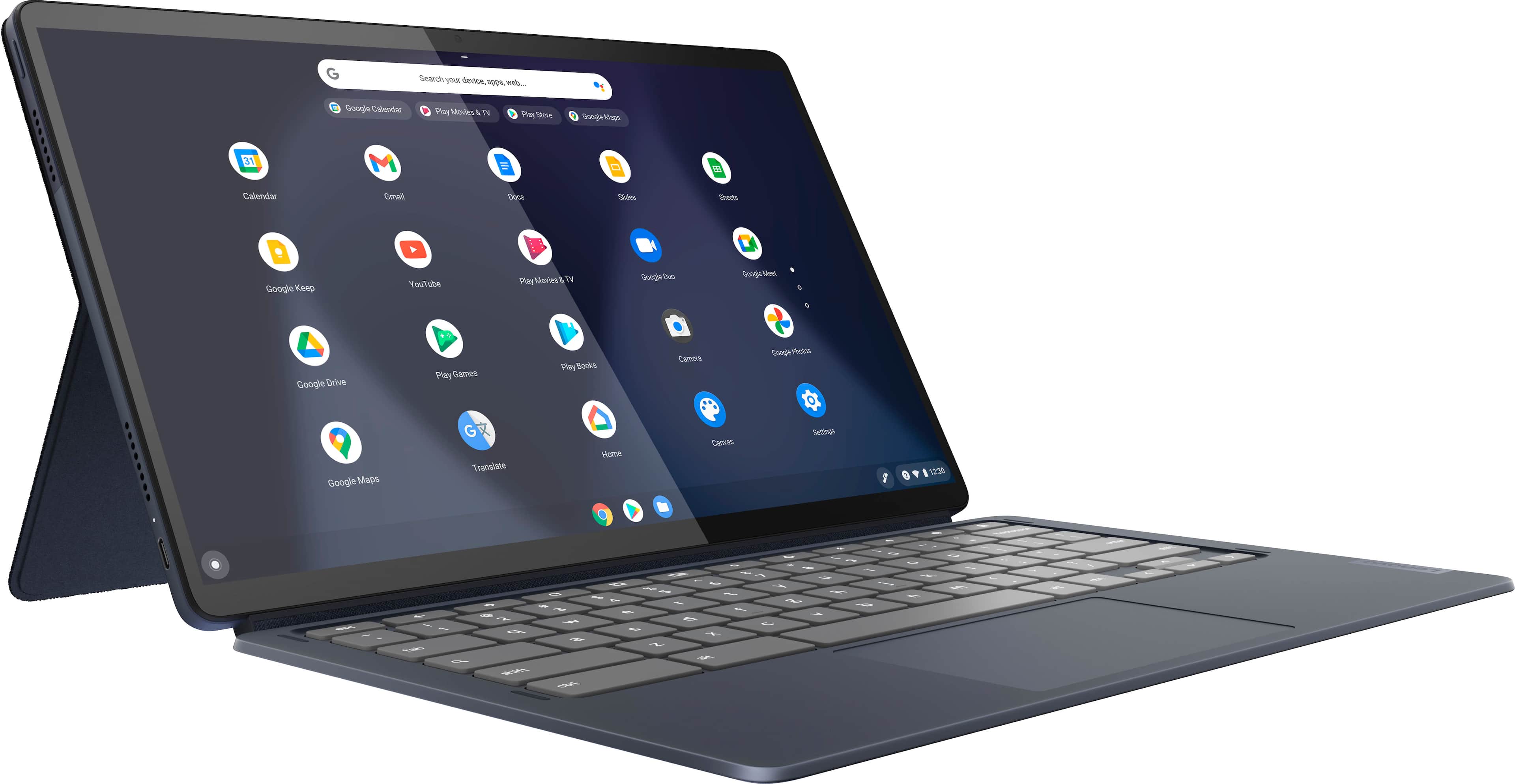
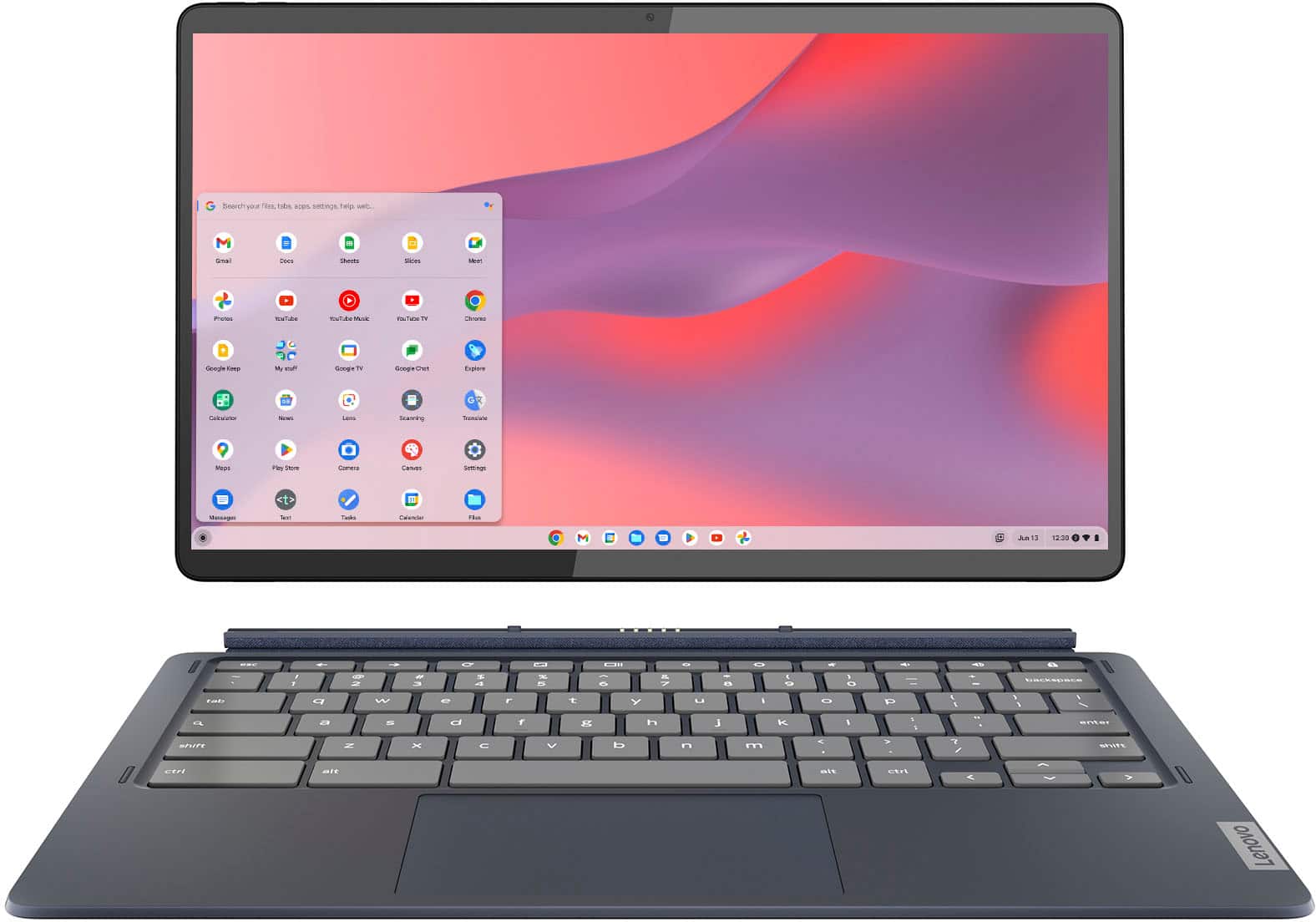
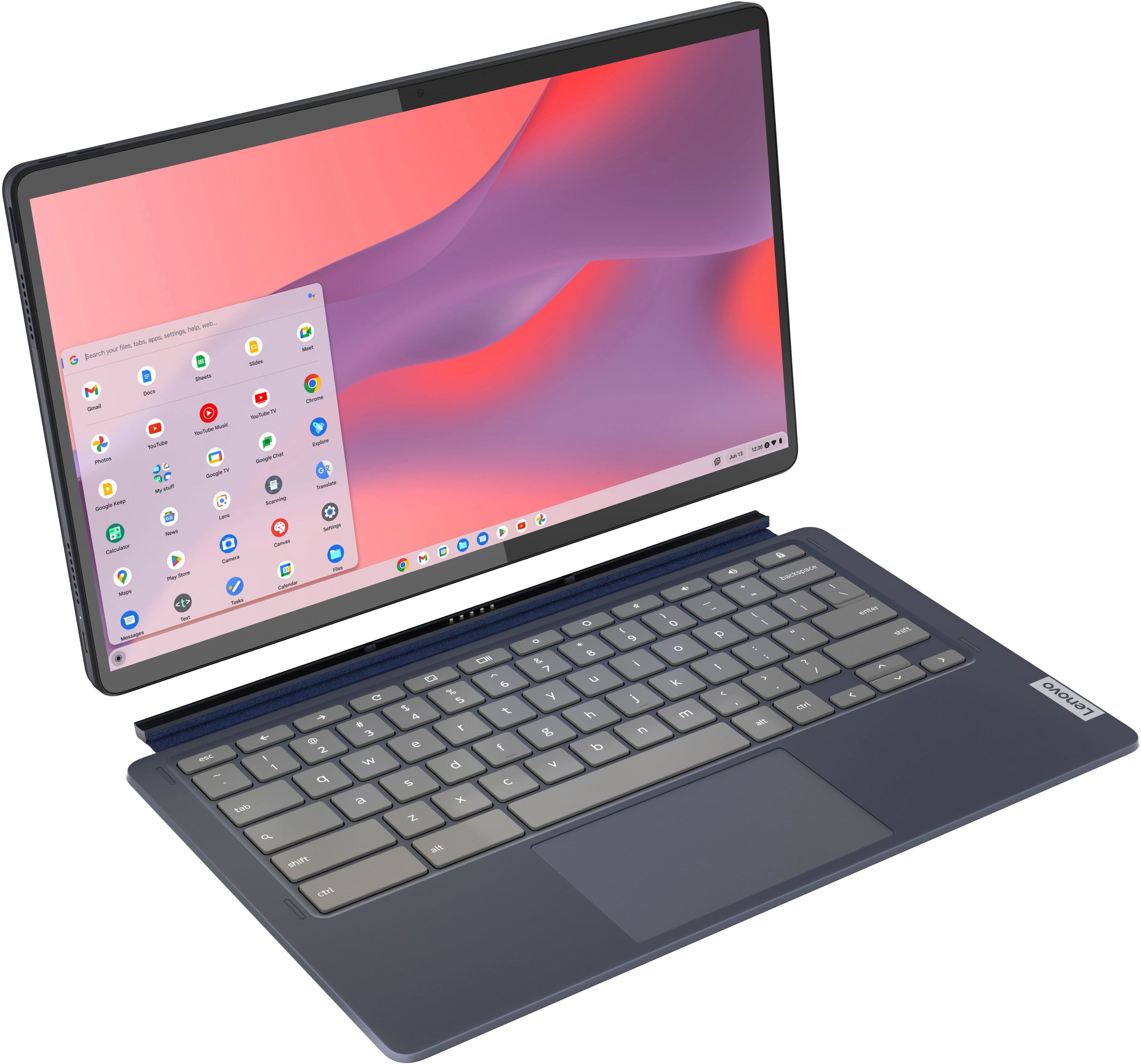
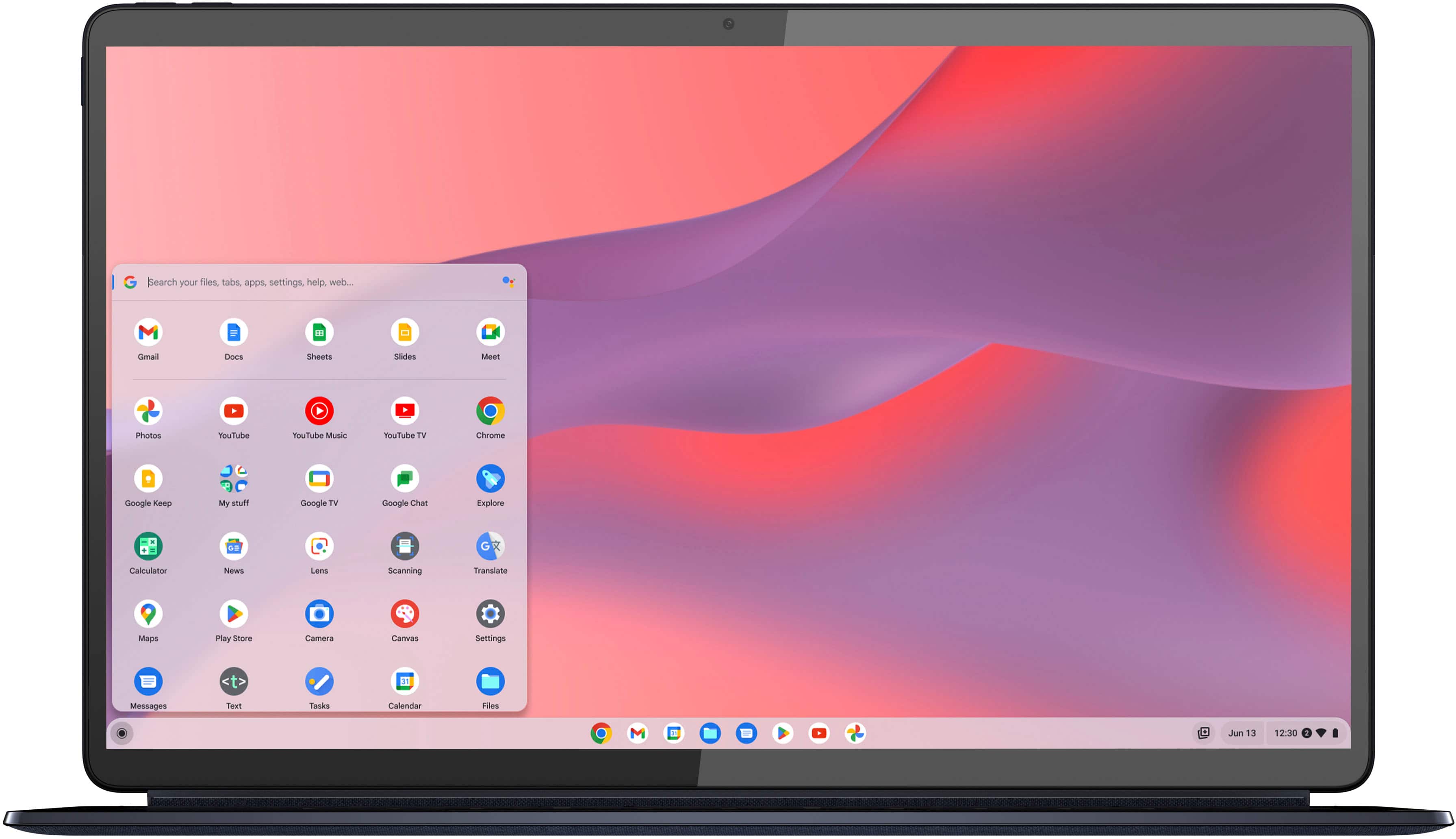
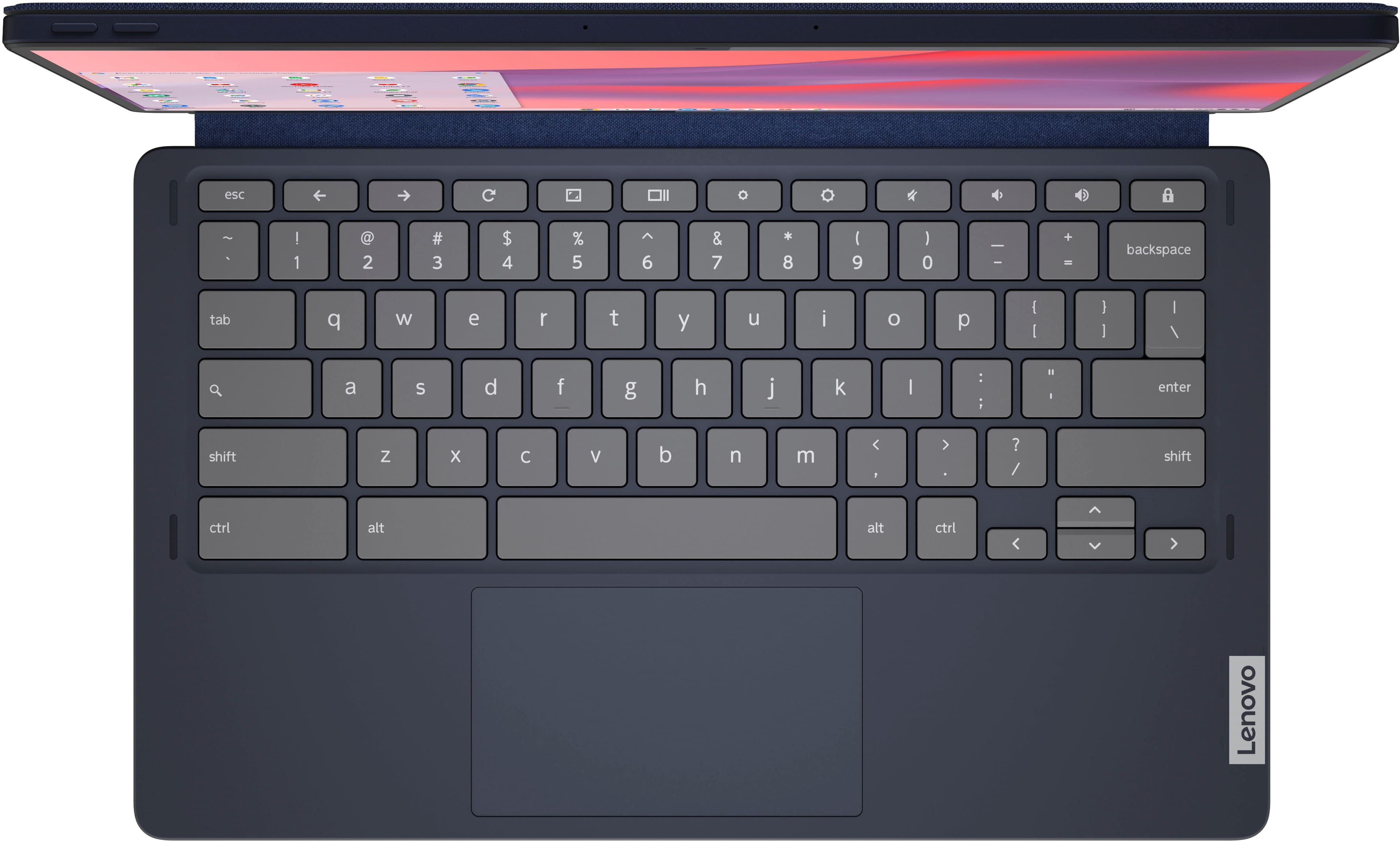
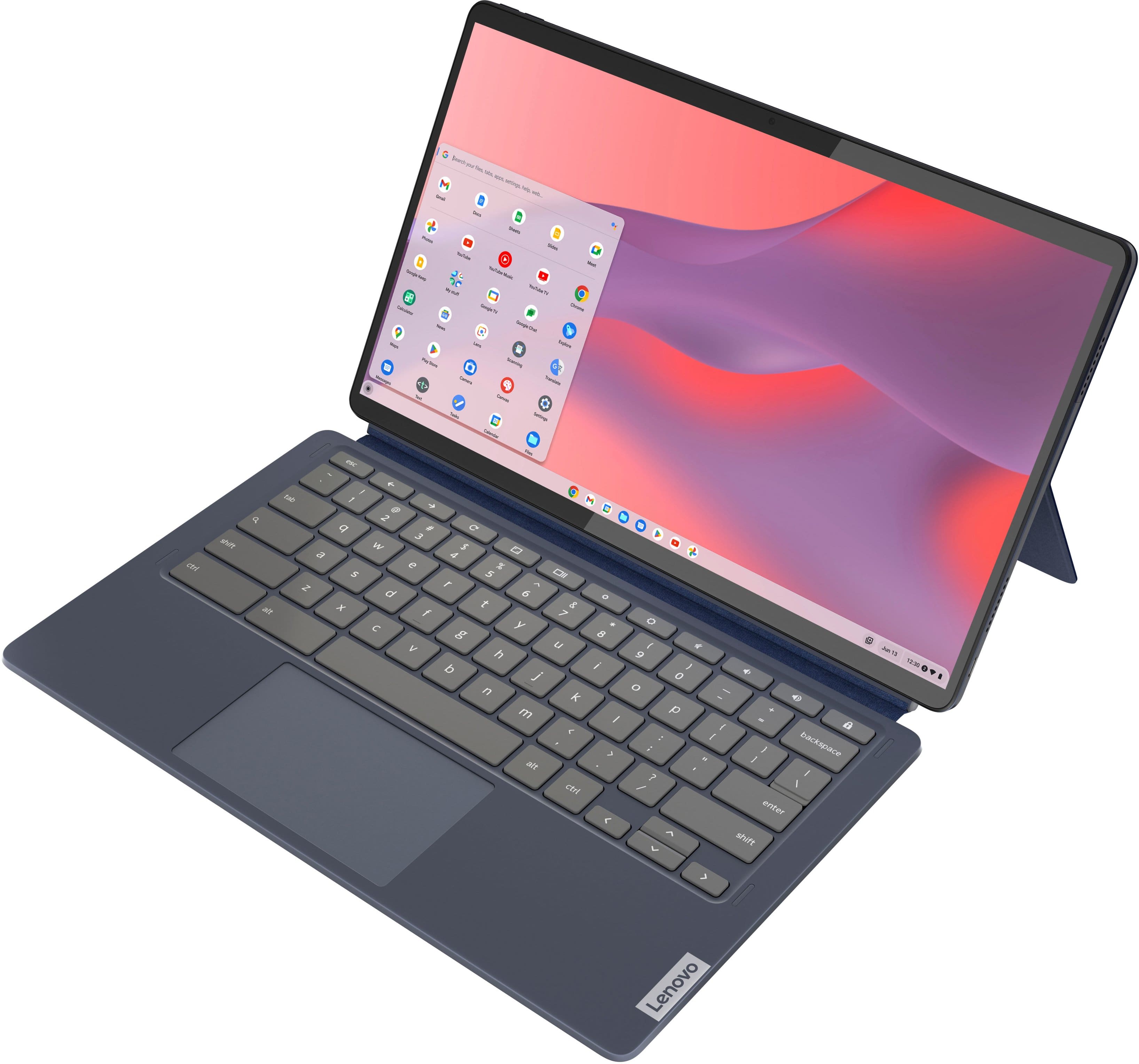
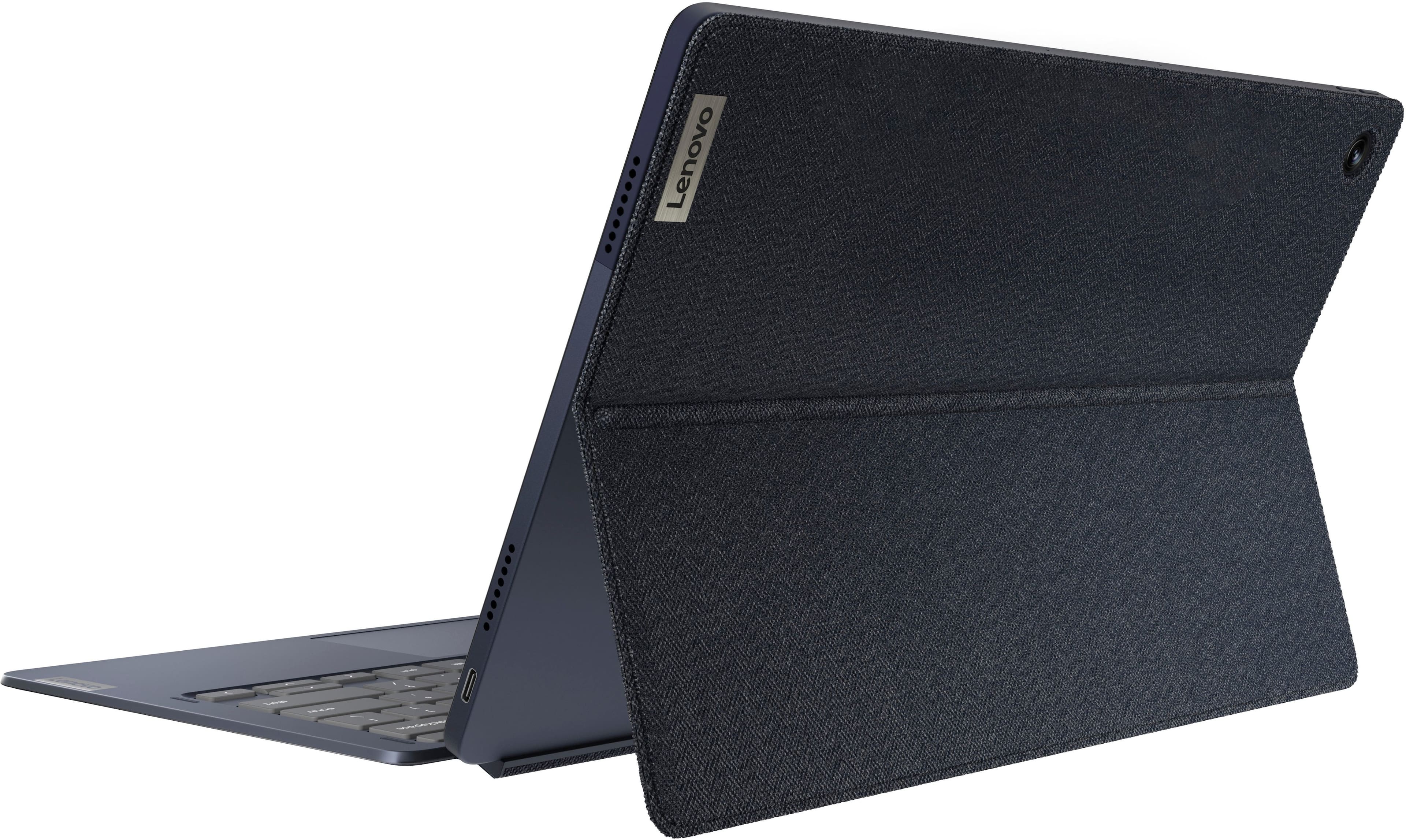
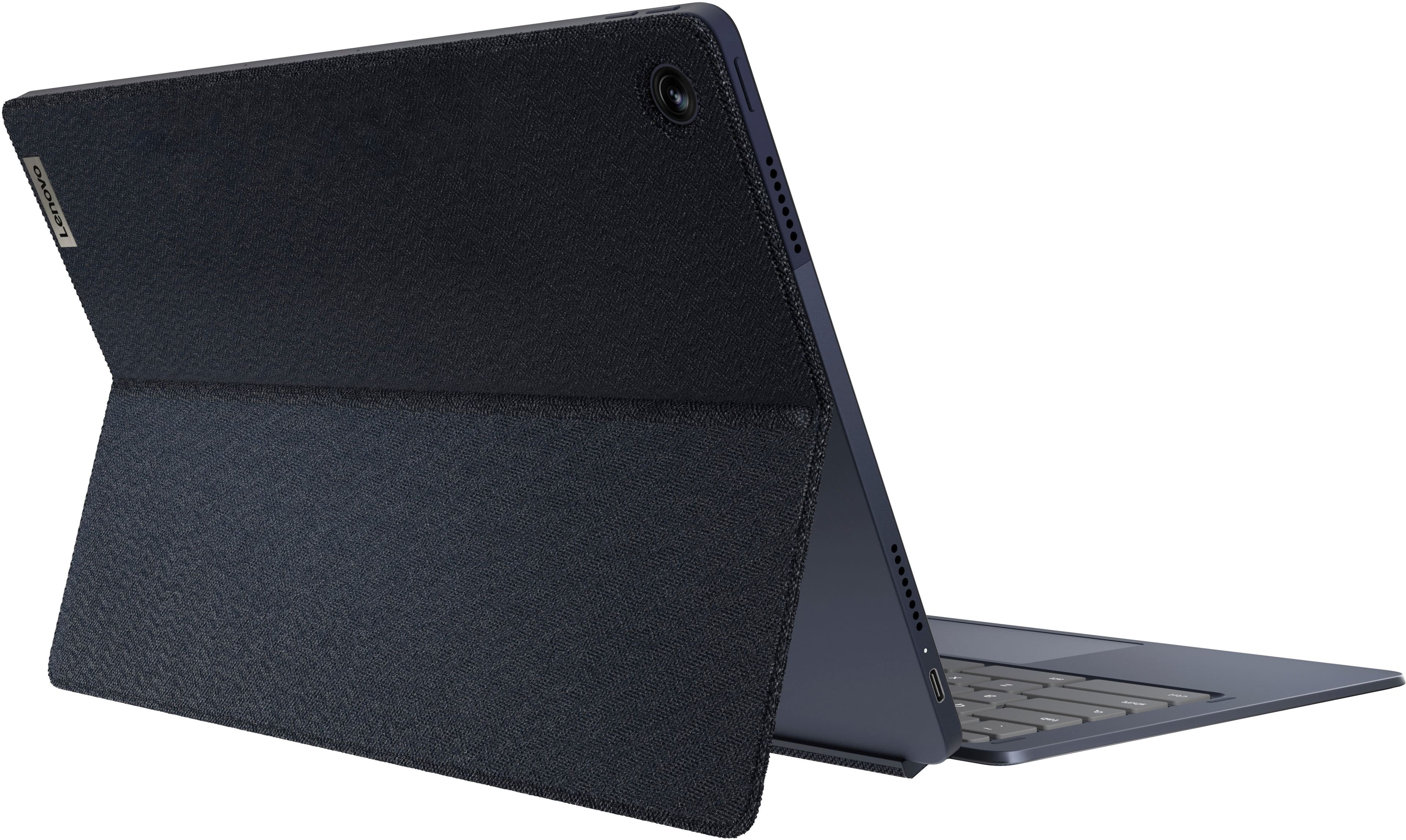
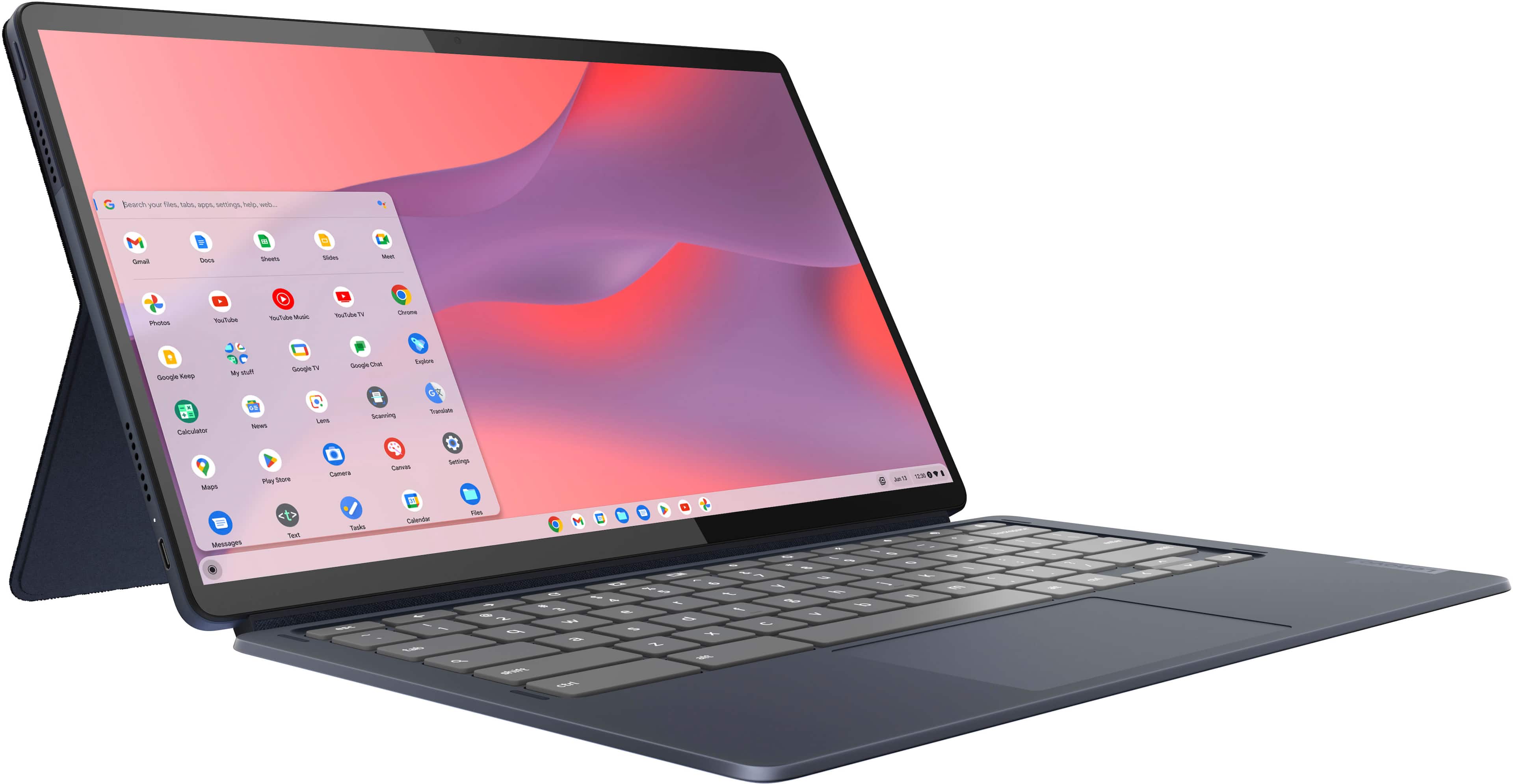
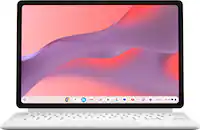
Yes, but what features and/or function are you looking for when connecting your phone to your Chromebook? For example, if you'd like easy access to your phone's cellular connection for Wi-Fi on the go, check your phone's notifications, and receive message, you can do this with an Android based device on newer Chromebooks, like this Duet 5.
Here's a link to a Google Support webpage with details on the requirements and setup process: https://support.google.com/chromebook/answer/9094445?hl=en
Please reach out to us with any other questions!
A:AnswerHi Sam,
The Lenovo USI Pen and Lenovo USI Pen 2 will work with the Duet 5 Chromebook. You can view the USI Pen 2 on Best Buy's site here: https://www.bestbuy.com/site/lenovo-usi-stylus-pen-2-for-chromebook-grey/6567078.p?skuId=6567078
Please let us know if you may have any other questions!
A:AnswerYes and I find the split screen function (resizable windows) excellent. For college, you would always have to use keyboard to protect screen while traveling. I can definitely see this as a good use for school. Just remember that OLED screens are very sensitive to ultraviolet light. You really should not use an OLED screen outside with the sun. What really made me buy it is the ability to use android apps instead of running mostly everything in Chrome browser as an addon.