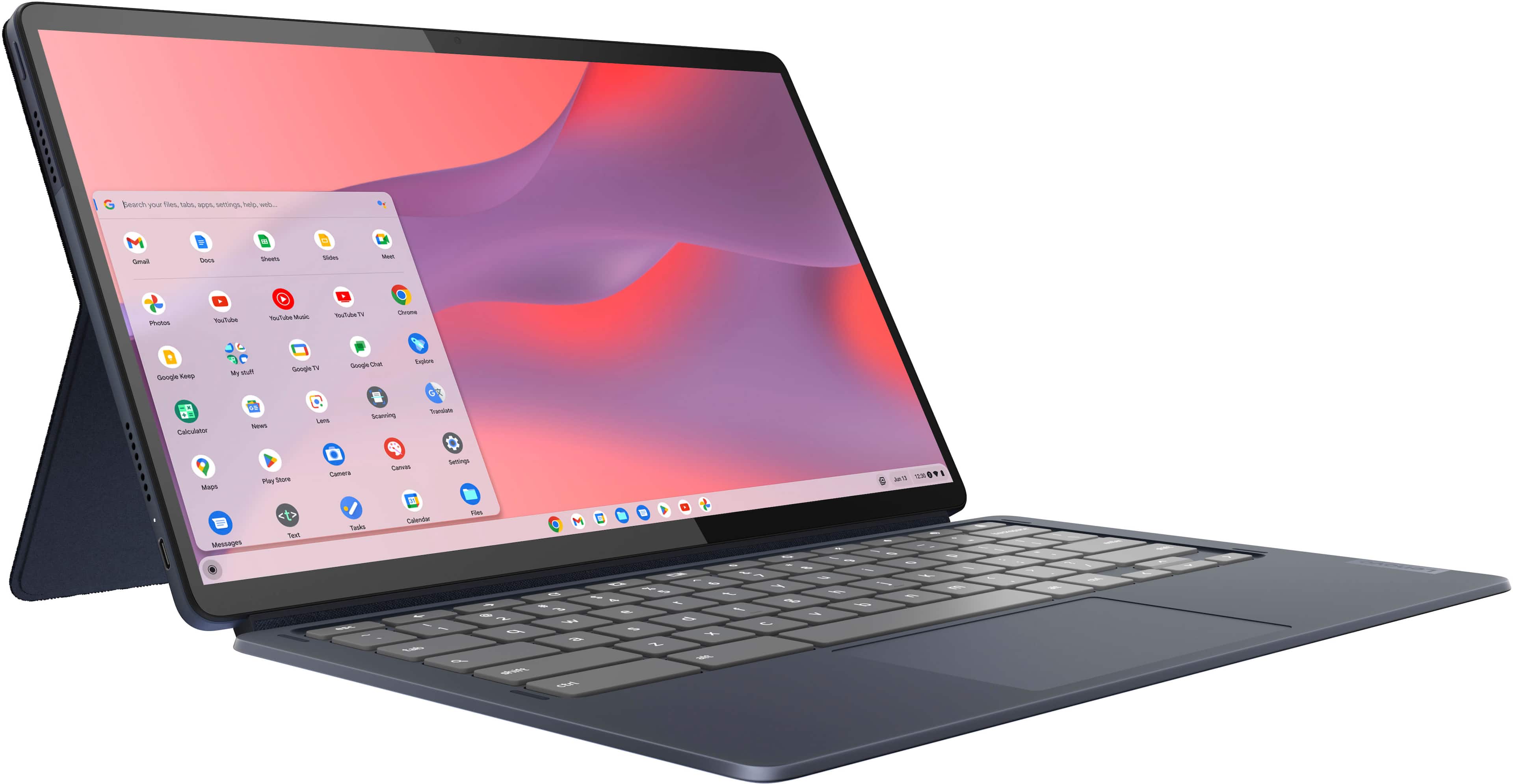
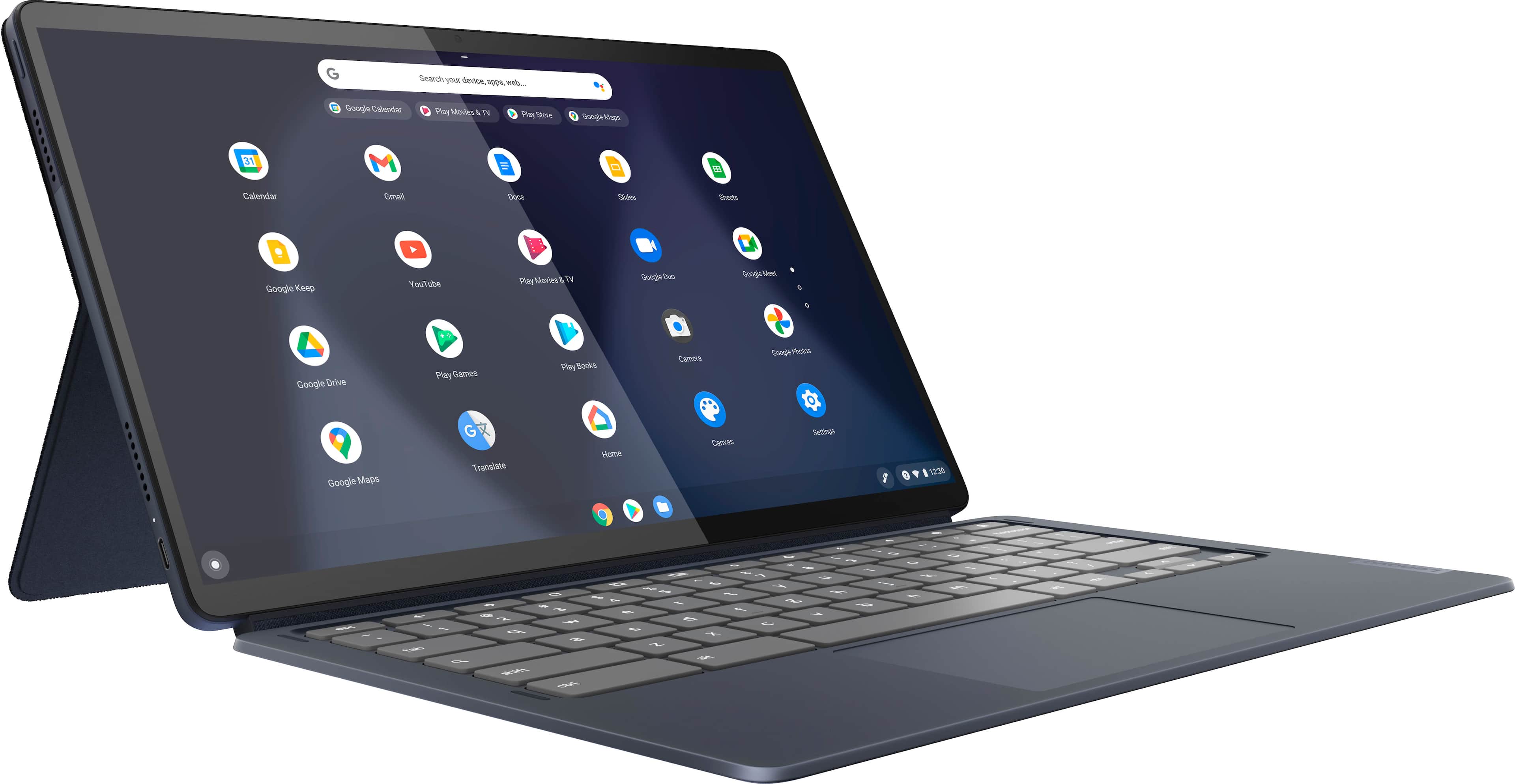
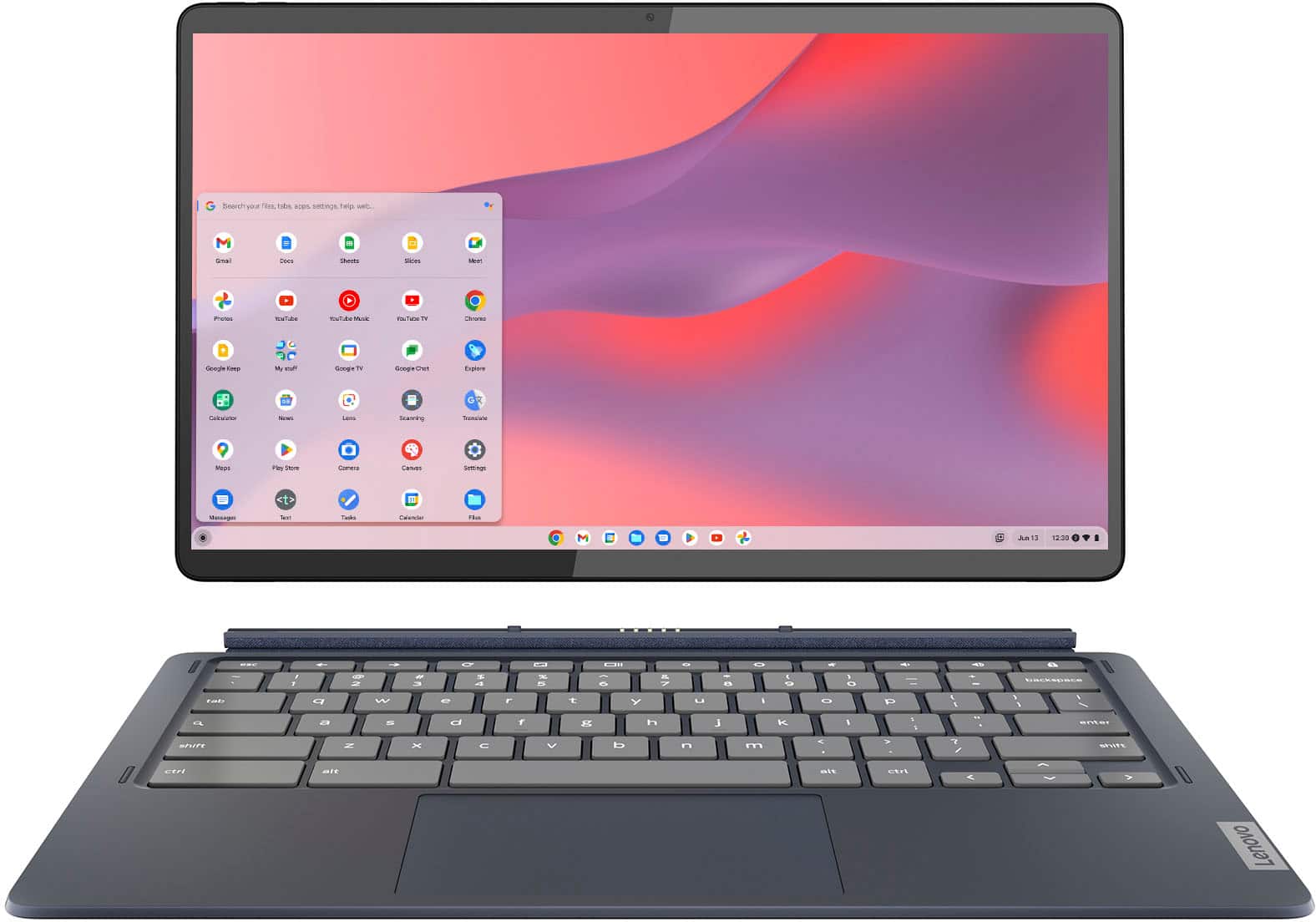
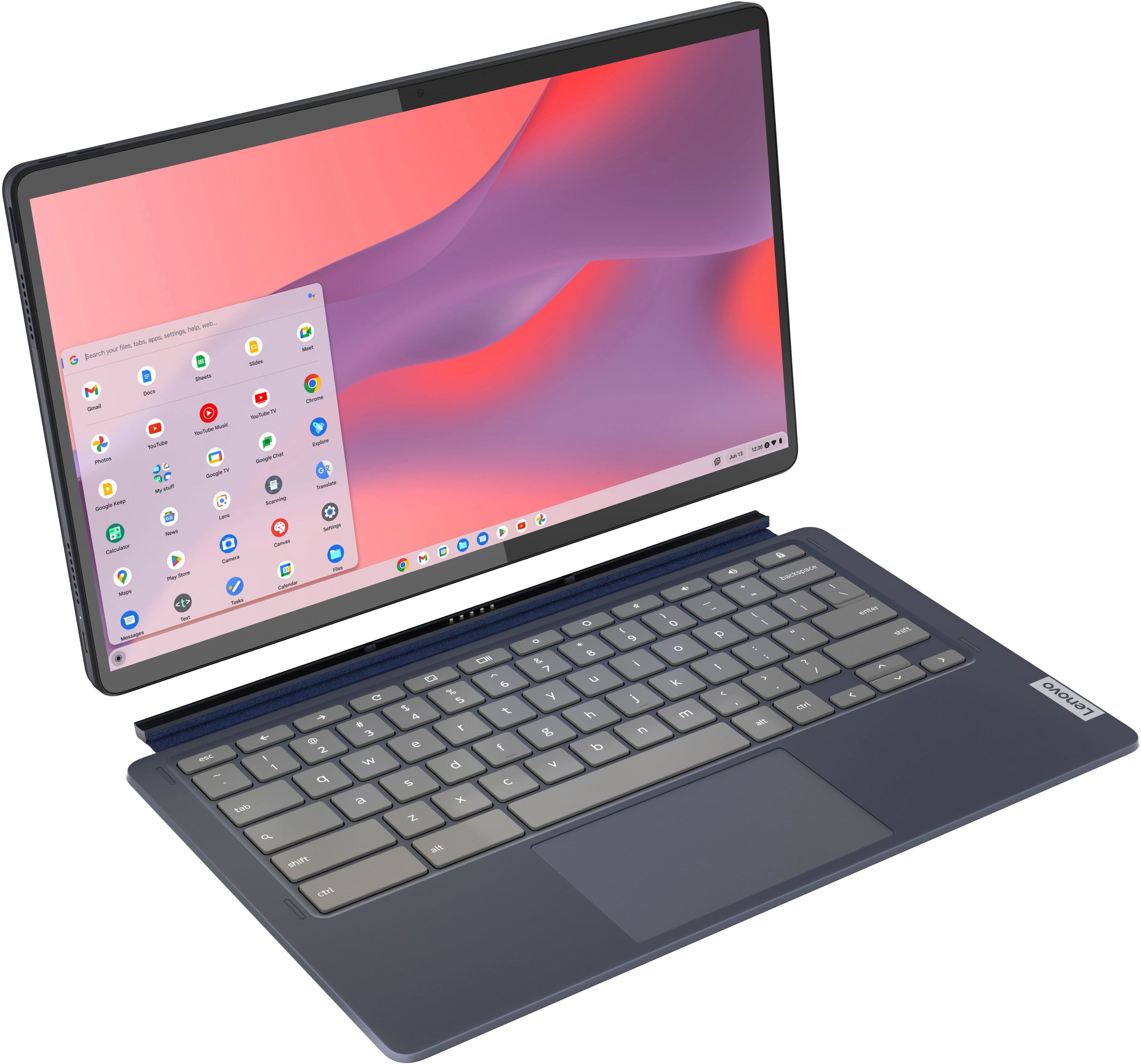
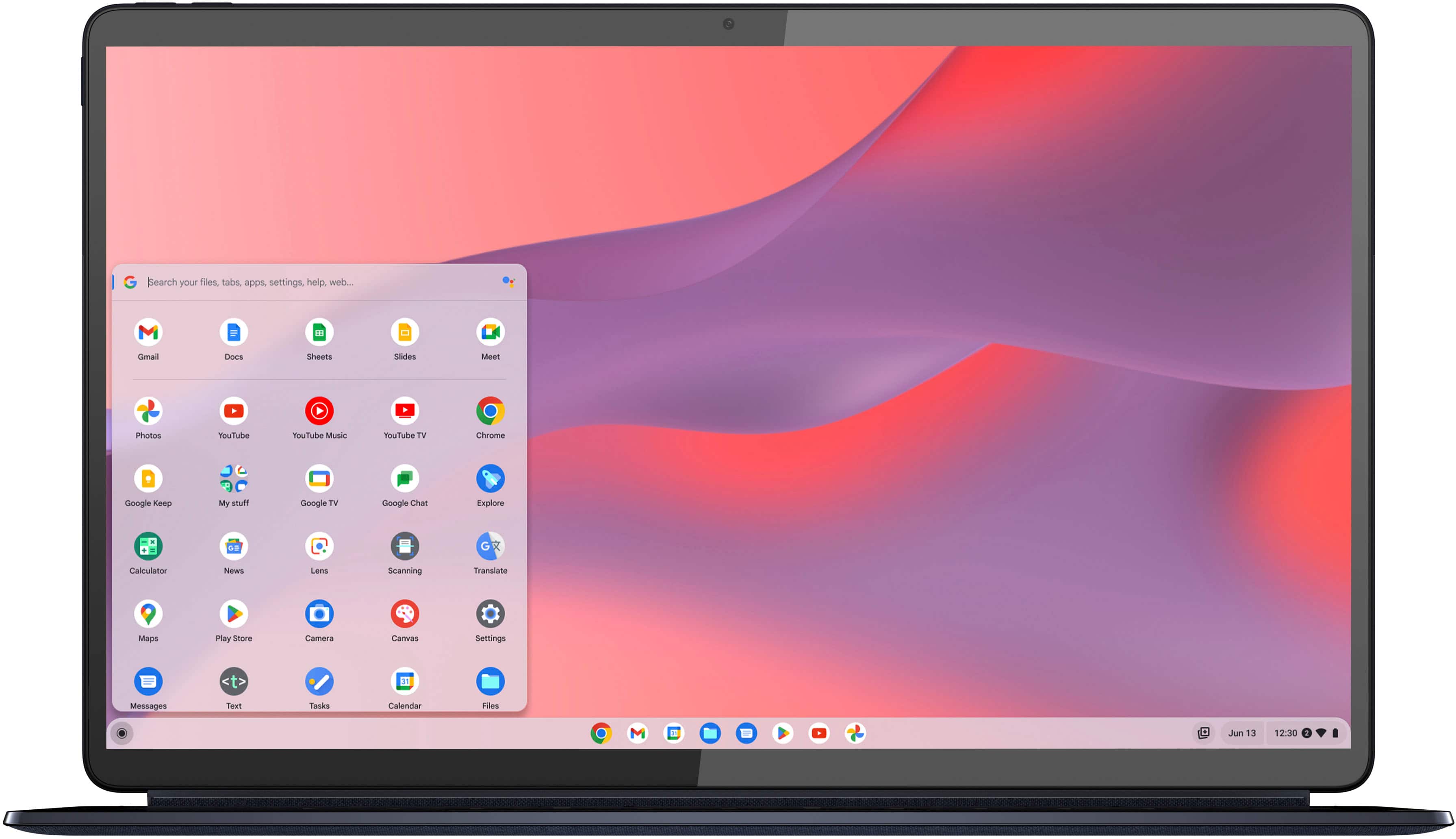
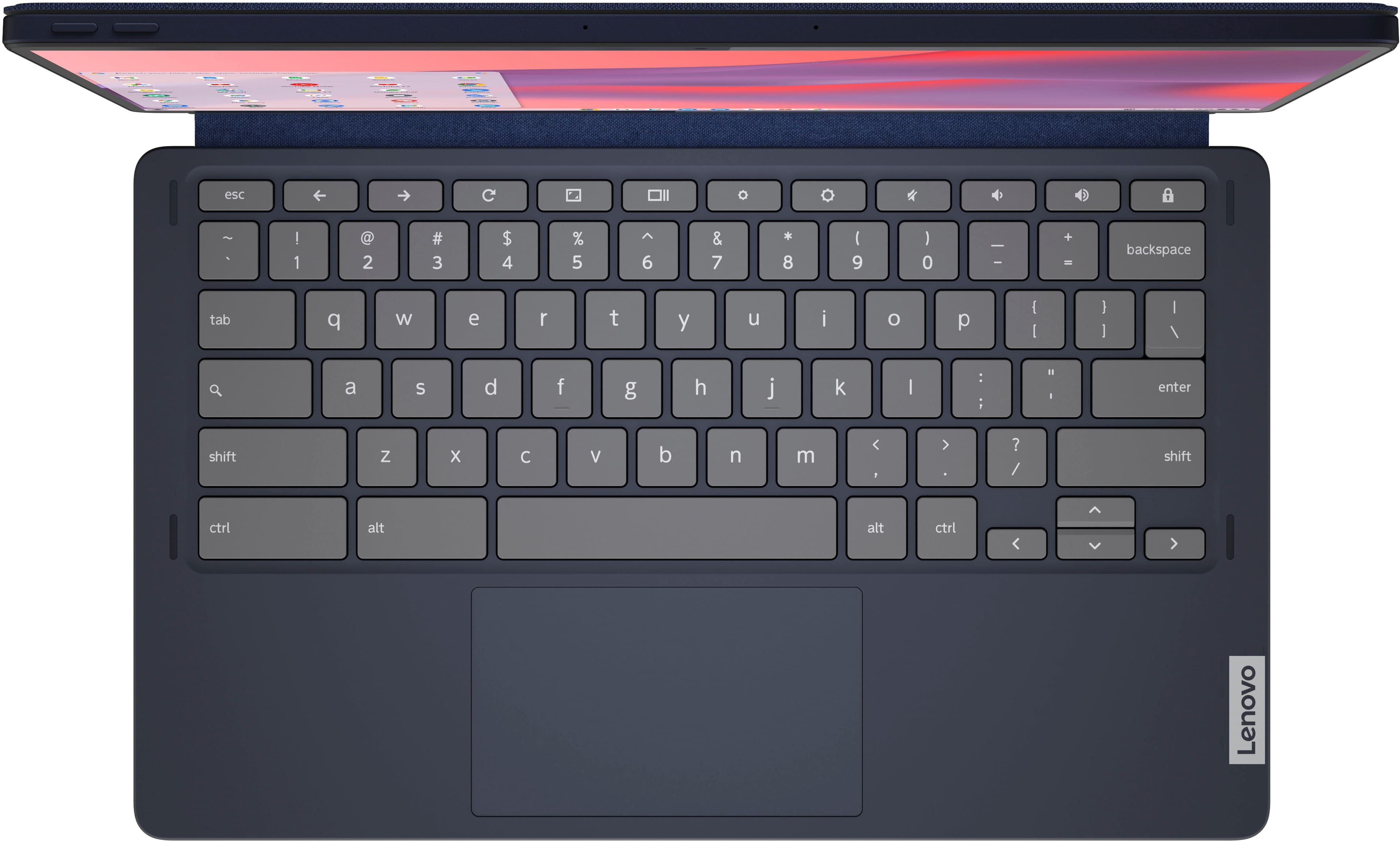
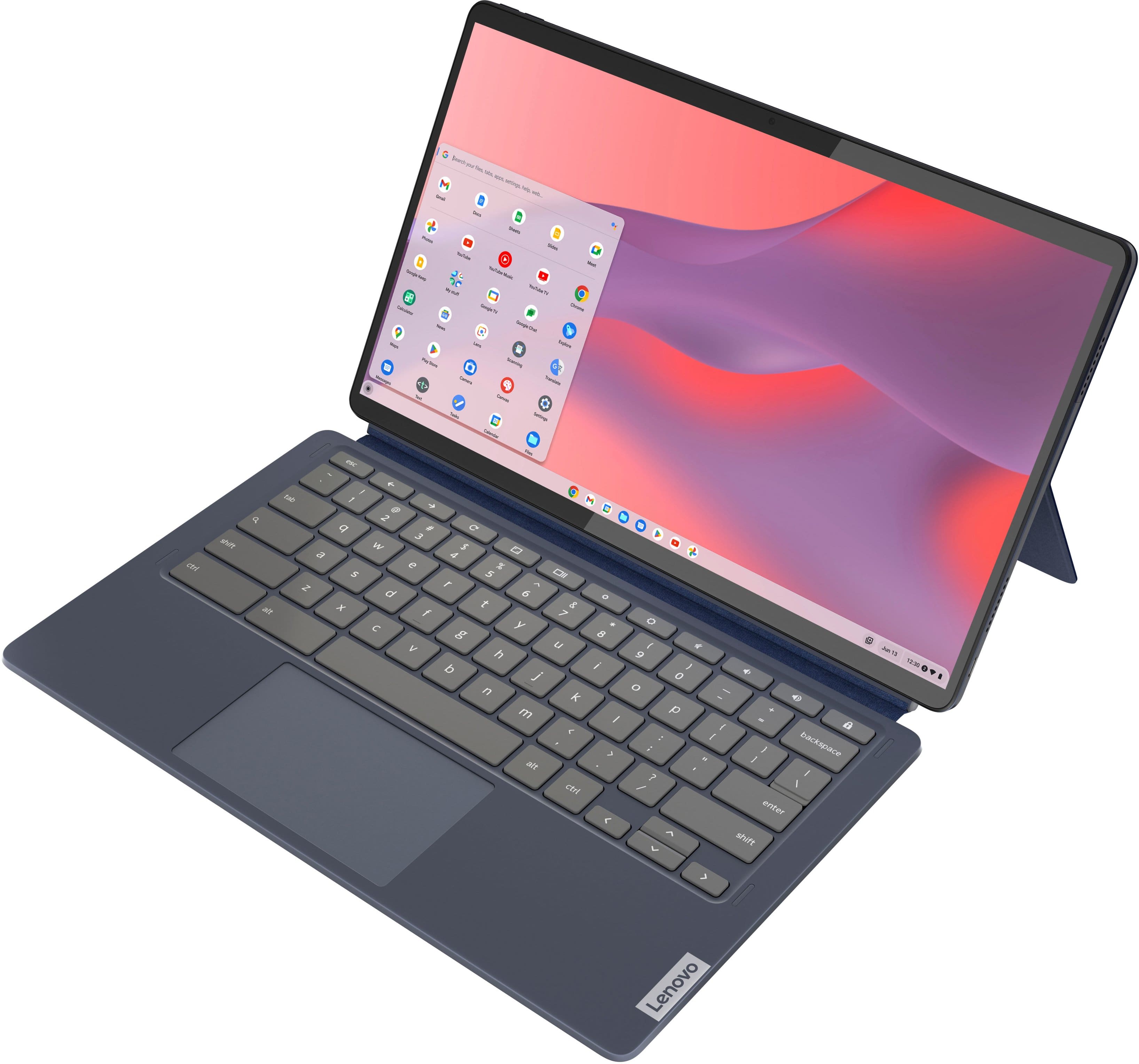
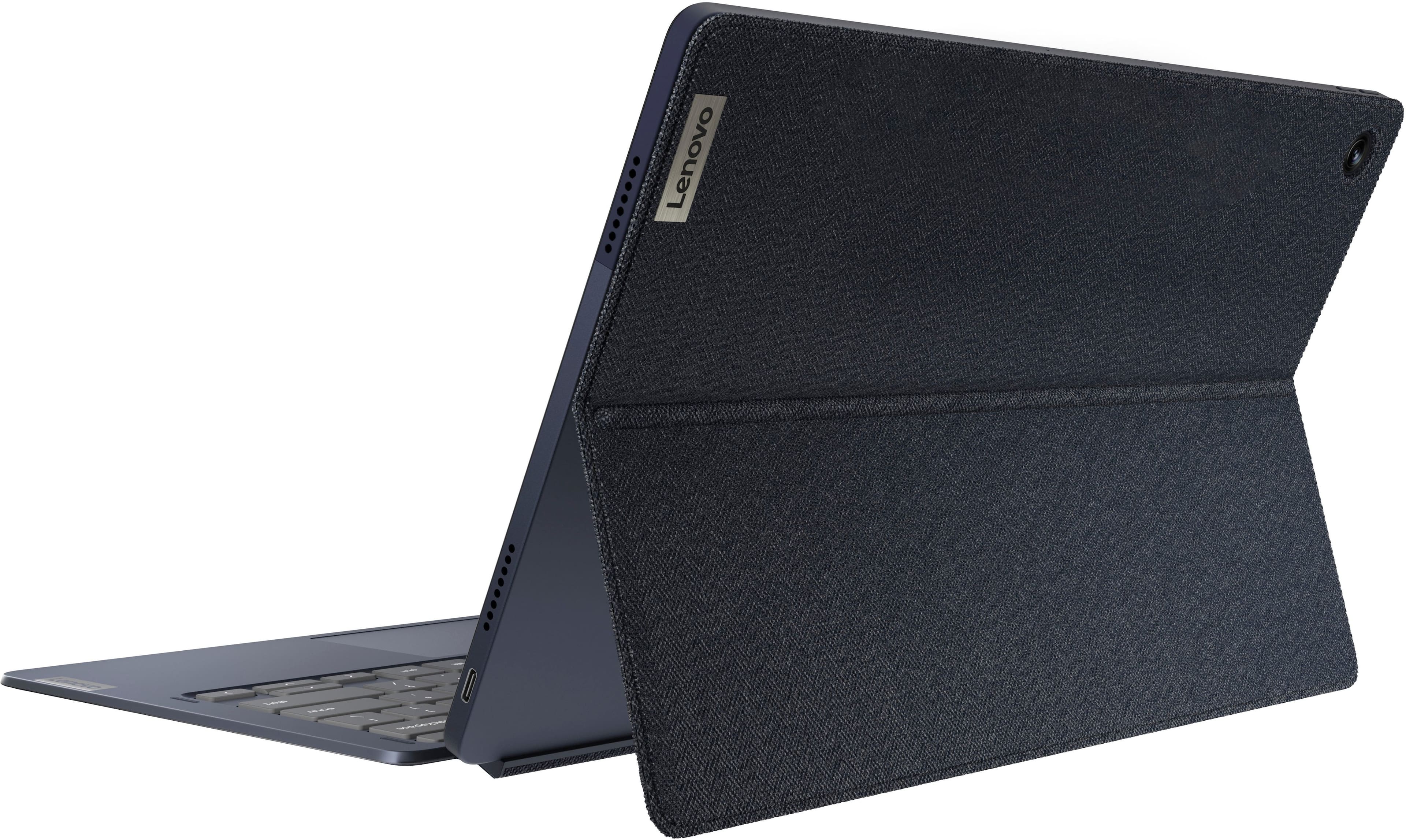
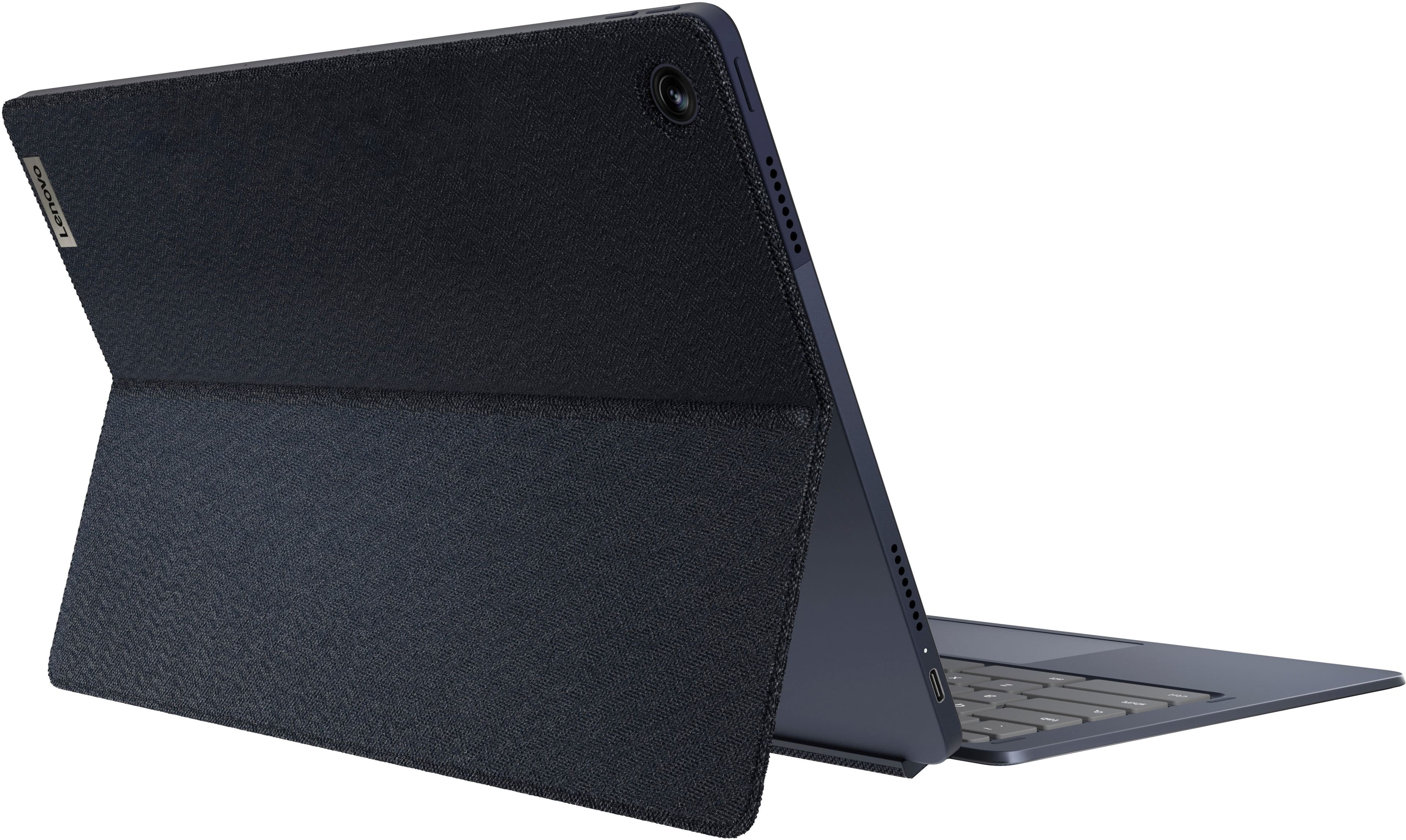
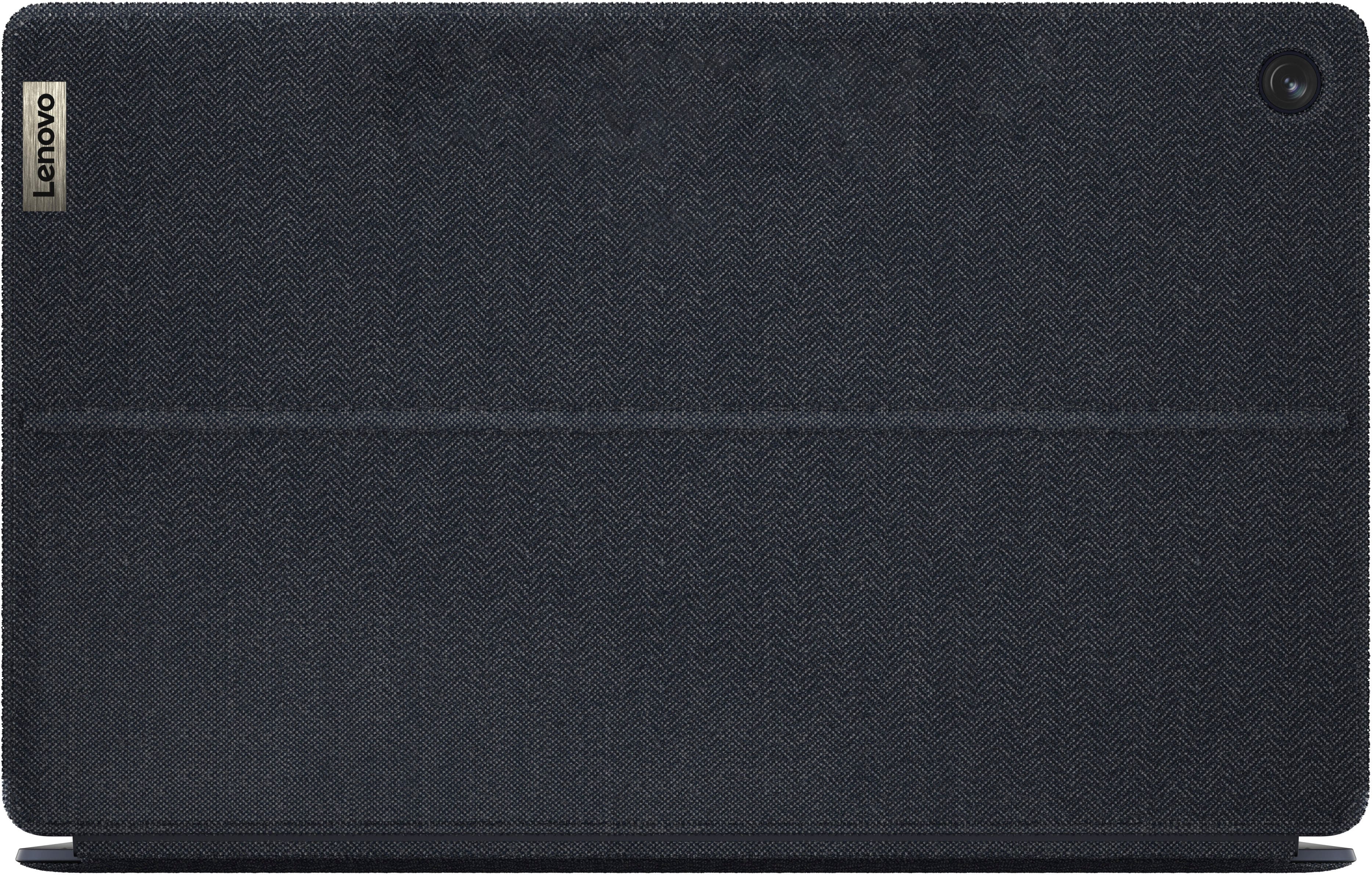
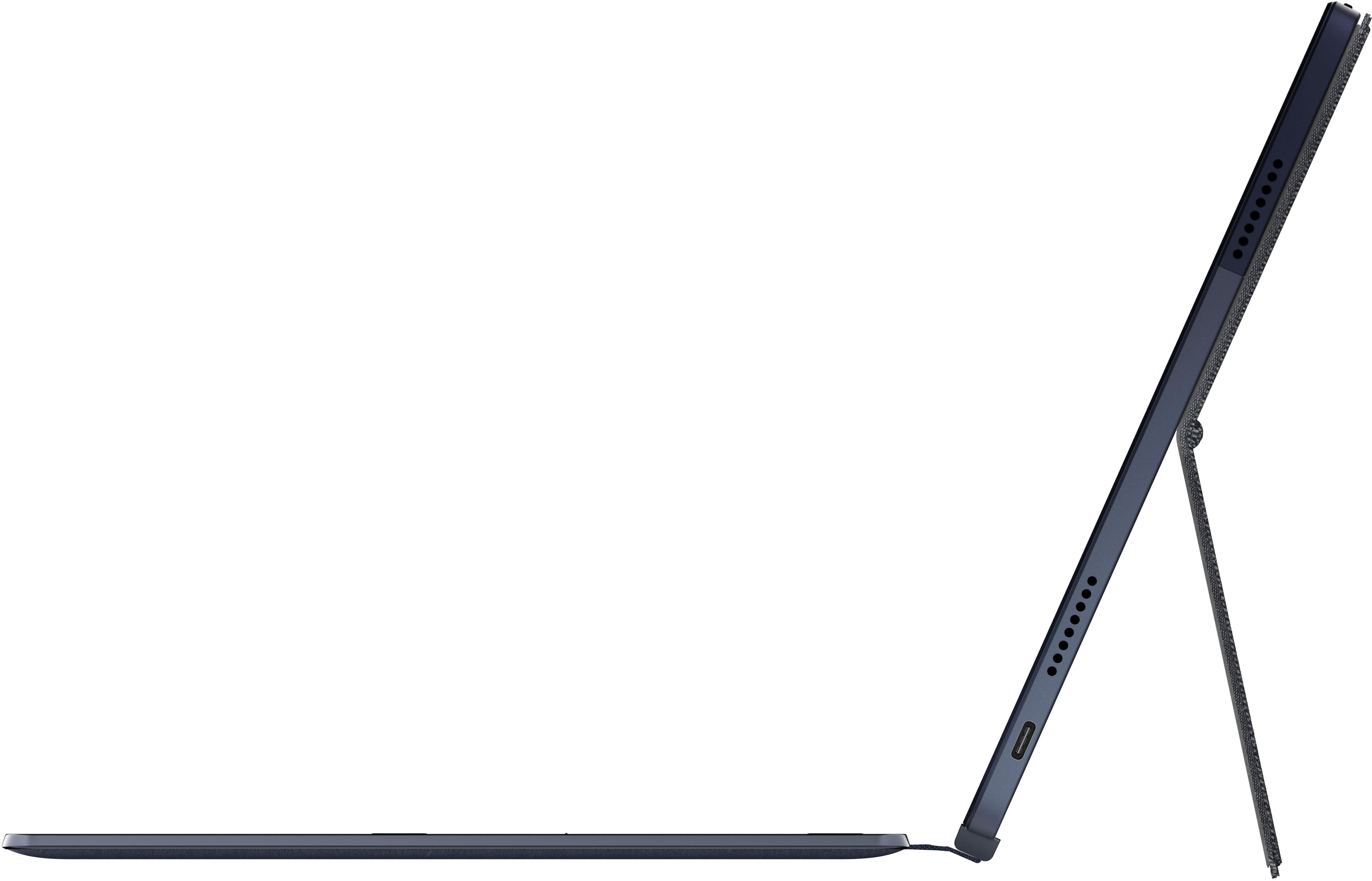
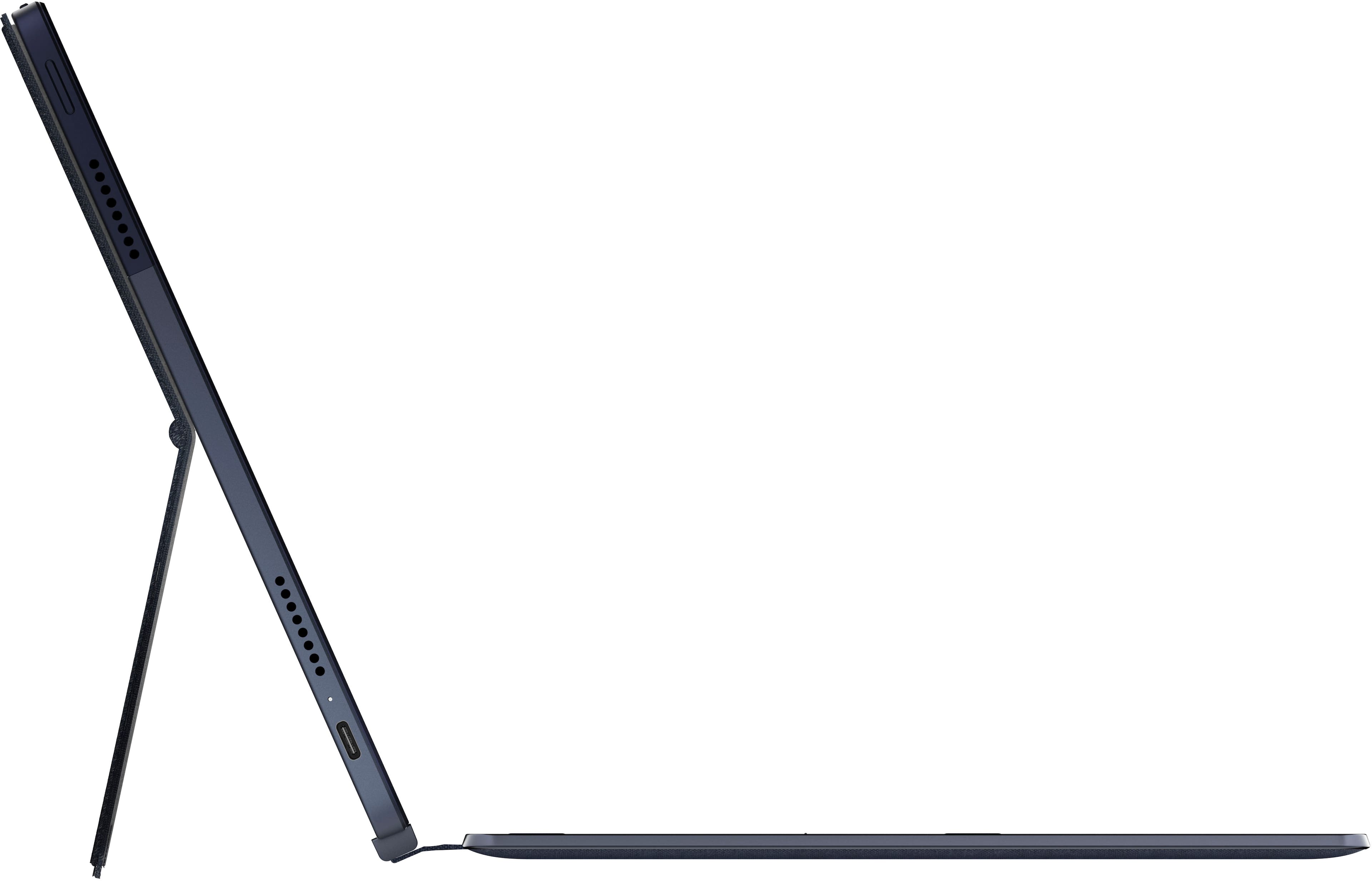
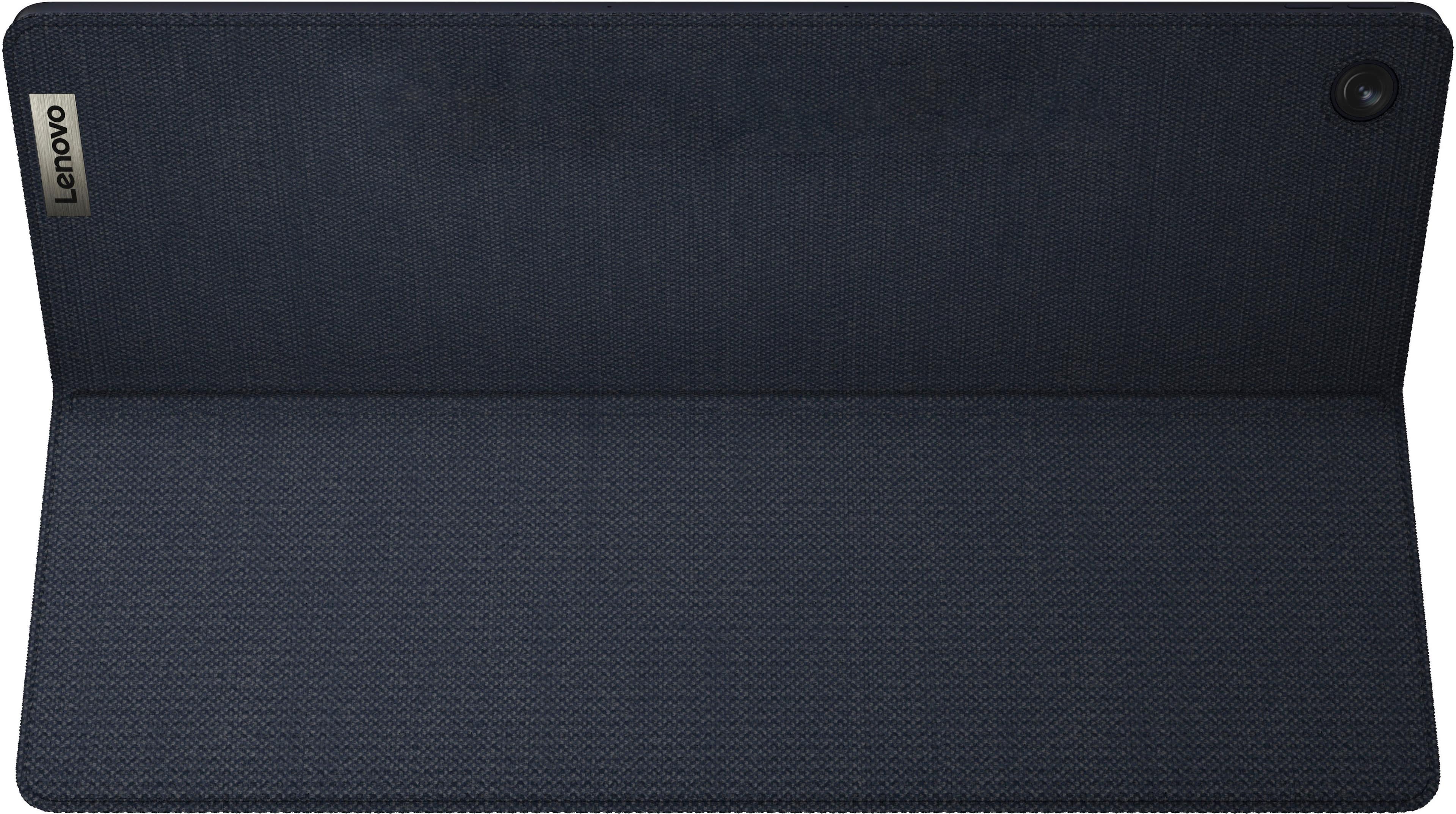
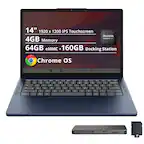
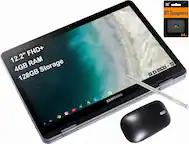
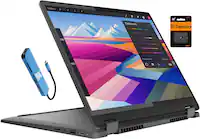
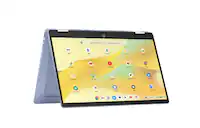
A:Answer The Lenovo IdeaPad Duet 5 Chromebook model number 82QS001HUS, ships with 2 USB-C 3.2 Gen 1 (support data transfer, Power Delivery 3.0, and DisplayPort™ 1.4) ports, one of which can be adapted with a USB-C to USB Type A adapter (sold separately) to accommodate a wired or wireless USB mouse. The IdeaPad Duet 5 Chromebook also features Bluetooth 5.1 that will work with most Bluetooth enabled mouses. We recommend you check with the mouse manufacturer to reference compatibility with the model in question. Whether a mouse is either physically connected using the previously mentioned USB adapter or through Bluetooth, functionality will remain the same when the keyboard is not attached.