A:AnswerHey,
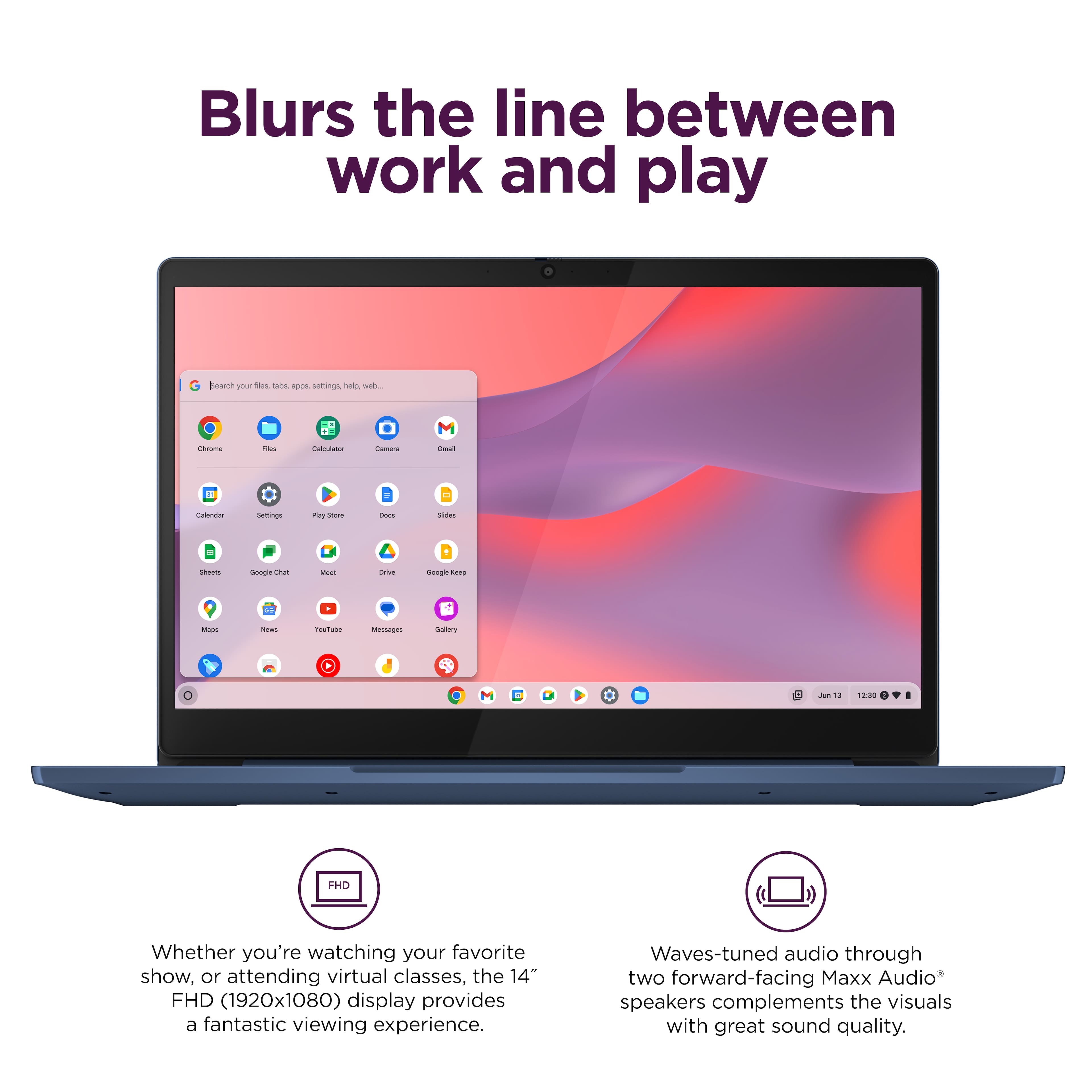
This IdeaPad Slim 3 Chromebook uses G-Suite for office type programs like Docs for word processing, Slides for presentations, Sheets for spreadsheets, and more. Most G-Suite apps are preinstalled on Chromebooks and are compatible with most Microsoft Office program file types. This Chromebook does not come with any Microsoft Office software to use for the lifetime of the system.
Please feel free to reach out to us with any other questions!
A:AnswerHey,
You can strictly use this laptop for gaming. Depending on the MMORPG titles you'd like to play, they may be offered on the ChromeOS platform and run on this IdeaPad Slim 3 Chromebook. To help determine this, we recommend looking to see if the titles you'd like to play are offered on the Google Play Store, or you can share the titles with us in another question for us to assist with this.
Please feel free to reach out to us with any other questions!
A:AnswerHey,
If the dock notes compatibility with the ChromeOS platform and relies on USB-C for connection, it should work fine with this IdeaPad Slim 3 Chromebook.
Please feel free to reach out to us with any other questions!
A:AnswerHey Bddyboy,
You can use Copilot via the web browser or the app that's offered via the Google Play Store.
Please feel free to reach out to us with any other questions!
A:AnswerHey Jeff,
This IdeaPad Slim 3 Chromebook could work well for your use so long as you can access the streaming platforms and services you desire online or via their respective apps if offered in the Google Play Store for Chromebooks.
Please feel free to reach out to us with any other questions!
A:AnswerNo sorry but adding the MS office suite is easy to download and setup. Make sure you're paying for the version you need (Office 365, MS Pro, etc).
A:AnswerHey Gd,
You shouldn't have any issue in doing so, as Chromebooks can support most audio file types and you should be able to connect the voice recorder via USB.
Please feel free to reach out to us with any other questions!
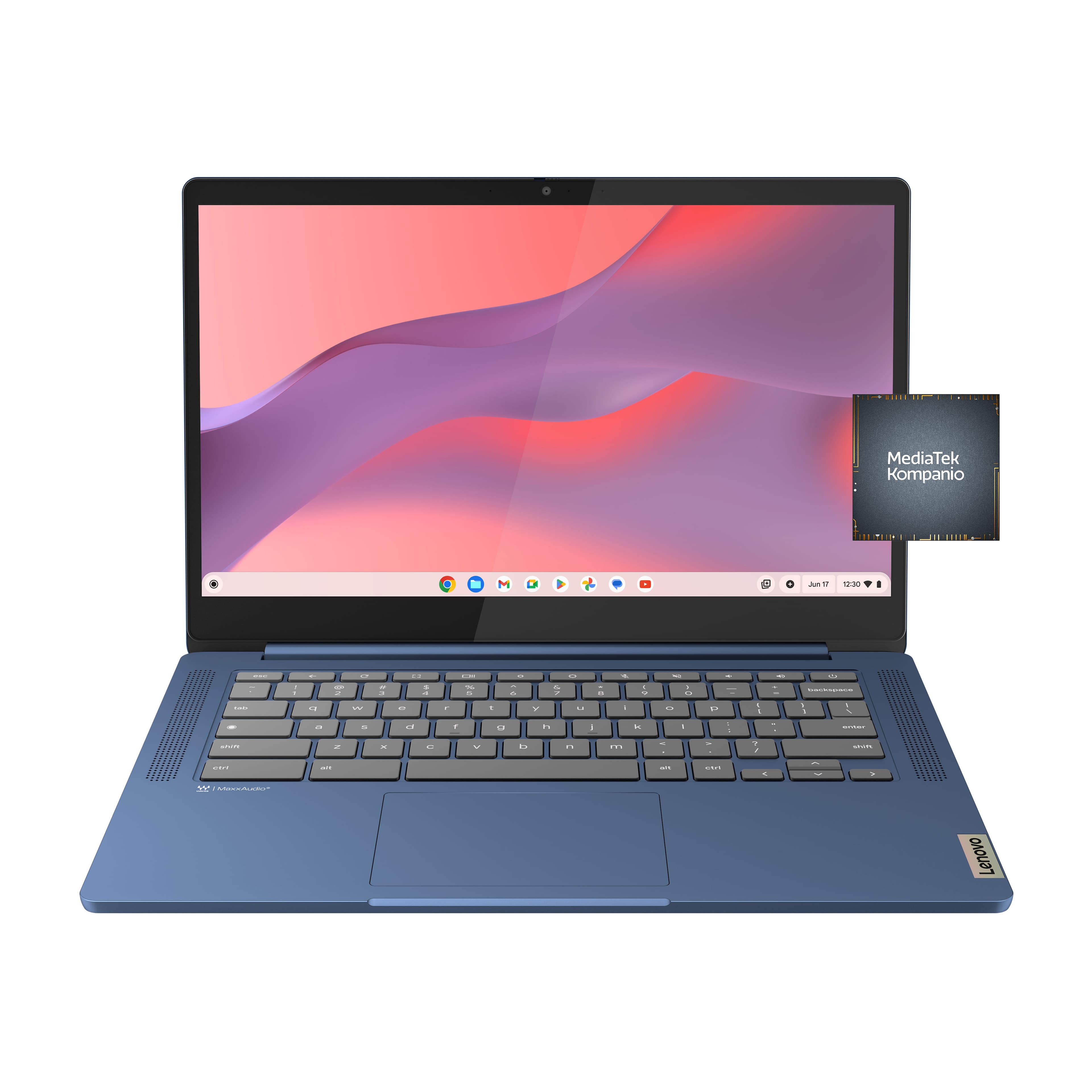



![The text on the image is a keyboard layout, which includes the letters, numbers, and symbols typically found on a computer keyboard. The layout is as follows:
1. 2. 3. 4. 5. 6. 7. 8. 9. 0. - + = backspace tab q w e r t y u i o p [ ]
2. a s d f g h i k l ; ' . - enter shift Z x C V b n m < d > c ? / shift ctrl alt alt ctrl < W MickAudio Lenovo](https://pisces.bbystatic.com/image2/BestBuy_US/images/products/ac1eedc3-1853-48ce-b3f3-e9b54880526c.jpg)