A:AnswerHi again, Paty. Yes, you can use Zoom via the Chrome web browser, as there is a Zoom web app. Here is a link to learn more: https://support.zoom.com/hc/en/article?id=zm_kb&sysparm_article=KB0062958
A:AnswerHey, Sarah123. You sure can, and it's a part of a service called Google Family Link, built-into the software. Here's a link to a Family Link webpage to learn more: https://support.google.com/families/answer/7680868?hl=en
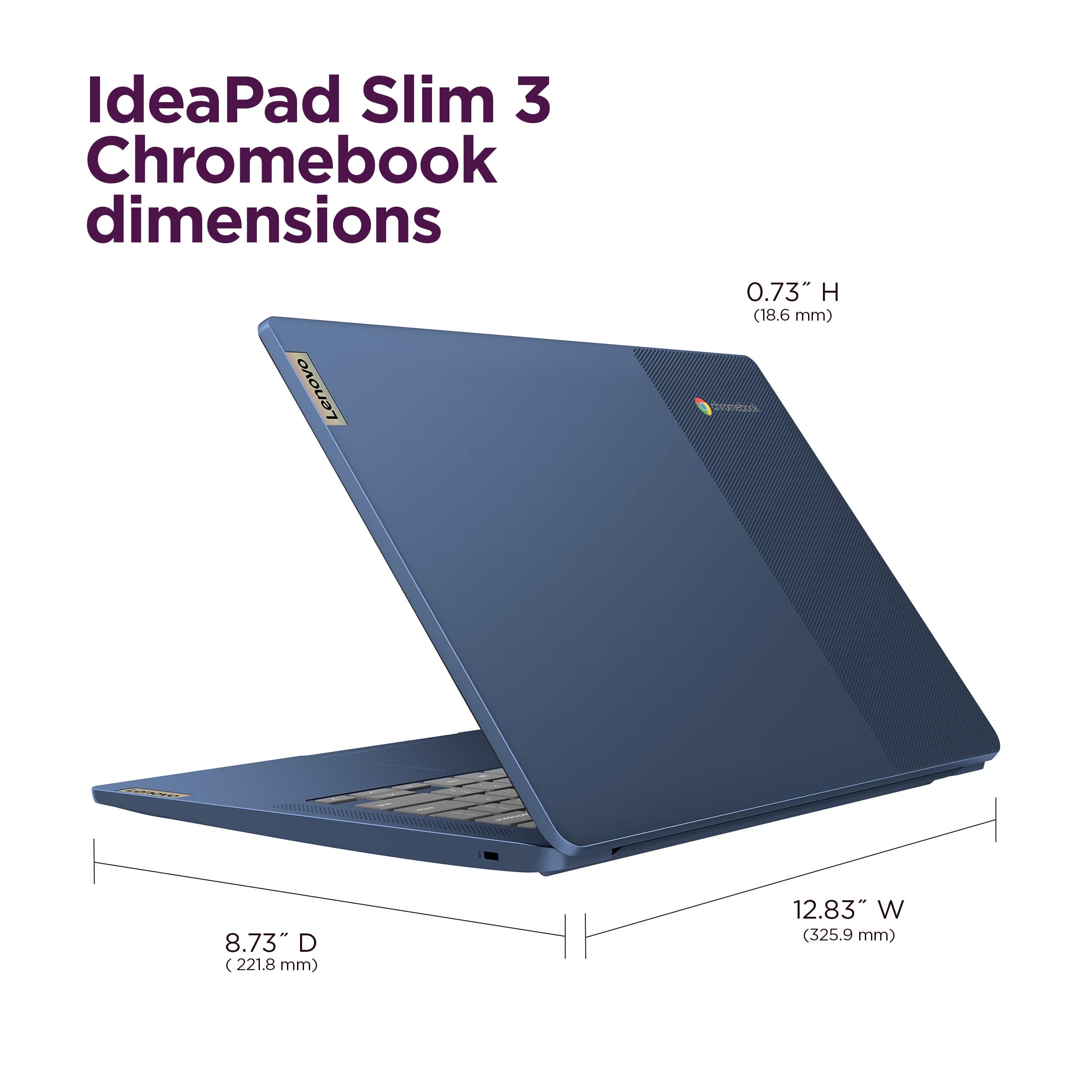
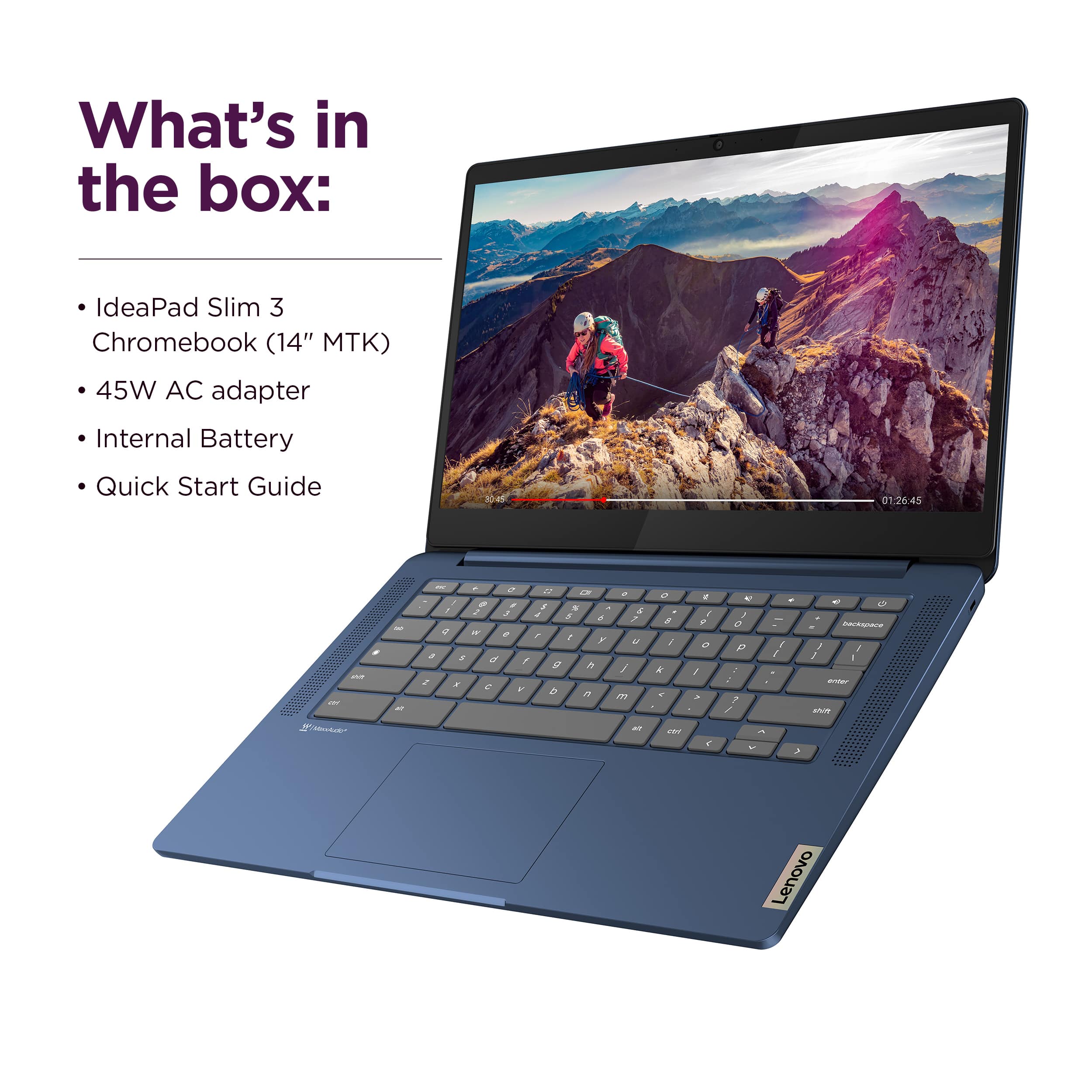
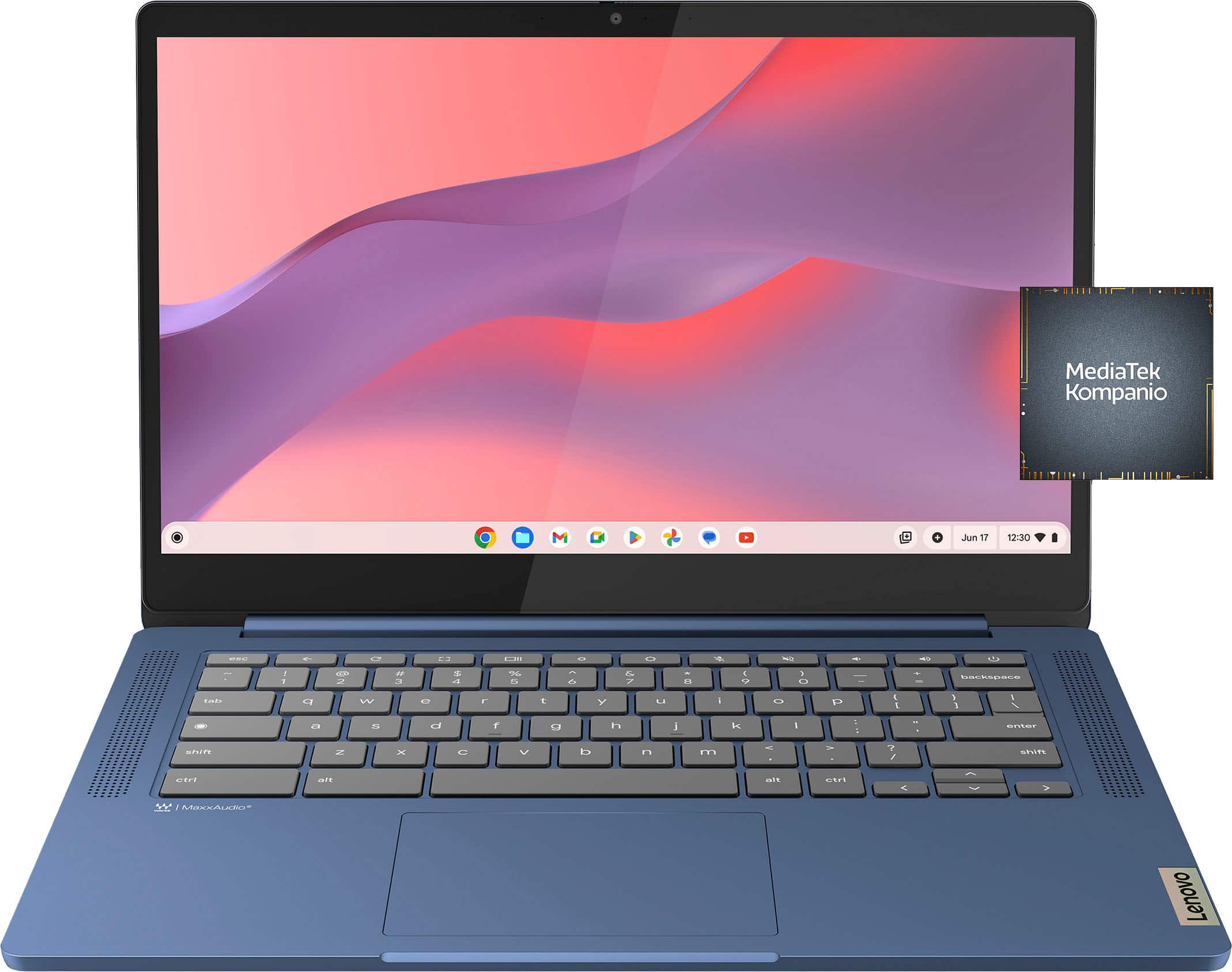
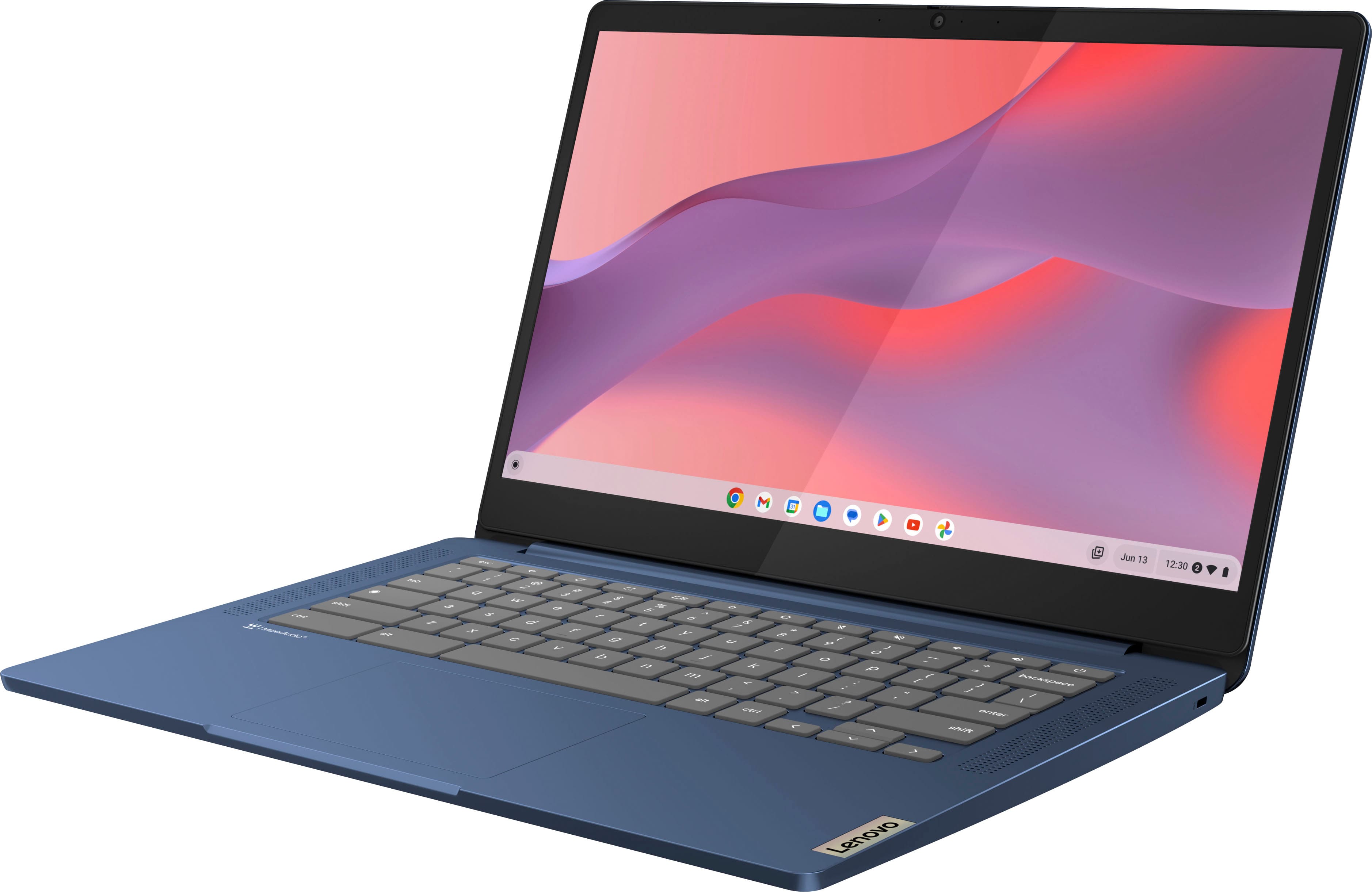
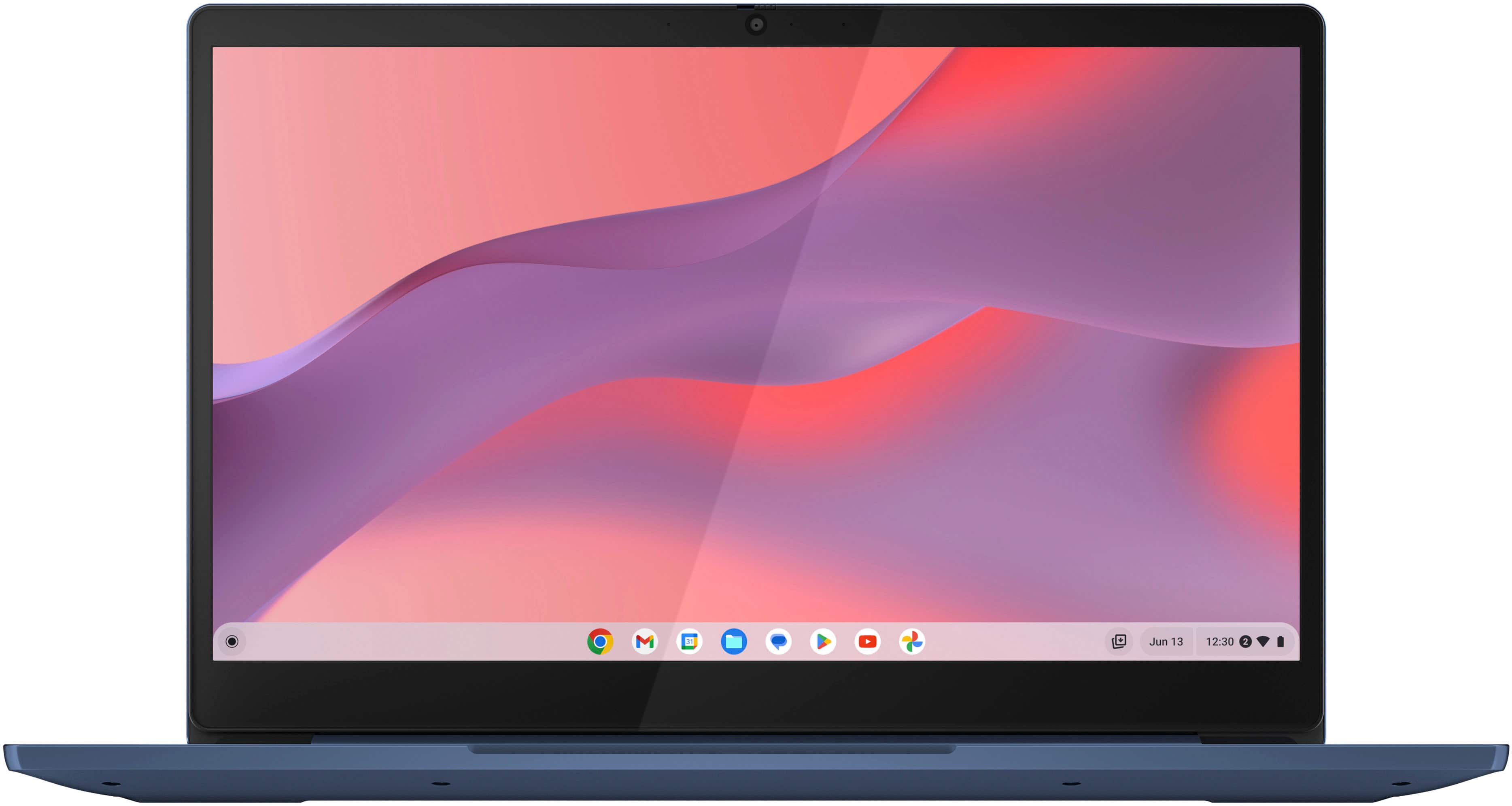
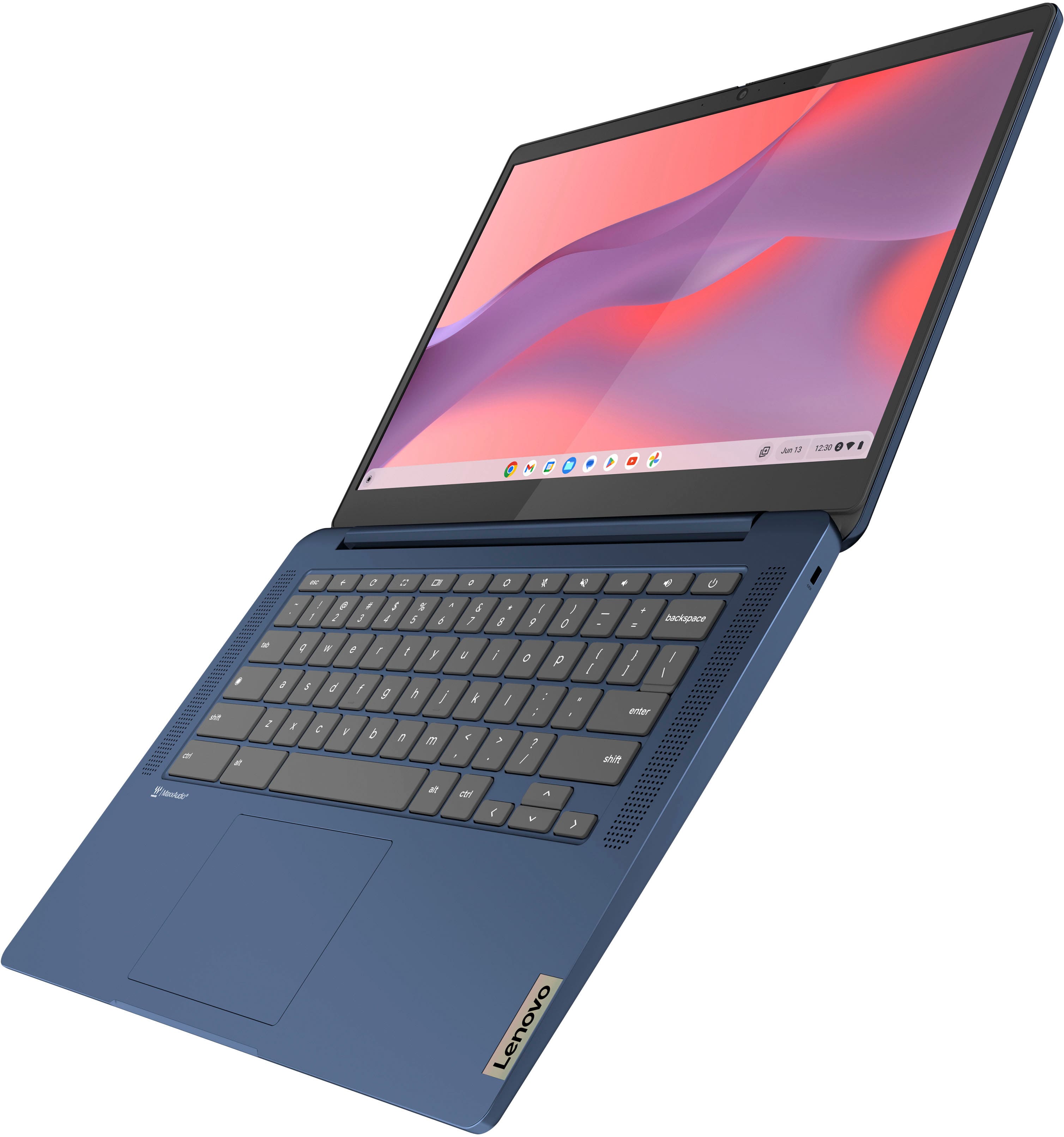
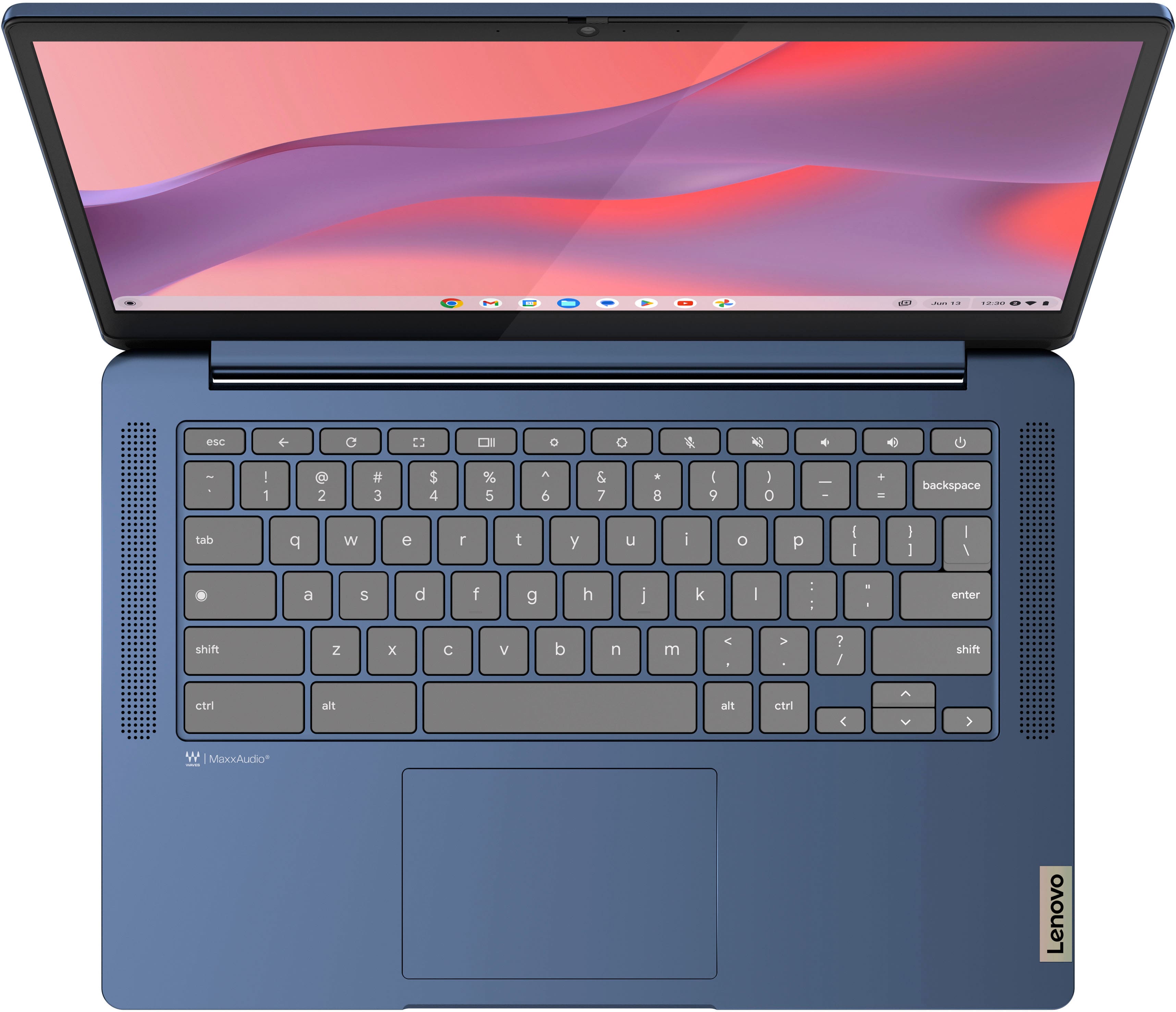
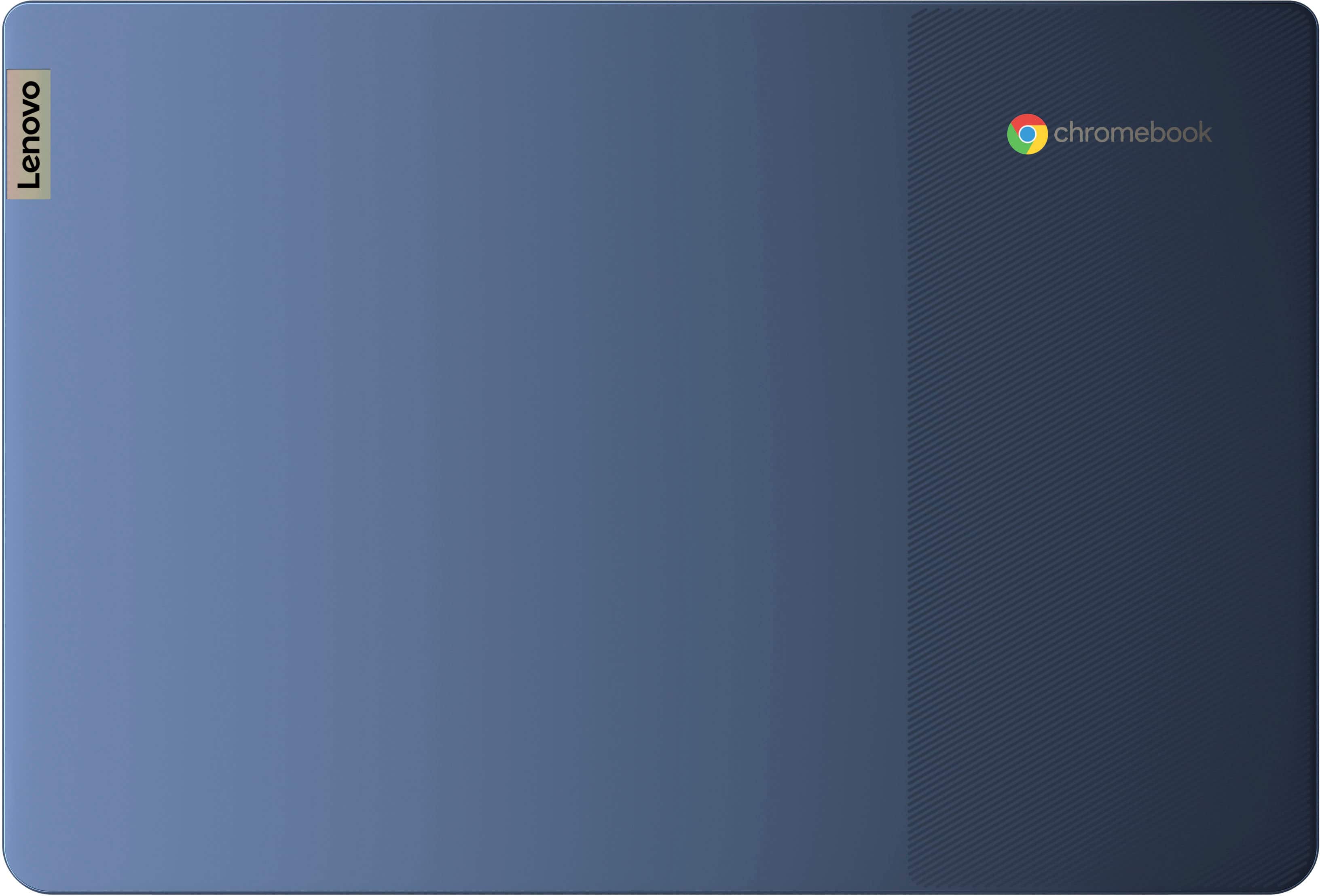
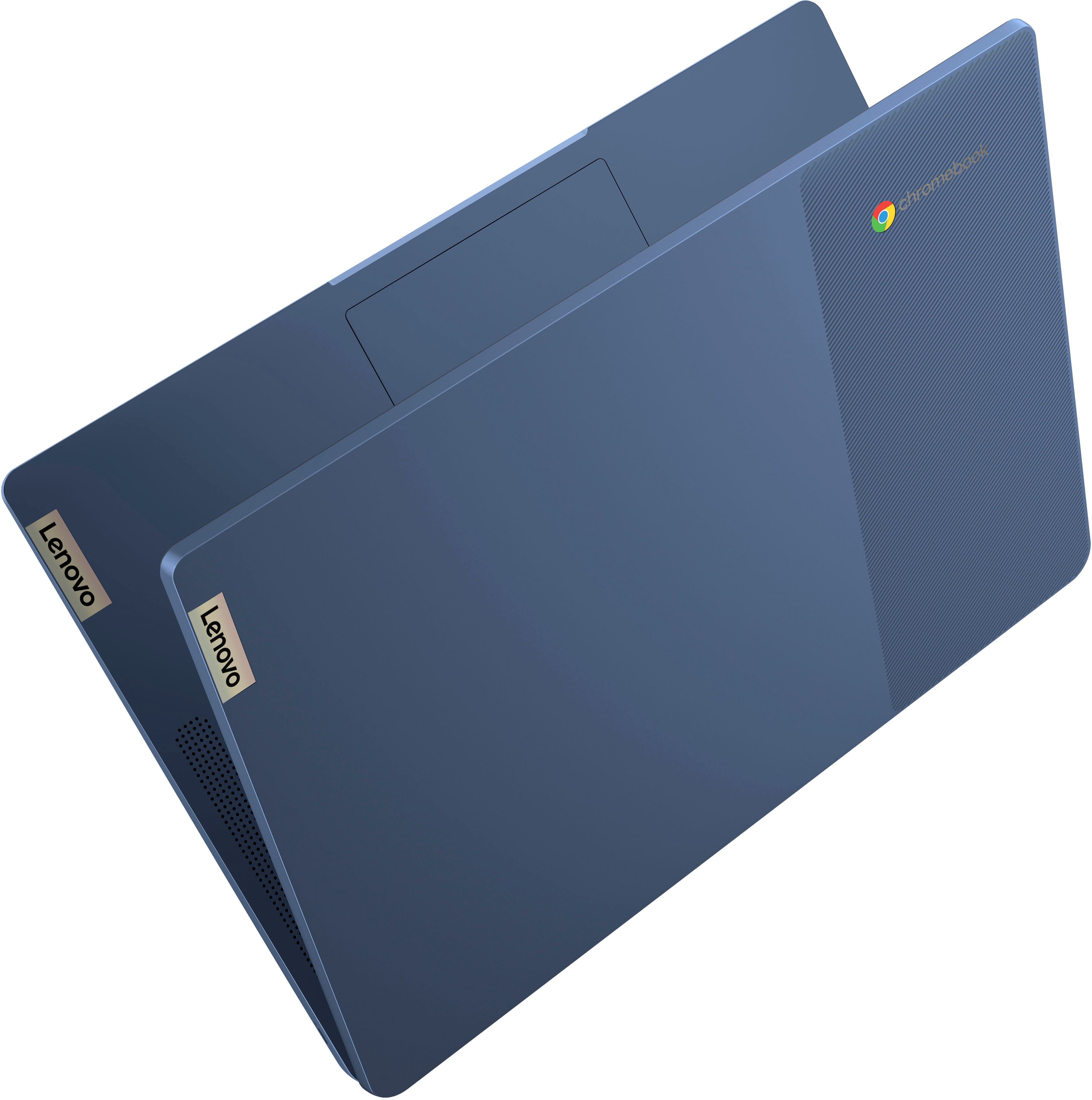
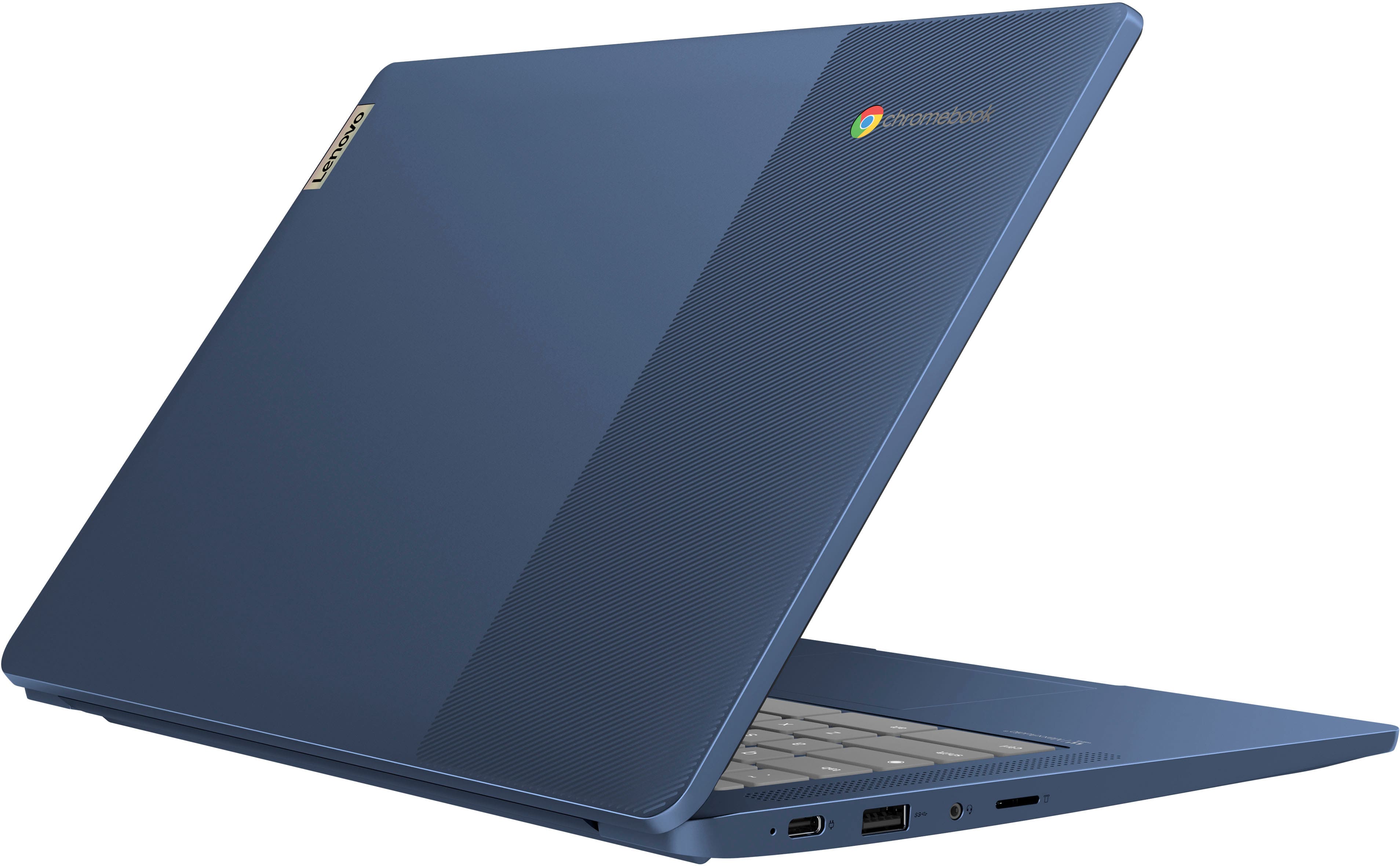
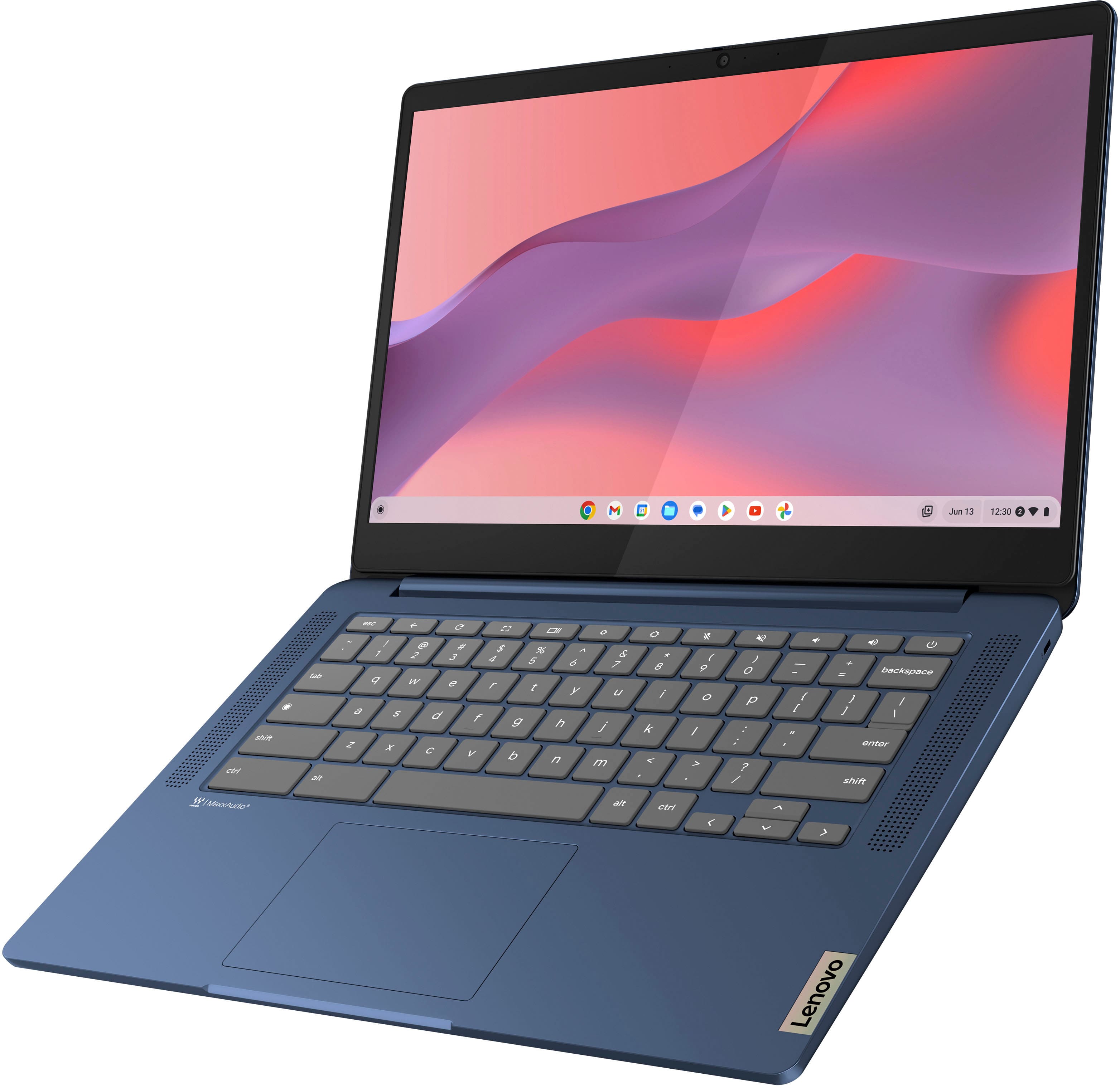
A:AnswerHi, thank you for your question, and since this IdeaPad Slim 3 is a Chromebook, like all Chromebook devices, it runs ChromeOS as its operating system.
A:AnswerHey, thank you for your question. Yes, someone else can pick up your order. Here's a link to a Best Buy webpage with more details: https://www.bestbuy.com/site/help-topics/store-pickup/pcmcat204400050014.c?id=pcmcat204400050014
A:AnswerHey there, thank you for your question. It can depend on many variables when looking for a laptop that matches your needs. It can depend on your design, feature and performance preferences with the size of the devices, if you would like to have a numeric keypad, what kind of accessories or peripherals do you plan on using, what software you may need for work, and more. Since there's many questions that need answering, we recommend that for guidance in finding the right computing solution, going into Best Buy stores and working with an advisor to get expert help or you can virtually shop with an expert online via this Best Buy online link (https://www.bestbuy.com/services/triage/shopping?cat=cnt&subcat=comp). They are trained to ask discovery questions and learn more about you and your needs to help by recommending the best match for you. If you'd like, you can ask follow up questions here as well. Hope this helps!

A:AnswerYES! Huge processing lag times. Does not perform well with a lot of graphics, and you can't really keep more than 4 tabs open. I've only had it a month, and wish I'd bought something else.
A:AnswerHey, thanks for asking. You can access your Microsoft 365 applications and content via the Chrome browser or download the Office apps as PWAs (progressive web app). Here is a link to an article that details how that process works: https://www.groovypost.com/howto/use-microsoft-office-on-a-chromebook/.
A:AnswerHey, thank you for your question. That would depend on the system requirements of the specific model printer you have. Here is a link to a Google Support webpage (https://support.google.com/chromebook/answer/12403345) that lists “Work with Chromebook” compatible printers. If your printer model is listed, it should work fine. Also, here is another link to a Google Support webpage (https://support.google.com/chromebook/answer/7225252?hl=en) that details how to connect and use that printer.
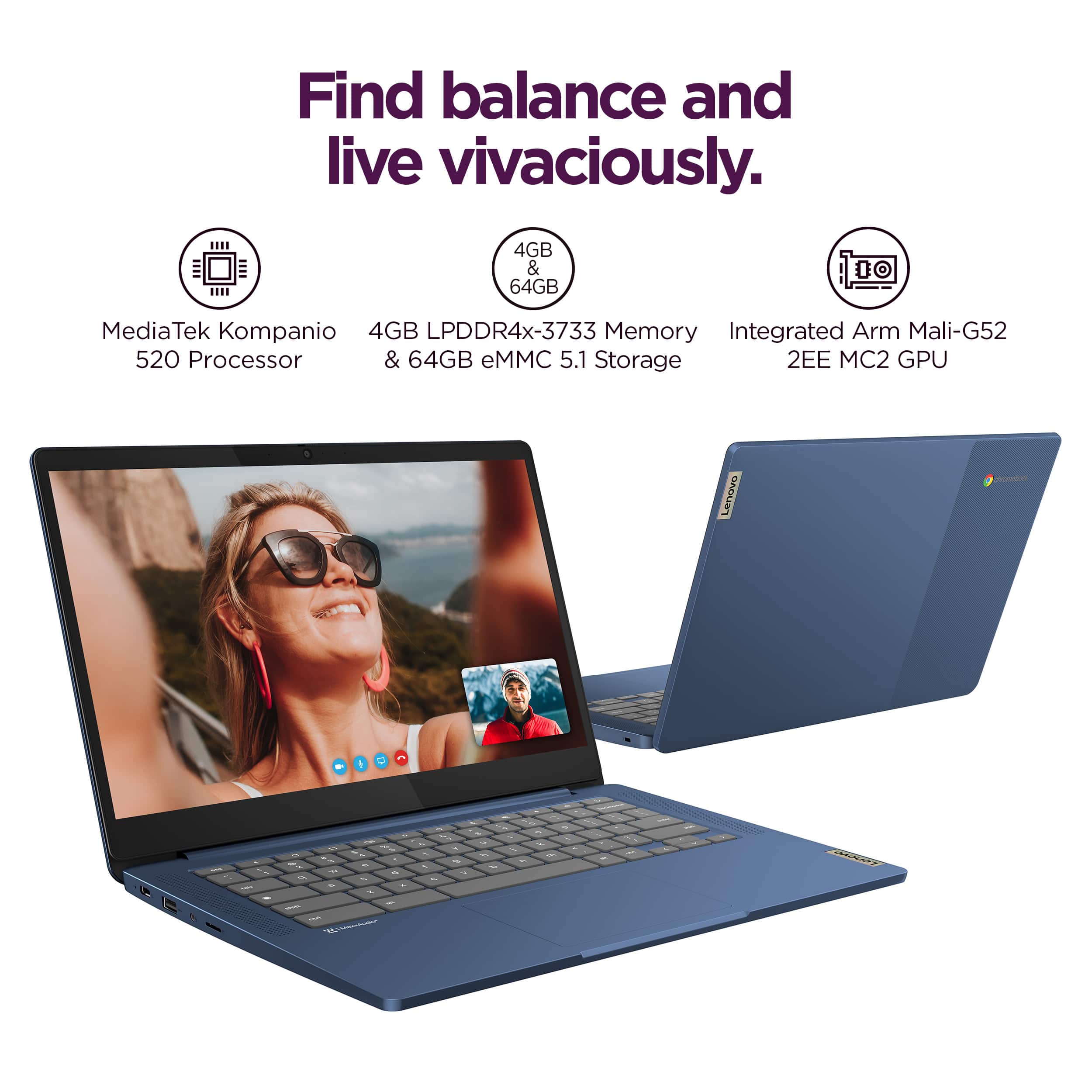
A:AnswerHey, Kim. For transparency, this processor stands alone in our perspective as MediaTek delivers a unique offering with their processors. You may gain more insight from user reviews and their experience. Hope this helps!