A:AnswerHey Mars,
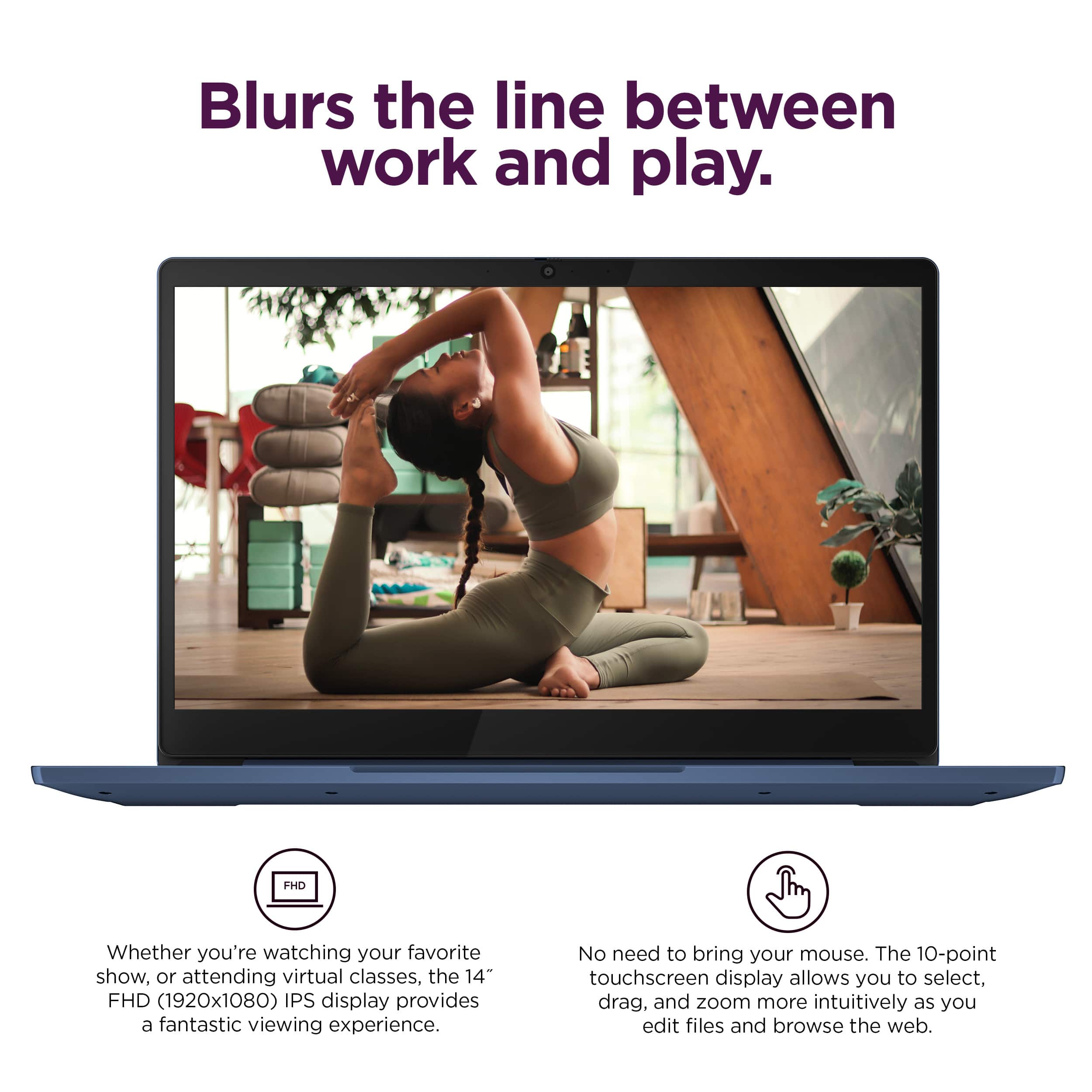
You can download certain kid games via the Google Play Store. Also, you can use a wireless or wired mouse with the laptop.
Please feel free to reach out to us with any other questions!
A:AnswerHey Christmas,
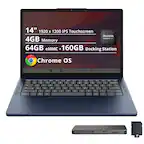
So long as Chromebook are supported by the school or school-district, this IdeaPad Slim 3, like many others have shared in their reviews, will work well for common schooling.
Please feel free to reach out to us with any other questions!
A:AnswerHey AnnetteW,
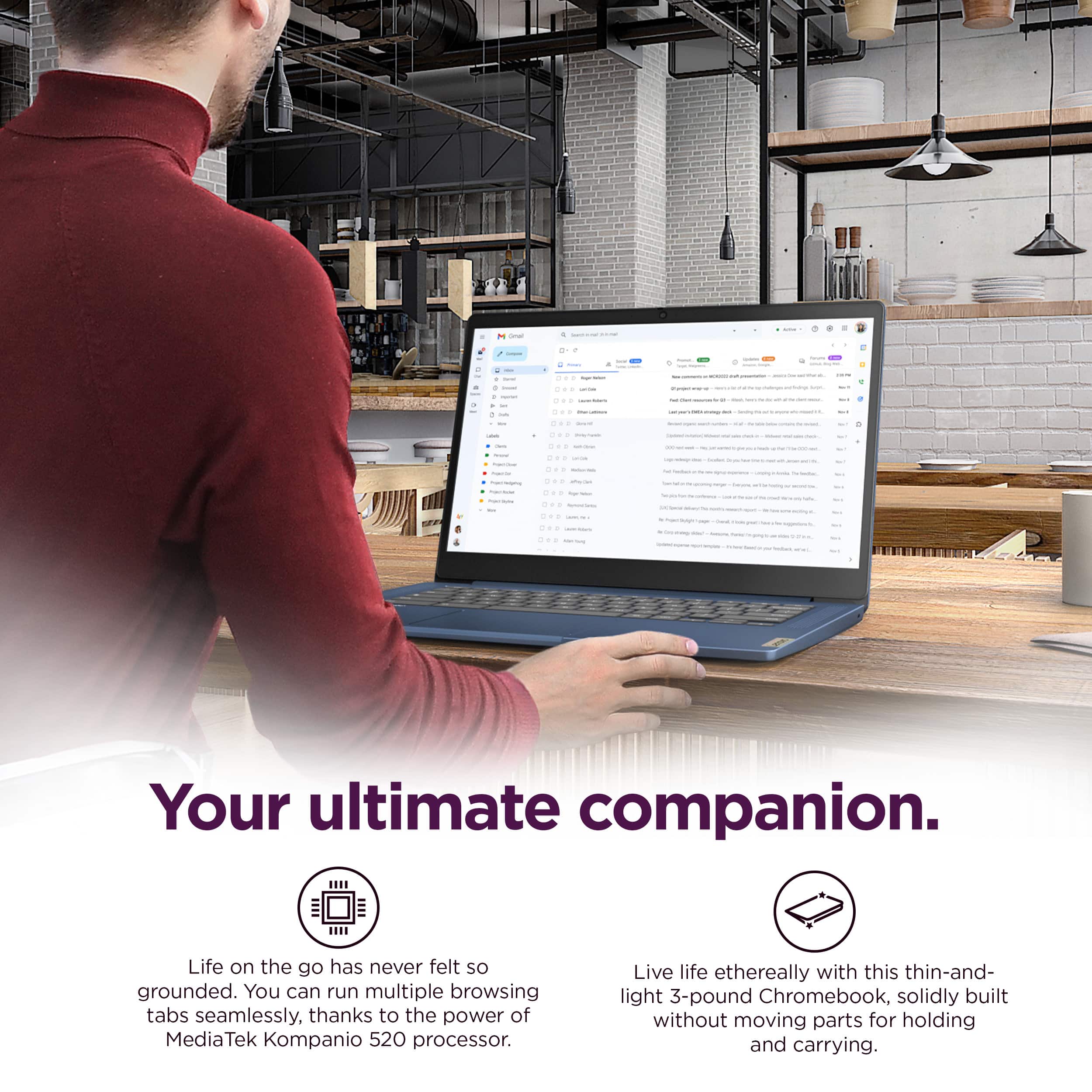
You can browse the web on this IdeaPad Slim 3 Chromebook, and you can download many things: apps, files, photos, and more.
Please feel free to reach out to us with any other questions!
A:AnswerHey Dee,
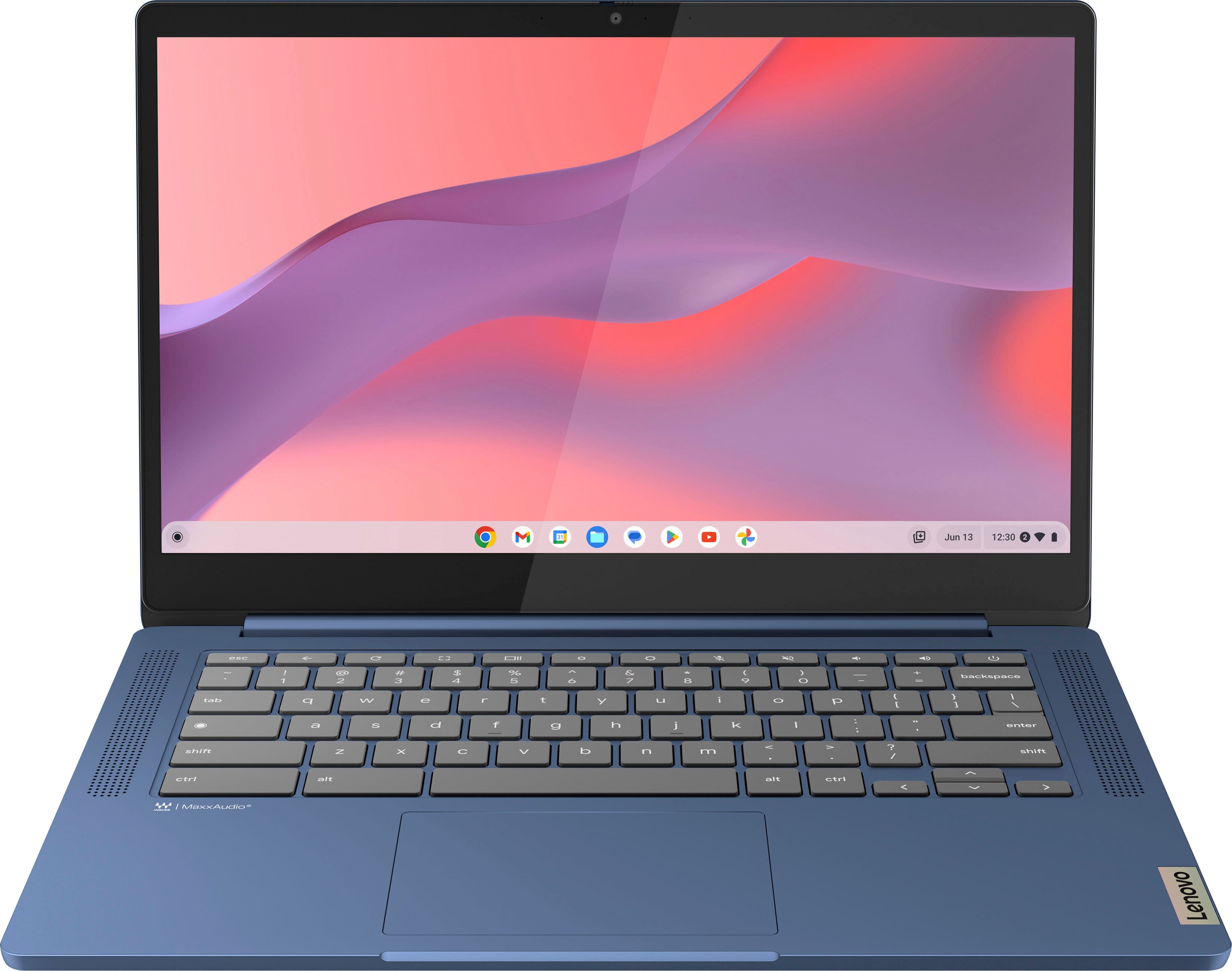
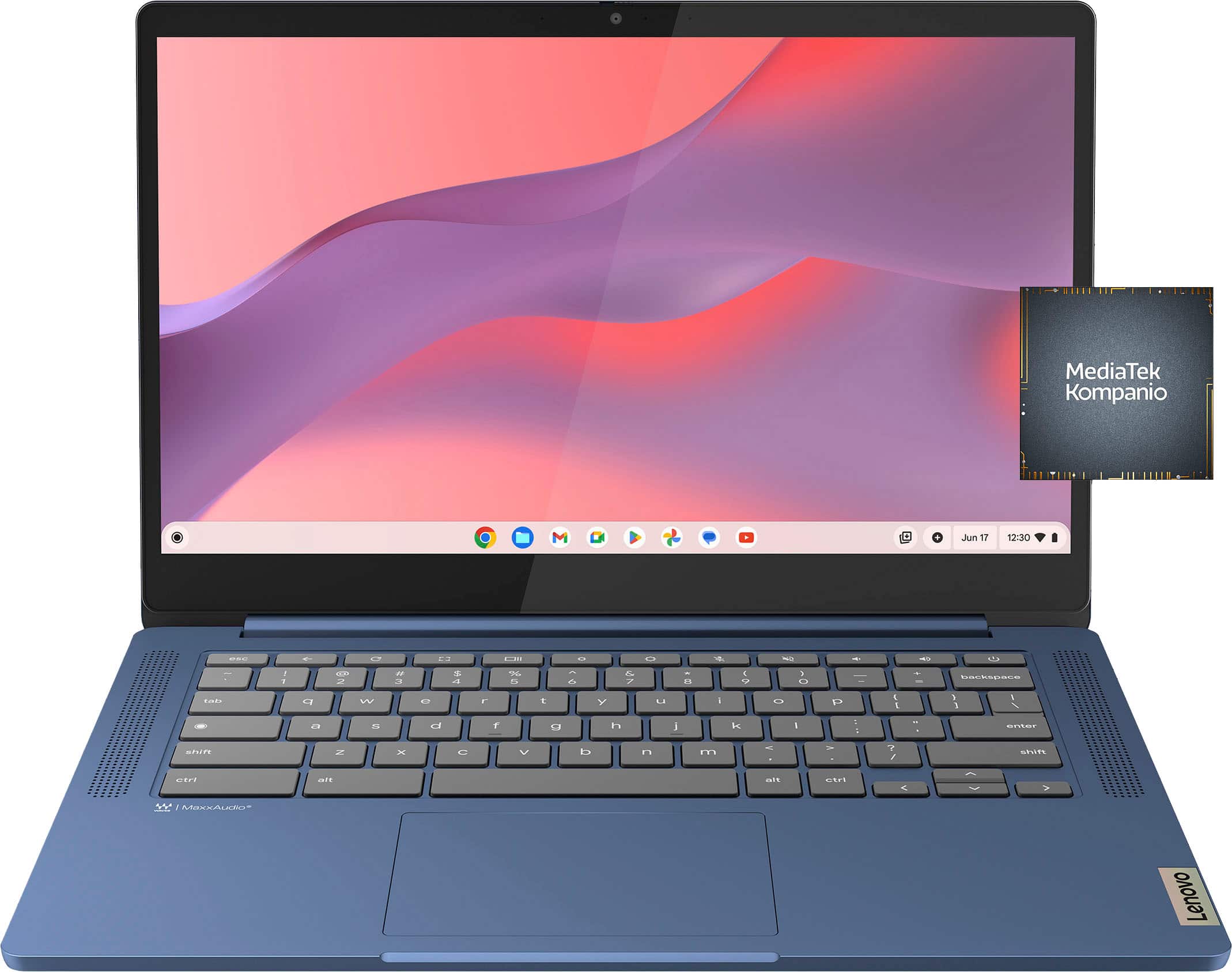
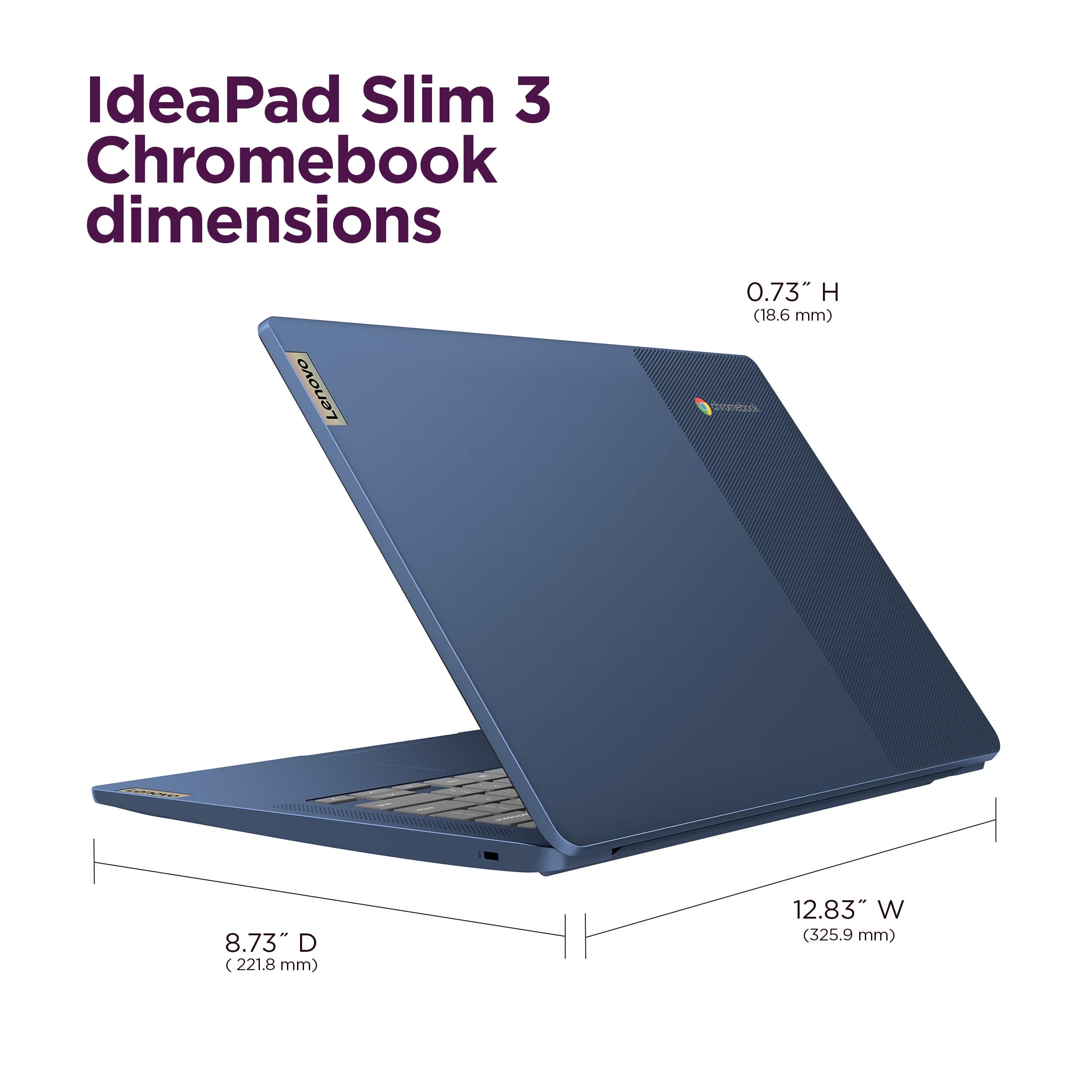
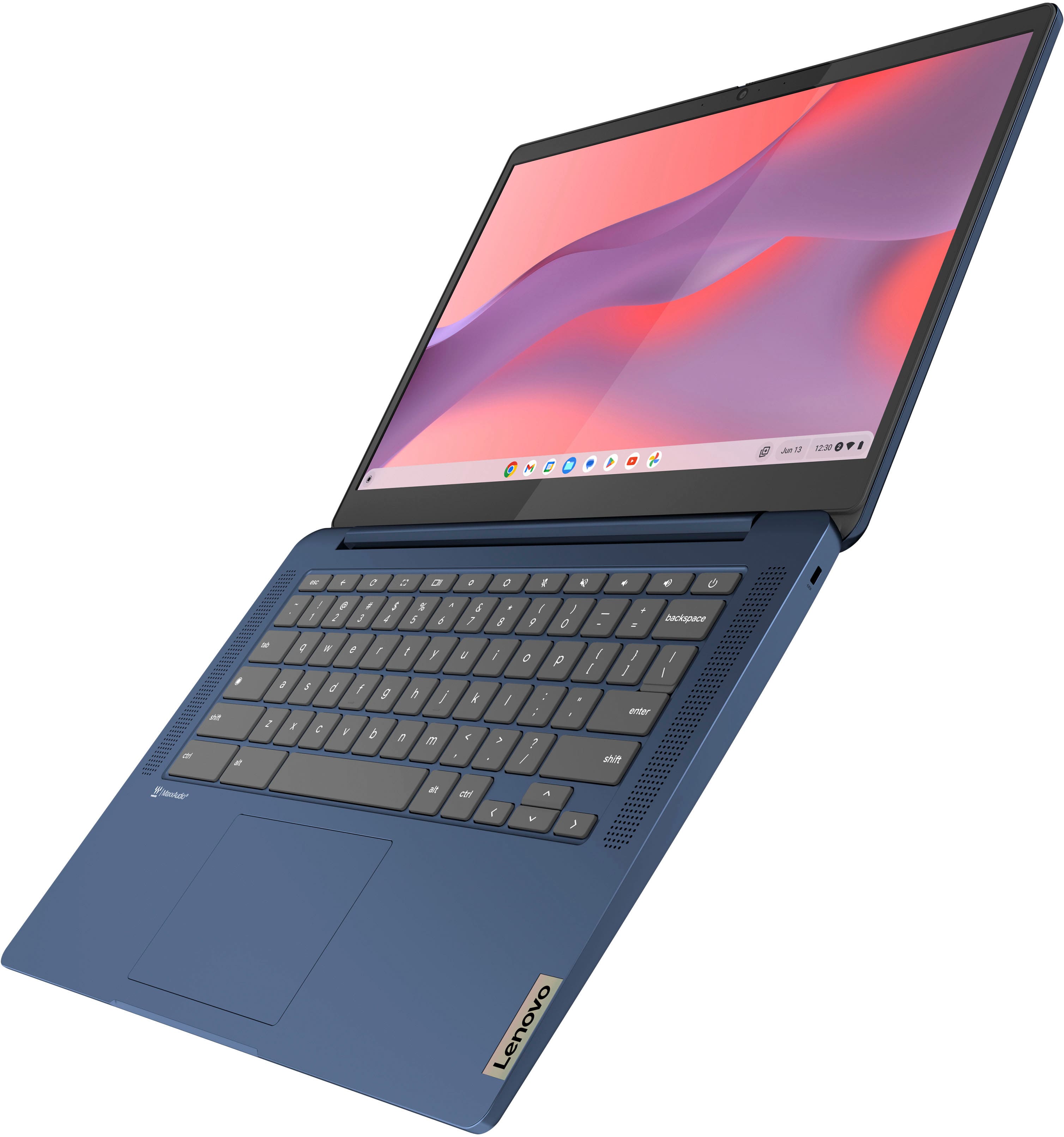
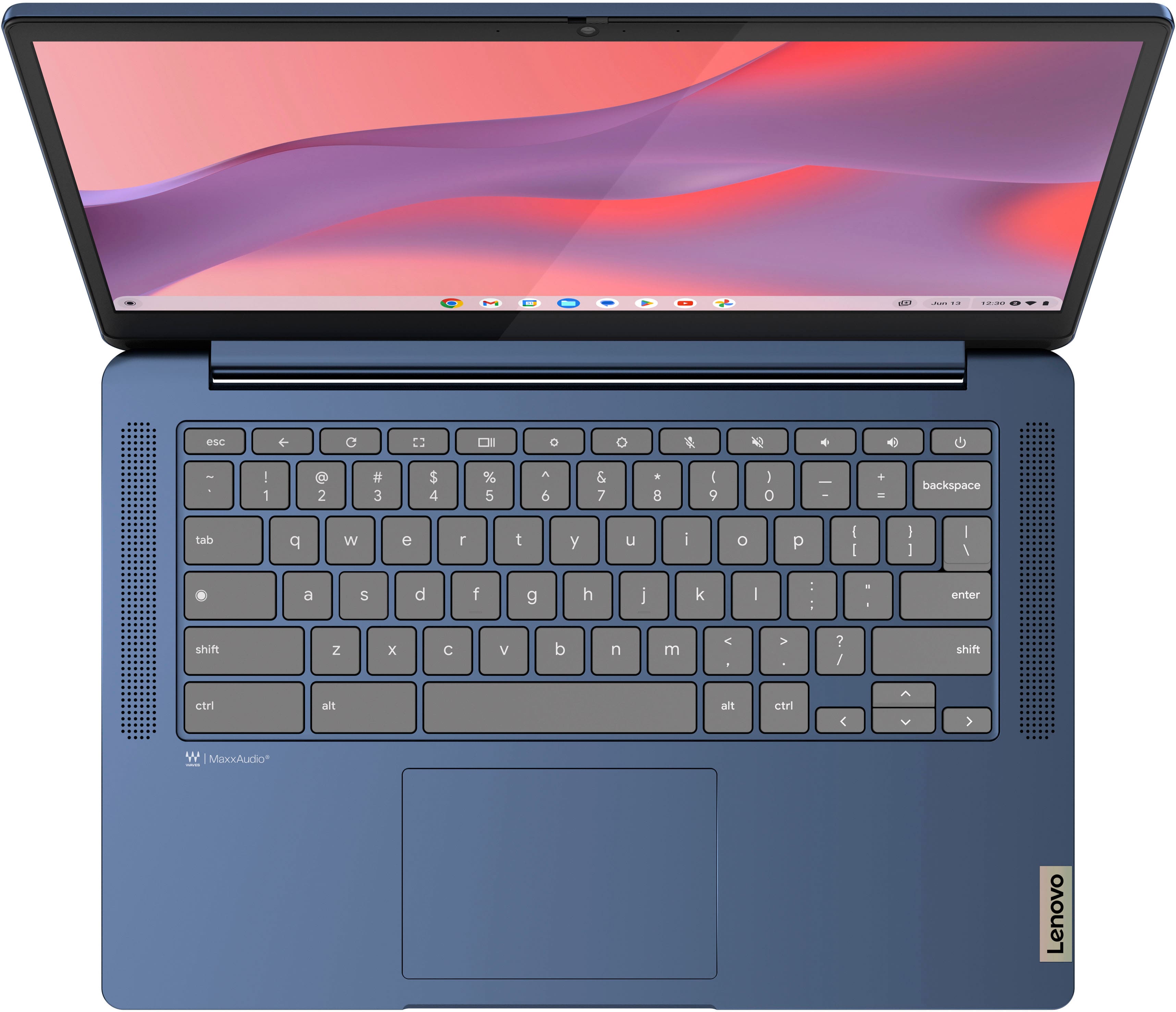
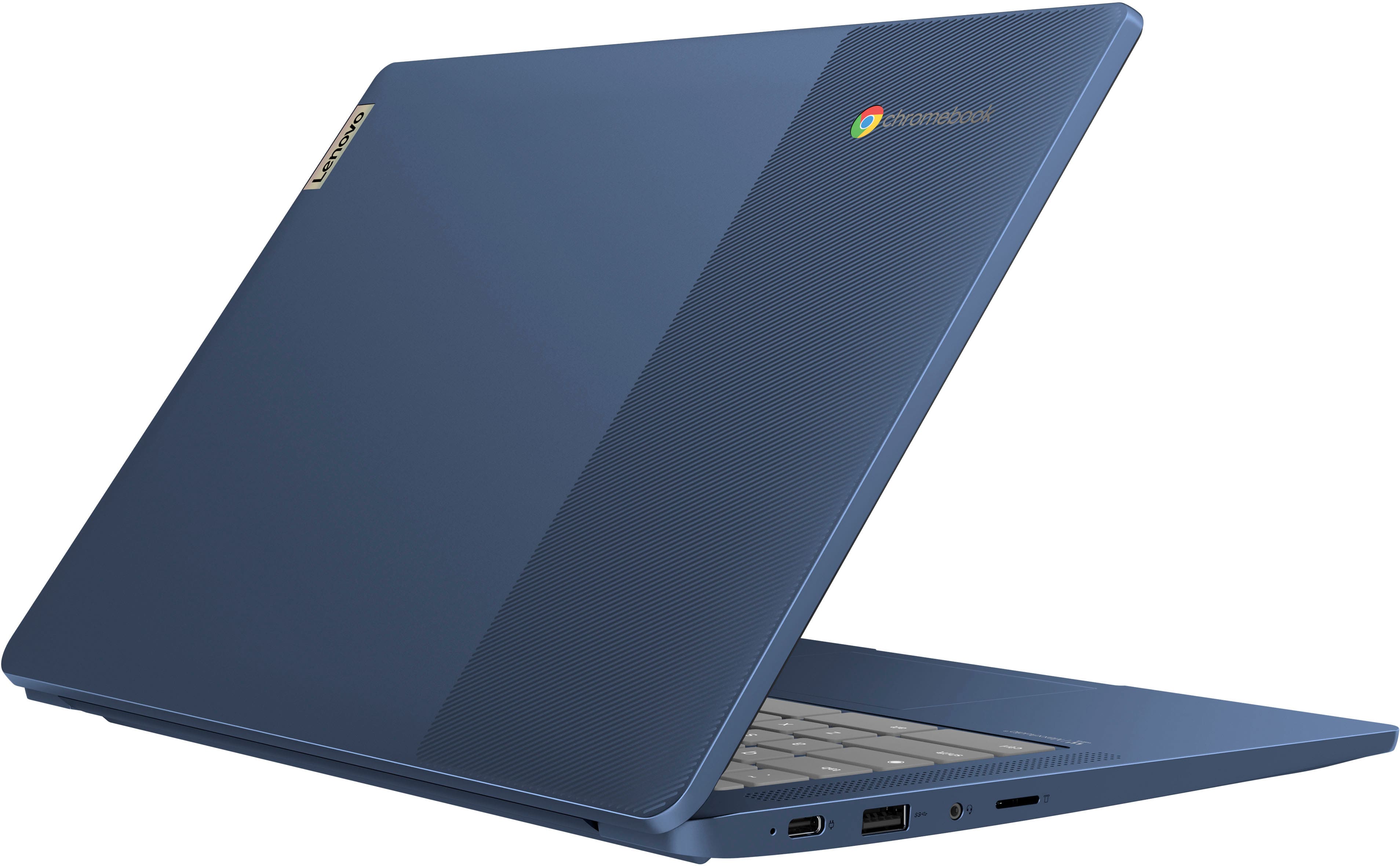
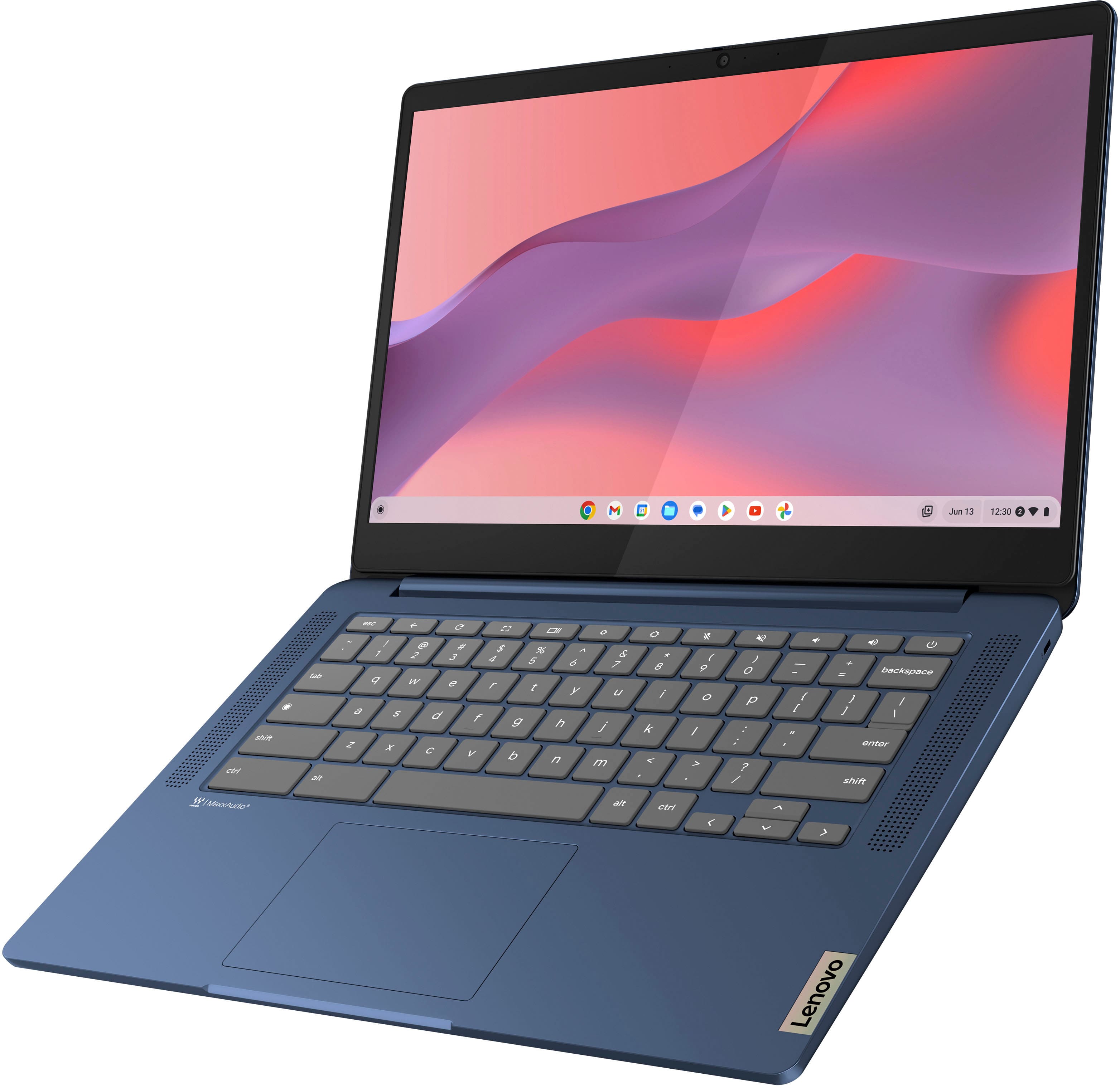
This model is part of the IdeaPad Slim 3 Chromebook (14") 8th gen series.
Please feel free to reach out to us with any other questions!
A:AnswerHey Ps,
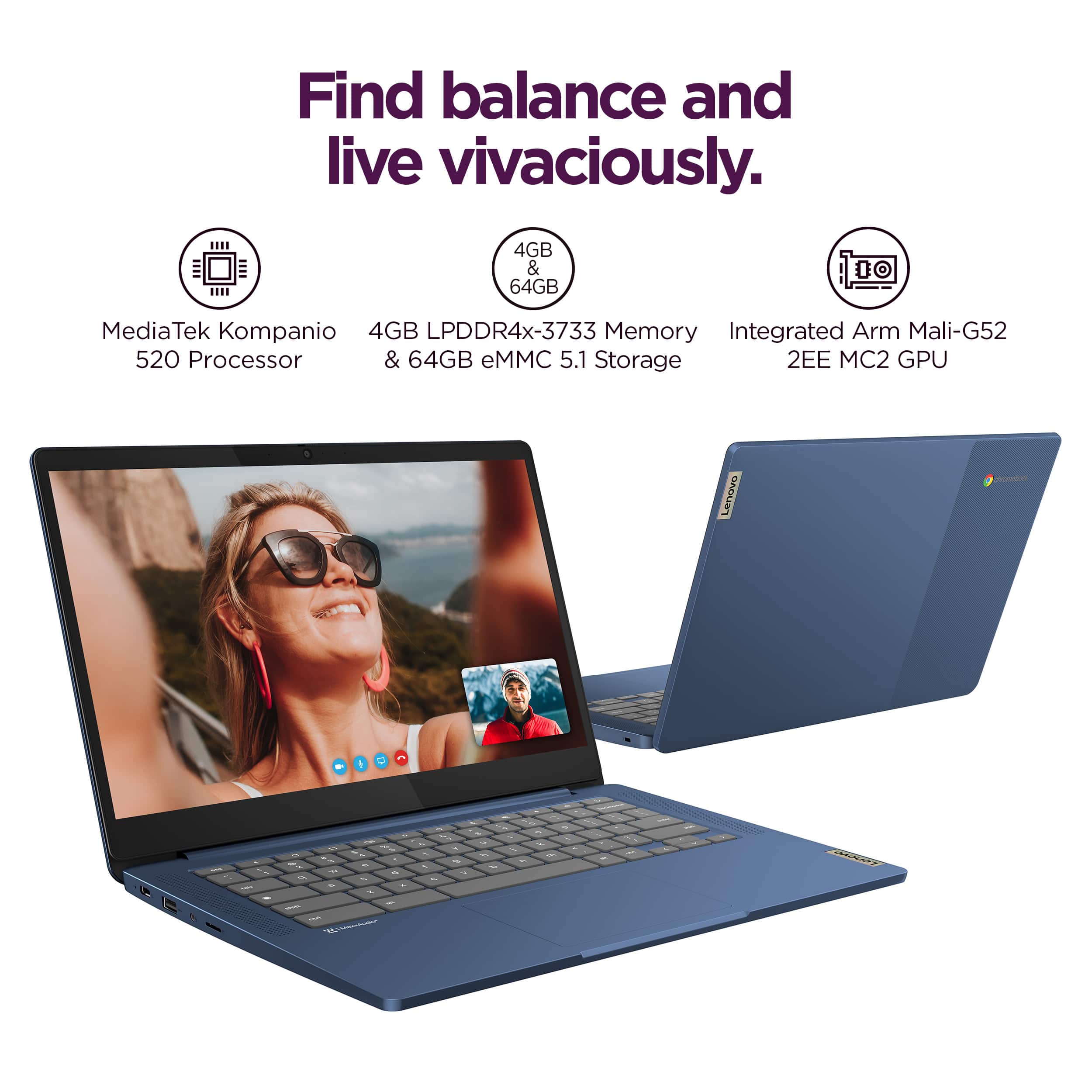
The memory is not upgradable with the IdeaPad Slim 3 Chromebook, as it is soldered to the systemboard.
Please feel free to reach out to us with any other questions!
A:AnswerHey there,
This IdeaPad Slim 3 Chromebook ships with a 1-year manufacturer warranty. If you'd like details about the warranty, please visit the following webpage: https://download.lenovo.com/pccbbs/thinkcentre_pdf/l505-0010-03_en_update.pdf |
Please feel free to reach out to us with any other questions!
A:AnswerHey Cee,
If you're using content creation software that's web based or has an application offered for Chromebooks via the Google Play Store, you shouldn't have any issues taking that content and using it in platforms like CapCut.
Please feel free to reach out to us with any other questions!
A:AnswerHey Babs,
If you're looking for a Lenovo Chromebook with 8GB of memory, there are a few options currently sold by Best Buy. To take a look, at these options, please visit the following web address that contains search results for Lenovo Chromebooks with 8GB of memory: https://www.bestbuy.com/site/searchpage.jsp?id=pcat17071&qp=systemmemoryram_facet%3DRAM%7E8+gigabytes%5Eparent_operatingsystem_facet%3DOperating+System%7EChrome+OS&st=lenovo+chromebook |
Please feel free to reach out to us with any other questions!
A:AnswerHey DiedrichDuo,
The IdeaPad Slim 3 Chromebook is currently scheduled to receive auto updates until June 2033.
Please feel free to reach out to us with any other questions!
A:AnswerHey Gabe,
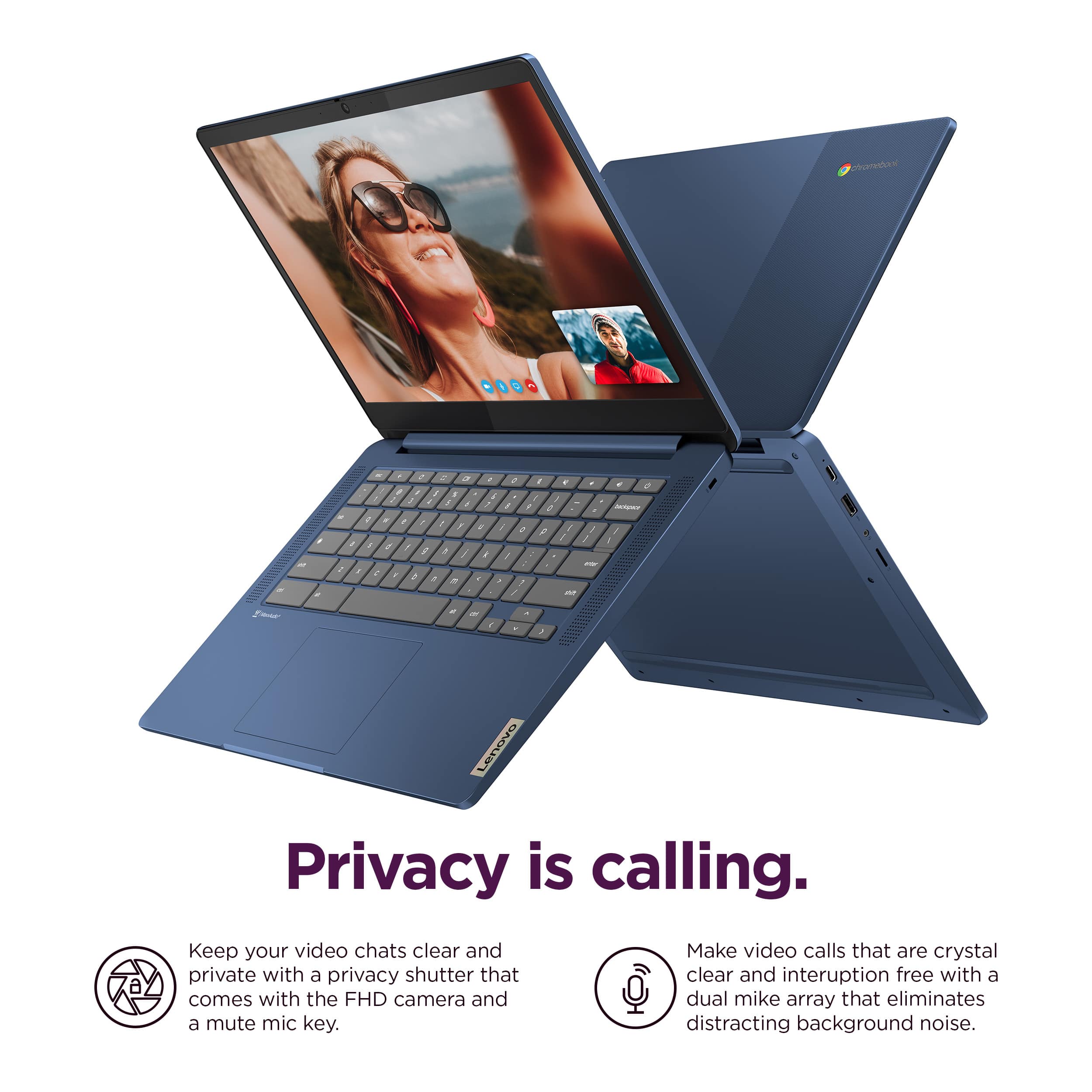
This IdeaPad Slim 3 Chromebook is not a 2-in-1 laptop that can flip and fold, but the Chromebook 2-in-1 products are still offered at Best Buy, including the Chromebook Plus 2-in-1 and Duet 11 2-in-1.
Please feel free to reach out to us with any other questions!
A:AnswerHey B,
The IdeaPad Slim 3 Chromebook is scheduled to receive auto updates until June 2033.
Please feel free to reach out to us with any other questions!
A:AnswerHey,
We apologize, as we do not understand what you're asking specifically. If you could please rephrase your question, including more context, we can address your inquiry precisely.