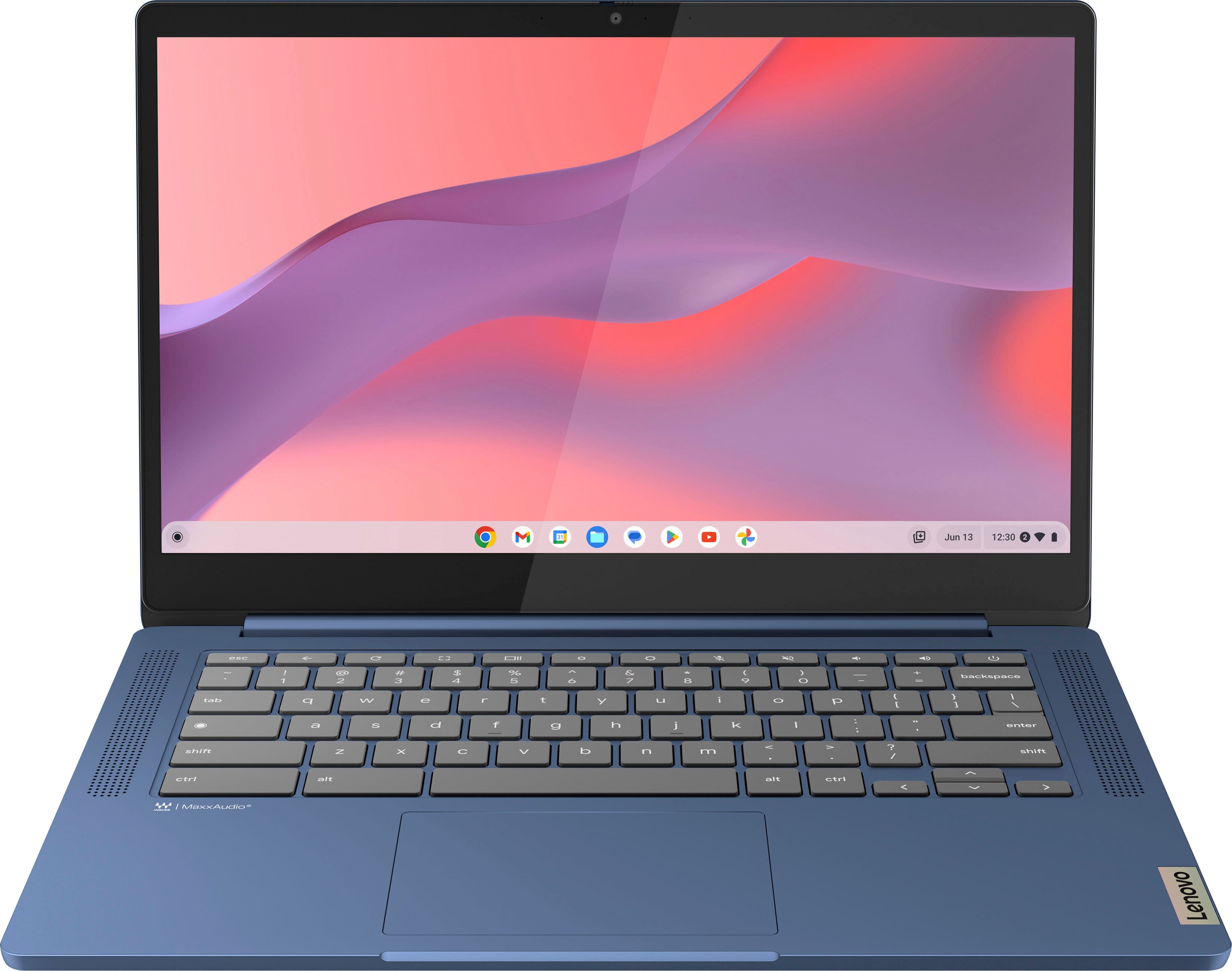
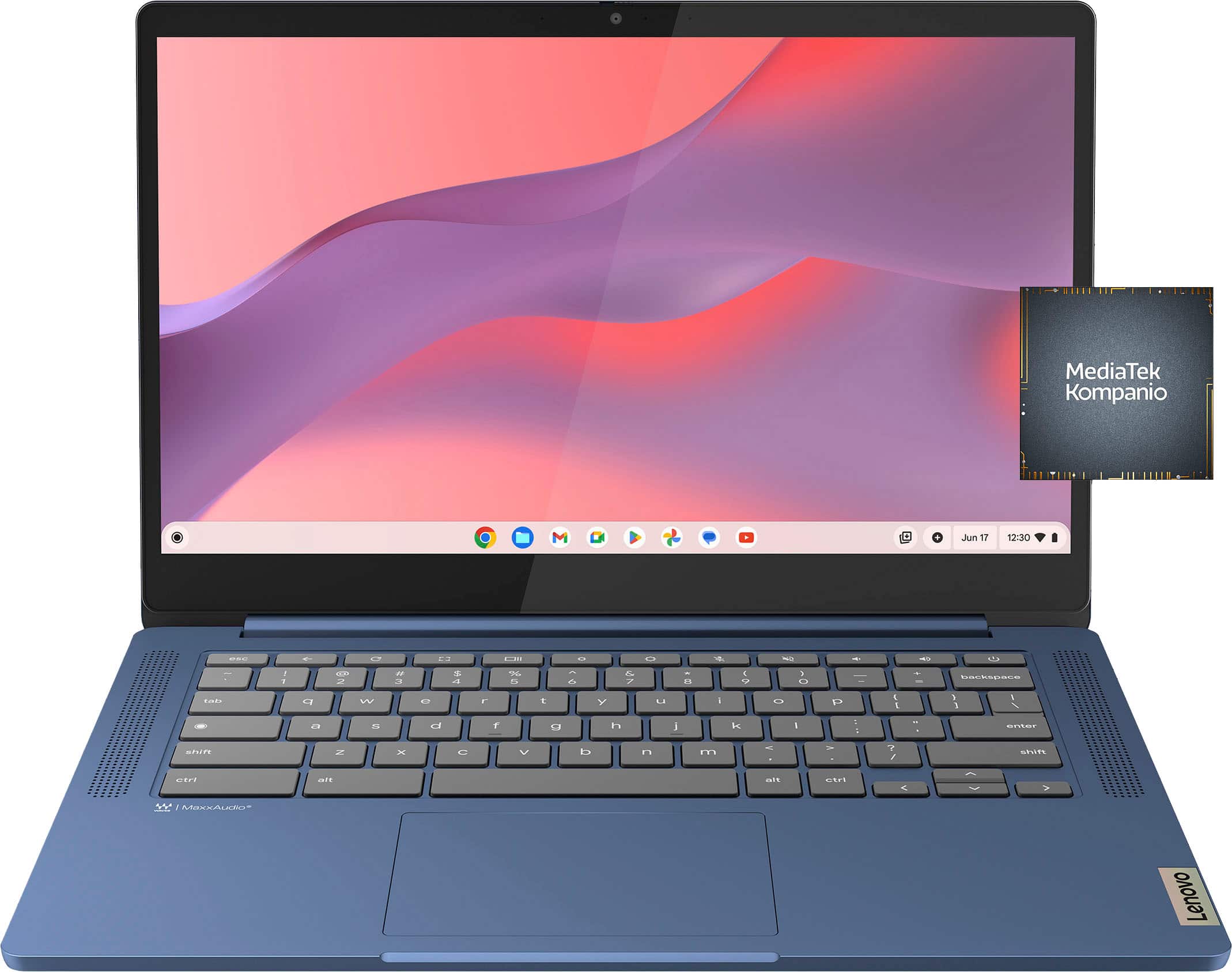
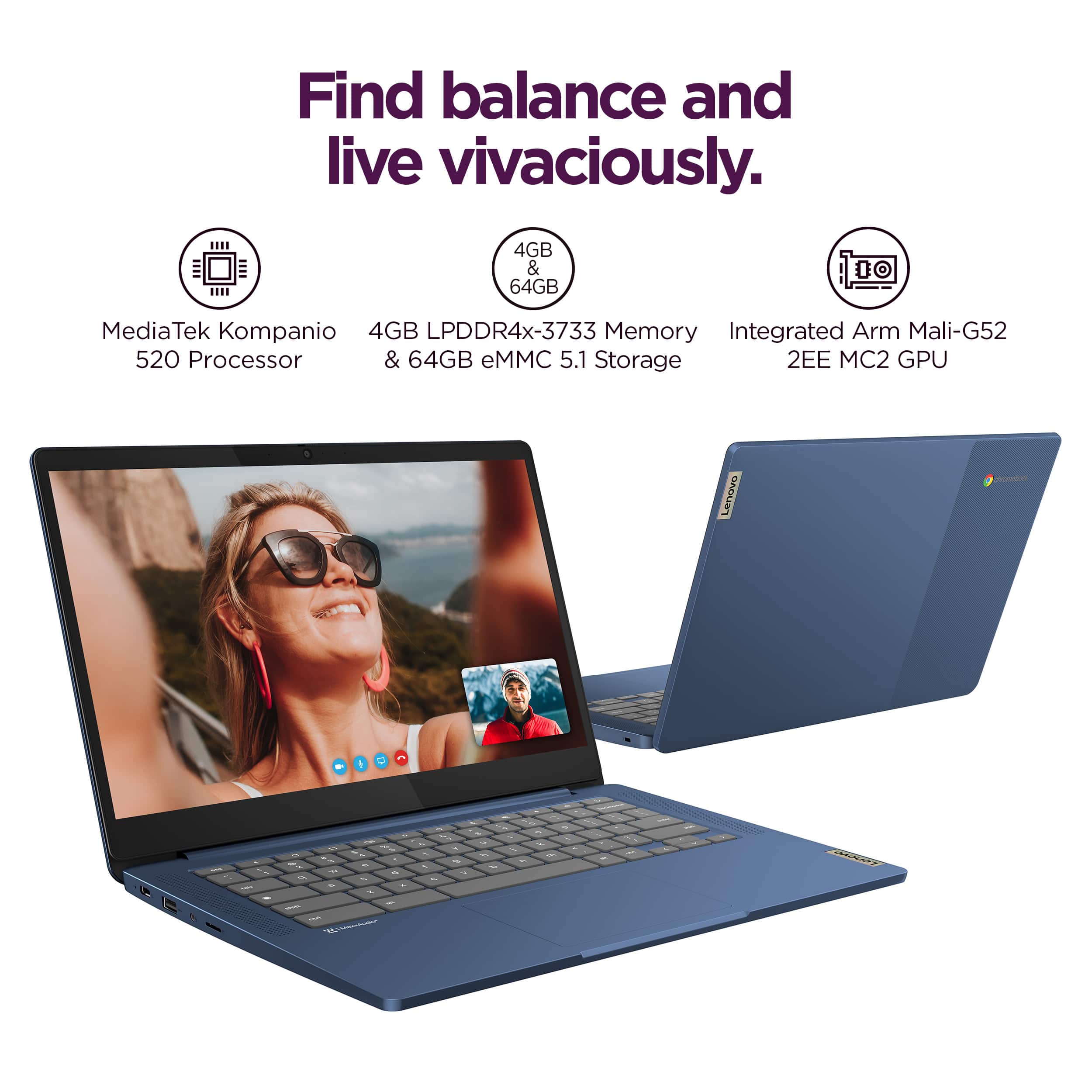
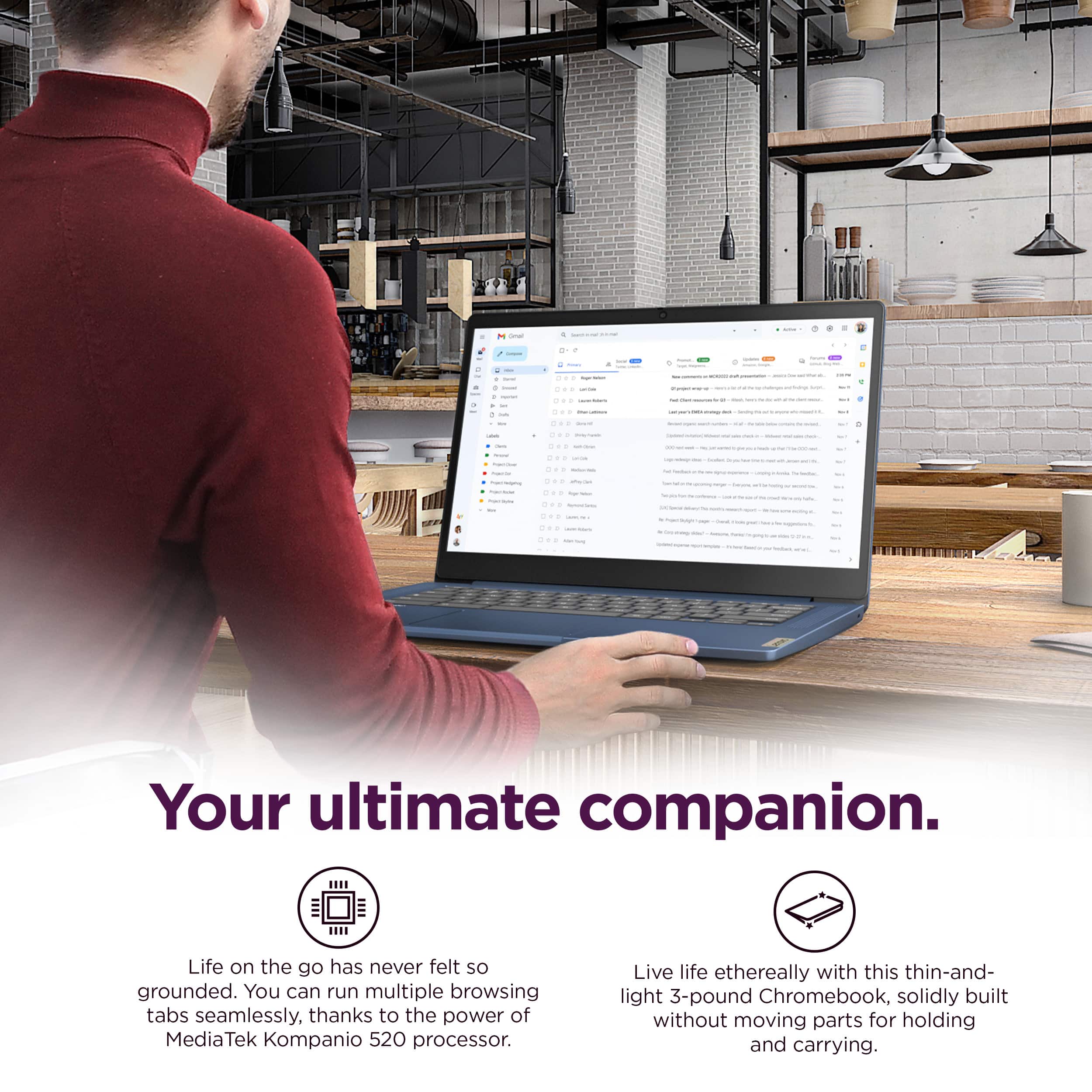
A:Answer Hey there, we are sorry to hear that you are having this issue. To try to resolve this, we recommend going into Advanced Settings >Privacy and Security > and make adjustments to text prediction settings. Also, clearing your stored autocompletion and other browsing data may resolve this. If not, we recommend reaching out to Lenovo Support via phone or the Support Forum for further assistance.