Questions & Answers
- Model:
- 83L7002NUS
- |
- SKU:
- 6668409
Highly rated by customers for: Overall Performance, Portability, Battery Life
Page Showing 61-75 of 75 questions
Q: QuestionDoes this laptop support adding 2 additional monitors
Asked by WorkerBee.
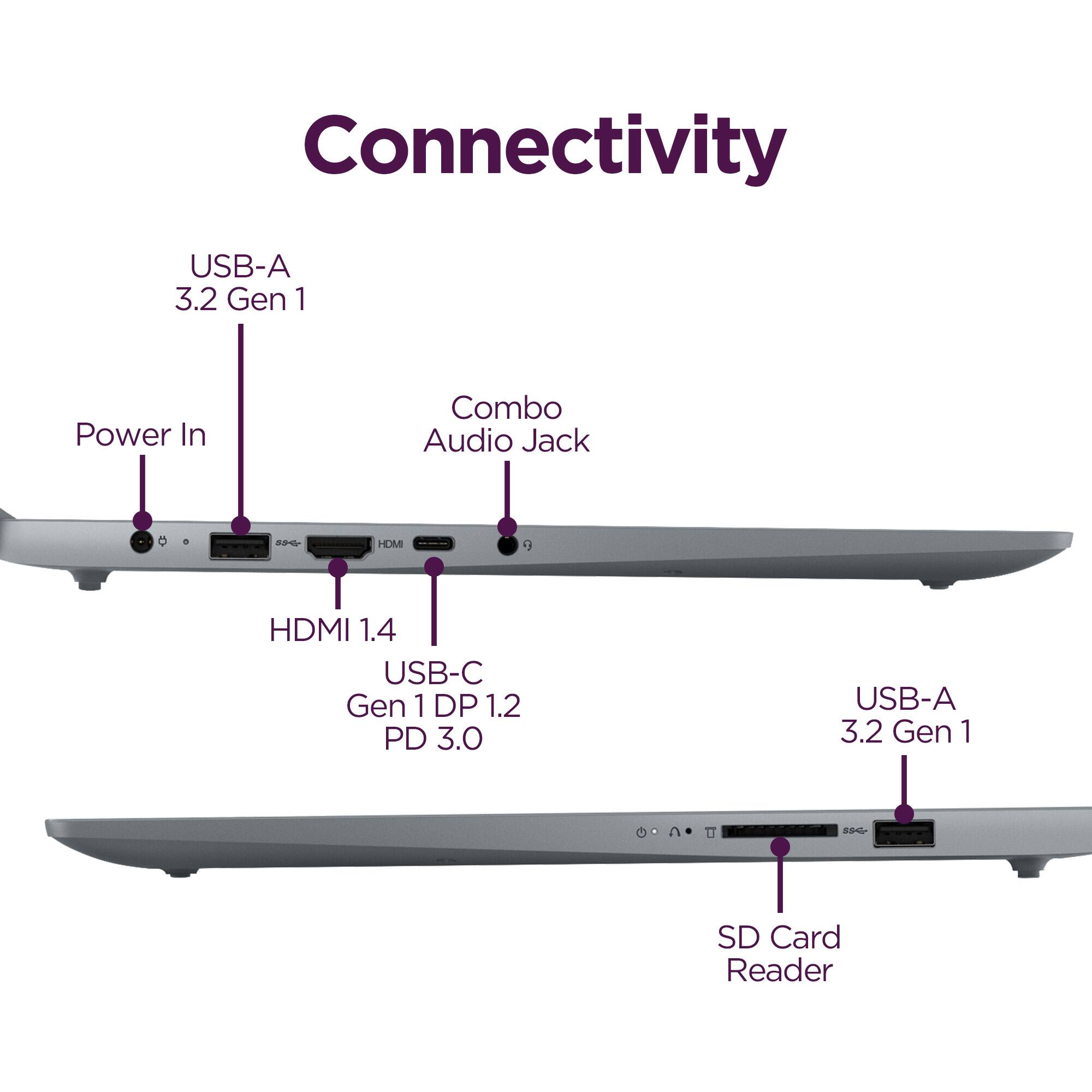
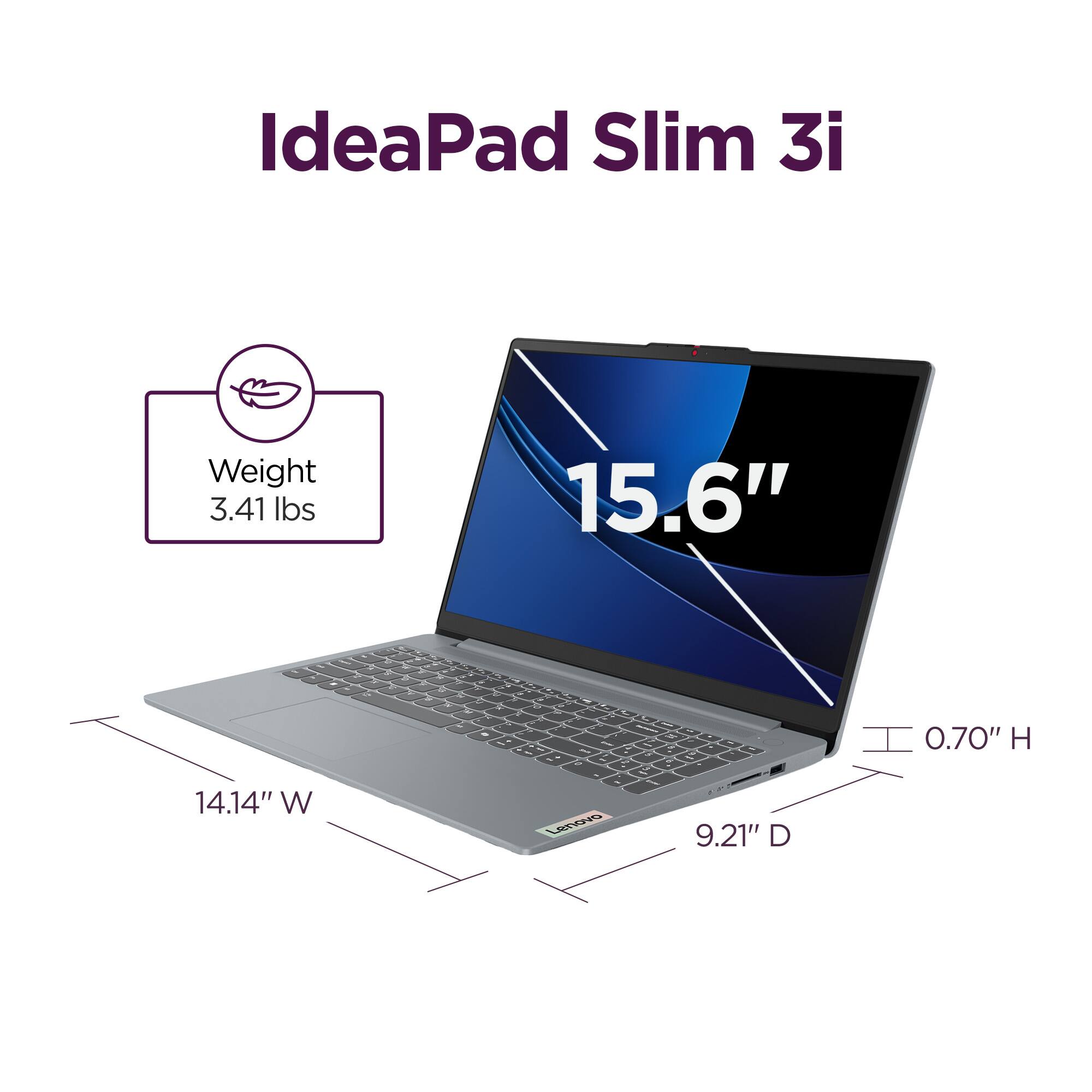
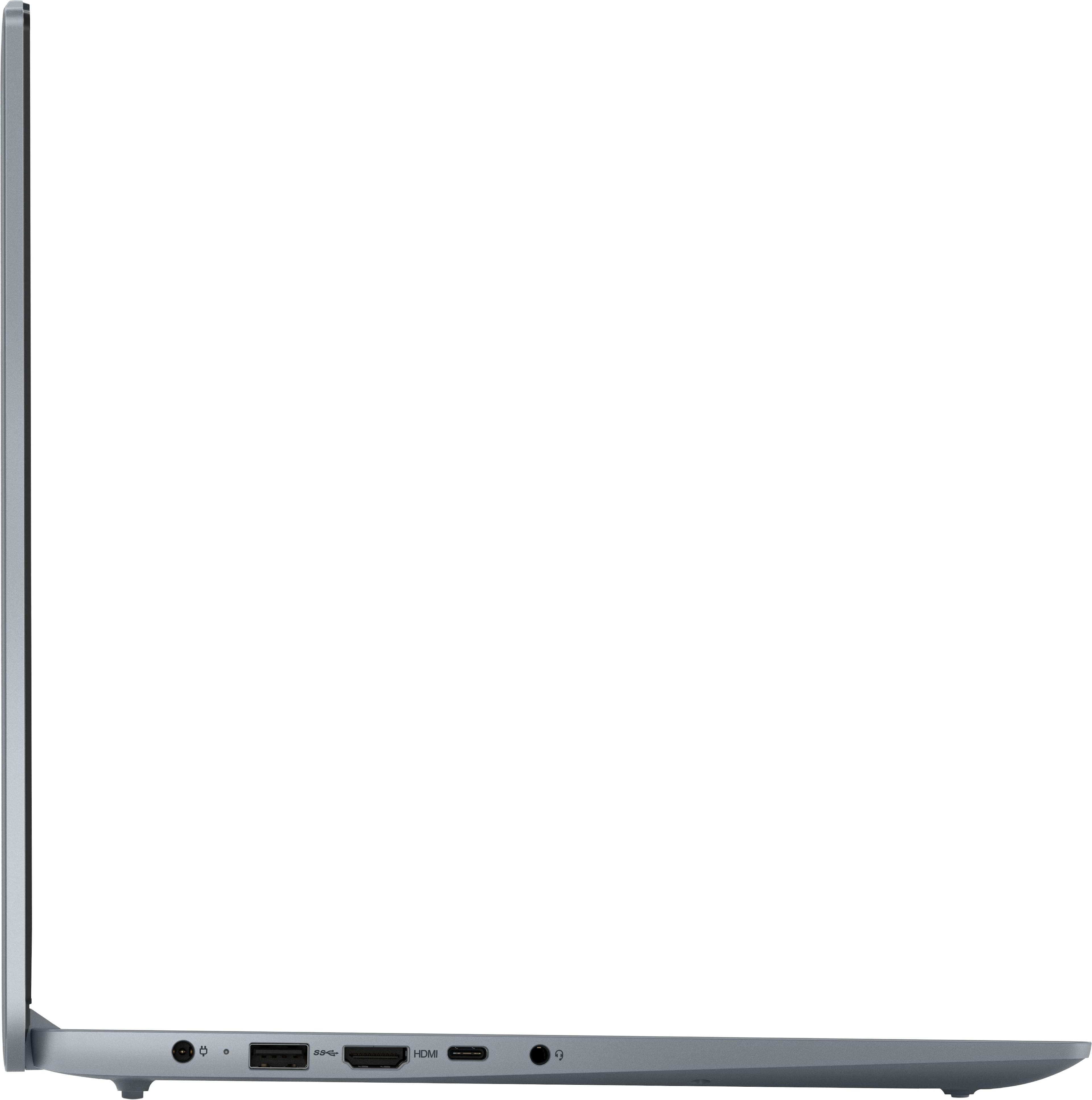
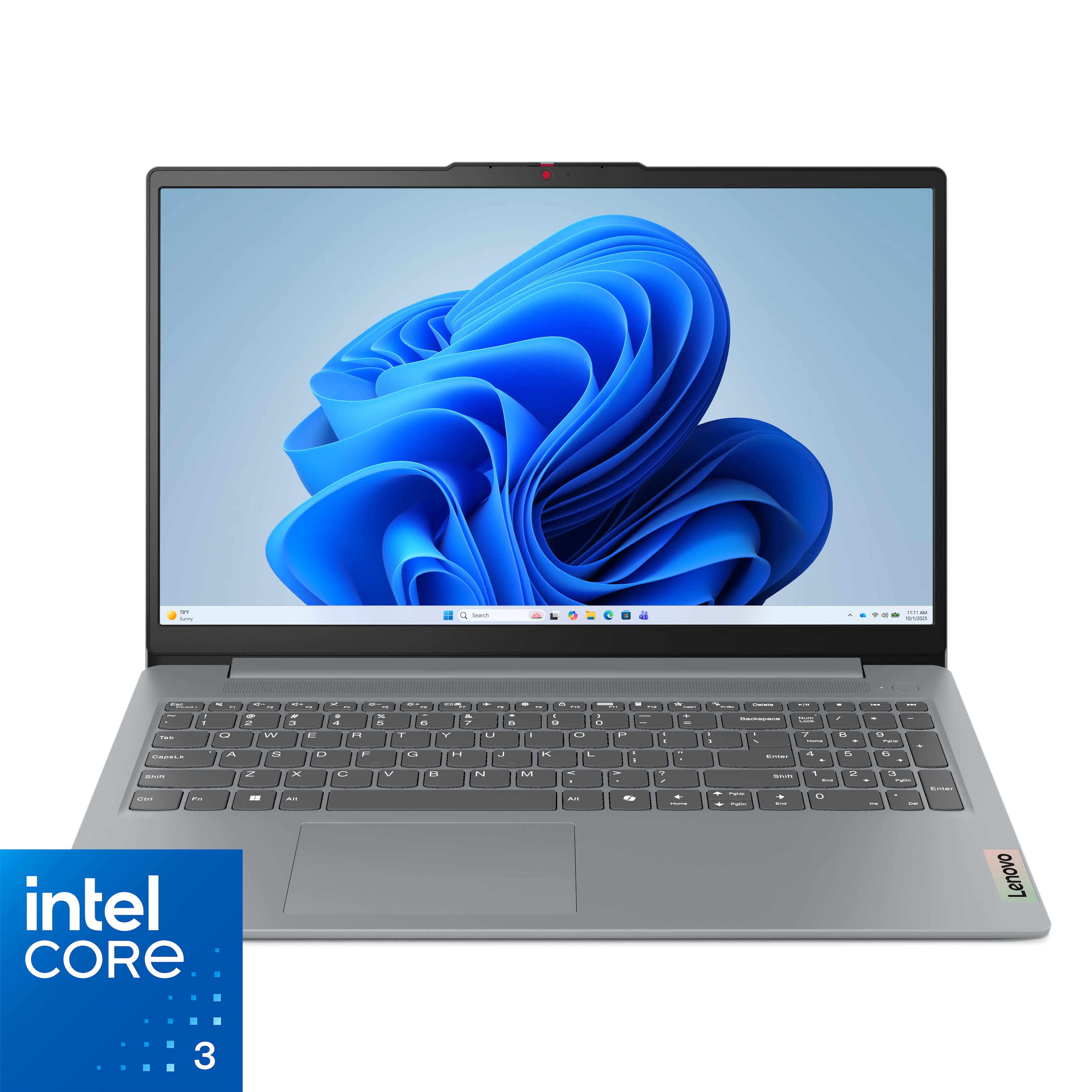
- A:Answer Hi WorkerBee, thanks for your question. Yes, this Lenovo IdeaPad Slim 3i supports an additional 2 monitors. Please note that you may have to adjust the resolution across monitors to ensure stability. Please feel free to reach out to us if you have any further questions.
Answered by Lenovo Product Expert
Q: QuestionDoes this computer run in s mode?
Asked by Dave.
- A:Answer Hey Dave, In short, no. This model IdeaPad Slim 3i ships with standard Windows 11 Home preinstalled. Please feel free to reach out to us with any other questions!
Answered by Lenovo Product Expert
Q: QuestionCan it be shipped to Florida ?
Asked by Greg.
- A:Answer First time buying a big boy item? Of course.
Answered by luislast
Q: QuestionIs it refurbished?
Asked by Vitaros.
- A:Answer Hi Vitaros, thanks for your question. This Lenovo IdeaPad Slim 3i is sold as a brand dew factory sealed device. Please don't hesitate to contact us if you have any additional questions.
Answered by Lenovo Product Expert
Q: QuestionCan I rip cd’s , and copy toa thumb drive?
Asked by PMBrent.
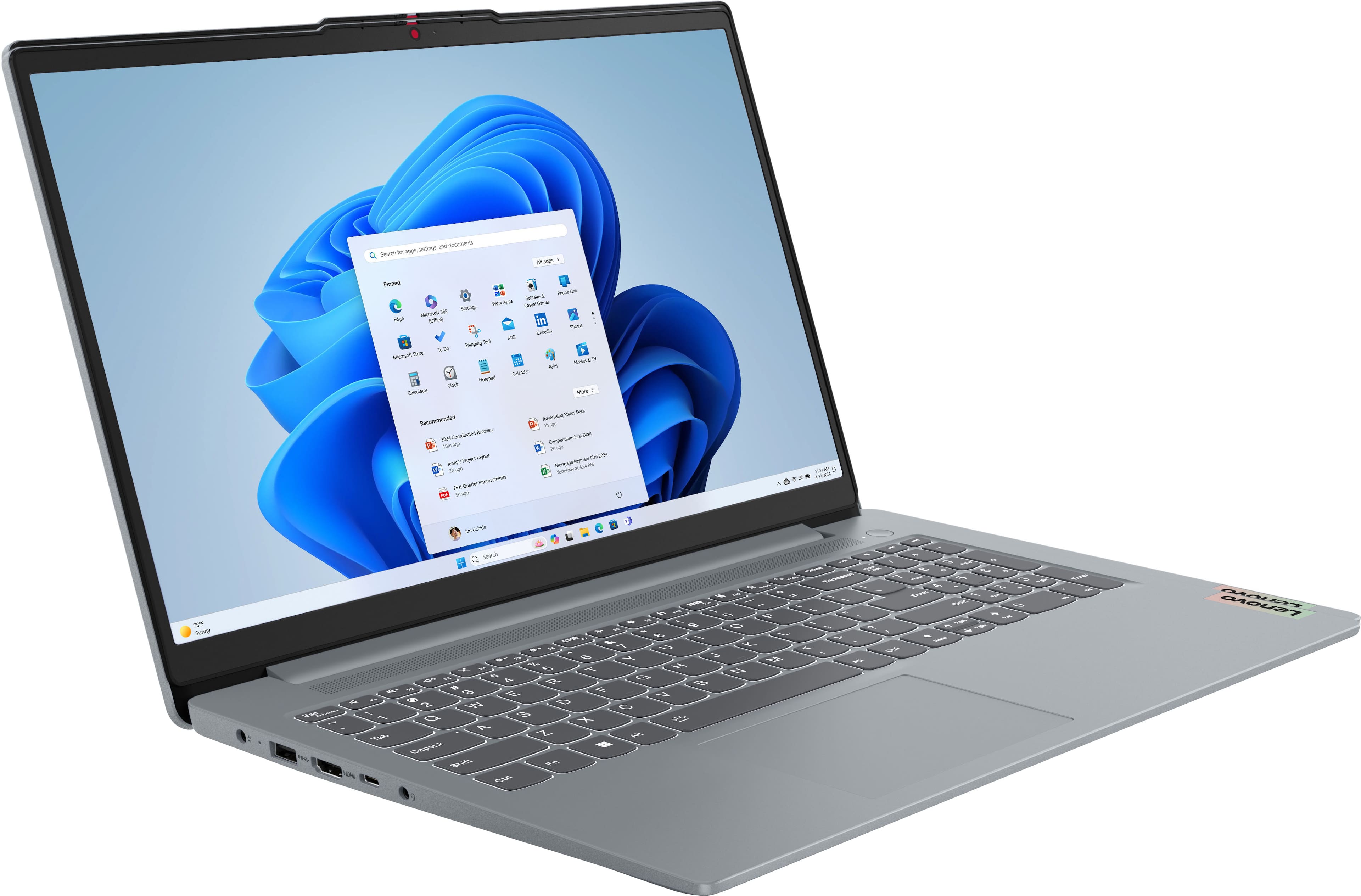
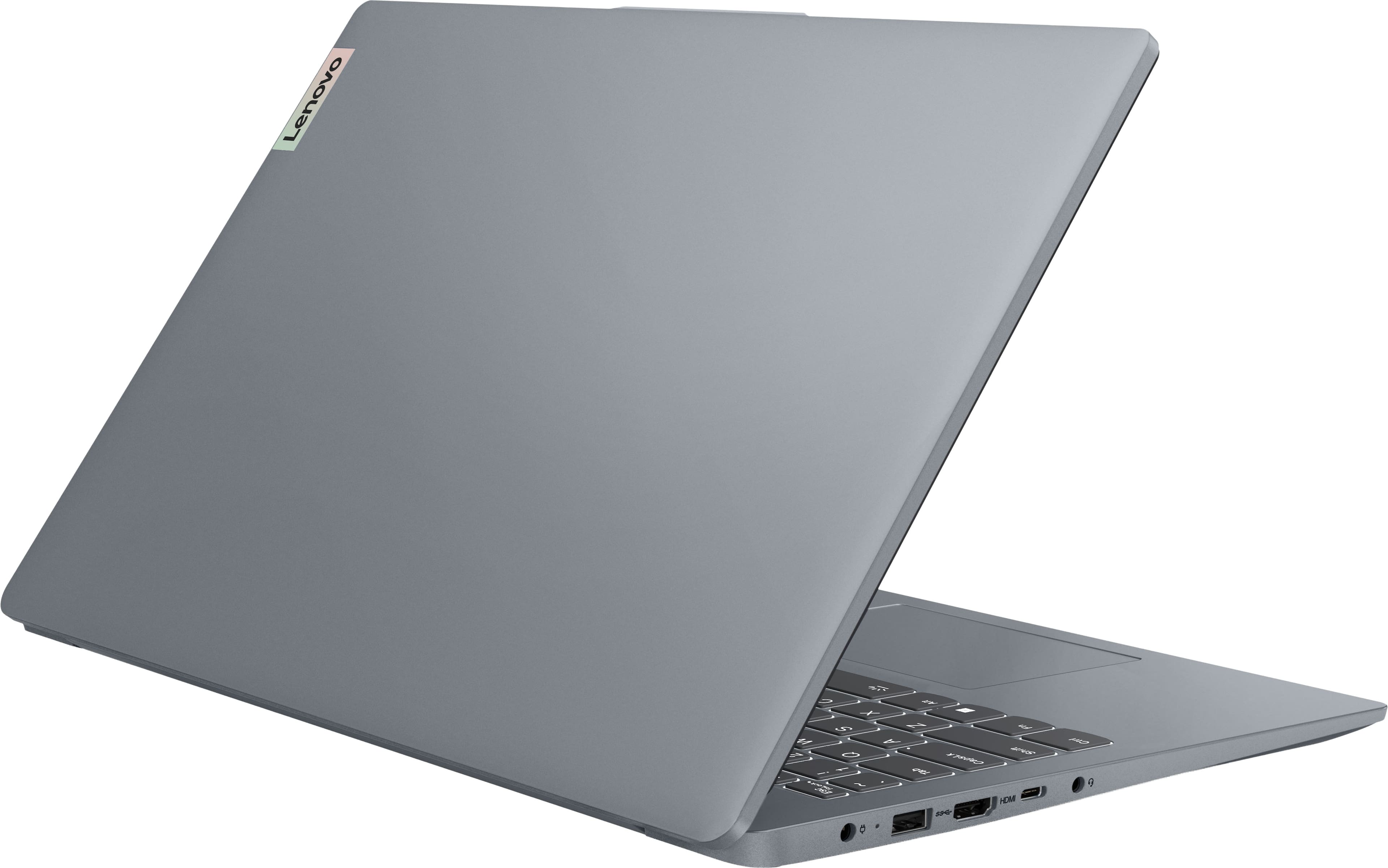
- A:Answer Hi Phil, thanks for your question. Yes, you can use the Lenovo IdeaPad Slim 3i to help you copy the information saved on a CD to a USB flash drive. It is important to note that the IdeaPad Slim 3i does not have an integrated CD/DVD drive; this can be resolved by using an external CD/DVD drive. To assist in your search, we have linked the search results on the Best Buy website for compatible drives here: (https://www.bestbuy.com/site/searchpage.jsp?id=pcat17071&st=external%20cd%20dvd%20drive). Please don't hesitate to contact us if you have any additional questions.
Answered by Lenovo Product Expert
Q: QuestionCan the ram be expanded on this computer? 8 gigs does not seem like a whole lot
Asked by Zoobie.
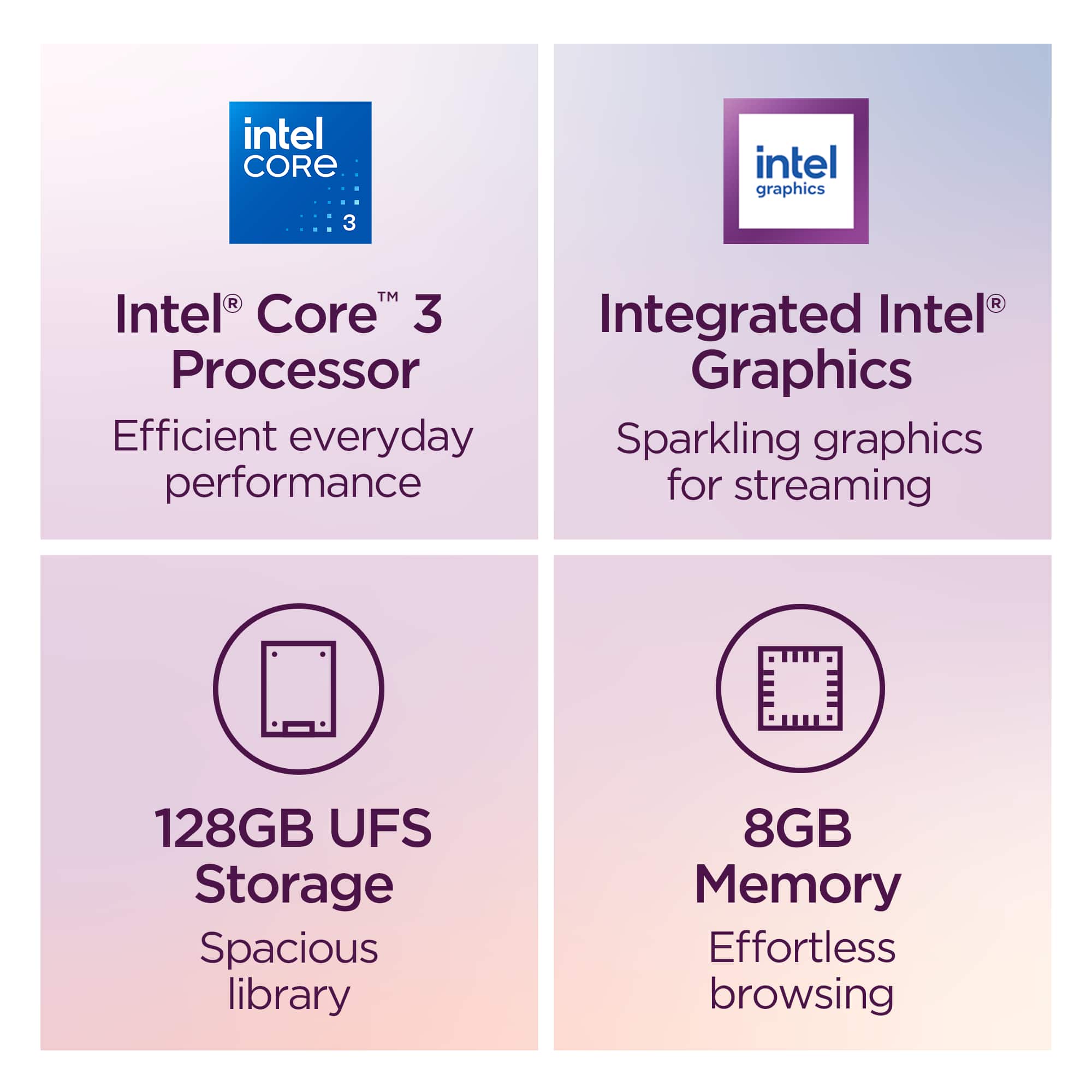
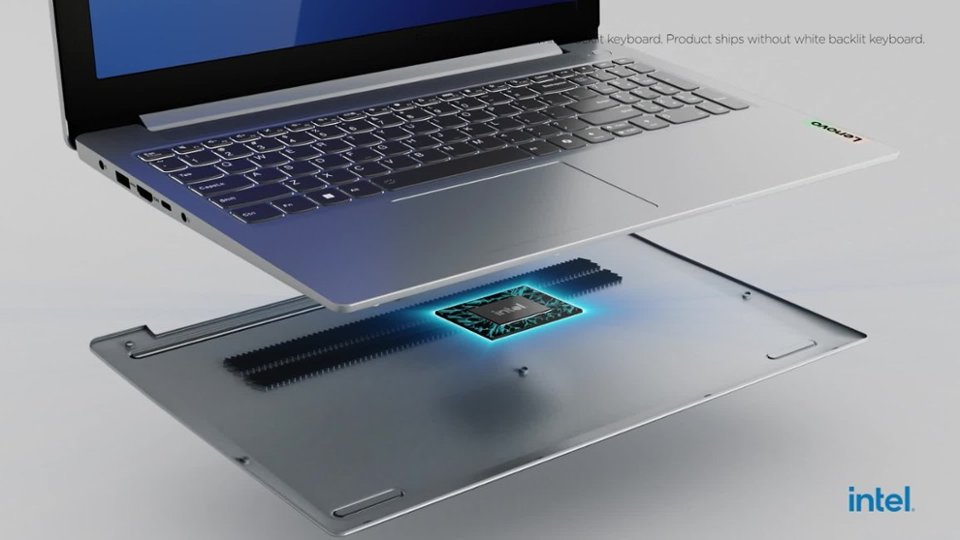
- A:Answer Hey Zoobie, Memory cannot be expanded on this IdeaPad Slim 3i, as it is soldered to the systemboard. Please feel free to reach out to us with any other questions!
Answered by Lenovo Product Expert
Q: QuestionCan This laptop play continuously music for hours
Asked by Suekie.
- A:Answer I played music on it for couple hours I think it dropped from 80 to 40 percent
Answered by ALEXC
Q: QuestionWill you download the information from my old computer to the new computer ?
Asked by Anonymous.
- A:Answer BB's Geek Squad will do it, but there is an extra charge. If it's just data, you can do it easily yourself: download it from your old unit to a flash drive, then from the drive to the Lenovo.
Answered by luislast
Q: QuestionWill I be able to attach both a non Bluetooth keyboard and a monitor to this laptop?
Asked by Lee.
- A:Answer TWO monitors, at least, without daisy chaining, and the sell keyboards that have their own connectivity or use WiFi.
Answered by luislast
Q: QuestionCan I use an Apple iPod nano with this laptop to download and manage my music
Asked by Metallicdevil.
- A:Answer Absolutely. You would primarily use iTunes for Windows to sync files, though it often requires specific setup steps to work with modern Windows 10/11 systems.
Answered by luislast
Q: QuestionI need the cheapest touch screen windows
Asked by LenovaGirl.
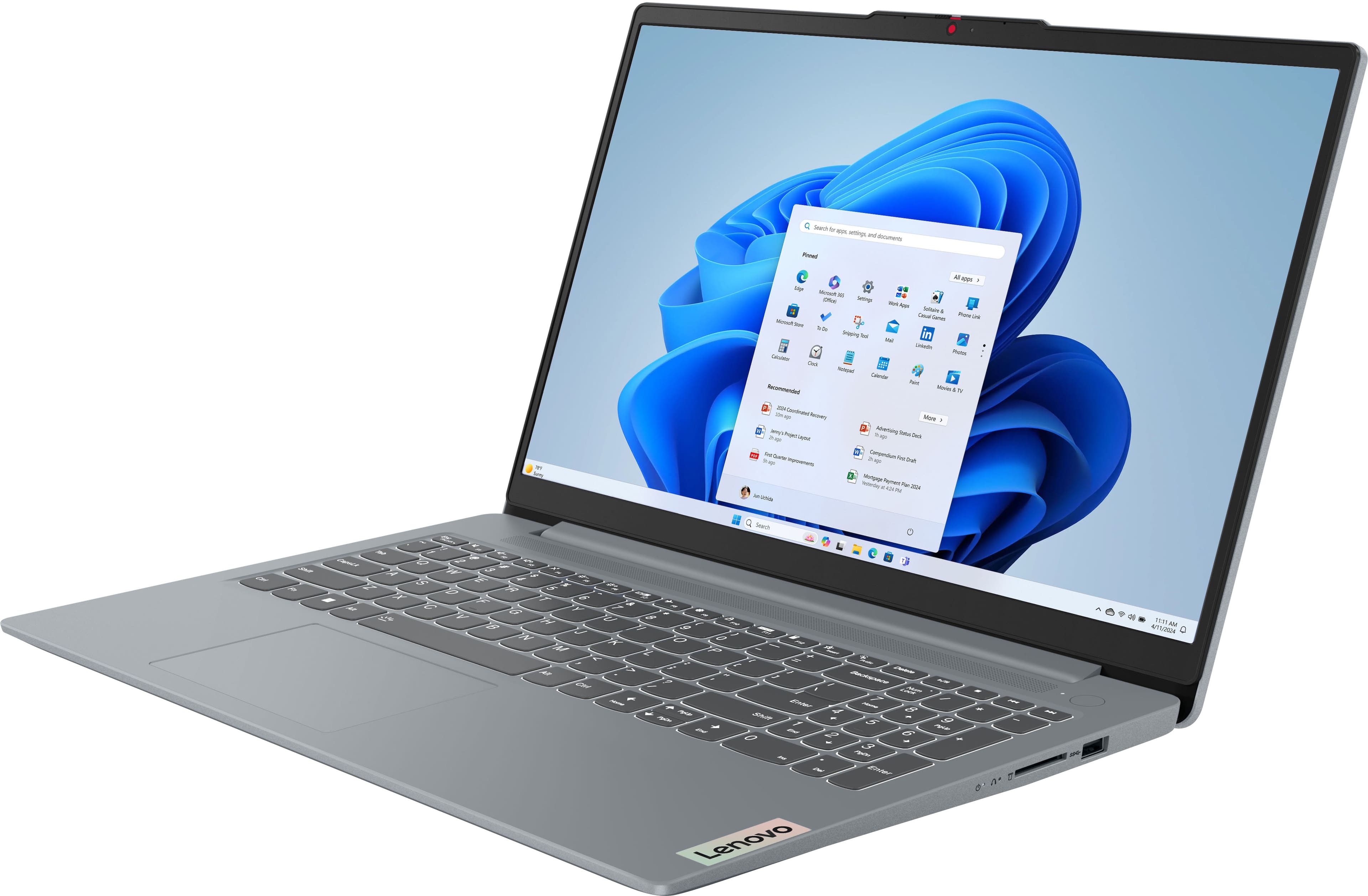
- A:Answer Since this doesn't have a touch screen, this isn't what you want. Do a search on BB's website for "touchscreen laptop" and sort by price.
Answered by luislast
Q: QuestionCan the RAM be upgraded to 16GB?
Asked by BevBones.
- A:Answer Hey BevBones, memory cannot be expanded with this model IdeaPad Slim 3i, as it is soldered to the systemboard. Please feel free to reach out to us with any other questions!
Answered by Lenovo Product Expert
Q: QuestionHow to apply a password on the laptop
Asked by Anonymous.
- A:Answer Hey, During device setup, all Windows based systems are required to set a password for the laptop. If you're having trouble with a password on your system, please let us know in another question, and we'd be happy to help. Feel free to reach out to us with any other questions!
Answered by Lenovo Product Expert


![ESC F1 F2 F3 F4 F5 F6 F7 F8 F9 F10 F11 F12
1 2 3 4 5 6 7 8 9 0 - = Backspace
Tab Q W E R T Y U I O P [ ] \
Caps Lock A S D F G H J K L ; ' Enter
Shift Z X C V B N M , . / Shift
Ctrl Fn Alt Alt Graph Ctrl
Insert Home PgUp PgDn End
Delete Num Lock / * - + Backspace
Lenovo](https://pisces.bbystatic.com/image2/BestBuy_US/images/products/87d55358-0ec8-4dcf-b816-866f89b0c8db.jpg;maxHeight=54;maxWidth=54;format=webp)