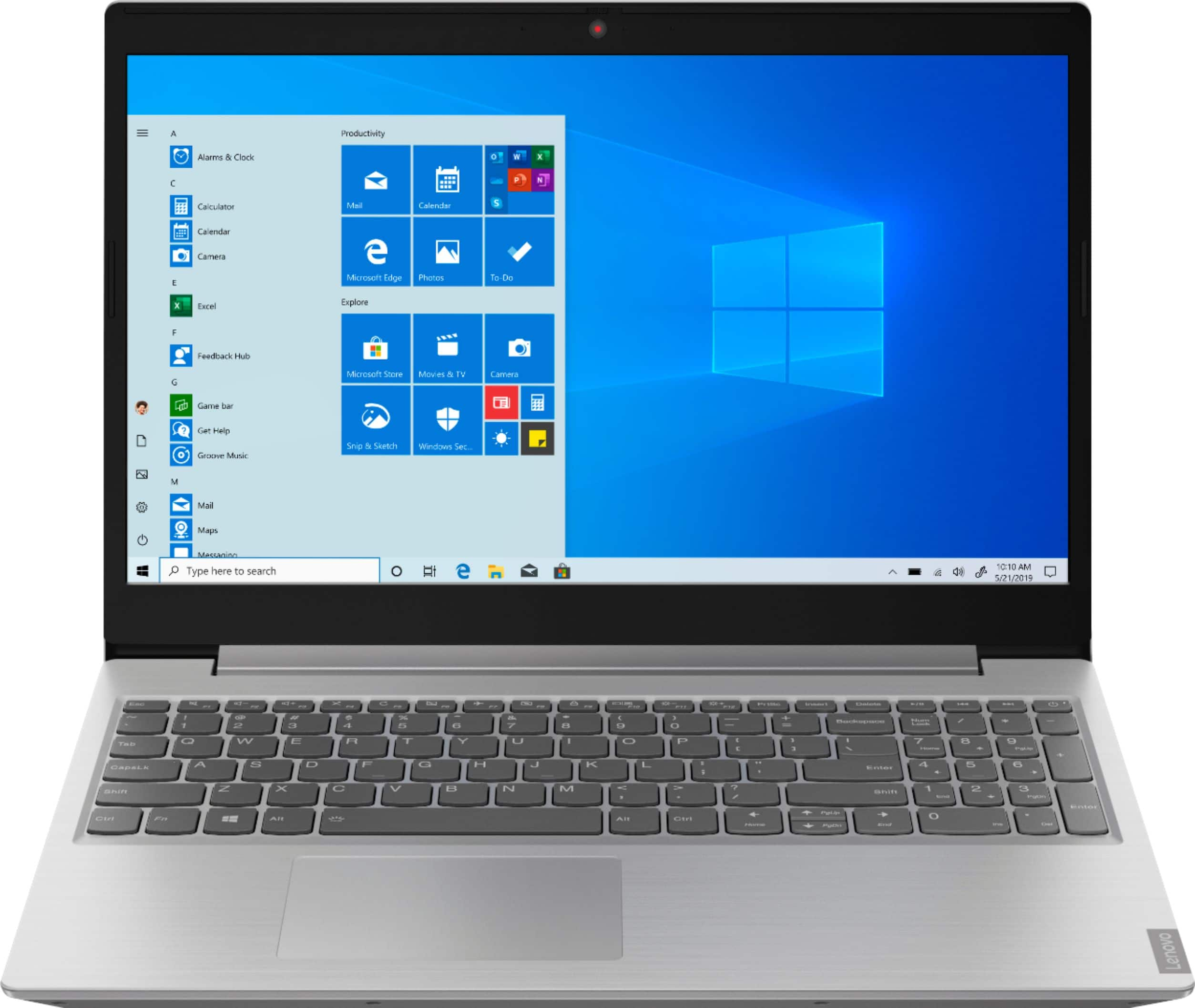
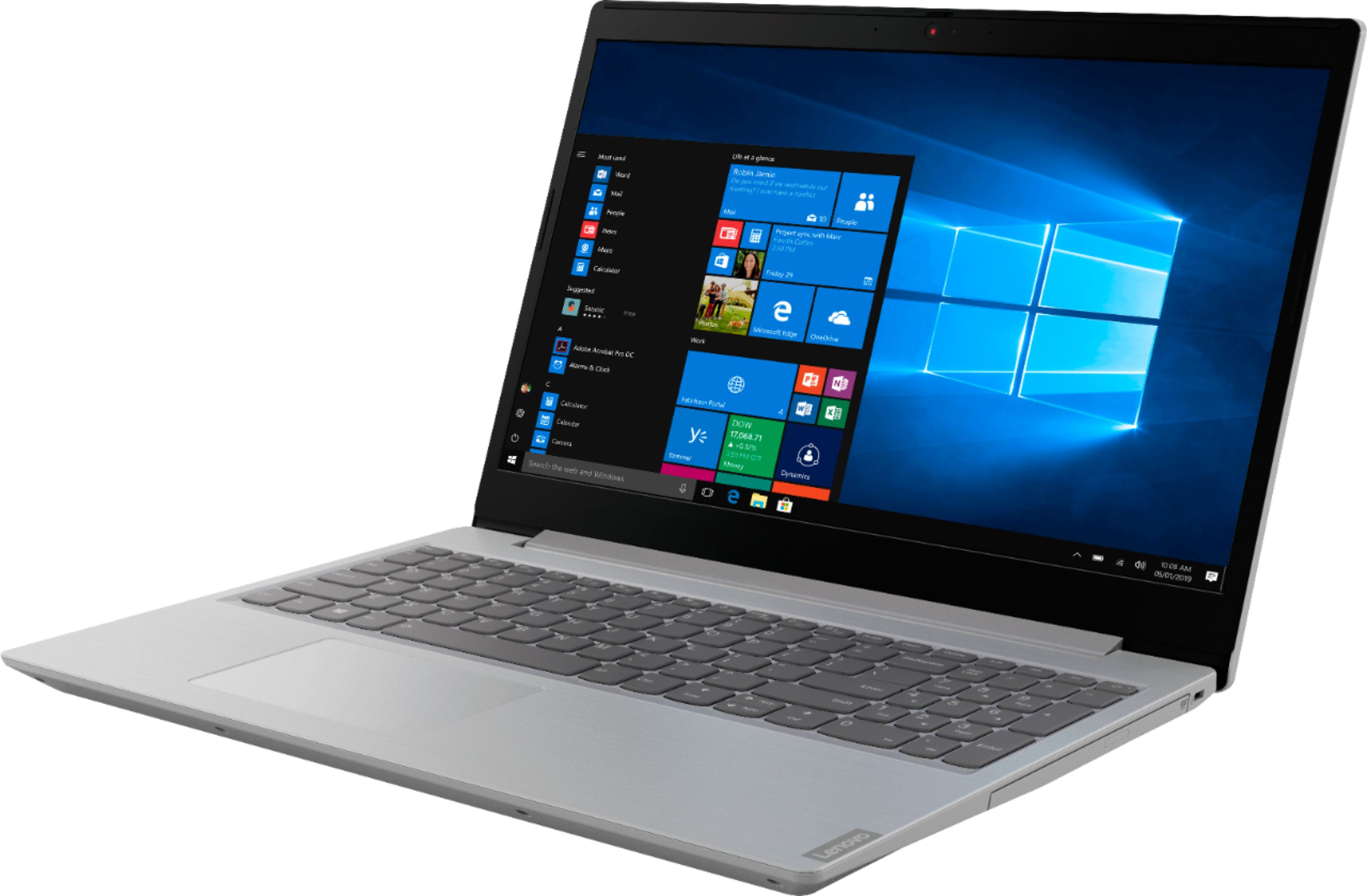
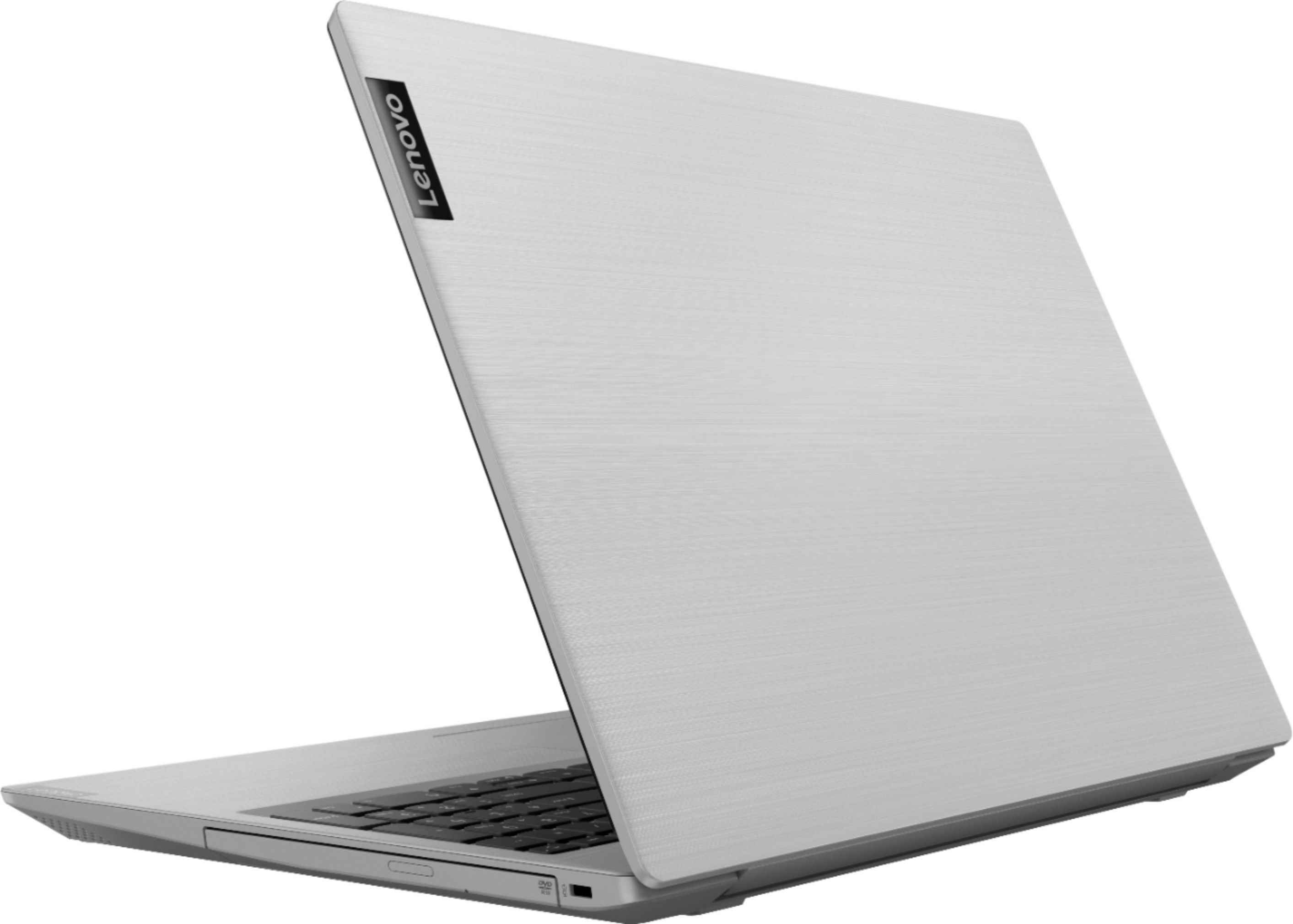
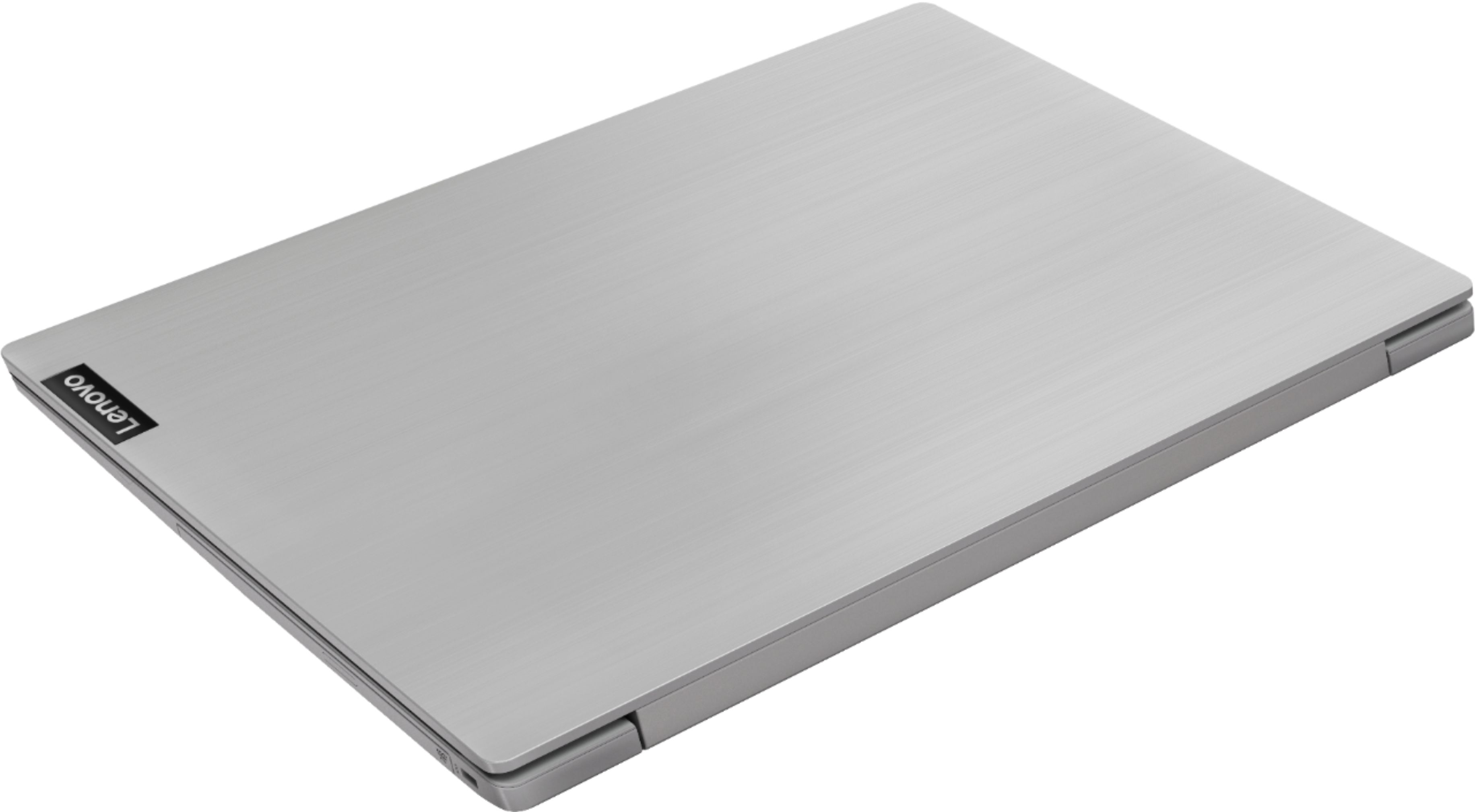
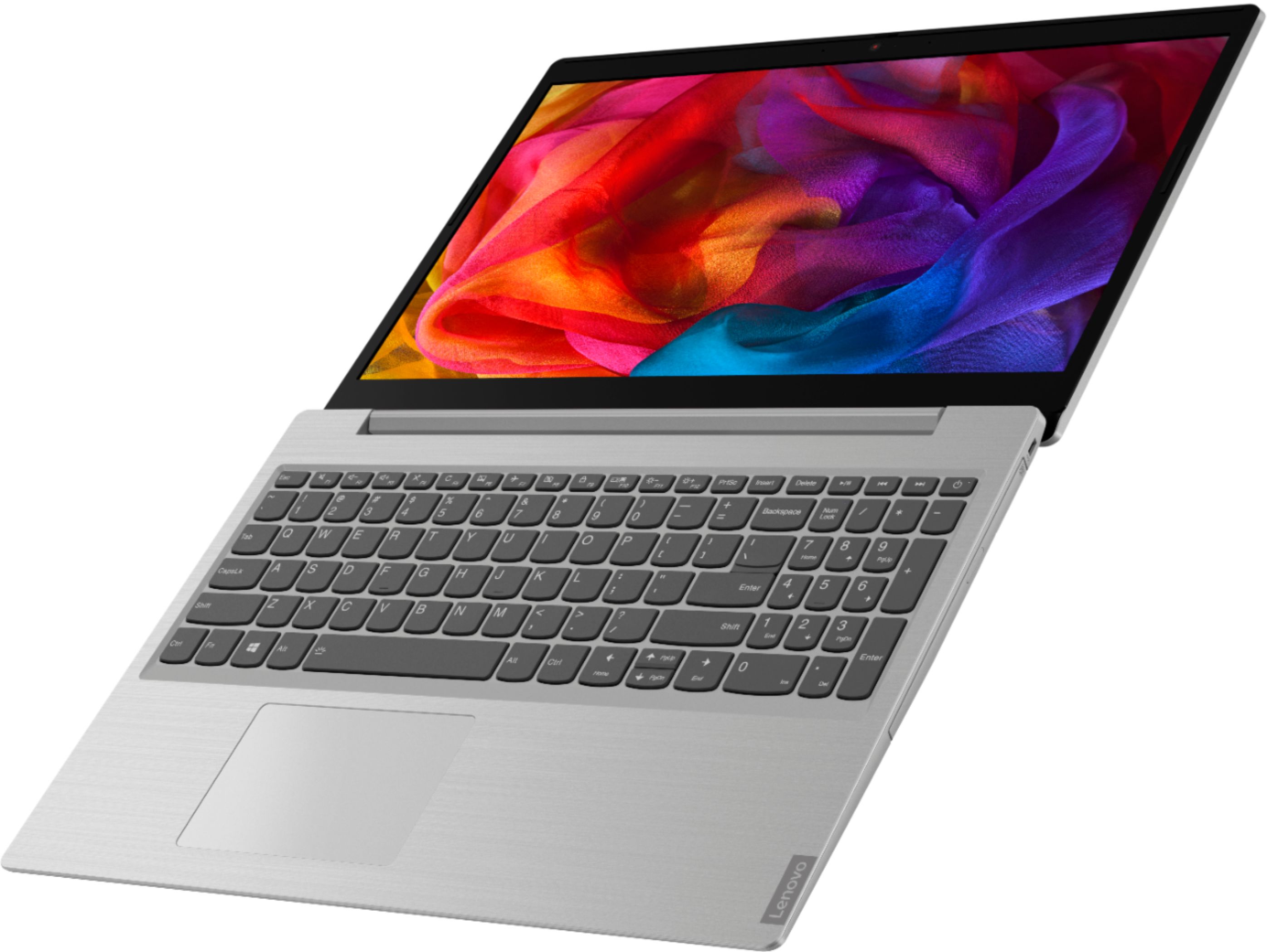
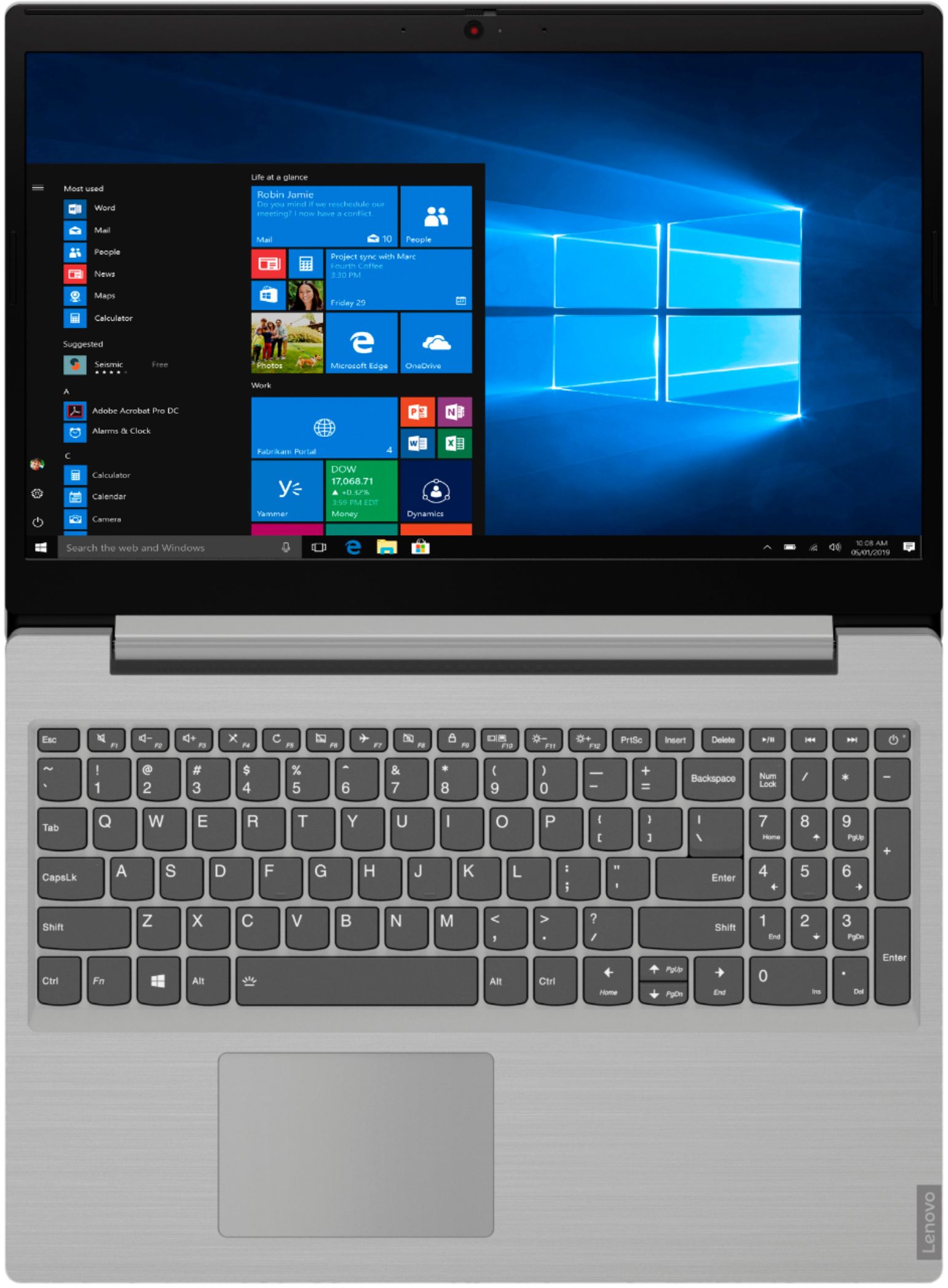
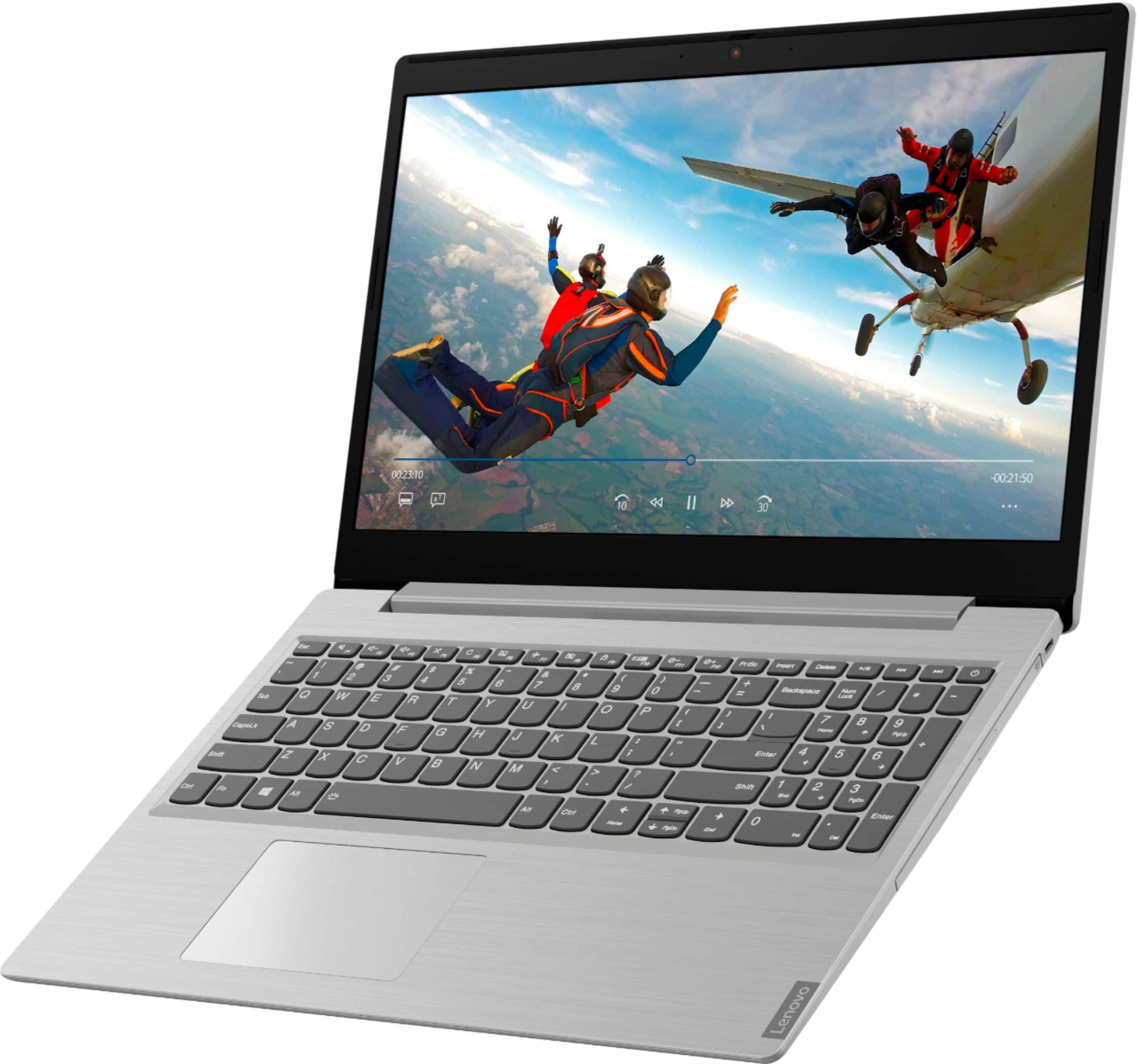
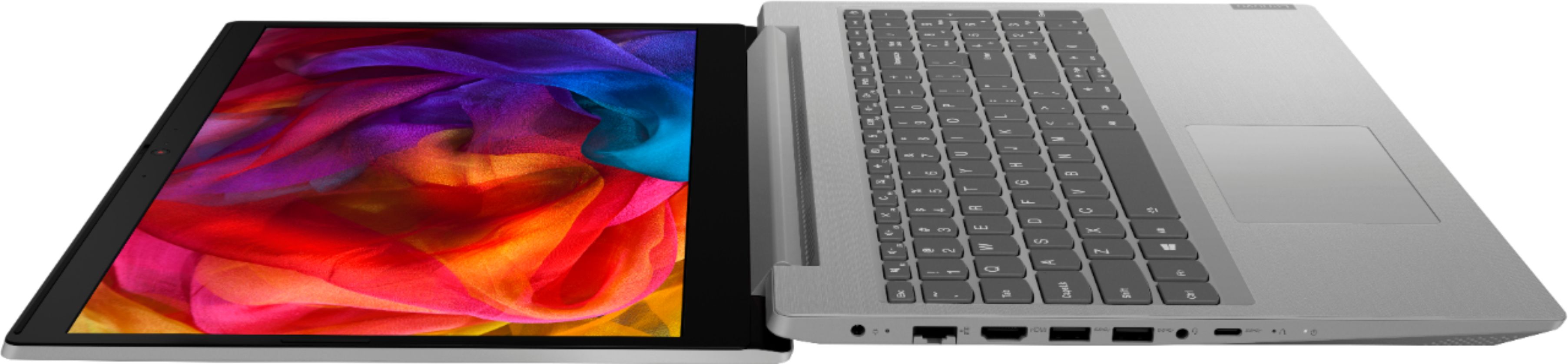
A:AnswerThe Lenovo IdeaPad L340-15 ships with Windows 10 S-Mode 64-bit Operating System. Windows 10 S-Mode provides added security by only allowing APPs available ( and therefore certified by Microsoft) at the Microsoft Store. If you don't need the added security or you need to install APPs not available at the Microsoft Store, you can switch to standard Windows 10 Home 64-bit Operating System, at no additional cost.
A:AnswerI'd say NO not the model I have, it is TOO SLOW just like the tech reviews say, I have the Ryzen 3 3200 x 4 and Raedon Vega 3 slow slow slower
my review: I got the Lenovo Ideapad 330 15 November 2018, no problems at all, fast enough for me. Accidentally broke screen September 2019. Thought Lenovo IP L340 was the same thing 10 months later - Wrong. I should have read the Tech Reviews as they are dead on correct.
My setup is:
AMD Ryzen 3 3200U
Radeon Vega 3
1TB HDD
8gb Memory
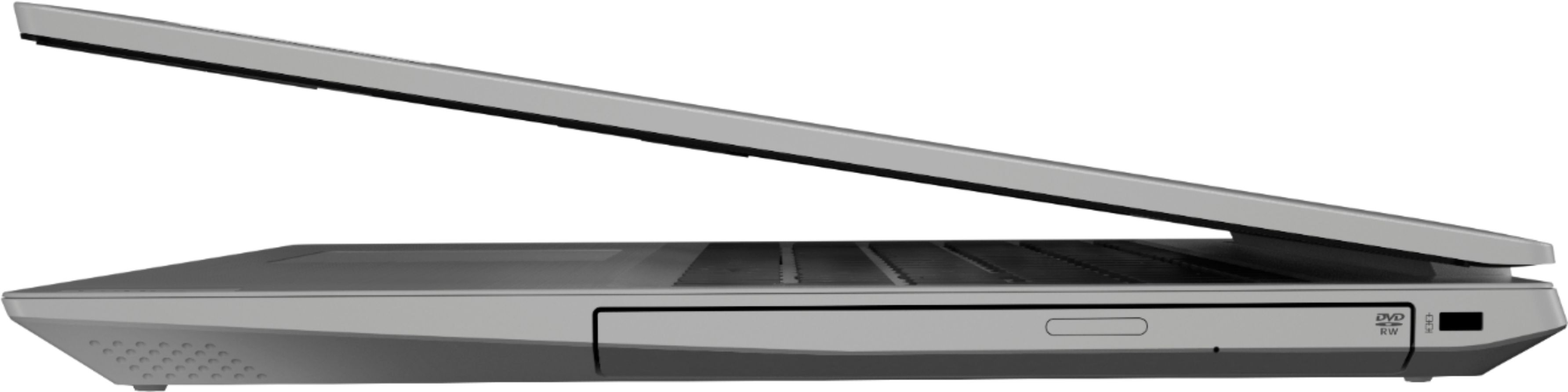
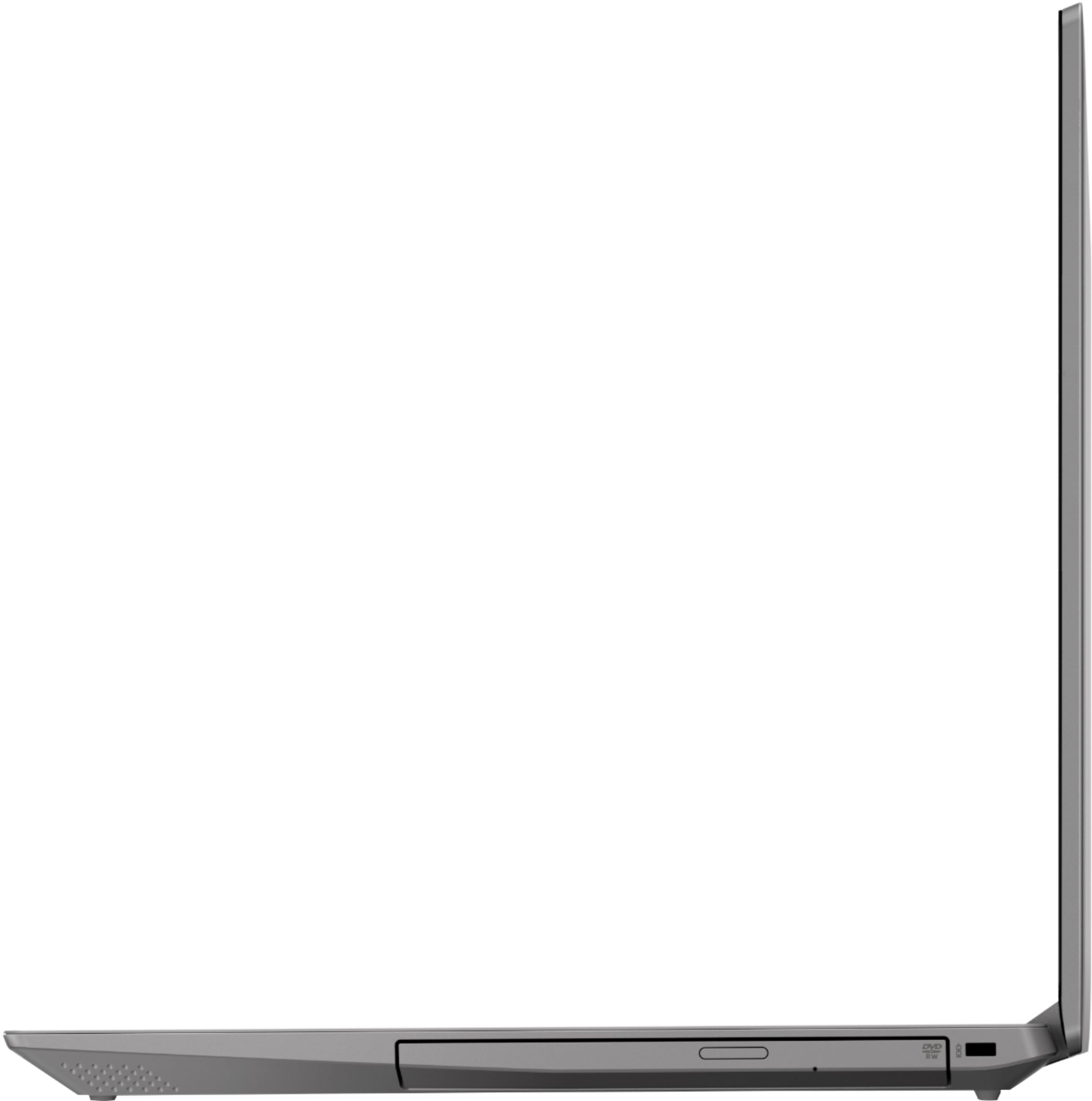
DVD RW
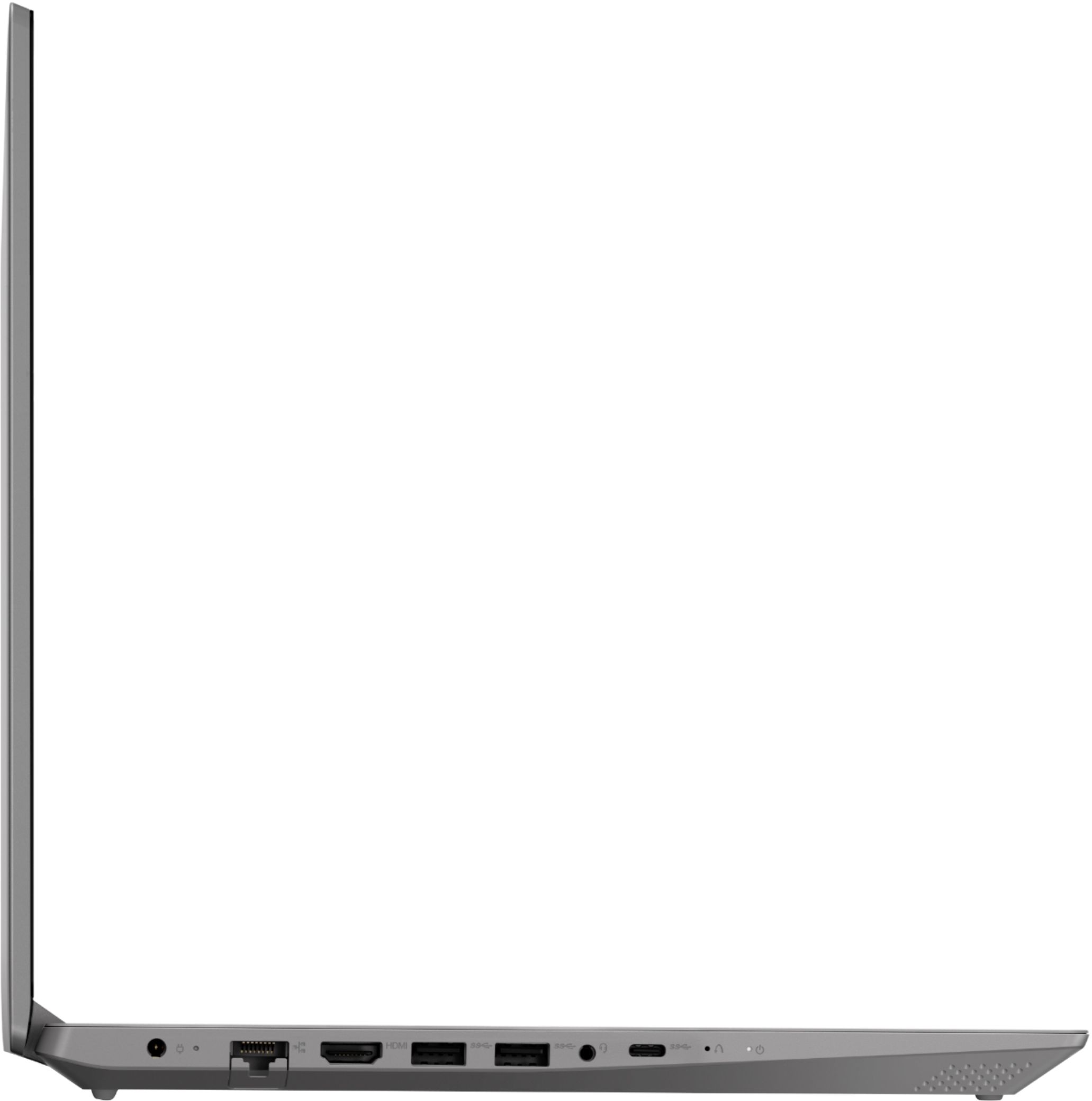
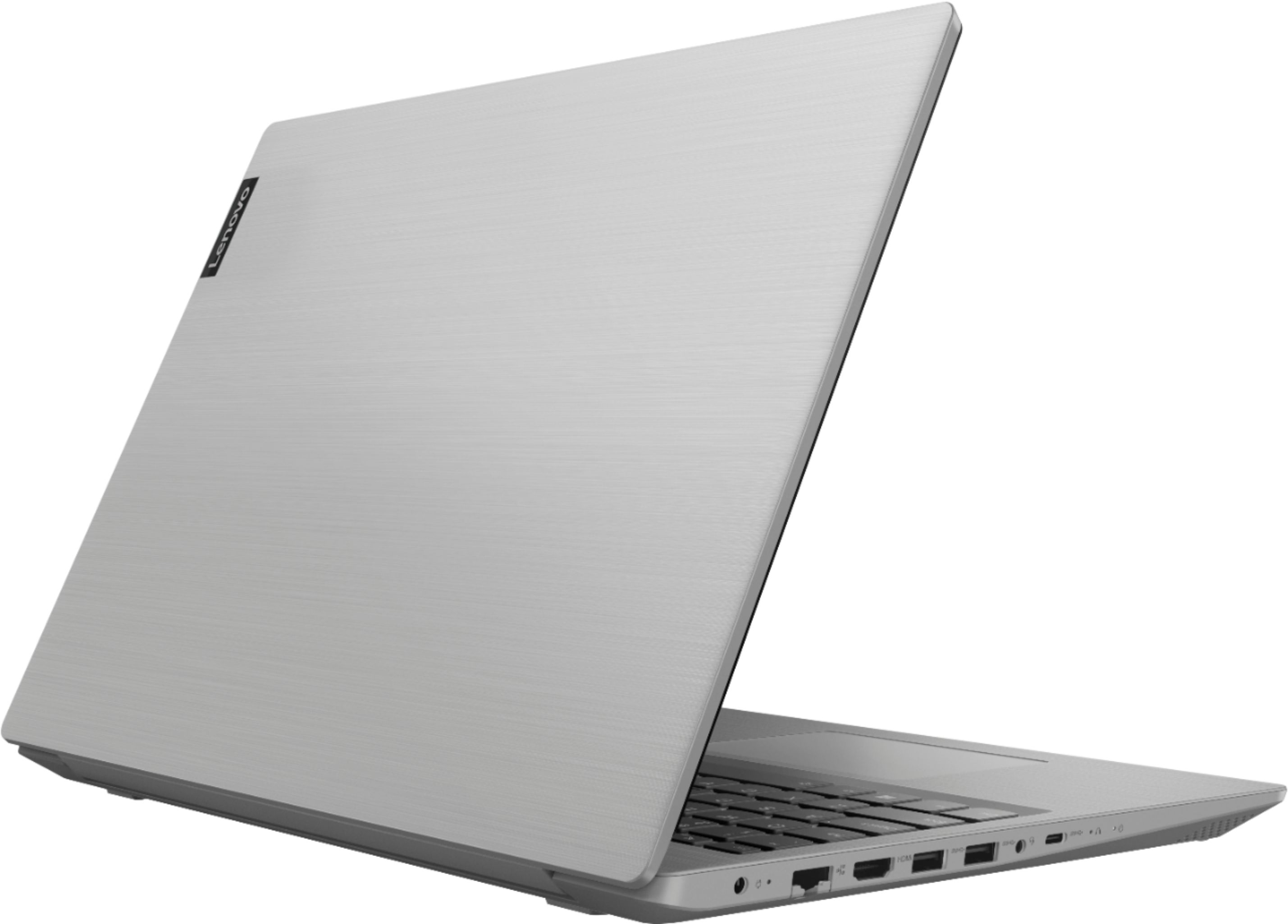
**NO MicroSD slot
Floor Associate at Best Buy told me the opposite of the last two Yes on the MicroSD slot (which I use extensively) Negative on the DVD RW, which like most I rarely to never use.. so to my shock upon unpacking I find the opposite. Ok, well this was the ONLY laptop in the under $500 range I could find and I needed it today, I looked for 3 days prior.
Now the major complaint I have is that the unit, just as the reviews say, is extremely slow when doing things. Not only when i multitasking, but simple lone tasks as well. My drive is not overloaded, I have premium Wifi service but despite all factors, the AMD is just plain slow, too slow, I often wait several seconds for the thing to advance. Now that may sound absurd but that instant is the standard we live by today for even mid-range computers. And its constantly taking that much time, not occasionally, Its like the days of Win98 or 3.1 or what ever back in 1998. Not at all cool, imagine your self waiting several seconds at every major computing function. Difficult to upgrade is what I've read, even if it wasn't, I'm not into buying something new then immediately spending a couple hundred or 30-50% more to get it the way it should have been on day one. I've used it for almost a month now and it's just not up to par with even my 2nd previous (2016 purchase) HP laptop
A:AnswerNo. It will depend on the compatibility of the version of Microsoft Publisher you have. Your version will need to be compatible with Windows 10. We recommend you check directly with Microsoft about the compatibility of the MS Publisher version you have. Keep in mind, there is a 30-day trial of Microsoft Office 365 included as part of the Windows 10 operating system, including MS Publisher. In order to keep the program active after the trial period, you will need to purchase a product key. You will not need to download any additional software.
A:AnswerThat will depend on the requirements and compatibility of the specific game. We recommend you check with the specific game's software publisher's web site for their compatibility with Windows 10 S-Mode 64-bit operating system (Windows 10 S-Mode provides added security by only allowing APPs available ( and therefore certified by Microsoft) at the Microsoft Store. If you don't need the added security or you need to install APPs not available at the Microsoft Store, you can switch to standard Windows 10 Home 64-bit Operating System, at no additional cost.) and the minimum/recommended hardware requirements (Is a Graphics card required, the processor speed and the minimum required system RAM and the minimum available hard drive space) to run their program, then compare those requirements to this system's configuration.
A:AnswerThat will depend on the requirements and compatibility of the specific hardware. We recommend you check with the game's software publisher's web site for their compatibility with Windows 10 S-Mode 64-bit operating system (Windows 10 S-Mode provides added security by only allowing APPs available ( and therefore certified by Microsoft) at the Microsoft Store. If you don't need the added security or you need to install APPs not available at the Microsoft Store, you can switch to standard Windows 10 Home 64-bit Operating System, at no additional cost.) and the minimum/recommended hardware requirements (Is a Graphics card required, the processor speed and the minimum required system RAM and the minimum available hard drive space) to run their program, then compare those requirements to this system's configuration.
A:AnswerThere is a 30-day trial of Microsoft Office 365 included as part of the Windows 10 operating system. In order to keep the program active after the trial period, you will need to purchase a product key. You will not need to download any additional software. Just use the 25-digit Product Key to activate your version of Microsoft Office 365.
A:AnswerYou will need to switch out of Windows 10 S-Mode to install the software necessary to use your ChromeCast with a Windows 10 computer. Here is a link to an example of the type of software you will need to use: https://www.microsoft.com/en-us/p/av-cast/9wzdncrdmb1w?activetab=pivot:overviewtab
A:AnswerThat really will depend on the requirements and compatibility of the specific software. We recommend you check with the game's software publisher's web site for their compatibility with Windows 10 S-Mode 64-bit operating system (Windows 10 S-Mode provides added security by only allowing APPs available ( and therefore certified by Microsoft) at the Microsoft Store. If you don't need the added security or you need to install APPs not available at the Microsoft Store, you can switch to standard Windows 10 Home 64-bit Operating System, at no additional cost.) and the minimum/recommended hardware requirements (Is a Graphics card required, the processor speed and the minimum required system RAM and the minimum available hard drive space) to run their program, then compare those requirements to this system's configuration.
A:AnswerThe Lenovo L340-15 laptop ships with Windows 10 S-Mode Operating System. To install Chrome, you will first have to switch from S-Mode to Windows 10 Home. Here is a link to instructions for switching from Windows 10 S-Mode to Windows 10 Home: https://support.microsoft.com/en-us/help/4456067/windows-10-switch-out-of-s-mode. Once you have switched to Windows 10 Home, here is a link to instructions for installing Chrome Browser: https://support.google.com/chrome/answer/95346?co=GENIE.Platform%3DDesktop&hl=en
A:AnswerIts dependent on the OS. Most linux distributions offer generic input drivers for the touchpad (for example Arch Linux and libinput) and have adequete enough options for graphics drivers. If you're installing an earlier version of Windows there shouldn't be too much of a concern, just focus on graphics and input drivers. Windows will most likely detect and install these drivers automatically anyways.
A:AnswerI would think it could run Steam. And as I was checking out different features on mine, I saw Minecraft for sale through the Microsoft store so I'd say yes it can run it. The laptop comes XBox ready as well. All you'd need is the XBox controller.