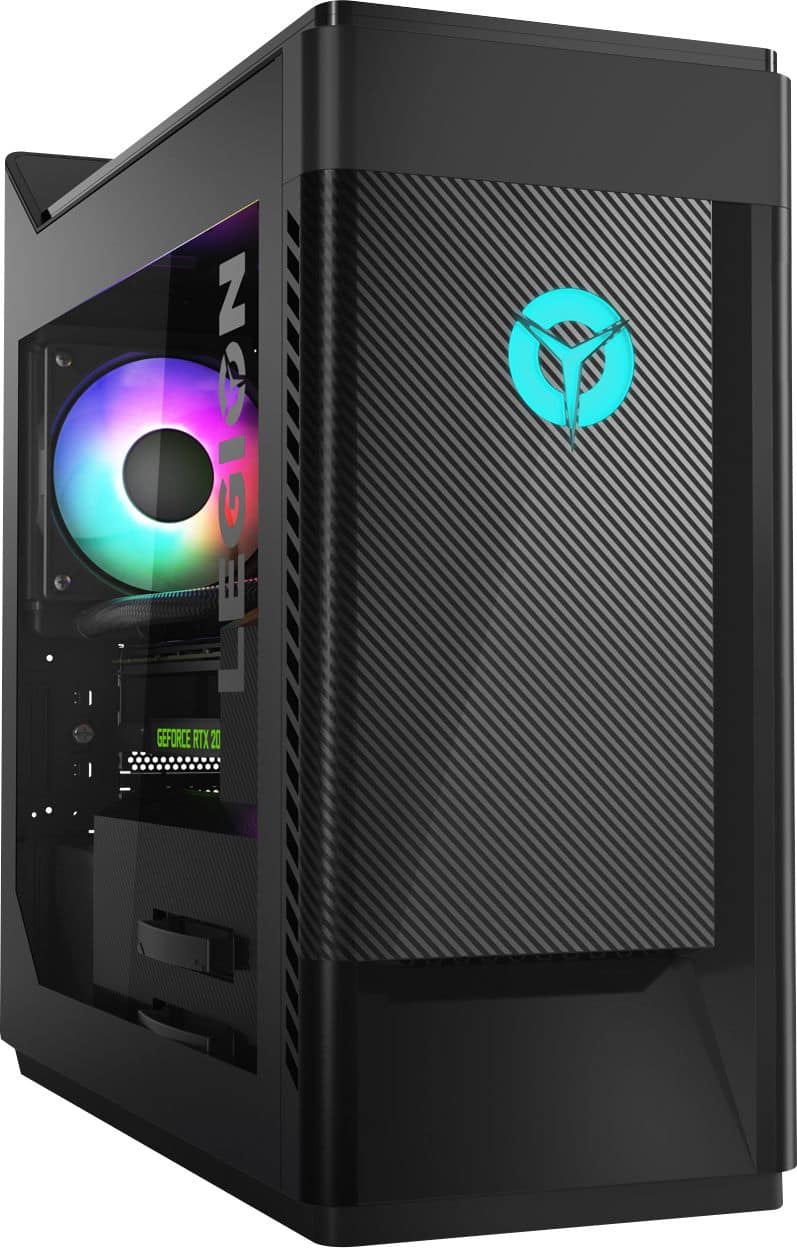
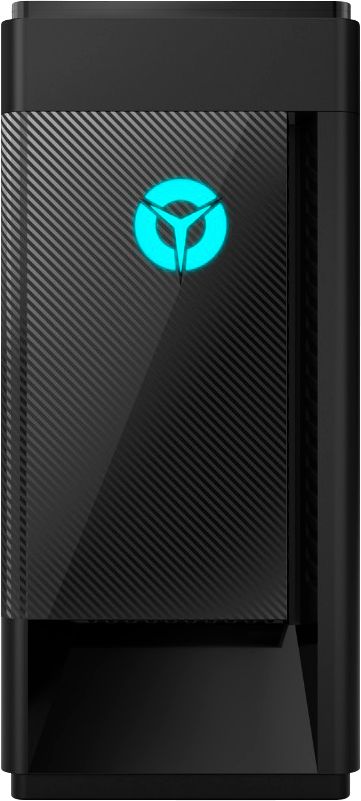
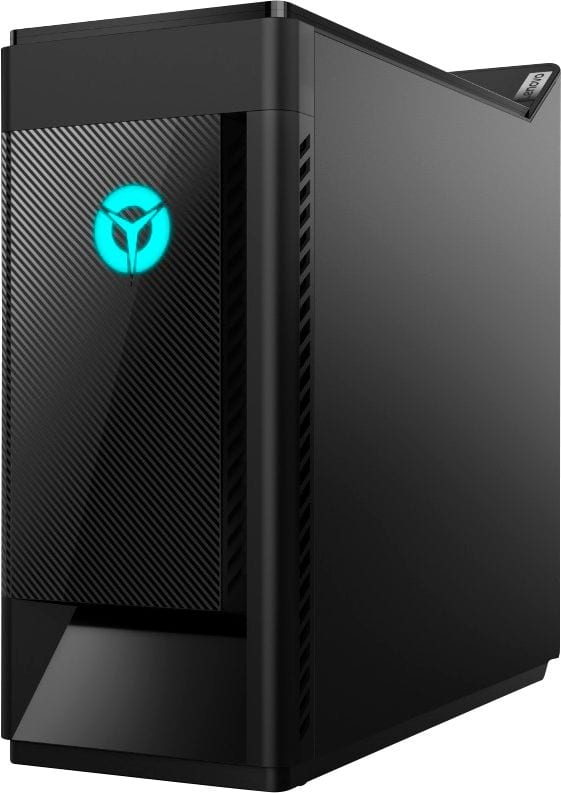
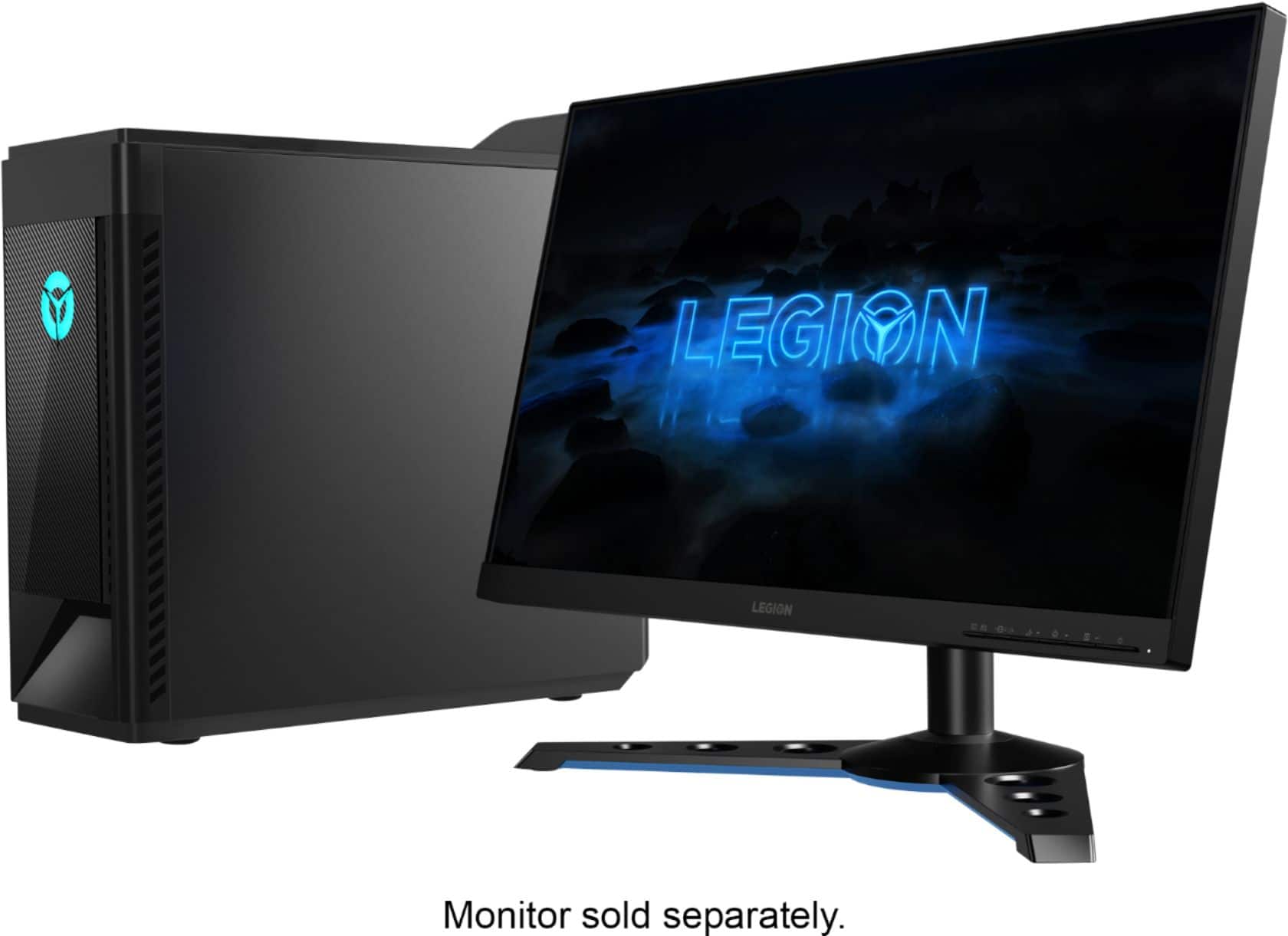
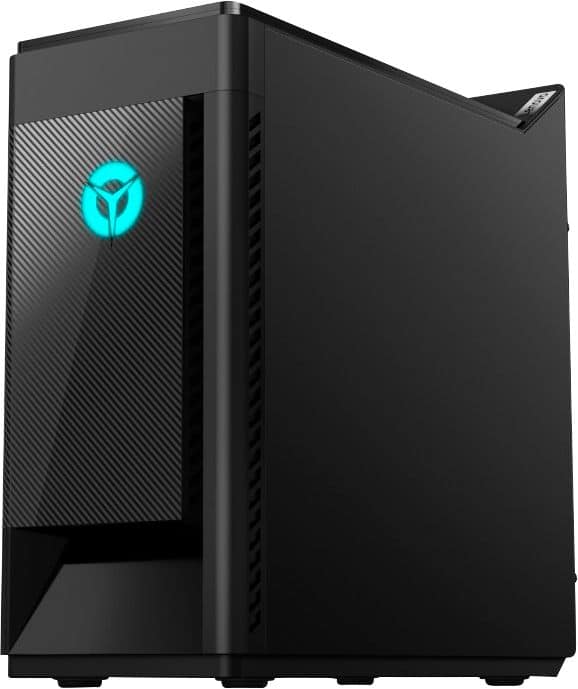
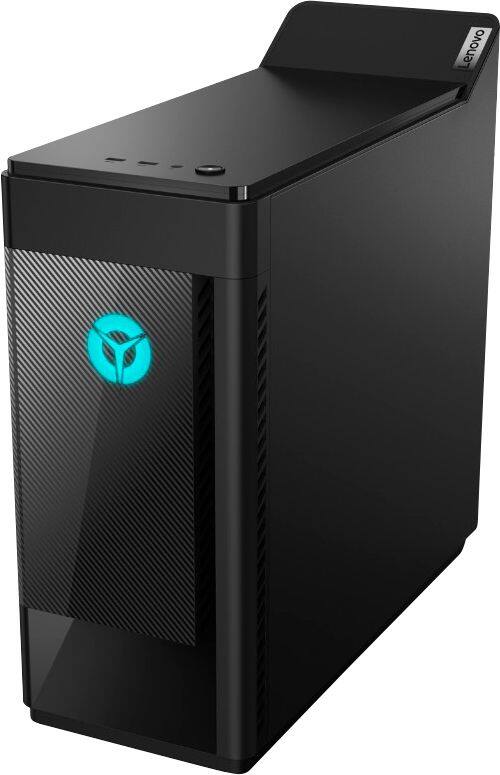
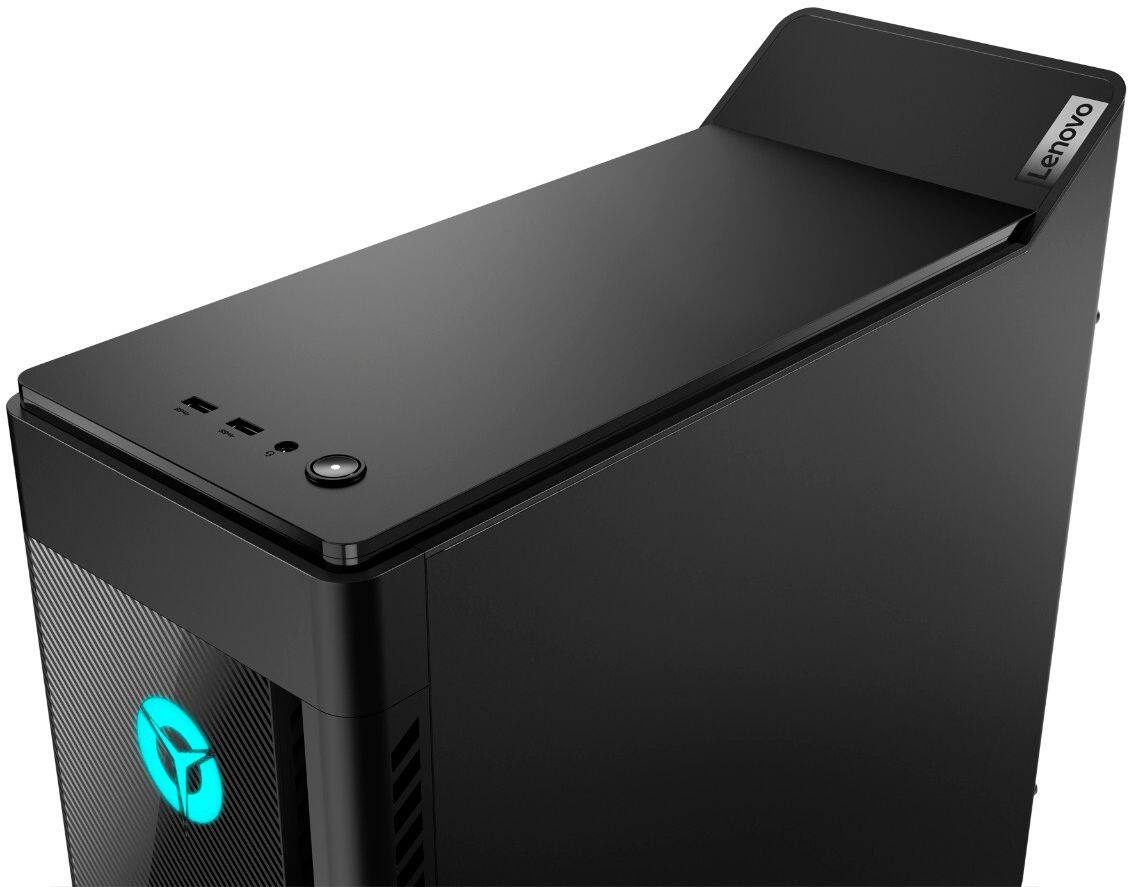
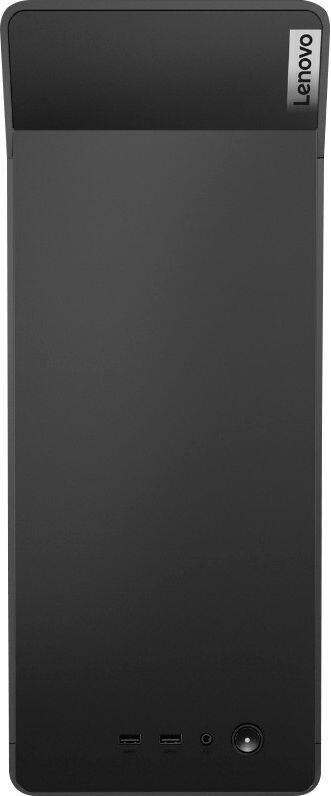
A:AnswerThe Lenovo Legion Gaming Desktop, model number 90NUZ58AUS ships with 8GB DDR4-2666MHz RAM. There are a total of 4 RAM memory slots and the maximum RAM this configuration can support is 64GB DDR4-2666MHz RAM. We recommend you consult your certified technician if you have questions about upgrading the RAM within your computer.
A:AnswerYou can control the lighting effects through your Lenovo Vantage Dashboard. You can get more information by talking with a Legion Gaming Expert at Legion Ultimate Support at: 888-278-9707.
A:AnswerI've check Lenovo's website here in the U.S.. I don't know if you can customize it, then buy it, but you can buy parts for your bought computer after you buy the parts on Lenovo's website.
A:AnswerThat will depend on the requirements and compatibility of the specific game. We recommend you check with the game's software publisher's web site for their compatibility with Windows 10 Home 64-bit operating system and the minimum/recommended hardware requirements (Is a Graphics card required, the processor speed and the minimum required system RAM and the minimum available hard drive space) to run their program, then compare those requirements to this system's configuration. Check the performance of the specific game based on the system specifications of this model.
A:AnswerI have the i7-9700F version with the GTX 1660Ti. Mine comes with 2 slots for RAM (which have 2 x 8GB of RAM for a total of 16GB of RAM). The online manual for mine shows 2 RAM slots in at least one of the illustrations.
A:AnswerThat will depend on the requirements and compatibility of the specific game. We recommend you check with the game's software publisher's web site for their compatibility with Windows 10 Home 64-bit operating system and the minimum/recommended hardware requirements (Is a Graphics card required, the processor speed and the minimum required system RAM and the minimum available hard drive space) to run their program, then compare those requirements to this system's configuration.