Questions & Answers
Page Showing 1-4 of 4 questions
Q: QuestionHow do you charge it up? It is blinking red light, and I can't find a user guide that gives me any information as to how to fix it? I have looked on line and all I can find is Utube videos that just shows the product and how it works.
Asked by Yvette1152.
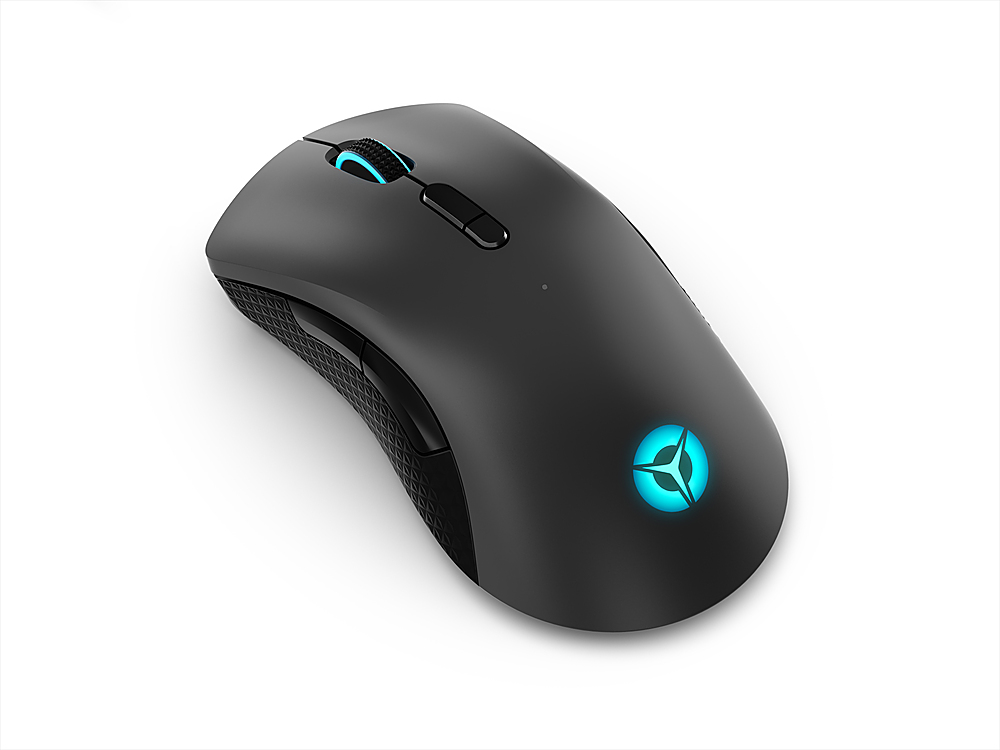
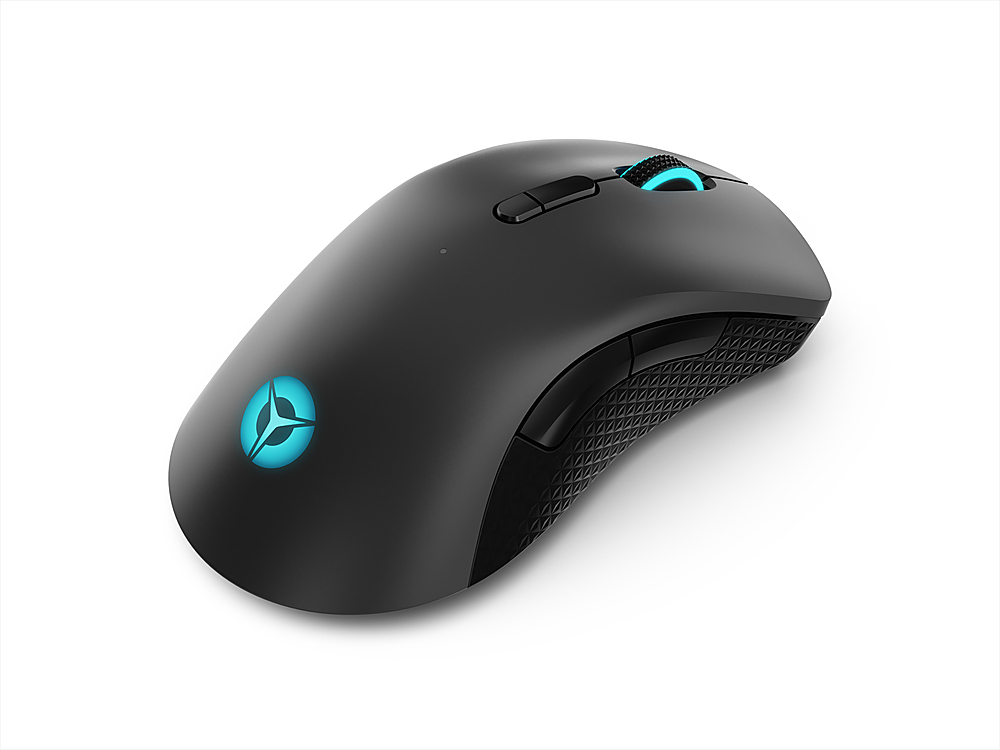
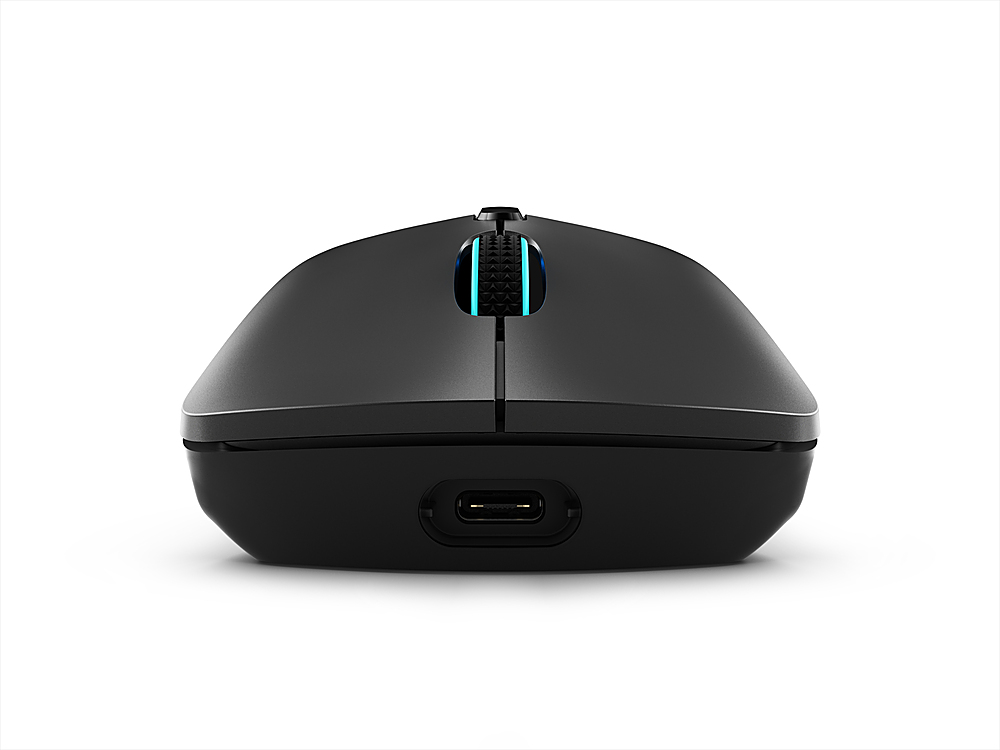
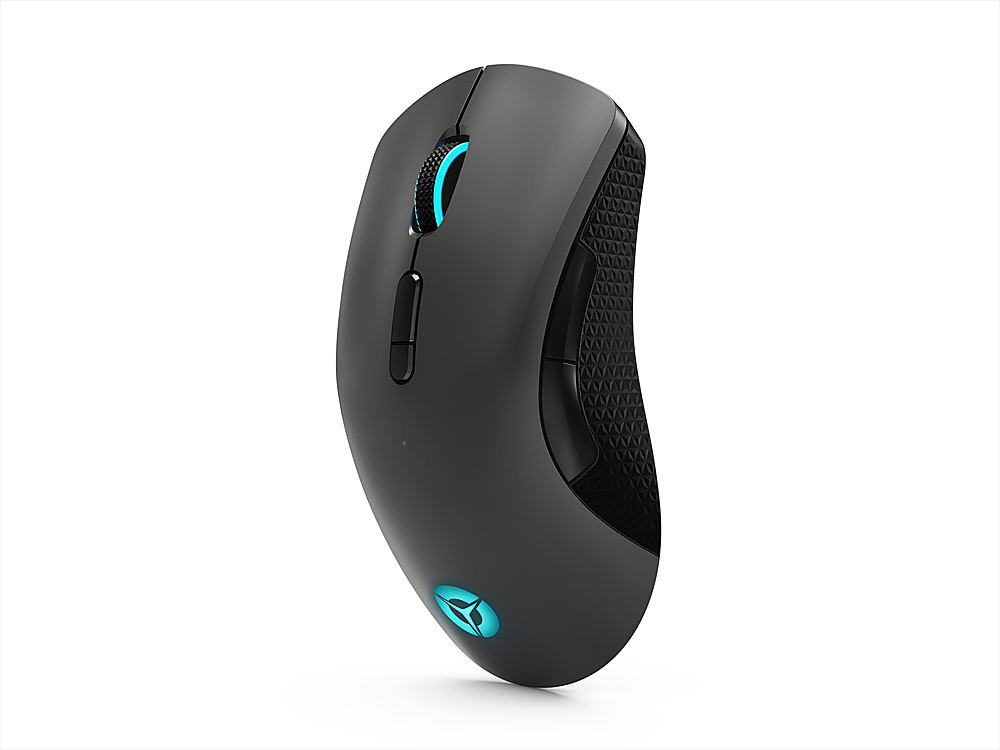
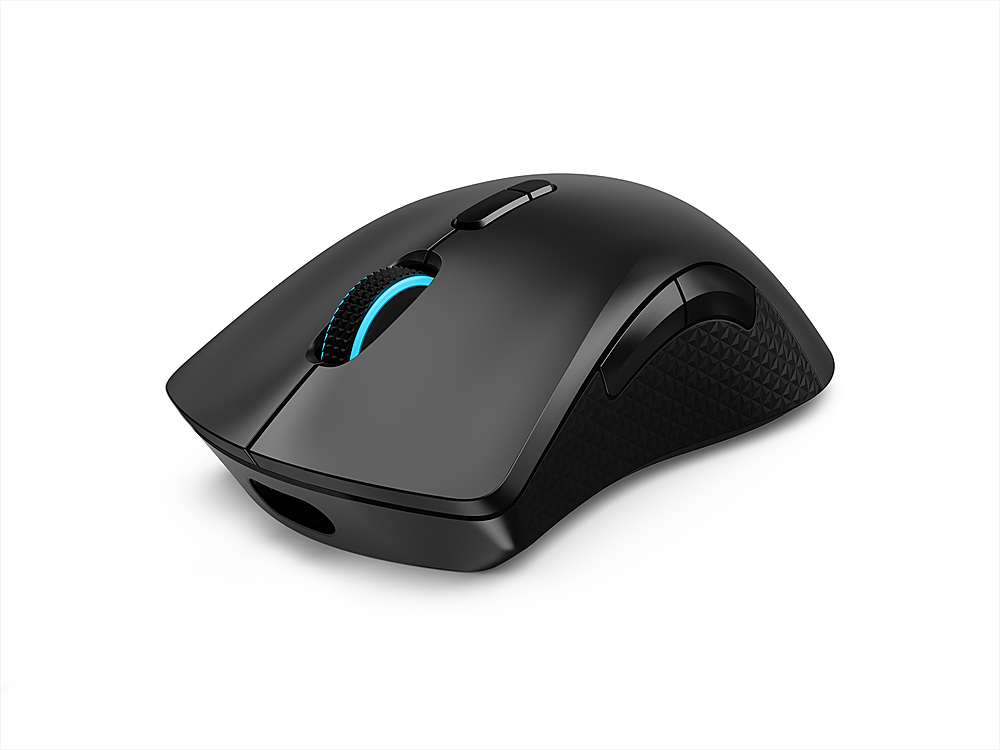
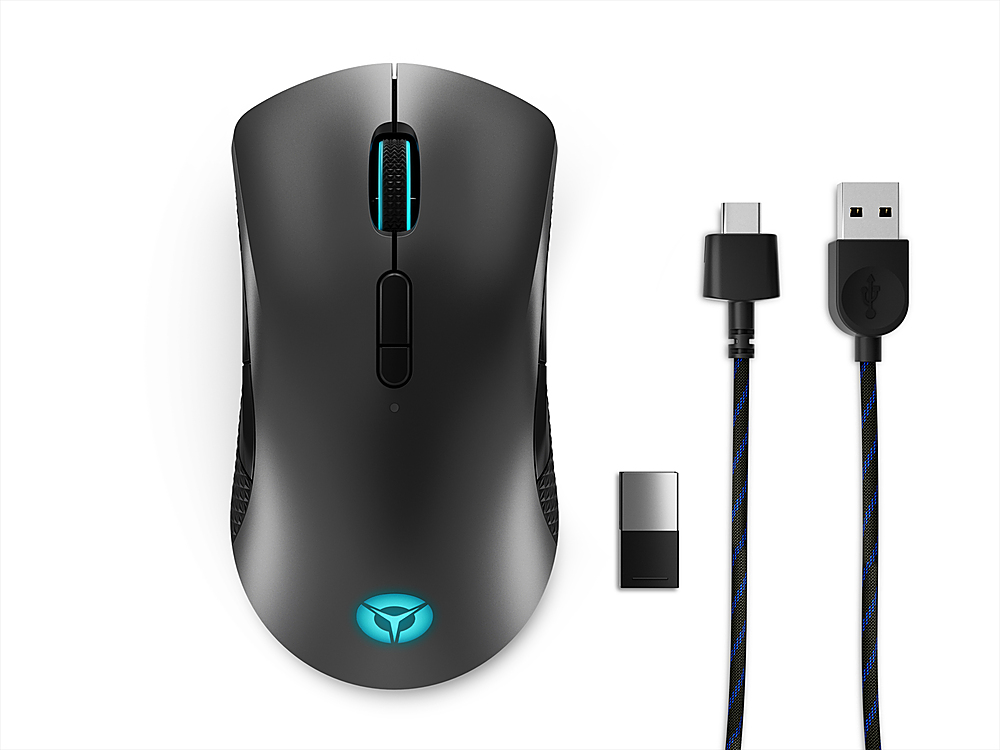
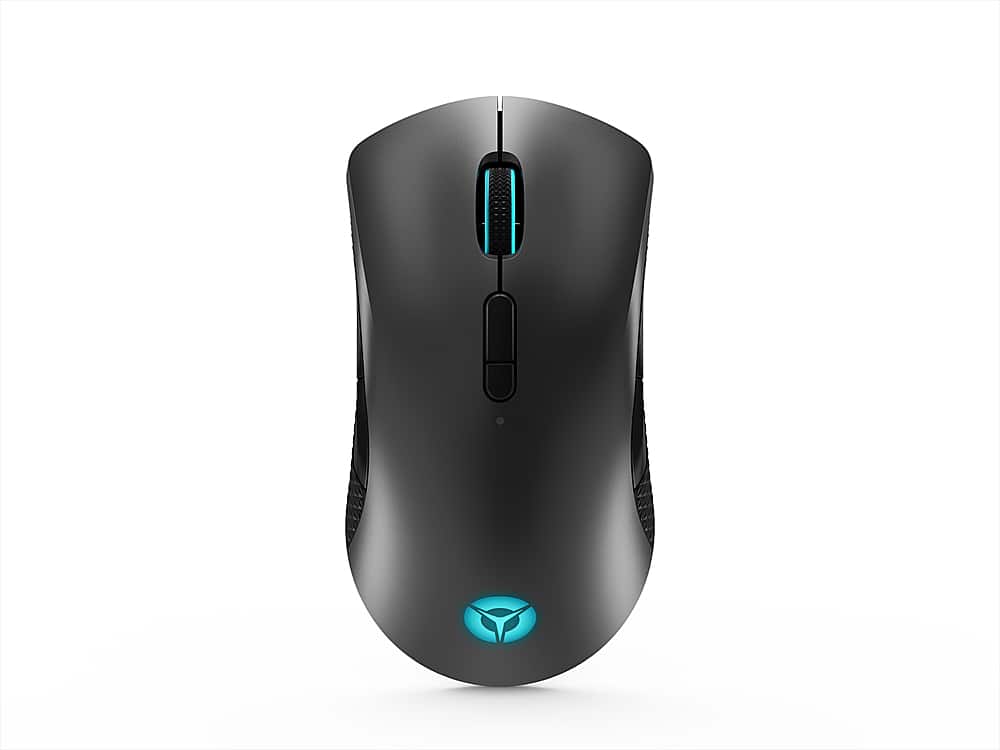
- A:Answer This Lenovo Legion M600 RGB Wireless Optical Mouse, model number GY50X79385, ships with a USB A to USB C Charging Cable. Plug the USB-c end into the front of the mouse, and the USB Type A end into a USB port on your computer to charge the M600 Mouse. A full charge takes approximately 2.5 hours. Here is a link to the Quick Start Guide for this Legion M600 Mouse: https://download.lenovo.com/consumer/options/legion_m600_wireless_gaming_mouse_qsg.pdf. If you have questions about your Legion M600 Mouse, we recommend you contact legion Ultimate Support at: 888-278-9707.
Answered by Lenovo Product Expert

Q: QuestionDoes Lenovo Legion M600 RGB work with hp ??
Asked by Alvin.
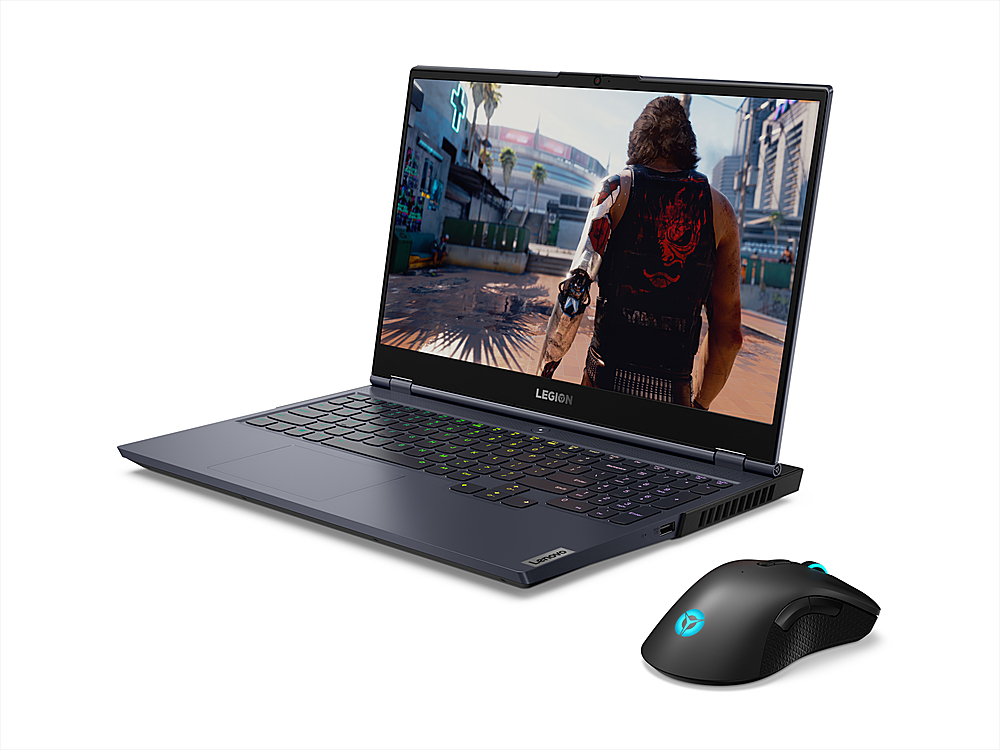
- A:Answer The Lenovo Legion M600 RGB Gaming Mouse is compatible with any hardware running Windows, Chrome, Mac, Android, Apple iOS Operating Systems.
Answered by Lenovo Product Expert

Q: QuestionDoes it work with Xbox series s??
Asked by Anonymous.
- A:Answer Hello, thank you for your question. Yes, however you may have to use it strictly as a wired mouse. For more information, here is a link to an Xbox Support site to learn more: https://support.xbox.com/en-US/help/hardware-network/accessories/mouse-keyboard
Answered by Lenovo Product Expert

Page 1, Showing 1-4 of 4 questions
Best-selling Best Buy
- $299.99$299.99The price was $349.99
- $59.99$59.99The price was $99.00
- $199.99$199.99The price was $349.99
- $14.99$14.99The price was $19.00
- $24.99$24.99The price was $29.99
- $14.99$14.99The price was $19.00
- $139.99$139.99The price was $149.99