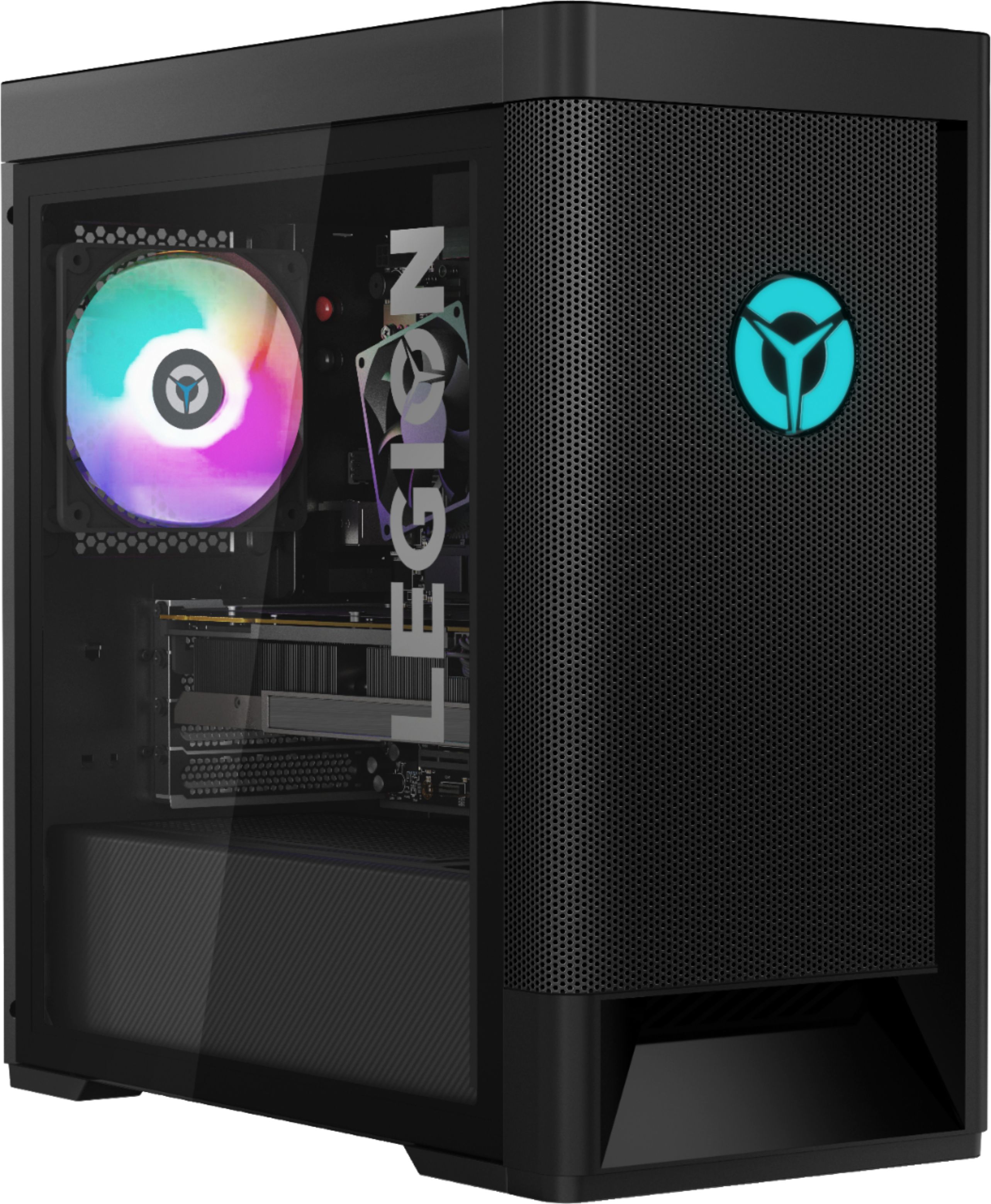
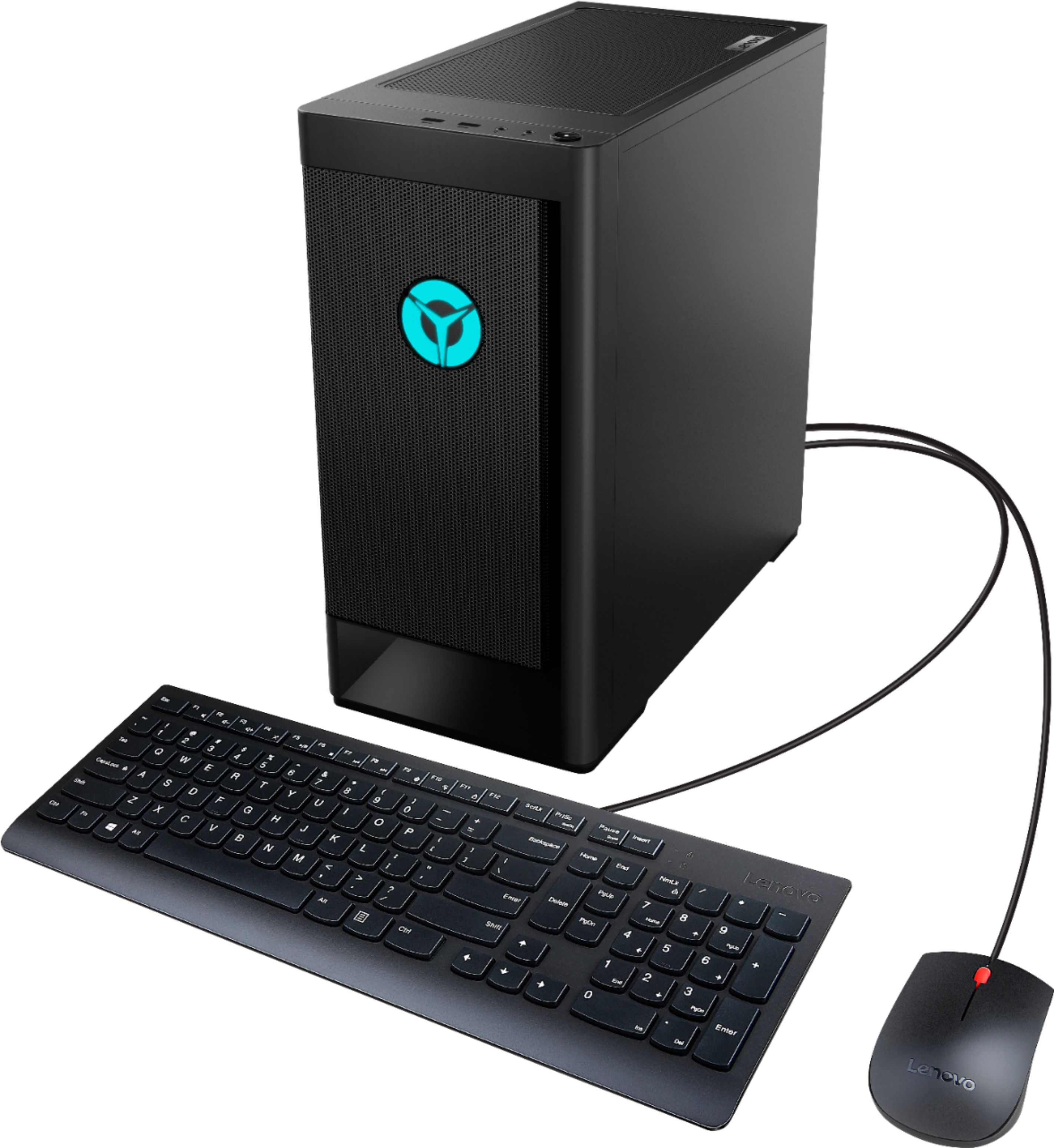
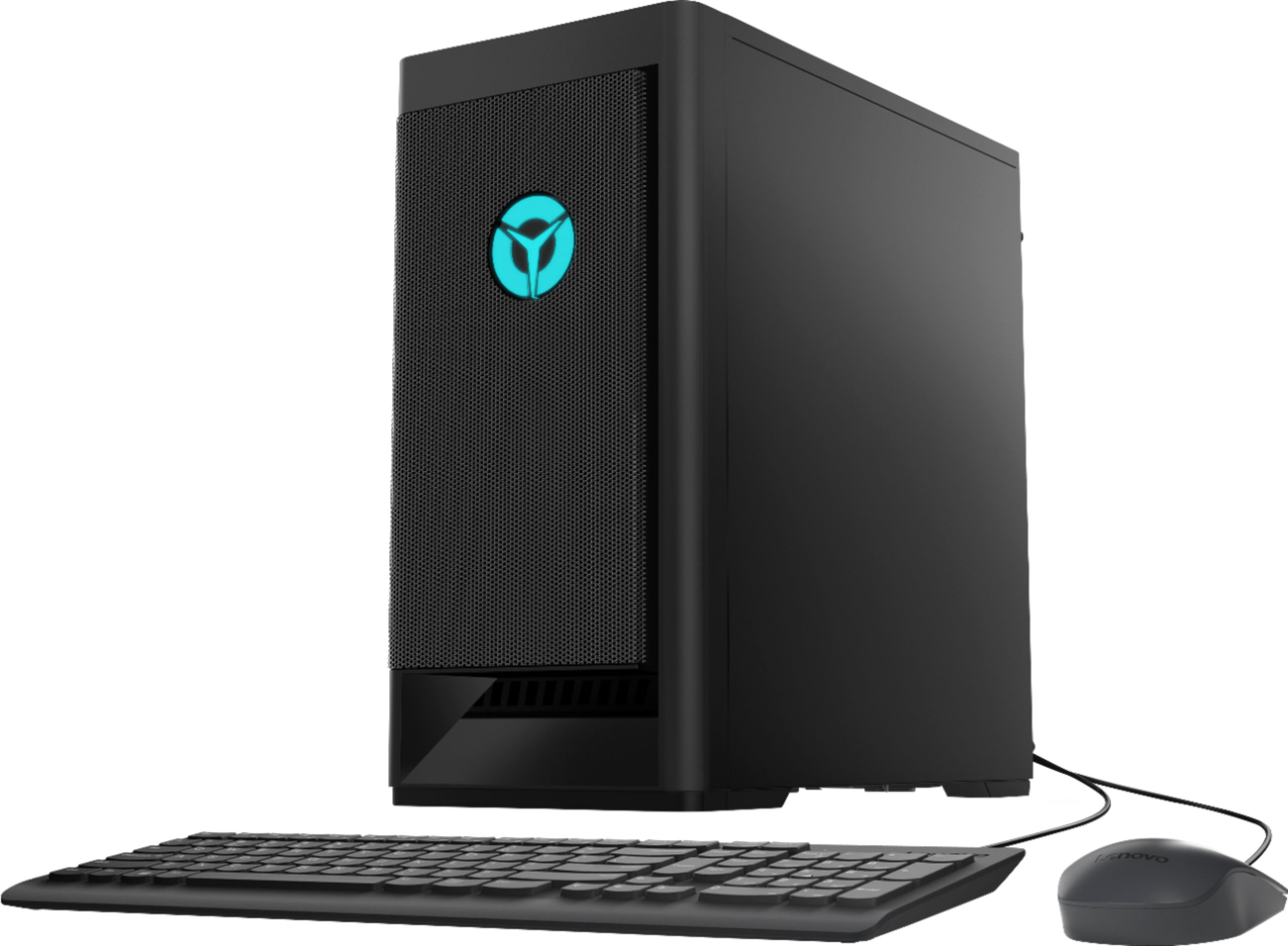
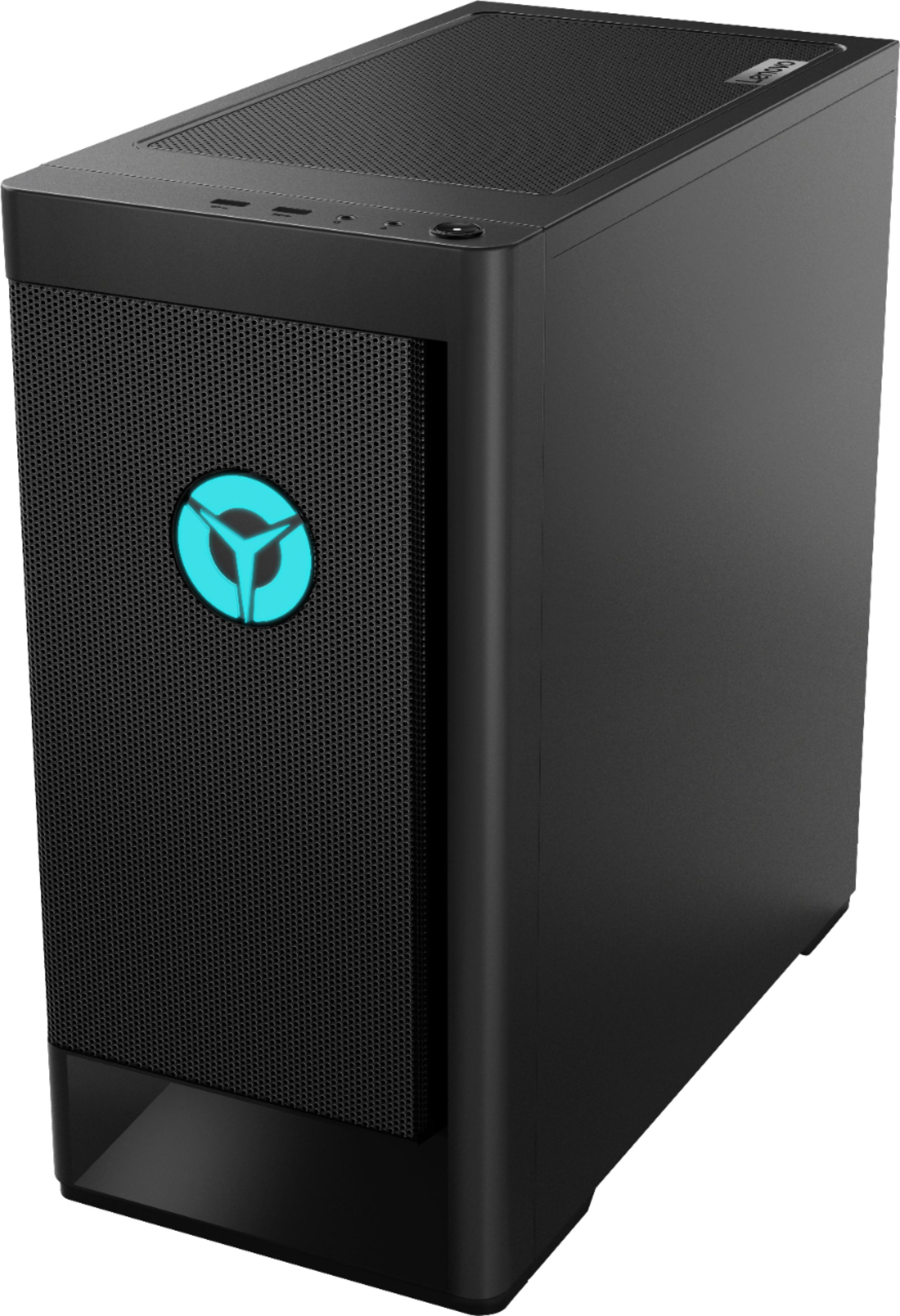
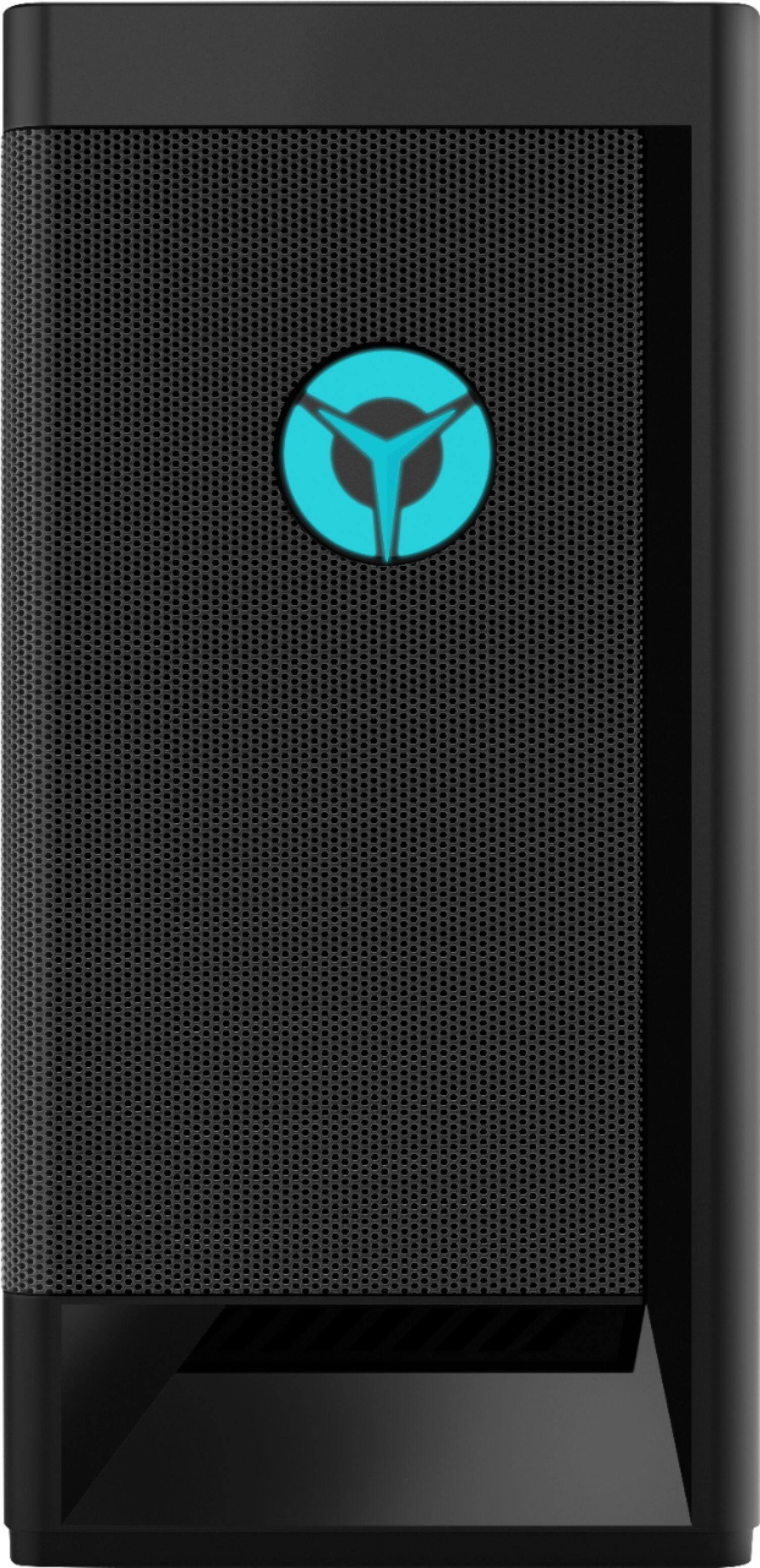
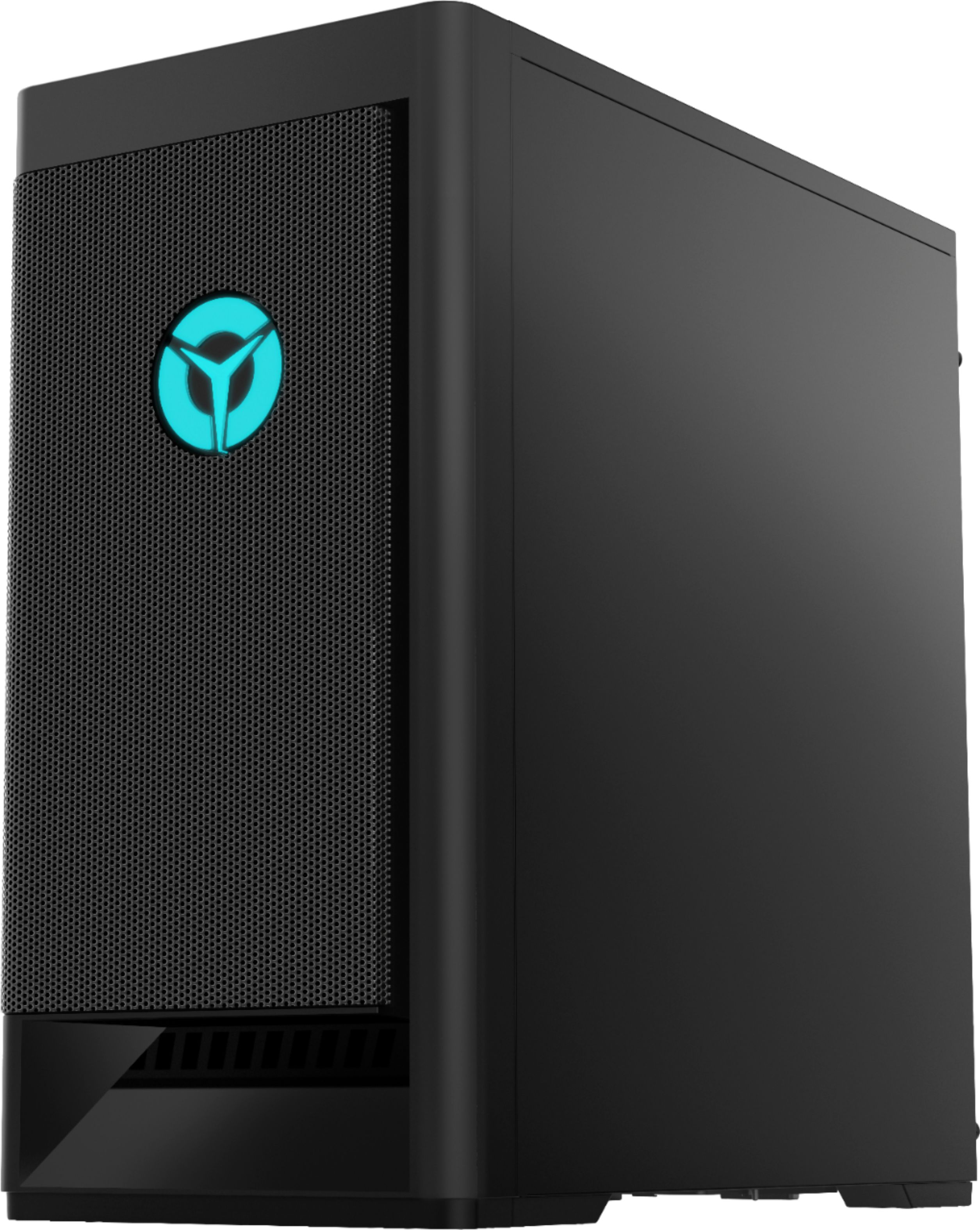
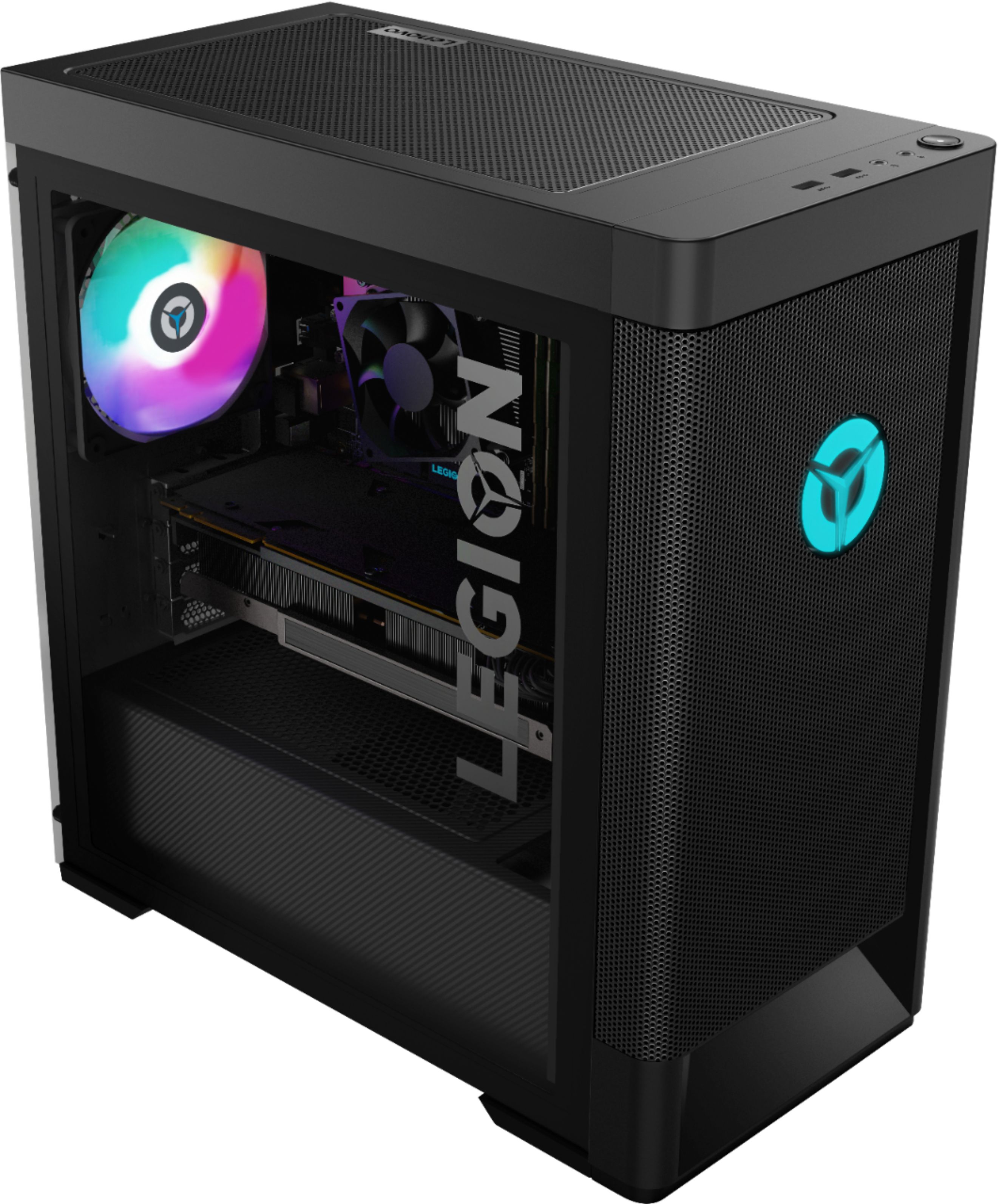
A:AnswerYes. The Nvidia GeForce GTX1650 Super GPU within the Lenovo Legion Tower 5 AMD Gaming Desktop, model number 90RB000DUS, has 2x DP, 1x HDMI video out connections.
A:AnswerThat will depend on the requirements and compatibility of both the streaming service and the games you want to play. We recommend you check with both the streaming service as well as the game's software publisher's web sites for their compatibility with Windows 10 Home 64-bit operating system and the minimum/recommended hardware requirements (Is a Graphics card required, the processor speed and the minimum required system RAM and the minimum available hard drive space) to run their program, then compare those requirements to this system's configuration.
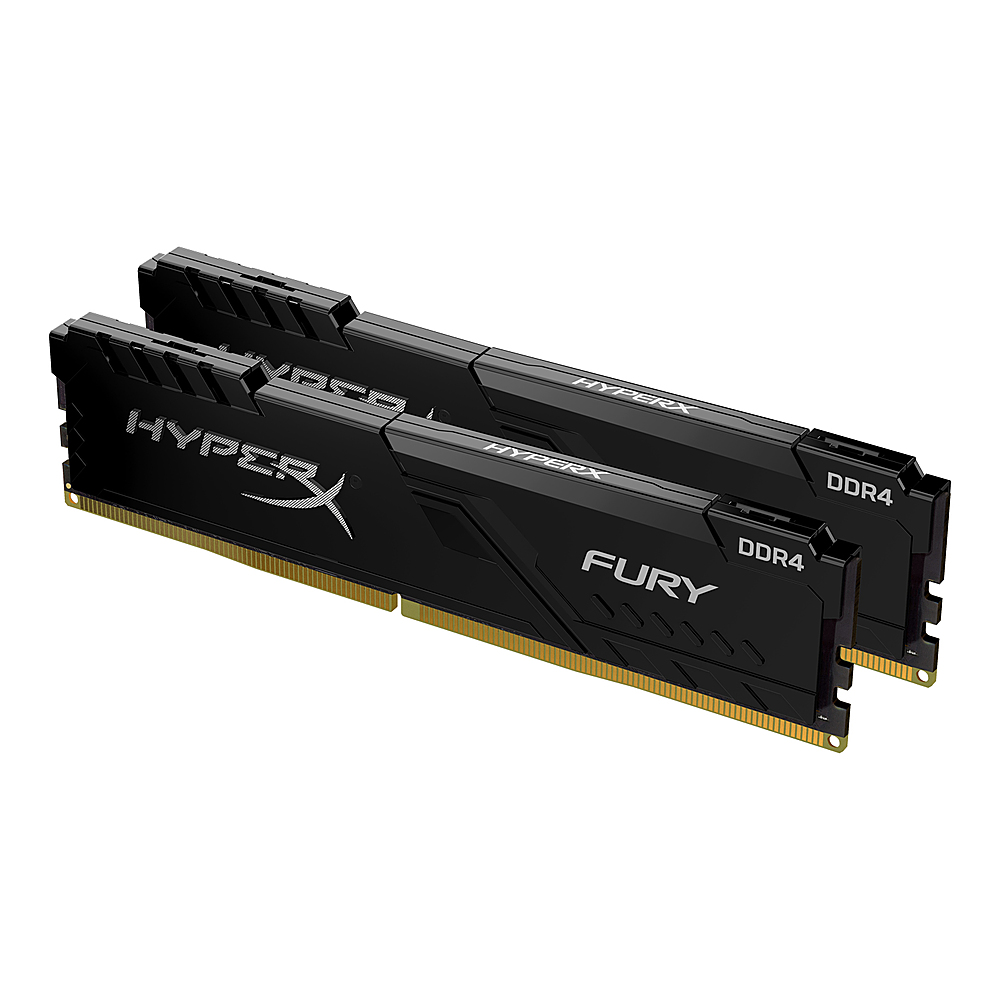
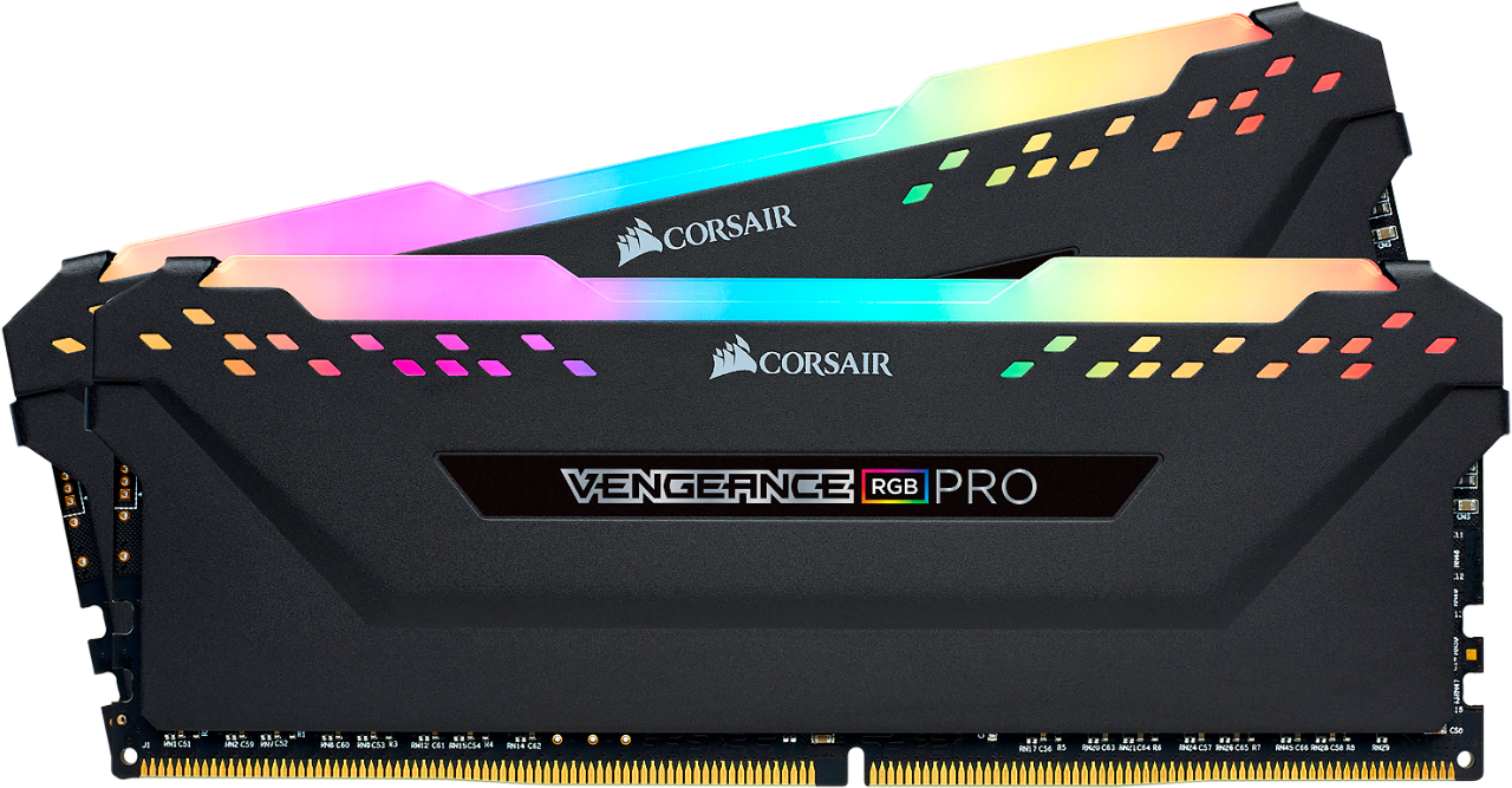
A:AnswerIf you are looking to upgrade the RAM, you can buy off the shelf RAM from any brand. It is best, however, to run in dual channel. So I highly suggest getting a kit with 2 sticks of RAM.
A:AnswerYes. The Lenovo Legion Tower 5 AMD Gaming Desktop, model number 90RB000DUS, ships with the latest 6G, Wide-Range/High Speed 2x2 802.11AX WiFi built in.
A:AnswerYes you can. The motherboard has 2 M.2 slots. I just added a Samsung 980 with heatsink.. you will need to acquire a M.2 screw as the board has the standoff in place but not the screw to hold the SSD in place.
A:Answeryou can keep that and just add either 2.5mm SSD like the Samsung Evo 870 that uses the SATA protocol or the wired connectors. plug and play. If you are looking to just replace the SSD and not add more ontop of it, the you would look for one of those little guys, that is PCIe NVm 4.0 SSD or gen 3 for the 2nd slot
A:Answervery specific ram. unfortuantly. Since you cant unlock the ram speed on the mother board using XMP profile, if you want to still run 3200MHz your option are limited to JEDEC and all I can find are CL22 instead of the OEM I think are 16CL22. probably fine. Any other ram like my shinny corsair only run at 2133