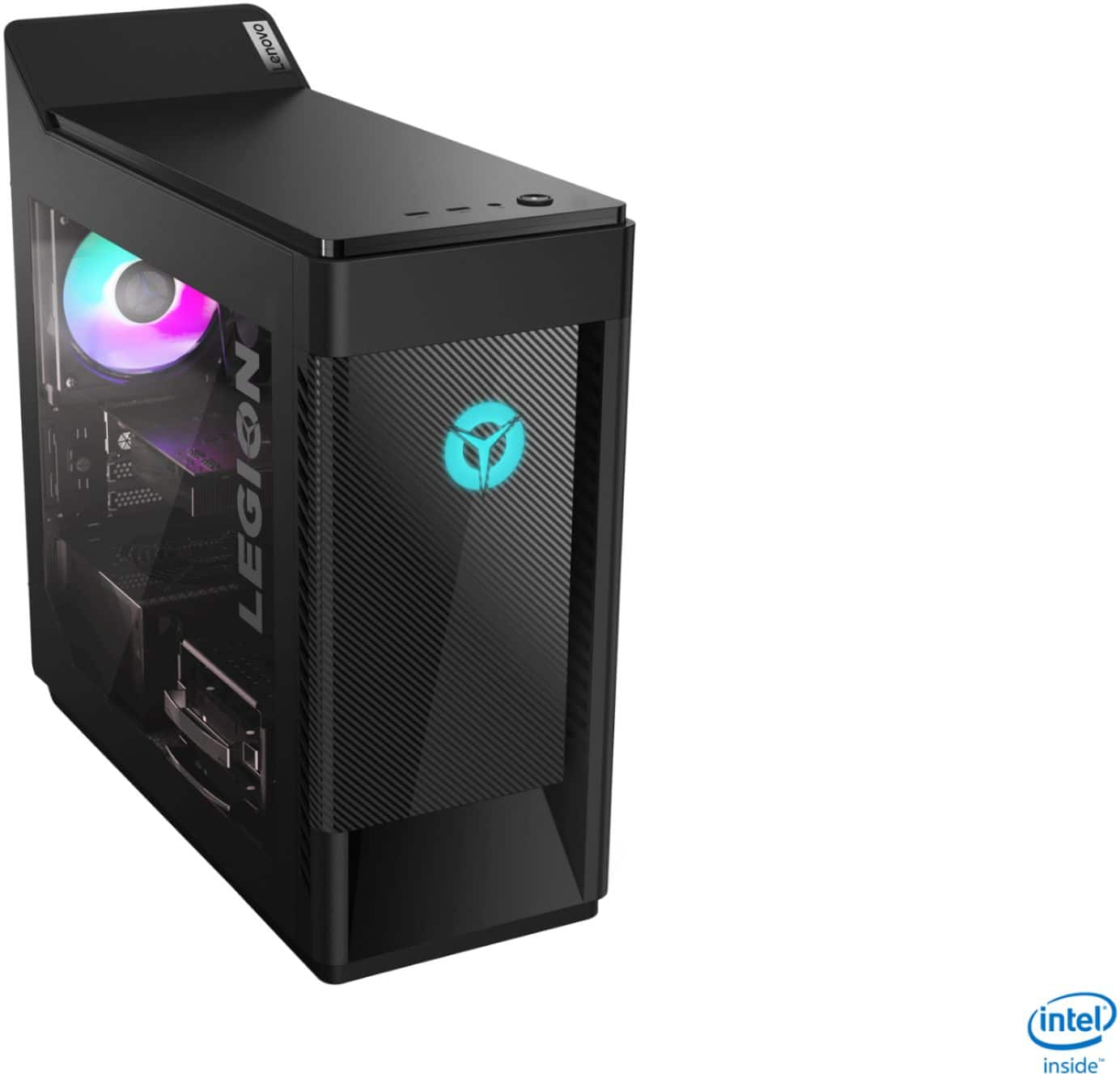
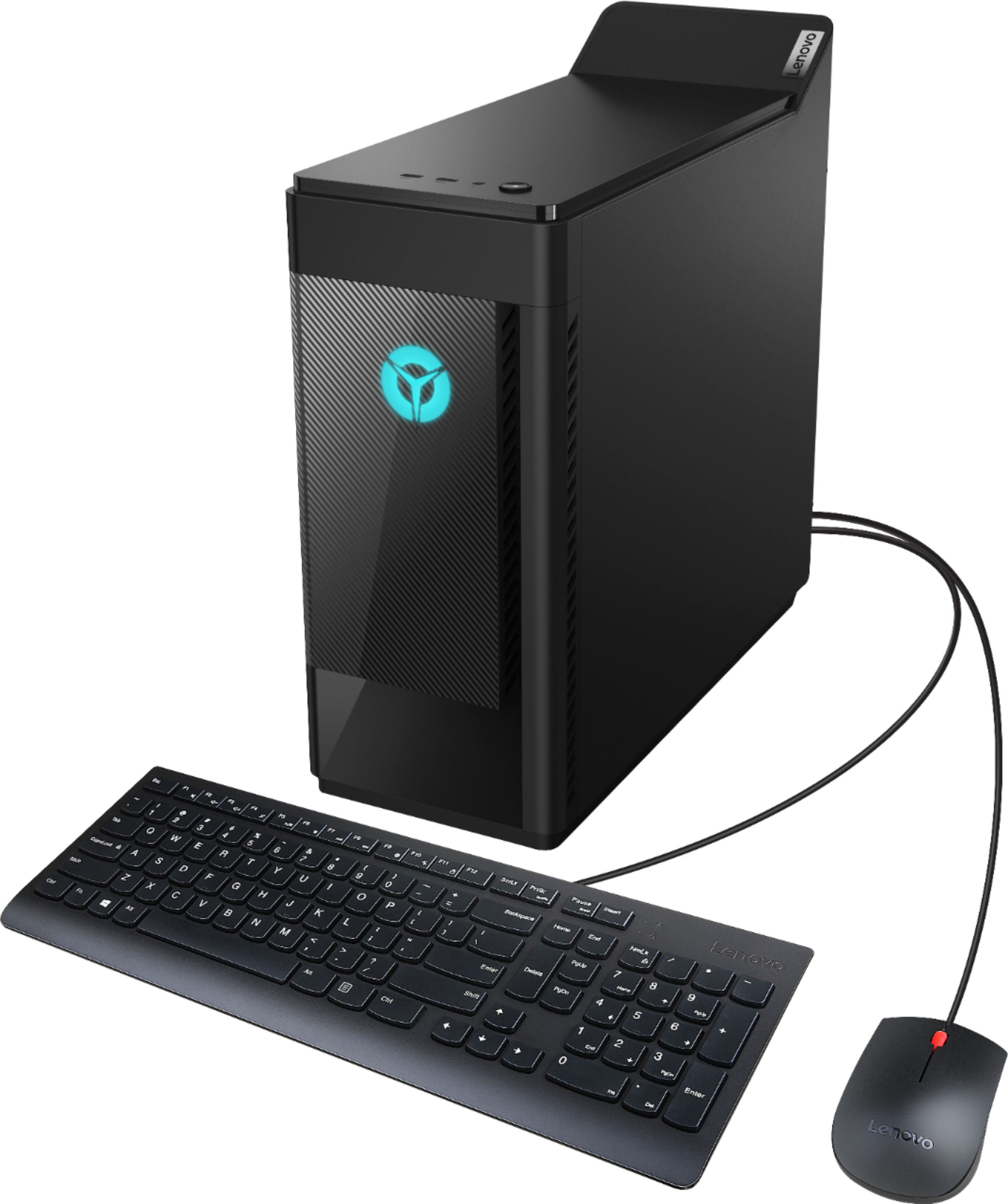
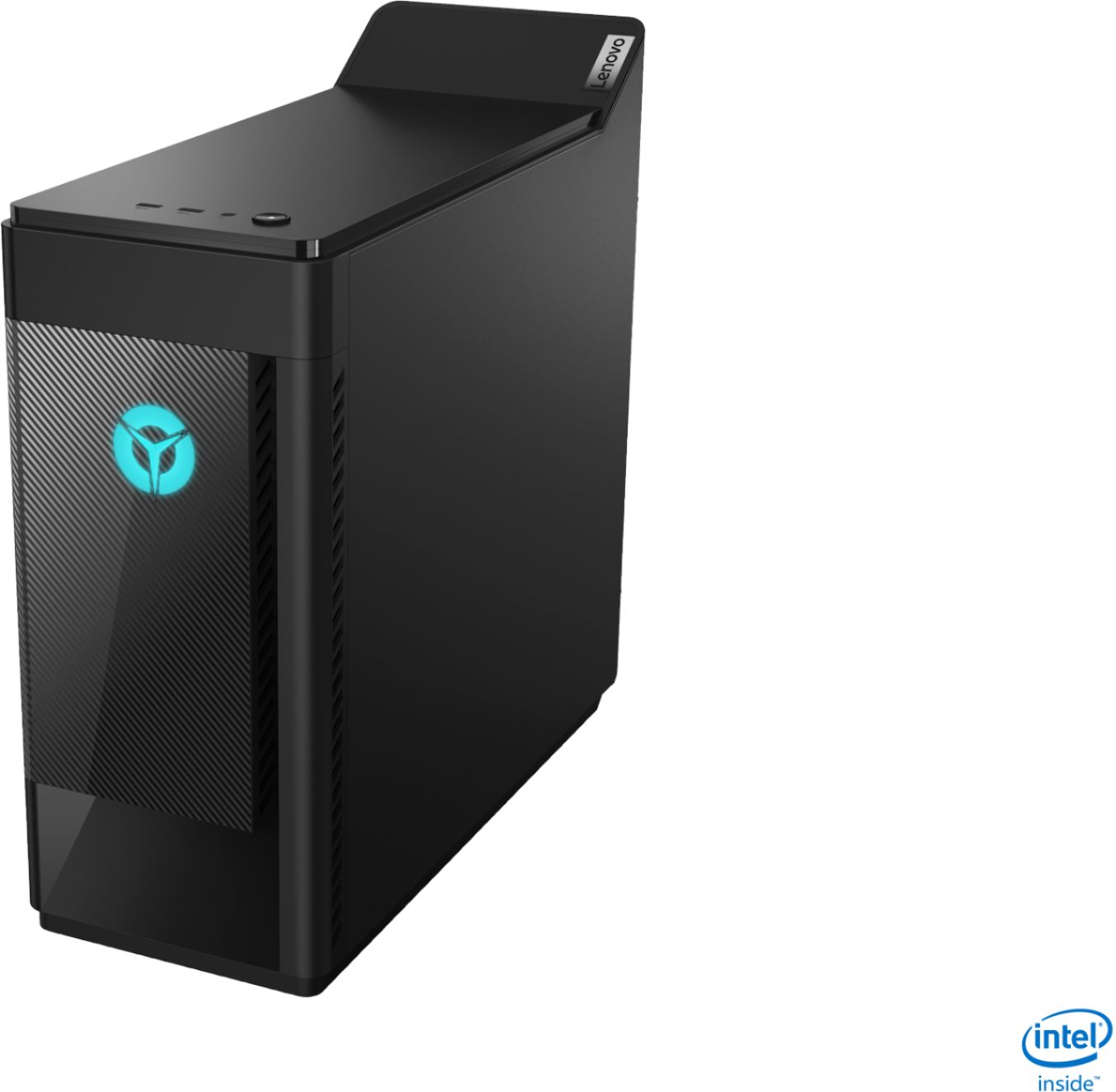
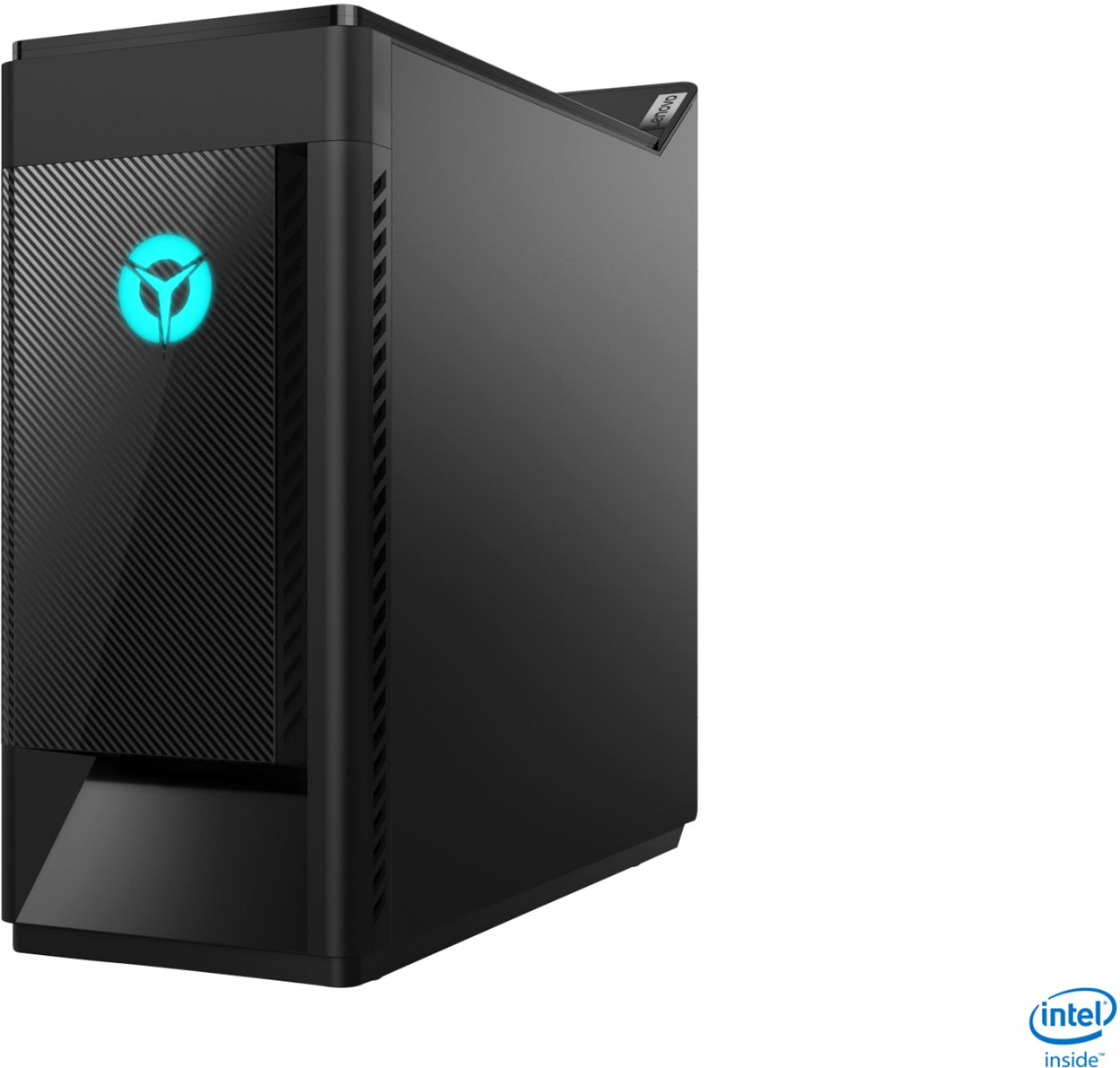
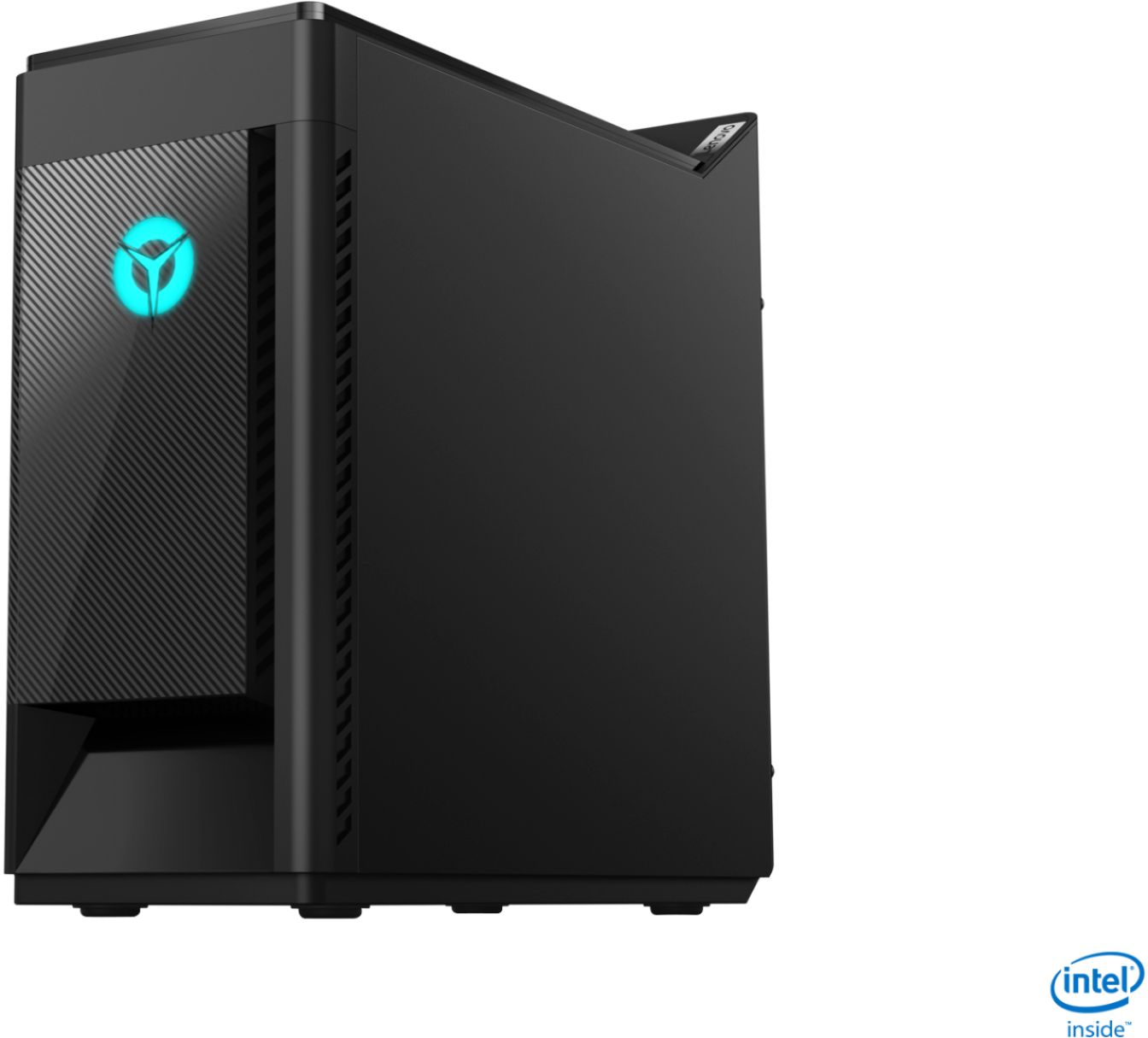
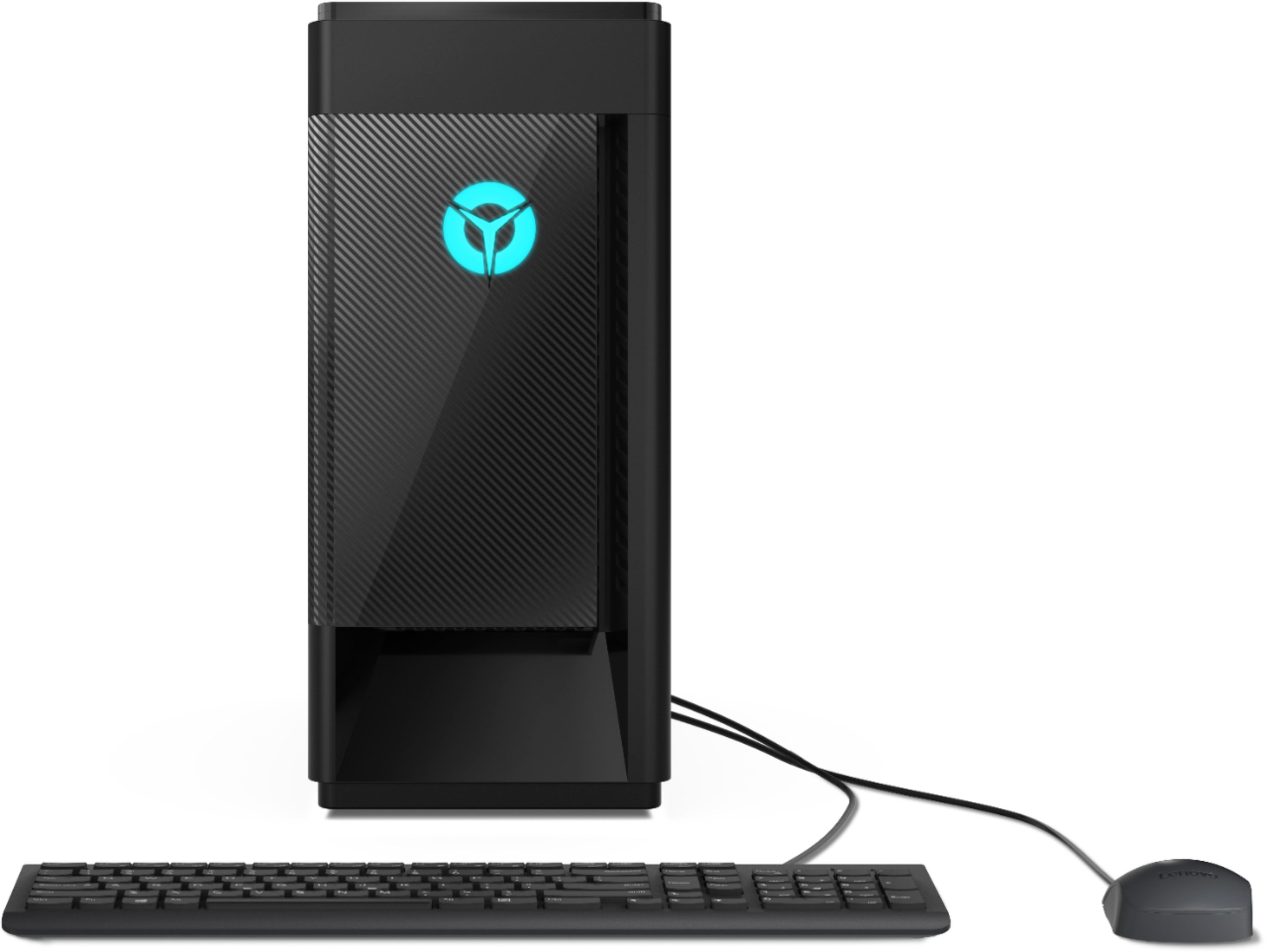
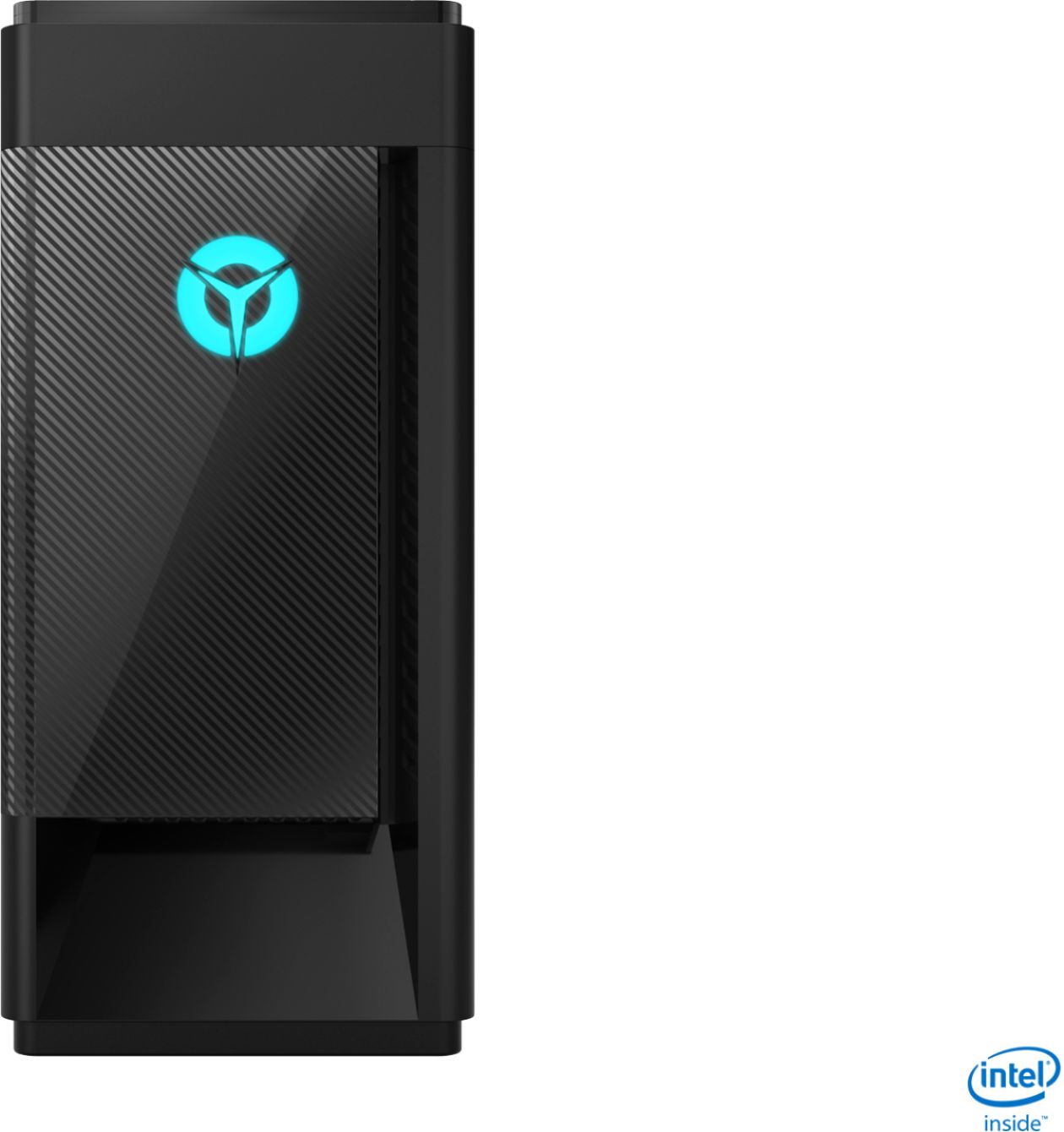
A:AnswerWe suggest you assume the Lenovo Legion 5i Tower was properly assembled at the factory. If you have any issues with the hardware, we recommend you call Lenovo Tech Support for more information at: 877-453-6686.
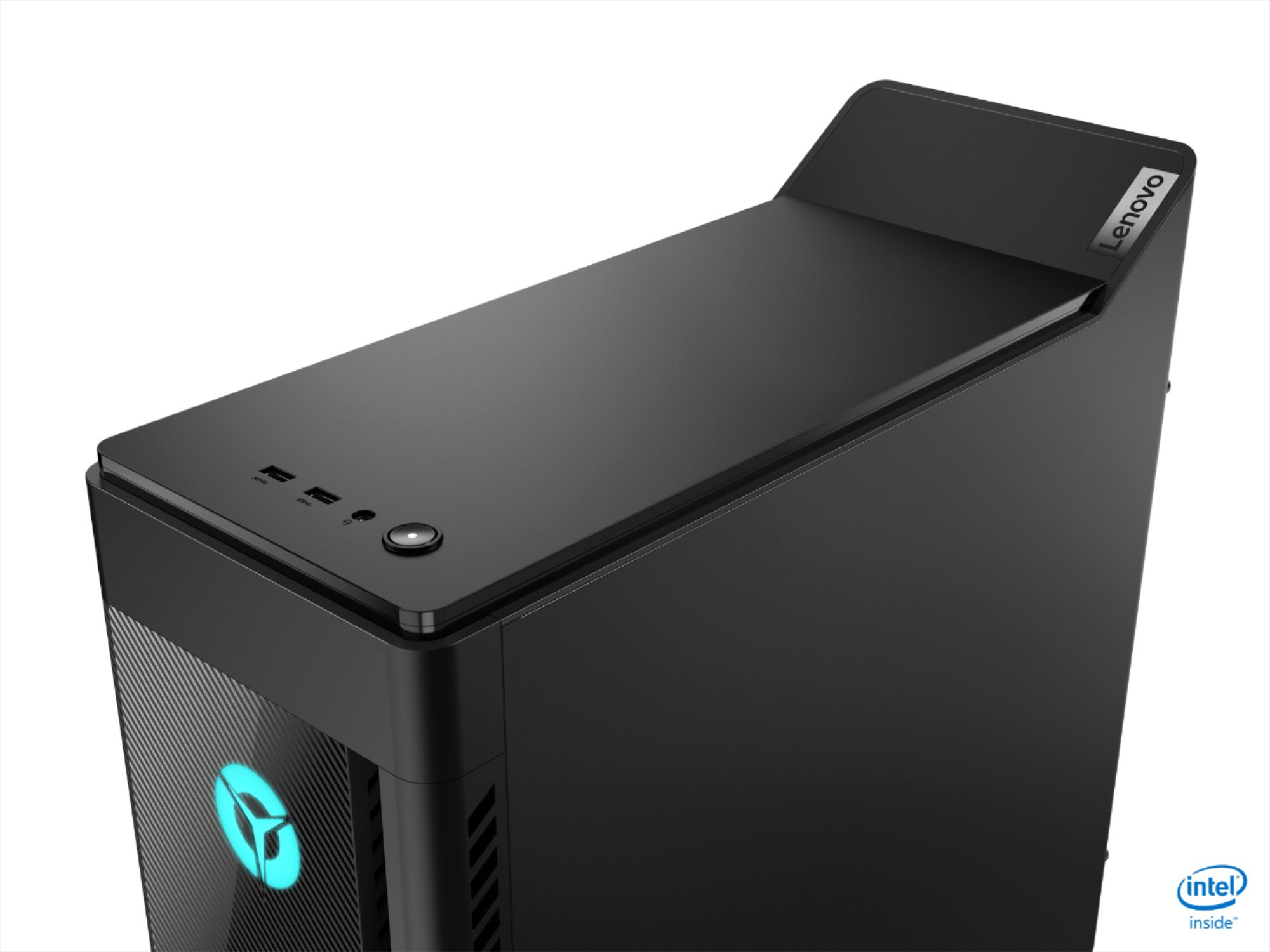
A:AnswerThe Lenovo Legion Tower 5i Gaming Desktop, model number 90NC00JAUS, ships with a total of eight standard USB Type A ports - two USB Type A 2.0 version and six standard USB Type A ports, version 3.1 Gen 1 ports.
A:AnswerHello the Lenovo Legion Tower 5i model number 90NC00JAUS features a M.2 2280 NVMe 256GB SSD.It will look similair to the product in this link https://www.bestbuy.com/site/adata-xpg-spectrix-s40g-as40g256gtc-256-gb-solid-state-drive-m-2-2280-internal-rgb/6423383.p?skuId=6423383
You will need to open the case and locate this SSD on the motherboard.to replace it. Here is a short video with istructions on replacing your m.2 nvme SSD https://www.google.com/search?q=insatalling+nvme+m.2+SSD&rlz=1C1CHBF_enUS866US866&oq=insatalling+nvme+m.2+SSD&aqs=chrome..69i57j0i13i457.13913j1j7&sourceid=chrome&ie=UTF-8#kpvalbx=_IPeyX7OiFYW7tQbc3pDQCQ14