A:AnswerYes, the Star Wars: Jedi Challenges supports the iPhone 7. Have fun! Please find the updated list of phones at jedichallenges.com/compatibility.
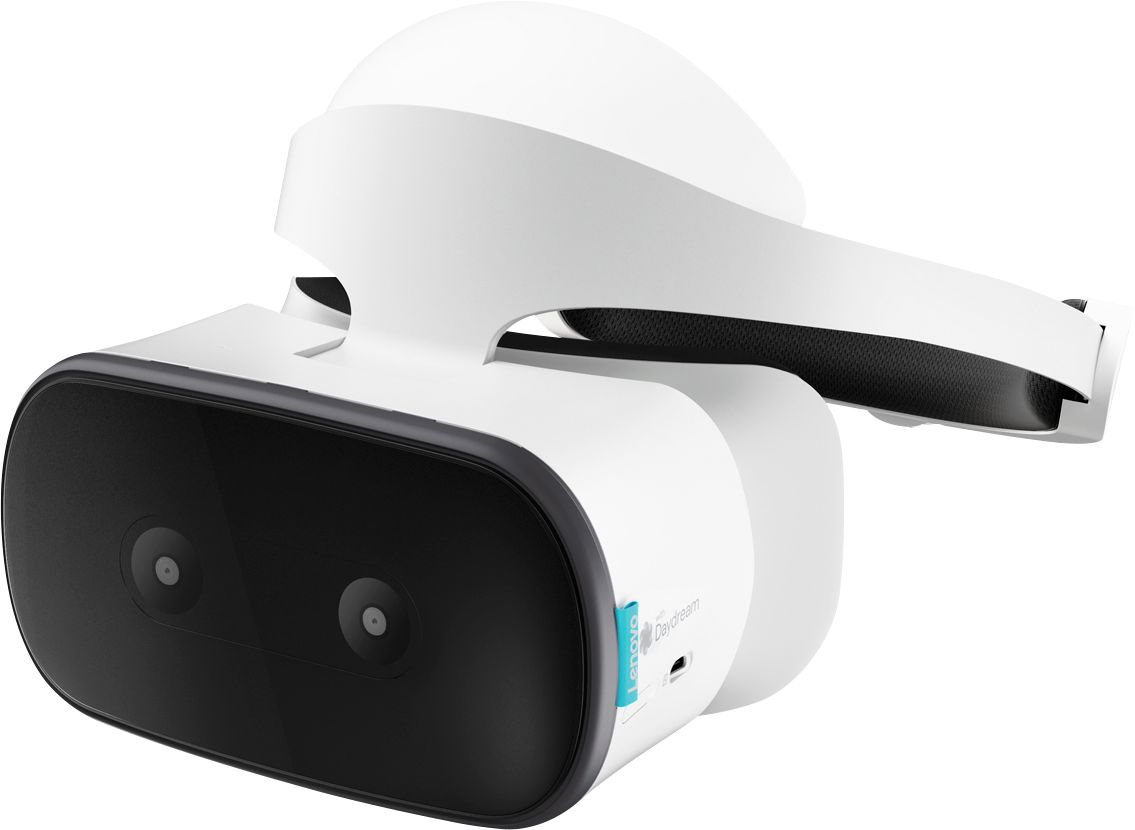
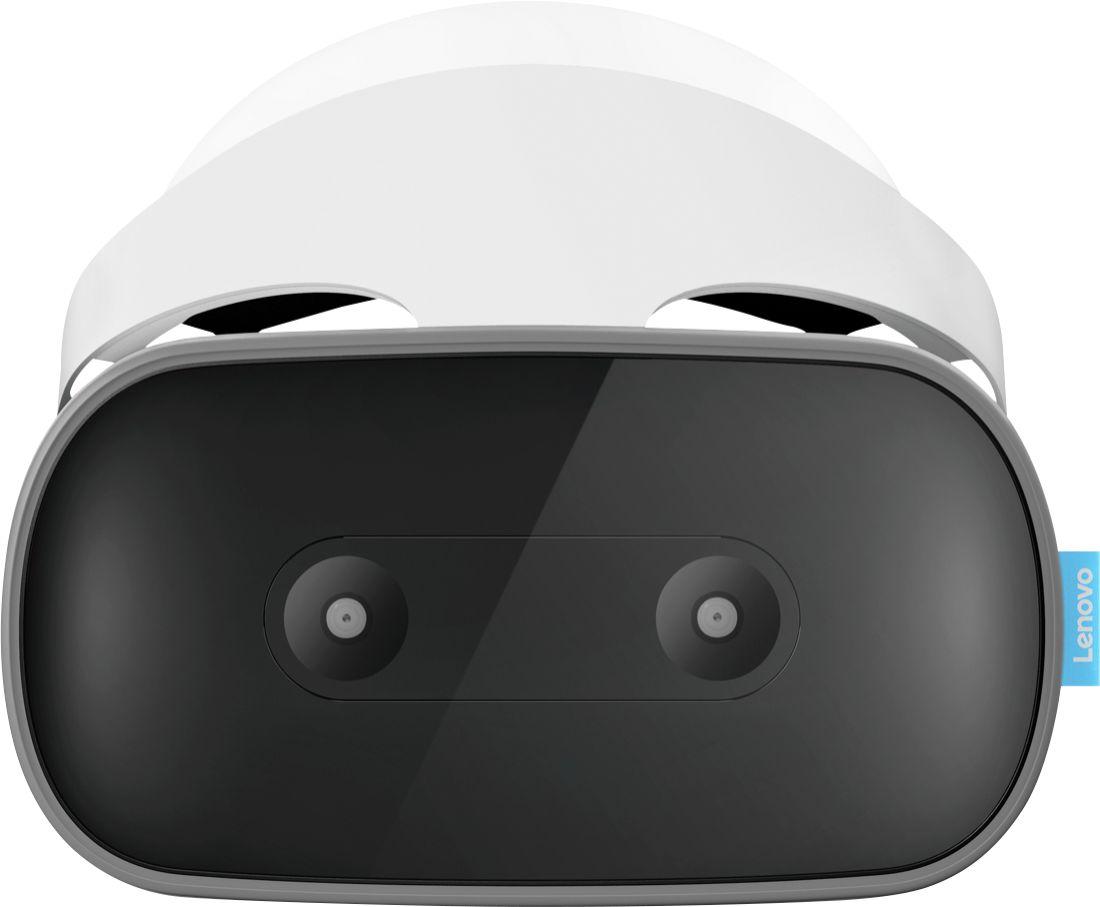
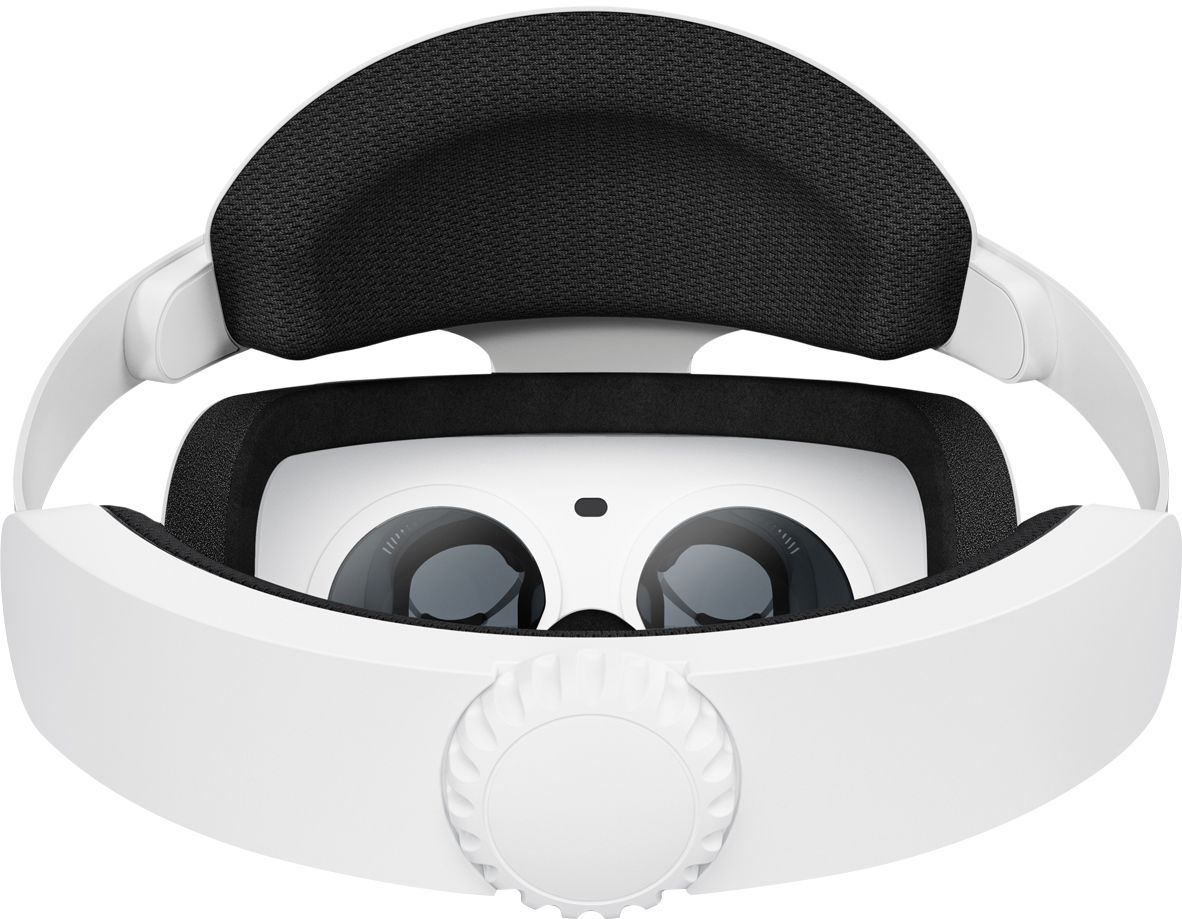
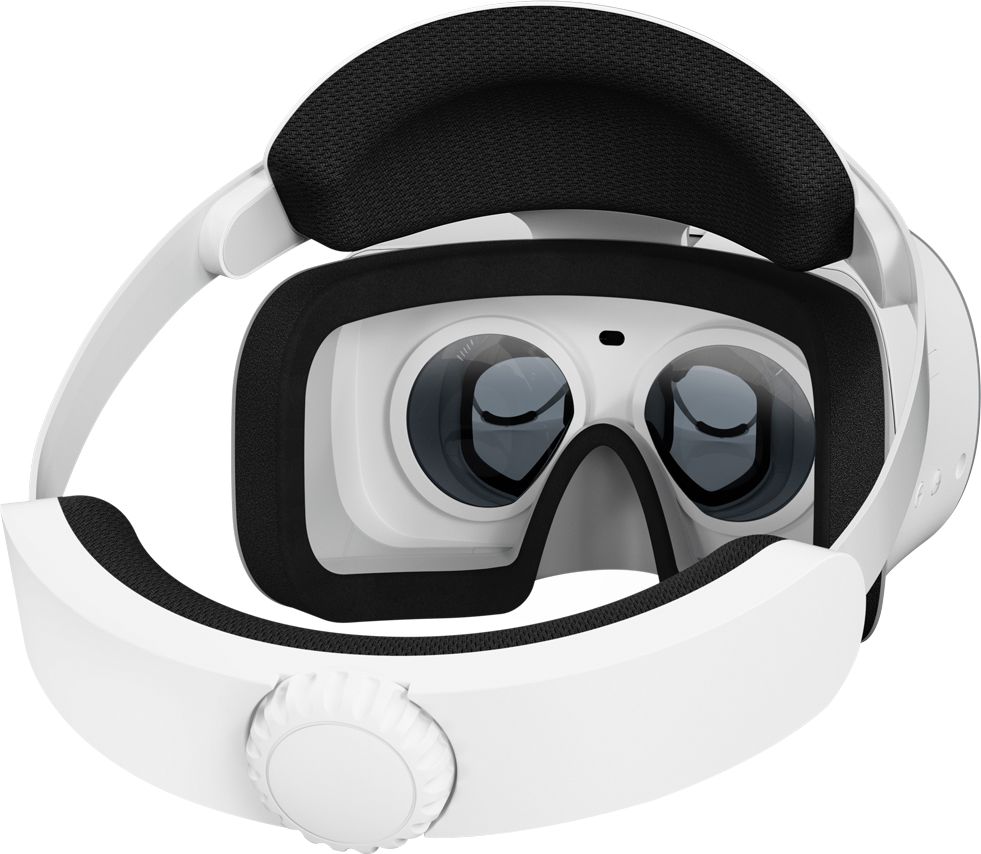
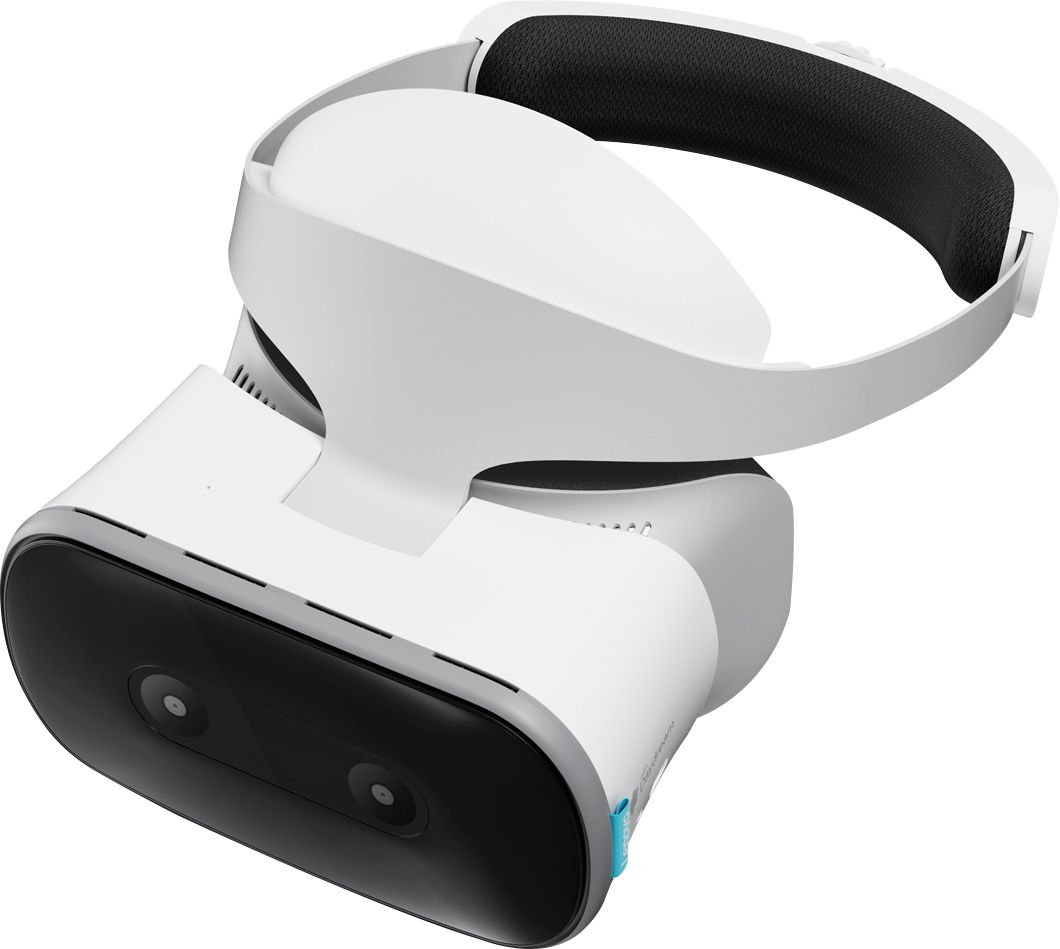
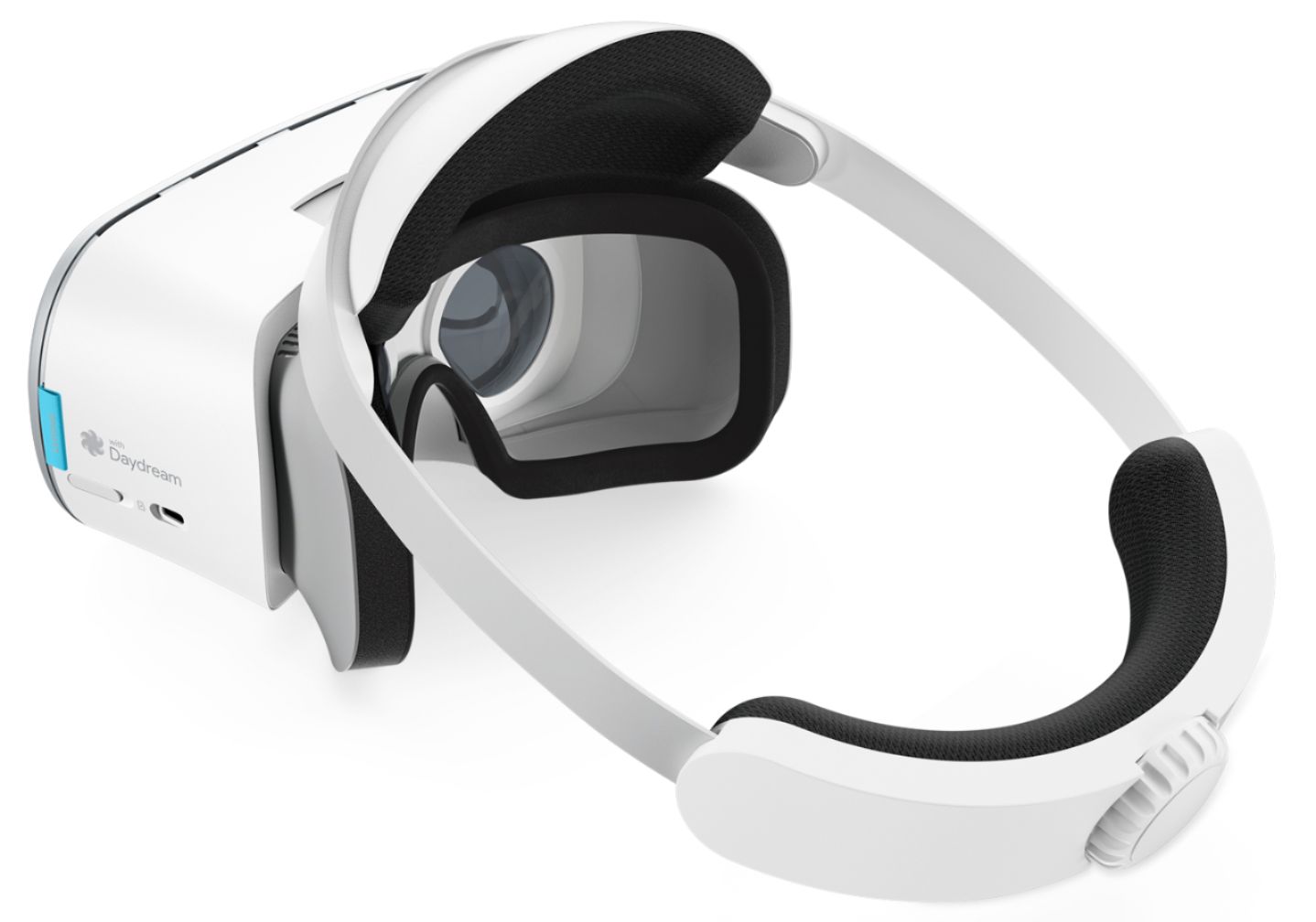
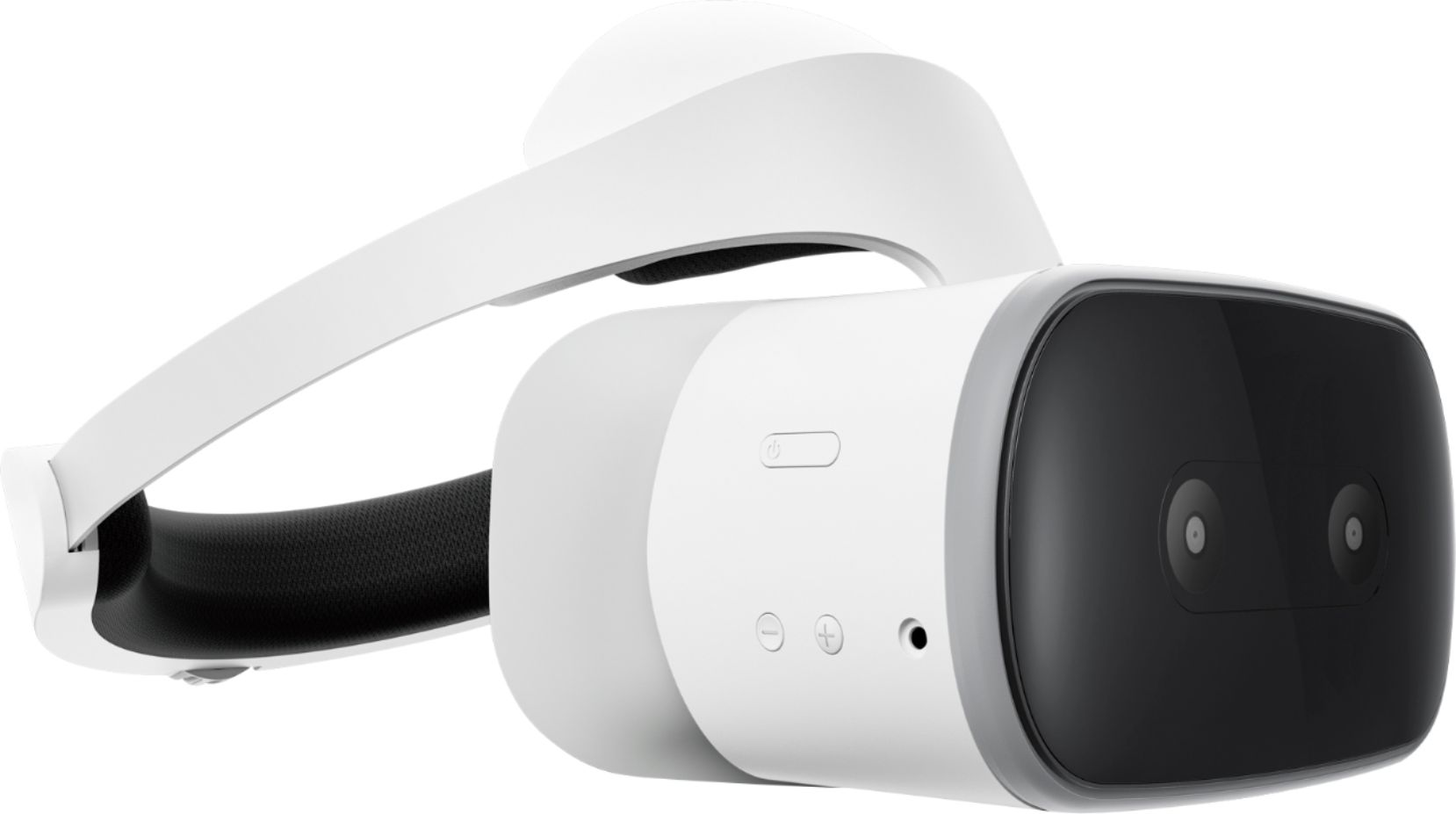
A:AnswerThe Lenovo Solo with Daydream is not compatible with Xbox at this time, and any other content would need to be compatible with the Daydream 2.0 OS.
A:AnswerAs of now, May 21, 2018, the unit doesnt give you the option to transfer app files to the external storage like android phones. But if you unlock developer mode, you can force apps to be saved to the memory card but with upredictable results.
A:AnswerThank you for the offer very much. The best way for you to get the product as soon as you can is to just order it from Best Buy.com.
You could expedite shipping and have it I a few days. I use it and I must tell you I love it because it is very easy to use for viewing Google Daydream titles and other things.
A:AnswerThank you for your question. Please go to https://play.google.com/store/apps, and search for “Daydream VR”, a list of compatible apps will be displayed.