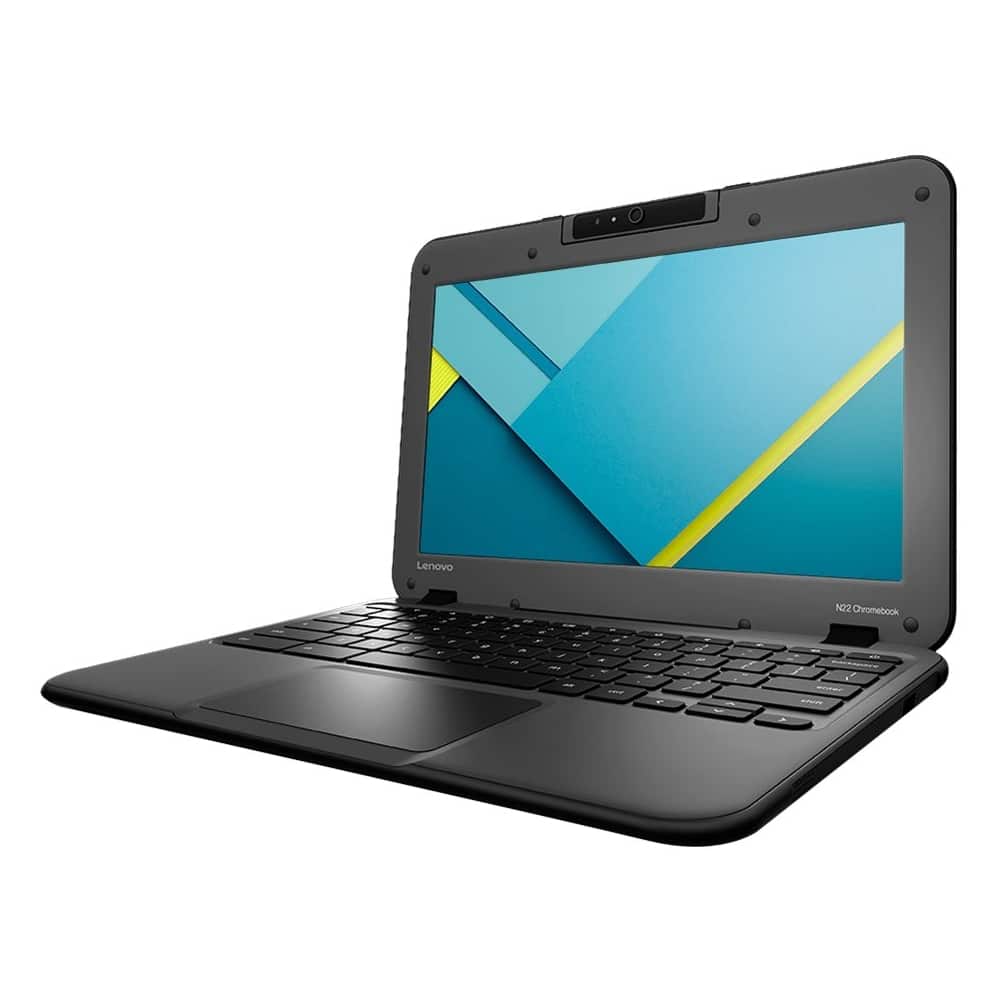
A:AnswerThis Lenovo N22 Chromebook is made to be Sturdy, yet lightweight in design for secure portability, but we can not guarantee survival from a drop. There is no water resistant keyboard on this model.
A:AnswerHere is a link to the replacement charger for this device: http://www.chargerbuy.com/lenovo-chromebook-n22-charger.html?gclid=EAIaIQobChMI1brQosGz1QIVUySBCh1QVAhlEAQYBCABEgK-YvD_BwE
A:AnswerSorry, Junebug, but this one is TOO easy.
It's called a Chromebook, because it runs the Chrome OS, by Google.
The good thing about Chrome is that it loads a LOT faster than Windows 10, and has the antivirus built in.
The bad thing about it is that it's NOT going to run any version of Windows!
It's a netbook, meaning it's designed to run everything online, not from the hard drive...
Because there IS no hard drive!
{I'm answering this question from MY Chromebook, by the way!}
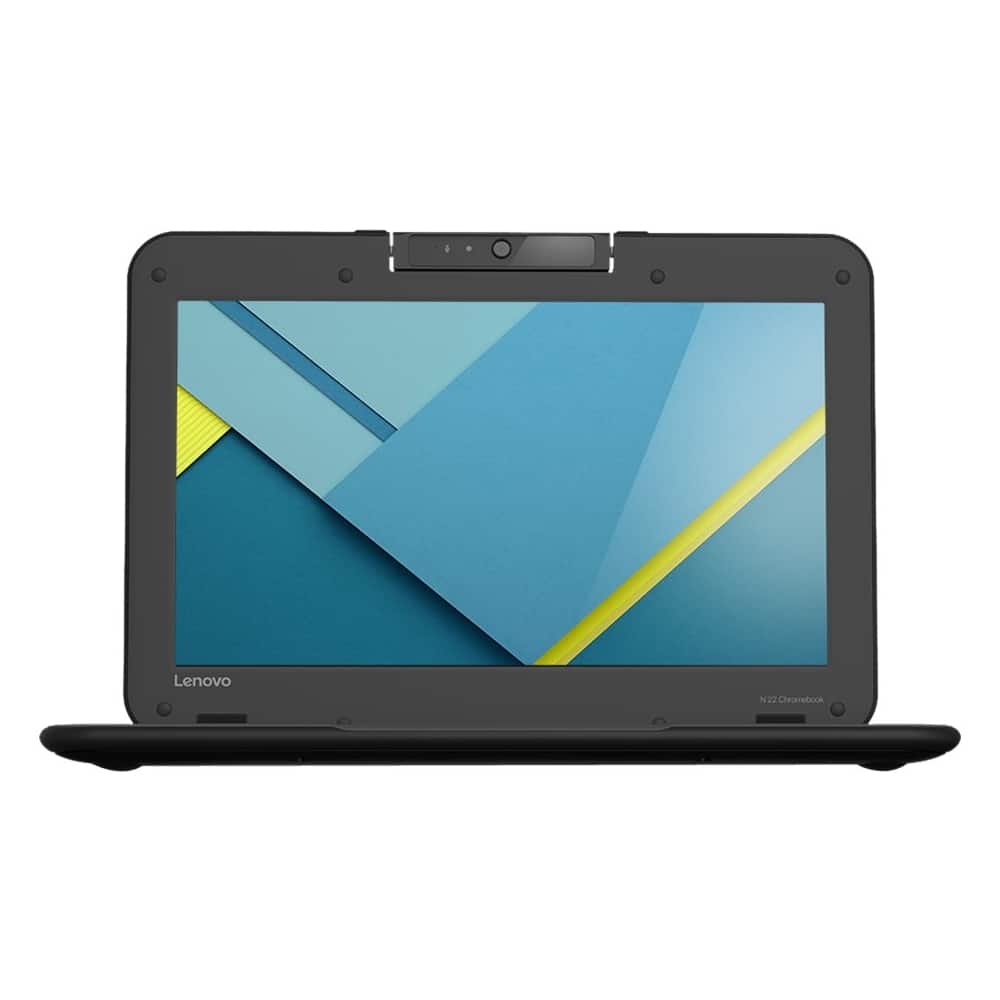
A:AnswerThe dimensions of this system are: Height: 0.9 inches X Width: 11.8 inches X Depth: 8.5 inches
Weight: 2.84 pounds. If your present laptop is a Chromebook, yes. If it is a Windows system no because there are two different operating systems at work.
A:AnswerThis is a Chromebook. It is "Cloud-Based" computing. Therefore the demands on the processor are less than for a PC. There should not be any crashes with the Chrome Operating System and Cloud-Based computing.