Questions & Answers
- Model:
- ZAA30007US
- |
- SKU:
- 6492872
Highly rated by customers for: Sound Quality, Display, Ease of use
Page Showing 1-14 of 14 questions
Q: QuestionWill a previously set alarm work if the internet connection drops?
Asked by TonyL.
- A:Answer Yes. Any saved alarms that are stored on the Lenovo Smart Clock Essential with Alexa, will still work, so long as the default Smart Clock Alarm sound is used and the Smart Clock Essential with Alexa still has power.
Answered by Lenovo Product Expert

Q: QuestionDoes it automatically adjust the time for day light savings
Asked by De.
- A:Answer Yes...that is the main reason I bought one...set up was easy like the features like auto dimming as well very happy with this purchase.
Answered by Hemibear
Q: QuestionMust the clock be connected to the internet to show the time?
Asked by donkeyhodey.
- A:Answer Yeah and you MUST have alexa app on your phone or its literally unusable.
Answered by Dylan
Q: QuestionThe previous version of this clock works with google. Why am I having a hard time trying to connect this version to my account?
Asked by Anonymous.
- A:Answer I made the same mistake of getting this clock woth Alexa instead of Google, because of the red. Best buy has the same Lenovo alarm clocks that work with Google, i am not sure if they are in stock or not. Different colors available as well. This version only works with Alexa sadly.
Answered by James
Q: QuestionCan you set multiple alarms, with different dates, like a phone?
Asked by Makayla.
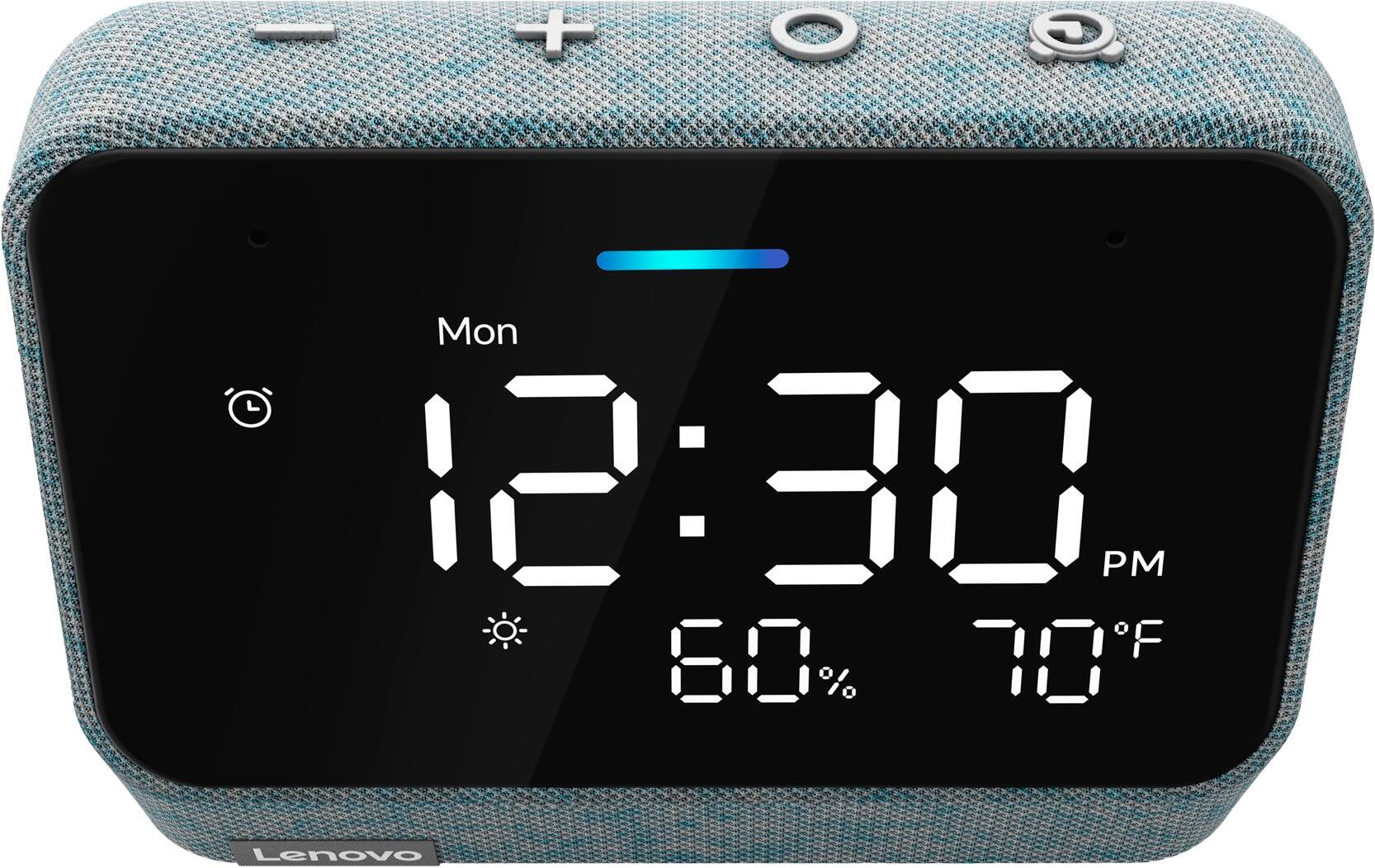
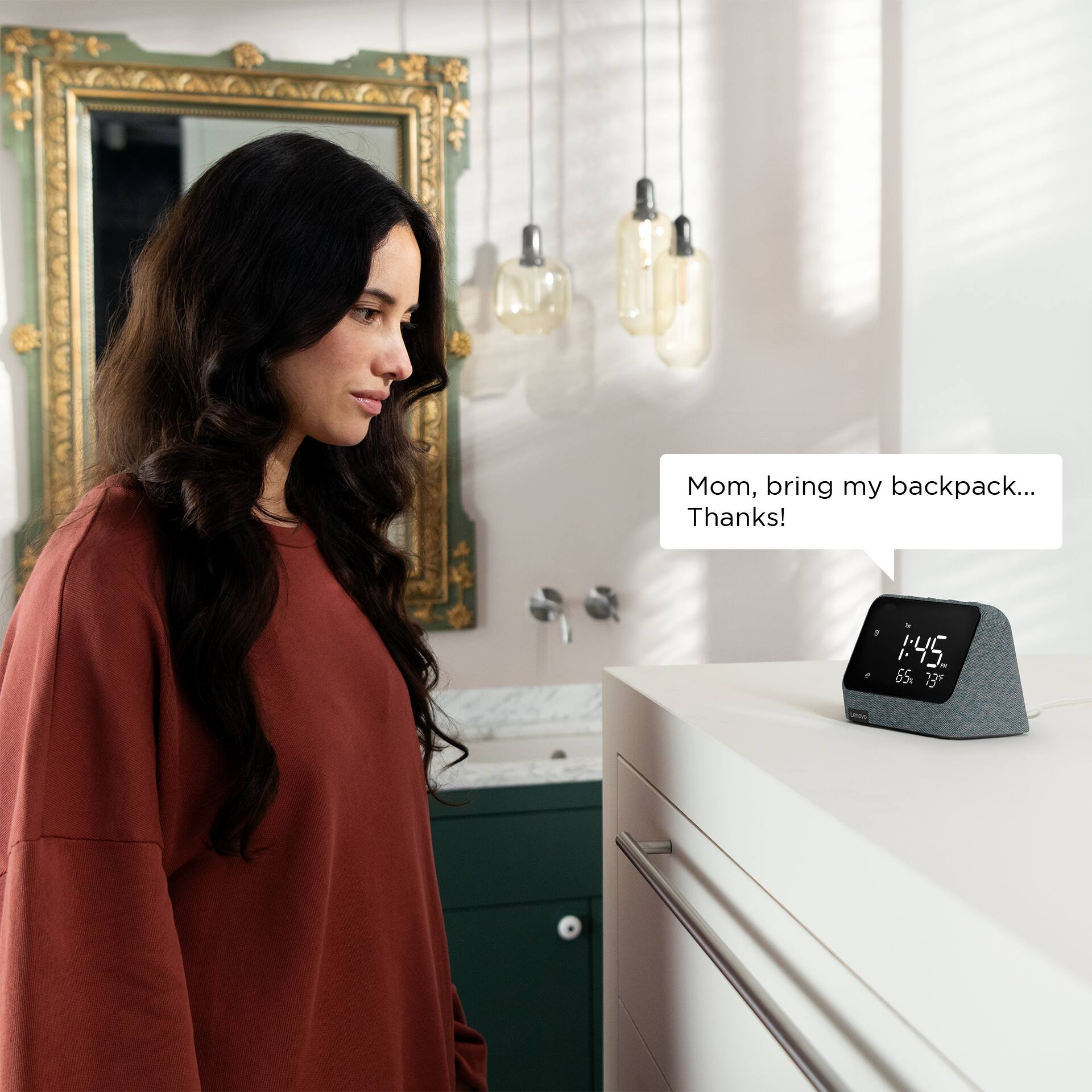
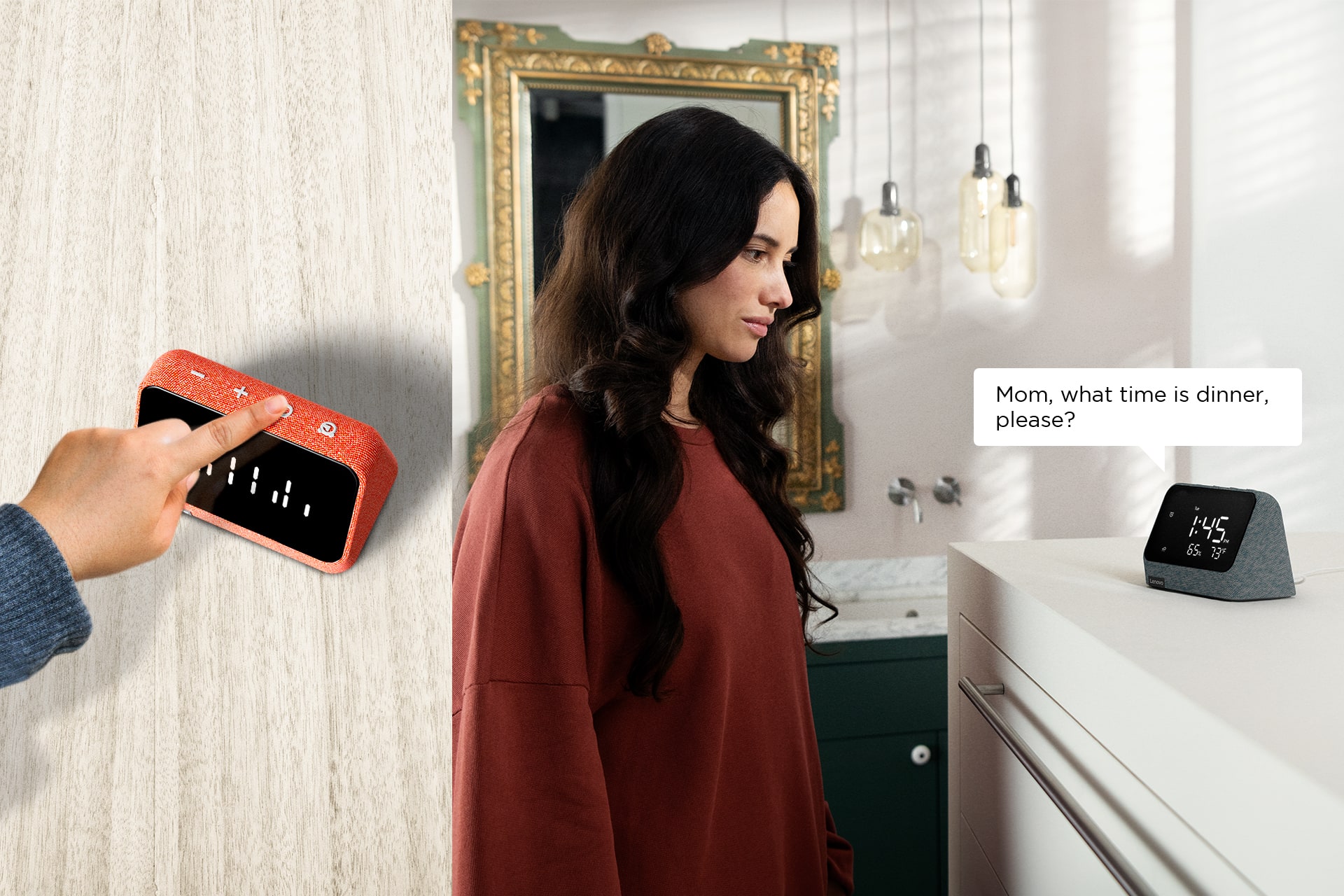
- A:Answer Yes you can via the Alexa app, it works like a clock display for an Amazon echo. A cool feature is you are able to go through all of your active alarm on the clock screen by pressing the clock button
Answered by Zach
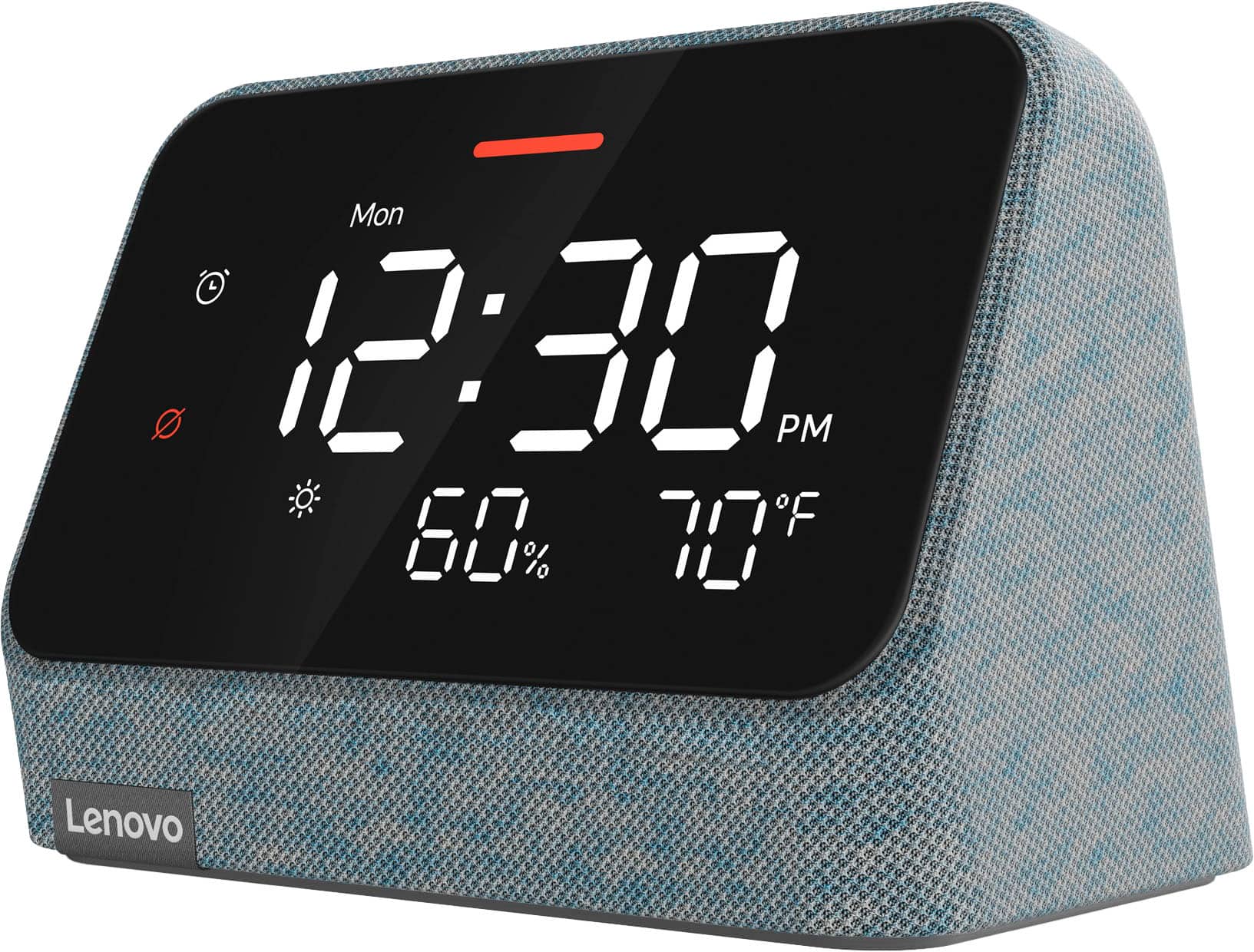
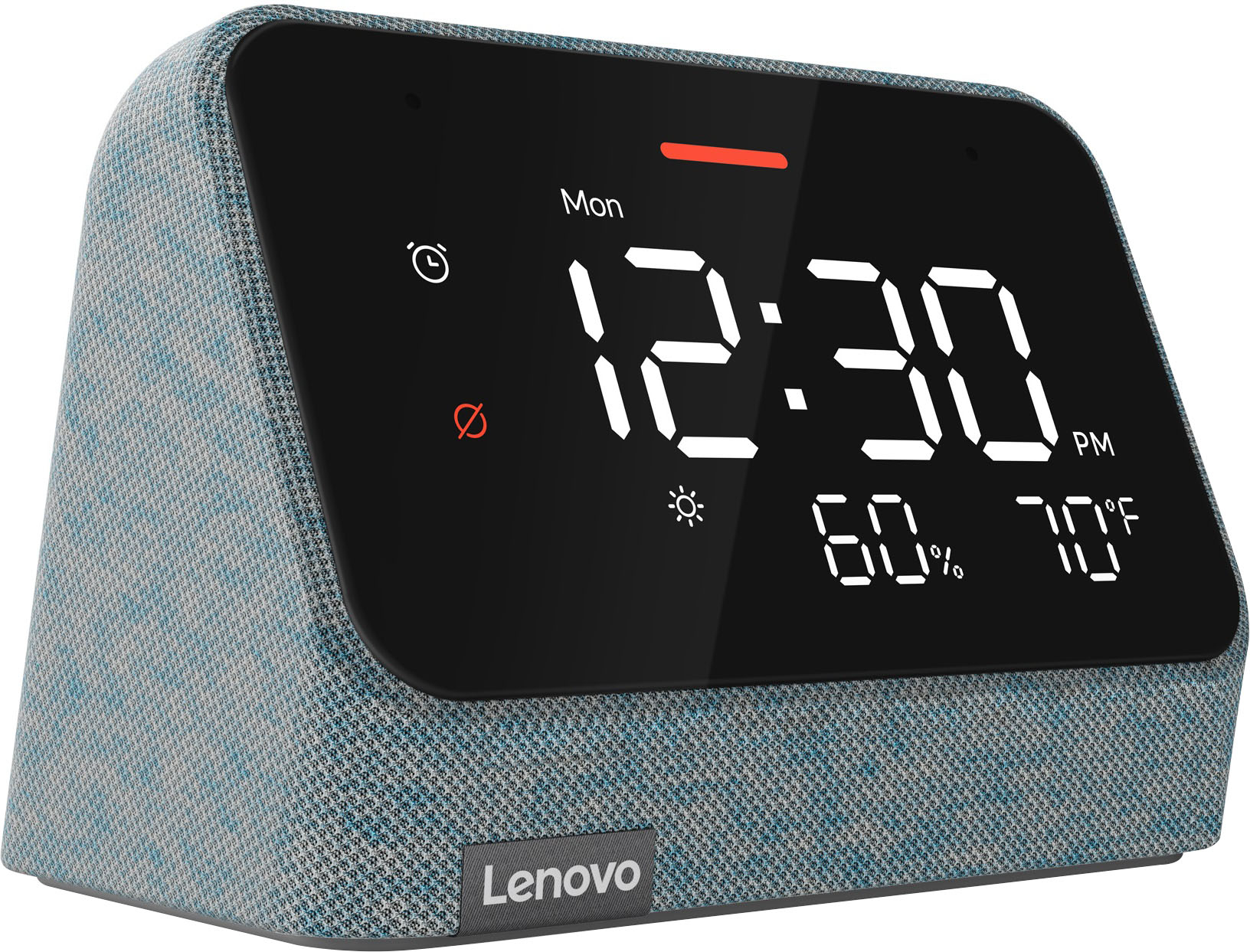
Q: QuestionDoes the display show the date and not just the day
Asked by Re.
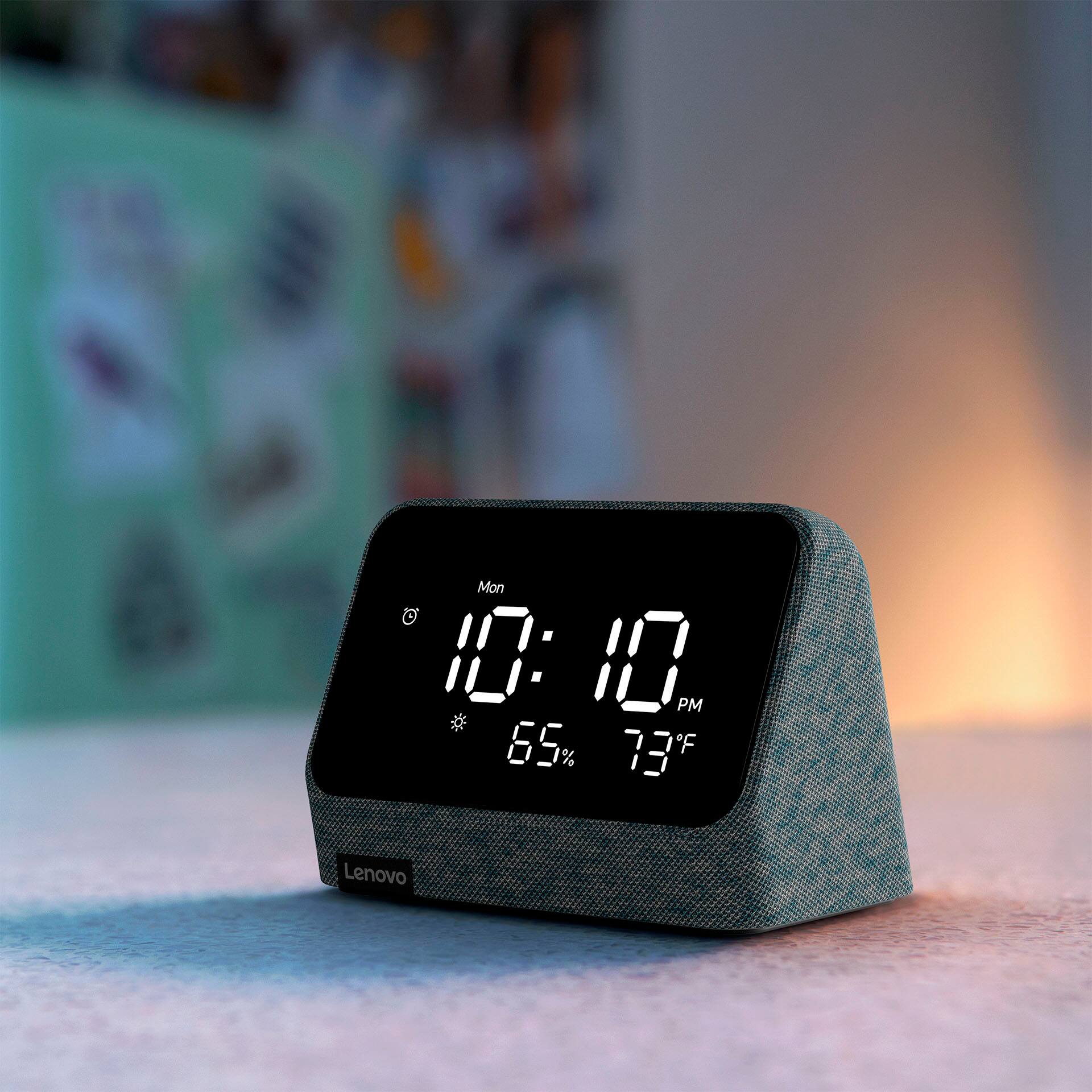
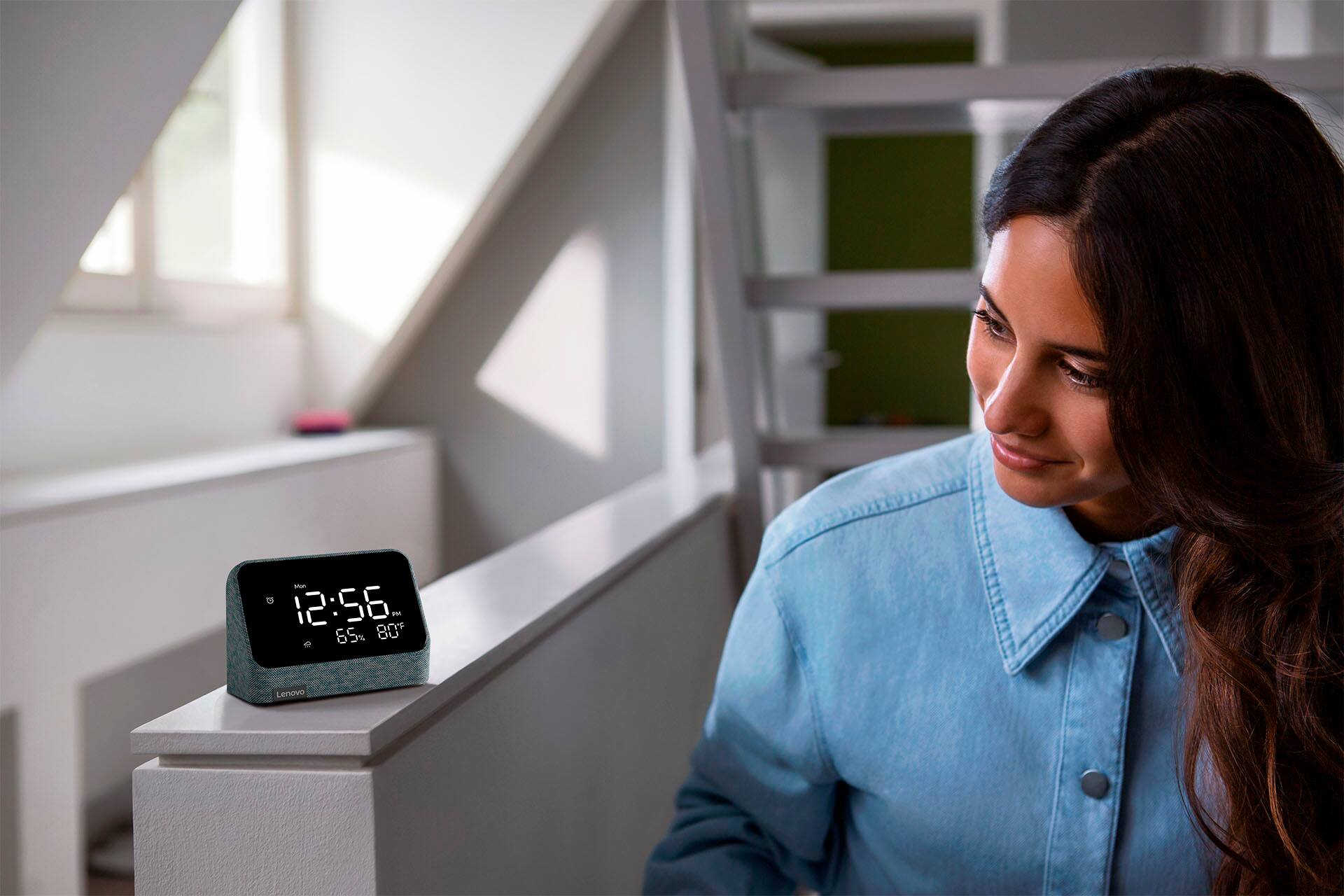
- A:Answer no, It does show the humidity (that the Google version did not show)
Answered by lgeorgehsv
Q: Questioncan the clock face be changed. it says it can but on mine it will not let me
Asked by fram.
- A:Answer You can change some things on the face of the clock in your Amazon Alexa app. Find your clock under All Devices and select it. You can adjust the screen brightness, select Fahrenheit or Celsius, Weather or Noise Meter, 24-Hour Clock, Screen off Mode and Daily Screen off Mode.
Answered by ChellShop
Q: QuestionCan the display brightness be adjusted all the way down to off?
Asked by Brian.
- A:Answer Yes,in the Alexa app.
Answered by DEman19901
Q: QuestionHow do I change the default alarm tone?
Asked by James.
- A:Answer Via the Alexa app
Answered by Zach
Q: QuestionCan I play Apple Music or stream the Sirius app to it?
Asked by John.
- A:Answer Yes via Alexa
Answered by Zach
Q: QuestionIs the temperature displayed inside temp or outside temp.
Asked by SPH.
- A:Answer Based on online weather site. So outside and no it cant display indoor temp.
Answered by Dinkly
Page 1, Showing 1-14 of 14 questions
Best-selling Best Buy
- $299.99$299.99The price was $349.99
- $59.99$59.99The price was $99.00
- $199.99$199.99The price was $349.99
- $14.99$14.99The price was $19.00
- $24.99$24.99The price was $29.99
- $14.99$14.99The price was $19.00
- $139.99$139.99The price was $149.99