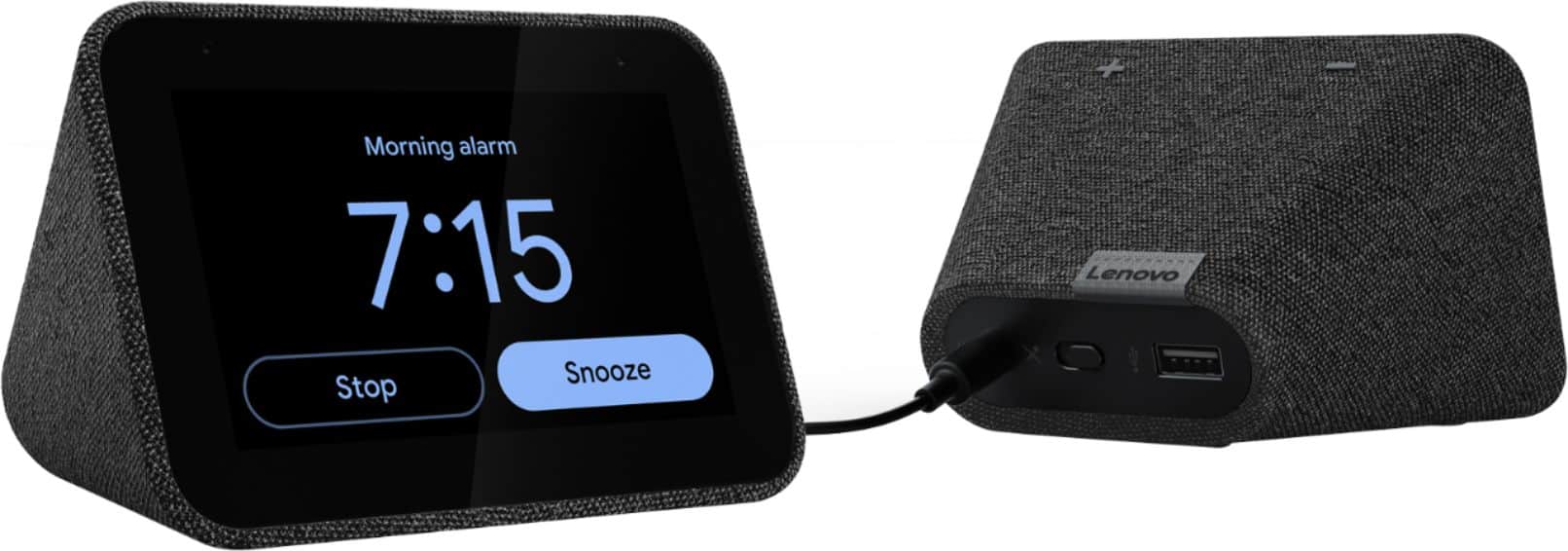
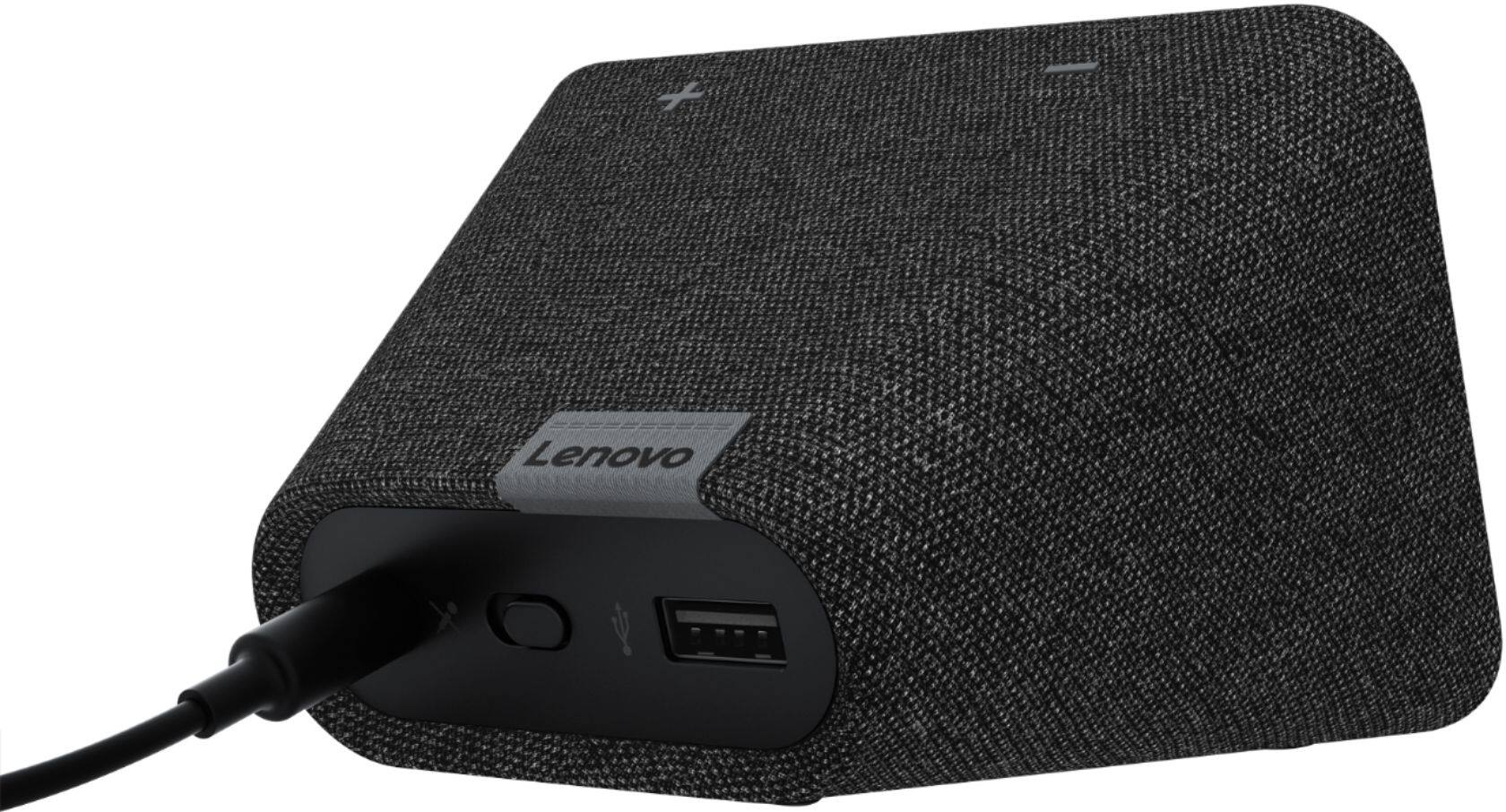
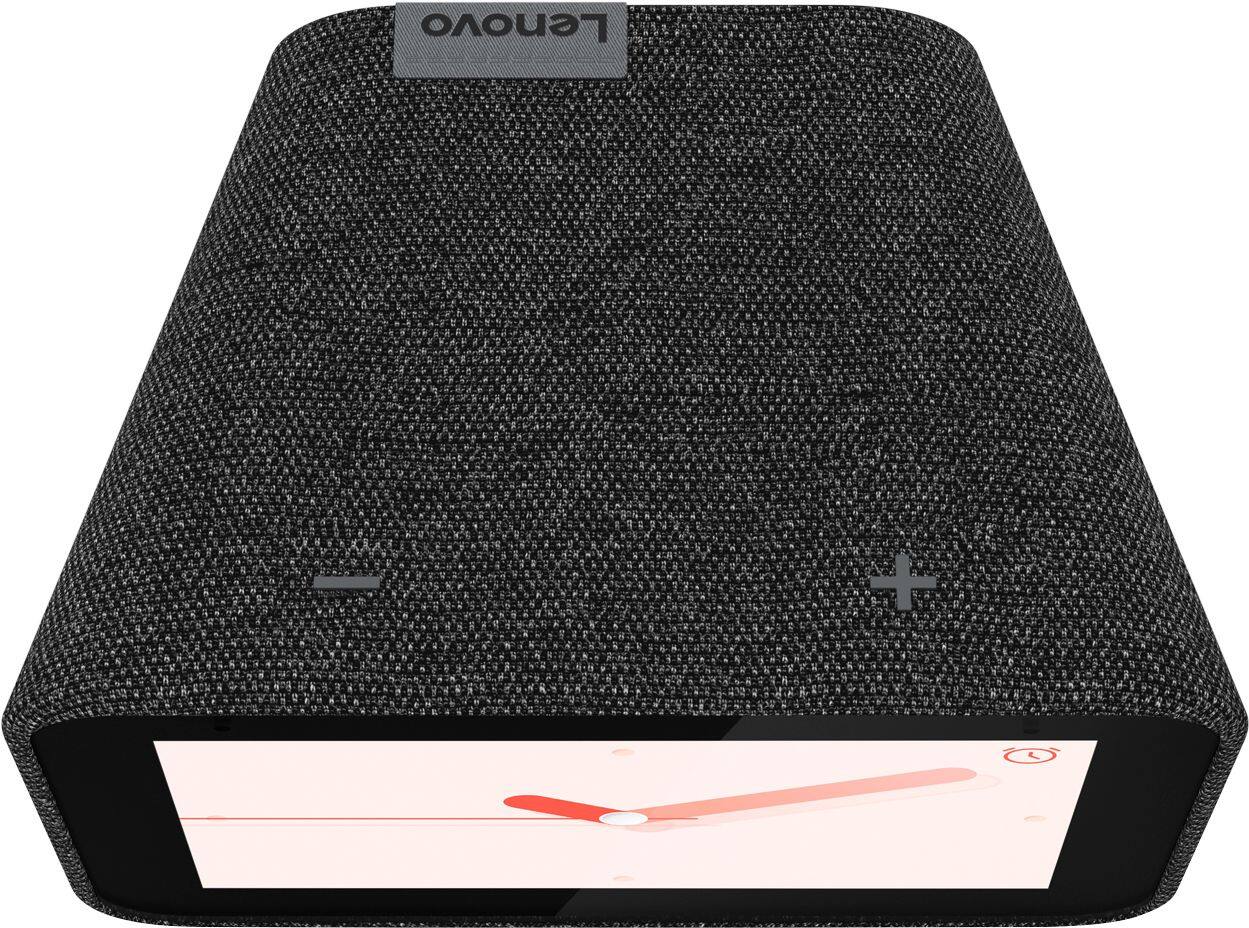
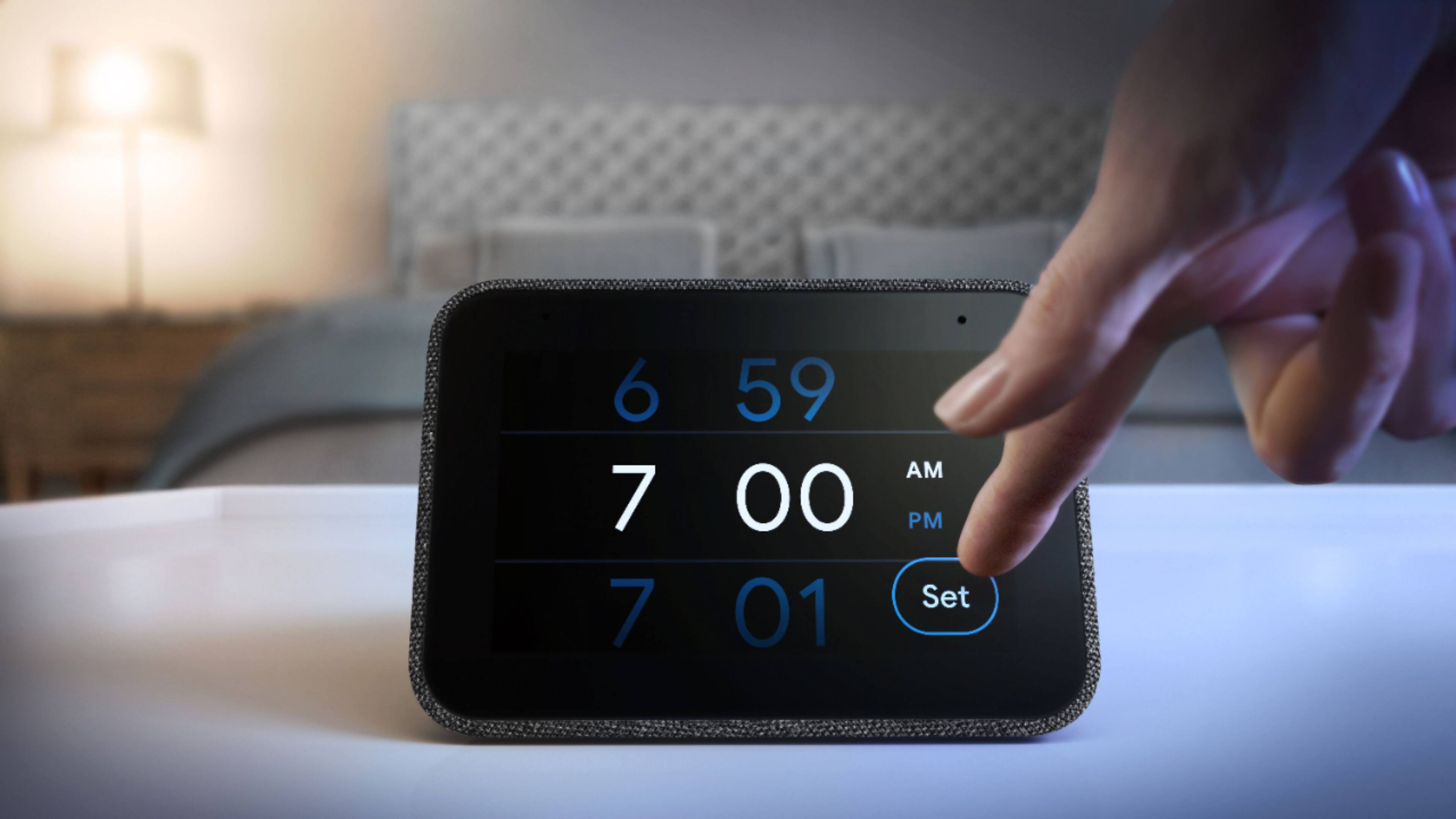
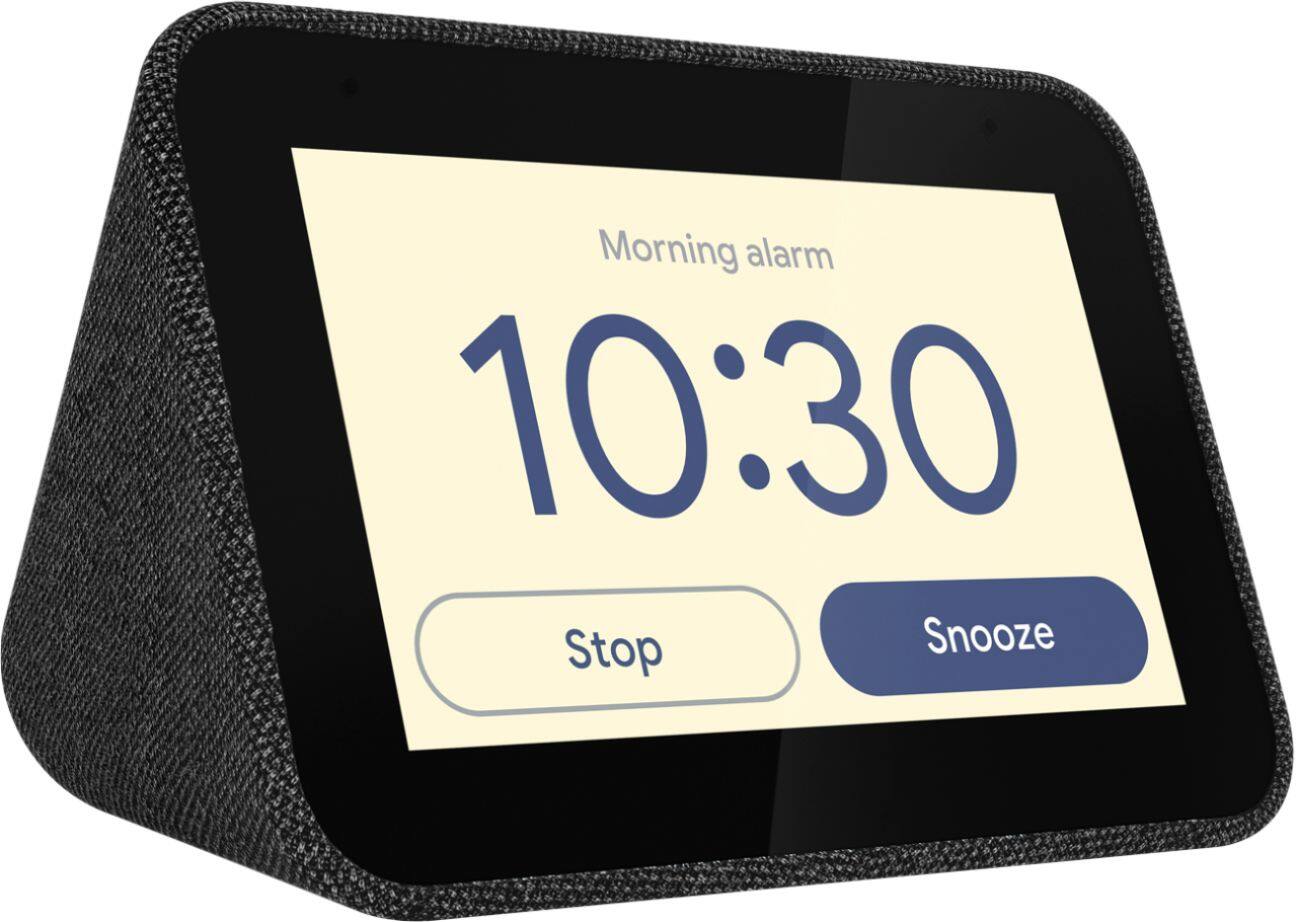
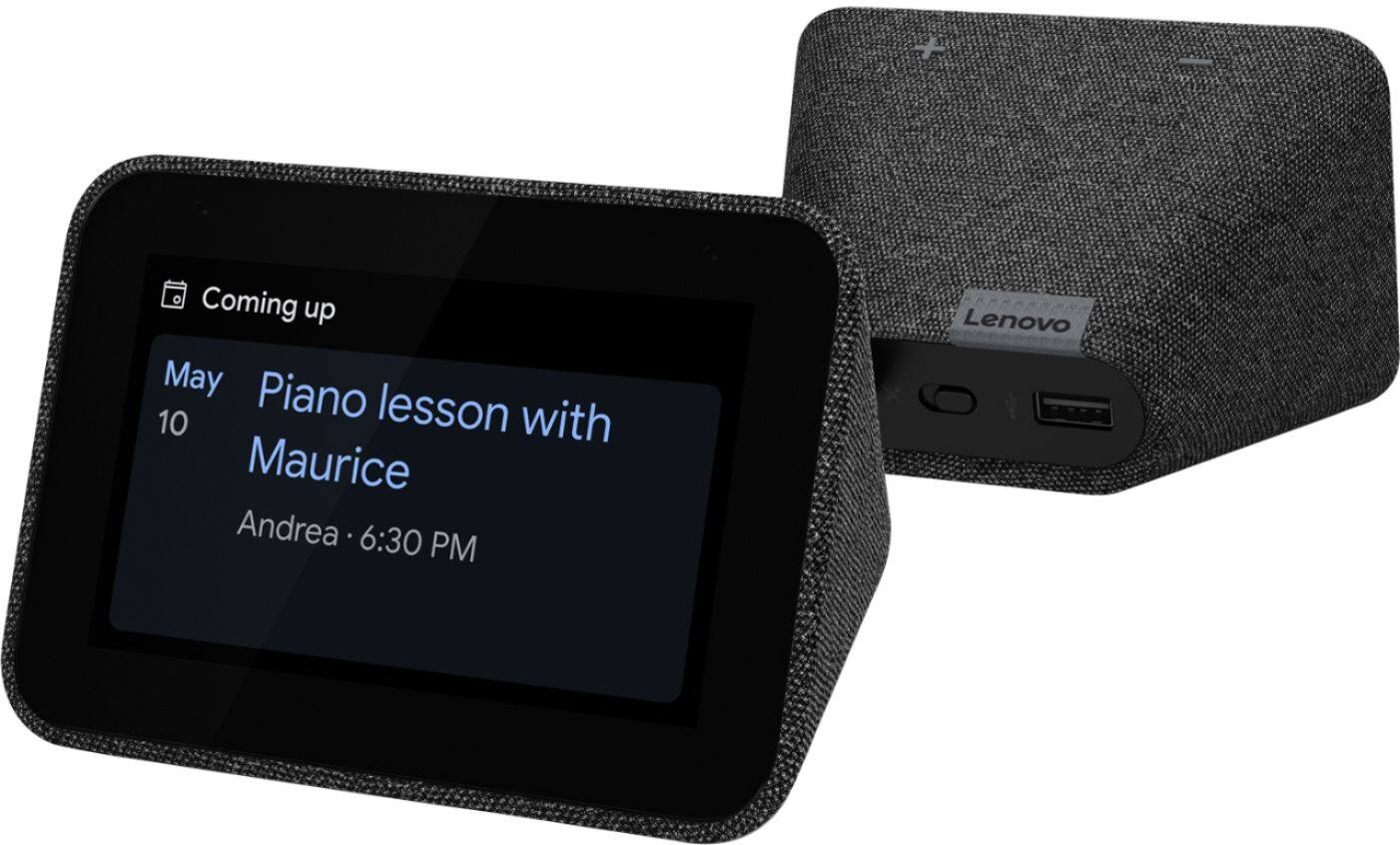
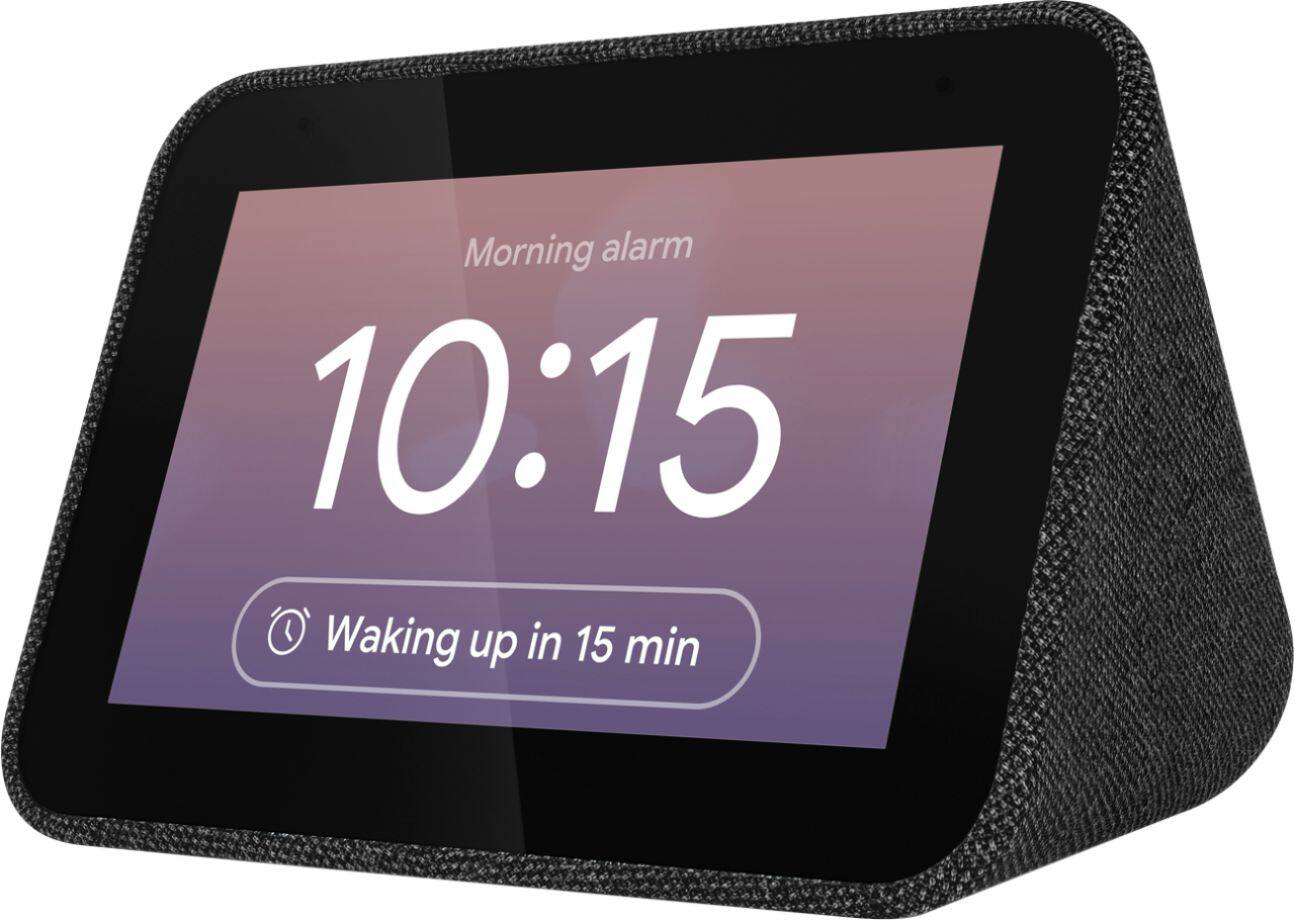
A:AnswerHello, thanks for your question. The Lenovo Smart Clock with Google Assistant is compatible with Android and iOS. You will need to download the Google Home App on your smartphone or tablet to setup the device and access some settings. Once setup it can run independently of your smartphone or tablet. If you need further assistance please don't hesitate to reach out to Lenovo Tech Support at 866-426-0911
A:AnswerHi there! The Lenovo Smart Clock model ZA4R
replacement adapter part is SA18C27239. We recommend contacting your local geek squad for help ordering the part, or you You may get in contact with Lenovo Support directly by calling 866-426-0911.
A:AnswerHello, thanks for your question. Yes the Smart Clock with Google Assistant can receive and broadcast messages to other Google Assistant devices in your home.
A:AnswerHello, thanks for your question. The Google Home or Google Assistant App can be downloaded and used with Apple's iOS or Android. You can configure Siri to work with Google Assistant on your iPhone to relay commands to your Google products. Here is a link explaining how to do this. https://www.cnet.com/how-to/use-siri-to-talk-to-google-assistant-on-your-iphone/#:~:text=Tap%20Add%20to%20Siri%2C%20then,by%20your%20command%20to%20Google.
A:AnswerHi Jess thank you for your question. The Lenovo Smart Clock is an always on device and requires internet and power to function. There is no battery. In the event of a brief power/wifi outage your repeating alarm information will be retained.
A:AnswerHi there, thank you for your question. Yes your Google Calendar will sync atomically once you have set up the device with the Google Home App. You can setup routines to have your Google Assistant read your upcoming appointments/events before bed, when you wake up, or at any time by saying "okay Google tell me about my day".
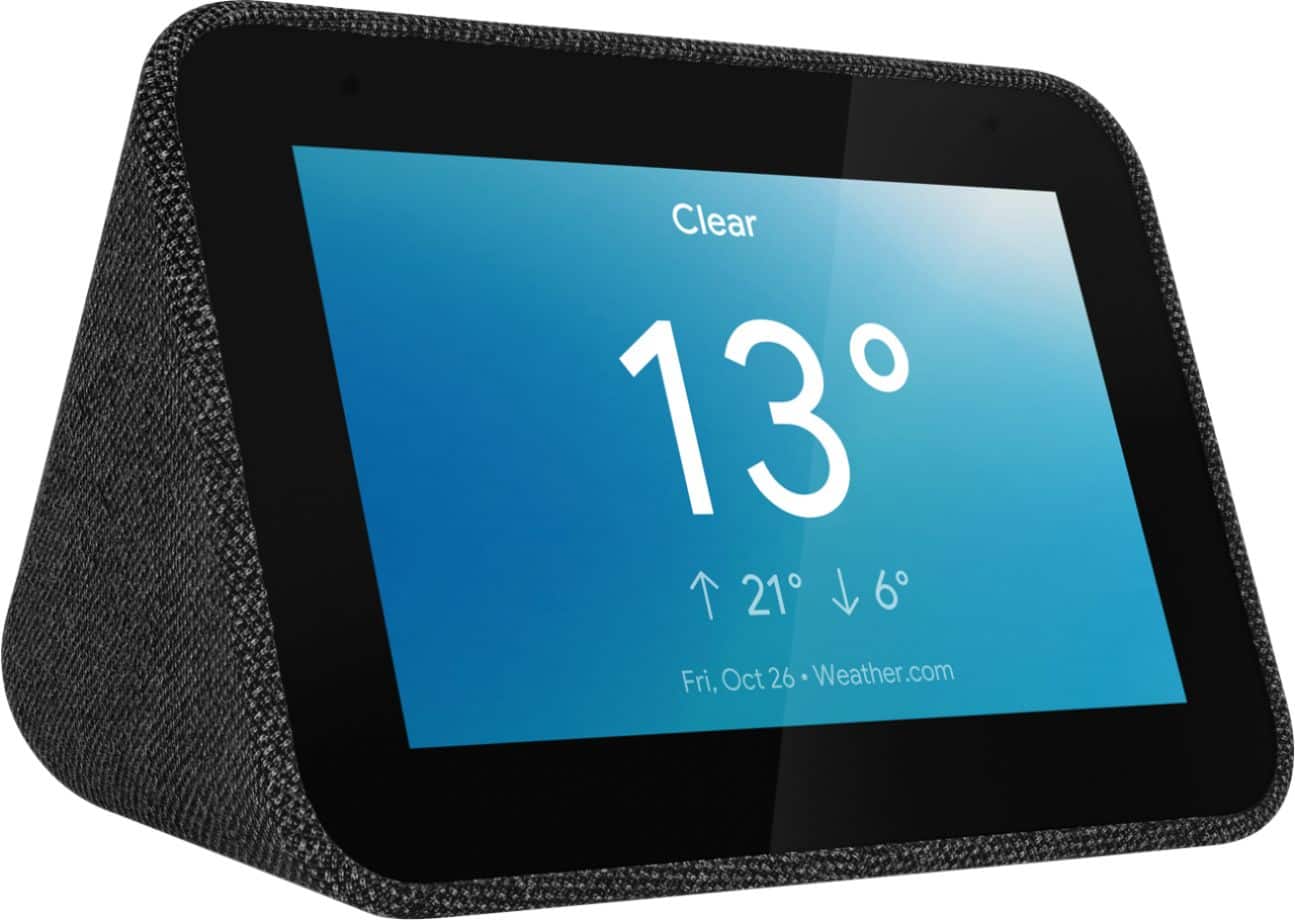
A:AnswerNot sure about the "set music for alarm". There might be a roundabout way to achieve this using your Android phone.
I can tell you it does have ambient mode & the face will darken with low light.
A:AnswerYep. There's definitely better quality speakers to do this with, but if you need an alarm clock already and want another speaker to add to your Home, it will work.