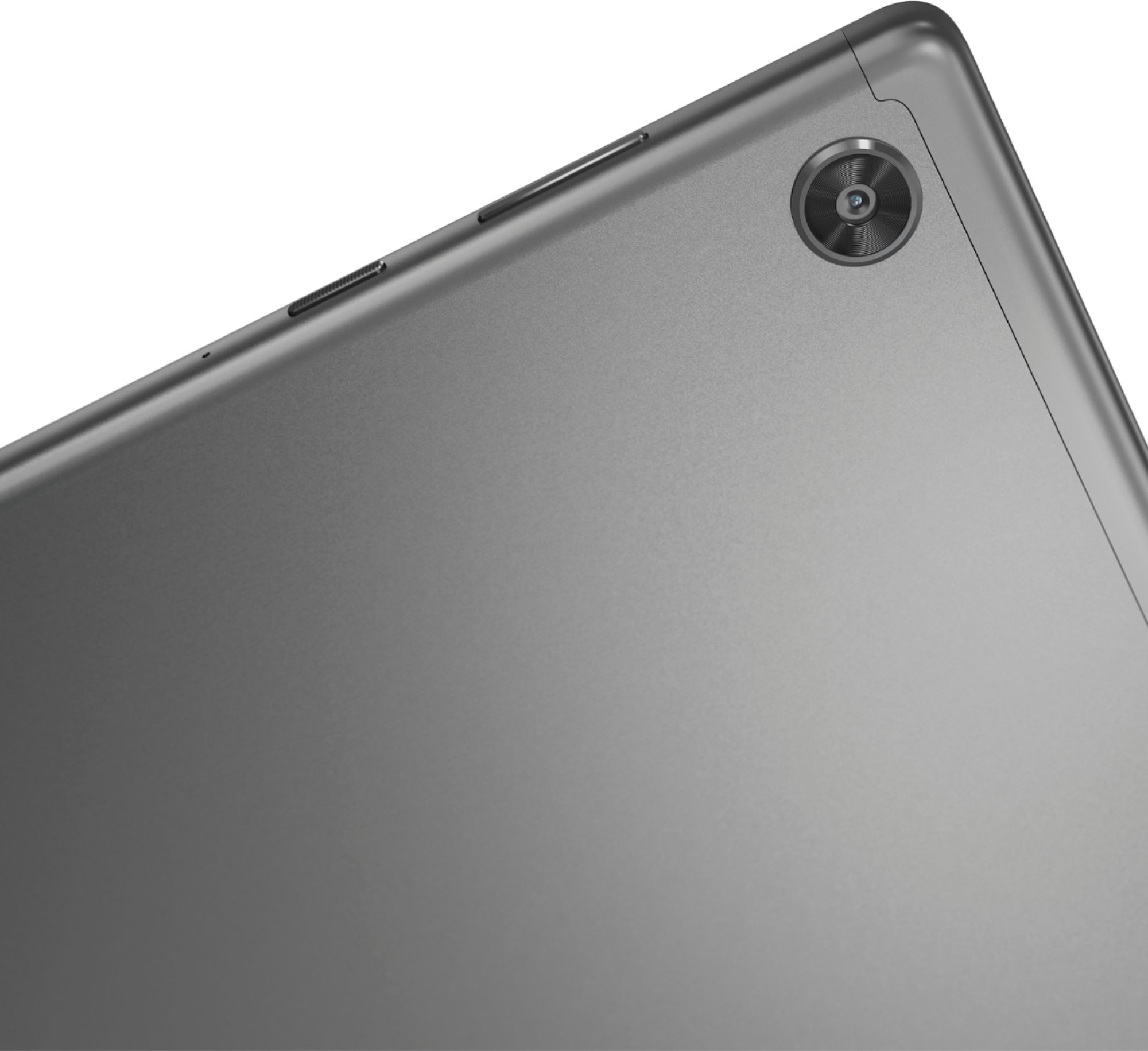
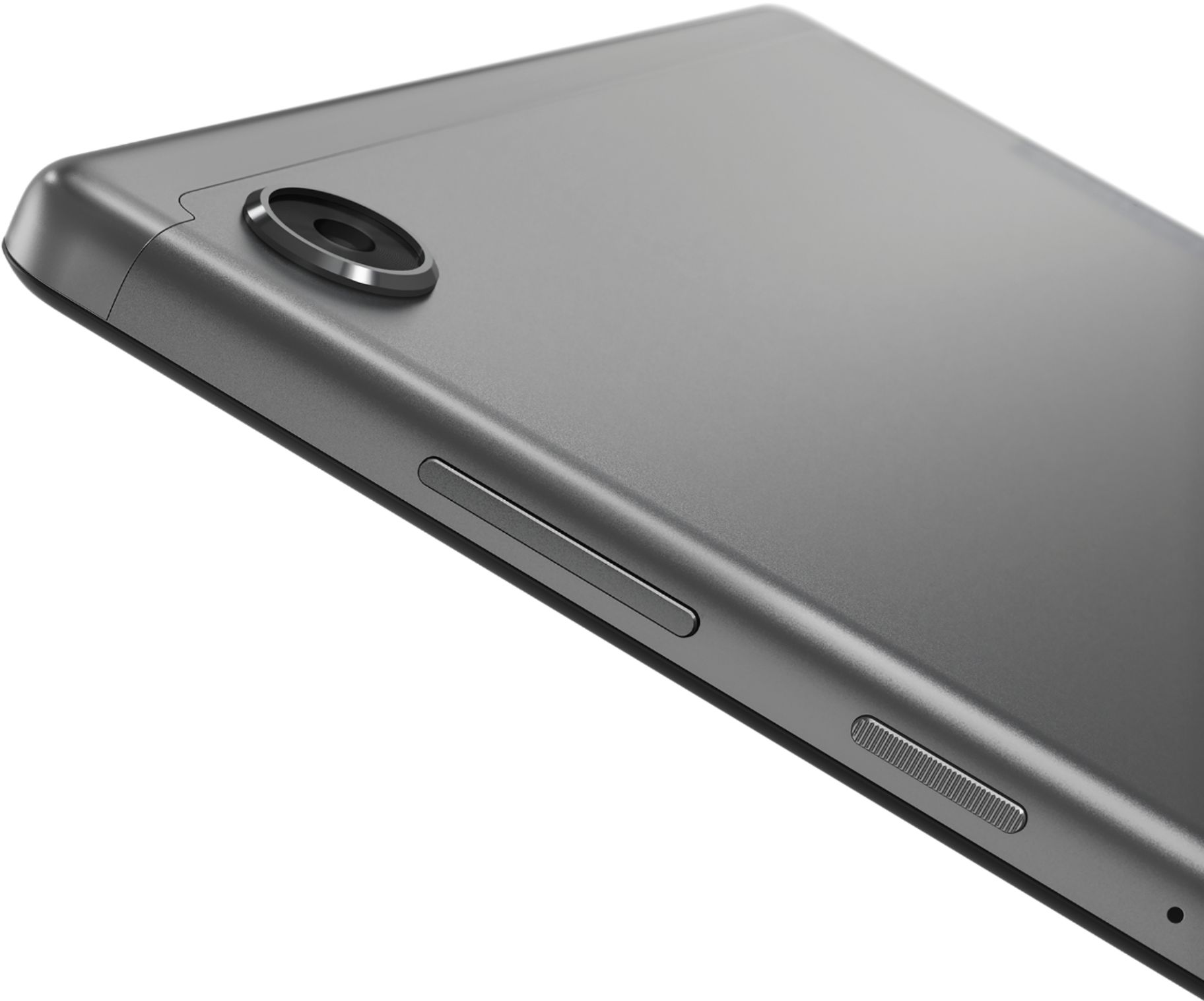
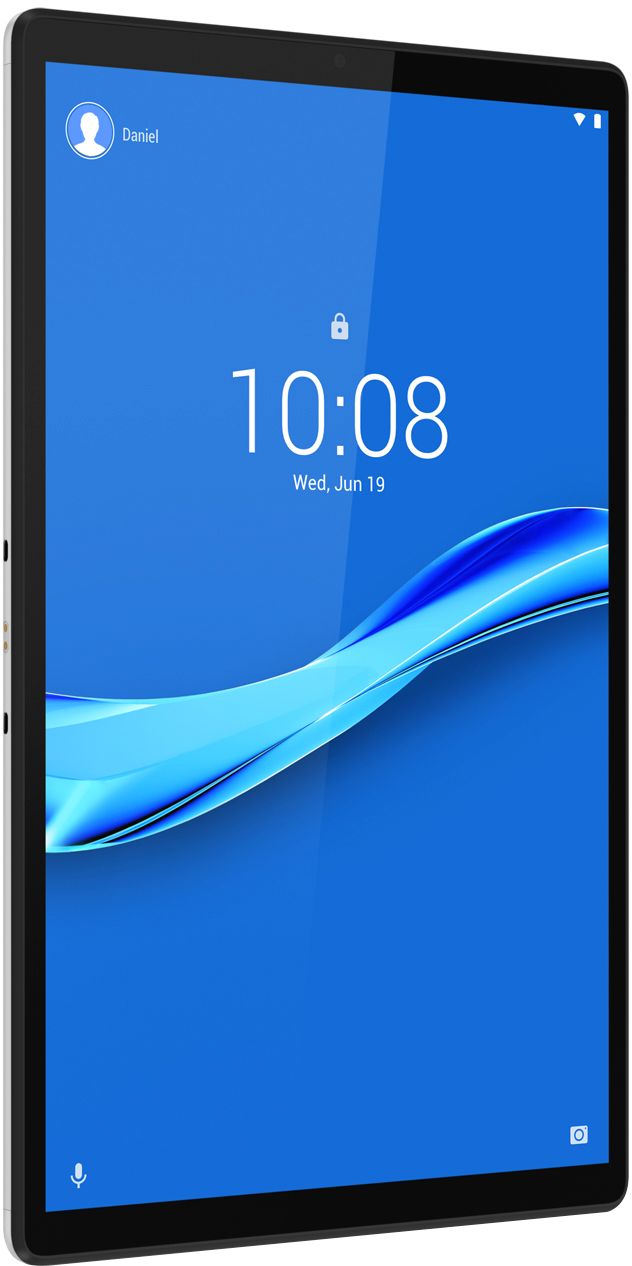
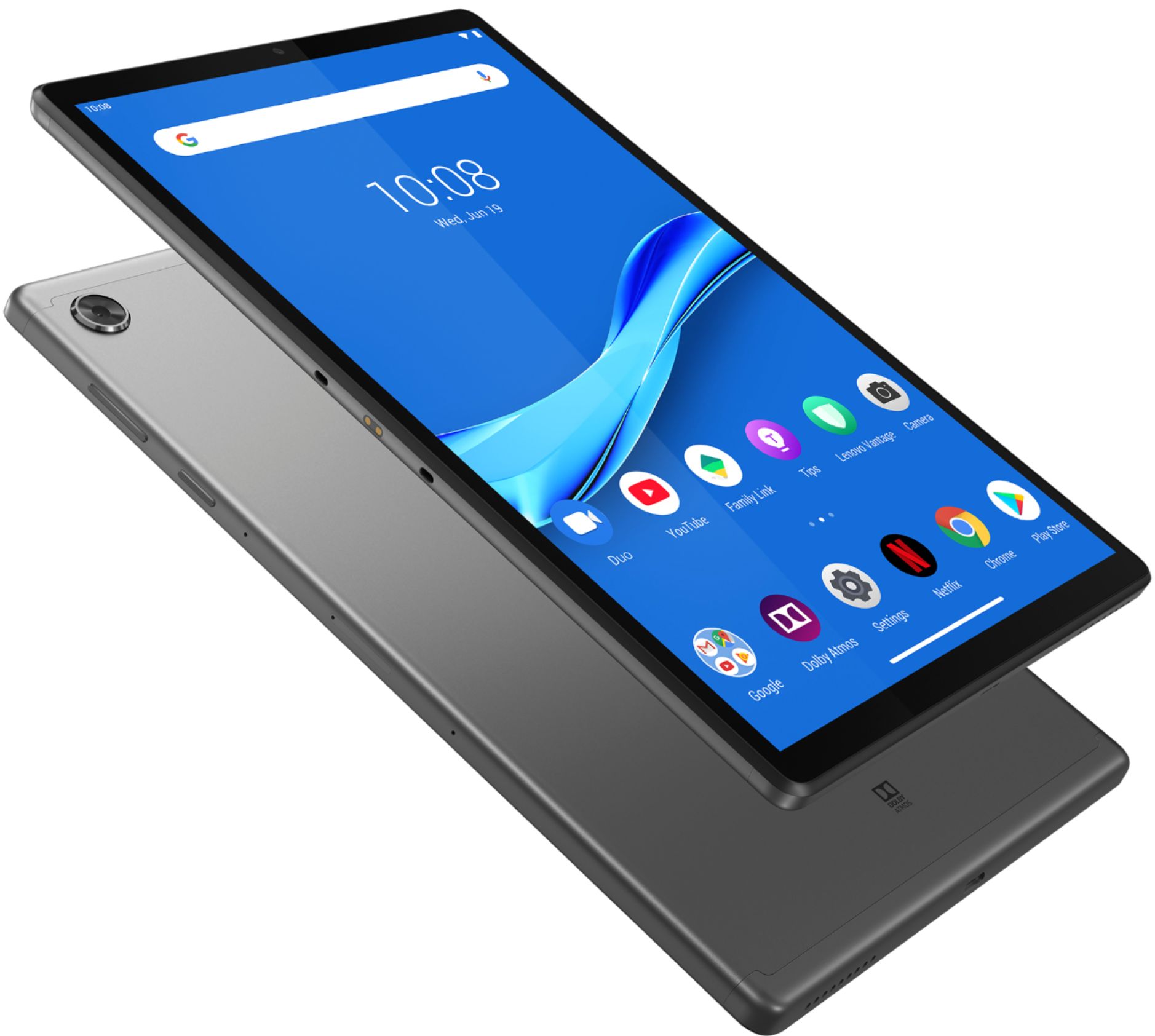
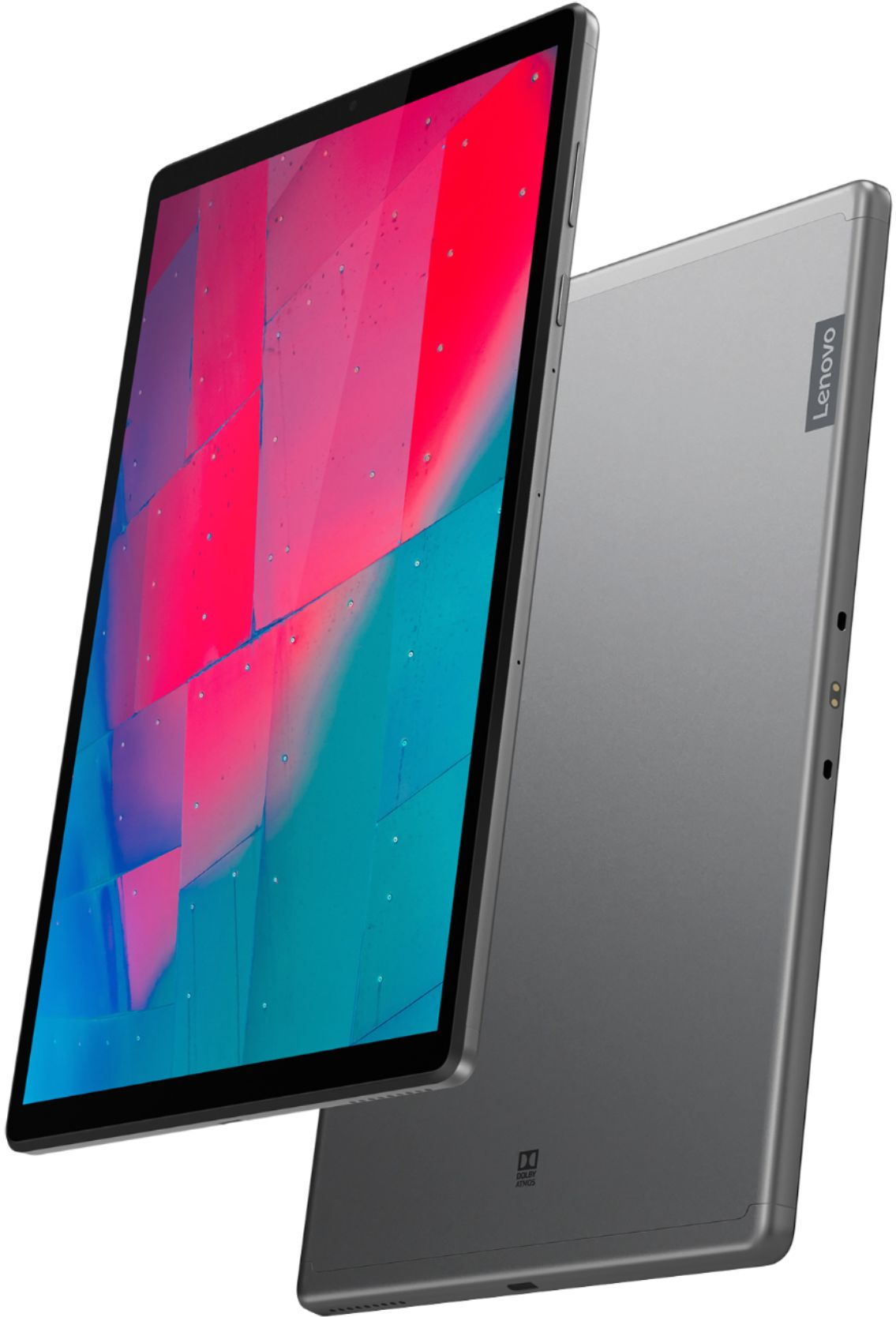
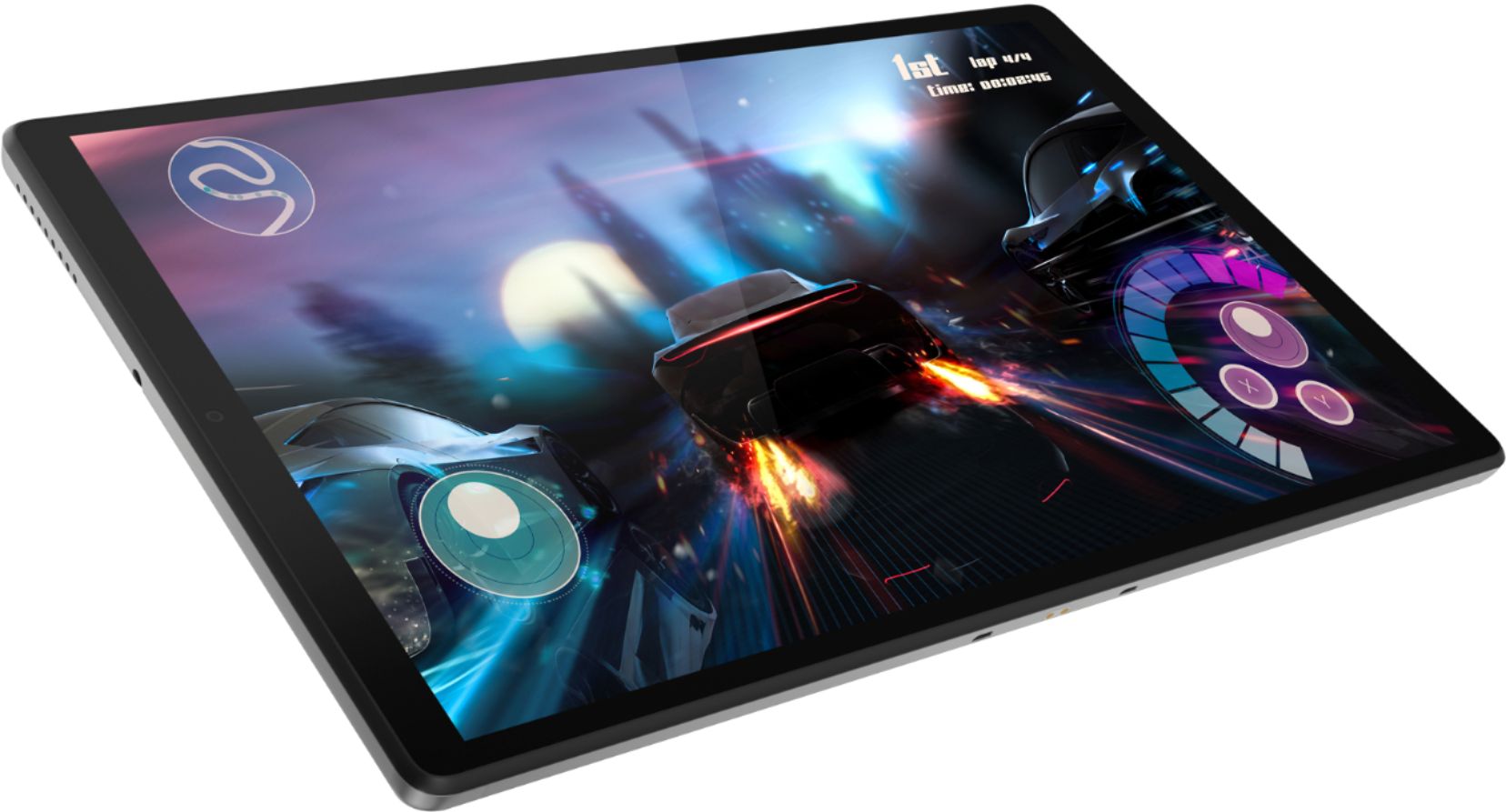
A:AnswerThe Lenovo - Tab M10 FHD Plus - 10.3" - Tablet ships with a Micro-SD card slot. The memory card is sold separately. The tablet is compatible with a MicroSD, up to 256GB capacity.
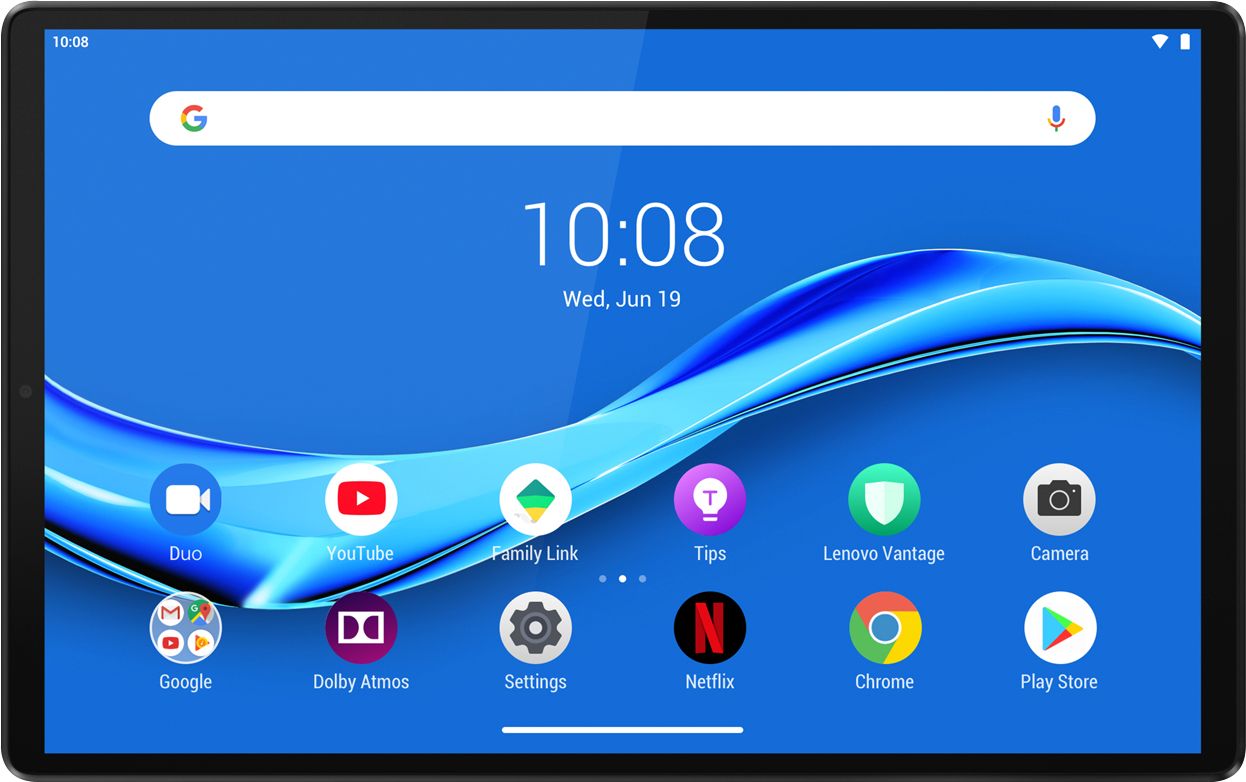
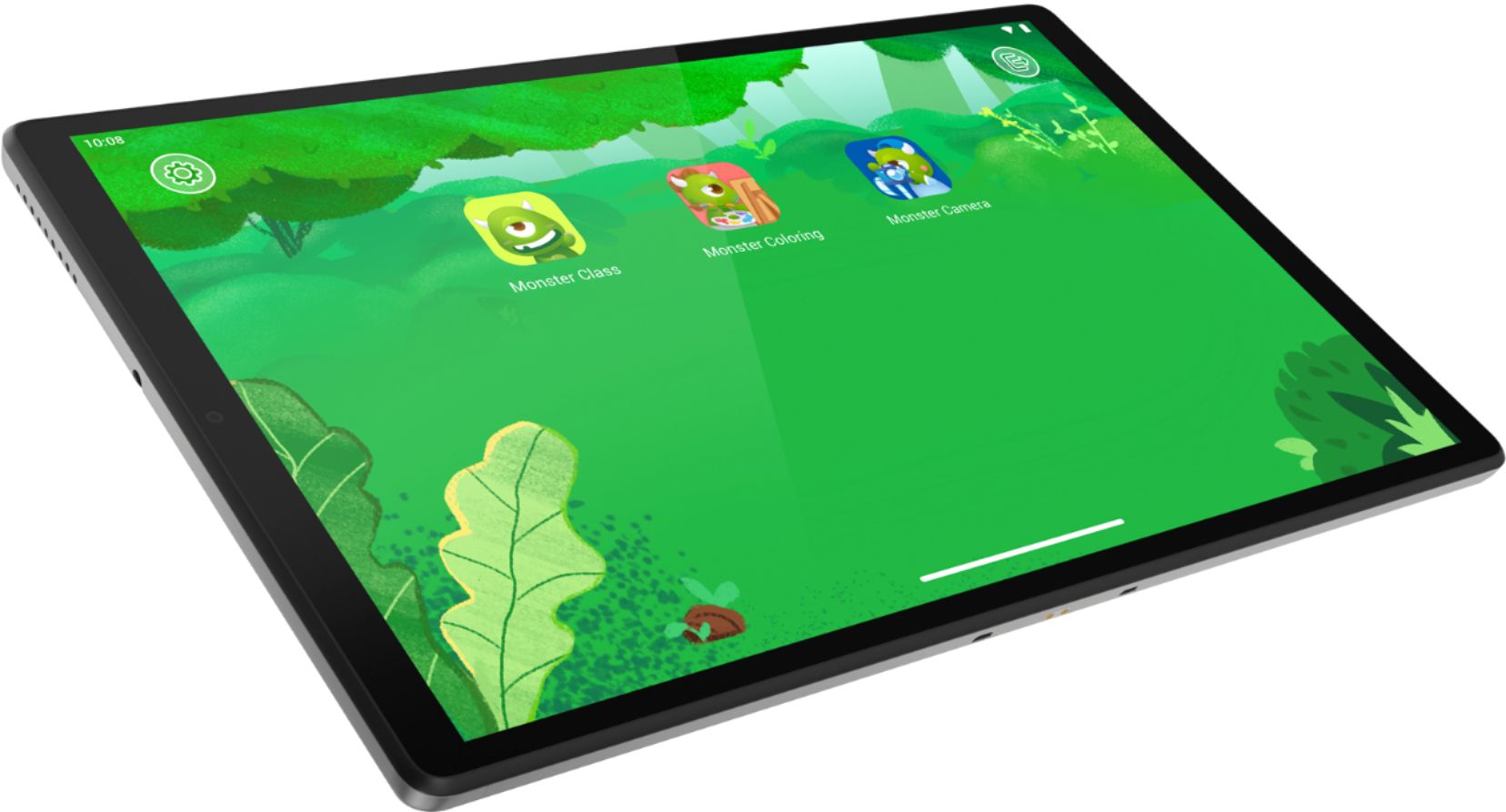
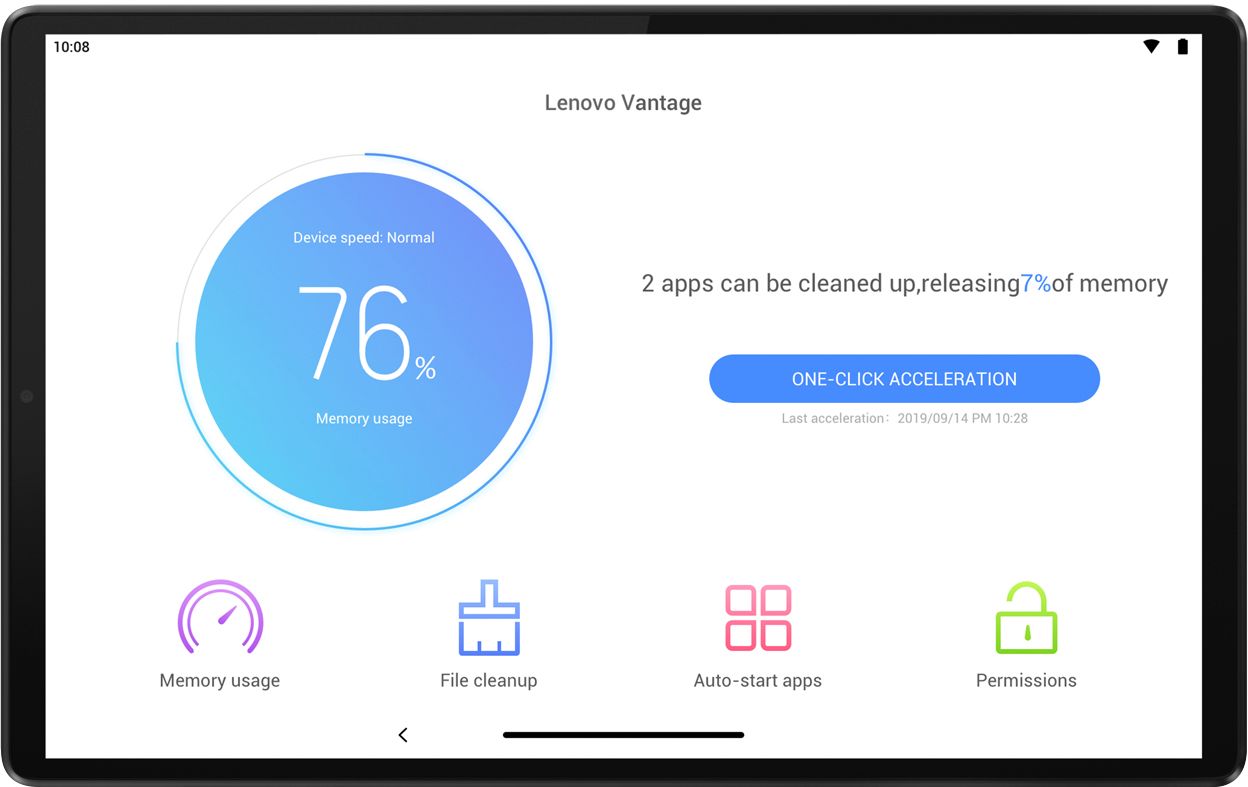
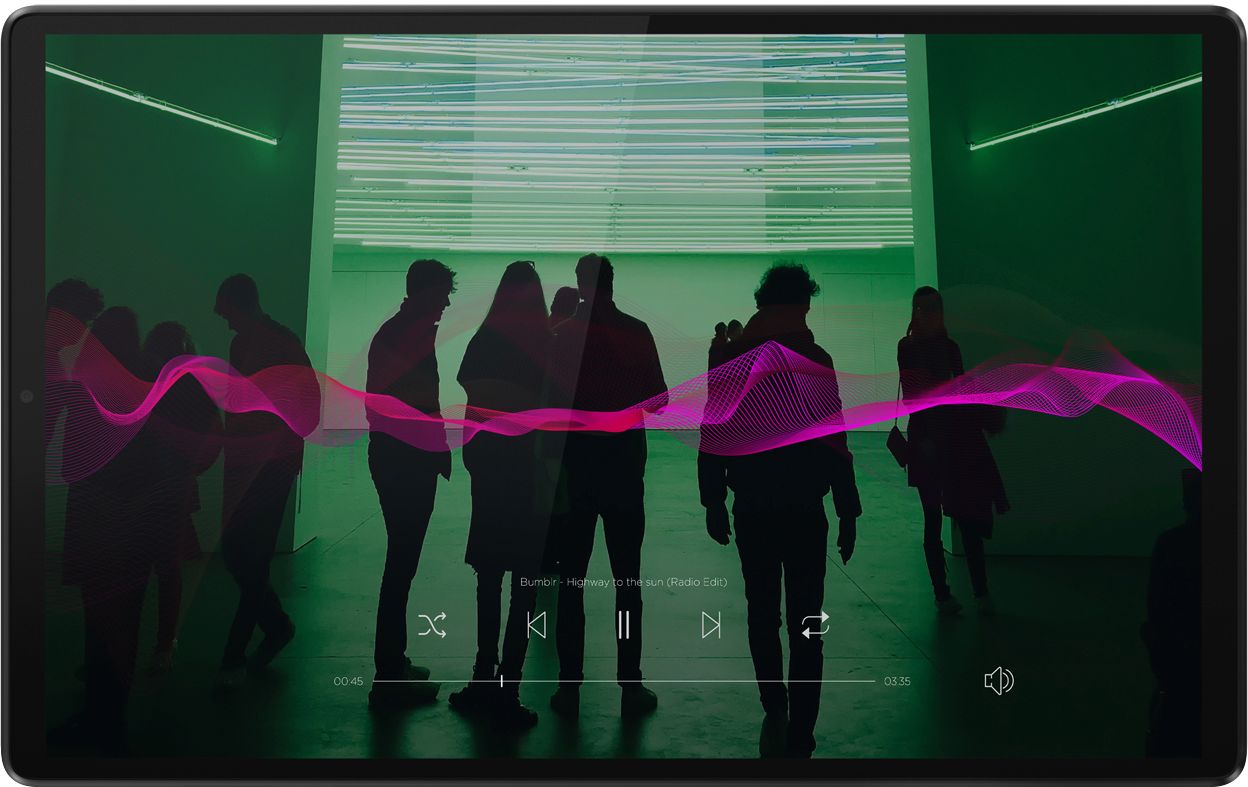
A:AnswerYes. The Lenovo - Tab M10 FHD Plus Tablet has 2 x side speakers with Dolby Atmos. Installed software includes: Kid’s Mode, Lenovo Vantage, Tips, Netflix, Dolby Atmos, Google Gmail, Google Chrome, Google Photos, Google Play Store.
A:AnswerHello thank you for your question. The Lenovo Tab M10 FHD Plus model # ZA5T0263US Runs Android 9.0 Pie. This OS Is compatible with Microsoft Office (Word). To downlead it simply search the Google Play Store. As for the keyboard this device is compatible with any Bluetooth keyboard. They make them individually or included in "Folio" Cases. Here are some links to help get you started =)
https://www.bestbuy.com/site/saharacase-wireless-bluetooth-keyboard-for-most-tablets-and-computers-black/6429158.p?skuId=6429158
https://www.bestbuy.com/site/logitech-universal-keyboard-folio-case-for-most-9-10-tablets/5853004.p?skuId=5853004
A:AnswerYes. Here is a link to information about wirelessly printing from an Android 9.0 Tablet: https://www.businessnewsdaily.com/6060-how-to-print-smartphone-tablet.html
A:AnswerI highly recommend Geek Squad protection for at least a year (my granddaughter cracked the screen when her tablet slid off her lap and hit a dresser) and it was covered.
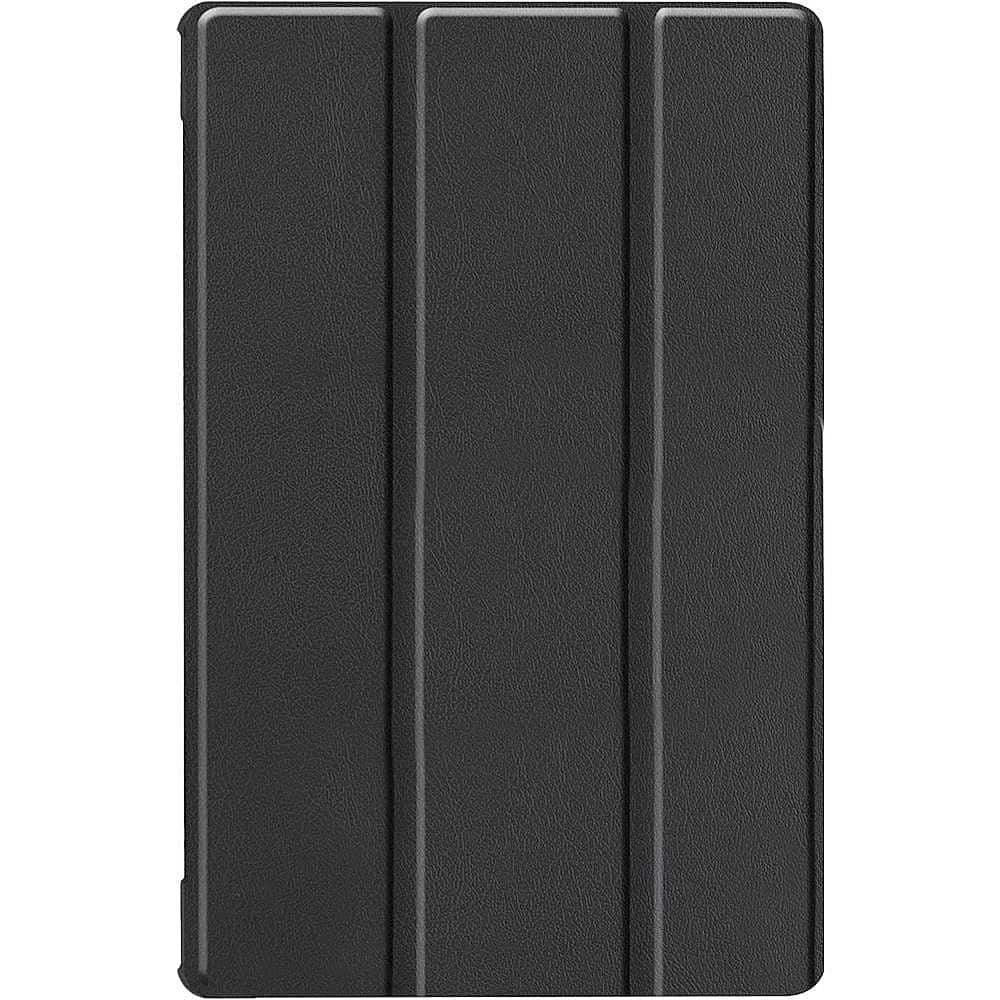
The new one is in a flip case and very secure.
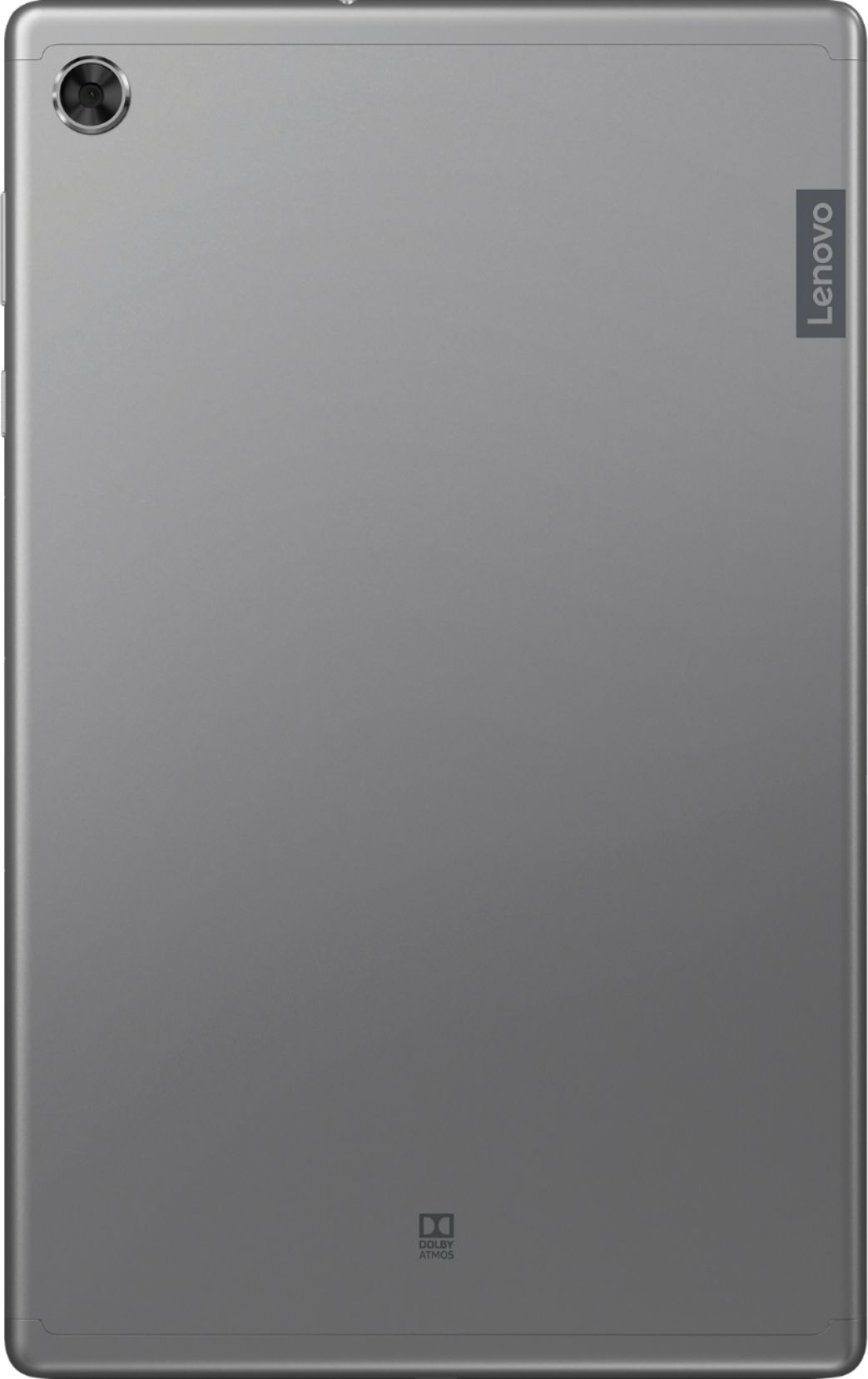
A:AnswerHello, thanks for your question. Yes the Lenovo Tab M10 FHD Plus model # ZA5T0263US ships with a Rear Facing 8 megapixels camera, and a
Front-Facing
5 megapixels camera.
A:AnswerThat really will depend on the requirements and compatibility of the specific APP you want to use. The Lenovo Tab M10 Plus Tablet, model number ZA5T0263US, ships with the Android 9.0 Operating System. We recommend you check with the specific APPs software publisher's web site for their compatibility with the Android 9.0 operating system and the minimum/recommended hardware requirements (Is a Graphics card required, the processor speed and the minimum required system RAM and the minimum available hard drive space) to run their program, then compare those requirements to this system's configuration.
A:AnswerThe Lenovo Tab M10 Plus tablet is not compatible with any active/digital pen. You can use a capacitive touch stylus as a finger replacement on the touchscreen of this tablet, like this one: https://www.bestbuy.com/site/insignia-stylus-silver/3695185.p?skuId=3695185. Also, be sure that the software your daughter will need to use is compatible with this tablet. The M10 Tablet ships with the Android 9.0 Operating System and is compatible with Google Play Store APPs. We recommend you check with the specific software publisher's web sites of the software your daughter will need to use, for their compatibility with the Android 9.0 operating system and the minimum/recommended hardware requirements (Is a Graphics card required, the processor speed and the minimum required system RAM and the minimum available hard drive space) to run their program, then compare those requirements to this system's configuration.
A:AnswerYes, you can use this tablet to video chat. Specifically, I can vouch for Skype and Zoom working perfectly fine. I would assume other video chat apps available on Android will work as well, but I haven't tried them.
A:AnswerWhile the Lenovo Tab M10 Plus tablet is not compatible with any active/digital pen, you can draw on the touchscreen with either a finger or a capacitive touch stylus as a finger replacement, like this one: https://www.bestbuy.com/site/insignia-stylus-silver/3695185.p?skuId=3695185