A:AnswerWe are sorry to hear that you are having issues with your Lenovo ThinkPad L13 Yoga, model number 20VK001QUS. The internal fan runs automatically, based on the workload and the heat generated by that workload. If the internal fan is running when the computer is at idle or under low workloads, first, be sure any software you installed is compatible with Windows 10. Incompatible software will increase the system workload and generate more system heat, causing the fans to operate more than necessary. There is no need to install Microsoft Office software. The software is already part of the operating system, you just need to activate the software with a purchased product key. If you have installed a copy of Microsoft Office, this is conflicting with the existing copy on the system and this will slow your system down. If you have installed a 3rd party anti-virus program, be sure that Windows Defender is turned off and that the trial version of McAfee Anti-Virus software is uninstalled. There can only be one anti-virus program on the system. You may need to restore your system to original factory default settings if any of the programming errors have occurred. You can do that by typing "restore" in the Cortana search window. Just click on the magnifying glass icon at the bottom left of your Windows 10 Desktop. Click on "Reset This PC" Then click on "Get Started" and follow the on screen directions to restore to factory defaults. If there is no incompatible software installed, now check to be sure that you have the latest version of Windows 10 on the computer. Then update all of the BIOS files and drivers up to that latest version of Windows 10. You can easily accomplish this by scanning the computer with the Lenovo Utility software available on this computer. This system has Lenovo utilities installed to help maintain the health of the device and keep the operating system software up to date. Type "Lenovo Vantage" in the Cortana Search window (if Lenovo Vantage is not installed on your device, you can download the APP and install it now). Select Lenovo Vantage from the list. In the window that opens, click on "Health and Support". In the expanded menu, select "Hardware Scan" In the window that opens, select "Run Quick Tests". This will scan your entire system for errors. Follow any directions that may pop up. If the problem continues after this scan, now click on "System Update". First select Windows update from the menu. Scan your system to be sure you have the latest version of Windows 10. Once that scan is complete, select "Additional Updates". This will scan your device to be sure there are no new BIOS/Driver updates needed. Follow any instructions that may pop up. If the issue still continues after these updates, we recommend you call Lenovo Tech Support at: 877-453-6686 for additional help.
A:AnswerThe Lenovo ThinkPad L13 Yoga model number 20VK001QUS, was first available for sale March 2021. It is a retail only configuration and not sold at Lenovo.com.
A:AnswerThe Lenovo ThinkPad L13 Yoga model number 20VK001QUS, ships with a 4 Cell, 46Wh, Lithium Polymer Battery, which within this configuration, has a battery life of up to 10 hours, depending on the working the device is performing.
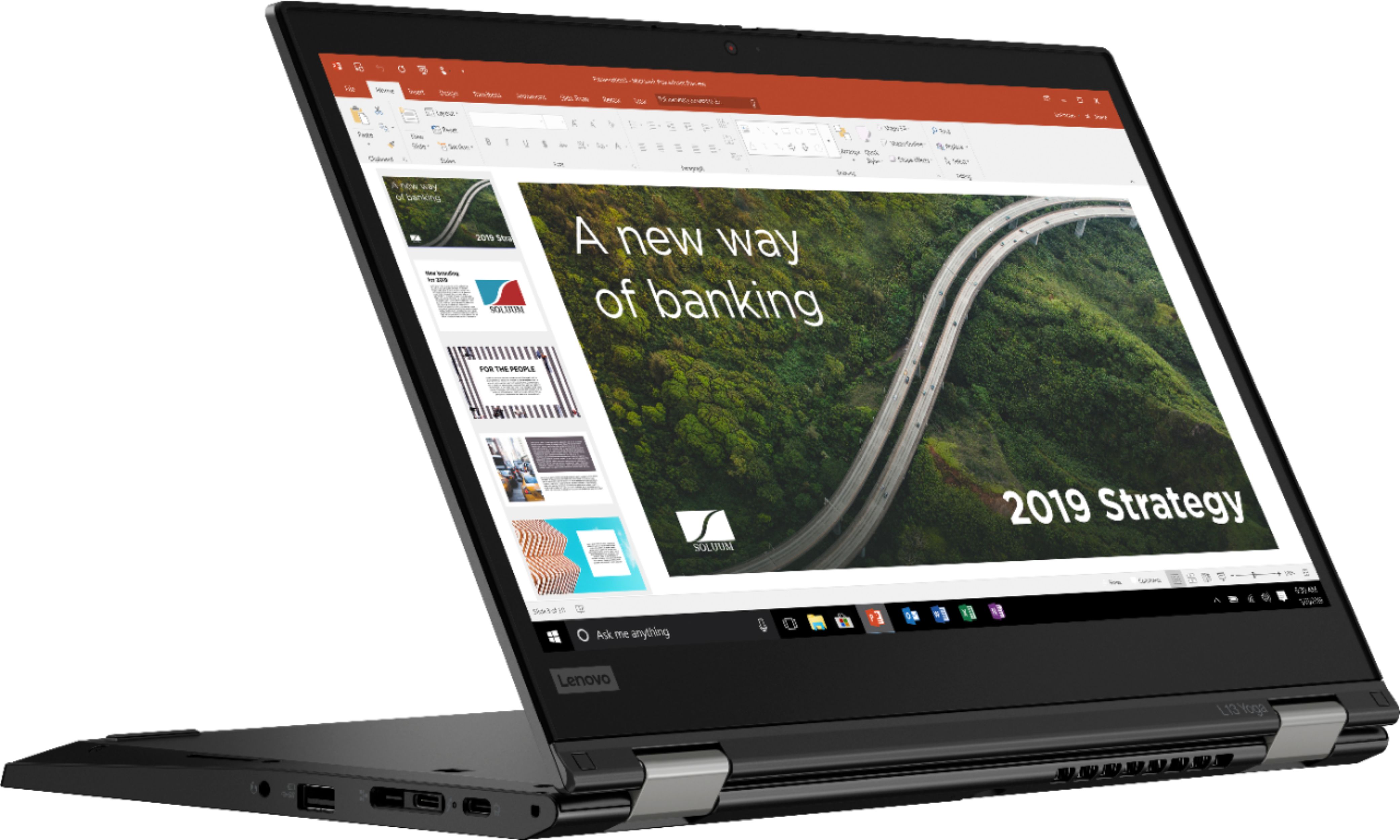
A:AnswerThe Lenovo ThinkPad L13 Yoga model number 20VK001QUS, has a case made from: Magnesium-aluminum (top), GFRP (bottom) - GFRP stands for Glass Fiber Reinforced Plastic. The ThinkPad L13 Yoga 2-in-1 laptop is tested against 12 military-grade requirements and more than 200 quality checks to ensure it runs in extreme conditions. From the Arctic wilderness to desert dust storms, from zero gravity to spills and drops, you can trust this laptop to handle whatever life throws your way.
A:AnswerNo. This Lenovo ThinkPad L13 Yoga 2 in 1 Laptop, model number 20VK001QUS, ships with 8GB DDR4-3200MHz RAM Memory soldered to systemboard, no slots, dual-channel and is not upgradeable.
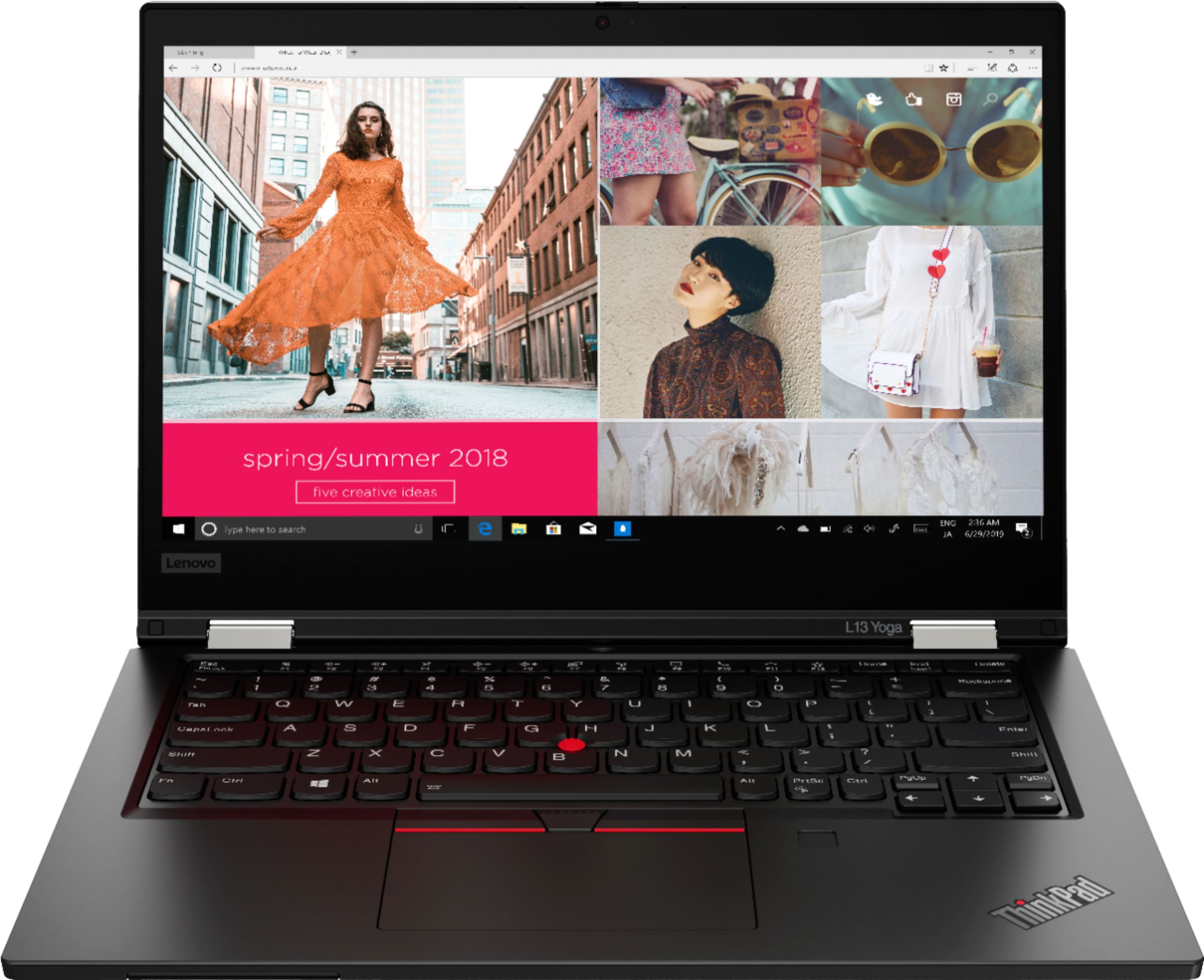
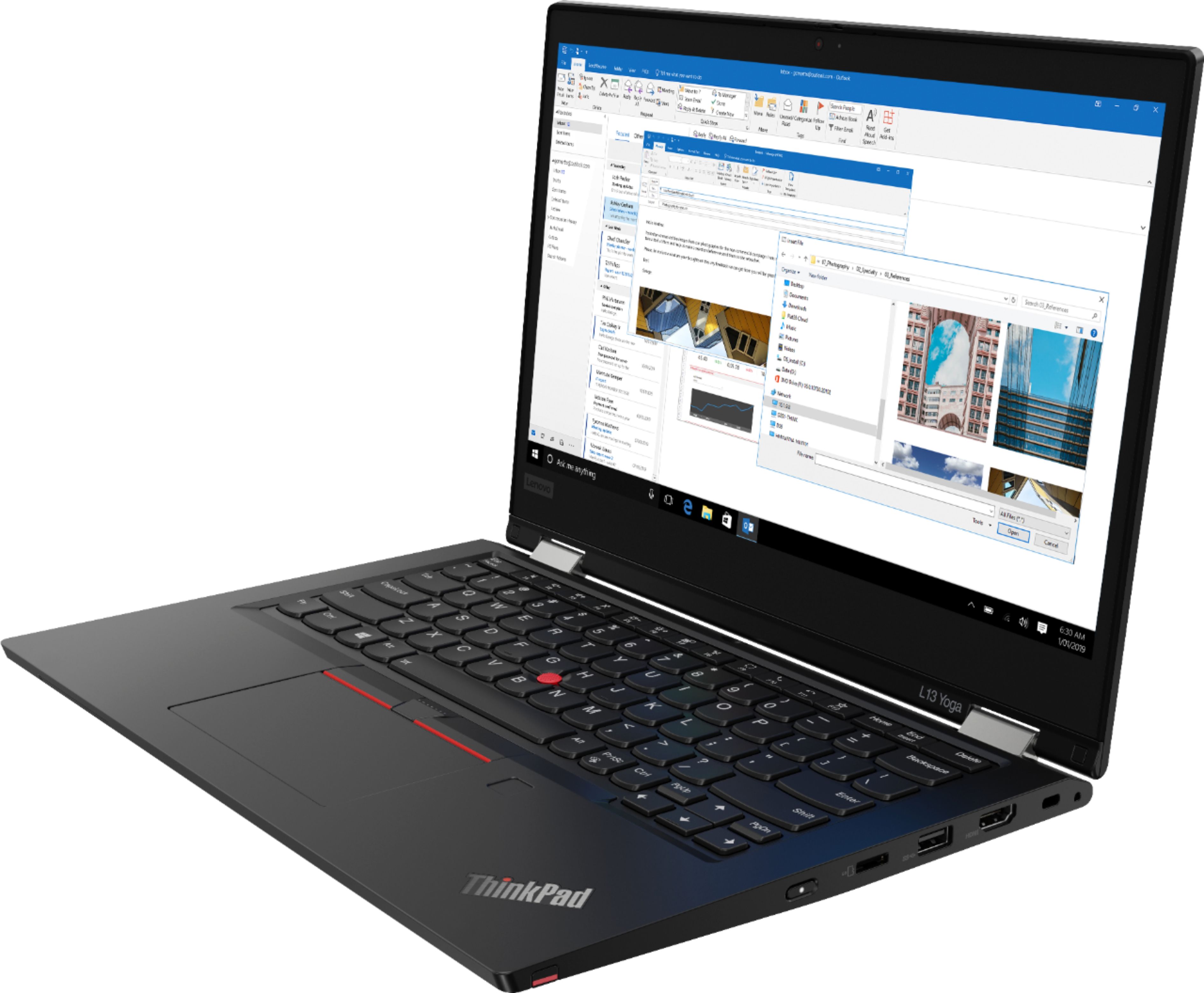
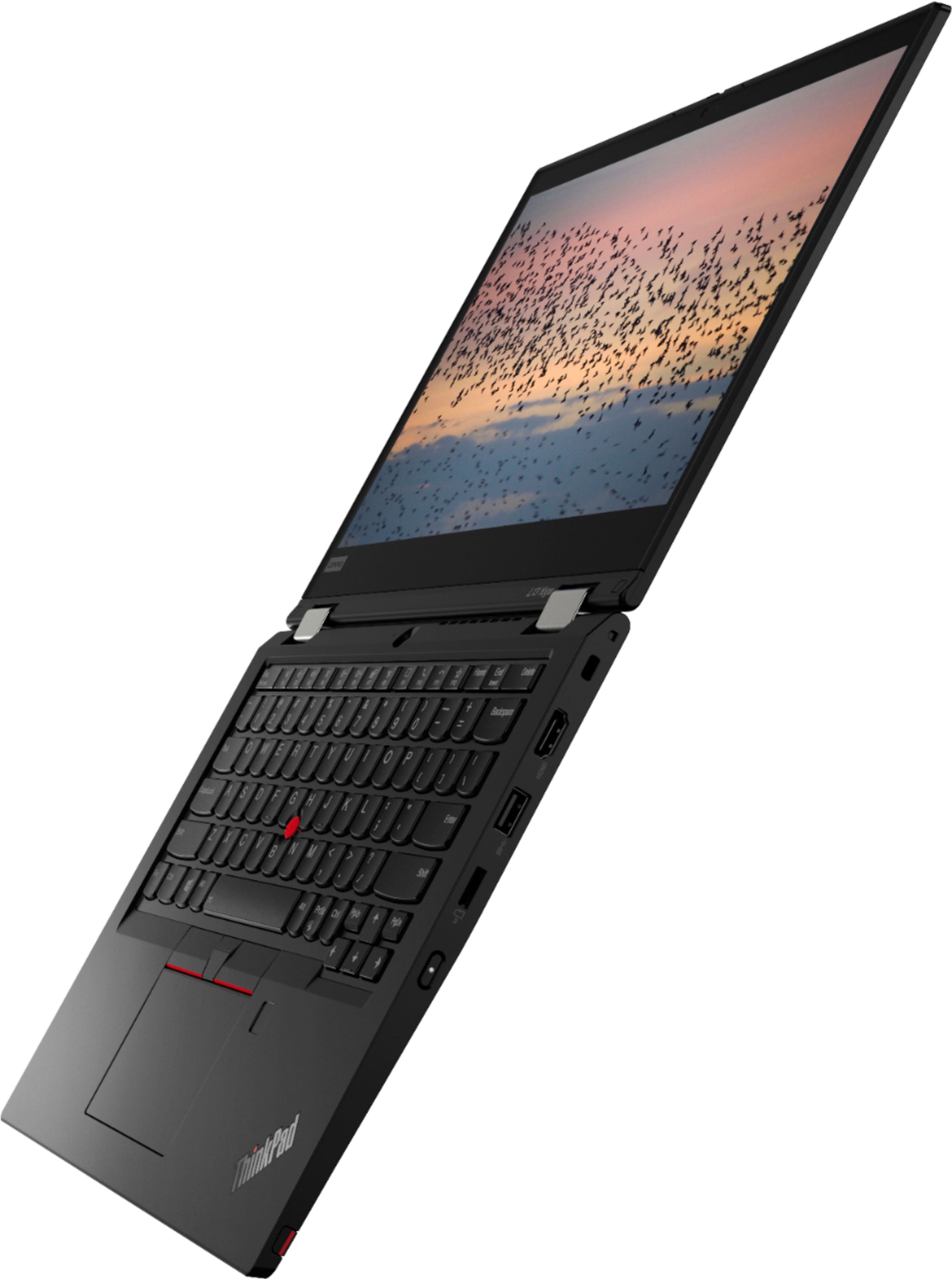
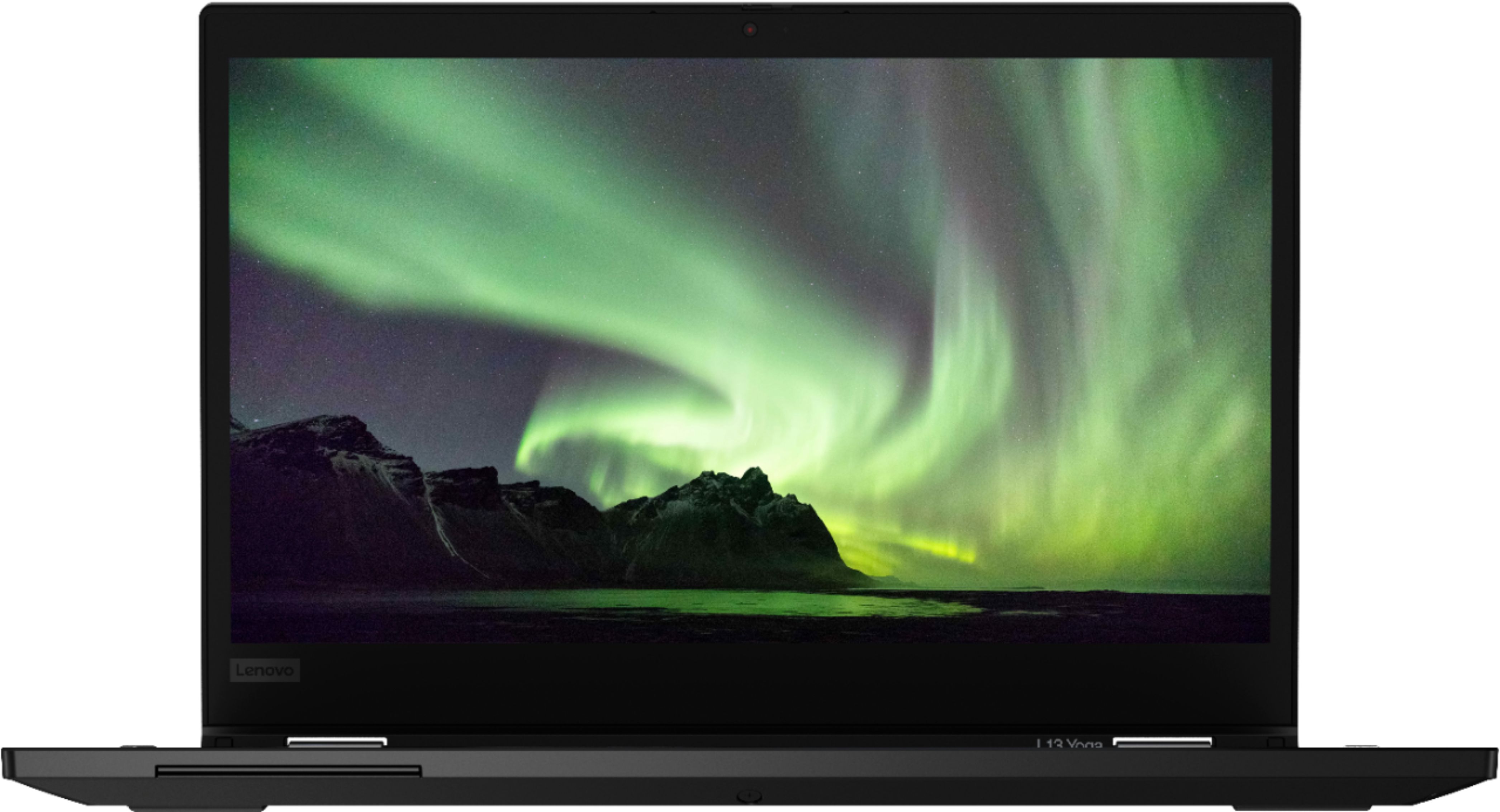
A:AnswerThis Lenovo ThinkPad L13 Yoga, model number 20VK001QUS, ships wit a backlit keyboard. To activate the backlighting, hold down the Fn Key and tap the Spacebar at the same time - Once to turn on the backlighting, twice to increase the backlight intensity and three times to turn off the backlighting.
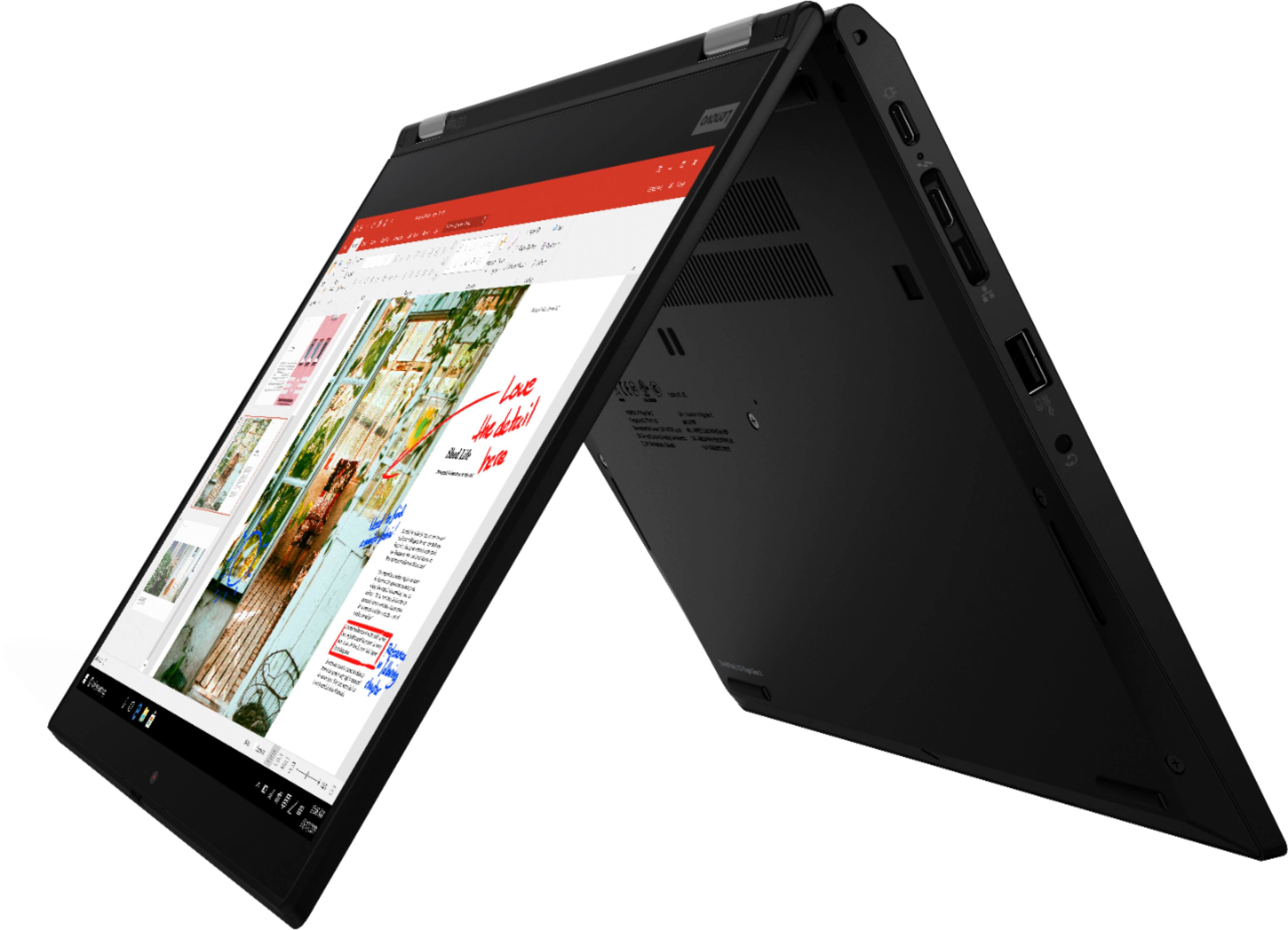
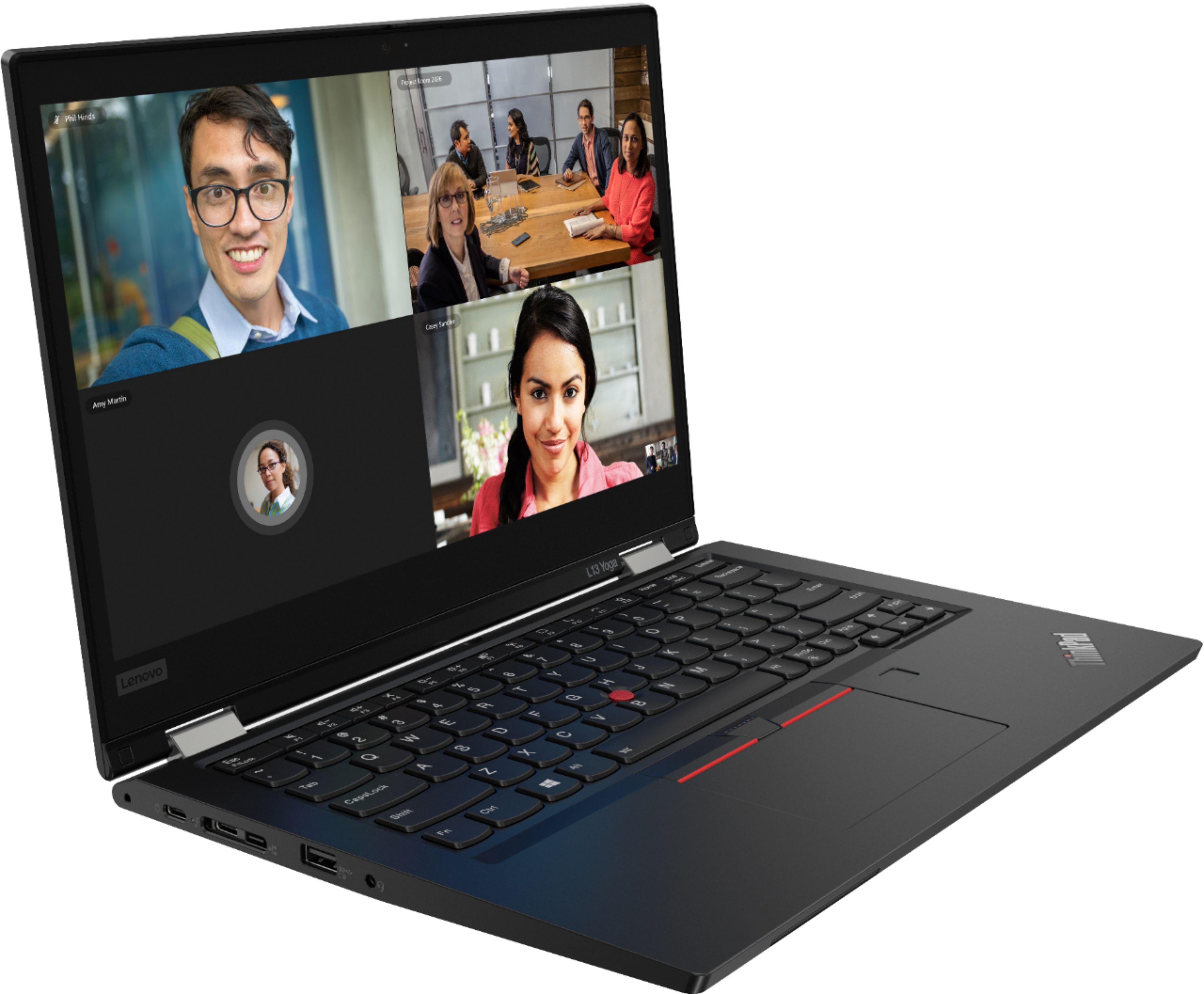
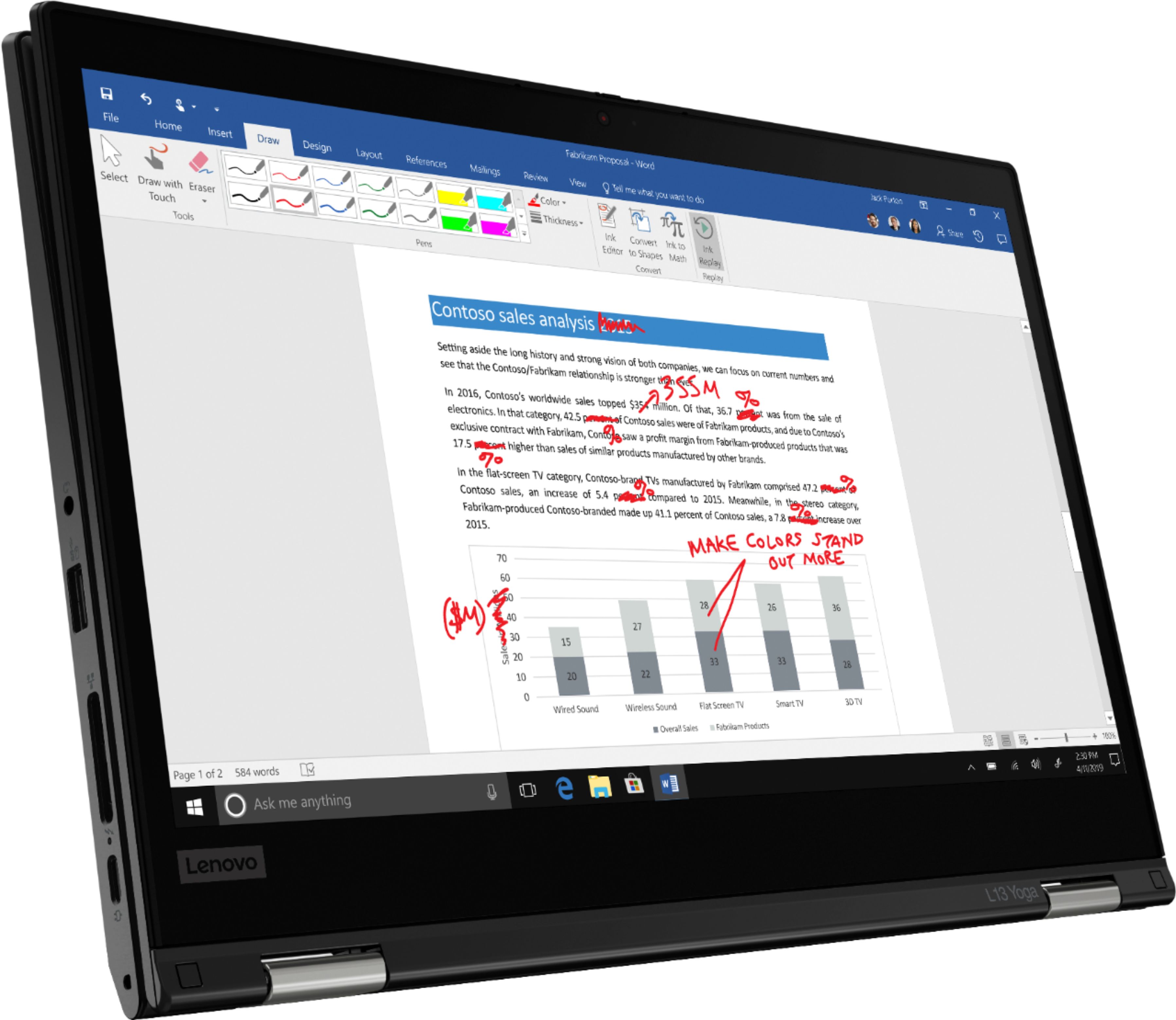
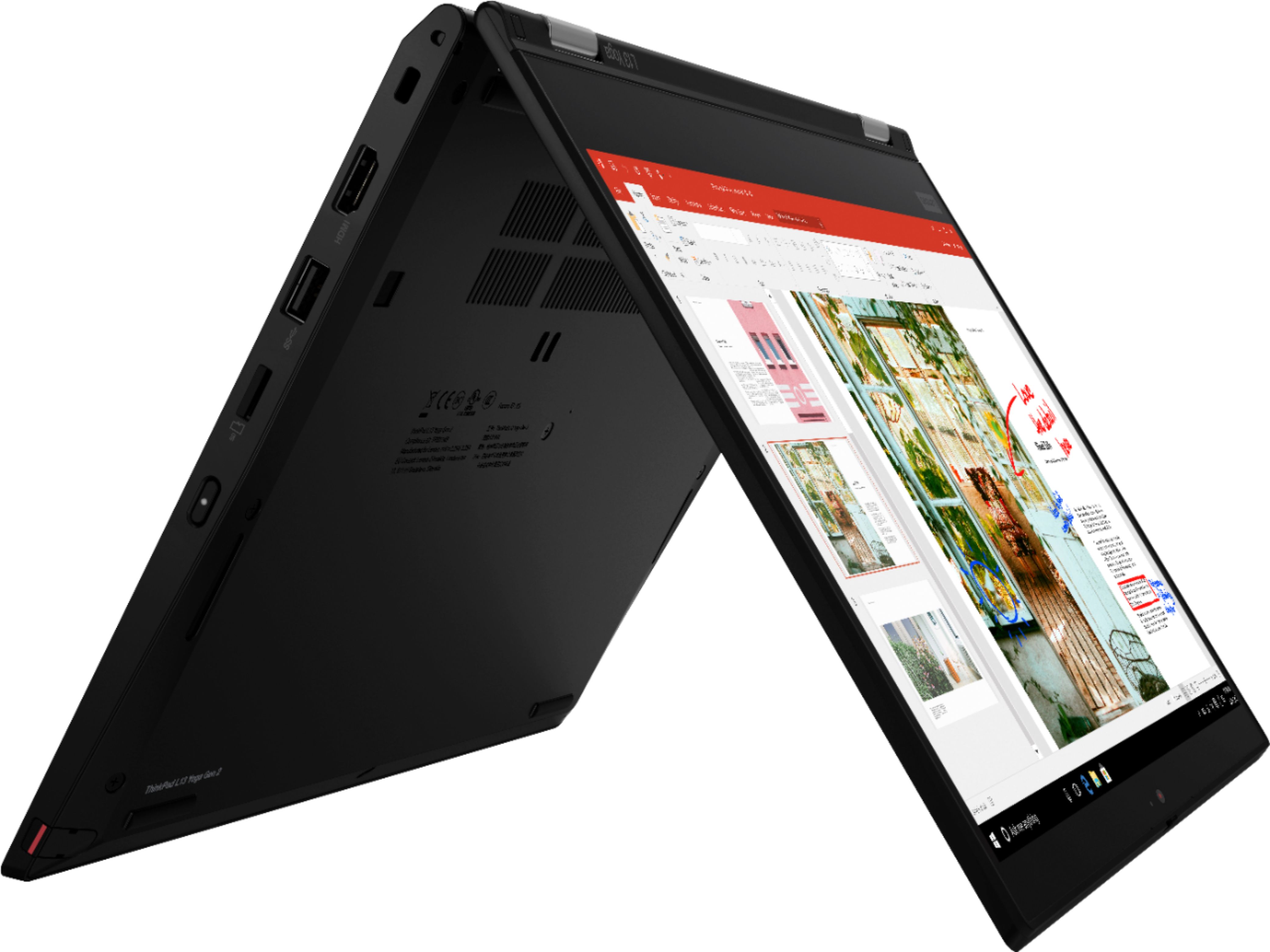
A:AnswerThere are two cameras: one at the top of the keyboard and one at the top of the screen. If you fold the laptop into a tablet, the two cameras face front and back.
A:AnswerThe Lenovo ThinkPad L13 Yoga, model number 20VK001QUS, is not user upgradable. A certified technician must do all of the work, so as to not void the warranty. This model ships with 8GB DDR4-3200MHz RAM, that is soldered memory, not upgradable. There is a 256GB M.2 2280 PCIe 3.0x4 NVMe Opal2 solid state hard drive installed. The maximum supported storage space supported by this configuration is: One drive, up to 512GB M.2 2242 SSD or 1TB M.2 2280 SSD. We recommend you consult with your certified technician about your storage upgrade options.
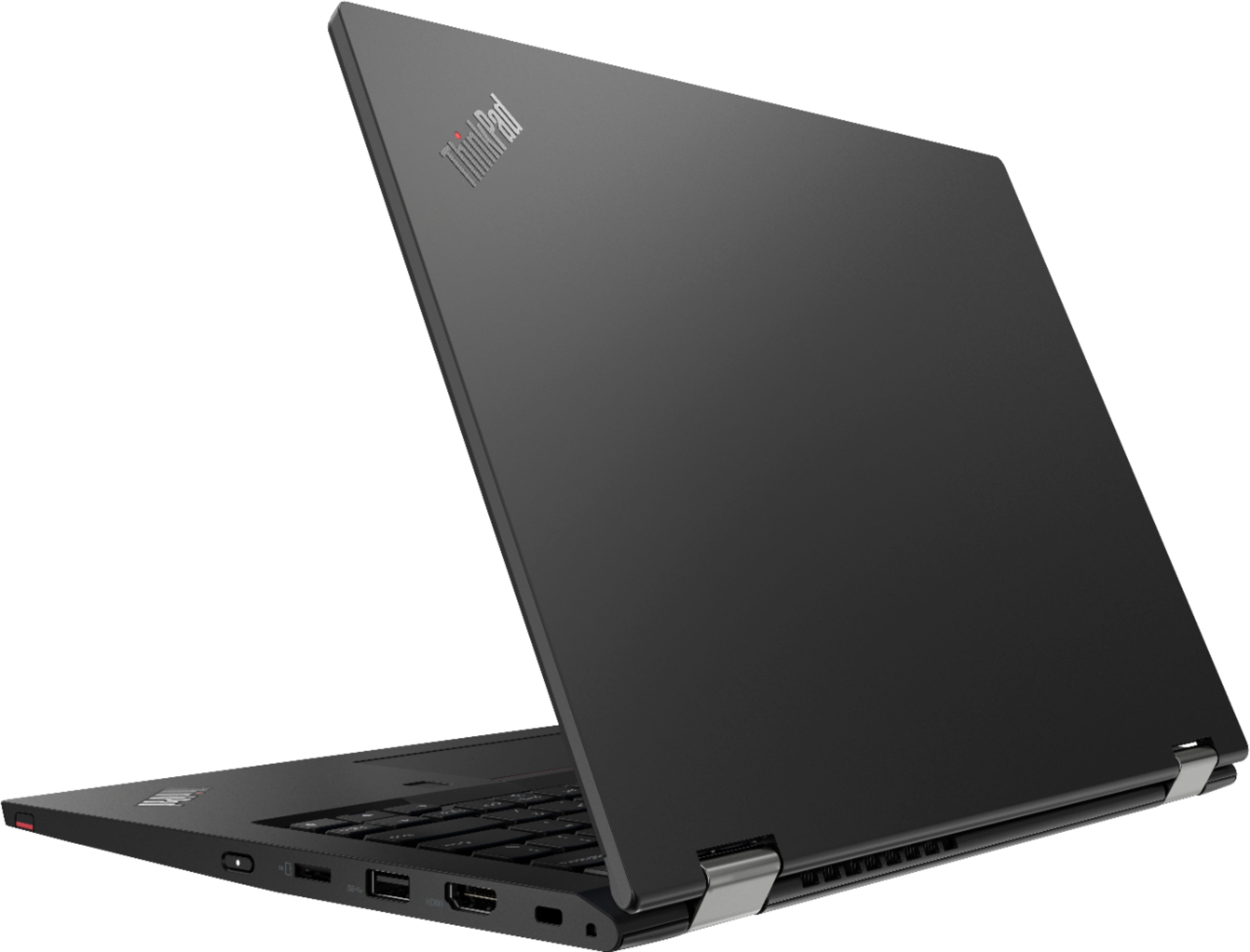
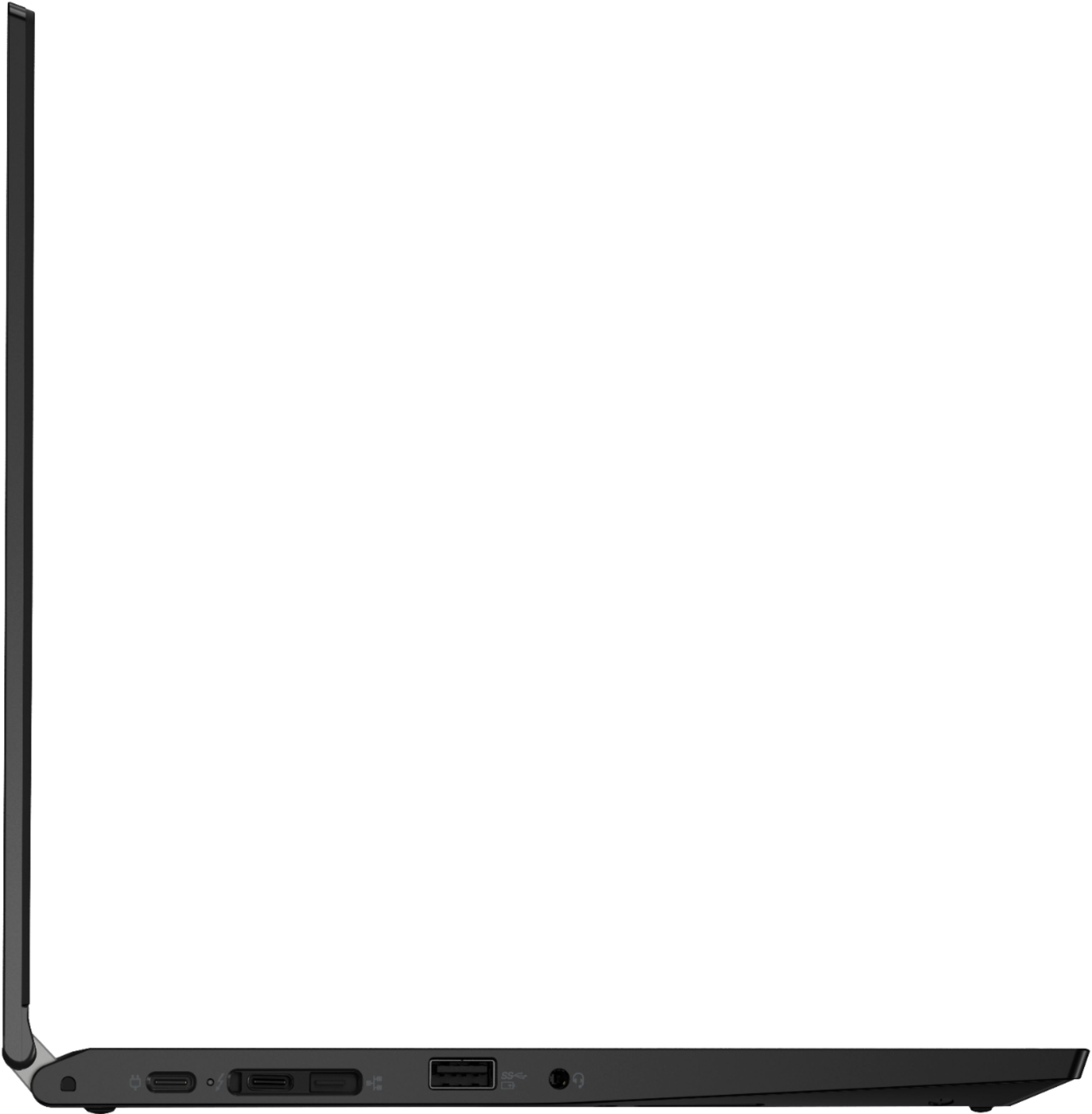
A:AnswerAlthough there is no ethernet port built into the Lenovo ThinkPad L13 Yoga, model number 20VK001QUS, you can connect this laptop to an ethernet cable by using s USB 3.0 Type A to ethernet adapter like this one: https://www.bestbuy.com/site/j5create-usb-3-0-to-gigabit-ethernet-adapter-gray/2001047.p?skuId=2001047
A:AnswerThe Lenovo ThinkPad L13 Yoga, model number 20VK001QUS, ships with Windows 10 Home 64-bit Operating System. There is a 30-day trial of Microsoft Office 365 included as part of the Windows 10 operating system. In order to keep the program active after the trial period, you will need to purchase a product key. You will not need to download any additional software. You can either purchase a subscription to Microsoft Office 365 with an annual subscription fee or choose to purchase a one-time charge Microsoft Office License. The Microsoft Office 365 subscription promises the most current edition of Microsoft Office available upon your renewal of the subscription. Purchasing a one-time fee Microsoft License gives you a license to the current edition of Microsoft Office with no updates other than security updates as provided by Microsoft from time to time.
A:AnswerThe Lenovo ThinkPad L13 Yoga model number 20VK001QUS, ships with Windows 10 Home 64-bit Operating System, factory installed. The Windows 10 Pro 64-bit upgrade software can be purchased separately and installed on this model.