A:AnswerI also noted those reviews before we purchased but our experience has been no problems w/ WiFi connectivity. She has used it in multiple hotels and restaurants as well as home and office WiFis.
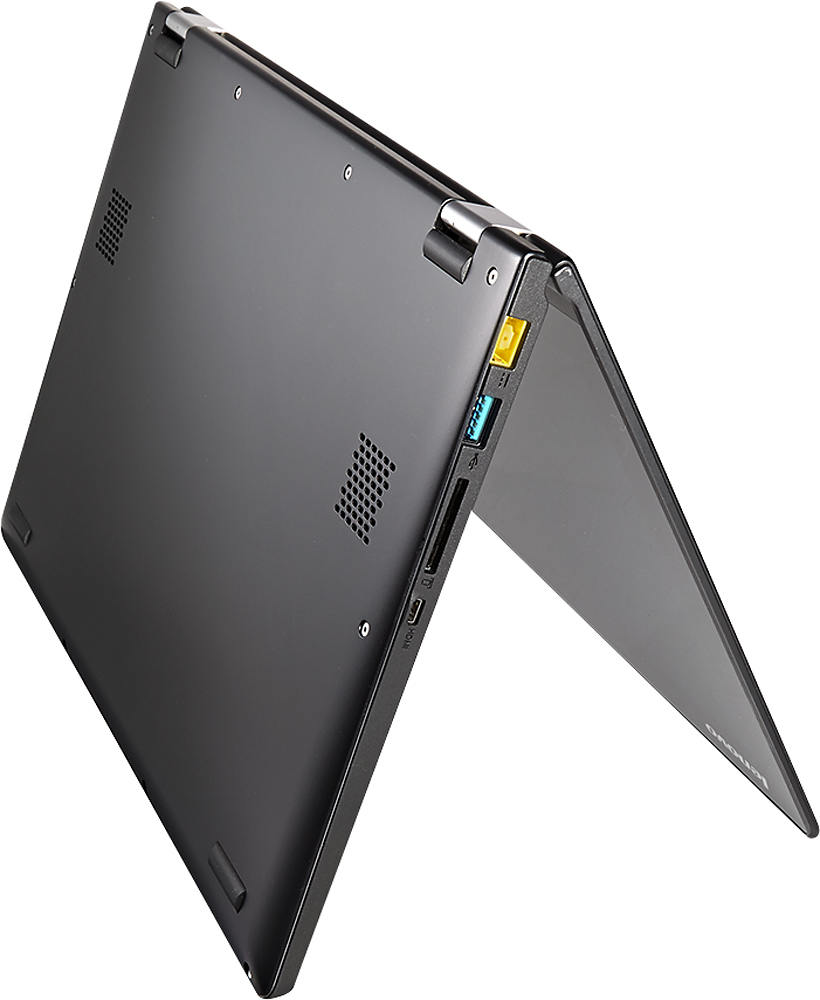
A:AnswerYes!! The Hard drive is upgradable. It may void your warranty, so buyer beware. you will have to remove the whole bottom panel of the laptop to access the hard drive.
There is enough room for a 7mm SSD in this laptop. I used an intel 320 series 300GB SSD (which I removed from my old laptop). It comes with an extender bracket that makes it 9mm, which I removed to make it 7mm.
The software I used was to copy the drive was EASEUS TODO Backup. Use to CLONE mode to clone the entire drive with all partitions. I wont go into specifics here, but it is probably the most simple software to use and it is free.
The computer started right up and is much more snappy than with the old HDD. Battery life does not improve with SSD drive vs HDD, contrary to popular belief. But the Laptop is considerably quicker at loading programs and start ups.
A:AnswerPersonal experience with HP, just avoid HP at any cost.. They are usually cheap build products that are sold for high prices. Average HP laptop life spam is about 2 years max. (I have 3 in my drawer that look just new. MB failure)
A:AnswerThank you for your questions. Lenovo is always here to help! You can absolutely print from our Yoga 2 models. You need to insure the software for wifi printer you are attempting to print from loaded to your Yoga, so the two products can "talk" to each other. Please let Lenovo know if you have any additional questions. Thank you and have a great day!
A:AnswerI have been able to get eight hours on full charge with fairly heavy use in Office, surfing, blogging and listening to music while I work. I do NOT have the screen brightness at min - I have it at 60% (anything less is simply too dark for me...).
Granted, your use may be different than mine however, this is the first hybrid 2-n-1 that has given me this kind of battery life. (Previous owner of the HP X2, 11.6 <~~ HORRIBLE battery life!).
A:Answerthe one on the website has a hybrid hard drive one that is both ssd and regular hd, that adds to cost and does add performance though not as much as a full ssd
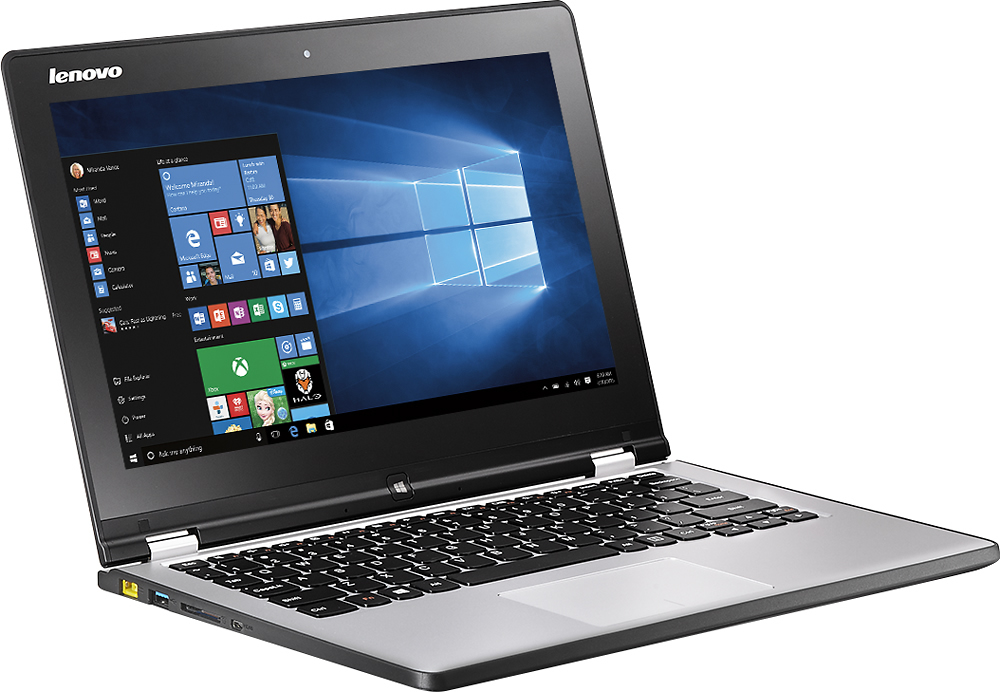
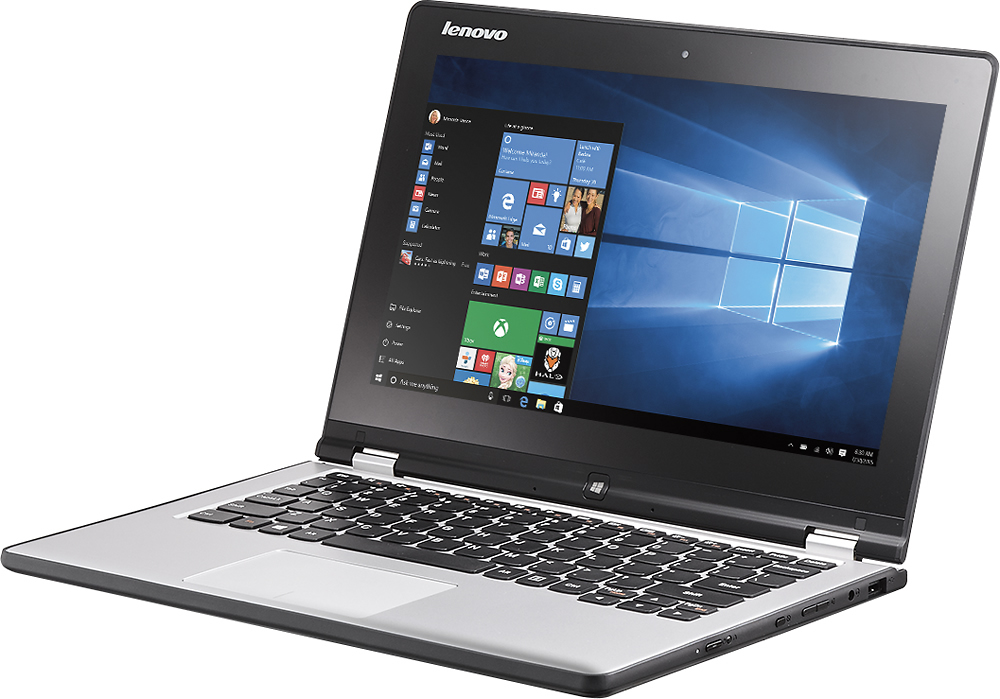
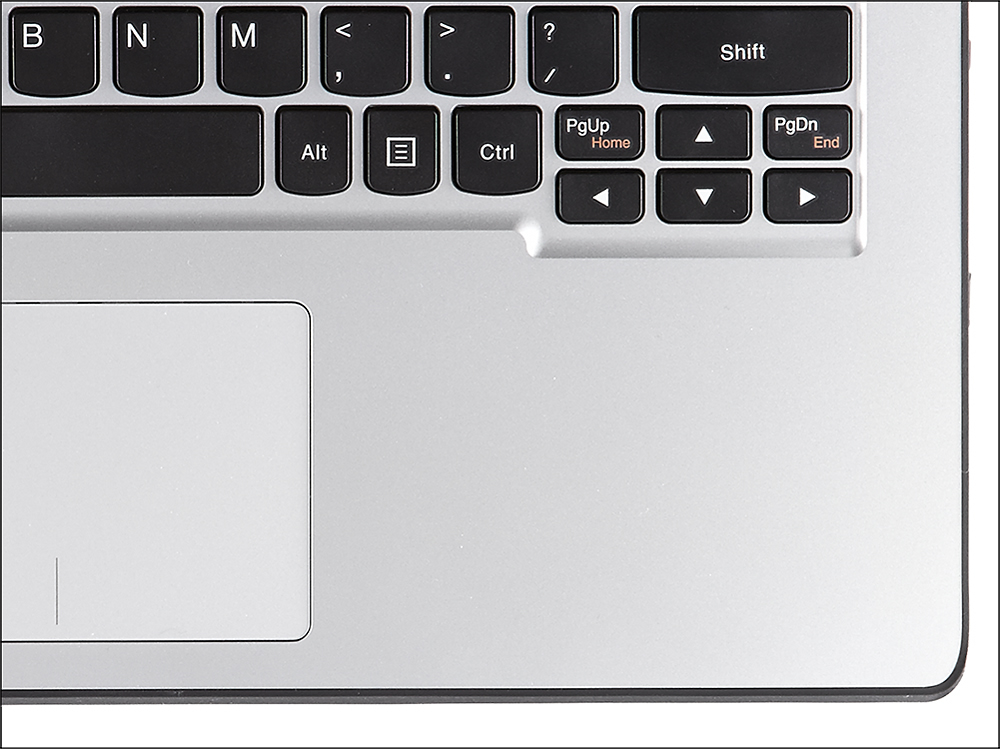
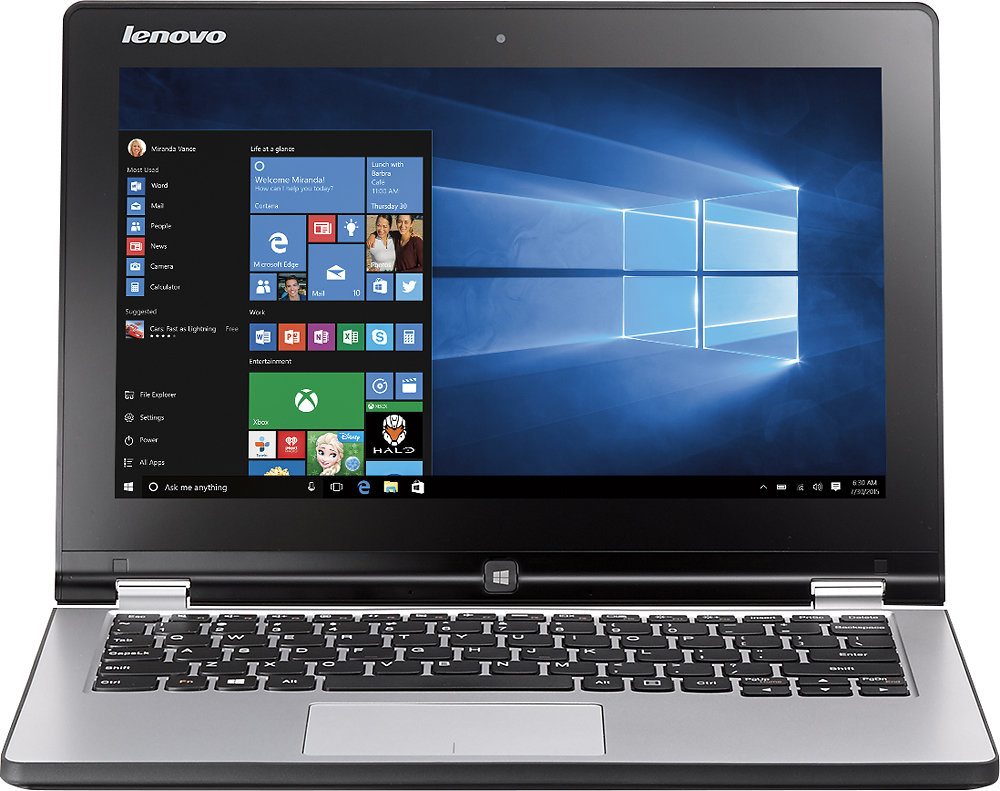
A:AnswerThe Lenovo Yoga 2 11.6" touch screen laptop in question does not have backlog keyboard. The Lenovo Yoga 2 - 13" and Yoga 2 Pro models DO have the backlit keyboard. You can access the backlit function on these 2 models by pressing Fn and the space bar at the same time. Please let Lenovo know if you have any additional questions. Thank you!
A:AnswerI've read in some forums that you can, but I wouldn't recommend it. You might lose a lot of drivers, e.g. (Web) Camera, Touch Screen, Wifi, etc. I know everyone prefers 7 (myself included), but I would advise against downgrading.
A:AnswerIf you mean, "Will this device connect to a WiFi network," the answer is yes. The specs say "wireless networking G and N." Those are two different flavors (speeds) of WiFi connection; unless your wireless router on your home network is positively ancient (like pre-2005), you'll be fine.