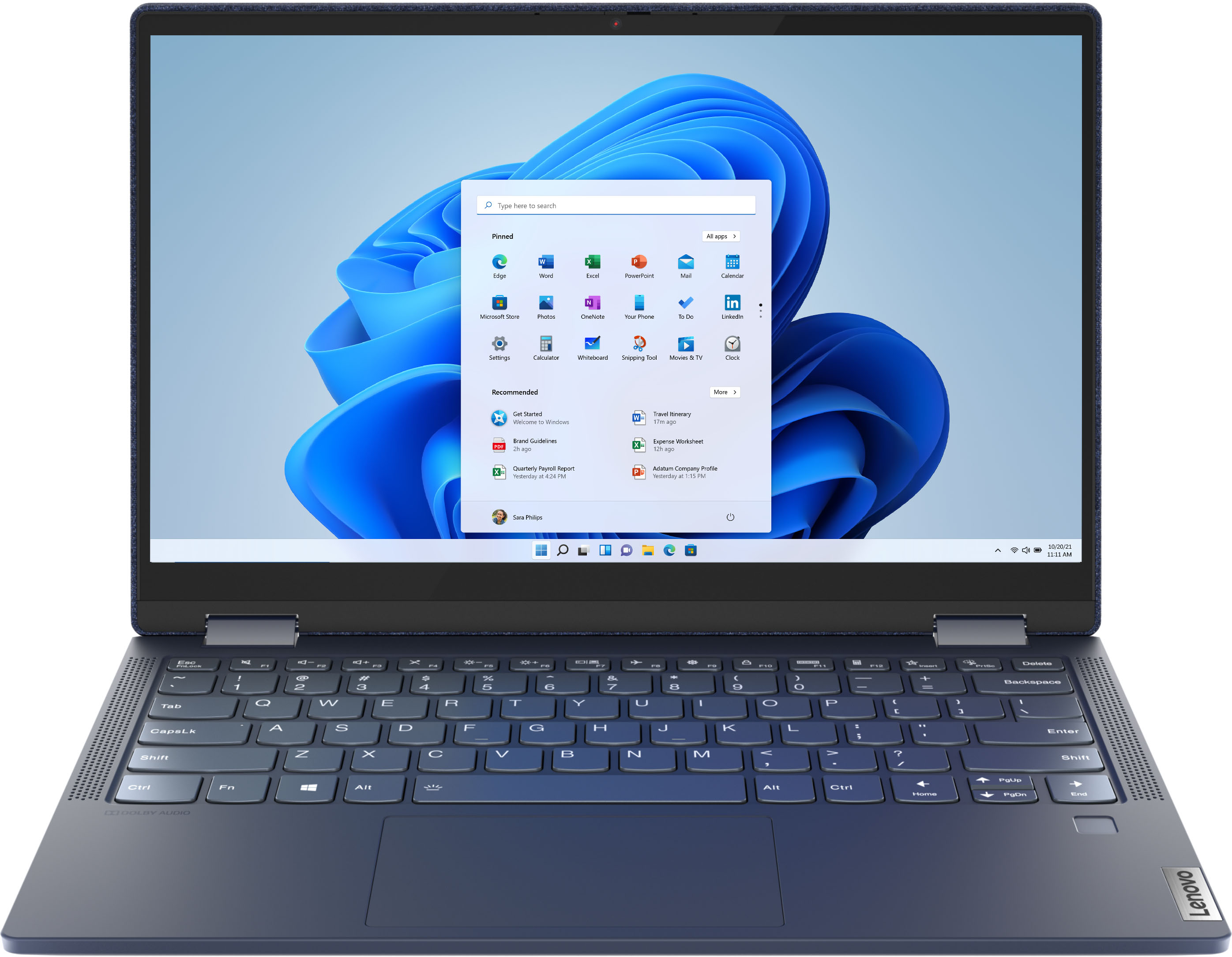
A:AnswerThe Lenovo Yoga 6 13 model number 82FN003TUS, is compatible with any printer that is compatible with Windows 10 Operating System. We recommend you check with your printer manufacturer for the compatibility of your specific printer model, then pair the compatible printer per the printer manufacturer's instructions for pairing a new Windows 10 computer to their printer.
A:AnswerThe Lenovo Yoga 6 13, model number 82FN003TUS, is constructed of a case material, consisting of: Fabric over an Aluminum (Top), PC + ABS plastic (Bottom).
A:AnswerSadly there are no options for having this laptop without its fabric laptop, however there are still a lot of yoga laptops that have good specs and have a metal cover.
A:AnswerI am not sure. I love the design of a blue denim look so I never even looked for a case or cover. Talk specifically to the sales people at Best Buy they are extremely helpful.
A:AnswerLenovo, Q-Control's lowest setting is no different than battery saving mode in BIOS. However, I was able to unhide 'maximum processor frequency' in Power Options and limit the frequency there to 2.1GHz base clock and confirmed through Task Manager. Goal is to make it fanless under load but that may not be possible after all. Appreciate your help.
A:AnswerThe Lenovo Yoga 6 13 uses a USB-c port with video out capability for connecting an external monitor. You can connect an HDMI monitor to this laptop with a USB-c to HDMI adapter. The active pen for this model is sold separately.
A:AnswerThe Lenovo Yoga 6 13 model number 82FN003TUS, ships with 2 x USB A 3.2 Gen 1 ports and 2 USB-c (1 with DP/PD/USB Functionality, 1 with DP/USB Functionality). You will want to use a universal USB-c docking station with this model.
A:AnswerThe Lenovo Yoga 6 13 model number 82FN003TUS, ships with a 720p (HD) webcam with manual Privacy Shutter and Dual Array Microphones built in. A compatible external microphone can be used in place of the built in microphones. Whether the audio produced by the Yoga 6 13 system speakers can be picked up by an external recording device will depend on the capabilities of that device. There is no SD card slot within the Yoga 6 13.
A:AnswerThere is a 30-day trial of Microsoft Office 365 included as part of the Windows 10 operating system. In order to keep the program active after the trial period, you will need to purchase a product key. You will not need to download any additional software.
A:AnswerThat will depend on the requirements and the compatibility of the specific games you want to play. We recommend you check with the specific game's software publisher's web sites for their compatibility with Windows 10 Home 64-bit operating system and the minimum/recommended hardware requirements (Is a Graphics card required, the processor speed and the minimum required system RAM and the minimum available hard drive space) to run their program, then compare those requirements to this system's configuration.