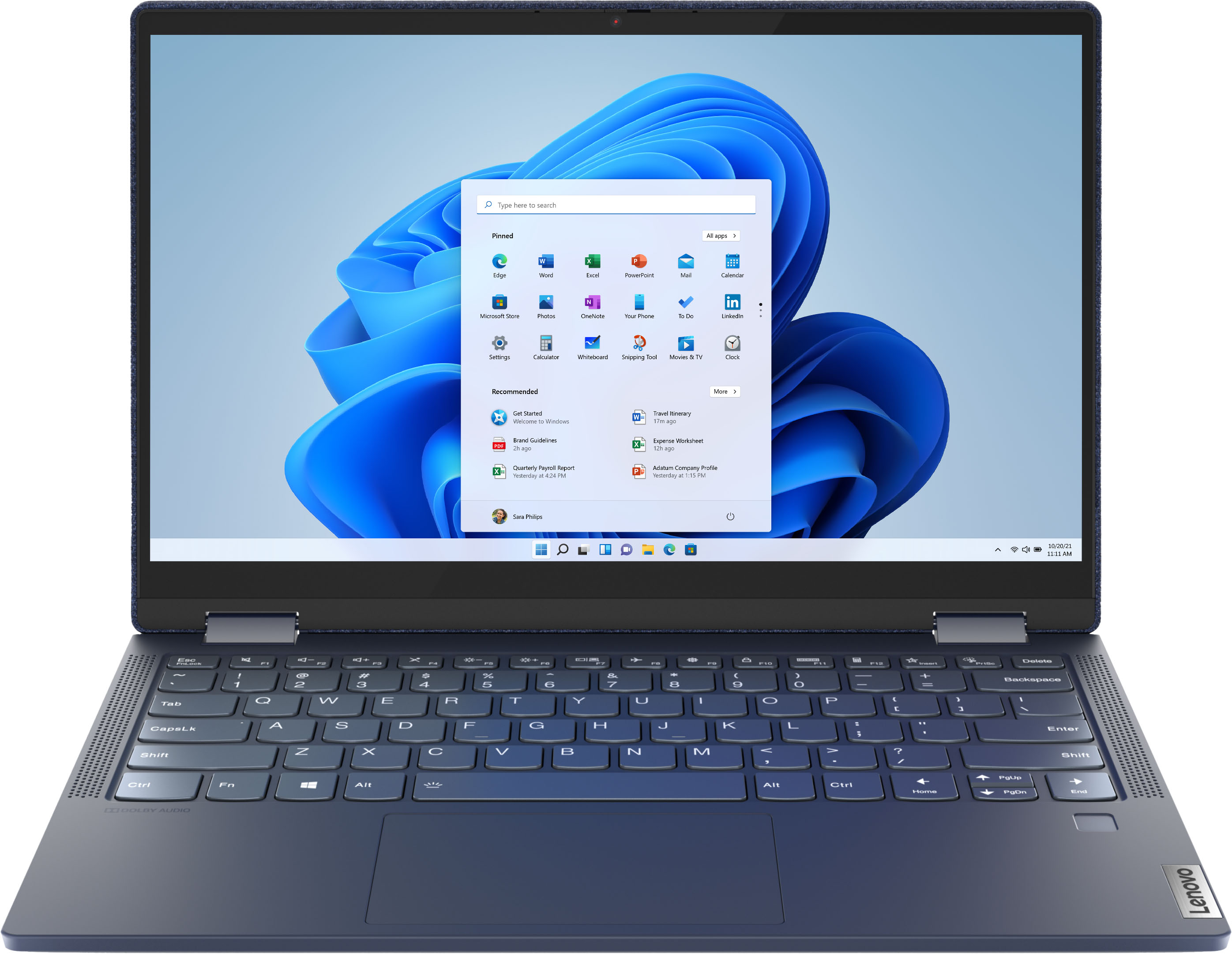
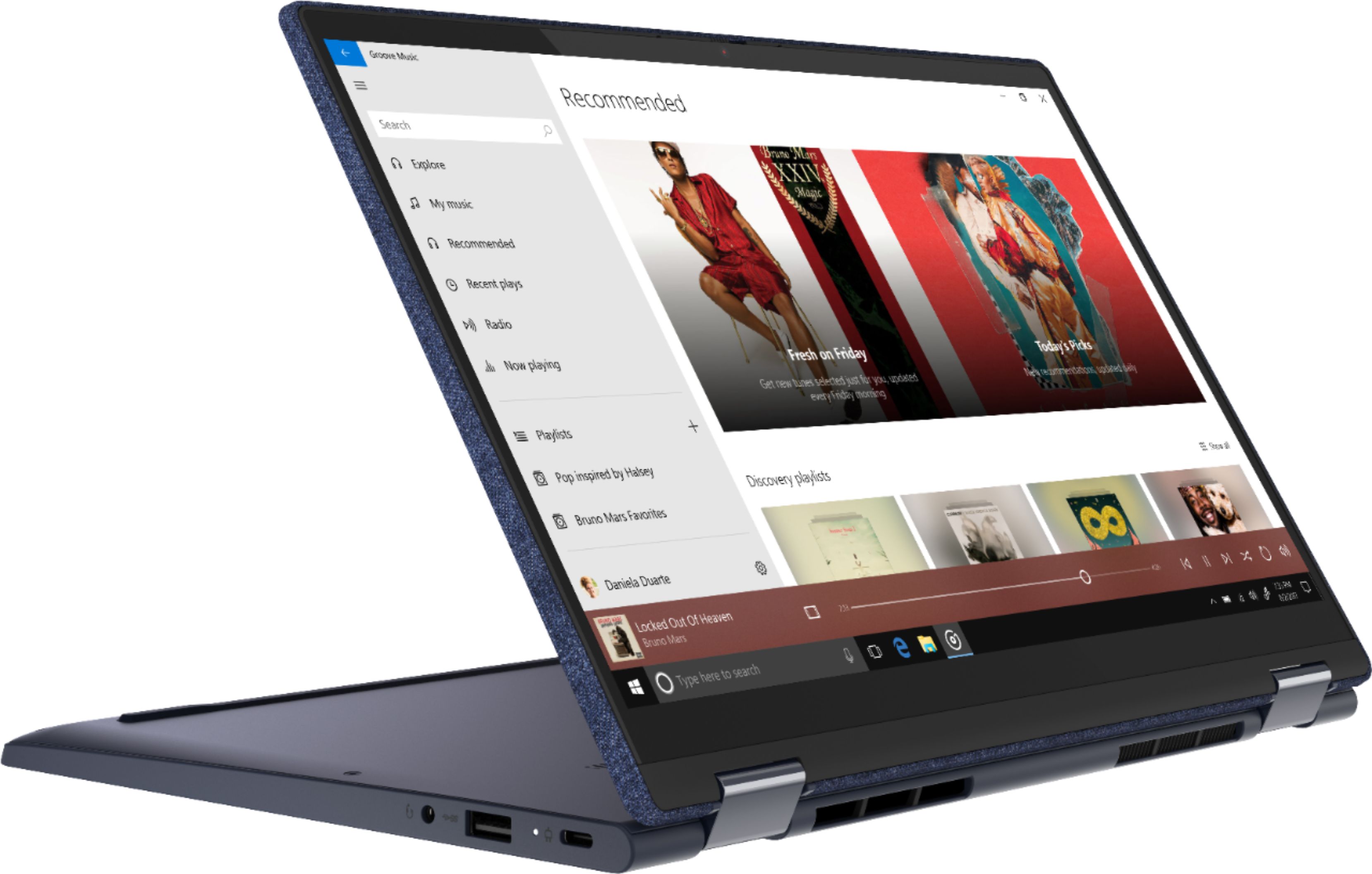
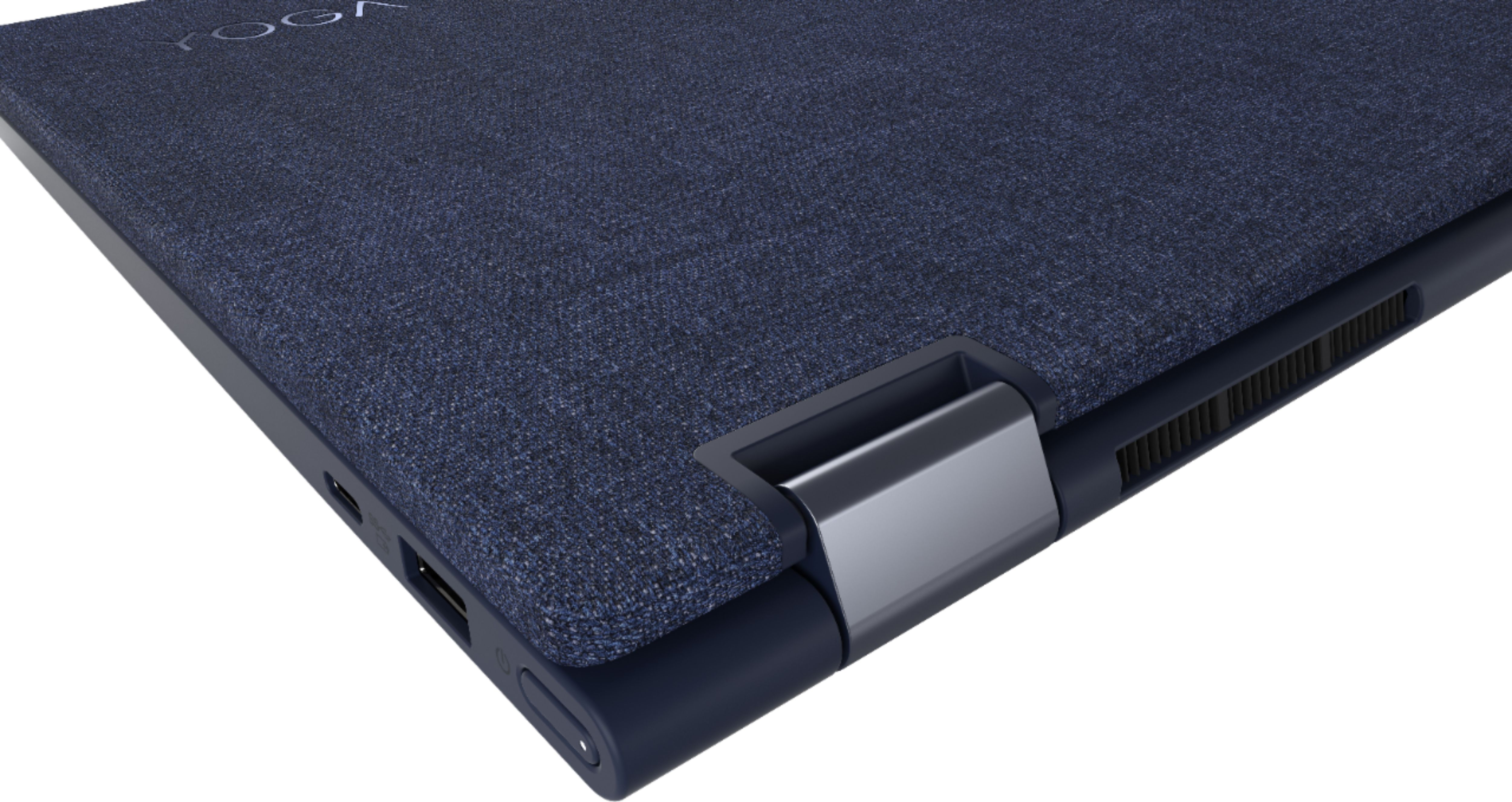
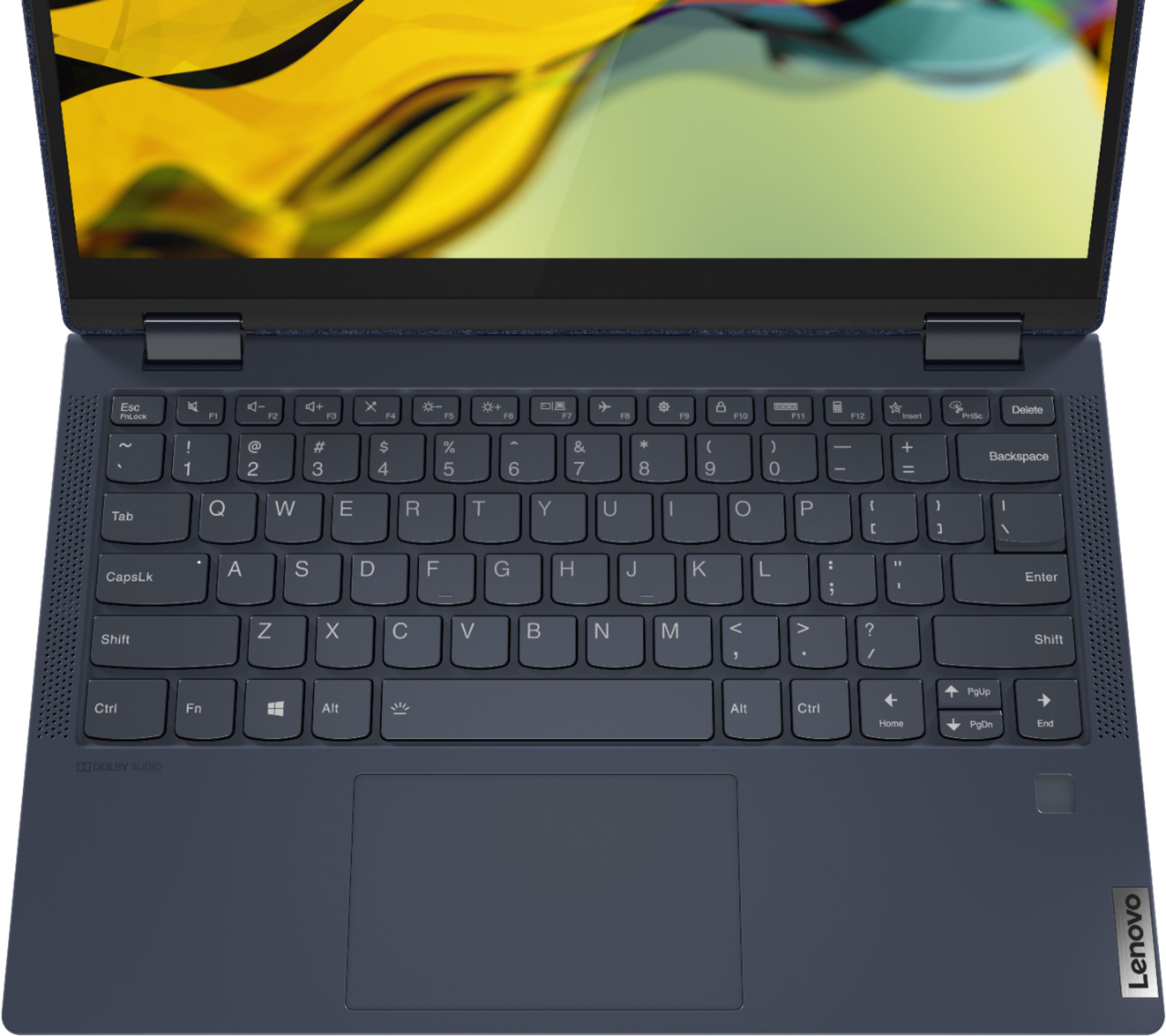
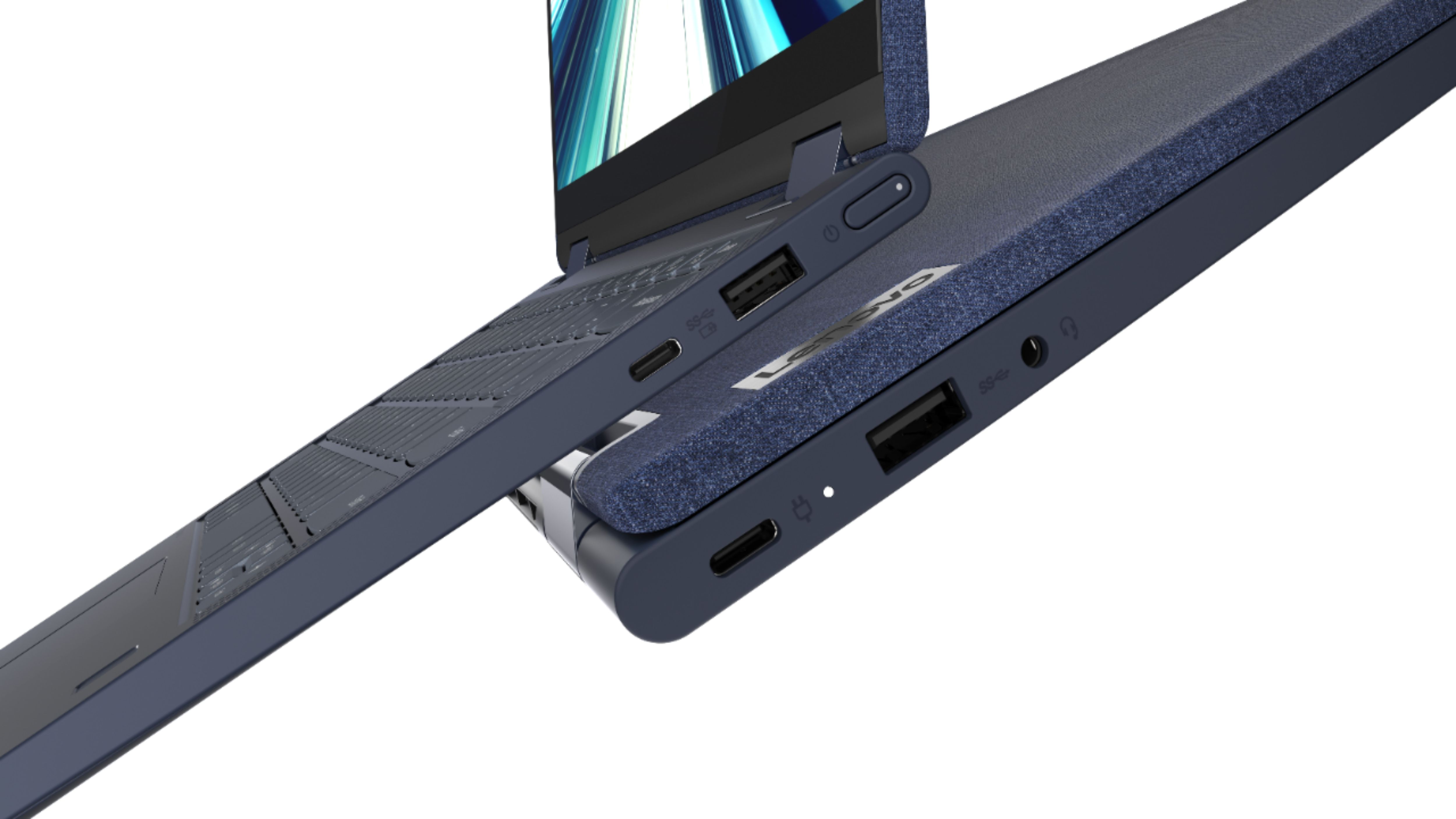
A:Answer The Lenovo Yoga 6 13 supports up to 3 independent displays via native display and 2 external monitors; supports external monitors via USB-C (up to 3840x2160@60Hz). To connect a 4K HDMI monitor, you will need to use a 4K capable, USB-c to HDMI adapter like this one: https://www.bestbuy.com/site/best-buy-essentials-usb-c-to-hdmi-adapter-white/6458562.p?skuId=6458562. Also be sure the HDMI cable you use with this adapter also supports 4K resolution, like this one: https://www.bestbuy.com/site/belkin-4k-ultra-high-speed-hdmi-2-1-cable-black/6364300.p?skuId=6364300. Here is a link to a YouTube video that demonstrates the setup of an HDMI 4K monitor to, in the case of the video, a DisplayPort laptop, but the process is the same for USB-c to HDMI: https://www.youtube.com/watch?v=MovCoBFcQ58.