A:AnswerLenovo has a database of all their products called "PSREF" and you can find it online at https://psrefstuff.lenovo.com/Detail/Yoga/Yoga_6_13ALC6?M=82ND0002US - it's a really good way of confirming detail on a particular model.
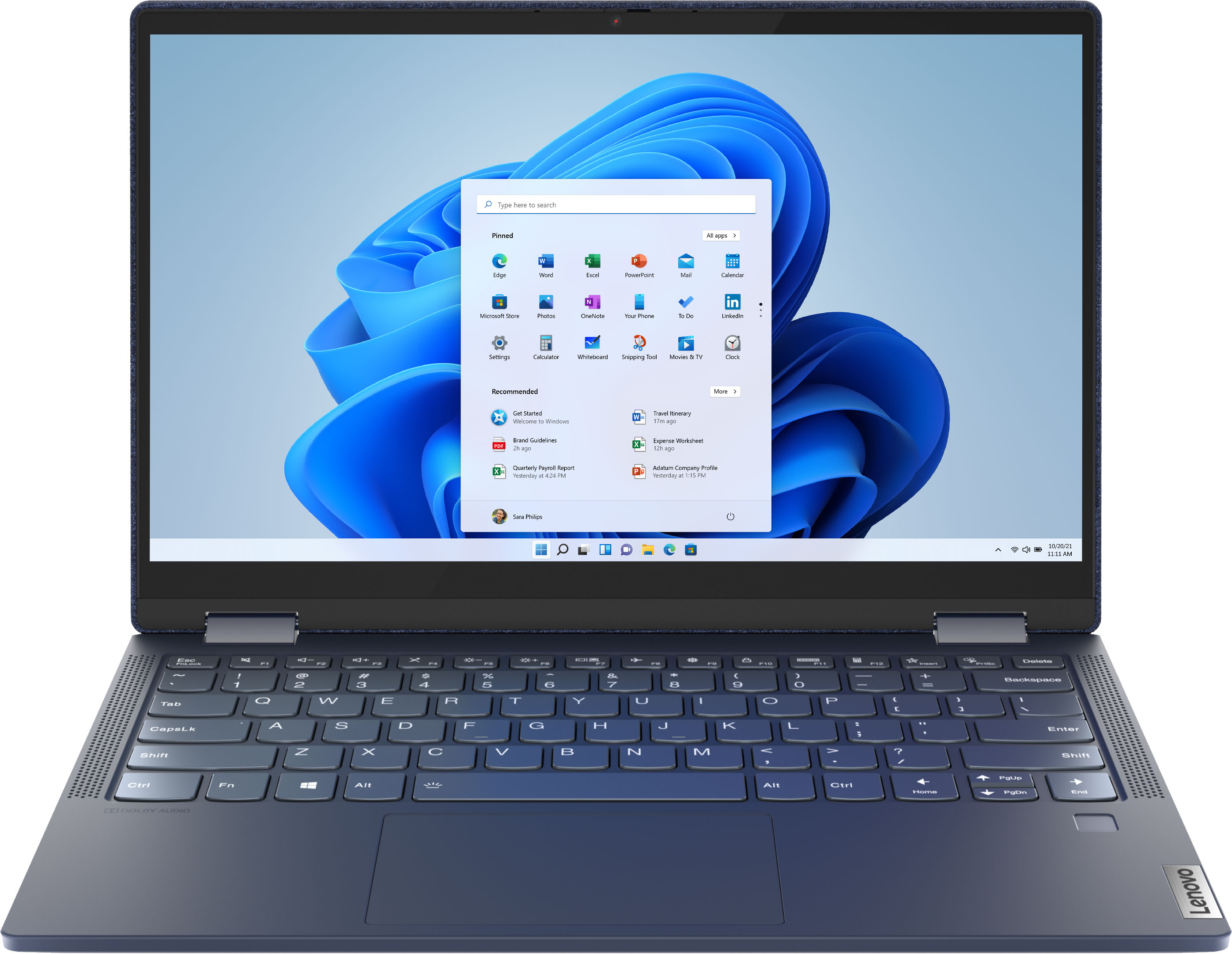
To quote that site, the screen is 300nits per "13.3" FHD (1920x1080) IPS 300nits Glossy, 72% NTSC".
Now 300 nits isn't super bad - I bought the Lenovo Flex 5 14" which was a 250 nits panel. On the NTSC rating, the Flex 5 (14") was something like 45%. Overall, the Flex 5 for me was a very capable 4700U machine on a budget but the screen looks dull and washed out - great though if it's plugged into a monitor for most of it's (home office-d) life.
So I'm thinking 300 nits - a little brighter (vs 250) and at 72% (vs 45%) NTSC will mean for a more vibrant screen. The Yoga 6 certainly looks to be a cut above the Flex 5. Also my other laptop is a 13" macbook - I really appreciate macs but the 13.3" screen is just too small for me. So the Yoga 6 has a similar sized 13" screen - would suggest that you take a pause to consider whether it's a sufficient size for you. I'm an Engineer - I have a ton of things on screen at any one time - 13" doesn't hack it but the firm issues what the firm issues. Your needs may differ but it's worth thinking about.
While I'm writing, I did experience some quality control issues with the Flex 5 and many online are complaining. So my word of advice is to fully check out the laptop when you buy it - every port, camera, microphone etc etc straight away just in case.
hth
Dingo
A:AnswerThe Lenovo Yoga 6 13 model number 82ND0002US, ships with a 4CELL_60WH_INTERNAL, Lithium Polymer Battery, which within this configuration, has a battery life of up to 18 hours, depending on the work the device is performing.
A:AnswerIt is a zen 2 chip but performs almost identically to the 5800u which is zen 3. If the laptop is everything you want other than that fact, check out a comparison. You really will only be losing a few percent of cpu performance.
A:AnswerThe keyboard has back lights. (2-3 levels of brightness) Not sure about adding another internal HD... but I doubt there is any space to add one. Just use an external drive if you need more space.
A:AnswerHere is a link to information about importing photos and video from an iPhone to a Windows computer like this Lenovo Yoga 6 13: https://support.apple.com/en-us/HT201302#:~:text=to%20your%20computer.-,Import%20to%20your%20Windows%20PC,using%20the%20Windows%20Photos%20app%3A&text=Connect%20your%20iPhone%2C%20iPad%2C%20or%20iPod%20touch%20to%20your%20PC,iPadOS%20device%20using%20your%20passcode.
A:AnswerNo. This Lenovo Yoga 6 13 model number 82ND006QUS, ships with 16GB Soldered DDR4-3200MHz RAM Memory soldered to systemboard, no slots, dual-channel and is not upgradeable.
A:AnswerThe Lenovo Yoga 6 13 model number 82ND0002US, supports up to 3 independent displays via native display and 2 external monitors; supports external monitors via USB-C (up to 3840x2160@60Hz)
A:AnswerThe Lenovo Yoga 6 13 model number 82ND0002US, ships with a USB-C 3.2 Gen 1 (support data transfer, Power Delivery 3.0 and DisplayPort 1.4) port, which can be connected to a compatible USB-c docking station. This Yoga 6 13 uses a USB-c 45W charger, so be sure the universal dock you choose is compatible with the requirements of the Yoga 6 13.
A:AnswerThe fabric appears to be durable and easy to clean similar to the cloth seats in my car which have held up perfectly for 80K miles of my butt rubbing against them. The Yoga is great and you cannot beat the specs/$ especially given that it's a Lenovo. The following is a chat with Lenovo...Live Assistance
Lenovo PC Sales Team
Deisy G. (Listening)
Deisy G. 9:00:43
Hello, my name is Deisy G..
Deisy G. 9:00:46
Thanks for contacting Lenovo Sales.
9:02:01Good morning Deisy. I just purchased a yoga with a blue fabric cover. How can I keep the cover clean?
Deisy G. 9:04:04
Hi there! I'll be more than glad to help you with that.
Deisy G. 9:09:05
To clean it, wipe with a lint-free cloth dampened in mild soap and water. Don't apply liquids directly to your Surface or to the cover.
Deisy G. 9:15:00
What I have done is :Using swirling motions, gently clean with a white lint-free cloth dampened with soap and water. A simple solution of two parts water to one part mild soap (like hand soap) will do. Wipe dry using a clean light-colored cloth. That had worked very good for me.
Deisy G. 9:23:38
But I'm still checking how you can keep it clean.
Deisy G. 9:28:38
I was looking for information to keep clean this specific computer, and you can try to use a soft dry cloth to clean the surface of the product. If necessary, use a slightly dampened cloth to wipe the product. Do not use chemical detergent such as households cleaners, glass cleaners, sprays and ammonia to clean or wipe the surface of the product.
9:29:12Deisy, thank you for checking and providing me with this information. I will pass your information along to the potential customer at Best Buy who was asking me how to keep the unit clean.
Type your message here…
Send the message to the agent
A:AnswerNo. The Lenovo Yoga 6 13 model number 82ND0002US, ships with a 13.3 inch (screen size measured diagonally) IPS - FHD (1920x1080) 10-point Multi-touch screen, with a brightness level of 300 nits, has a Glossy finish. This screen provides 100 Percent of the sRGB (72 Percent NTSC) color gamut for excellent color accuracy.
A:AnswerThe Lenovo Yoga 6 13 model number 82ND0002US, ships with 2x USB-C 3.2 Gen 1 (support data transfer and DisplayPort 1.4) ports with video out capability for connecting external monitors. The Yoga 6 13 supports up to 3 independent displays via native display and 2 external monitors; supports external monitors via USB-C (up to 3840x2160@60Hz).
A:AnswerThis Lenovo Yoga 6 13, model number 82ND006QUS, is Alexa Voice Assistant capable, but the service is only activated by the user when they setup an Amazon Account through the Alexa Software. You can also uninstall the Alexa Software from Windows 11: https://www.digitaltrends.com/computing/how-to-uninstall-programs-in-windows-11/#:~:text=The%20easiest%20way%20to%20uninstall,to%20remove%20and%20choose%20Uninstall.
A:AnswerThe Lenovo Yoga 6 13, model number 82ND006QUS, ships with Windows 11 Home, 64-bit Operating System installed. You can down grade a factory install of Windows 11 Home, 64-bit Operating System to Windows 10 Home, 64-bit Operating System. Here is a link to instructions for doing this: https://pureinfotech.com/downgrade-windows-11-10/. Once the Yoga 6 13 is down graded to Windows 10 Home, 64-bit Operating System, you can then purchase the Windows 10 Pro, 64-bit upgrade and install it on the Yoga 6 13. This Lenovo Yoga 6 13 ships with a limited 1-year manufacturer's warranty that covers hardware OEM issues and would not be effected by either down grading the factory install of Windows 11 to Windows 10 or the upgrade of Windows 10 Home to Windows 10 Pro OS.
A:AnswerI believe you have the opportunity for a Warranty through bestbuy/geek squad. I passed on that personally
Once you register it through Lenovo, you have a 1 year warranty with options to upgrade/extend it and all of that, that's the route I personally went.
A:AnswerIt can be hooked up to any monitor you like. However, note that the laptop does not have an in-built HDMI port. But, you can buy a USB-C to HDMI adapter/cable online for $10-$15.