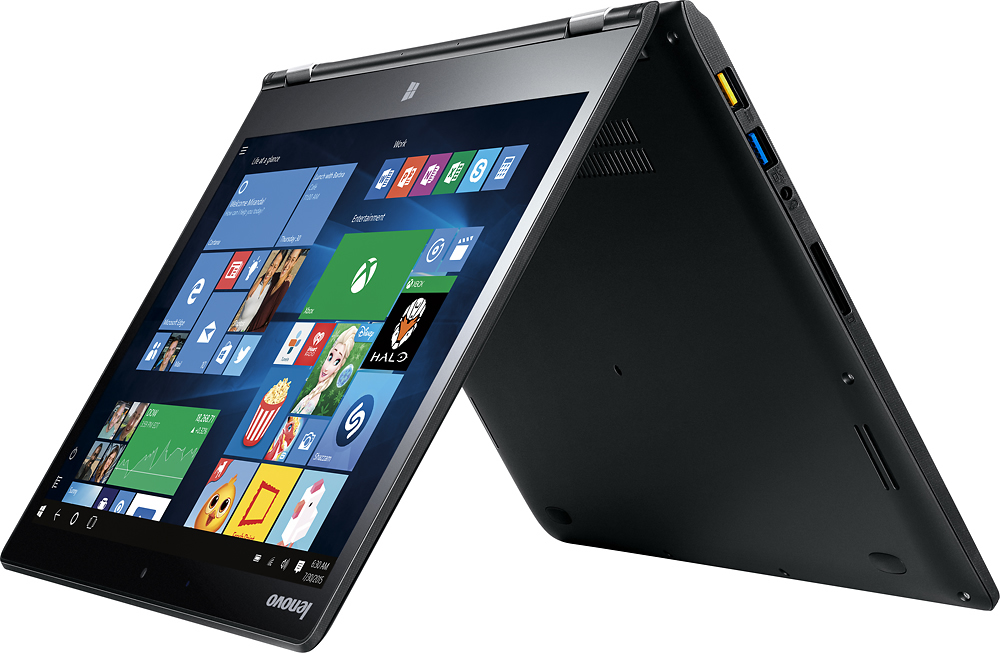
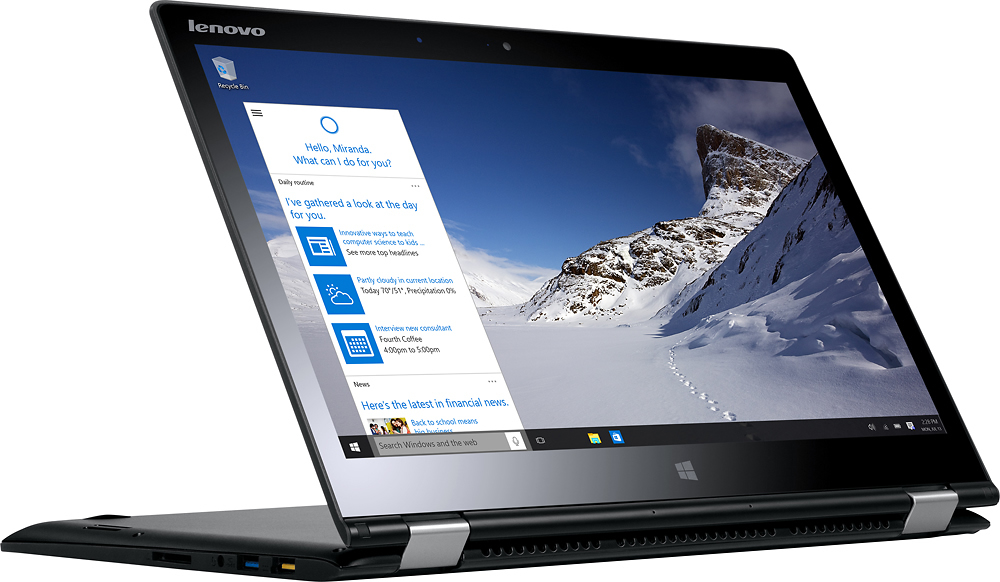
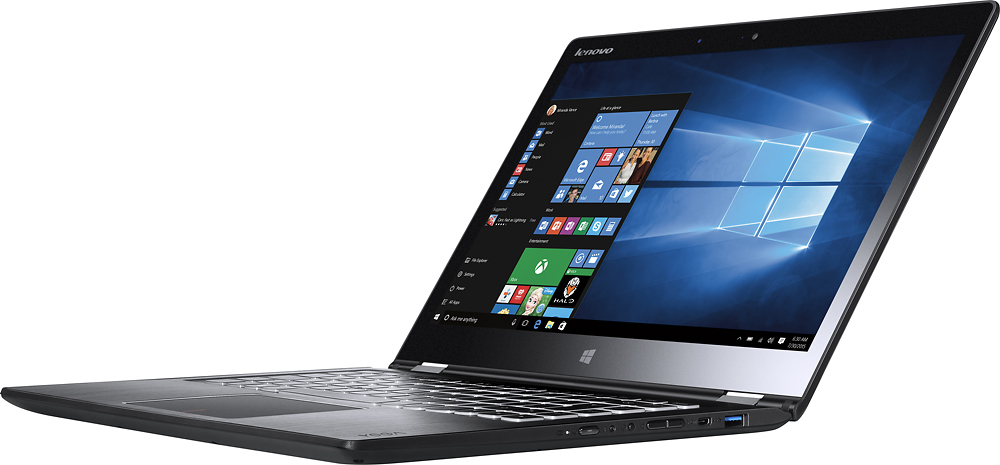
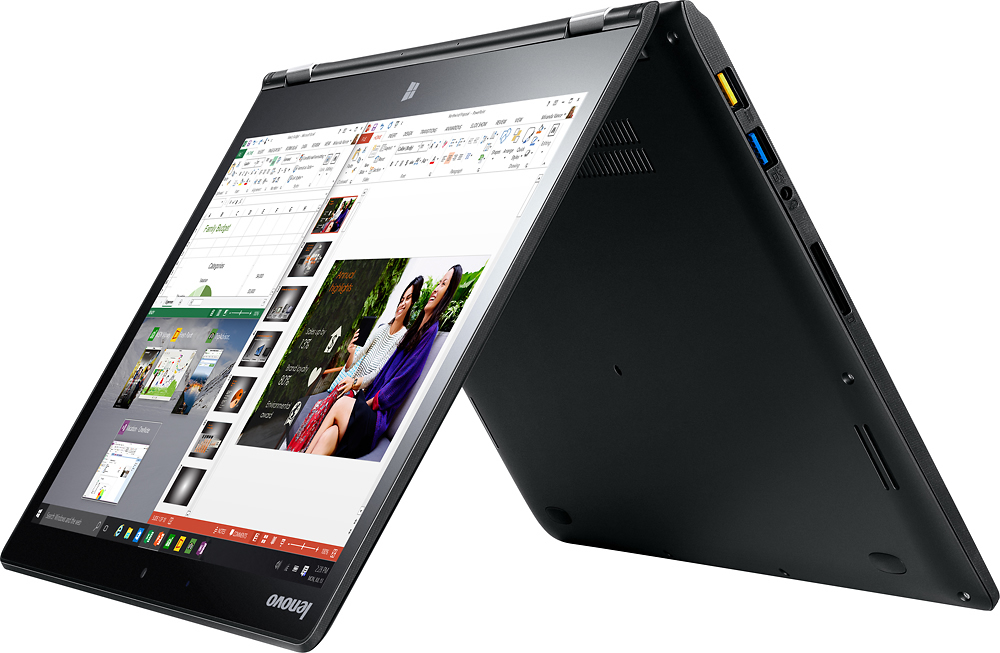
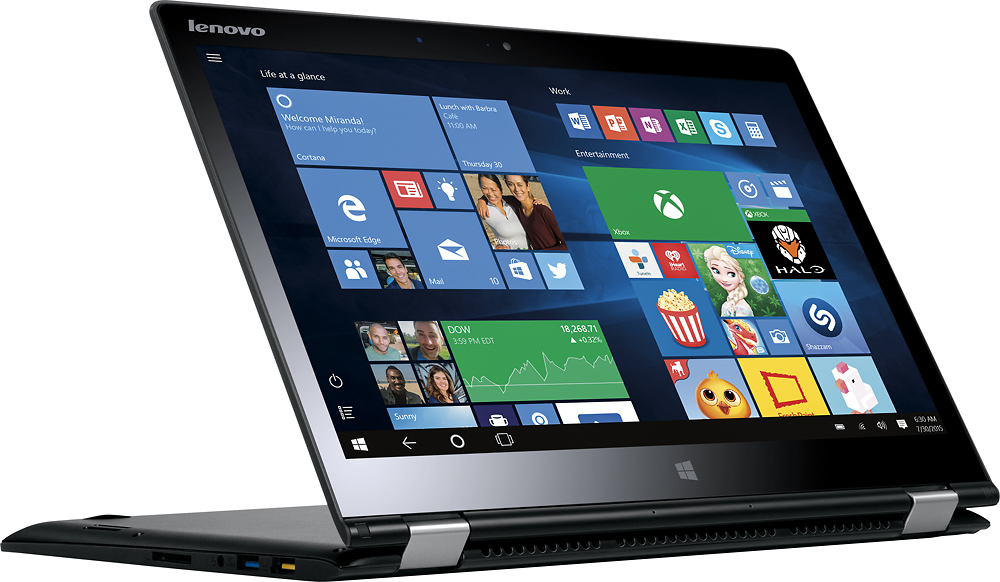
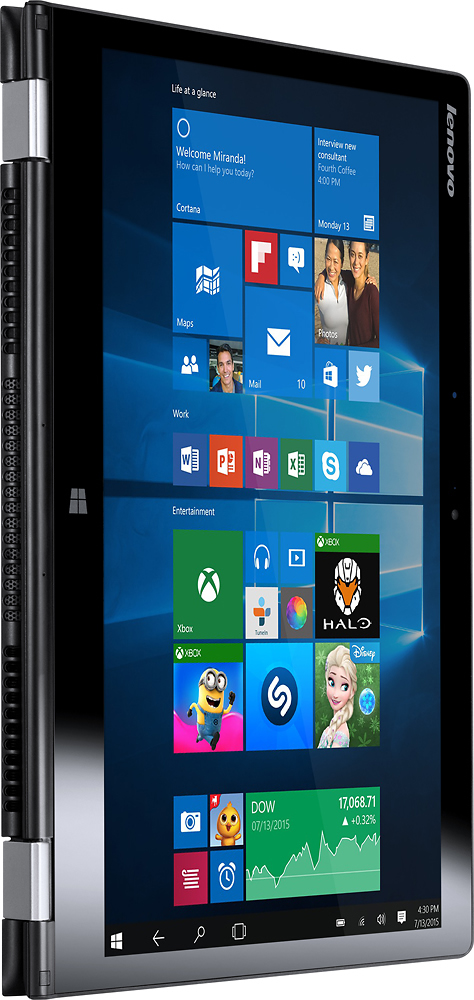
A:AnswerThe Yoga 700-14 is not compatible with any active/digital pen. You can use a universal capacitive touch, non-digital stylus to draw on this system's touchscreen. Similar to what you could draw with a finger. There will be no pressure sensitivity.
A:AnswerThe systems eligible for a Student Deal change regularly. You can sign up and see what is on deal now by following the link below:
http://www.bestbuy.com/site/global/college-student-deals/pcmcat276200050000.c?id=pcmcat276200050000
A:AnswerThe Yoga 710 family will give you a choice of many more configurations, including a 15.6" screen if you want a larger screen (there is an 11.6" and a 14.0" screen available within the Yoga 710 family too). The Yoga 710s are the latest version and have a new design. Here is a link to the Yoga 710 Family at Best Buy:
http://www.bestbuy.com/site/searchpage.jsp?st=lenovo+yoga+710&_dyncharset=UTF-8&id=pcat17071&type=page&sc=Global&cp=1&nrp=&sp=&qp=&list=n&iht=y&usc=All+Categories&ks=960&keys=keys
A:AnswerNo, actually newer 2 in 1 systems will not have built in CD/DVD drives. This model is one of those 2 in 1 configurations without a built in CD/DVD drive.
A:AnswerYou have a Micro HDMI out port and USB 3.0/2.0 ports. You may need to use an adapter to be compatible with an existing projector. Check the connections on your projector.